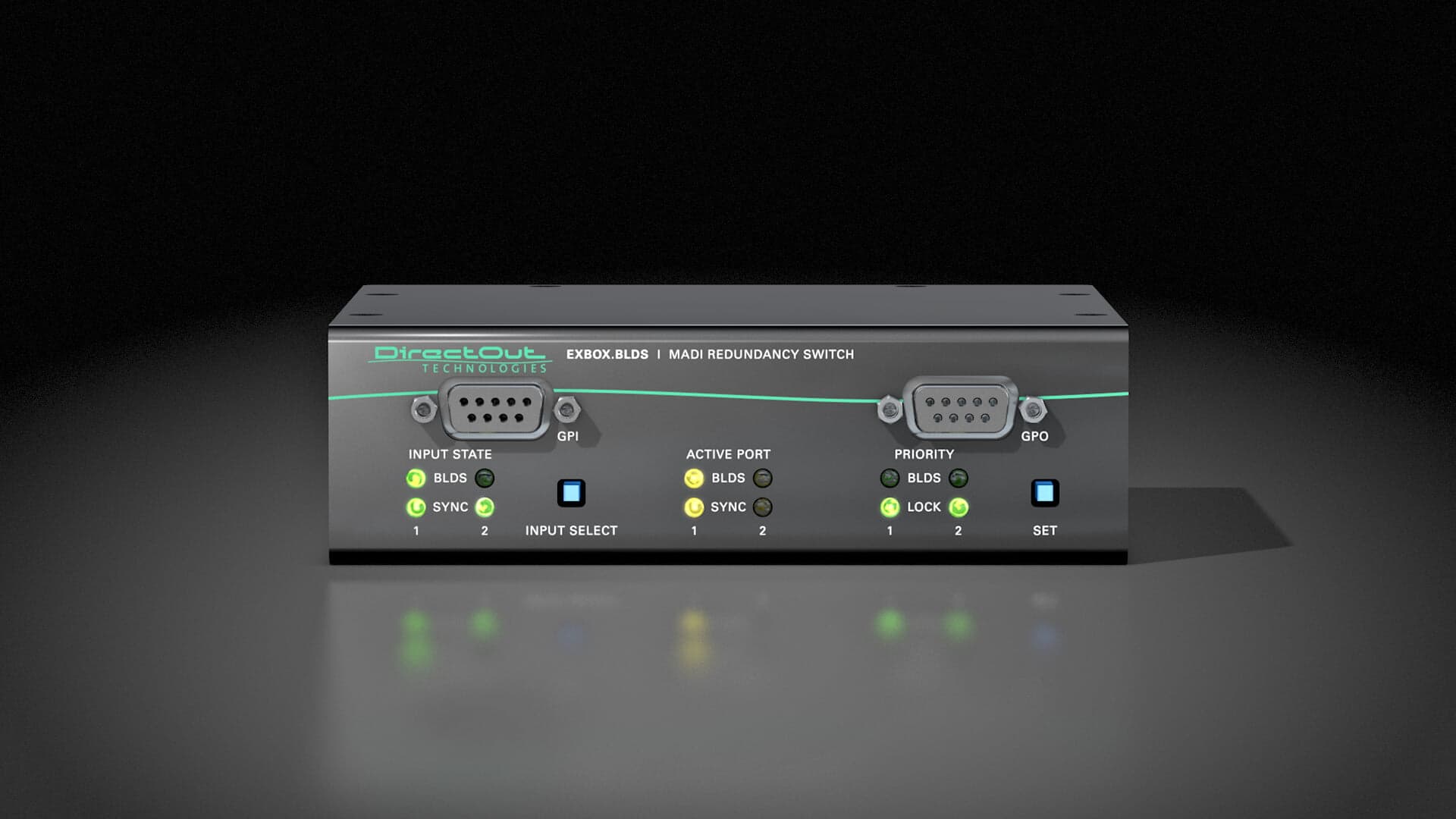
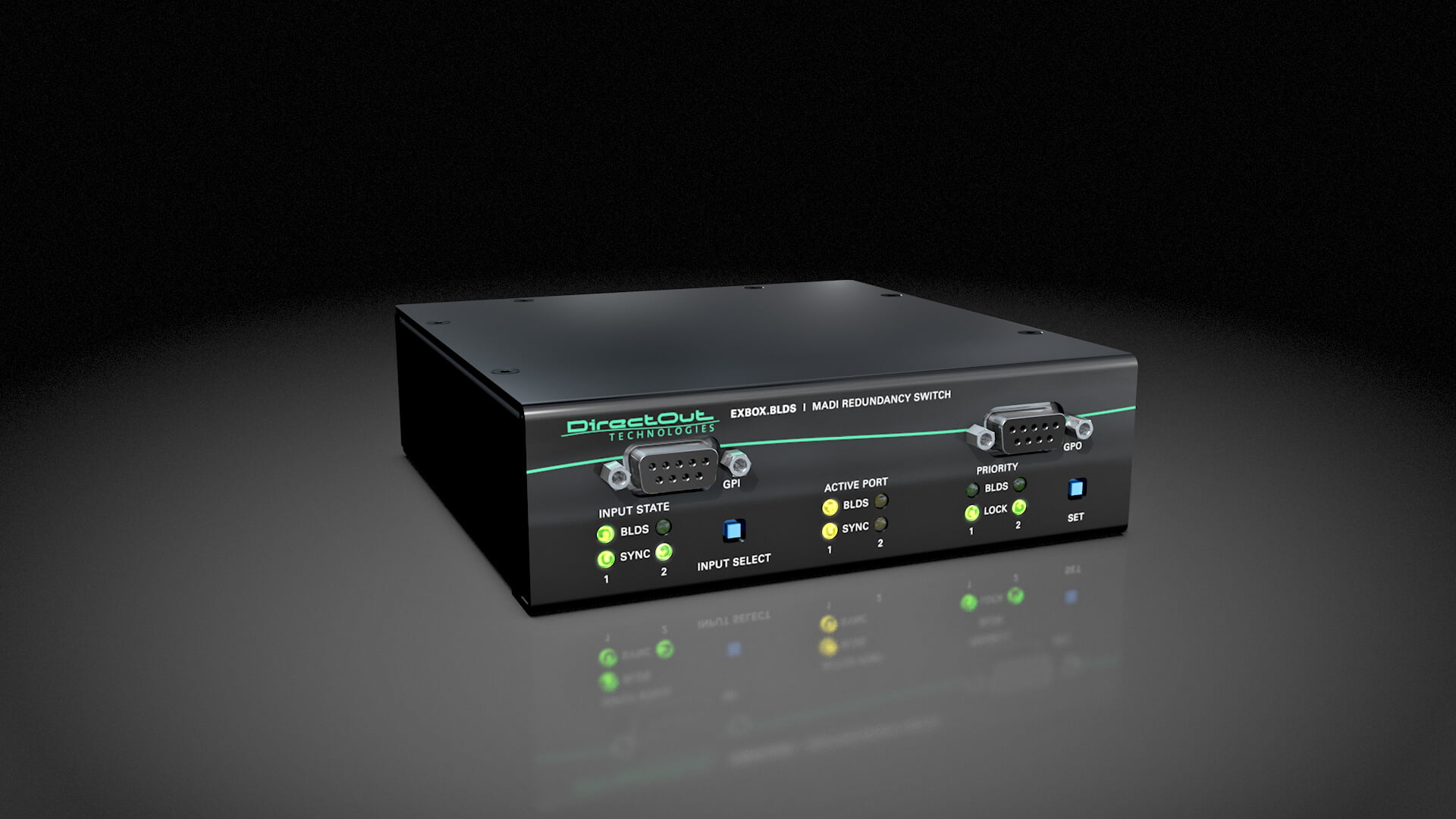
The EXBOX.BLDS is a two-input MADI redundancy switch with Buffer Loop Detection. It monitors two MADI sources and can switch automatically or manually to keep a critical stream online; coaxial, optical, or SFP I/O modules are configurable per slot.
Discontinued. EXBOX.BLDS discontinued by DirectOut (was mislabeled EXBOX.MADI — a product that never existed). Used-market MADI redundancy switcher; kept for owners.
Photos
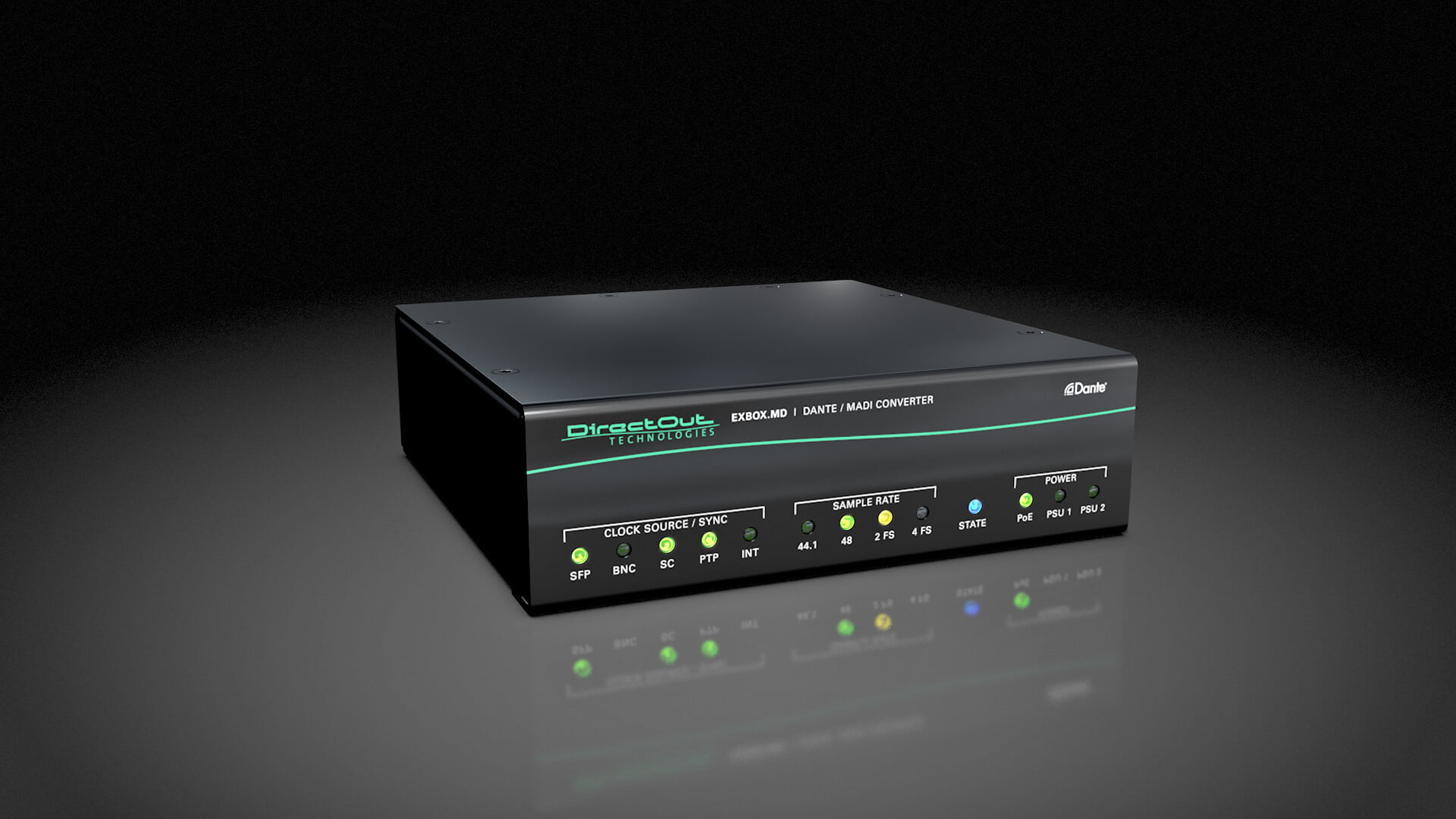
Manufacturer product photography — the drawn faceplate stays true to panel layout; these show the hardware itself.
~$2,500Use retailer rows for current price and stock
01 · What it does—and what that changes in your rig.
Product overview
Start with the payoff, then work through how it functions, where it fits, and the details that change a real build.
The payoff
MADI Converter decisions, organized around the whole rig.
The DirectOut EXBOX.BLDS sits at the physical-layer intersection of your MADIA pro digital format carrying 64 channels on one coax or optical cable. Point-to-point — one sender, one receiver, no network required. infrastructure — it bridges coaxial BNCThe twist-lock coax connector used for word clock and antenna runs — it locks, so it can’t be pulled out mid-show. and SC optical MADI, and it splits a single stream so you can feed more than one destination from the same source. In practice that means you can take a coax MADI run coming off a console or stageboxThe I/O endpoint on stage: mics plug in there and one digital line (AES50, Dante) carries everything to the console. The snake, digitized. and simultaneously hand an optical feed to a recording rig and a coax feed to your monitor system, without an active splitter eating into your headroomThe margin between your normal level and where things clip — headroom is what absorbs the snare hit you didn’t see coming. or a passive Y-cable degrading signal integrity. That single function solves a problem that comes up on almost every multi-system touring rig.
Documented outputs
22 destination connections
Required cable runs
2madi bnc · madi sc
Rack space
1UBuilder checks available rail space
Photo: DirectOut1U · 5W
Function
How it works in the path
At 1UThe standard slice of rack height: 1U = 1.75″. A 3U box takes three slices; half-rack gear pairs two units side by side in one. and 200mm deep, it fits without drama into a compact IEMIn-Ear Monitor — earpieces that replace floor wedges, feeding each player their own mix. The reason this whole rack exists. or playback rack. The 18-watt typical draw is low enough that it won't stress a single outlet on a power conditionerFilters venue AC, clamps surges, and gives the rack one tidy inlet. Not a voltage regulator and not a battery — just cleaner power.. Both the coax and optical sides run 64-channel MADIA pro digital format carrying 64 channels on one coax or optical cable. Point-to-point — one sender, one receiver, no network required., so you're not losing capacity when you convert formats. The practical value of optical on long runs is real — SC fiber is immune to ground loopsHum from gear seeing two ground paths at slightly different voltage — the classic buzz when two racks share audio and power. and RFRadio Frequency — the wireless part of wireless. RF planning is why big rigs scan, coordinate, and combine antennas instead of hoping. interference in a way that coax simply is not, and on a festival stage where cable runs to FOHFront Of House — the main mix the audience hears, and the console position out in the room where it gets mixed. can stretch past 50 meters, that immunity matters. The EXBOX.BLDS lets you terminate that fiber run and hand off clean coax locally without a laptop or a menu system involved.
Best fit
Where it earns its place in the rack
If your rig is entirely coax-to-coax with a single destination, this box is overhead you don't need. But if you're bridging physical formats, splitting a stream to a separate record rig, or replacing a long coax run with fiber, this is a clean, dedicated solution from a manufacturer that specializes in exactly this domain. Engineers who already live in the DirectOut ecosystem will find it integrates predictably. If your budget is tight and your needs are simpler, a basic MADIA pro digital format carrying 64 channels on one coax or optical cable. Point-to-point — one sender, one receiver, no network required. format converterThe circuitry that turns analog audio into digital data and back (A/D and D/A). Converter quality sets a digital rig’s sound ceiling. from a more entry-level brand may be sufficient — but you'll be giving up the split functionality and likely the build quality.
In the rack
Details worth deciding before load-in.
Use the optical output for any MADIA pro digital format carrying 64 channels on one coax or optical cable. Point-to-point — one sender, one receiver, no network required. run longer than 30 meters — fiber eliminates the ground-loop risk that coax introduces when connecting gear on different power legs across a large stage.
Place this unit close to the coax source device in your rack so the BNCThe twist-lock coax connector used for word clock and antenna runs — it locks, so it can’t be pulled out mid-show. runs stay short; send the SC optical out on the long run to FOHFront Of House — the main mix the audience hears, and the console position out in the room where it gets mixed. or a record rack where the distance justifies the format change.
Label both the coax and optical outputs at the rear panel before the show — mid-show troubleshooting in the dark is much faster when you can read 'MON' and 'REC' on the cables without tracing them.
If you're splitting to a recording rig that belongs to someone else, confirm their interface expects the same MADIA pro digital format carrying 64 channels on one coax or optical cable. Point-to-point — one sender, one receiver, no network required. frame size (56 or 64 channel) as your source before load-in, not during soundcheck.
02 · Know the whole path before you buy.
Signal path
Learn the route as a block diagram: source, product function, transport, and destination. Select any block to see what enters, what changes, and what leaves.
Interactive block diagramAuto-looping · hover, focus, or tap to hold a stage
Port-type signalProduct functionSystem boundary
Follow one signal from source to destination
Each block answers the same three questions: what arrives, what changes here, and what leaves.
01 · Source · selected
madi bnc + madi sc
madi bnc + madi sc
madi bnc + madi sc
01 · Source
3 documented inputs
madi bnc + madi sc
Arrives as
3 documented inputs
Connector
madi bnc + madi sc
Signal
digital audio
03 · What this product asks of the rest of the system.
Compatibility
Treat connector names as the start of the check—not the answer. These are the boundaries that determine a complete working path.
Best fit · MADI Converter
Use it when 1U and 146 mm of depth fit the case.
Plan the companion path
Complete the path with upstream and downstream gear that matches connector, direction, signal type, protocol, and wiring standard.
Connector boundary
Documented connectors: madi bnc, madi sc, IEC C14. Match connector, direction, and signal type—not shape alone.
04 · Every connector, grouped by job.
I/O ports
Switch the product view and the documented port inventory updates with it—hardware and data stay side by side.
Every connector, grouped by job.
Switch panels to keep the hardware view and the documented port list in sync.
Front panelRear panel
All documented ports for DirectOut EXBOX.BLDS MADI Switch
Port
Panel
Connector
Direction
Signal
Channels
MADI Coax In (BNC)
rear
madi bnc
input
digital audio
64
MADI Coax Out (BNC)
rear
madi bnc
output
digital audio
64
MADI Optical In (SC)
rear
madi sc
input
digital audio
64
MADI Optical Out (SC)
rear
madi sc
output
digital audio
64
Power (IEC)
rear
IEC C14
input
power
—
Showing 5 of 5 documented physical ports.
05 · Compare the decision, not just the price.
Alternatives
The rows are organized around fit, power, I/O, and system role so a cheaper unit cannot hide a more expensive workflow.
EXBOX.BLDSThe EXBOX.BLDS is a two-input MADI redundancy switch with Buffer Loop Detection. It monitors two MADI sources and can switch automatically or manually to keep a critical stream online; coaxial, optical, or SFP I/O modules are configurable per slot.View gear →
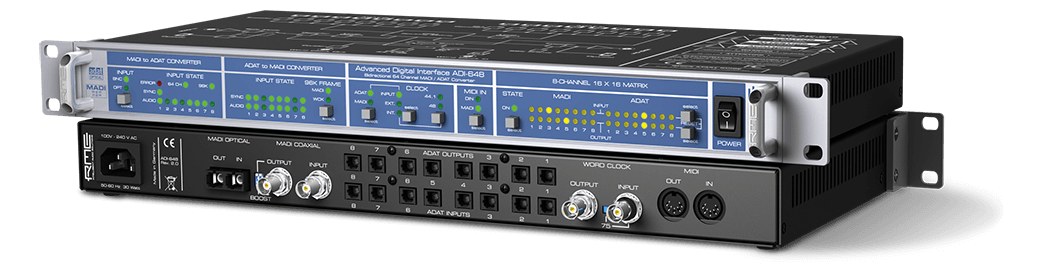
ADI-648The RME ADI-648 converts between MADI and ADAT formats, handling up to 128 channels across two independent MADI streams. It is the go-to solution for integrating ADAT-equipped interfaces or effects processors into a MADI-based infrastructure. Particularly useful in playback rigs where your interface speaks ADAT but your console or distribution system runs on MADI.View gear →
06 · Resolve the questions that can change the purchase or build plan.
Planning questions
Short, source-backed answers surface rack fit, power, cabling, and connection details before they become surprises.
How will the DirectOut EXBOX.BLDS MADI Switch affect rack fit and case depth?
It occupies 1U. Its documented depth is 146 mm.
How much power does the DirectOut EXBOX.BLDS MADI Switch draw?
Typical draw is 5W and documented maximum draw is 5W.
What connections does the DirectOut EXBOX.BLDS MADI Switch have?
5 documented physical ports, including MADI Coax In (BNC), MADI Coax Out (BNC), MADI Optical In (SC), MADI Optical Out (SC), Power (IEC).
Is the DirectOut EXBOX.BLDS MADI Switch discontinued?
EXBOX.BLDS discontinued by DirectOut (was mislabeled EXBOX.MADI — a product that never existed). Used-market MADI redundancy switcher; kept for owners.
07 · See this unit inside a real rack plan.
Builder preview
Placement is only the start. Builder checks space · depth · weight, power headroom, dependencies, and compatible signal paths around this exact catalog item.Open in Builder