Equalizer

Klark Teknik DN360 Stereo 30-band Graphic EQ

The Klark Teknik DN360 is the reference graphic EQ for live touring — a stereo 30-band on 1/3-octave centers with the smooth, musical filter shapes that earned the Klark name. On FOH it lives between the console and the system processor for room correction; on monitor world it's the first tool a monitor engineer reaches for to ring out a wedge before showcall. Outlasts most consoles in the rack.

Compare
Discontinued. DN360 analog graphic discontinued — used-market classic. Price reflects used street.
KLARK TEKNIKDN360
Documented outputs
22 destination connections
Documented inputs
3Based on documented inputs
Rack space
2UBuilder checks available rail space
Power draw
22W28W documented maximum
Catalog estimate
~$999Use retailer rows for current price and stock

01 · What it does—and what that changes in your rig.

Product overview

Start with the payoff, then work through how it functions, where it fits, and the details that change a real build.

The payoff

Equalizer decisions, organized around the whole rig.

The DN360 is the graphic EQ that most working monitor engineers have spent more hours behind than they can count. Two channels, thirty bands each, 1/3-octave centers, all-XLR balanced I/O — it does one job and does it without drama. On monitor world it sits between your console outputs and the amp rack, giving you a visual map of where the room is fighting you and a direct way to fight back. At FOH it earns its place between the desk and the system processor for room correction, particularly in venues where a DSP curve alone isn't enough hands-on control during a show.

Documented outputs
22 destination connections
Documented inputs
3Based on documented inputs
Rack space
2UBuilder checks available rail space
KLARK TEKNIKDN360
Klark Teknik product panel2U · 22W
Function

How it works in the path

At 2U and 235mm deep, the DN360 fits comfortably in a standard touring rack without forcing compromises. The 22-watt nominal draw is negligible on any halfway-decent power conditioner. More practically: the fader throws are long enough to make surgical cuts readable at a glance under stage light, which matters when a wedge starts feeding back mid-song and you need to find the frequency by eye. Both channels share the same rear-panel footprint, so patching is clean — one XLR in, one XLR out per side, no adapters, no format conversion headaches at 7 a.m. load-in.
Best fit

Where it earns its place in the rack

If you're running physical wedges and need a dedicated tool for ringing them out, this is the straightforward choice at its price point. It's also the right call when your console's onboard GEQ feels too buried in menus for fast show adjustments. Where it isn't the answer: fully digital IEM rigs where all your mix processing lives inside a console or a dedicated IEM transmitter rack — adding an analog graphic in that chain means unnecessary DA/AD conversion. Similarly, if your entire monitor world is in-ears on a modern digital desk, the DN360 is weight and rack space you don't need.

In the rack

Details worth deciding before load-in.

  • Label each band's center frequency on the rack face with small P-touch tape above the fader bank — under moving lights the silk-screen printing disappears, and you want to grab the right frequency on the first reach.
  • Patch it so channel A handles stage left sends and channel B handles stage right; keeping a consistent left/right convention across every show means a sub coming in on a fly date can read your rack without a conversation.
  • Before showcall, walk the stage with a reference track through the wedge and use the DN360 to pre-shape before you bring in a live mic — you'll use fewer dramatic cuts when it's time to ring out, which means a cleaner-sounding result for the artist.
  • If you're using it at FOH for room correction, take a photo of the final fader positions on your phone after soundcheck; if the unit gets bumped or swapped overnight, you have a restore point that doesn't rely on memory.

02 · Know the whole path before you buy.

Signal path

Learn the route as a block diagram: source, product function, transport, and destination. Select any block to see what enters, what changes, and what leaves.

Interactive block diagramAuto-looping · hover, focus, or tap to hold a stage
Port-type signalProduct functionSystem boundary
Follow one signal from source to destination

Each block answers the same three questions: what arrives, what changes here, and what leaves.

01 · Source · selected
01 · Source

3 documented inputs

XLR female + IEC C14

Arrives as
3 documented inputs
Connector
XLR female + IEC C14
Signal
analog audio

03 · What this product asks of the rest of the system.

Compatibility

Treat connector names as the start of the check—not the answer. These are the boundaries that determine a complete working path.

Best fit · Equalizer

Use it when 2U and 235 mm of depth fit the case.

Plan the companion path

Complete the path with upstream and downstream gear that matches connector, direction, signal type, protocol, and wiring standard.

Connector boundary

Documented connectors: XLR female, XLR male, IEC C14. Match connector, direction, and signal type—not shape alone.

04 · Every connector, grouped by job.

I/O ports

Switch the product view and the documented port inventory updates with it—hardware and data stay side by side.

Every connector, grouped by job.

Switch panels to keep the hardware view and the documented port list in sync.

Front panel
KLARK TEKNIKDN360
Rear panel
Klark TeknikDN360
All documented ports for Klark Teknik DN360 Stereo 30-band Graphic EQ
PortPanelConnectorDirectionSignalChannels
Input A (XLR)rearXLR female inputanalog audio—
Input B (XLR)rearXLR female inputanalog audio—
Output A (XLR)rearXLR male outputanalog audio—
Output B (XLR)rearXLR male outputanalog audio—
Power (IEC)rearIEC C14 inputpower—

Showing 5 of 5 documented physical ports.

05 · Compare the decision, not just the price.

Alternatives

The rows are organized around fit, power, I/O, and system role so a cheaper unit cannot hide a more expensive workflow.

Compare
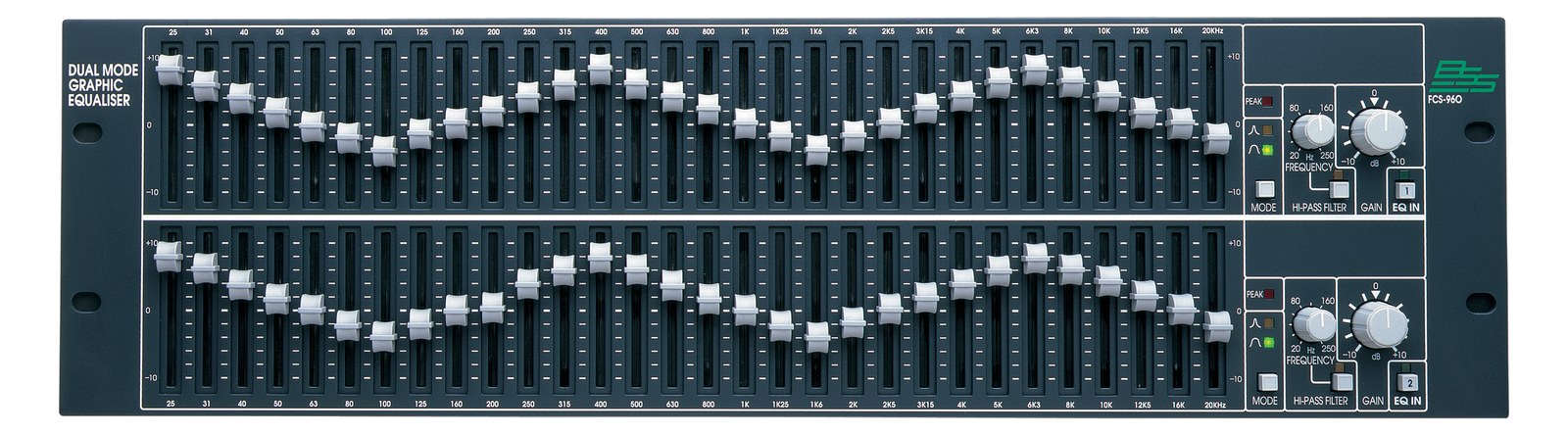
BSS Audio FCS-960 Dual 30-band Graphic EQ
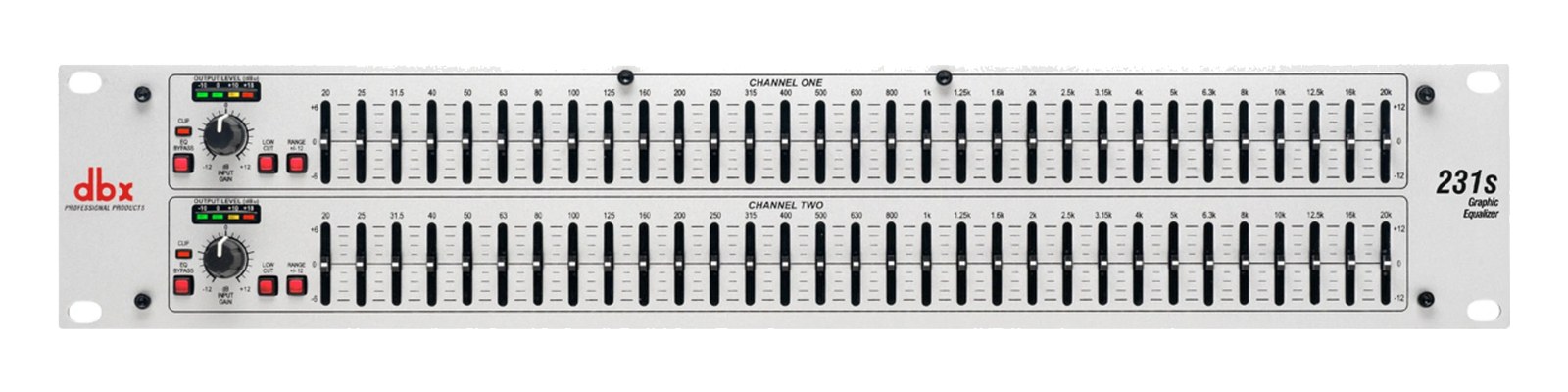
dbx 231s Graphic EQ — front panel
Fit📐 2U📐 2U📐 2U
Power⚡ 22W⚡ 24W⚡ 12W
Weight⚖️ 11.9 lb⚖️ 12.8 lb⚖️ 5.5 lb
I/O🔌 5🔌 5🔌 5
Estimate💵 ~$999💵 ~$1,399💵 ~$300
Deep diveCurrent selectionFull comparison →Full comparison →

06 · Resolve the questions that can change the purchase or build plan.

Planning questions

Short, source-backed answers surface rack fit, power, cabling, and connection details before they become surprises.

How will the Klark Teknik DN360 Stereo 30-band Graphic EQ affect rack fit and case depth?

It occupies 2U. Its documented depth is 235 mm.

How much power does the Klark Teknik DN360 Stereo 30-band Graphic EQ draw?

Typical draw is 22W and documented maximum draw is 28W.

What connections does the Klark Teknik DN360 Stereo 30-band Graphic EQ have?

5 documented physical ports, including Input A (XLR), Input B (XLR), Output A (XLR), Output B (XLR), Power (IEC).

Is the Klark Teknik DN360 Stereo 30-band Graphic EQ discontinued?

DN360 analog graphic discontinued — used-market classic. Price reflects used street.

07 · See this unit inside a real rack plan.

Builder preview

Placement is only the start. Builder checks space · depth · weight, power headroom, dependencies, and compatible signal paths around this exact catalog item.Open in Builder
DN360 Stereo 30-band Graphic EQ positioned in a rack planA simplified plan shows the unit taking 2 rack units, with its documented connection path continuing to a planned destination.Klark TeknikDN360CONNECTED GEARnext signal destination2U · 235 mm deep

08 · Related gear, in the order you may need it.