Equalizer

dbx 231s Graphic EQ

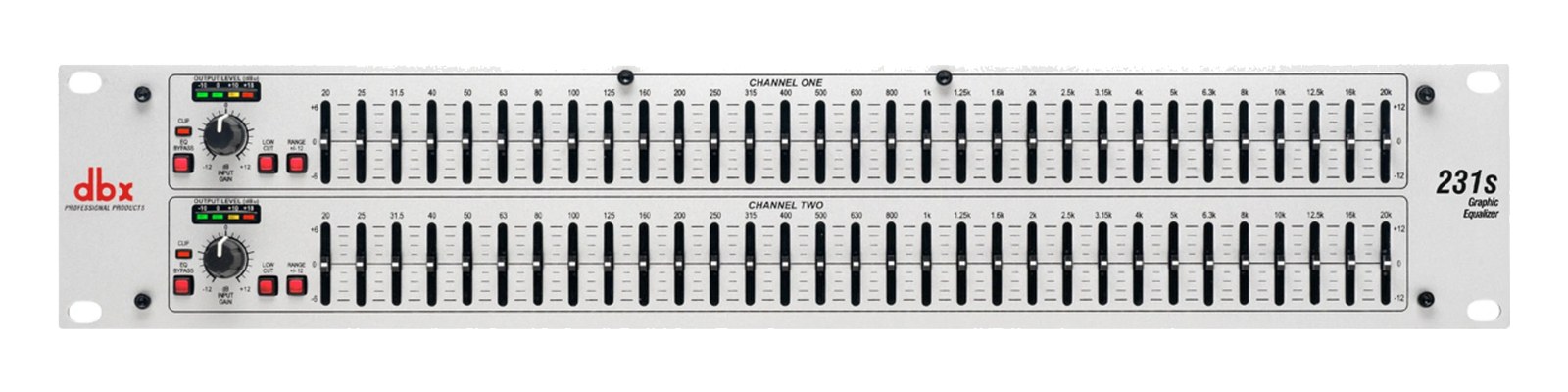
The dbx 231s is the graphic EQ that still ships new: two channels of 31-band correction with the constant-Q filters and build quality that made dbx graphics the install standard. In rigs it tames wedges, rings out a room feed, or smooths a house handoff. The current-production answer where the classic Klark and BSS analogs have gone to the used market.

Compare

Photos

Manufacturer product photography — the drawn faceplate stays true to panel layout; these show the hardware itself.

Photo: dbx1 / 2
Documented outputs
22 destination connections
Documented inputs
3Based on documented inputs
Rack space
2UBuilder checks available rail space
Power draw
12W15W documented maximum
Catalog estimate
~$300Use retailer rows for current price and stock

01 · What it does—and what that changes in your rig.

Product overview

Start with the payoff, then work through how it functions, where it fits, and the details that change a real build.

The payoff

Equalizer decisions, organized around the whole rig.

The dbx 231s is the graphic EQ that never left the catalog, and there's a reason it stays on the price sheet while most of its peers moved to the used market. Two channels, 31 bands each, XLR in and out on both sides — it exists to give you hands-on, visible frequency correction between your drive rack and your amplifiers or your monitor sends. In a live rig that means ringing out a wedge mix, taming a stubborn room resonance on a house feed, or handing off a corrected signal to a hire PA system without touching anyone else's DSP. It's a purpose-built tool that does one thing and keeps it analog and tactile.

Documented outputs
22 destination connections
Documented inputs
3Based on documented inputs
Rack space
2UBuilder checks available rail space
dbx 231s Graphic EQ — rear panel with IEC mains and XLR/TRS input and output per channel
Photo: dbx2U · 12W
Function

How it works in the path

At 2U and 2.5 kg with a depth of only 146 mm, the 231s fits into shallow touring racks without fighting you at load-in, and 12 watts nominal draw means it's essentially invisible on your power budget. The constant-Q filter behavior is the practical spec that matters most here: each band cuts or boosts without widening at lower gain settings, so a pull at 315 Hz stays surgical rather than smearing into adjacent bands. Both channels are fully independent, which matters when you're running a stereo IEM feed or splitting left and right fills through the same unit. XLR on every connection means no adapters in the signal path.
Best fit

Where it earns its place in the rack

Pick the 231s if you want a reliable, new-production dual graphic for a monitor rig or a utility slot in a fixed install and you don't want to chase a used Klark DN360 or BSS FCS-966 to get it. It's an honest working tool at an honest price. If your drive rack is already built around a capable digital processor with parametric EQ — a Lake, a Galileo, a Symetrix — a 31-band graphic is probably redundant weight. And if you only need a single channel of correction, there are 1U single-channel options that save you a rack unit.

In the rack

Details worth deciding before load-in.

  • Patch it post-crossover on your wedge sends so you're sculpting the full-range signal before it hits the amp, not fighting the crossover's own curves on top of your cuts.
  • Label each fader with a strip of white gaffers tape along the bottom edge before the gig — under stage wash those sliders look identical, and you don't want to pull 1 kHz when you meant 800 Hz mid-show.
  • At 146 mm deep, it will sit flush or close to flush in most standard 300–350 mm depth racks, but confirm your rack depth before touring — leaving the back panel unsupported over a long run will stress the IEC connector.
  • Use both channels even in a mono rig: run your main mono wedge feed through channel 1 and patch channel 2 as a pre-rung spare feed to a send that hasn't been walked yet, so you're not starting from flat when the opener's monitor engineer hands the stage back.

02 · Know the whole path before you buy.

Signal path

Learn the route as a block diagram: source, product function, transport, and destination. Select any block to see what enters, what changes, and what leaves.

Interactive block diagramAuto-looping · hover, focus, or tap to hold a stage
Port-type signalProduct functionSystem boundary
Follow one signal from source to destination

Each block answers the same three questions: what arrives, what changes here, and what leaves.

01 · Source · selected
01 · Source

3 documented inputs

XLR female + IEC C14

Arrives as
3 documented inputs
Connector
XLR female + IEC C14
Signal
analog audio

03 · What this product asks of the rest of the system.

Compatibility

Treat connector names as the start of the check—not the answer. These are the boundaries that determine a complete working path.

Best fit · Equalizer

Use it when 2U and 146 mm of depth fit the case.

Plan the companion path

Complete the path with upstream and downstream gear that matches connector, direction, signal type, protocol, and wiring standard.

Connector boundary

Documented connectors: XLR female, XLR male, IEC C14. Match connector, direction, and signal type—not shape alone.

04 · Every connector, grouped by job.

I/O ports

Switch the product view and the documented port inventory updates with it—hardware and data stay side by side.

Every connector, grouped by job.

Switch panels to keep the hardware view and the documented port list in sync.

Front panel
dbx231s
Rear panel
dbx231s
All documented ports for dbx 231s Graphic EQ
PortPanelConnectorDirectionSignalChannels
Input 1rearXLR female inputanalog audio
Input 2rearXLR female inputanalog audio
Output 1rearXLR male outputanalog audio
Output 2rearXLR male outputanalog audio
PowerrearIEC C14 inputpower

Showing 5 of 5 documented physical ports.

05 · Compare the decision, not just the price.

Alternatives

The rows are organized around fit, power, I/O, and system role so a cheaper unit cannot hide a more expensive workflow.

Compare
dbx 231s Graphic EQ — front panel
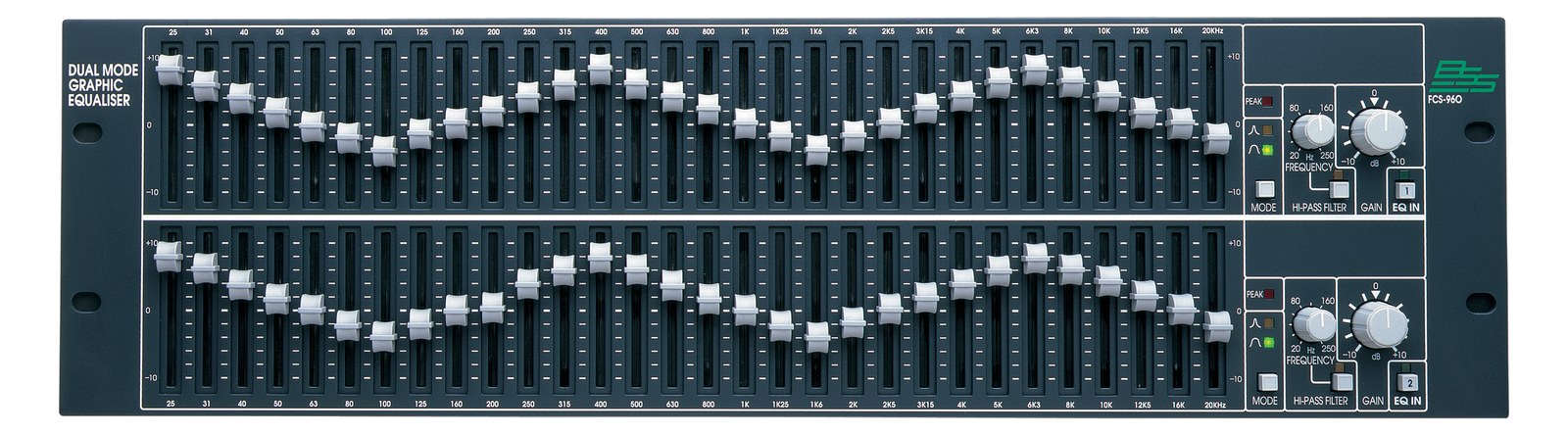
BSS Audio FCS-960 Dual 30-band Graphic EQ
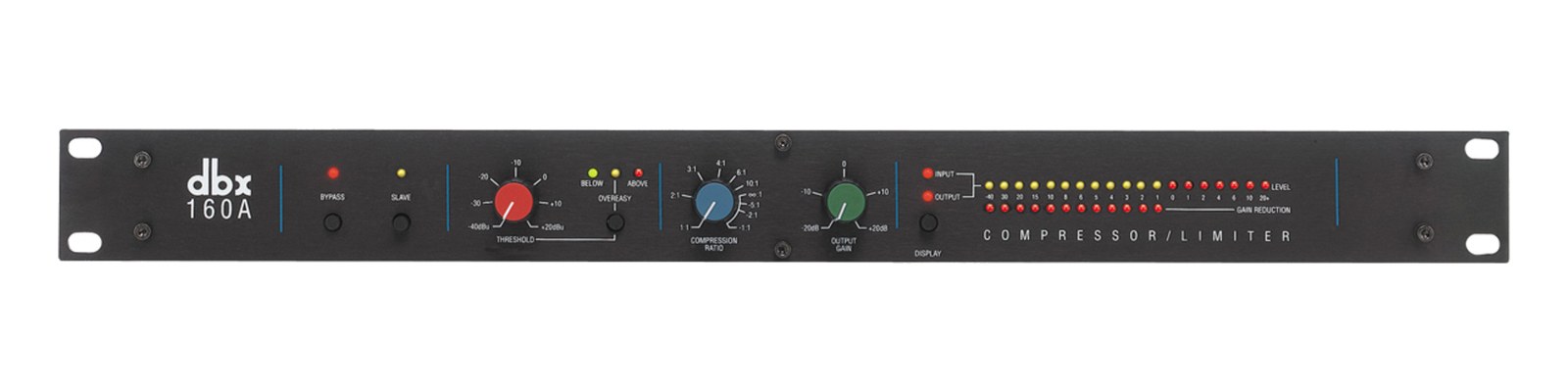
dbx 160A compressor — front panel
Fit📐 2U📐 2U📐 2U📐 1U · half-rack
Power⚡ 12W⚡ 22W⚡ 24W⚡ 12W
Weight⚖️ 5.5 lb⚖️ 11.9 lb⚖️ 12.8 lb⚖️ 6.0 lb
I/O🔌 5🔌 5🔌 5🔌 4
Estimate💵 ~$300💵 ~$999💵 ~$1,399💵 ~$769
Deep diveCurrent selectionFull comparison →Full comparison →Full comparison →

06 · Resolve the questions that can change the purchase or build plan.

Planning questions

Short, source-backed answers surface rack fit, power, cabling, and connection details before they become surprises.

How will the dbx 231s Graphic EQ affect rack fit and case depth?

It occupies 2U. Its documented depth is 146 mm.

How much power does the dbx 231s Graphic EQ draw?

Typical draw is 12W and documented maximum draw is 15W.

What connections does the dbx 231s Graphic EQ have?

5 documented physical ports, including Input 1, Input 2, Output 1, Output 2, Power.

07 · See this unit inside a real rack plan.

Builder preview

Placement is only the start. Builder checks space · depth · weight, power headroom, dependencies, and compatible signal paths around this exact catalog item.Open in Builder
231s Graphic EQ positioned in a rack planA simplified plan shows the unit taking 2 rack units, with its documented connection path continuing to a planned destination.dbx231sCONNECTED GEARnext signal destination2U · 146 mm deep

08 · Related gear, in the order you may need it.