

UPS

APC BR1500G UPS

The APC BR1500G provides 1500VA of battery backup with automatic voltage regulation that keeps your equipment running through brownouts and brief power outages. Its tower form factor requires a rack shelf to mount but offers high capacity at a reasonable price. The AVR feature continuously adjusts incoming voltage without switching to battery, extending battery life for when you truly need it during a complete power loss.

Compare
Documented outputs
00 destination connections
Documented inputs
1Based on documented inputs
Rack space
Outside rackPlan a shelf, tray, or stage position
Power draw
UnverifiedPower requirement is not verified in the catalog
Catalog estimate
~$299Use retailer rows for current price and stock

01 · What it does—and what that changes in your rig.

Product overview

Start with the payoff, then work through how it functions, where it fits, and the details that change a real build.

The payoff

UPS decisions, organized around the whole rig.

The APC BR1500G is a battery backup unit with automatic voltage regulation, and in a live-audio rack its job is simple but critical: keep your gear alive through the power events that would otherwise kill a show. Brownouts, brief outages, dirty venue power — the BR1500G absorbs all of it before it reaches your IEM transmitters, playback computers, or network switches. At 1500VA and 865W of actual load capacity, it has enough headroom for a modest but complete IEM rig, and the AVR means it's constantly trimming incoming voltage rather than burning battery every time the venue's power sags.

Documented outputs
00 destination connections
Documented inputs
1Based on documented inputs
Rack space
Outside rackPlan a shelf, tray, or stage position
APCexternal · not rackmounted
APC product panelOutside rack · Unverified
Function

How it works in the path

That 865W ceiling is the number to plan around. Add up the real wattage of everything you intend to protect — not the VA ratings on their power supplies, actual watts — and stay comfortably under it. Runtime during a full outage will depend on how loaded the unit is; lighter loads give you more time to execute a clean shutdown or ride out a generator handoff. The tower form factor matters: this is not a 1U or 2U unit with its own rack ears. You need a shelf, which costs you rack space and means the unit isn't flush-mounted. At 12.7 kg, the shelf and its fasteners need to be rated for the weight.
Best fit

Where it earns its place in the system

This UPS makes the most sense in a touring or install rig where you already carry a deep rack case with a shelf and you need proven AVR backup without spending significantly more. If your rack space is tight or you're building a compact flyweight rig, a purpose-built rackmount UPS with integral ears is worth the premium to recover those rack units. The BR1500G is also not the right tool if your primary concern is protecting against sustained outages — it buys you minutes, not sets. For clean-power insurance and brownout protection in a shelf-equipped rack, it earns its $299.

In the rack

Details worth deciding before load-in.

  • Calculate your actual watt load before committing — IEM transmitters, a Mac mini playback rig, and a network switch can add up faster than expected. Leave at least 20% headroom below the 865W ceiling for battery runtime you'll actually notice.
  • Mount the shelf low in the rack so the UPS's weight doesn't make the case top-heavy when rolling across a stage or loading into a truck.
  • Connect only mission-critical gear to the battery-backed outlets; put non-essential items like phone chargers or spare power supplies on the surge-only outlets if your shelf or conditioner provides them, preserving runtime for what matters.
  • Use the USB port to connect to a laptop running APC's PowerChute software during rehearsals — you'll get a real runtime estimate under actual load before you're depending on it at show time.

02 · Know the whole path before you buy.

Signal path

Learn the route as a block diagram: source, product function, transport, and destination. Select any block to see what enters, what changes, and what leaves.

Interactive block diagramAuto-looping · hover, focus, or tap to hold a stage
Port-type signalProduct functionSystem boundary
Follow one signal from source to destination

Each block answers the same three questions: what arrives, what changes here, and what leaves.

01 · Source · selected
01 · Source

1 documented input

nema 5 15

Arrives as
1 documented input
Connector
nema 5 15
Signal
power

03 · What this product asks of the rest of the system.

Compatibility

Treat connector names as the start of the check—not the answer. These are the boundaries that determine a complete working path.

Best fit · UPS

Use it as ups tracked outside rack rails; follow the manufacturer’s mounting and form-factor guidance.

Plan the companion path

Complete the path with upstream and downstream gear that matches connector, direction, signal type, protocol, and wiring standard.

Connector boundary

Documented connectors: nema 5 15, usb b. Match connector, direction, and signal type—not shape alone.

04 · Every connector, grouped by job.

I/O ports

Switch the product view and the documented port inventory updates with it—hardware and data stay side by side.

Every connector, grouped by job.

Switch panels to keep the hardware view and the documented port list in sync.

Front panel
front connector map for APC BR1500G UPSEXTERNAL UNIT · FRONTNo documented front ports
Rear panel
rear connector map for APC BR1500G UPSEXTERNAL UNIT · REARnema 5 15inputusb bbidirectional
All documented ports for APC BR1500G UPS
PortPanelConnectorDirectionSignalChannels
Power In (NEMA)rearnema 5 15 inputpower—
USBrearusb b bidirectionaldata—

Showing 2 of 2 documented physical ports.

05 · Compare the decision, not just the price.

Alternatives

The rows are organized around fit, power, I/O, and system role so a cheaper unit cannot hide a more expensive workflow.

Compare
External unit
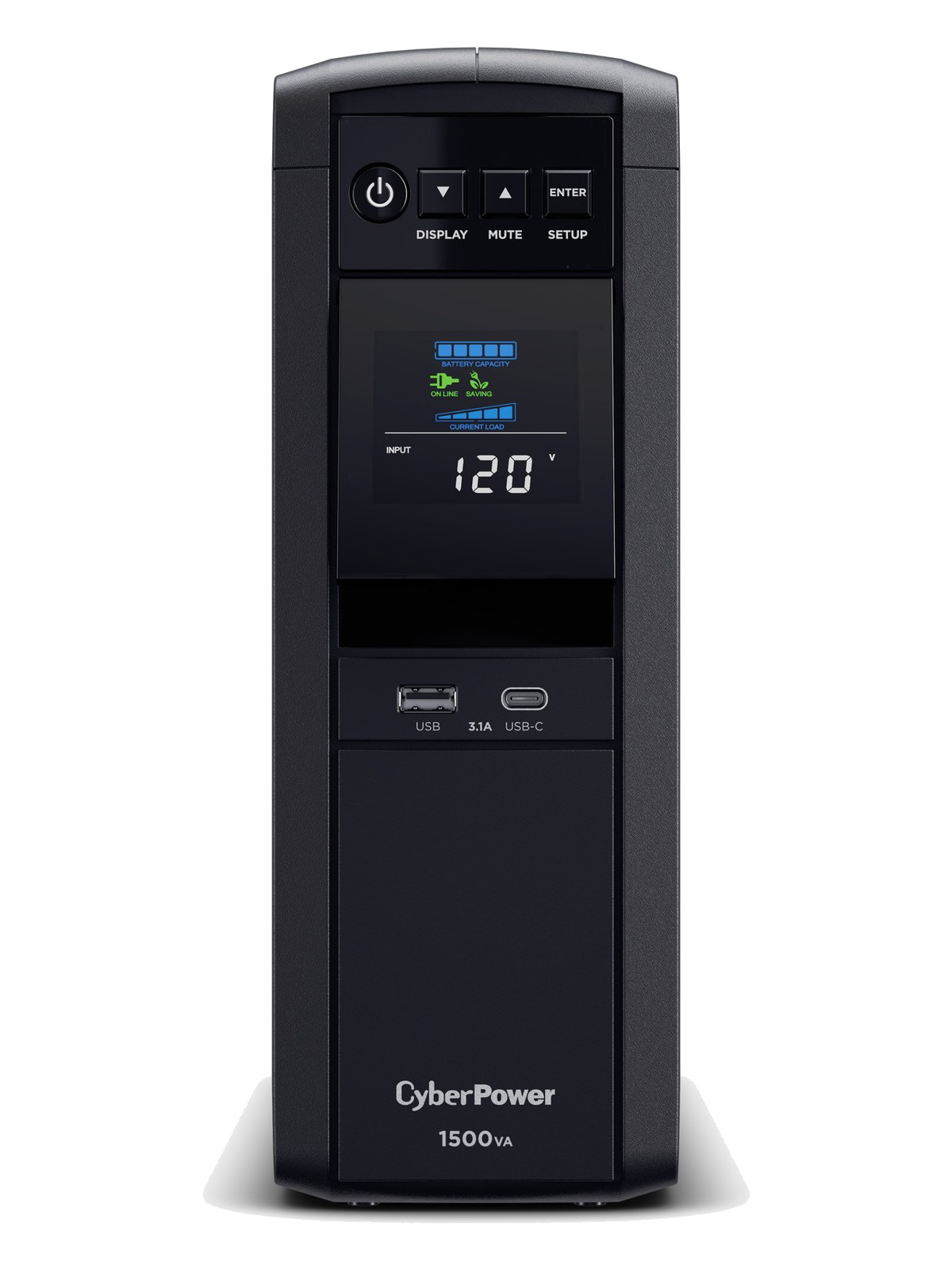
CyberPower CP1500PFCLCD UPS
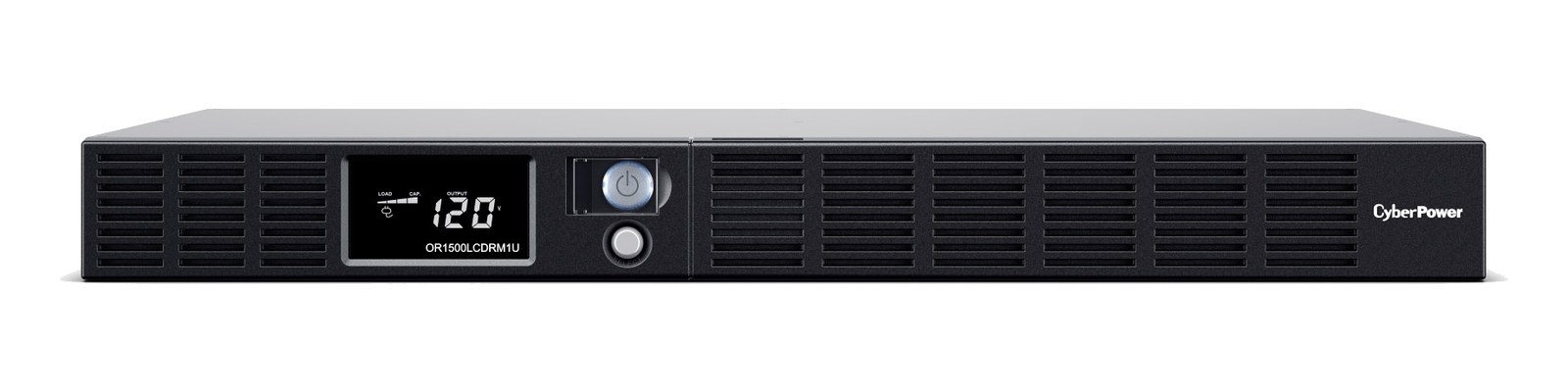
CyberPower OR1500LCDRM1U UPS
100%ONLINE
Fit📐 Outside rack📐 Outside rack📐 1U📐 2U
Power⚡ Unverified⚡ Unverified⚡ Unverified⚡ Unverified
Weight⚖️ 28.0 lb⚖️ 26.9 lb⚖️ 27.6 lb⚖️ 26.5 lb
I/O🔌 2🔌 12🔌 8🔌 10
Estimate💵 ~$299💵 ~$289💵 ~$449💵 ~$449
Deep diveCurrent selectionFull comparison →Full comparison →Full comparison →

06 · Resolve the questions that can change the purchase or build plan.

Planning questions

Short, source-backed answers surface rack fit, power, cabling, and connection details before they become surprises.

Where does the APC BR1500G UPS live in a complete rig?

The catalog assigns it no rack units. Builder tracks it as non-rack gear; follow the manufacturer’s mounting, case, and form-factor guidance.

How much power does the APC BR1500G UPS draw?

Its power requirement is not yet verified in the catalog.

What connections does the APC BR1500G UPS have?

2 documented physical ports, including Power In (NEMA), USB.

07 · See this gear inside a complete system plan.

Builder preview

Builder keeps non-rack gear in the same bill of materials, budget, dependency, and connection plan as the rack-mounted system around it.Open in Builder
BR1500G UPS tracked in a complete system planA simplified plan shows the gear tracked outside rack rails, with its documented connection path continuing to a planned destination.Tracked outside rack railsAPCBR1500GCONNECTED GEARnext signal destinationExternal system gear · no rack units assigned

08 · Related gear, in the order you may need it.

Planning guides for ups systems.