UPS

Eaton 5SC1500 UPS

The Eaton 5SC1500 offers 1500VA of line-interactive UPS protection in a form factor that converts between tower and rack-mount configurations, giving you deployment flexibility. Its higher wattage rating of 1050W provides more headroom than similarly priced units, and Eaton's reputation for reliability makes it a trusted choice in professional installations. The convertible design means you can use it in your rack today and repurpose it as a tower unit for a studio setup later.

Compare
EATON5SC 1500100%ONLINE
Documented outputs
88 destination connections
Documented inputs
1Based on documented inputs
Rack space
2UBuilder checks available rail space
Power draw
UnverifiedPower requirement is not verified in the catalog
Catalog estimate
~$449Use retailer rows for current price and stock

01 · What it does—and what that changes in your rig.

Product overview

Start with the payoff, then work through how it functions, where it fits, and the details that change a real build.

The payoff

UPS decisions, organized around the whole rig.

The Eaton 5SC1500 is a line-interactive UPS — not a power conditioner, not a surge strip. Its job is to keep your rack alive through the moments that would otherwise kill a show: a venue generator stumbling at downbeat, a stage-power breaker tripping mid-set, a venue tech pulling the wrong disconnect. At 1500VA and a genuine 1050W continuous load capacity, it sits in 2U and gives your IEM rig, playback system, or monitor world a clean bridge between wall power and catastrophe. Six of its eight NEMA 5-15 outlets run from battery; the remaining two are surge-only, which matters for how you assign your gear.

Documented outputs
88 destination connections
Documented inputs
1Based on documented inputs
Rack space
2UBuilder checks available rail space
EATON5SC 1500100%ONLINE
Eaton product panel2U · Unverified
Function

How it works in the path

Line-interactive means the 5SC1500 is actively conditioning voltage in real time, boosting sags and trimming swells before they ever reach your gear — and switching to battery only when the deviation exceeds what it can correct. That switchover is fast enough that your wireless receivers and playback computers won't glitch. At 12 kg and 340 mm deep, it's a serious rack anchor; budget for the weight and confirm your road case rails can handle it before you build. The 1050W headroom is genuinely useful — many competing 1500VA units derate to 900W or less, and a loaded IEM rack with redundant transmitters, a laptop, and a console can push 600–700W without much effort.
Best fit

Where it earns its place in the rack

This belongs in any rack where losing power mid-show is unacceptable — IEM systems for theatrical runs, broadcast playback rigs, festival monitor worlds running off a shared distro with questionable history. If your entire rig draws under about 700W, the 5SC1500 gives you comfortable margin; if you're running heavier iron like large-format power amps, look at higher-capacity units. It is not a substitute for a proper power conditioner if your venue has severe noise issues — pairing it with a conditioner upstream is the cleaner answer. The tower-to-rack convertible form factor is a genuine perk if you're also building studio infrastructure where a rack mount doesn't make sense.

In the rack

Details worth deciding before load-in.

  • Assign your mission-critical gear — IEM transmitters, playback computer, network switch — to the six battery-backed outlets, and use the two surge-only outlets for non-essential items like a laptop charger or a monitor display that can tolerate a gap.
  • Add up your actual load in watts before the first show, not VA. Transmitters, computers, and console I/O all list power draw on their rear panels or in specs; keep your total under 800W to preserve meaningful runtime and avoid thermal throttling.
  • The USB-B port supports Eaton's PowerChute software for graceful shutdown of a connected computer — worth configuring on a playback rig so a long power event doesn't corrupt your session rather than just pause it.
  • At 12 kg, this shifts the rack's center of gravity hard toward whichever RU it occupies — mount it low and bolt the rack to the case floor if you're touring, or you'll feel it every time the truck stops.

02 · Know the whole path before you buy.

Signal path

Learn the route as a block diagram: source, product function, transport, and destination. Select any block to see what enters, what changes, and what leaves.

Interactive block diagramAuto-looping · hover, focus, or tap to hold a stage
Port-type signalProduct functionSystem boundary
Follow one signal from source to destination

Each block answers the same three questions: what arrives, what changes here, and what leaves.

01 · Source · selected
01 · Source

1 documented input

nema 5 15

Arrives as
1 documented input
Connector
nema 5 15
Signal
power

03 · What this product asks of the rest of the system.

Compatibility

Treat connector names as the start of the check—not the answer. These are the boundaries that determine a complete working path.

Best fit · UPS

Use it when 2U and 340 mm of depth fit the case.

Plan the companion path

Complete the path with upstream and downstream gear that matches connector, direction, signal type, protocol, and wiring standard.

Connector boundary

Documented connectors: nema 5 15, usb b. Match connector, direction, and signal type—not shape alone.

04 · Every connector, grouped by job.

I/O ports

Switch the product view and the documented port inventory updates with it—hardware and data stay side by side.

Every connector, grouped by job.

Switch panels to keep the hardware view and the documented port list in sync.

Front panel
EATON5SC 1500100%ONLINE
Rear panel
Eaton5SC1500
All documented ports for Eaton 5SC1500 UPS
PortPanelConnectorDirectionSignalChannels
Power In (NEMA)rearnema 5 15 inputpower—
Battery Backup Out 1rearnema 5 15 outputpower—
Battery Backup Out 2rearnema 5 15 outputpower—
Battery Backup Out 3rearnema 5 15 outputpower—
Battery Backup Out 4rearnema 5 15 outputpower—
Battery Backup Out 5rearnema 5 15 outputpower—
Battery Backup Out 6rearnema 5 15 outputpower—
Surge Only Out 1rearnema 5 15 outputpower—
Surge Only Out 2rearnema 5 15 outputpower—
USBrearusb b bidirectionaldata—

Showing 10 of 10 documented physical ports.

05 · Compare the decision, not just the price.

Alternatives

The rows are organized around fit, power, I/O, and system role so a cheaper unit cannot hide a more expensive workflow.

Compare
100%ONLINE
External unit
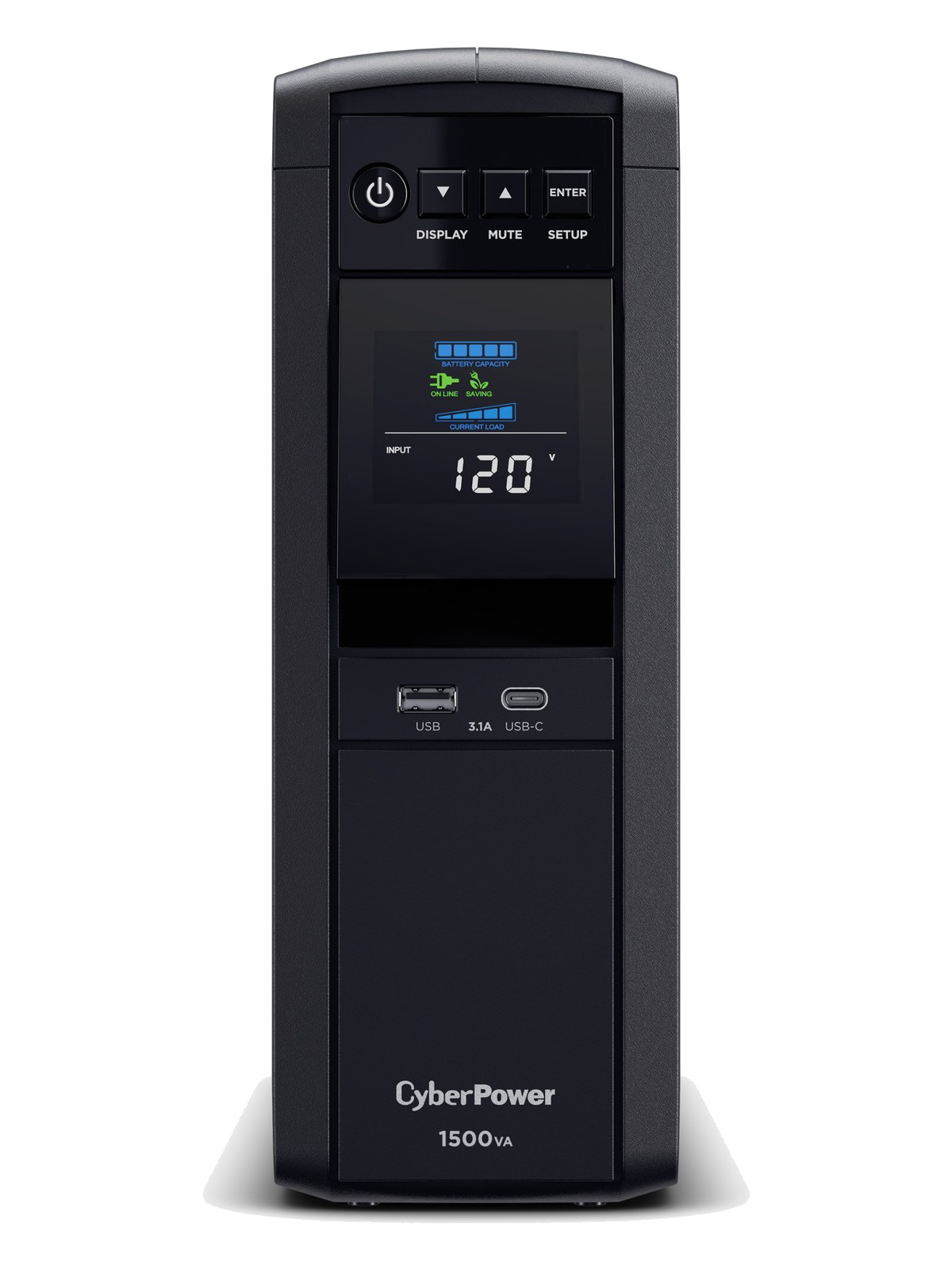
CyberPower CP1500PFCLCD UPS
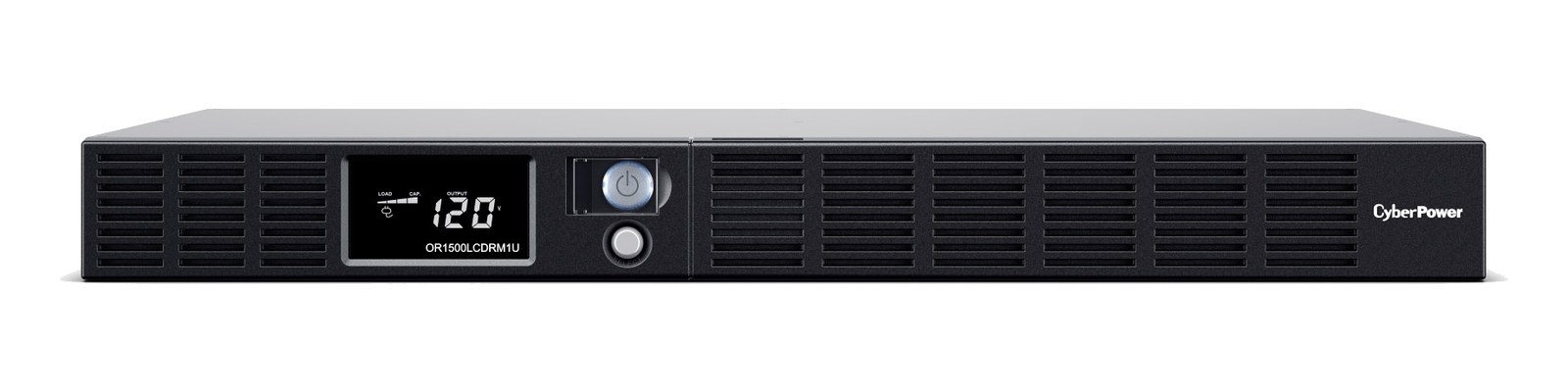
CyberPower OR1500LCDRM1U UPS
Fit📐 2U📐 Outside rack📐 Outside rack📐 1U
Power⚡ Unverified⚡ Unverified⚡ Unverified⚡ Unverified
Weight⚖️ 26.5 lb⚖️ 28.0 lb⚖️ 26.9 lb⚖️ 27.6 lb
I/O🔌 10🔌 2🔌 12🔌 8
Estimate💵 ~$449💵 ~$299💵 ~$289💵 ~$449
Deep diveCurrent selectionFull comparison →Full comparison →Full comparison →

06 · Resolve the questions that can change the purchase or build plan.

Planning questions

Short, source-backed answers surface rack fit, power, cabling, and connection details before they become surprises.

How will the Eaton 5SC1500 UPS affect rack fit and case depth?

It occupies 2U. Its documented depth is 340 mm.

How much power does the Eaton 5SC1500 UPS draw?

Its power requirement is not yet verified in the catalog.

What connections does the Eaton 5SC1500 UPS have?

10 documented physical ports, including Power In (NEMA), Battery Backup Out 1, Battery Backup Out 2, Battery Backup Out 3, Battery Backup Out 4, Battery Backup Out 5.

07 · See this unit inside a real rack plan.

Builder preview

Placement is only the start. Builder checks space · depth · weight, power headroom, dependencies, and compatible signal paths around this exact catalog item.Open in Builder
5SC1500 UPS positioned in a rack planA simplified plan shows the unit taking 2 rack units, with its documented connection path continuing to a planned destination.Eaton5SC1500CONNECTED GEARnext signal destination2U · 340 mm deep

08 · Related gear, in the order you may need it.

Planning guides for ups systems.