Dante Converter

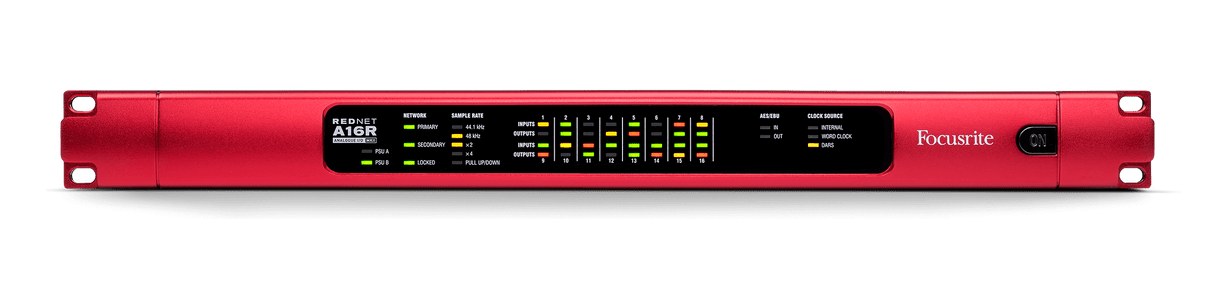
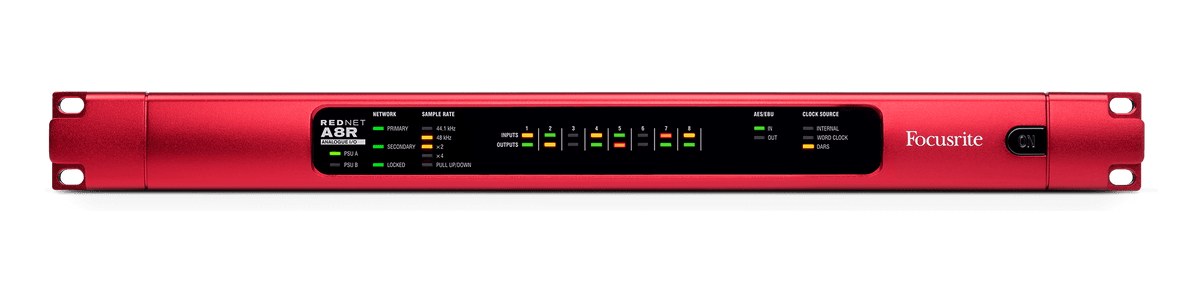
Focusrite RedNet D16R MkII

Focusrite·Model RedNet D16R MkII·focusrite-rednet-d16r

Photos

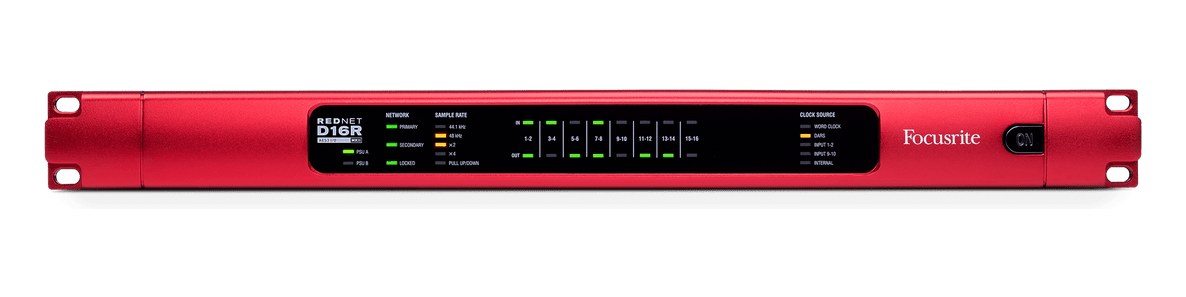
Manufacturer product photography — the drawn faceplate above stays true to panel layout; these show the hardware itself.

Photo: FocusriteClick to zoom

About the Focusrite RedNet D16R MkII

The RedNet D16R bridges between AES3 digital audio and Dante networking, handling 16 channels in each direction with word clock I/O for synchronization. It is essential in rigs where AES3-equipped consoles or processors need to interface with a Dante network, or where you need a reliable word clock reference alongside your format conversion. Dual Dante ports provide redundant networking for mission-critical applications.

The RedNet D16R MkII is a single-rack-unit AES3-to-Dante bridge, and its job in a rig is exactly that specific: it converts 16 channels of AES3 in both directions simultaneously, connecting gear that speaks AES3 — consoles, processors, stagebox outputs — to a Dante network carrying audio everywhere else. Four DB25 connectors handle all the digital audio on the rear panel, two for AES3 inputs and two for outputs, which keeps the wiring dense but organized if you're already working in the Tascam pinout world. This is not an analog converter, and it doesn't pretend to be anything else.

At 25 watts nominal and a shallow 235mm depth, the D16R MkII fits cleanly into a touring IEM rack without fighting for space or burning up your power budget. The dual EtherCon ports for Dante primary and secondary networks are the headline feature at show time — if your primary network path drops, the secondary takes over without an audible interruption, which matters when the D16R is sitting between a playback system and sixteen artists' ears. Word clock in and out via BNC means you can slot this into an existing clock topology rather than forcing a Dante clock takeover, giving you flexibility when sharing a rack with other synchronized digital gear.
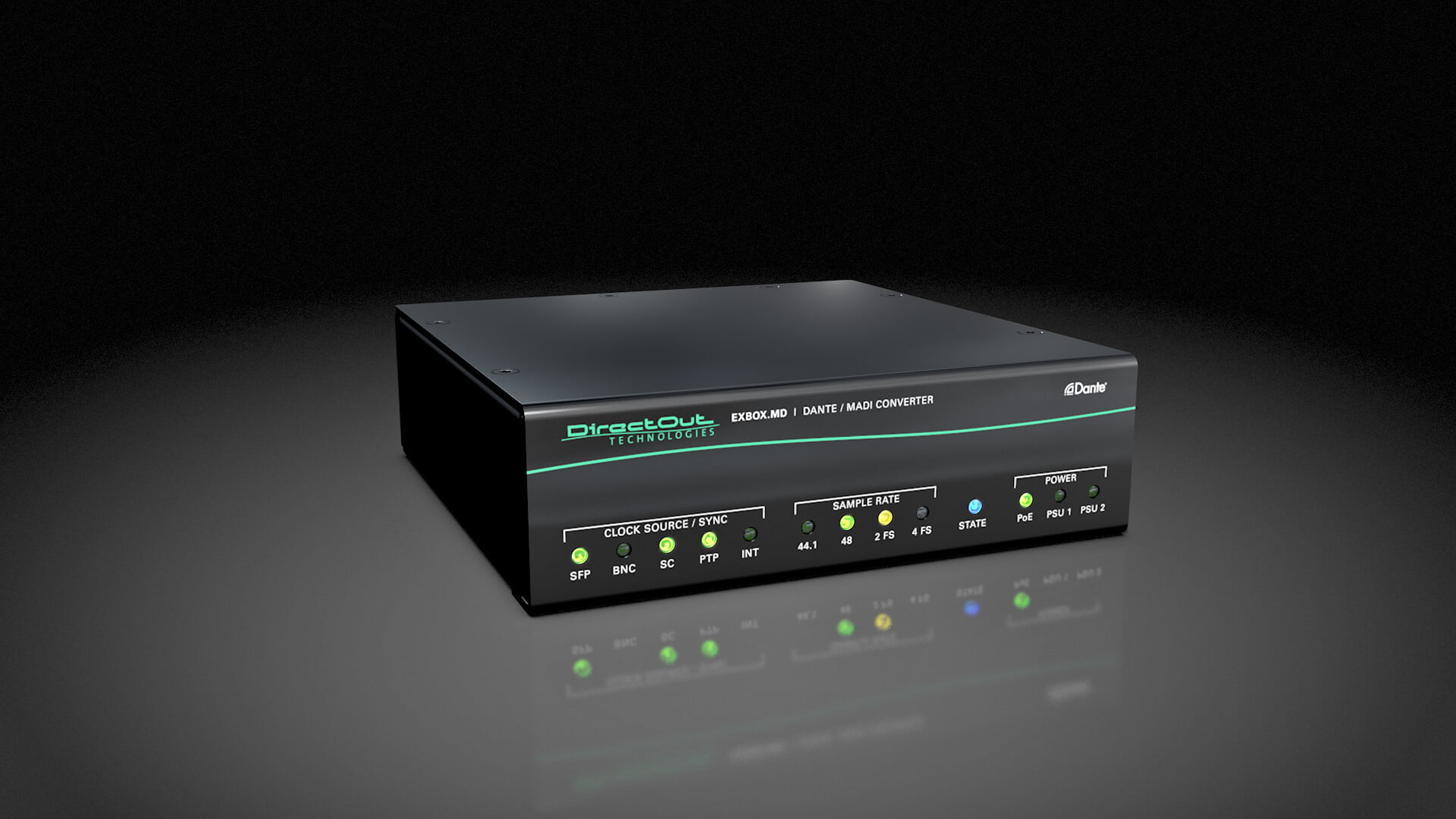
If your workflow is built around a Dante network and you're interfacing with any AES3-native device — a DiGiCo console's local I/O, a TC Electronic processor, a legacy stagebox — this unit earns its place without much debate. Where it doesn't belong is in a rig that's entirely analog at the edges and only needs a single Dante endpoint; something with analog I/O would serve you better and cost less. Similarly, if you only need eight channels of conversion, you're buying headroom you may never use. But for 16-channel AES3 connectivity in a redundant Dante infrastructure, the D16R MkII is the purpose-built answer.

In the rack

  • Use Tascam-pinout DB25 breakout looms and label every connector at both ends before load-in — four identical DB25s on the rear panel are easy to transpose under pressure.
  • Assign the D16R MkII as a Dante clock follower rather than leader unless you have a specific reason to do otherwise; let your console or a dedicated clock master own the network timing.
  • Patch the secondary Dante port to a physically separate switch or network path — if both ports feed the same switch, you've built redundancy on paper but not in practice.
  • Verify word clock lock status on the front panel during line check, before the room gets loud; a clock mismatch here will corrupt all 16 channels at once and is easy to overlook until someone starts hearing artifacts.

16-channel AES3 to Dante bridge with word clock.

I/O Ports (9)

PortConnectorDirectionSignalChannels
AES3 In 1-8 (DB25)DB25inputdigital audio8
AES3 In 9-16 (DB25)DB25inputdigital audio8
AES3 Out 1-8 (DB25)DB25outputdigital audio8
AES3 Out 9-16 (DB25)DB25outputdigital audio8
Dante PrimaryETHERCONbidirectionaldigital audio16
Dante SecondaryETHERCONbidirectionaldigital audio16
Word Clock Out (BNC)BNCoutputdigital audio
Word Clock In (BNC)BNCinputdigital audio
Power
  • Power (IEC) (IEC C14)

Deciding between two?

Rack space, watts, weight and every connector, side by side.

Related gear

Related articles

Guides from our library that cover planning around dante converter gear.