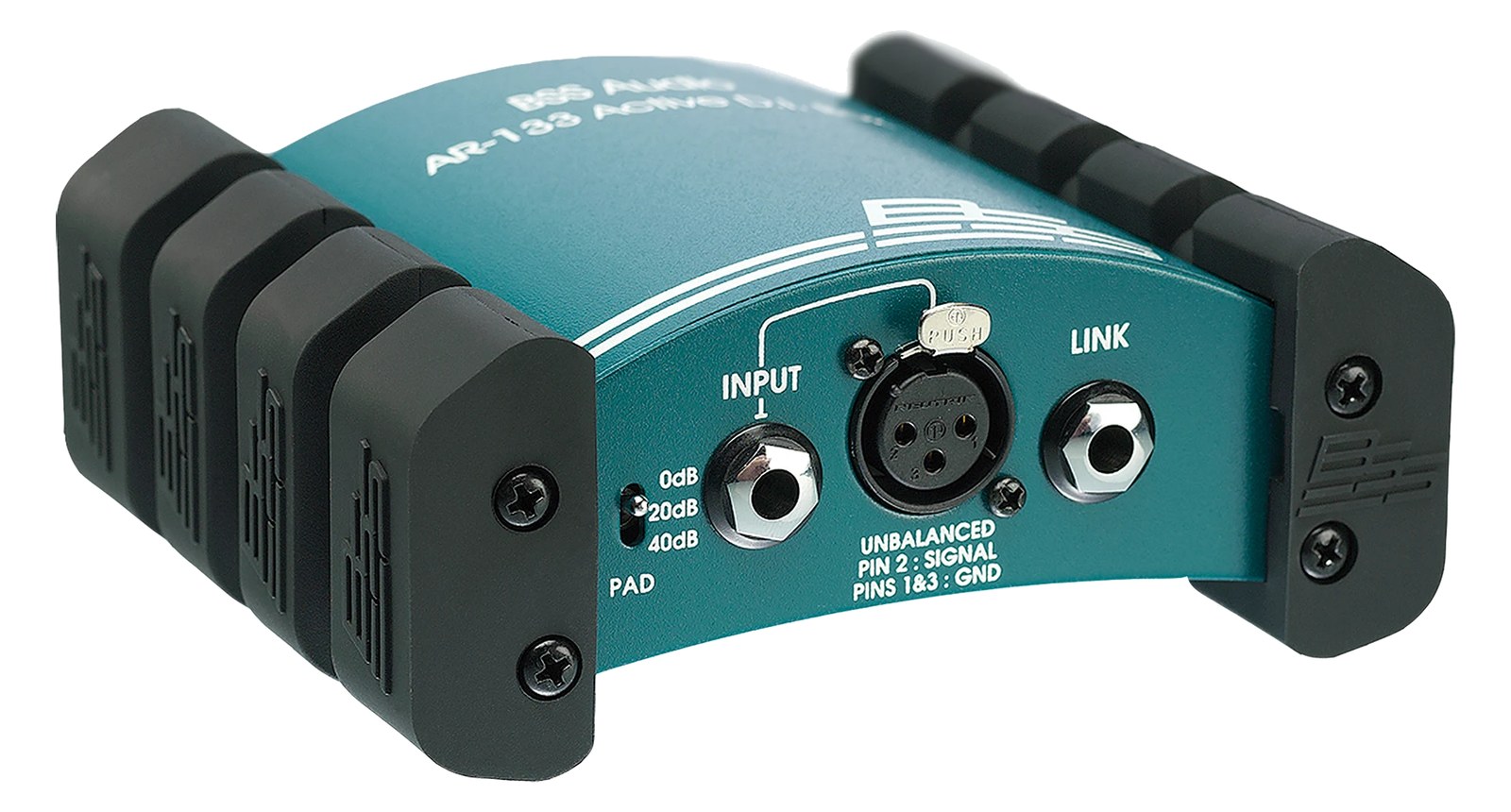
The BSS AR-133 is a long-running active DI that runs on either phantom power or a 9V battery, making it convenient for stages where phantom isn't available. Clean, transparent sound at a competitive price has kept it on countless touring riders for decades.
UnverifiedPower requirement is not verified in the catalog
Catalog estimate
~$199Use retailer rows for current price and stock
01 · What it does—and what that changes in your rig.
Product overview
Start with the payoff, then work through how it functions, where it fits, and the details that change a real build.
The payoff
DI Box decisions, organized around the whole rig.
The BSS AR-133 is a single-channel active DIDirect Injection box — converts an instrument’s unbalanced signal to a balanced mic-level XLR so it can run long cables without noise. that has earned its place on professional touring ridersThe document attached to a booking that lists what the band needs — inputs, monitors, power, backline (and the green-room snacks). by doing one thing exceptionally well: taking an unbalancedA single signal wire plus ground (guitar cables, RCA) — collects noise with length, so keep the runs short.instrument-levelThe in-between signal from a passive guitar or bass pickup — hotter than a mic, quieter than line, and high-impedance. Hence DI boxes. signal and handing a clean, balancedCarries the signal on two wires and cancels whatever noise both pick up — why mic cables can run hundreds of feet hum-free.mic-levelThe tiny signal straight out of a microphone — roughly a thousandth of line level. It needs a preamp before anything else touches it. signal to the console. In a live rig context it typically sits between a keyboard, playback source, or acoustic instrument and the snakeA multicore cable bundling many channels into one stage-to-console run. A sub-snake collects one corner of the stage into a drop box., solving the impedanceOpposition to signal flow, in ohms. Low-impedance IEMs are easier to drive loud; mismatches shift level and tone. mismatch and ground-loop problems that unbalanced long cable runs invite. Its longevity on the market isn't marketing — it reflects a design that engineers have repeatedly trusted when the gig actually matters.
Documented outputs
22 destination connections
Documented inputs
2Based on documented inputs
Rack space
Outside rackPlan a shelf, tray, or stage position
BSS product panelOutside rack · Unverified
Function
How it works in the path
The AR-133 runs on phantom powerThe +48 V a console sends up the mic cable to power condenser mics and active DI boxes — invisible to gear that doesn’t need it. or a 9V battery, which is the practical detail that sets its workflow apart. At load-in you plug it in, phantom comes up, and it just works — but if the console or stageboxThe I/O endpoint on stage: mics plug in there and one digital line (AES50, Dante) carries everything to the console. The snake, digitized. loses phantom for any reason, the battery keeps audio flowing without interruption. The quarter-inch thru output lets you feed a stage amp or tuner off the same source without splitting signal or adding another box. At 0.6 kg and 110 mm deep it fits in a bag pocket, a utility drawer, or velcroed inside a rack lid, and draws zero watts from your power strip.
Best fit
Where it earns its place in the system
If you're running keyboards, a click-and-cue playback rig, or any unbalancedA single signal wire plus ground (guitar cables, RCA) — collects noise with length, so keep the runs short. line source that needs to reach a console cleanly, the AR-133 earns its place. It's a good choice when ridersThe document attached to a booking that lists what the band needs — inputs, monitors, power, backline (and the green-room snacks). specify it and an equally solid choice when they don't but the application fits. Where it isn't the answer: if you need stereo in a single unit, or if you're working with balancedCarries the signal on two wires and cancels whatever noise both pick up — why mic cables can run hundreds of feet hum-free.line-levelThe strong signal that runs between pieces of gear (about a volt) — hotter than mic level, far below speaker level. sources that just need gainHow much the preamp amplifies the incoming signal. Too low and you’re hunting through hiss; too high and peaks clip.-structure management, a passive DIDirect Injection box — converts an instrument’s unbalanced signal to a balanced mic-level XLR so it can run long cables without noise. or a line-level interface tool is more appropriate. One unit handles one mono source — keep that accounting simple.
In the rack
Details worth deciding before load-in.
Keep a fresh 9V installed even if you always have phantomThe +48 V a console sends up the mic cable to power condenser mics and active DI boxes — invisible to gear that doesn’t need it. available — a failed stageboxThe I/O endpoint on stage: mics plug in there and one digital line (AES50, Dante) carries everything to the console. The snake, digitized. channel or a desk reboot mid-show is the wrong moment to discover the battery is dead.
Use the thru output to feed the keyboard amp on stage; this keeps the amp in the signal chain without loading the DIDirect Injection box — converts an instrument’s unbalanced signal to a balanced mic-level XLR so it can run long cables without noise. input or creating a split that complicates gainHow much the preamp amplifies the incoming signal. Too low and you’re hunting through hiss; too high and peaks clip. structure.
When velcroing one inside a rack lid or to a utility panel, orient the XLRThe standard 3-pin locking connector for mics and balanced line signals — pin 1 is the shield, pins 2 and 3 carry the balanced pair. output toward the snakeA multicore cable bundling many channels into one stage-to-console run. A sub-snake collects one corner of the stage into a drop box. side of the rack so the cable exit is tidy and the battery door remains accessible for a quick swap.
If a source is already balancedCarries the signal on two wires and cancels whatever noise both pick up — why mic cables can run hundreds of feet hum-free. and line-levelThe strong signal that runs between pieces of gear (about a volt) — hotter than mic level, far below speaker level. — say, the balanced outputs of a playback interface — bypass the AR-133 entirely and run direct to the console; inserting an active DIDirect Injection box — converts an instrument’s unbalanced signal to a balanced mic-level XLR so it can run long cables without noise. on a balanced source adds a gainHow much the preamp amplifies the incoming signal. Too low and you’re hunting through hiss; too high and peaks clip. stage you don't need.
02 · Know the whole path before you buy.
Signal path
Learn the route as a block diagram: source, product function, transport, and destination. Select any block to see what enters, what changes, and what leaves.
Interactive block diagramAuto-looping · hover, focus, or tap to hold a stage
Port-type signalProduct functionSystem boundary
Follow one signal from source to destination
Each block answers the same three questions: what arrives, what changes here, and what leaves.
01 · Source · selected
¼-inch TS + XLR female
¼-inch TS + XLR male
01 · Source
2 documented inputs
¼-inch TS + XLR female
Arrives as
2 documented inputs
Connector
¼-inch TS + XLR female
Signal
analog audio
03 · What this product asks of the rest of the system.
Compatibility
Treat connector names as the start of the check—not the answer. These are the boundaries that determine a complete working path.
Best fit · DI Box
Use it as di box tracked outside rack rails; follow the manufacturer’s mounting and form-factor guidance.
Plan the companion path
Complete the path with upstream and downstream gear that matches connector, direction, signal type, protocol, and wiring standard.
Connector boundary
Documented connectors: ¼-inch TS, XLR female, XLR male. Match connector, direction, and signal type—not shape alone.
04 · Every connector, grouped by job.
I/O ports
Switch the product view and the documented port inventory updates with it—hardware and data stay side by side.
Every connector, grouped by job.
Switch panels to keep the hardware view and the documented port list in sync.
Front panelRear panel
All documented ports for BSS AR-133 Active DI
Port
Panel
Connector
Direction
Signal
Channels
Input (1/4" TS)
rear
¼-inch TS
input
analog audio
—
Input (XLR-F)
rear
XLR female
input
analog audio
—
Thru (1/4" TS)
rear
¼-inch TS
output
analog audio
—
Output (XLR-M)
rear
XLR male
output
analog audio
—
Showing 4 of 4 documented physical ports.
05 · Compare the decision, not just the price.
Alternatives
The rows are organized around fit, power, I/O, and system role so a cheaper unit cannot hide a more expensive workflow.
AR-133The BSS AR-133 is a long-running active DI that runs on either phantom power or a 9V battery, making it convenient for stages where phantom isn't available. Clean, transparent sound at a competitive price has kept it on countless touring riders for decades.View gear →
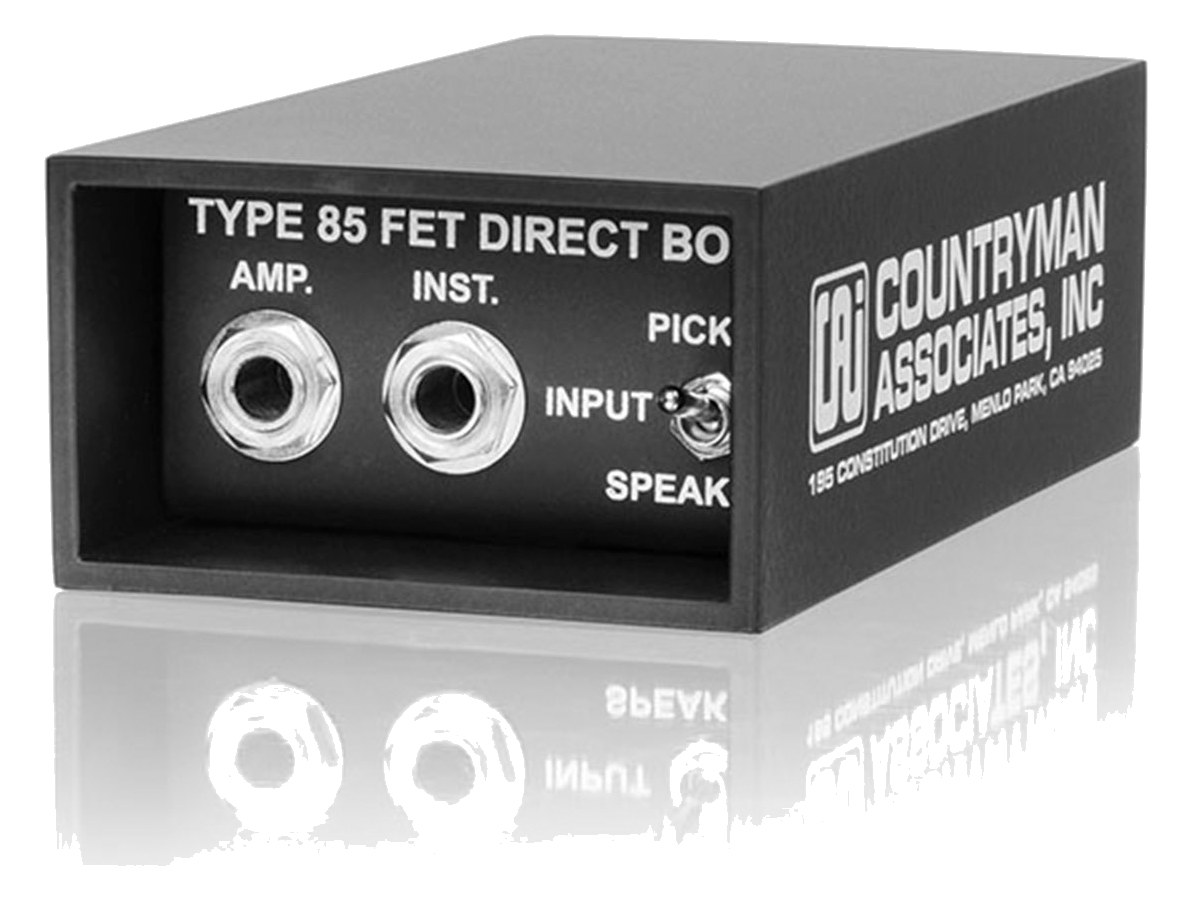
Type 85The Countryman Type 85 is one of the most trusted active DI boxes in professional audio, known for its exceptional headroom and transparent sound quality. Its active design handles both high and low impedance sources gracefully, making it versatile enough for everything from acoustic guitars to keyboards. You will find these on stages and in studios worldwide, and they are a reliable staple for connecting instruments to your mixer or interface.View gear →
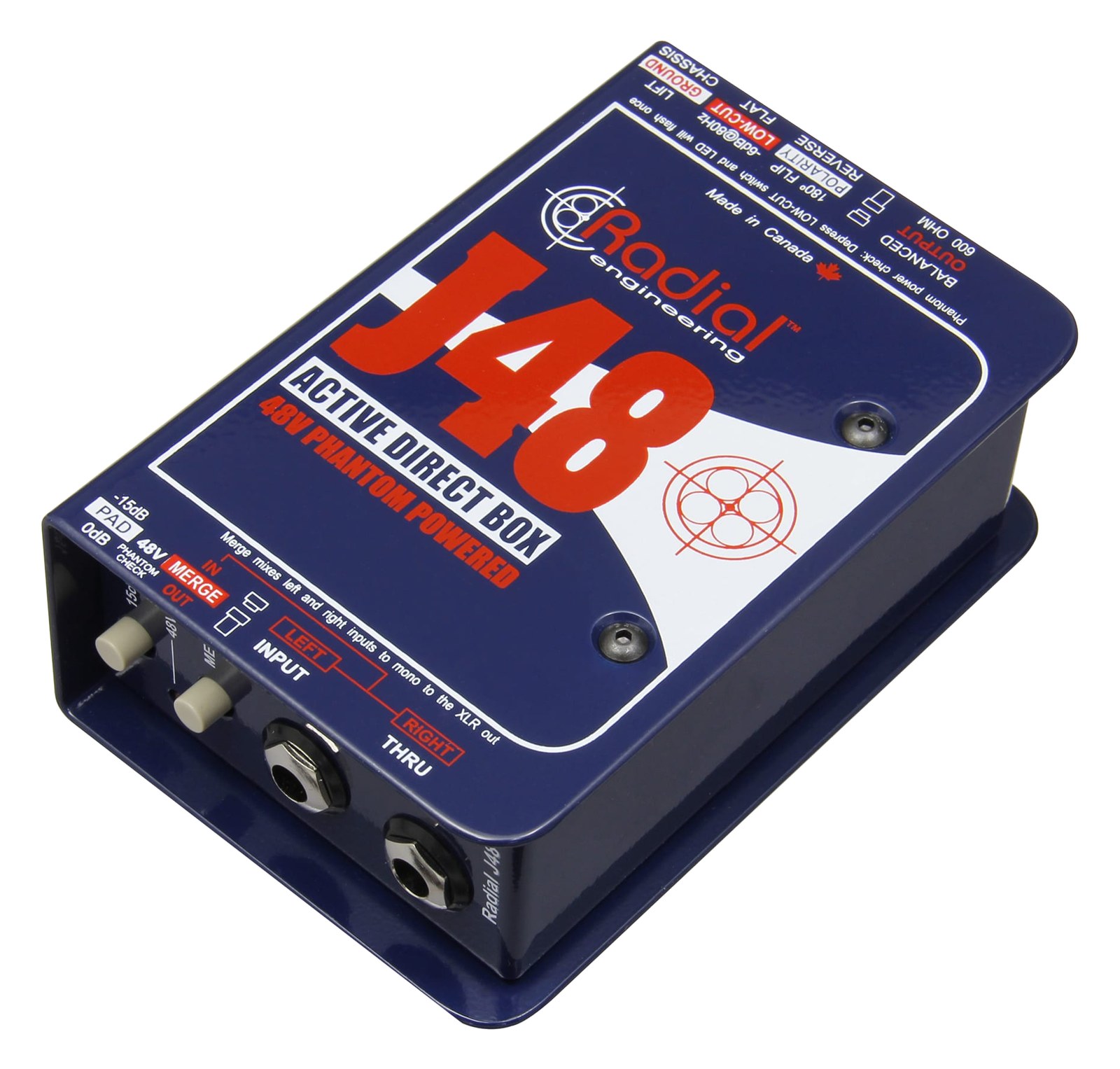
J48The Radial J48 is a phantom-powered active DI that excels with piezo pickups and other high-impedance sources that passive DIs struggle with. The built-in pad and polarity reverse give you troubleshooting options right at the source, which can save time during soundcheck. Powered entirely by 48V phantom from your mixer, it requires no batteries, making it maintenance-free for touring use.View gear →
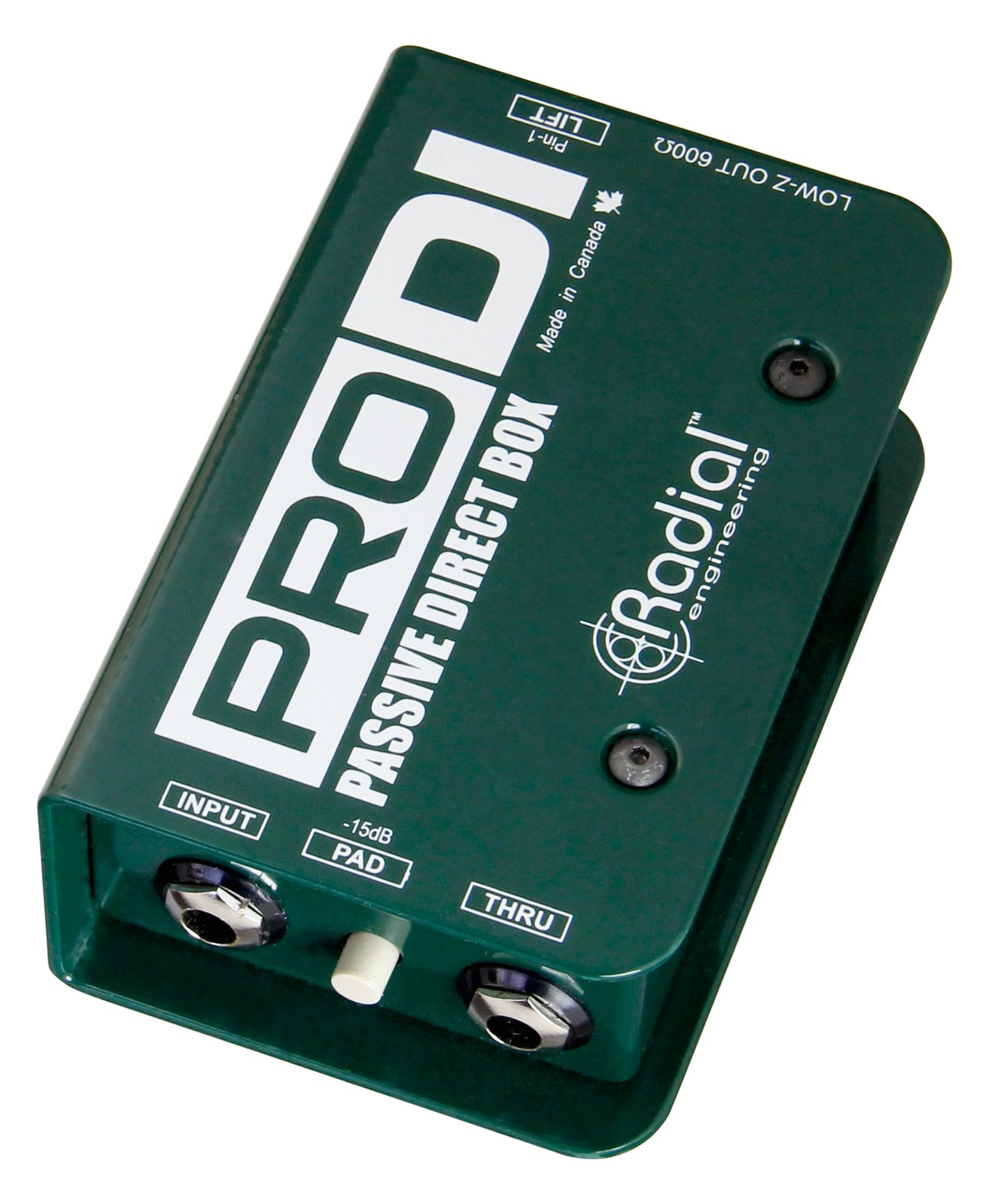
ProDIThe Radial ProDI is a reliable passive DI box that delivers clean signal conversion at a more accessible price point than the JDI. It uses a custom Radial transformer that handles a wide frequency range and high signal levels without coloring the sound. A practical choice when you need multiple DI boxes for a stage setup without the per-unit cost of premium Jensen-equipped models.View gear →
Builder keeps non-rack gear in the same bill of materials, budget, dependency, and connection plan as the rack-mounted system around it.Open in Builder