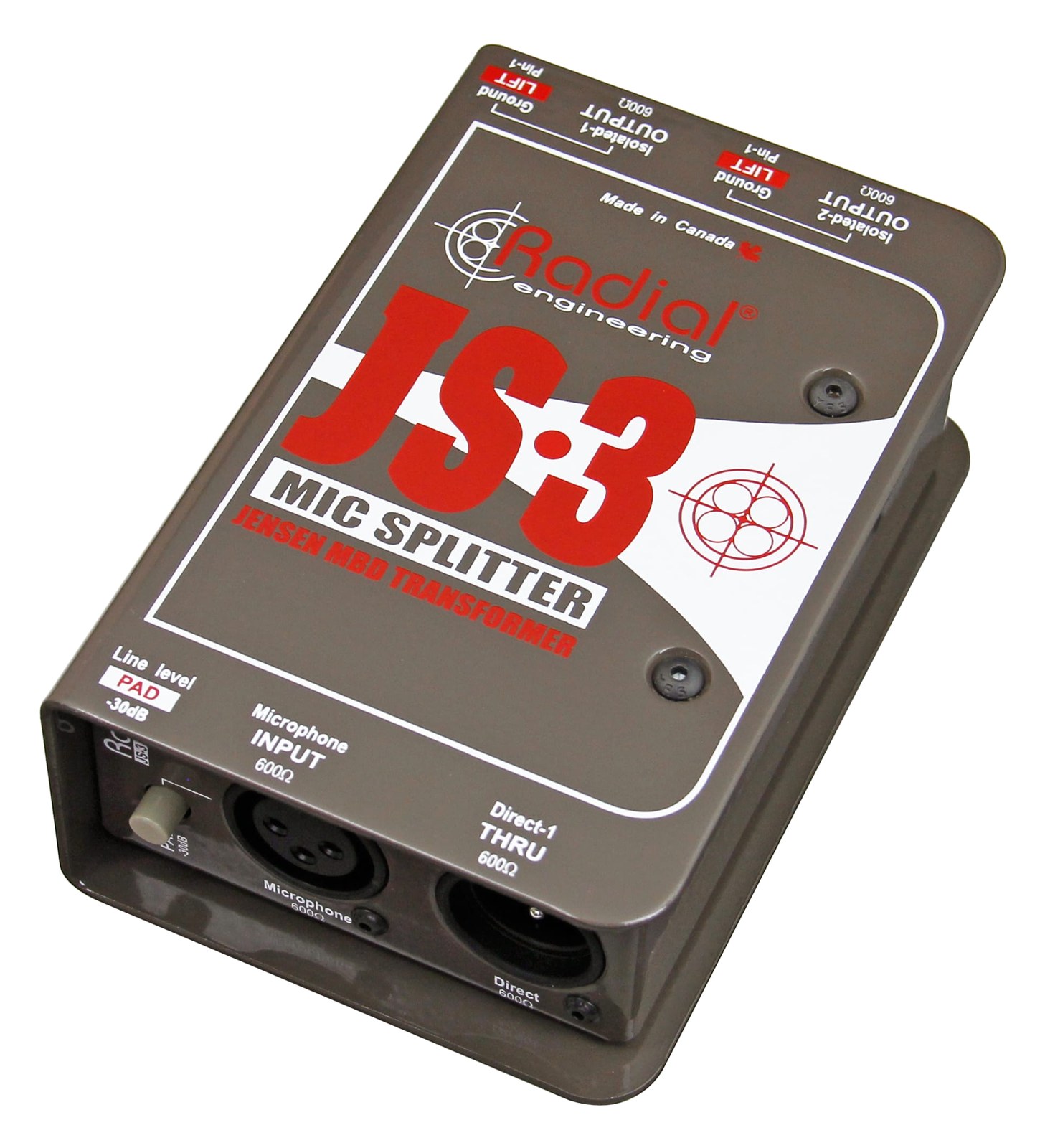
DI Box

Radial J48 Active DI

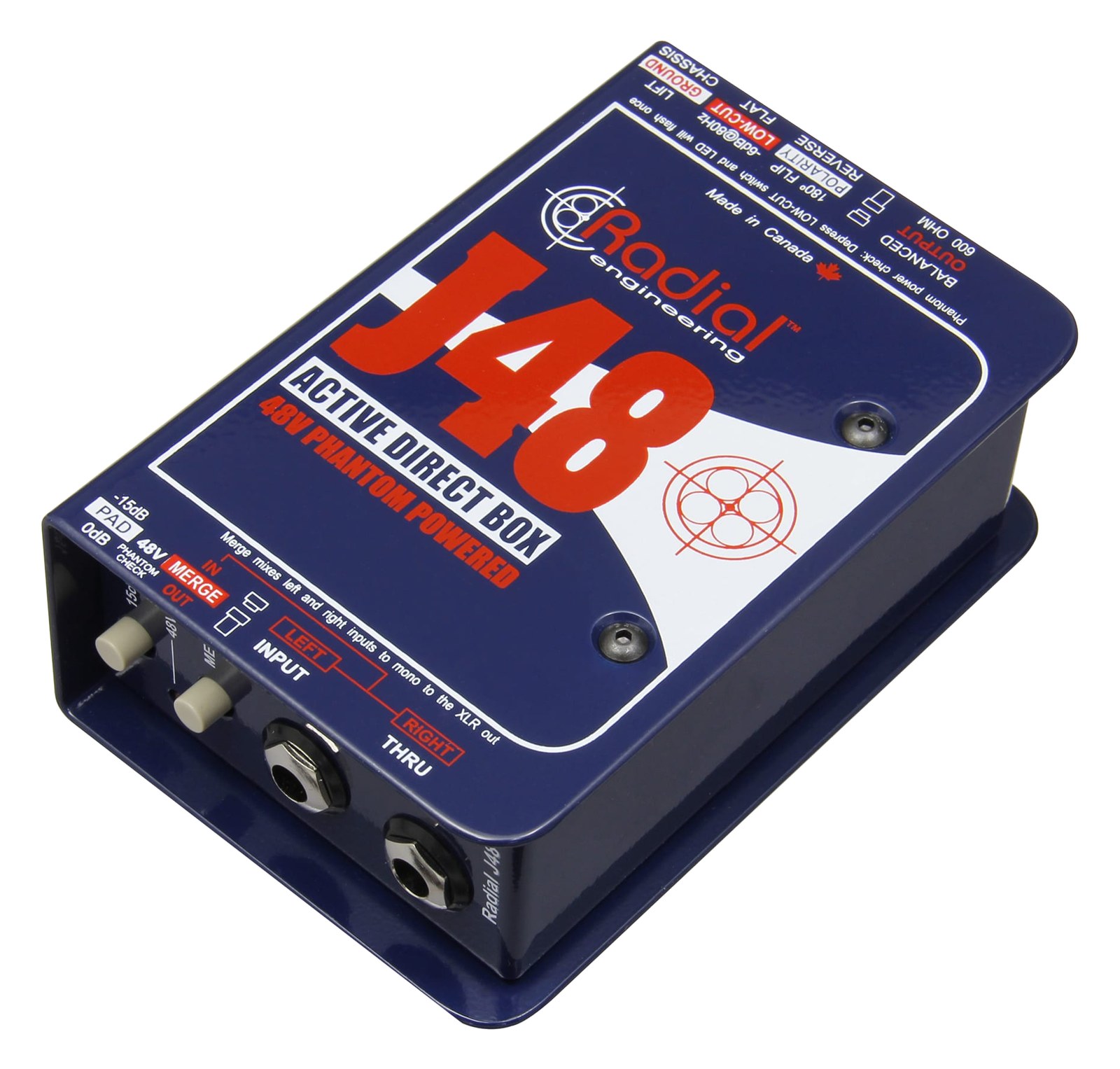
The Radial J48 is a phantom-powered active DI that excels with piezo pickups and other high-impedance sources that passive DIs struggle with. The built-in pad and polarity reverse give you troubleshooting options right at the source, which can save time during soundcheck. Powered entirely by 48V phantom from your mixer, it requires no batteries, making it maintenance-free for touring use.

Compare

Photos

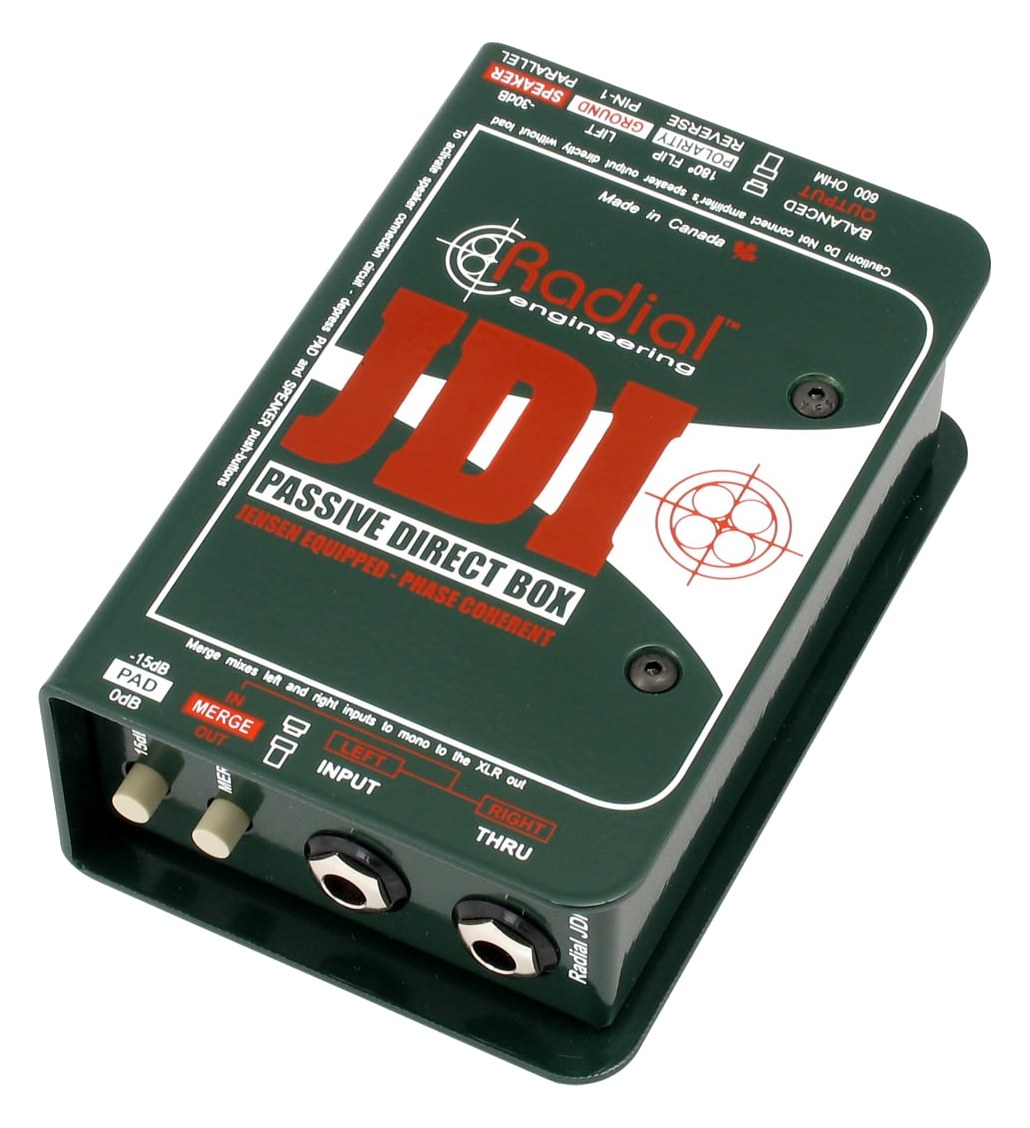
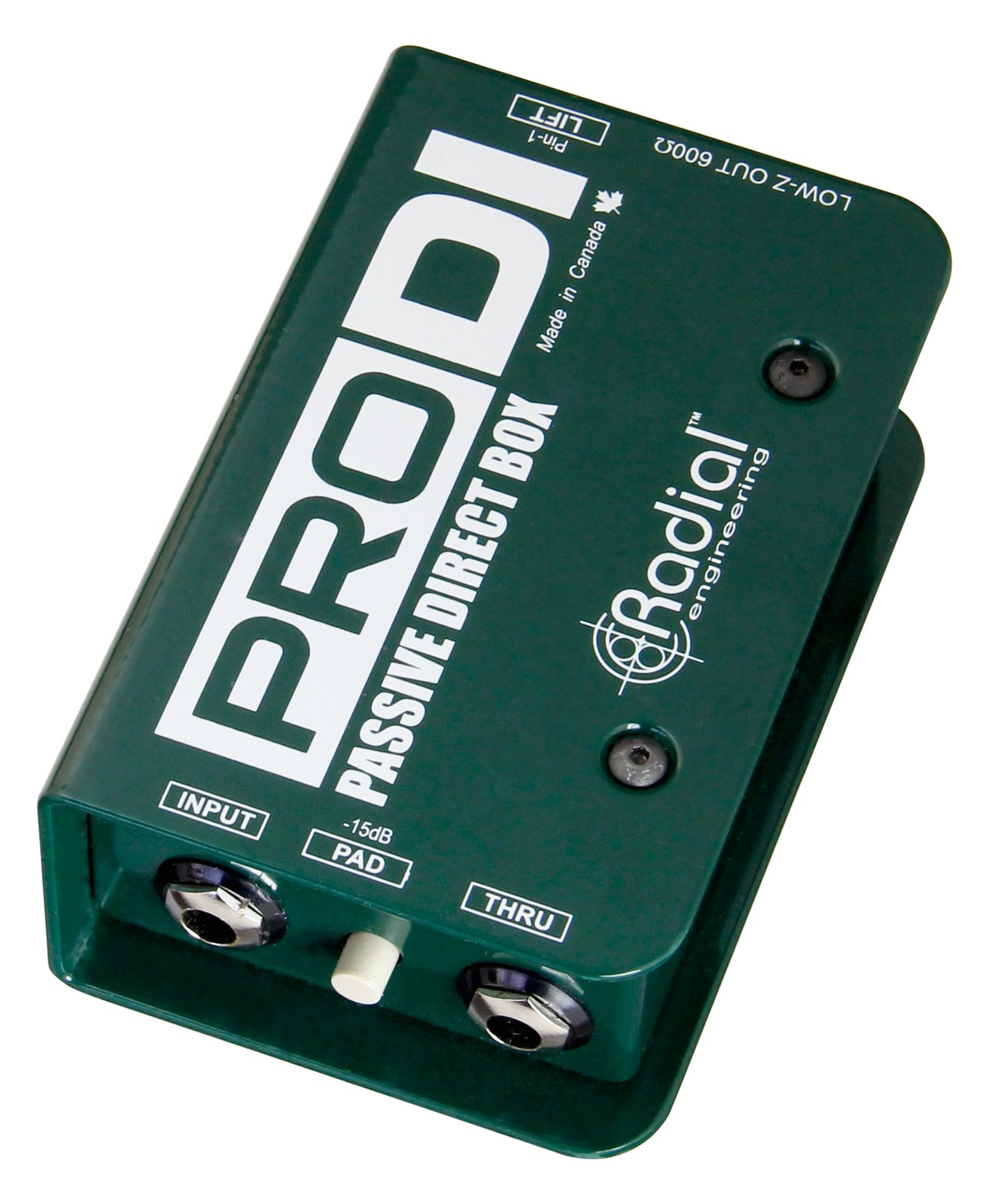
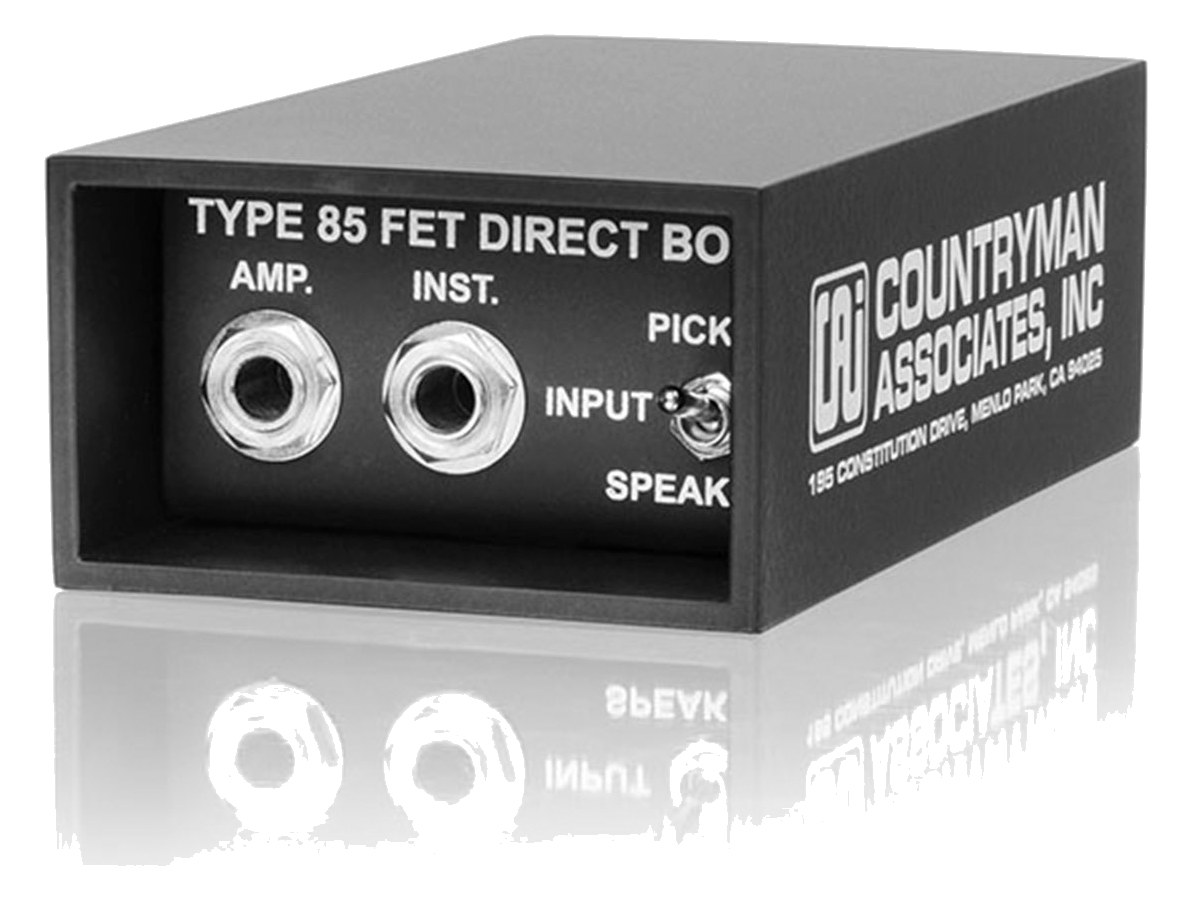
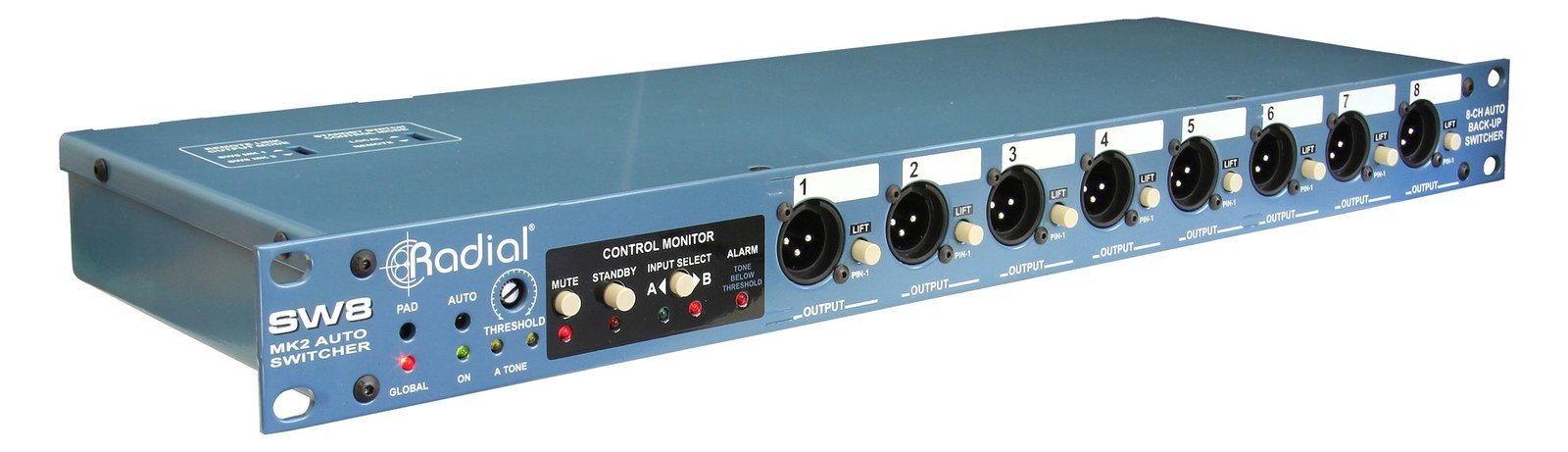
Manufacturer product photography showing the hardware, controls, and physical form.

Photo: Radial Engineering1 / 2
Documented outputs
22 destination connections
Documented inputs
1Based on documented inputs
Rack space
Outside rackPlan a shelf, tray, or stage position
Power draw
UnverifiedPower requirement is not verified in the catalog
Catalog estimate
~$219Use retailer rows for current price and stock

01 · What it does—and what that changes in your rig.

Product overview

Start with the payoff, then work through how it functions, where it fits, and the details that change a real build.

The payoff

DI Box decisions, organized around the whole rig.

The Radial J48 is a phantom-powered active DI box built for sources that passive DIs handle poorly — piezo acoustic pickups, keyboards with high-impedance outputs, and anything that sounds thin or harsh through a standard passive box. It lives at the instrument end of the signal chain, converting an unbalanced instrument-level signal to a balanced, low-impedance mic-level XLR feed that can run long cable distances to your stage box or rack without picking up noise. The thru output lets you split to a local amp or tuner without interrupting the signal to front-of-house or monitors.

Documented outputs
22 destination connections
Documented inputs
1Based on documented inputs
Rack space
Outside rackPlan a shelf, tray, or stage position
Radial J48 Active DI — additional view
Photo: Radial EngineeringOutside rack · Unverified
Function

How it works in the path

Phantom power is the key operational detail here. The J48 draws its operating voltage entirely from the 48V phantom your console or stage box already supplies, which means no batteries to swap mid-tour and no wall-wart to lose. The onboard pad gives you headroom headroom for hot keyboard outputs, and the polarity reverse is a practical tool during soundcheck when you're chasing phase issues between a DI and a mic on the same source — you can flip it at the box rather than diving into a console menu. At 0.5 kg it adds almost nothing to a gig bag.
Best fit

Where it earns its place in the system

If your rig regularly handles acoustic guitars with piezo pickups, keys, or synthesizers, the J48 is a reliable, maintenance-free choice that will outlast cheaper alternatives. Where it's not the right call: fully passive rigs where no phantom is available, or situations where you need stereo capture from a single unit and don't want to run two boxes. Engineers who prefer battery-backed active DIs for redundancy against phantom supply failures should look elsewhere — the J48 has no backup power path. For the majority of live touring applications with phantom-capable systems, it's a proven workhorse.

In the rack

Details worth deciding before load-in.

  • Confirm phantom is enabled on the specific input channel before soundcheck — a silent J48 almost always means phantom is off or the XLR cable has a broken pin 2 or 3.
  • Use the polarity reverse during line check when a DI'd acoustic guitar is combined with a mic on the body: flip it and pick the position where the low-mids fill in rather than cancel.
  • If you're running the thru output to a stage amp, make sure that amp's input is unbalanced TRS or use an appropriate adapter — the thru is not a balanced output.
  • Label the unit with the artist or instrument name using gaff tape on the top panel; when you have multiple J48s on a busy stage plot, source identification at the box saves real time during changeovers.

02 · Know the whole path before you buy.

Signal path

Learn the route as a block diagram: source, product function, transport, and destination. Select any block to see what enters, what changes, and what leaves.

Interactive block diagramAuto-looping · hover, focus, or tap to hold a stage
Port-type signalProduct functionSystem boundary
Follow one signal from source to destination

Each block answers the same three questions: what arrives, what changes here, and what leaves.

01 · Source · selected
01 · Source

1 documented input

¼-inch TRS

Arrives as
1 documented input
Connector
¼-inch TRS
Signal
analog audio

03 · What this product asks of the rest of the system.

Compatibility

Treat connector names as the start of the check—not the answer. These are the boundaries that determine a complete working path.

Best fit · DI Box

Use it as di box tracked outside rack rails; follow the manufacturer’s mounting and form-factor guidance.

Plan the companion path

Complete the path with upstream and downstream gear that matches connector, direction, signal type, protocol, and wiring standard.

Connector boundary

Documented connectors: ¼-inch TRS, XLR male. Match connector, direction, and signal type—not shape alone.

04 · Every connector, grouped by job.

I/O ports

Switch the product view and the documented port inventory updates with it—hardware and data stay side by side.

Every connector, grouped by job.

Switch panels to keep the hardware view and the documented port list in sync.

Front panel
front connector map for Radial J48 Active DIEXTERNAL UNIT · FRONTNo documented front ports
Rear panel
rear connector map for Radial J48 Active DIEXTERNAL UNIT · REAR¼-inch TRSinput¼-inch TRSoutputXLR maleoutput
All documented ports for Radial J48 Active DI
PortPanelConnectorDirectionSignalChannels
Input (TRS)rear¼-inch TRS inputanalog audio—
Thru (TRS)rear¼-inch TRS outputanalog audio—
Output (XLR)rearXLR male outputanalog audio—

Showing 3 of 3 documented physical ports.

05 · Compare the decision, not just the price.

Alternatives

The rows are organized around fit, power, I/O, and system role so a cheaper unit cannot hide a more expensive workflow.

Compare
Radial J48 Active DI
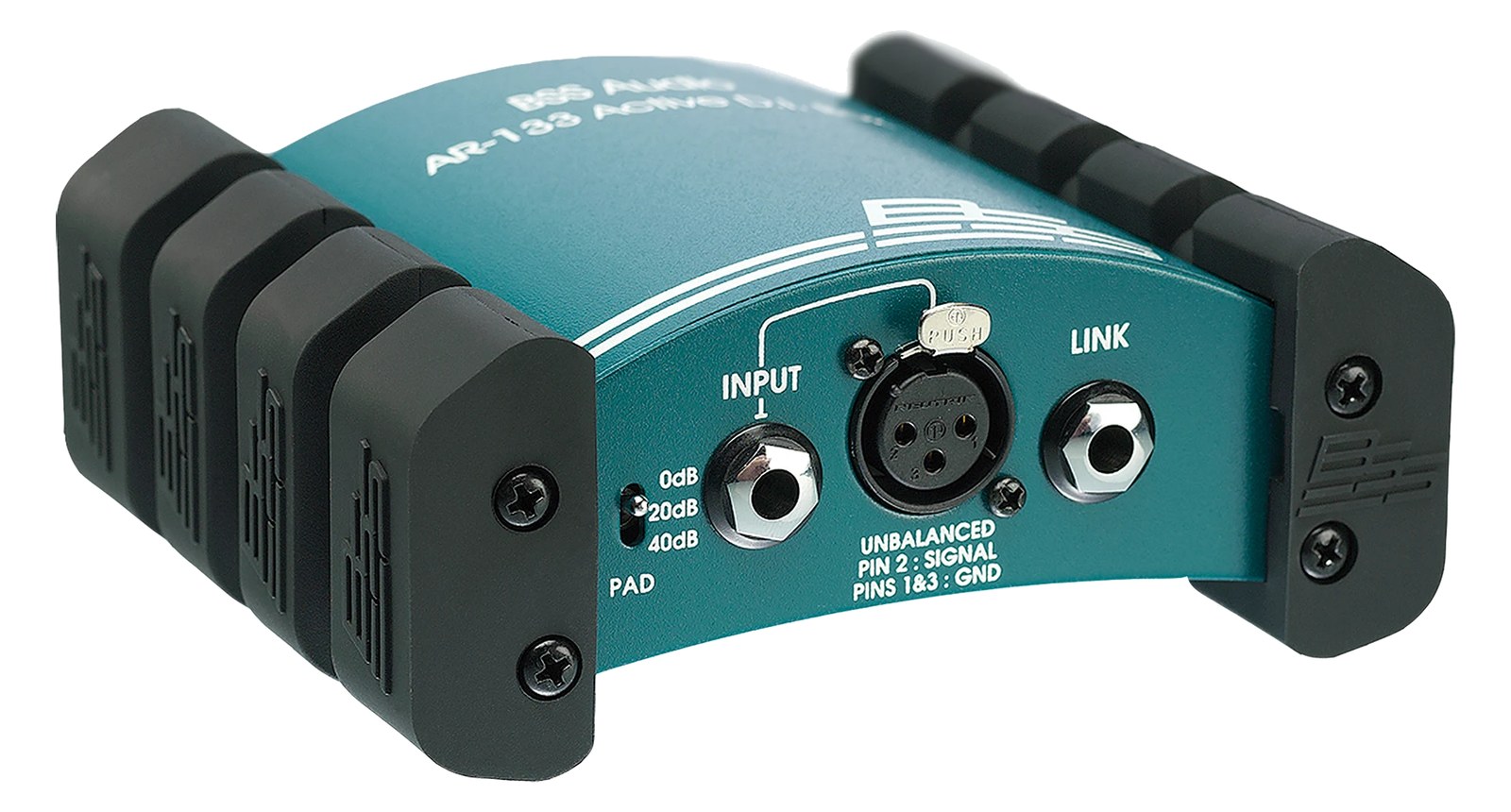
BSS AR-133 Active DI
Fit📐 Outside rack📐 Outside rack
Power⚡ Unverified⚡ Unverified
Weight⚖️ 1.1 lb⚖️ 1.3 lb
I/O🔌 3🔌 4
Estimate💵 ~$219💵 ~$199
Deep diveCurrent selectionFull comparison →

06 · Resolve the questions that can change the purchase or build plan.

Planning questions

Short, source-backed answers surface rack fit, power, cabling, and connection details before they become surprises.

Where does the Radial J48 Active DI live in a complete rig?

The catalog assigns it no rack units. Builder tracks it as non-rack gear; follow the manufacturer’s mounting, case, and form-factor guidance.

How much power does the Radial J48 Active DI draw?

Its power requirement is not yet verified in the catalog.

What connections does the Radial J48 Active DI have?

3 documented physical ports, including Input (TRS), Thru (TRS), Output (XLR).

07 · See this gear inside a complete system plan.

Builder preview

Builder keeps non-rack gear in the same bill of materials, budget, dependency, and connection plan as the rack-mounted system around it.Open in Builder
J48 Active DI tracked in a complete system planA simplified plan shows the gear tracked outside rack rails, with its documented connection path continuing to a planned destination.Tracked outside rack railsRadialJ48CONNECTED GEARnext signal destinationExternal system gear · no rack units assigned

08 · Related gear, in the order you may need it.

Planning guides for di box systems.