Analog Snake

Radial Catapult Mini TX

Radial·Model Catapult Mini TX·radial-catapult-mini-tx

Photos

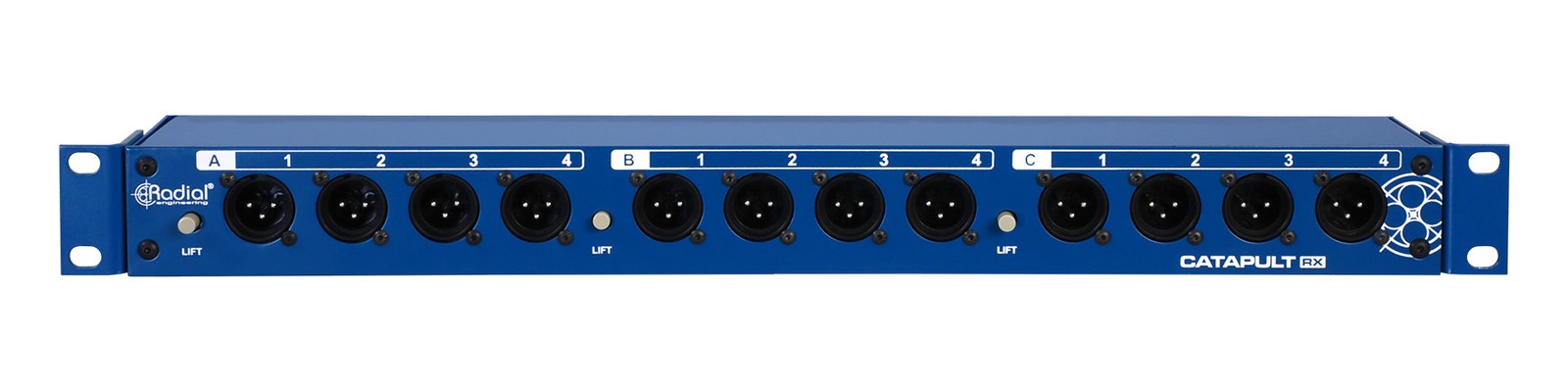
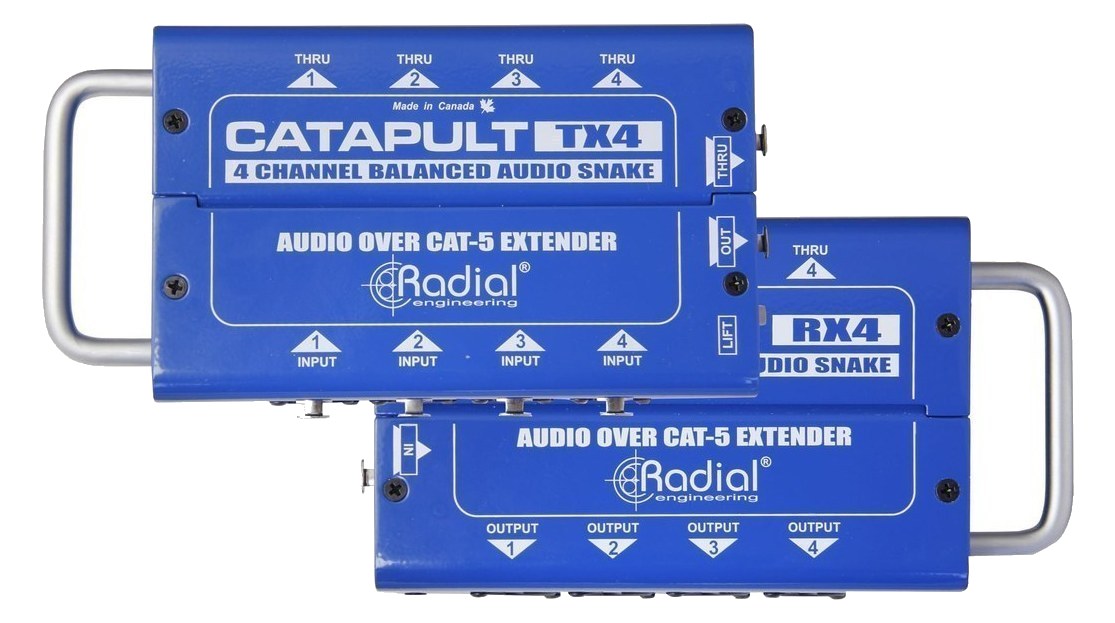
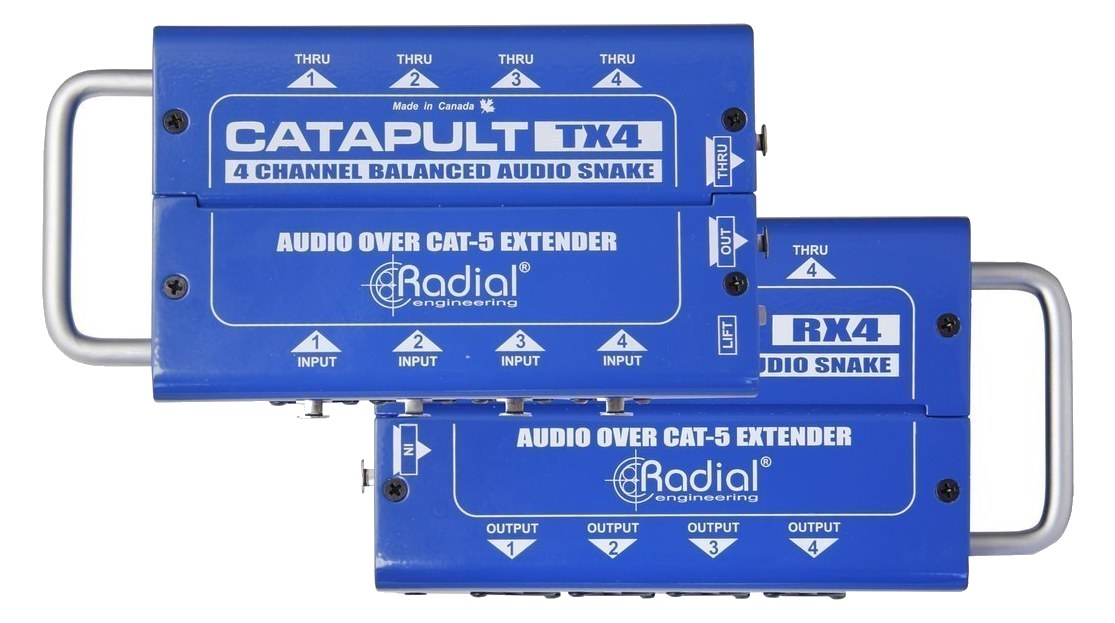
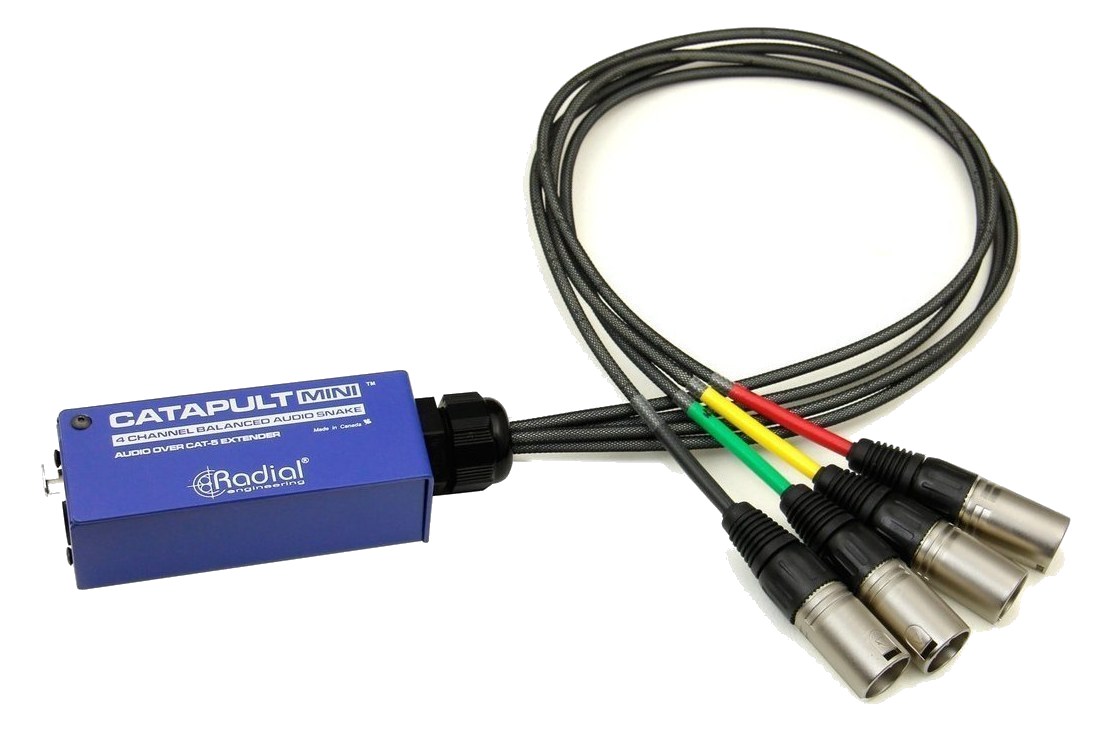
Manufacturer product photography — the drawn faceplate above stays true to panel layout; these show the hardware itself.

Photo: Radial Engineering1 / 3

About the Radial Catapult Mini TX

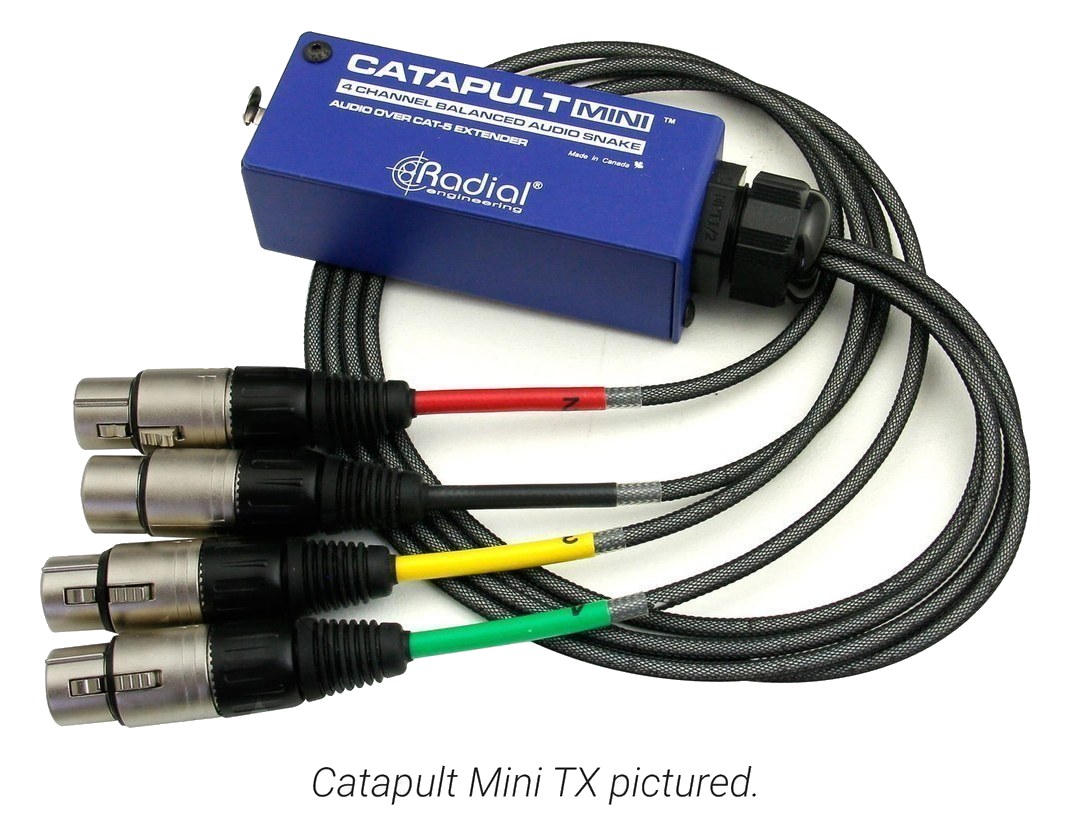
The Radial Catapult Mini TX is the transmit side of a Cat5 analog snake, converting four XLR inputs to a single Cat5 cable for lightweight long-distance audio runs. It is perfect for sending monitor mixes, playback feeds, or microphone signals from the rack to stage positions without heavy analog snakes. The compact form factor means it can sit at either end of the cable run without taking up much space.

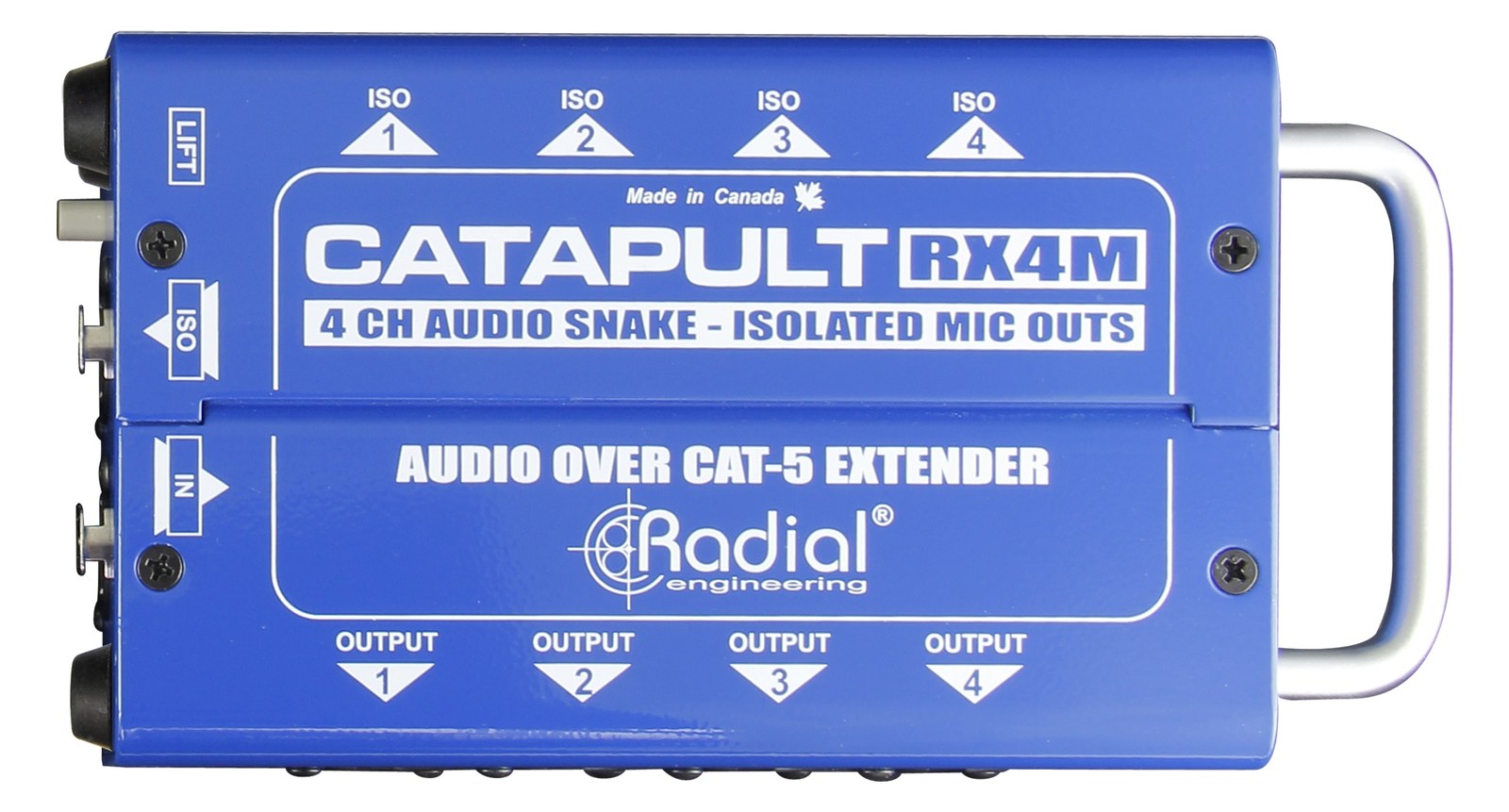
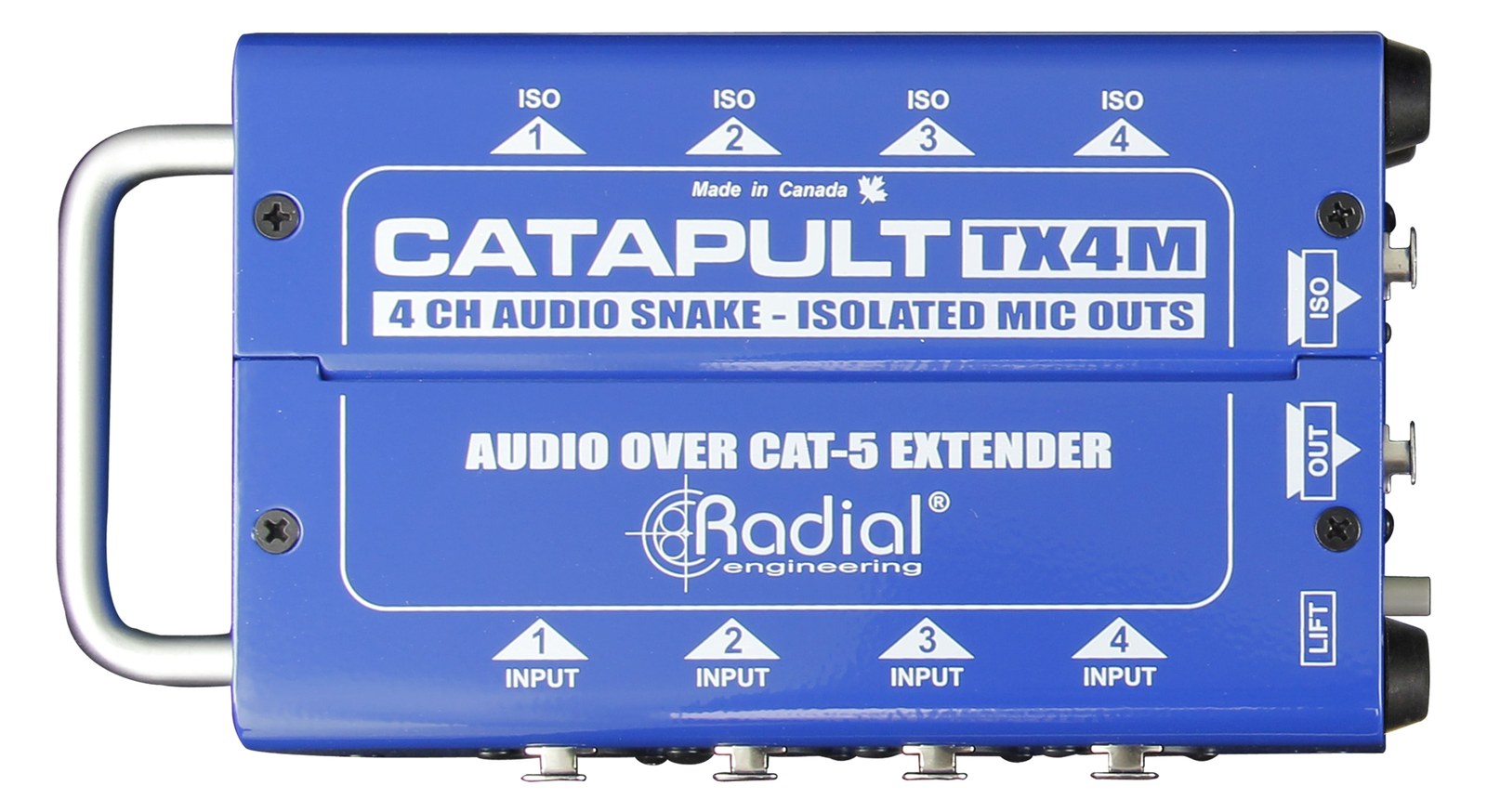
The Catapult Mini TX is the send half of Radial's passive Cat5 analog snake system, taking four balanced XLR signals and bundling them onto a single Cat5 run. In a monitor rig context, that means you can push four discrete mix feeds — or a stereo playback pair plus two aux sends — from your rack to a stage box or IEM transmitter position using cheap, lightweight structured cable instead of a heavy multicore. It pairs with Radial's Catapult RX on the far end, and the whole scheme stays passive and unpowered on both sides.

Passive conversion means zero latency, no power supply to fail, and no active circuitry between your console outputs and your destination — which matters when you're troubleshooting a missing mix at 15 minutes to show. The four XLR inputs are female, so you're patching directly from output connectors on your rack gear. Cat5 runs up to around 100 meters are generally reliable at line level for this type of passive transformer-based system, which covers the overwhelming majority of stage-to-FOH or rack-to-stage distances you'll encounter. At 1 kg and no rack-unit footprint, it mounts or sits rather than consuming rack space.

This belongs in a rig where you're regularly running signals across stage without wanting to budget a chunk of your cable weight for a full analog snake. Playback engineers sending stems to a downstage position, monitor engineers with a satellite rack at front-of-stage, or anyone needing a tidy four-channel send over infrastructure cable will find this genuinely useful. If you need more than four channels, you'll be running multiple units or looking at a larger Catapult format. If your run is digital or you're already on a Dante or MADI infrastructure, this solves a problem you don't have.

In the rack

  • Velcro or bracket-mount the TX at the output side of your rack near your console's aux sends so the Cat5 home-runs cleanly to the stage position — keep the XLR patch legs short.
  • Label the Cat5 output end with the channel assignment before the run goes under the stage; at load-in the far end looks identical to any other Cat5 and you will lose time without it.
  • Carry a tested spare Cat5 cable cut to your standard stage depth — the whole point of this system is eliminating heavy cable, and a bad Cat5 is a faster swap than a damaged multicore.
  • If you're using this for IEM mix feeds, confirm the receive-side Catapult RX is paired before soundcheck; the TX has no indicator to tell you the other end is present and connected.

4-channel Cat5 transmit module — converts XLR to Cat5.

I/O Ports (5)

PortConnectorDirectionSignalChannels
XLR In 1XLR FEMALEinputanalog audio
XLR In 2XLR FEMALEinputanalog audio
XLR In 3XLR FEMALEinputanalog audio
XLR In 4XLR FEMALEinputanalog audio
Cat5 OutRJ45outputanalog audio

Deciding between two?

Rack space, watts, weight and every connector, side by side.

Related gear

Related articles

Guides from our library that cover planning around analog snake gear.