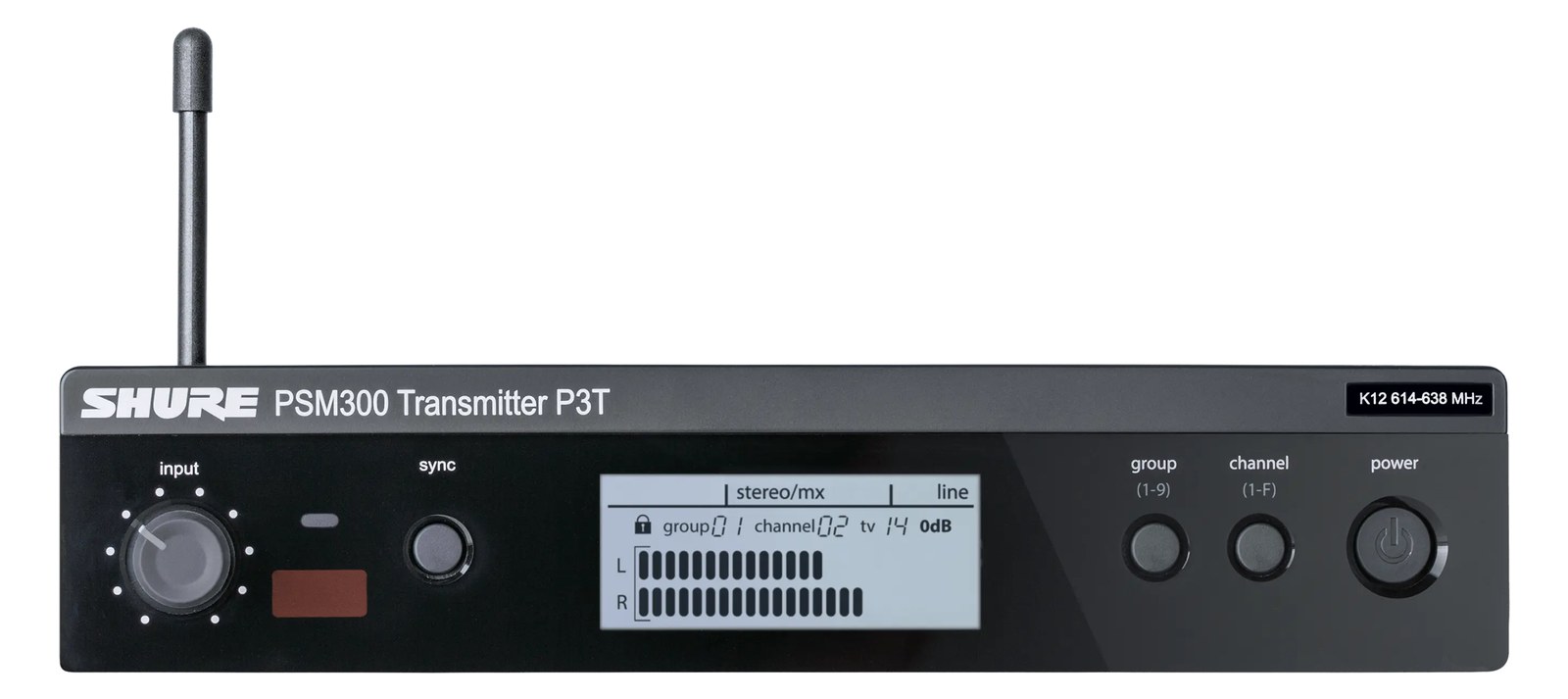
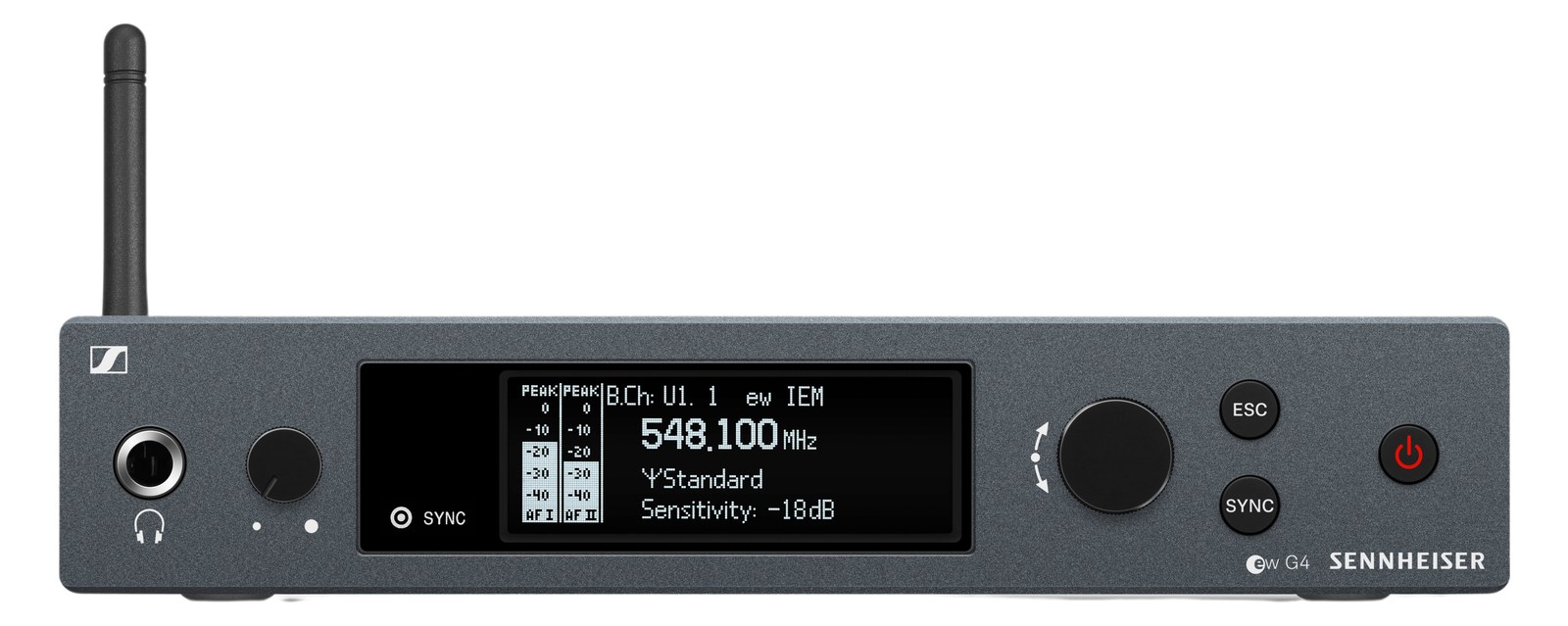
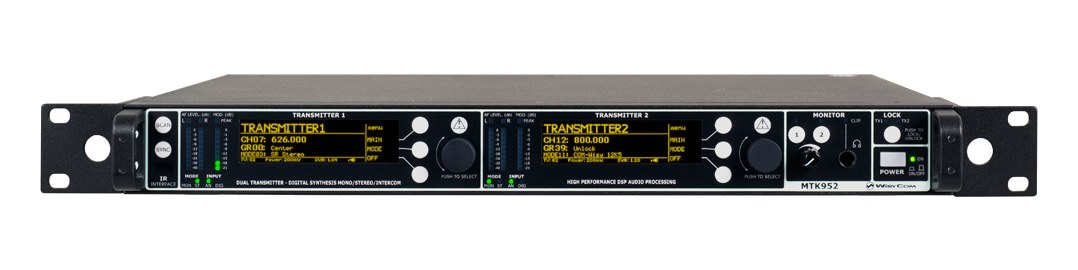
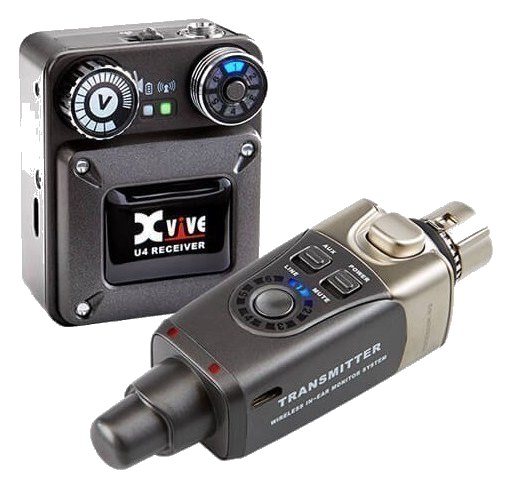
The PSM300 is the entry point into Shure's professional IEM ecosystem and a great option for smaller acts, worship environments, and rehearsal spaces. Its half-rack form factor means you can pair two in a single rack space, keeping your rig compact. Audio quality is solid for the price point, and it uses the same MixMode stereo technology as higher-end Shure systems.
~$399Use retailer rows for current price and stock
01 · What it does—and what that changes in your rig.
Product overview
Start with the payoff, then work through how it functions, where it fits, and the details that change a real build.
The payoff
IEM Transmitter decisions, organized around the whole rig.
The PSM300 transmitter is Shure's entry point into professional IEMIn-Ear Monitor — earpieces that replace floor wedges, feeding each player their own mix. The reason this whole rack exists. territory, and it earns its place in working rigs without apology. It does one job — take an analog mix from your console and broadcast it to a bodypack receiver — and it does that job reliably. The half-rackThe standard slice of rack height: 1U = 1.75″. A 3U box takes three slices; half-rack gear pairs two units side by side in one. form factor is the first thing that matters for planning purposes: two units fill a single rack space, which means a four-person band can run a complete IEM rig in two rack units of transmitters alone. For smaller acts, worship rigs, and rehearsal facilities that need professional-grade wireless without a flight case full of hardware, that density is genuinely useful.
Documented outputs
33 destination connections
Documented inputs
3Based on documented inputs
Rack space
1U · half-rackBuilder checks available rail space
Photo: Shure1U · half-rack · 12W
Function
How it works in the path
The XLRThe standard 3-pin locking connector for mics and balanced line signals — pin 1 is the shield, pins 2 and 3 carry the balanced pair. and TRSTip-Ring-Sleeve — a 1/4″ jack with three contacts carrying a balanced signal or a stereo pair. A guitar plug with one extra ring. inputs give you flexibility at patch time — you can come straight off a console auxAn auxiliary mix output — each aux is its own independent blend of the channels, typically one per monitor mix or effects send. or insert a DIDirect Injection box — converts an instrument’s unbalanced signal to a balanced mic-level XLR so it can run long cables without noise.-level source without an adapter scramble. At 12 watts nominal draw, a pair of these pulls less than 30 watts combined, so power budgeting is not a concern even on a modest conditioned strip. The SMAThe small threaded RF connector on bodypacks and half-rack wireless — hand-tight antenna connections that survive a gig bag. antenna output means you can run remote antennas or a distribution system if the rack lives far from the stage — a real consideration when you're tucking this into a keyboard rig or a drum riser. MixMode lets the transmitter broadcast a stereo mix over a single frequency, which matters if your frequency coordinationCalculating a set of wireless frequencies that won’t interfere with each other or local TV — the homework behind a clean RF night. is already tight.
Best fit
Where it earns its place in the rack
Pick the P3T if you're building a rig where per-channel cost matters, channel count is modest, and the performers are not demanding the last word in RFRadio Frequency — the wireless part of wireless. RF planning is why big rigs scan, coordinate, and combine antennas instead of hoping.headroomThe margin between your normal level and where things clip — headroom is what absorbs the snare hit you didn’t see coming. or audio transparency. Worship teams, small touring acts, and backlineThe band’s on-stage instrument gear — amps, drums, keys. What a venue or festival sometimes supplies so you can travel light. rental houses will find it fits neatly and performs honestly. If you're running a dense festival stage with twelve or more IEMIn-Ear Monitor — earpieces that replace floor wedges, feeding each player their own mix. The reason this whole rack exists. channels and serious RF competition, you'll want to look at the PSM900 or PSM1000 tier — the P3T is not the tool for that environment. But for the gig it's designed for, there's nothing wrong with building a whole rack around it.
In the rack
Details worth deciding before load-in.
Pair two P3Ts in a single rack space using a half-rackThe standard slice of rack height: 1U = 1.75″. A 3U box takes three slices; half-rack gear pairs two units side by side in one. shelf or Shure's own dual-unit rack hardware — plan this before load-in so you're not improvising with zip ties.
If the rack is more than 10–15 feet from the performers, budget for a remote antenna setup from the start; running active antenna distributionOne pair of antennas feeding many receivers through an amplified splitter — replaces the forest of whips and keeps RF levels consistent. off the SMAThe small threaded RF connector on bodypacks and half-rack wireless — hand-tight antenna connections that survive a gig bag. output is straightforward and protects your RFRadio Frequency — the wireless part of wireless. RF planning is why big rigs scan, coordinate, and combine antennas instead of hoping. signal where it counts.
Label each unit's frequency and assigned performer on the rack panel with P-touch tape — at a loud show with six channels of PSM300 stacked, visual ID at a glance is faster than menu-diving.
Use the XLRThe standard 3-pin locking connector for mics and balanced line signals — pin 1 is the shield, pins 2 and 3 carry the balanced pair. input for any console auxAn auxiliary mix output — each aux is its own independent blend of the channels, typically one per monitor mix or effects send. feed; reserve the TRSTip-Ring-Sleeve — a 1/4″ jack with three contacts carrying a balanced signal or a stereo pair. A guitar plug with one extra ring. input for situations where you're pulling from a smaller interface or keyboard mixer without a locking connector — the XLR will be more reliable on a bouncy stage.
02 · Know the whole path before you buy.
Signal path
Learn the route as a block diagram: source, product function, transport, and destination. Select any block to see what enters, what changes, and what leaves.
Interactive block diagramAuto-looping · hover, focus, or tap to hold a stage
Port-type signalProduct functionSystem boundary
Follow one signal from source to destination
Each block answers the same three questions: what arrives, what changes here, and what leaves.
01 · Source · selected
¼-inch TRS + dc barrel
¼-inch TRS + bnc
01 · Source
3 documented inputs
¼-inch TRS + dc barrel
Arrives as
3 documented inputs
Connector
¼-inch TRS + dc barrel
Signal
analog audio
03 · What this product asks of the rest of the system.
Compatibility
Treat connector names as the start of the check—not the answer. These are the boundaries that determine a complete working path.
Best fit · IEM Transmitter
Use it when 1U · half-rack and 172 mm of depth fit the case.
Plan the companion path
Complete the path with upstream and downstream gear that matches connector, direction, signal type, protocol, and wiring standard.
Connector boundary
Documented connectors: ¼-inch TRS, bnc, dc barrel. Match connector, direction, and signal type—not shape alone.
04 · Every connector, grouped by job.
I/O ports
Switch the product view and the documented port inventory updates with it—hardware and data stay side by side.
Every connector, grouped by job.
Switch panels to keep the hardware view and the documented port list in sync.
Front panelRear panel
All documented ports for Shure PSM300 Transmitter
Port
Panel
Connector
Direction
Signal
Channels
LEFT/CH.1 IN
rear
¼-inch TRS
input
analog audio
—
RIGHT/CH.2 IN
rear
¼-inch TRS
input
analog audio
—
LOOP OUT L
rear
¼-inch TRS
output
analog audio
—
LOOP OUT R
rear
¼-inch TRS
output
analog audio
—
ANTENNA
rear
bnc
output
antenna
—
POWER
rear
dc barrel
input
power
—
Showing 6 of 6 documented physical ports.
05 · Compare the decision, not just the price.
Alternatives
The rows are organized around fit, power, I/O, and system role so a cheaper unit cannot hide a more expensive workflow.
P3TThe PSM300 is the entry point into Shure's professional IEM ecosystem and a great option for smaller acts, worship environments, and rehearsal spaces. Its half-rack form factor means you can pair two in a single rack space, keeping your rig compact. Audio quality is solid for the price point, and it uses the same MixMode stereo technology as higher-end Shure systems.View gear →
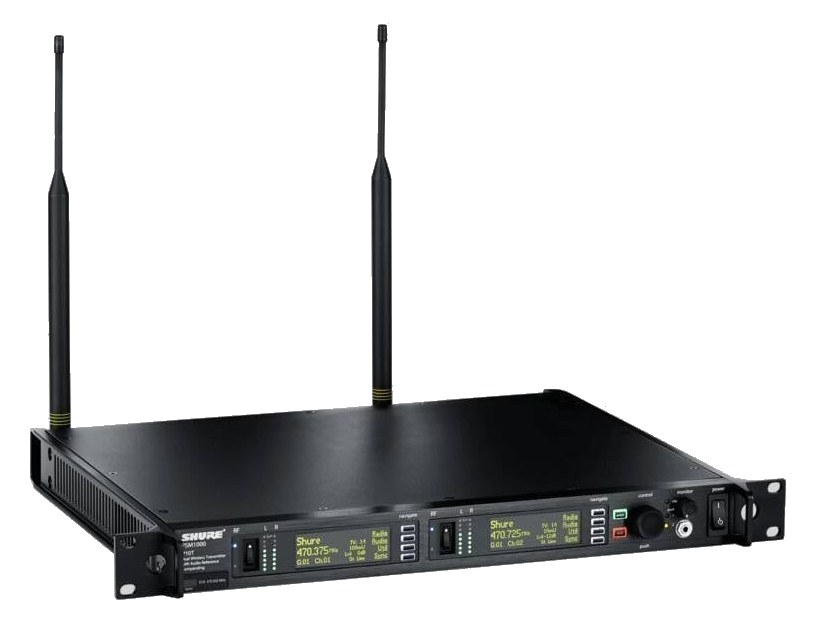
P10TThe flagship of Shure's IEM lineup, the PSM1000 delivers broadcast-quality wireless monitoring with exceptional RF performance and audio fidelity. Its dual-channel design lets you run two independent stereo mixes from a single 1U transmitter, with networked control over Wireless Workbench via the rear two-port Ethernet jack. This is the go-to choice for major tours and festivals where RF coordination and reliability are non-negotiable.View gear →
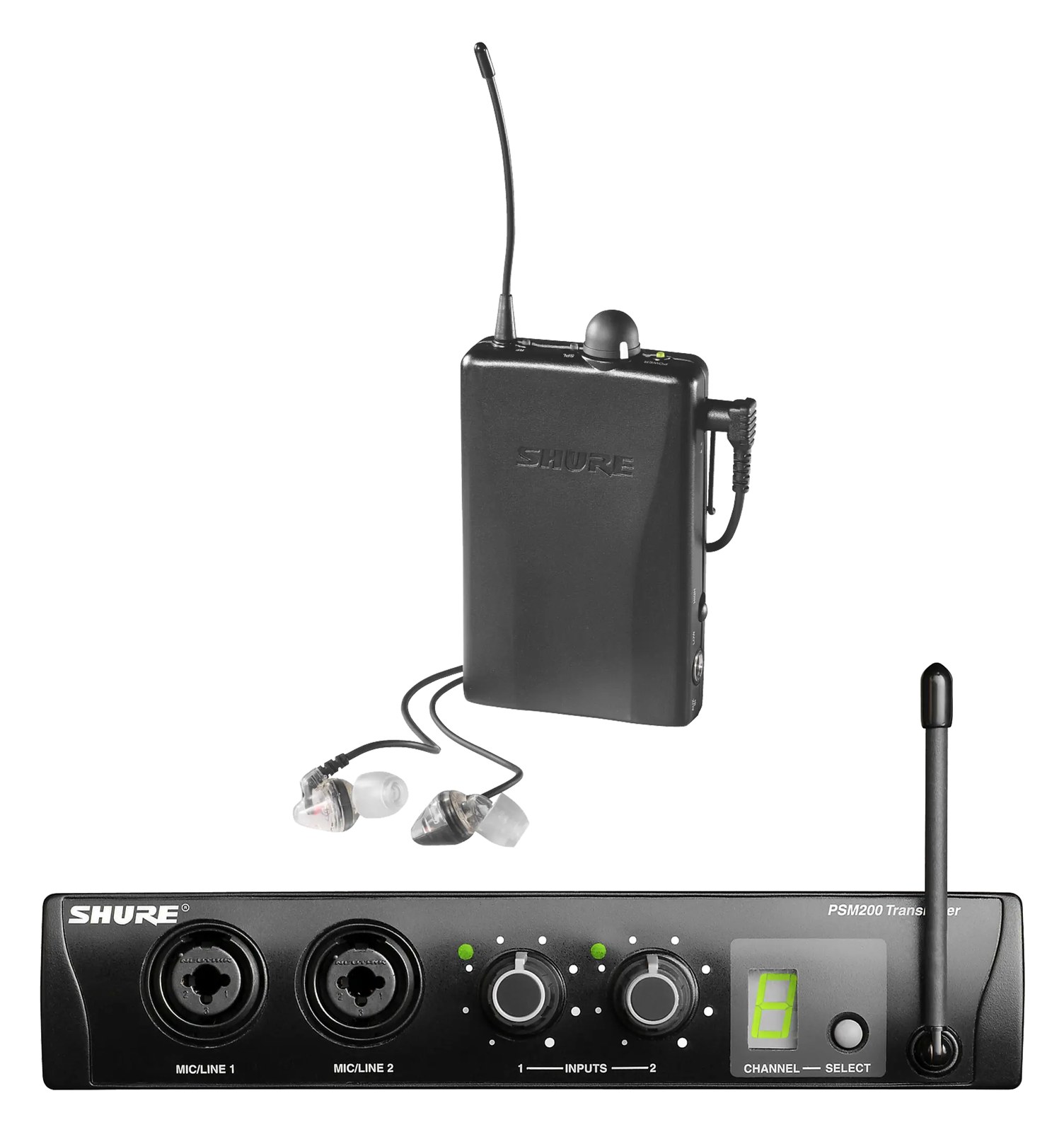
P2TR215CLThe PSM200 is Shure's most affordable wireless IEM system, providing a simple single-channel stereo mix in a half-rack transmitter. It is a good starter system for musicians transitioning from wedge monitors to in-ears, or for situations where budget is the primary constraint. While it lacks the RF sophistication and audio fidelity of higher-tier Shure systems, it gets the job done for basic monitoring needs.View gear →
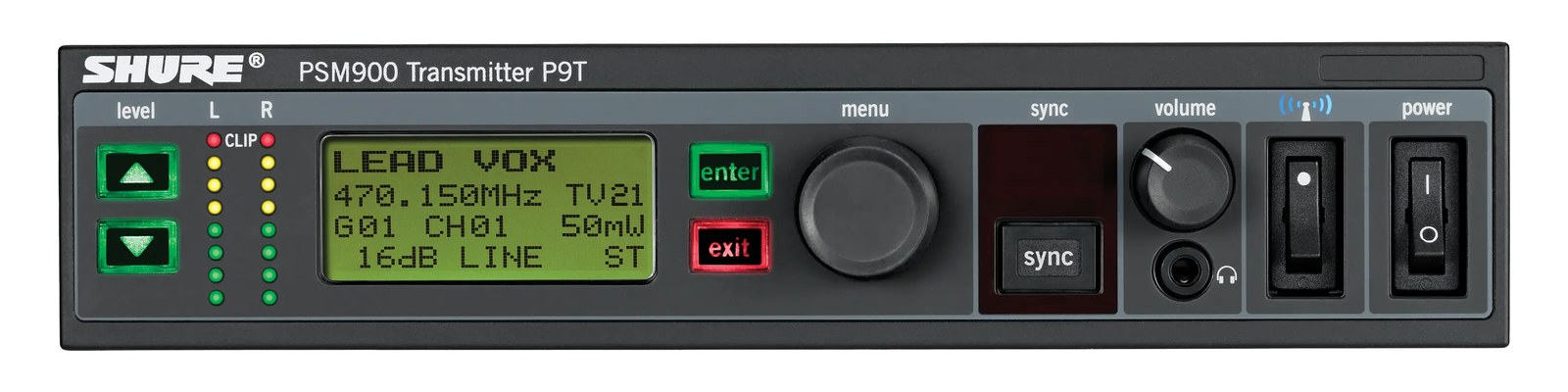
P9TThe PSM900 sits in the sweet spot between the budget PSM300 and the flagship PSM1000, offering professional-grade audio quality and solid RF performance in a half-rack form factor. It is well-suited for mid-level touring acts and corporate events where you need reliable wireless IEM monitoring without the full cost of the PSM1000. Two of these can share a single rack space, making it efficient for multi-channel IEM deployments.View gear →
06 · Resolve the questions that can change the purchase or build plan.
Planning questions
Short, source-backed answers surface rack fit, power, cabling, and connection details before they become surprises.
How will the Shure PSM300 Transmitter affect rack fit and case depth?
It occupies 1U · half-rack. Its documented depth is 172 mm.
How much power does the Shure PSM300 Transmitter draw?
Typical draw is 12W and documented maximum draw is 3.9W.
What connections does the Shure PSM300 Transmitter have?
6 documented physical ports, including LEFT/CH.1 IN, RIGHT/CH.2 IN, LOOP OUT L, LOOP OUT R, ANTENNA, POWER.
07 · See this unit inside a real rack plan.
Builder preview
Placement is only the start. Builder checks space · depth · weight, power headroom, dependencies, and compatible signal paths around this exact catalog item.Open in Builder