Analog Snake

Whirlwind Catdusa CT-M

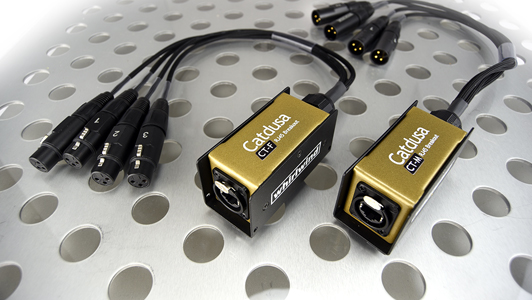
The Whirlwind Catdusa CT-M breaks a Cat5e etherCON run out to four male XLR tails, turning one network cable into a four-channel analog drop. Dual etherCON IN/THRU jacks let you daisy-chain boxes down a stage, and with shielded Cat cable it passes phantom power — wired with 110-ohm cable so AES and DMX survive the trip too. A lighter, cheaper stage drop than copper multicore for IEM sends and playback feeds.

Compare

Photos

Manufacturer product photography showing the hardware, controls, and physical form.

Photo: WhirlwindClick to zoom
Signal channels
4Balanced analog paths end to end
Cable runs
14 channels per Cat cable
Rack space
Outside rackPlan a shelf, tray, or stage position
Power draw
UnverifiedPower requirement is not verified in the catalog
Catalog estimate
~$163Current listings stay in the price tracker

01 · What it does—and what that changes in your rig.

Product overview

Start with the payoff, then work through how it functions, where it fits, and the details that change a real build.

The payoff

4 channels. 1 cable runs. Outside rack.

The Whirlwind Catdusa CT-M is a passive breakout box that takes one Cat5e etherCON run and splits it into four male XLR outputs. Its job in a rig is simple and specific: replace a heavy copper multicore snake for short analog distribution runs — IEM transmitter feeds, playback outputs to a stage box, or a small broadcast split drop. At 0.7 kg and $163, it sits at the affordable, lightweight end of what Whirlwind's Catdusa line does, and it asks nothing of your power distribution because it draws exactly zero watts.

Signal channels
4Balanced analog paths end to end
Cable runs
14 channels per Cat cable
Rack space
Outside rackPlan a shelf, tray, or stage position
Whirlwindexternal · not rackmounted
Whirlwind product panelOutside rack · Unverified
Function

How it works in the path

The dual etherCON IN/THRU jacks are the feature that makes this genuinely useful at load-in. You can daisy-chain multiple CT-M units down a single Cat5e home run, dropping four channels wherever you need them without running separate cables to each position. Shielded Cat cable carries phantom power through the box, so condenser mics and active DI boxes on the XLR tails will work as expected — just confirm you're using properly shielded Cat5e or Cat6, because the phantom pass-through depends on it. The 110-ohm wiring also means AES digital and DMX signals can share the same infrastructure if your system uses those alongside analog.
Best fit

Where it earns its place in the system

This box earns its place in IEM rigs and playback setups where you're already running etherCON infrastructure for analog distribution and want a clean, lightweight stage drop without coiling a multicore. If you need more than four channels at a drop point, you'll want a larger Catdusa variant or a proper stage box. It's also not a solution if your runs are long and unshielded — phantom reliability and noise rejection degrade quickly with the wrong cable. Engineers who've standardized on etherCON analog infrastructure will find the CT-M an obvious, inexpensive piece of that system; engineers still running copper multicore everywhere may not have enough Cat infrastructure in place yet to use it.

In the rack

Details worth deciding before load-in.

  • Always use shielded Cat5e or Cat6 cable — unshielded runs will technically carry audio, but phantom power reliability drops and you'll introduce noise you won't easily trace during a rushed line check.
  • When daisy-chaining multiple CT-M units, label the THRU port's downstream cable at both ends before load-in; the IN and THRU jacks look identical under stage lighting and a wrong connection will kill the whole chain silently.
  • The XLR outputs are male, so the CT-M sends signal out to female-input destinations — double-check your gender before ordering if you're dropping directly into a female-output device and need a turnaround.
  • Mount or gaff the box securely at the drop point; at 0.7 kg with four XLR cables pulling on it, an unsecured unit will migrate during the set and stress the etherCON connector on the home run.

02 · Know the whole path before you buy.

Signal path

Learn the route as a block diagram: source, product function, transport, and destination. Select any block to see what enters, what changes, and what leaves.

Interactive block diagramAuto-looping · hover, focus, or tap to hold a stage
Port-type signalProduct functionSystem boundary
Follow one signal from source to destination

Each block answers the same three questions: what arrives, what changes here, and what leaves.

01 · Source · selected
01 · Source

Compatible analog-snake transmitter

The matching send end accepts separate analog sources and assigns them to repeatable cable banks.

Required
Compatible transmitter or breakout
Groups
4 source channels
Verify
Matching bank labels

03 · What this product asks of the rest of the system.

Compatibility

Treat connector names as the start of the check—not the answer. These are the boundaries that determine a complete working path.

Best fit · Analog Snake

Use it as analog snake tracked outside rack rails; follow the manufacturer’s mounting and form-factor guidance.

Plan the companion path

Complete both ends with a compatible sender, receiver, or breakout. Match connector, channel wiring, direction, and shielded-cable requirements.

Connector boundary

Documented connectors: etherCON, XLR male. Match connector, direction, and signal type—not shape alone.

04 · Every connector, grouped by job.

I/O ports

Switch the product view and the documented port inventory updates with it—hardware and data stay side by side.

Every connector, grouped by job.

Switch panels to keep the hardware view and the documented port list in sync.

Front panel
front connector map for Whirlwind Catdusa CT-MEXTERNAL UNIT · FRONTNo documented front ports
Rear panel
rear connector map for Whirlwind Catdusa CT-MEXTERNAL UNIT · REARetherCONinputetherCONoutputXLR maleoutputXLR maleoutputXLR maleoutputXLR maleoutput
All documented ports for Whirlwind Catdusa CT-M
PortPanelConnectorDirectionSignalChannels
etherCON InrearetherCON inputanalog audio—
etherCON ThrurearetherCON outputanalog audio—
XLR 1rearXLR male outputanalog audio—
XLR 2rearXLR male outputanalog audio—
XLR 3rearXLR male outputanalog audio—
XLR 4rearXLR male outputanalog audio—

Showing 6 of 6 documented physical ports.

05 · Compare the decision, not just the price.

Alternatives

The rows are organized around fit, power, I/O, and system role so a cheaper unit cannot hide a more expensive workflow.

Compare
Whirlwind Catdusa CT-M
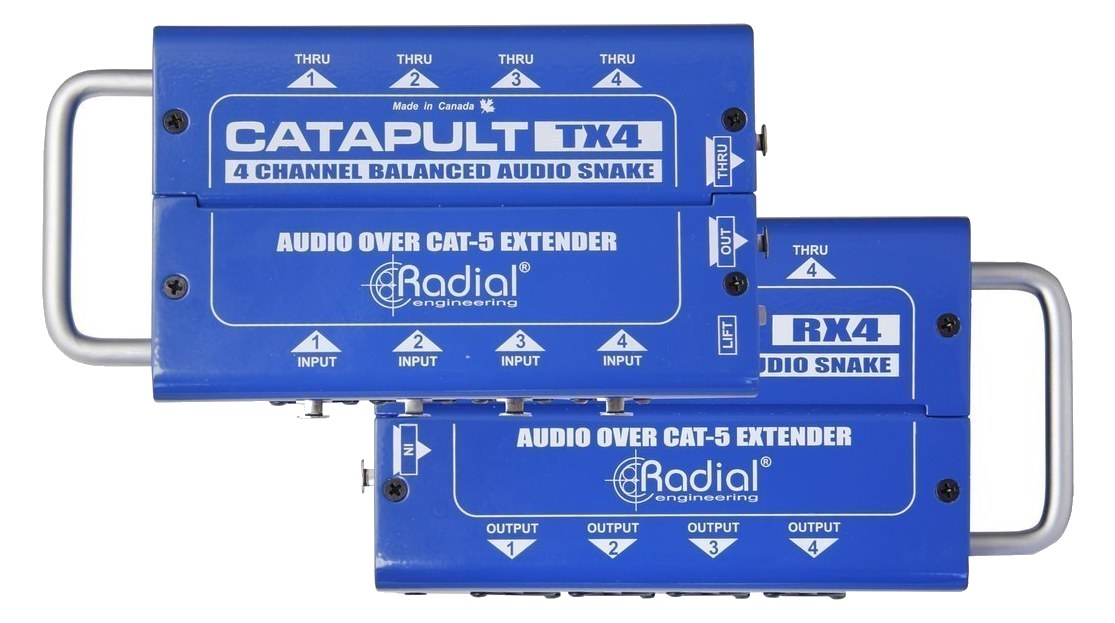
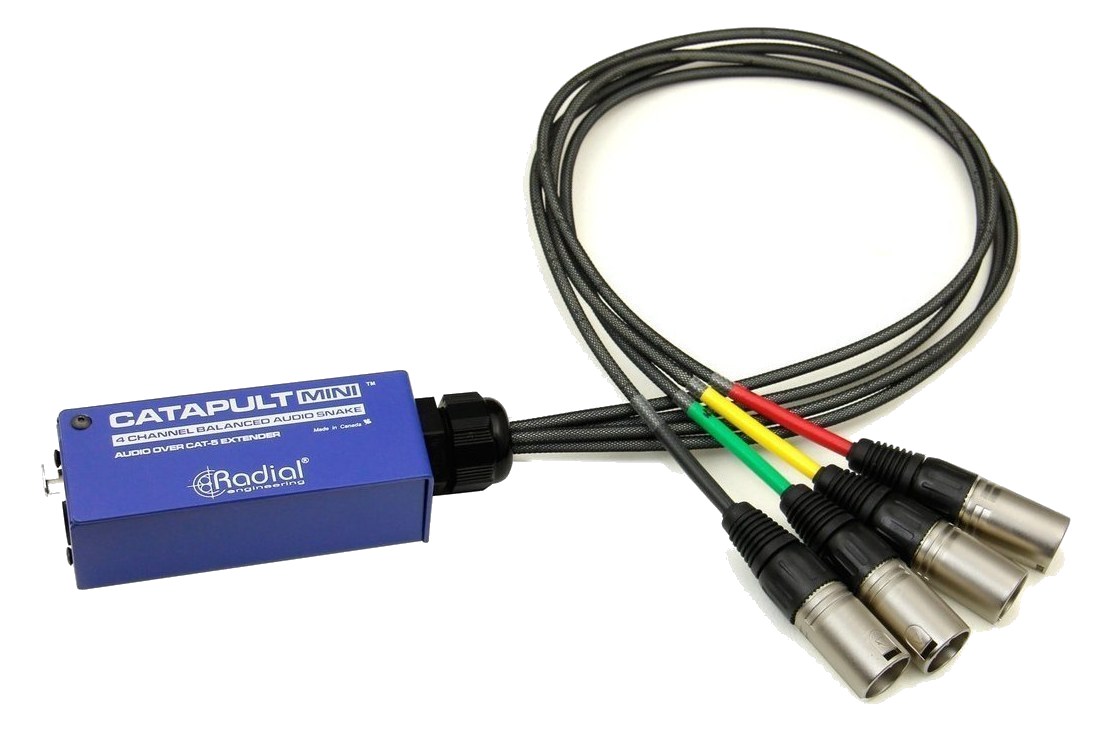
Radial Catapult Mini RX — unit with 4-channel male XLR breakout fan
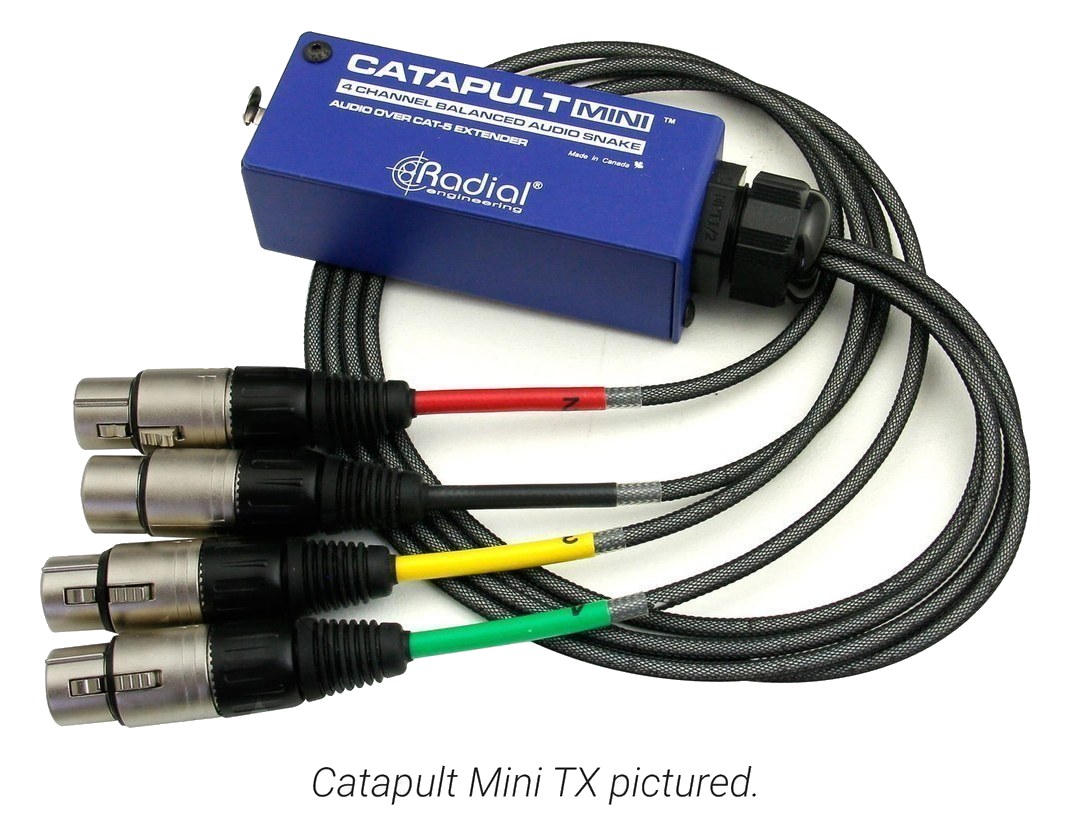
Radial Catapult Mini TX — unit with 4-channel XLR breakout fan
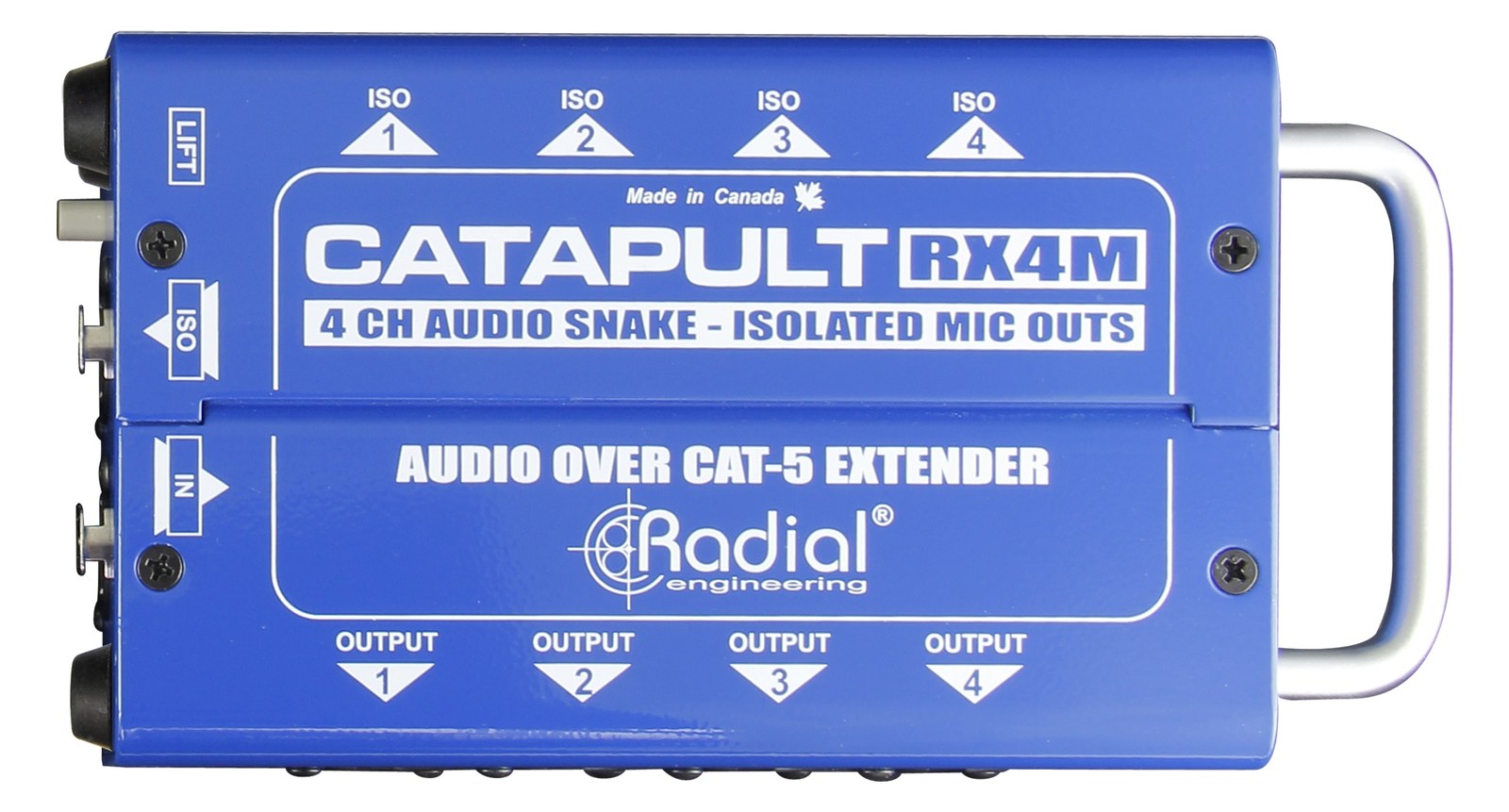
Radial Catapult RX4M
Fit📐 Outside rack📐 Outside rack📐 Outside rack📐 Outside rack
Power⚡ Unverified⚡ Unverified⚡ Unverified⚡ Unverified
Weight⚖️ 1.5 lb⚖️ 2.2 lb⚖️ 2.2 lb⚖️ 4.0 lb
I/O🔌 6🔌 5🔌 5🔌 5
Estimate💵 ~$163💵 ~$125💵 ~$125💵 ~$375
Deep diveCurrent selectionFull comparison →Full comparison →Full comparison →

06 · Resolve the questions that can change the purchase or build plan.

Planning questions

Short, source-backed answers surface rack fit, power, cabling, and connection details before they become surprises.

Where does the Whirlwind Catdusa CT-M live in a complete rig?

The catalog assigns it no rack units. Builder tracks it as non-rack gear; follow the manufacturer’s mounting, case, and form-factor guidance.

How much power does the Whirlwind Catdusa CT-M draw?

Its power requirement is not yet verified in the catalog.

What connections does the Whirlwind Catdusa CT-M have?

6 documented physical ports, including etherCON In, etherCON Thru, XLR 1, XLR 2, XLR 3, XLR 4.

07 · See this gear inside a complete system plan.

Builder preview

Builder keeps non-rack gear in the same bill of materials, budget, dependency, and connection plan as the rack-mounted system around it.Open in Builder
Catdusa CT-M tracked in a complete system planA simplified plan shows the gear tracked outside rack rails, with its documented connection path continuing to a planned destination.Tracked outside rack railsWhirlwindCatdusa CT-MCONNECTED GEARnext signal destinationExternal system gear · no rack units assigned

08 · Related gear, in the order you may need it.

Planning guides for analog snake systems.