Aviom A360 Personal Mixer
Aviom·Model A360·aviom-a360
Photos
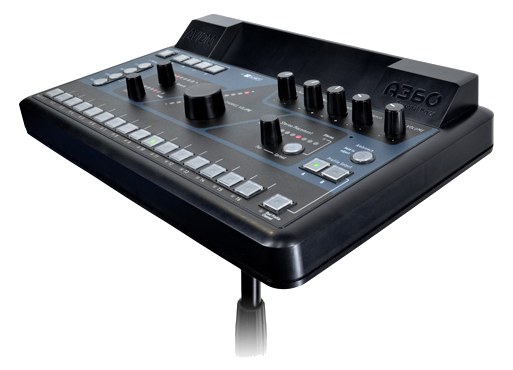
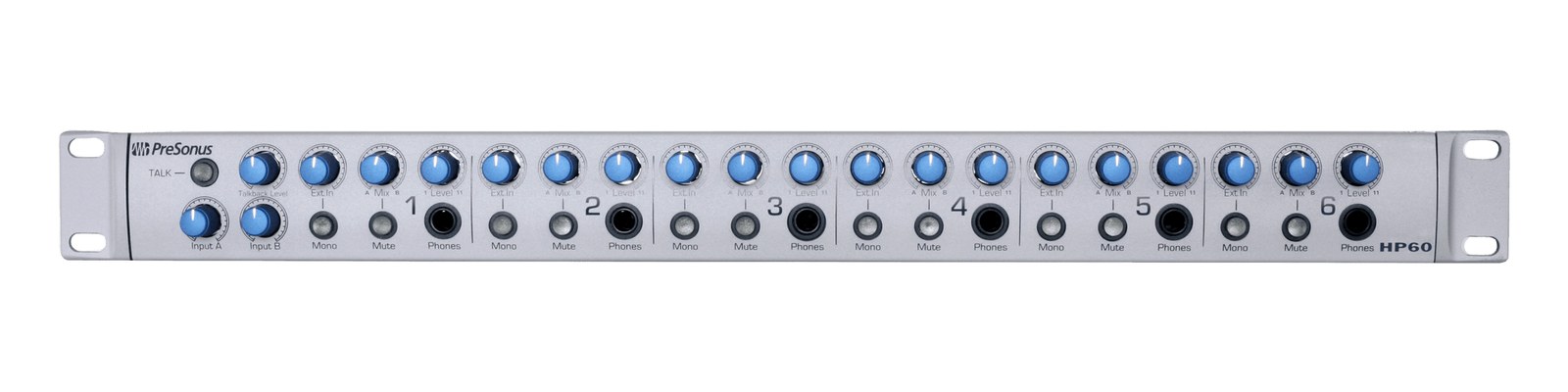
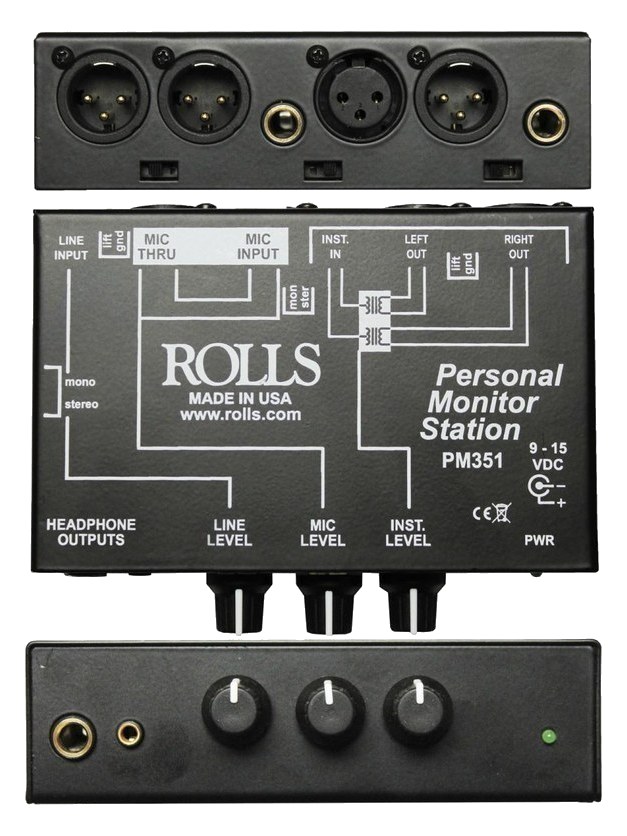
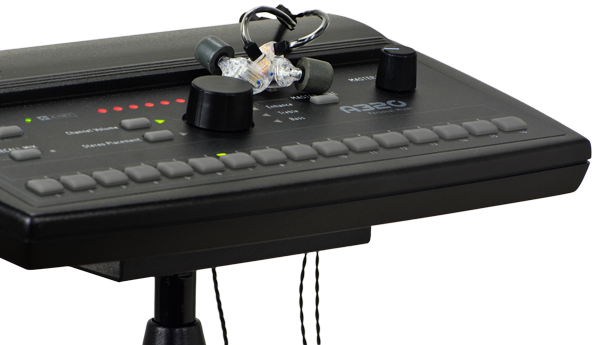
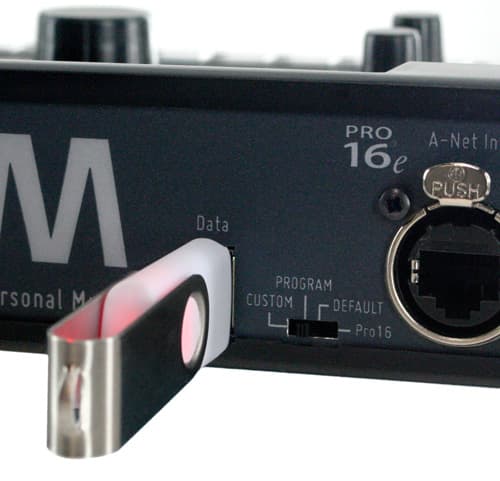
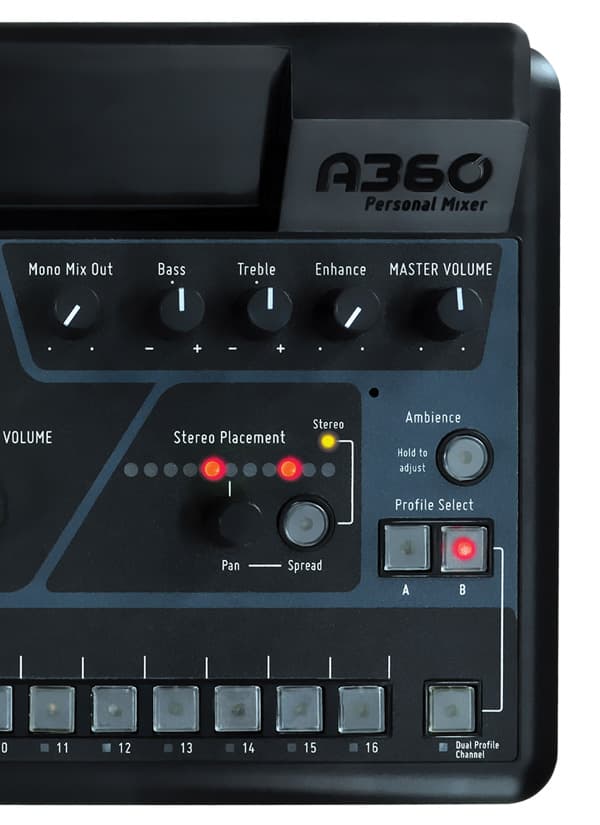
Manufacturer product photography — the drawn faceplate above stays true to panel layout; these show the hardware itself.
About the Aviom A360
The Aviom A360 is a professional 36-channel personal mixer that gives musicians extensive control over their monitor mix with dedicated per-channel volume, pan, tone, and grouping. Its Pro16e networking carries all 36 channels over a single Cat5Standard network cable grades. In an audio rig one cheap Cat5e run can replace a 48-channel copper snake; AES50 wants it shielded. cable, keeping stage wiring clean. This is a significant step up from basic personal mixers and is well-suited for demanding musicians who want studio-grade mix control on stage.
The A360 is Aviom's top-tier personal mixer, and it occupies a specific, non-negotiable role in a Pro16e IEMIn-Ear Monitor — earpieces that replace floor wedges, feeding each player their own mix. The reason this whole rack exists. rig: it is the musician's hands-on interface for their own monitor mix. Where a simpler personal mixer gives a performer basic level control over a handful of channels, the A360 delivers 36 discrete channels with per-channel volume, pan, tone, and grouping — enough resolution that a drummer can balance kick, snare, hat, and three toms as separate feeds, or a vocalist can dial in every band member individually without compromise. At $849 it is a professional tool, not an entry-level courtesy.
In practice, the single Cat5Standard network cable grades. In an audio rig one cheap Cat5e run can replace a 48-channel copper snake; AES50 wants it shielded. In and Cat5 Thru ports are what keep this system sane at load-in. All 36 channels ride a single cable in a daisy-chain or star topology, so your stage snakeA multicore cable bundling many channels into one stage-to-console run. A sub-snake collects one corner of the stage into a drop box. is one Cat5 run per musician rather than a multicore analog loomSeveral cables bundled and run as one — keeps rack interconnects tidy and makes load-in one grab instead of eight.. The unit draws at most 8 watts and weighs under a kilogram, which means it can clip to a mic stand, sit on a keyboard shelf, or ride in a belt pack cradle without demanding real estate from your rack. The quarter-inch headphone output handles both IEMsIn-Ear Monitor — earpieces that replace floor wedges, feeding each player their own mix. The reason this whole rack exists. via an adapter and over-ear headphones directly, and the output has enough drive for most professional IEM systems without an additional headphone amp in line.
Pick the A360 when your musicians are experienced enough to use what it offers — the channel count and grouping features are genuinely useful to performers who already know what they want in their ears, and genuinely wasted on someone who just needs "more me." If your rig serves a single act with engaged, tech-literate performers, this is the right answer. If you are touring a show where house crew hands a belt pack to a different musician every night with no soundcheck, the learning curve and the price point both argue for a simpler unit. Also confirm your network head — the A360 requires an Aviom Pro16e-compatible distribution or mixing system upstream; it will not work with generic DanteThe most common audio-over-network standard: dozens of channels of uncompressed digital audio down one ordinary Ethernet cable between Dante boxes. or A-NetAviom’s personal-mixer protocol — channels ride Cat5 from a distributor to each player’s mixer. The original mix-your-own-ears system. without the appropriate hardware.
In the rack
- Label the Cat5Standard network cable grades. In an audio rig one cheap Cat5e run can replace a 48-channel copper snake; AES50 wants it shielded. Thru port at every unit before load-in — it is easy to pull the network accidentally when a musician repositions their stand, and a clearly marked cable end saves the troubleshooting scramble mid-show.
- Use the channel grouping feature during your pre-show programming session to create instrument stemsSub-mixes of a session grouped by instrument (drums, keys, vocals) — how playback rigs run tracks with live control over each group. (drums as a group, keys as a group) so musicians have a fast macro control before they dig into individual channels — it dramatically shortens soundcheck for performers who are not comfortable with the full 36-channel layout.
- If a musician is running IEMsIn-Ear Monitor — earpieces that replace floor wedges, feeding each player their own mix. The reason this whole rack exists. rather than headphones, carry a locking 3.5mm-to-quarter-inch adapter in your kit — the headphone output is quarter-inch only, and a loose adapter is a failure point at the worst moment.
- The A360 can be rack-mounted with Aviom's optional rack ear kit, which is worth considering for a fly rig or rehearsal room installation where the unit will be handled by multiple people; stand-mounted units in heavy-traffic stage environments accumulate connector wear faster than most engineers expect.
36-channel personal mixer with Pro16e networking.
I/O Ports (3)
| Port | Connector | Direction | Signal | Channels |
|---|---|---|---|---|
| Cat5 In | RJ45 | input | digital audio | — |
| Cat5 Thru | RJ45 | output | digital audio | — |
| Headphone Out | TRS QUARTER | output | analog audio | — |
Deciding between two?
Rack space, watts, weight and every connector, side by side.
Related gear


Related articles
Guides from our library that cover planning around headphone amp gear.
A plain-English plan for bands switching from floor wedges to in-ear monitors — what to buy, what to expect at the first rehearsal, and how to not hate it.
A feedback squeal in a sealed ear can hit 130 dB SPL instantly. Where the limiter goes, what thresholds make sense, and the daily soundcheck habit that verifies it actually catches.
Aviom A-Net vs Behringer Ultranet vs Allen & Heath ME vs Klang Dante — the systems-thinking comparison, not the shopping list. Cabling, distances, console integration, and a decision tree.
Where click track bleed actually comes from, the routing rules that prevent it, and the side-chain trick that saves a vocal mic when isolation isn’t enough.