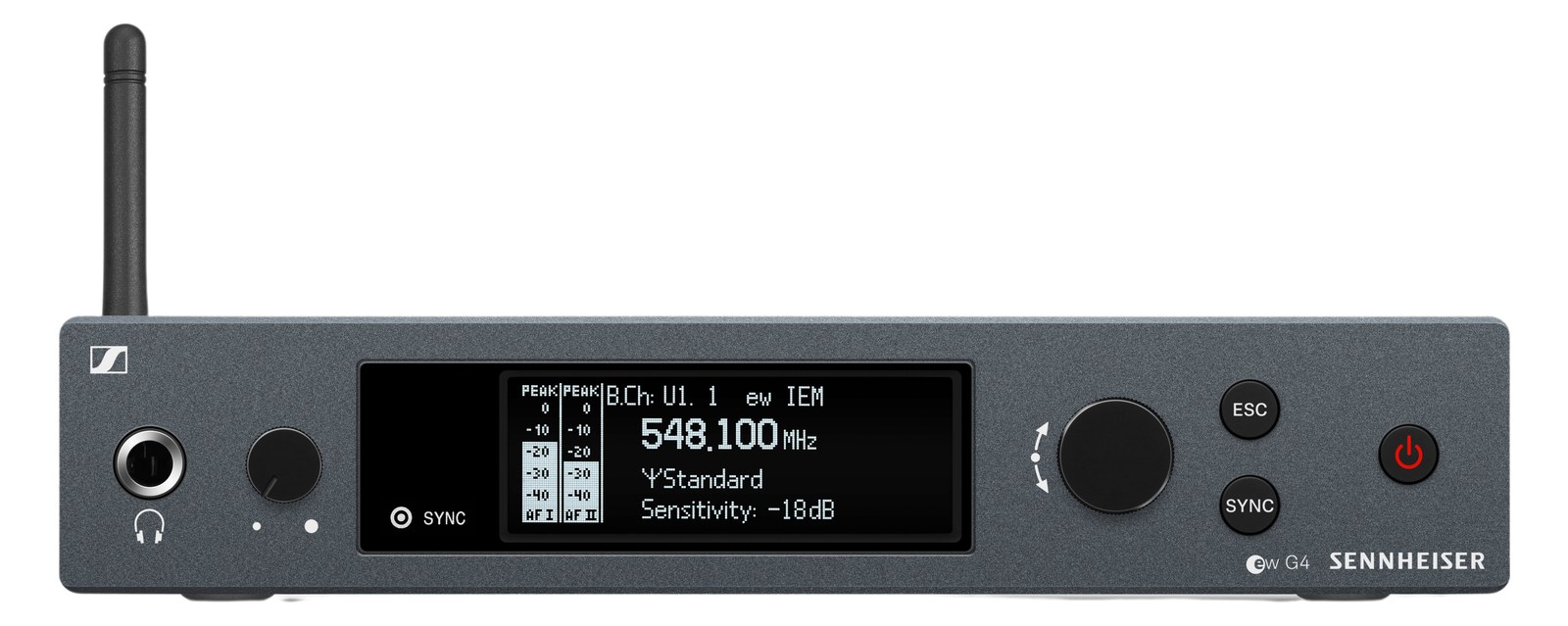
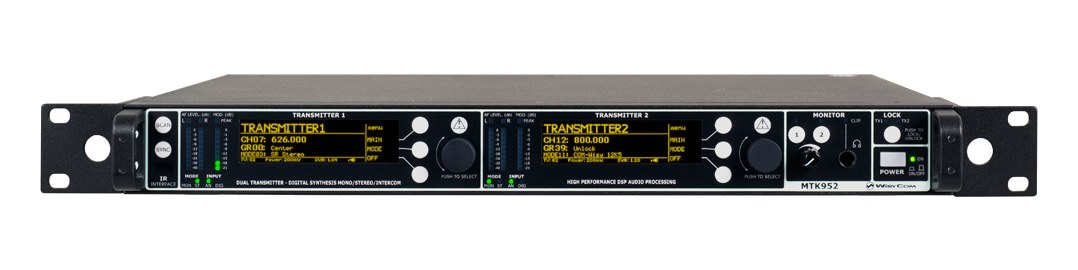
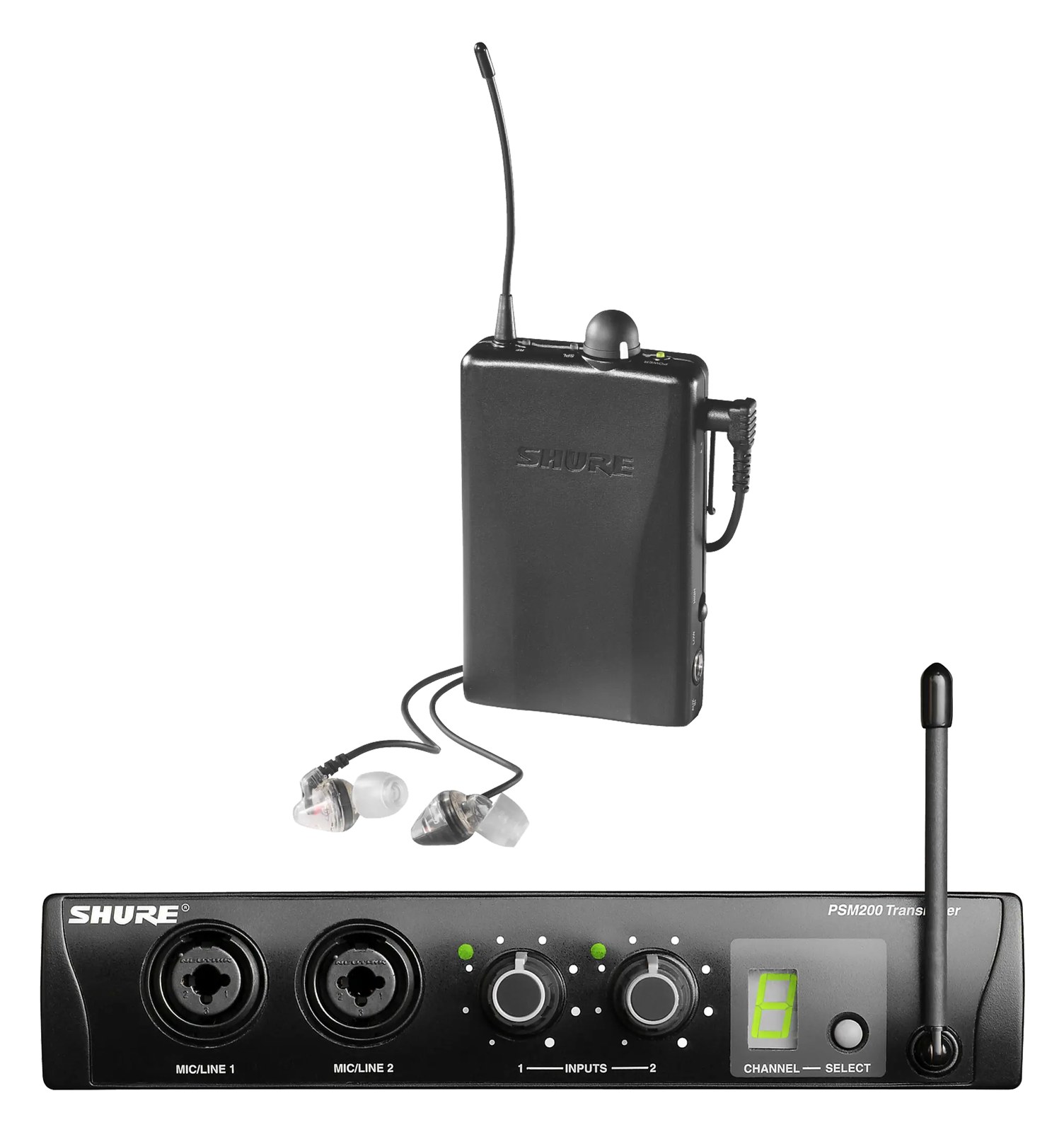
IEM Transmitter

Galaxy Audio AS-1200T IEM Transmitter

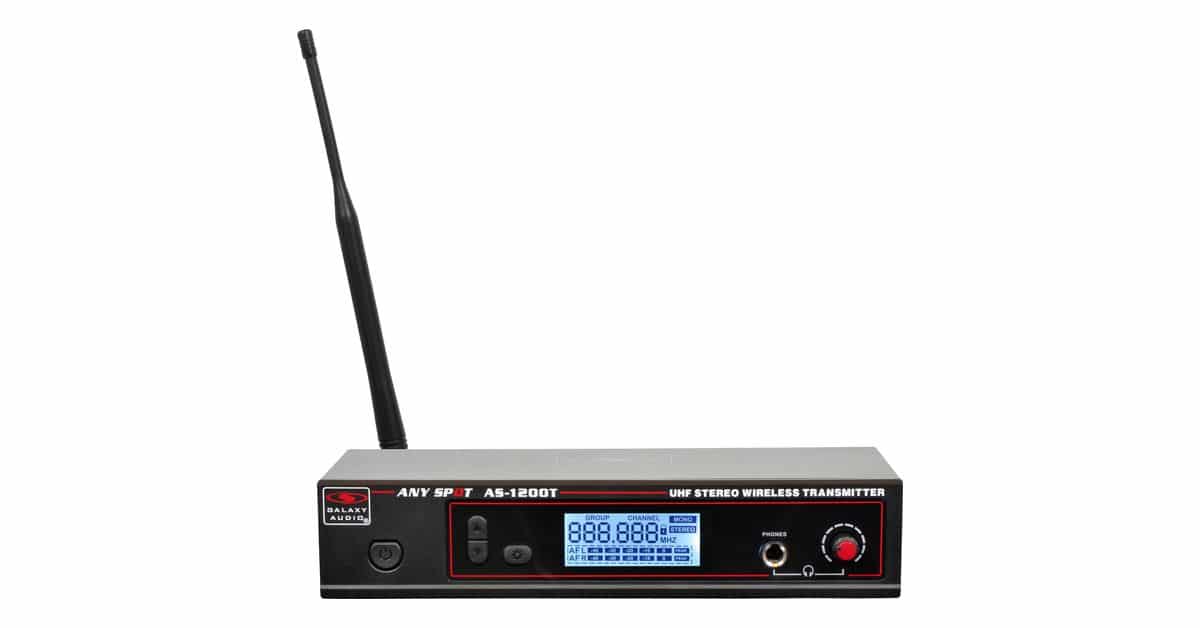
The Galaxy Audio AS-1200T is the working-band budget pick for wireless ears: a half-rack stereo transmitter that ships with rack ears, antenna, and power supply for well under 300 dollars. Small venues and rehearsal rigs use it where a Sennheiser or Shure system per musician is out of reach. Honest entry-tier RF with the essentials done right.

Compare

Photos

Manufacturer product photography — the drawn faceplate stays true to panel layout; these show the hardware itself.

Photo: Galaxy AudioClick to zoom
Documented outputs
22 destination connections
Documented inputs
3Based on documented inputs
Rack space
1U · half-rackBuilder checks available rail space
Power draw
10W20W documented maximum
Catalog estimate
~$230Use retailer rows for current price and stock

01 · What it does—and what that changes in your rig.

Product overview

Start with the payoff, then work through how it functions, where it fits, and the details that change a real build.

The payoff

IEM Transmitter decisions, organized around the whole rig.

The AS-1200T is Galaxy Audio's answer to a straightforward question: what do you put in the rack when a Sennheiser G4 or Shure PSM300 per musician isn't in the budget? It's a half-rack stereo IEM transmitter occupying half a rack unit, shipping with rack ears, antenna, and power supply already in the box. That matters at the $230 price point — you're not hunting for accessories before the first rehearsal. It fits small venue house rigs, rehearsal setups, and touring situations where one or two secondary performers need ears and the budget is simply fixed.

Documented outputs
22 destination connections
Documented inputs
3Based on documented inputs
Rack space
1U · half-rackBuilder checks available rail space
GALAXY AUDIOAS-1200TAny Spot IEM575.500Gr.01 Ch.03 ST
Galaxy Audio product panel1U · half-rack · 10W
Function

How it works in the path

Two combo XLR/TRS inputs handle left and right, so you can feed it directly from an aux send on your console without adapters. The front-panel monitor phones output is a practical touch — you can verify what's actually transmitting before the beltpack ever leaves the case. Power draw sits between 10 and 20 watts depending on load, well within what any standard rack power strip handles. At 240mm deep and 2kg, it won't stress a shallow utility rack. What you're getting is entry-tier RF: functional range for smaller stages, honest signal quality, and nothing exotic under the hood.
Best fit

Where it earns its place in the rack

Pick this if you're building a rehearsal room rig, supporting a background vocalist or keyboard player who just needs a basic mix in their ears, or if you're a regional act stretching a tight gear budget. Don't pick it if you're running a dense multi-transmitter festival environment, expecting long throw RF performance, or if the performer is critically dependent on rock-solid dropoutfree reception in an RF-heavy room. In those cases the step up to a dedicated pro-tier system pays for itself fast. But for what it is and what it costs, the AS-1200T does the job without pretending to be something it isn't.

In the rack

Details worth deciding before load-in.

  • Mount it with the front panel accessible — that headphone monitor output is only useful if you can actually plug in and check your mix at line check without pulling anything from the rack.
  • Pair it with a half-rack blank or a second AS-1200T in the same 1U rack slot; the included rack ears are designed for single or mirrored half-rack mounting, so plan your rack panel accordingly.
  • Run the antenna output to an externally mounted antenna positioned clear of metal rack frames and power supplies — the included antenna works, but placement makes a measurable difference in a half-rack budget unit like this.
  • Feed it from a dedicated aux on your console rather than a post-fader send if the mix is going to a performer who needs level independence from FOH — the combo inputs accept both XLR and TRS, so patching is flexible whatever your snake situation looks like.

02 · Know the whole path before you buy.

Signal path

Learn the route as a block diagram: source, product function, transport, and destination. Select any block to see what enters, what changes, and what leaves.

Interactive block diagramAuto-looping · hover, focus, or tap to hold a stage
Port-type signalProduct functionSystem boundary
Follow one signal from source to destination

Each block answers the same three questions: what arrives, what changes here, and what leaves.

01 · Source · selected
01 · Source

3 documented inputs

XLR/TRS combo + dc barrel

Arrives as
3 documented inputs
Connector
XLR/TRS combo + dc barrel
Signal
analog audio

03 · What this product asks of the rest of the system.

Compatibility

Treat connector names as the start of the check—not the answer. These are the boundaries that determine a complete working path.

Best fit · IEM Transmitter

Use it when 1U · half-rack and 240 mm of depth fit the case.

Plan the companion path

Complete the path with upstream and downstream gear that matches connector, direction, signal type, protocol, and wiring standard.

Connector boundary

Documented connectors: XLR/TRS combo, bnc, ¼-inch TRS, dc barrel. Match connector, direction, and signal type—not shape alone.

04 · Every connector, grouped by job.

I/O ports

Switch the product view and the documented port inventory updates with it—hardware and data stay side by side.

Every connector, grouped by job.

Switch panels to keep the hardware view and the documented port list in sync.

Front panel
GALAXY AUDIOAS-1200TAny Spot IEM575.500Gr.01 Ch.03 ST
Rear panel
Galaxy AudioAS-1200T
All documented ports for Galaxy Audio AS-1200T IEM Transmitter
PortPanelConnectorDirectionSignalChannels
Input LrearXLR/TRS combo inputanalog audio—
Input RrearXLR/TRS combo inputanalog audio—
Antennarearbnc outputantenna—
Monitor Phones (front, 6.3mm)front¼-inch TRS outputanalog audio—
DC In (12-18V)reardc barrel inputpower—

Showing 5 of 5 documented physical ports.

05 · Compare the decision, not just the price.

Alternatives

The rows are organized around fit, power, I/O, and system role so a cheaper unit cannot hide a more expensive workflow.

Compare
Galaxy Audio product photo
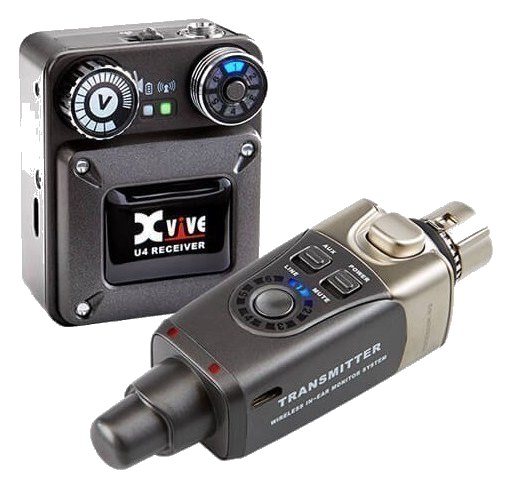
Xvive U4 wireless IEM system — U4R bodypack receiver beside the XLR plug-on transmitter
Fit📐 1U · half-rack📐 Outside rack
Power⚡ 10W⚡ Unverified
Weight⚖️ 4.4 lb⚖️ 0.4 lb
I/O🔌 5🔌 2
Estimate💵 ~$230💵 ~$249
Deep diveCurrent selectionFull comparison →

06 · Resolve the questions that can change the purchase or build plan.

Planning questions

Short, source-backed answers surface rack fit, power, cabling, and connection details before they become surprises.

How will the Galaxy Audio AS-1200T IEM Transmitter affect rack fit and case depth?

It occupies 1U · half-rack. Its documented depth is 240 mm.

How much power does the Galaxy Audio AS-1200T IEM Transmitter draw?

Typical draw is 10W and documented maximum draw is 20W.

What connections does the Galaxy Audio AS-1200T IEM Transmitter have?

5 documented physical ports, including Input L, Input R, Antenna, Monitor Phones (front, 6.3mm), DC In (12-18V).

07 · See this unit inside a real rack plan.

Builder preview

Placement is only the start. Builder checks space · depth · weight, power headroom, dependencies, and compatible signal paths around this exact catalog item.Open in Builder
AS-1200T IEM Transmitter positioned in a rack planA simplified plan shows the unit taking 1 rack units, with its documented connection path continuing to a planned destination.Galaxy AudioAS-1200TCONNECTED GEARnext signal destination1U · 240 mm deep

08 · Related gear, in the order you may need it.

Planning guides for iem transmitter systems.