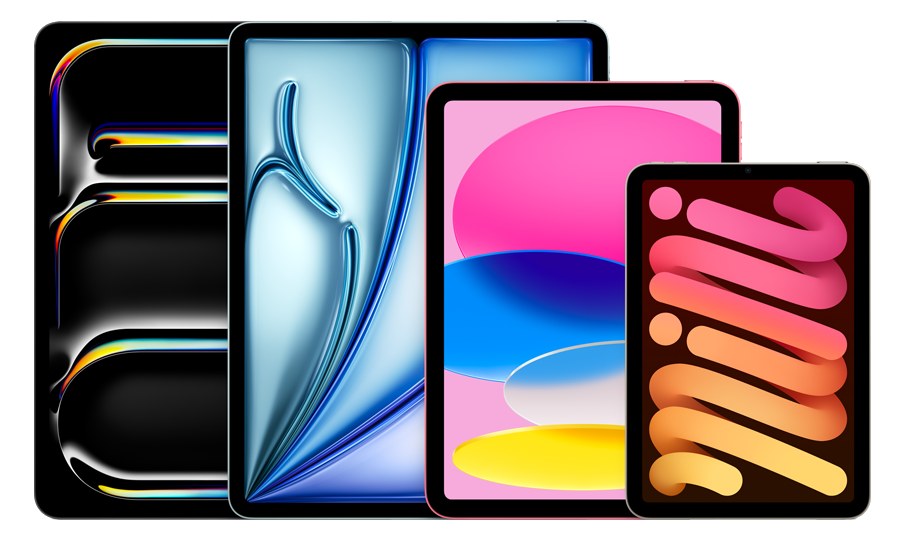
An iPad running AUM (Audio Unit Mixer) can serve as a surprisingly capable playback host for smaller shows, offering a touch-friendly interface and class-compliant USB audio support. AUM handles multi-track routing, AU plugins, and inter-app audio, making it a lightweight alternative to a full computer-based playback system. Best suited for simpler setups where you need basic track playback and click without the complexity of a full DAW rig.
BusPowered through a documented signal or data connection
Catalog estimate
~$349Use retailer rows for current price and stock
01 · What it does—and what that changes in your rig.
Product overview
Start with the payoff, then work through how it functions, where it fits, and the details that change a real build.
The payoff
Computer decisions, organized around the whole rig.
The iPad running AUM occupies an interesting corner of the live-playback world: it's a self-contained host that can handle multi-track playback, click and cue routing, and AU plugin processing in a package that weighs half a kilogram and draws under 20 watts. For a band that needs stemsSub-mixes of a session grouped by instrument (drums, keys, vocals) — how playback rigs run tracks with live control over each group., a click, and maybe a few cues sent to a USB audio interface, this gets the job done without the setup overhead of a full laptop rig. AUM's touch interface is genuinely well-designed for live work — routing is visual, levels are right there on screen, and there's no trackpad hunting in the dark.
Documented outputs
00 destination connections
Documented inputs
0Based on documented inputs
Rack space
1U · half-rackBuilder checks available rail space
Apple product panel1U · half-rack · Bus
Function
How it works in the path
At load-in, the single USB-C port is your entire world: power in, audio out, and data all share that one connection, so your interface choice matters. You'll need a class-compliant USB audio device, a powered hub if you're splitting duties, and a reliable cable — losing that connection mid-show ends your playback. iOS is a closed, stable environment, which means fewer driver conflicts and crash vectors than a general-purpose computer, but it also means you're working within Apple's ecosystem on updates and app availability. Battery backup is worth thinking about: an iPad can run on battery for a set if power is interrupted, which a laptop on AC cannot always promise.
Best fit
Where it earns its place in the rack
This setup earns its place in a rack for smaller touring acts, acoustic or theatre productions, and rehearsal rigs where the track count stays manageable and the budget or road-case weight matters. If your show runs more than eight or ten stemsSub-mixes of a session grouped by instrument (drums, keys, vocals) — how playback rigs run tracks with live control over each group., demands sample-accurate timecodeA clock signal (SMPTE) shared between systems so playback, lights, and video all chase the same position in the song. sync, or requires complex MIDI show control, you'll outgrow AUM's comfort zone quickly and should be looking at a dedicated Mac running Ableton or QLab instead. This is not a knock — it's a boundary. Know your track count and your tolerance for iOS dependency before this goes into a touring rack.
In the rack
Details worth deciding before load-in.
Use a powered USB-C hub with a dedicated charging port so your audio interface and iPad power are handled separately — running both off one busA path where multiple channels sum into one signal — mixes, groups, and mains are all buses. A 25-bus console can build 25 blends at once. risks undervoltage drops during heavy processing.
Mount the iPad in a half-rackThe standard slice of rack height: 1U = 1.75″. A 3U box takes three slices; half-rack gear pairs two units side by side in one. tray at eye level so you can see the AUM meters and touch the screen without crouching; accessibility during a show is the entire point of the touch interface.
Set the iPad to Guided Access and lock it to AUM before doors open — this prevents an accidental home-button swipe or notification from pulling focus mid-set.
Keep Airplane Mode on and Background App Refresh off; any network activity or push notification is an unnecessary interrupt that can cause audio glitches on a resource-limited device.
02 · Know the whole path before you buy.
Signal path
Learn the route as a block diagram: source, product function, transport, and destination. Select any block to see what enters, what changes, and what leaves.
Interactive block diagramAuto-looping · hover, focus, or tap to hold a stage
Port-type signalProduct functionSystem boundary
Follow one signal from source to destination
Each block answers the same three questions: what arrives, what changes here, and what leaves.
01 · Connection · selected
usb c
01 · Connection
1 bidirectional connection
usb c
Connection
1 bidirectional port
Connector
usb c
Signal
data
03 · What this product asks of the rest of the system.
Compatibility
Treat connector names as the start of the check—not the answer. These are the boundaries that determine a complete working path.
Best fit · Computer
Use it when 1U · half-rack and 10 mm of depth fit the case.
Plan the companion path
Complete the path with upstream and downstream gear that matches connector, direction, signal type, protocol, and wiring standard.
Connector boundary
Documented connectors: usb c. Match connector, direction, and signal type—not shape alone.
04 · Every connector, grouped by job.
I/O ports
Switch the product view and the documented port inventory updates with it—hardware and data stay side by side.
Every connector, grouped by job.
Switch panels to keep the hardware view and the documented port list in sync.
Front panelRear panel
All documented ports for Apple iPad + AUM
Port
Panel
Connector
Direction
Signal
Channels
USB-C (data + power in)
rear
usb c
bidirectional
data
—
Showing 1 of 1 documented physical ports.
05 · Compare the decision, not just the price.
Alternatives
The rows are organized around fit, power, I/O, and system role so a cheaper unit cannot hide a more expensive workflow.
iPadAn iPad running AUM (Audio Unit Mixer) can serve as a surprisingly capable playback host for smaller shows, offering a touch-friendly interface and class-compliant USB audio support. AUM handles multi-track routing, AU plugins, and inter-app audio, making it a lightweight alternative to a full computer-based playback system. Best suited for simpler setups where you need basic track playback and click without the complexity of a full DAW rig.View gear →
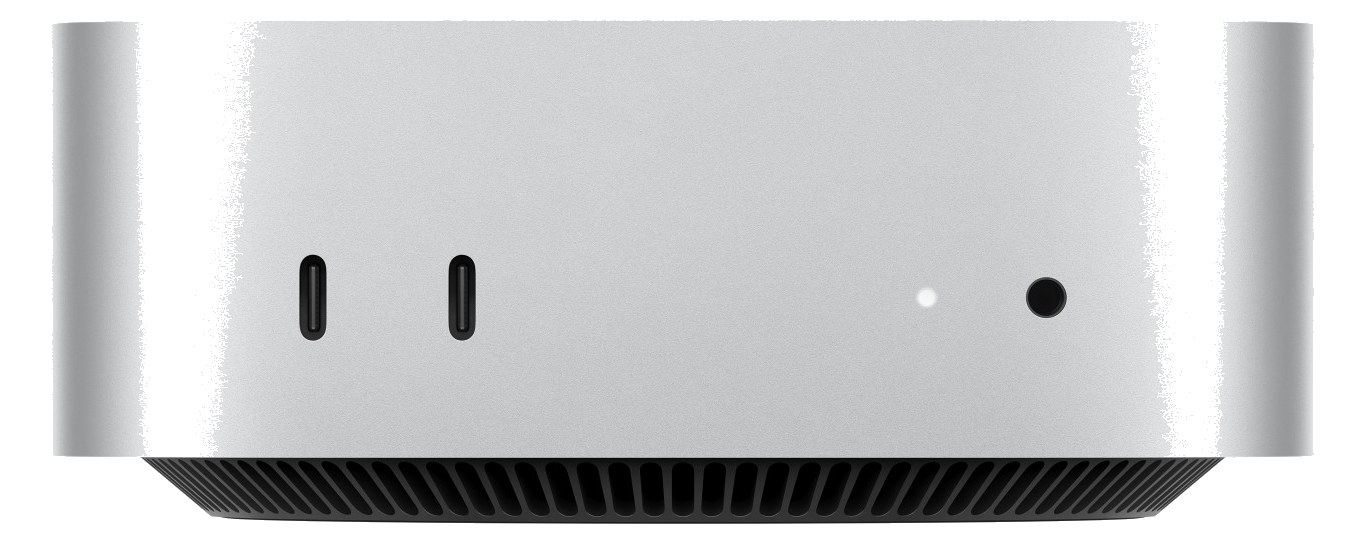
Mac Mini M4The Mac Mini with Apple Silicon is the most compact and power-efficient Mac option for a playback rig, drawing minimal power while delivering impressive performance for Ableton Live, MainStage, or QLab sessions. Its half-rack footprint means it can share a rack shelf with another half-rack device, maximizing your use of space. The integrated Ethernet port and multiple USB-C connections make it easy to connect to Dante networks and audio interfaces without dongles.View gear →
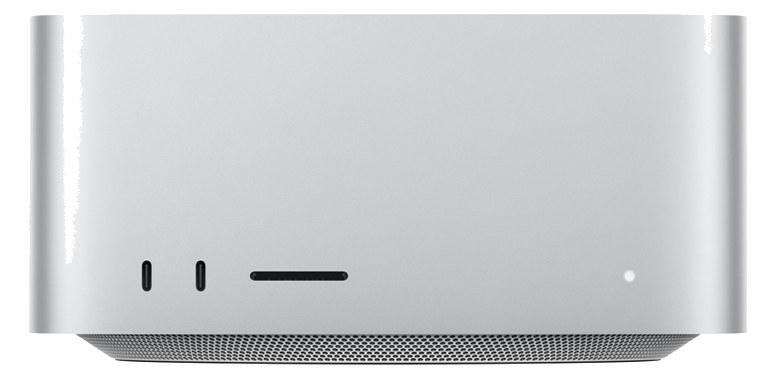
Mac Studio M4 MaxThe Mac Studio with Apple Silicon offers desktop-class performance in a compact form factor that fits on a 2U rack shelf, making it an excellent primary or backup playback computer for Ableton Live, MainStage, or Logic-based rigs. Multiple Thunderbolt ports let you connect high-end audio interfaces, and the M2 Max chip handles large session files with plenty of headroom. Its silent operation means no fan noise bleeding into nearby microphones on a quiet stage.View gear →
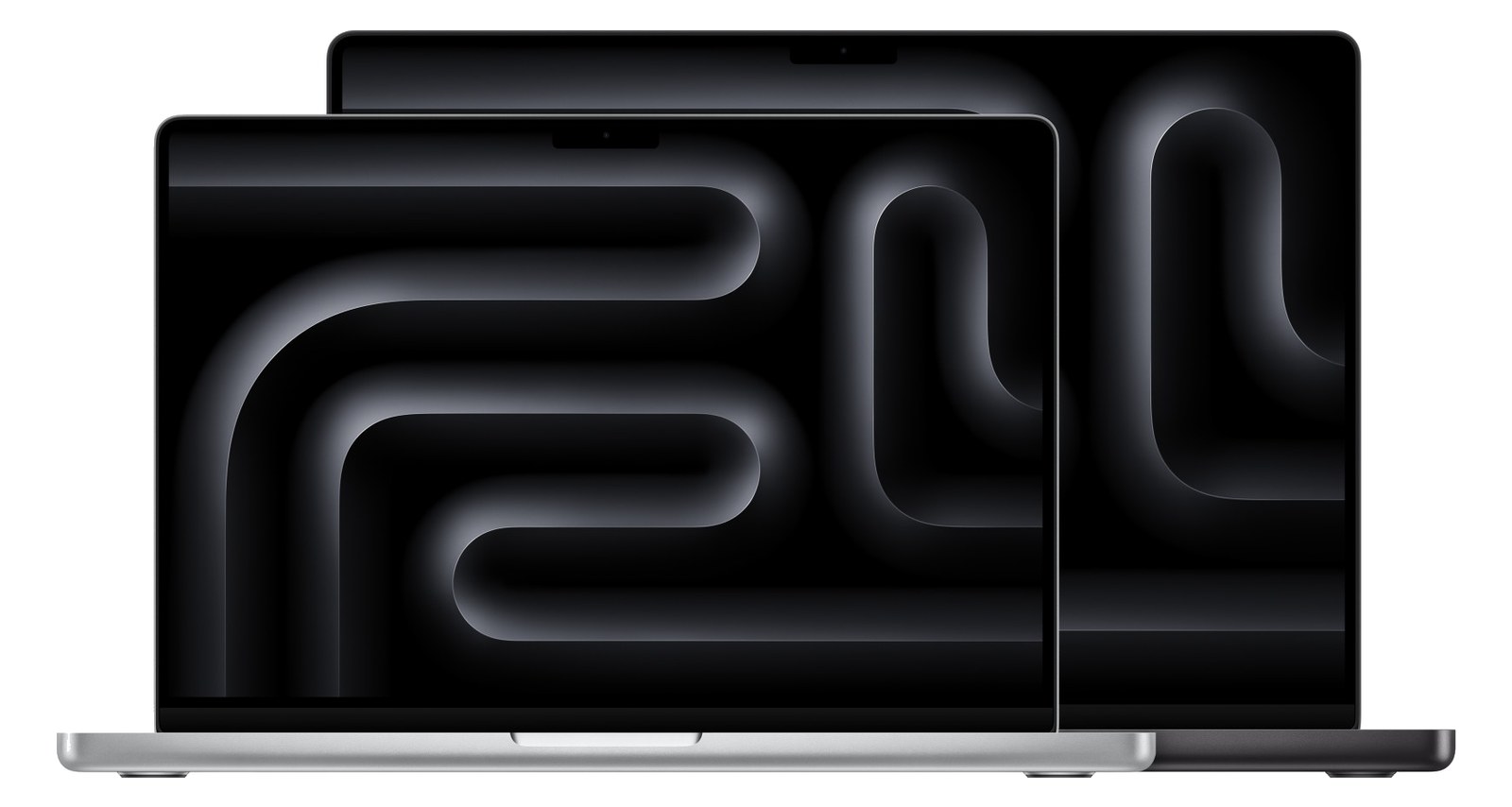
MacBook ProRack-mounting a MacBook Pro gives you the full power and screen of a laptop inside your rack, which is useful when you need direct visual access to your DAW during a show. The built-in display means no external monitor is needed for quick adjustments, and Thunderbolt connectivity supports high-end audio interfaces. This approach is common for acts transitioning from a laptop-on-a-table setup to a proper rack rig while keeping the familiar workflow.View gear →
06 · Resolve the questions that can change the purchase or build plan.
Planning questions
Short, source-backed answers surface rack fit, power, cabling, and connection details before they become surprises.
How will the Apple iPad + AUM affect rack fit and case depth?
It occupies 1U · half-rack. Its documented depth is 10 mm.
How much power does the Apple iPad + AUM draw?
Typical draw is 10W and documented maximum draw is 20W.
What connections does the Apple iPad + AUM have?
1 documented physical ports, including USB-C (data + power in).
07 · See this unit inside a real rack plan.
Builder preview
Placement is only the start. Builder checks space · depth · weight, power headroom, dependencies, and compatible signal paths around this exact catalog item.Open in Builder