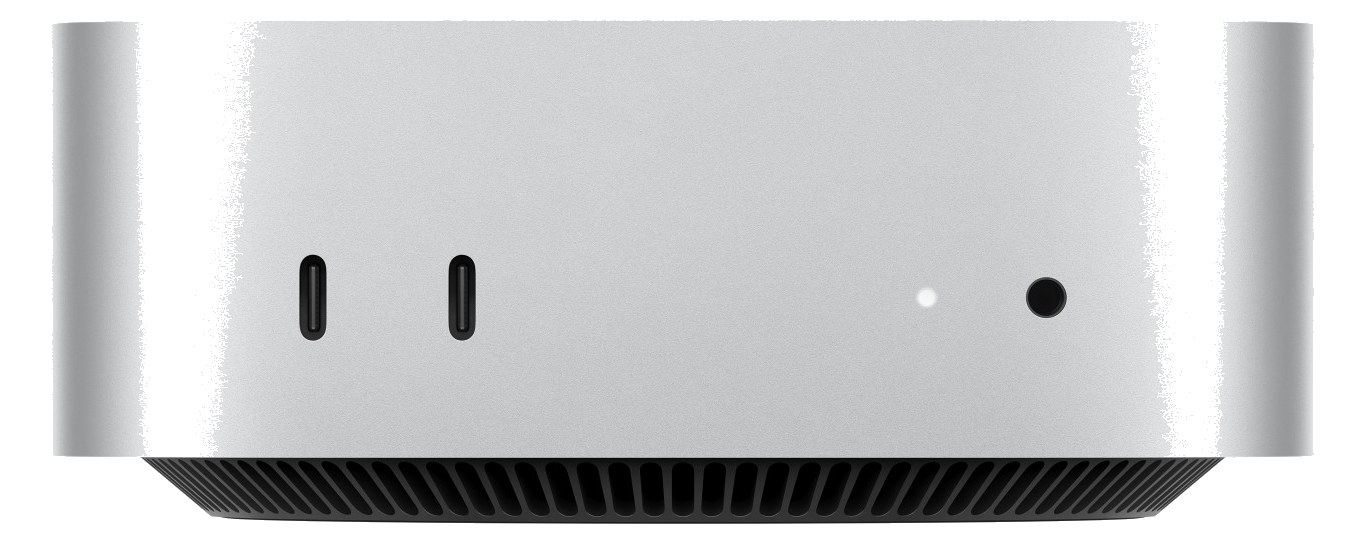
The Mac Mini with Apple Silicon is the most compact and power-efficient Mac option for a playback rig, drawing minimal power while delivering impressive performance for Ableton Live, MainStage, or QLab sessions. Its half-rack footprint means it can share a rack shelf with another half-rack device, maximizing your use of space. The integrated Ethernet port and multiple USB-C connections make it easy to connect to Dante networks and audio interfaces without dongles.
~$799Use retailer rows for current price and stock
01 · What it does—and what that changes in your rig.
Product overview
Start with the payoff, then work through how it functions, where it fits, and the details that change a real build.
The payoff
Computer decisions, organized around the whole rig.
The Mac Mini M4 is the brain of a modern playback or IEMIn-Ear Monitor — earpieces that replace floor wedges, feeding each player their own mix. The reason this whole rack exists. rig — the box running Ableton Live, MainStage, or QLab while the rest of the rack handles signal routing and monitoring. Apple Silicon changed what this form factor means in a live context: you get a machine that competes with full tower workstations on raw performance while drawing as little as 15 watts at idle. It sits on a half-rackThe standard slice of rack height: 1U = 1.75″. A 3U box takes three slices; half-rack gear pairs two units side by side in one. shelf, leaving the other half open for a small interface, a USB hub, or a UPSUninterruptible Power Supply — a battery that rides the rig through brownouts and generator hiccups so computers never reboot mid-song. remote panel. For touring playback engineers who used to lug a MacBook Pro strapped to a rack shelf with Velcro, this is a cleaner answer.
Documented outputs
1One destination connection
Documented inputs
0Based on documented inputs
Rack space
1U · half-rackBuilder checks available rail space
Apple product panel1U · half-rack · 15W
Function
How it works in the path
At load-in, 0.7 kg and 197mm depth means it disappears into almost any shallow rack without fighting for space. The two USB-C and two USB-A ports cover most interface and dongle scenarios without a hub, and the built-in Ethernet is the right way to connect to a DanteThe most common audio-over-network standard: dozens of channels of uncompressed digital audio down one ordinary Ethernet cable between Dante boxes. network — not an adapter, not a USB-to-Ethernet cable that drops out mid-show. Max draw is 55 watts, so budget that number on your power conditionerFilters venue AC, clamps surges, and gives the rack one tidy inlet. Not a voltage regulator and not a battery — just cleaner power., not the idle figure. The machine runs cool and quiet, which matters when it's 18 inches from an artist's ears in a monitor worldThe side-stage domain of the monitor engineer — console, IEM racks, and everything feeding the band’s ears instead of the audience. rack. No internal fan noise complaints here.
Best fit
Where it earns its place in the rack
This belongs in your rack if you're building a dedicated playback rig and want to keep the footprint tight and the power draw predictable. It's also a strong choice as a secondary machine for a monitor engineer running MainStage or a click-and-cue system alongside a primary console. It is not a substitute for a purpose-built audio workstation if your session demands an internal PCIe audio card — the Mini has no expansion slots, so your audio I/O lives outside the box entirely. If your workflow requires Windows-only software, look elsewhere. And if you need redundantA second copy of anything critical — supply, computer, network path — already running so one failure can’t stop the show. hot-failoverThe automatic switch to the backup when the primary dies — good failover is seamless enough that the audience never knows., budget a second unit; there's no internal redundancy here.
In the rack
Details worth deciding before load-in.
Use a Thunderbolt-capable USB-C port for your primary audio interface if your interface supports it — you'll get lower latencyThe delay between sound entering and leaving a digital system. IEM rigs fight to keep the whole chain down to a few milliseconds. and more headroomThe margin between your normal level and where things clip — headroom is what absorbs the snare hit you didn’t see coming. than USB-A before the session even starts.
Pair it with a half-rackThe standard slice of rack height: 1U = 1.75″. A 3U box takes three slices; half-rack gear pairs two units side by side in one. shelf rated for at least 10 kg and secure the Mini with a retaining lip or Velcro strap — at 0.7 kg it will slide on vibration from a subwoofer stack without it.
Run Ethernet directly to your DanteThe most common audio-over-network standard: dozens of channels of uncompressed digital audio down one ordinary Ethernet cable between Dante boxes. switch rather than through a general-purpose network; isolating audio traffic from show-control and lighting networks prevents the kind of packet competition that causes intermittent dropoutsA brief audio gap when the radio link fails — the thing diversity, distros, and coordination all exist to prevent. at the worst moment.
Set Energy Saver to 'Never sleep' and disable automatic macOS updates before the run of show — Silicon Macs are fast, but an update prompt mid-performance is still a performance.
02 · Know the whole path before you buy.
Signal path
Learn the route as a block diagram: source, product function, transport, and destination. Select any block to see what enters, what changes, and what leaves.
Interactive block diagramAuto-looping · hover, focus, or tap to hold a stage
Port-type signalProduct functionSystem boundary
Follow one signal from source to destination
Each block answers the same three questions: what arrives, what changes here, and what leaves.
01 · Connection · selected
usb c + usb a
RJ45
hdmi
01 · Connection
5 bidirectional connections
usb c + usb a
Connection
5 bidirectional ports
Connector
usb c + usb a
Signal
video
03 · What this product asks of the rest of the system.
Compatibility
Treat connector names as the start of the check—not the answer. These are the boundaries that determine a complete working path.
Best fit · Computer
Use it when 1U · half-rack and 197 mm of depth fit the case.
Plan the companion path
Complete the path with upstream and downstream gear that matches connector, direction, signal type, protocol, and wiring standard.
Connector boundary
Documented connectors: usb c, usb a, hdmi, RJ45. Match connector, direction, and signal type—not shape alone.
04 · Every connector, grouped by job.
I/O ports
Switch the product view and the documented port inventory updates with it—hardware and data stay side by side.
Every connector, grouped by job.
Switch panels to keep the hardware view and the documented port list in sync.
Front panelRear panel
All documented ports for Apple Mac Mini (M4)
Port
Panel
Connector
Direction
Signal
Channels
USB-C 1
rear
usb c
bidirectional
data
—
USB-C 2
rear
usb c
bidirectional
data
—
USB-A 1
rear
usb a
bidirectional
data
—
USB-A 2
rear
usb a
bidirectional
data
—
HDMI
rear
hdmi
output
video
—
Ethernet
rear
RJ45
bidirectional
data
—
Showing 6 of 6 documented physical ports.
05 · Compare the decision, not just the price.
Alternatives
The rows are organized around fit, power, I/O, and system role so a cheaper unit cannot hide a more expensive workflow.
Mac Mini M4The Mac Mini with Apple Silicon is the most compact and power-efficient Mac option for a playback rig, drawing minimal power while delivering impressive performance for Ableton Live, MainStage, or QLab sessions. Its half-rack footprint means it can share a rack shelf with another half-rack device, maximizing your use of space. The integrated Ethernet port and multiple USB-C connections make it easy to connect to Dante networks and audio interfaces without dongles.View gear →
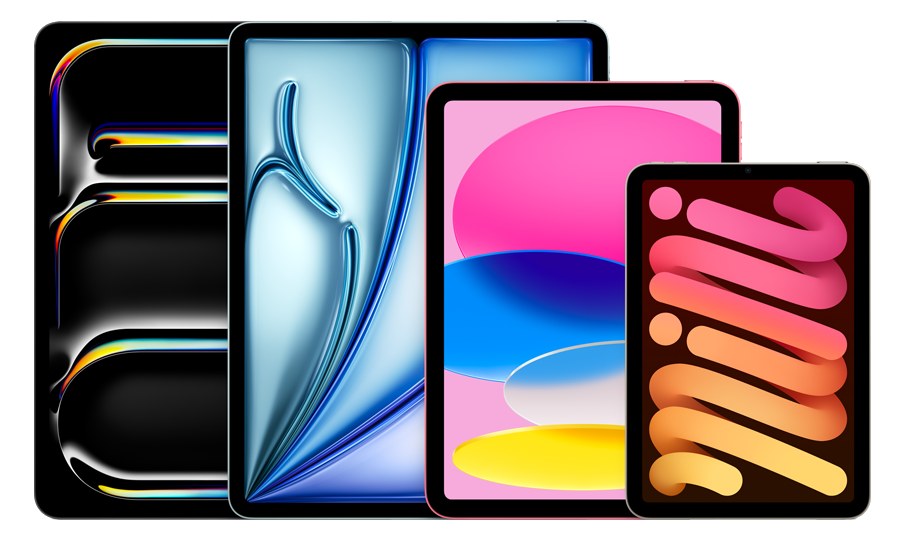
iPadAn iPad running AUM (Audio Unit Mixer) can serve as a surprisingly capable playback host for smaller shows, offering a touch-friendly interface and class-compliant USB audio support. AUM handles multi-track routing, AU plugins, and inter-app audio, making it a lightweight alternative to a full computer-based playback system. Best suited for simpler setups where you need basic track playback and click without the complexity of a full DAW rig.View gear →
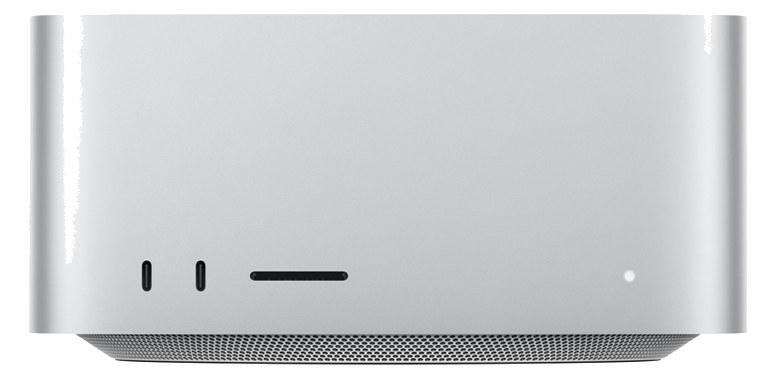
Mac Studio M4 MaxThe Mac Studio with Apple Silicon offers desktop-class performance in a compact form factor that fits on a 2U rack shelf, making it an excellent primary or backup playback computer for Ableton Live, MainStage, or Logic-based rigs. Multiple Thunderbolt ports let you connect high-end audio interfaces, and the M2 Max chip handles large session files with plenty of headroom. Its silent operation means no fan noise bleeding into nearby microphones on a quiet stage.View gear →
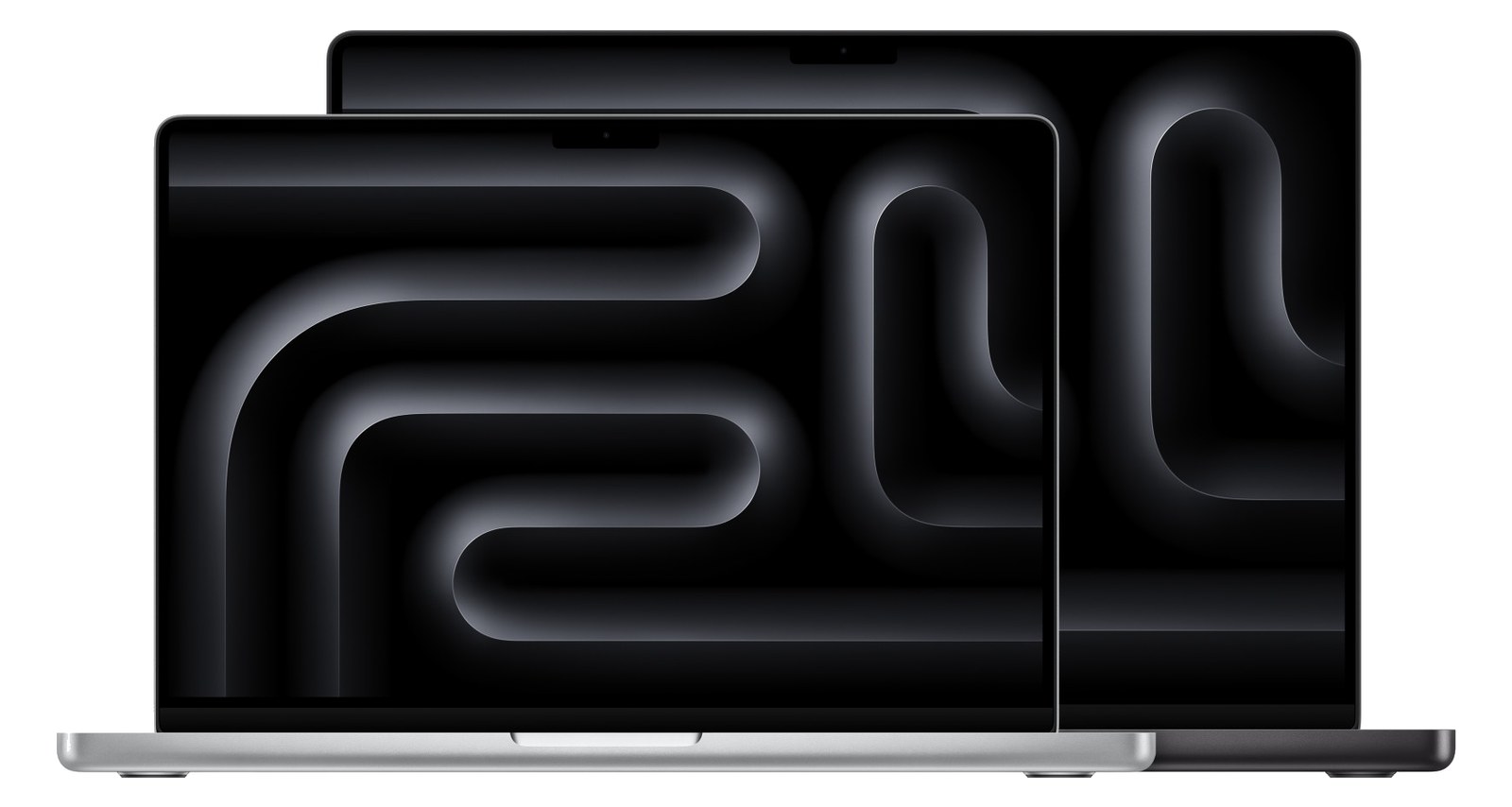
MacBook ProRack-mounting a MacBook Pro gives you the full power and screen of a laptop inside your rack, which is useful when you need direct visual access to your DAW during a show. The built-in display means no external monitor is needed for quick adjustments, and Thunderbolt connectivity supports high-end audio interfaces. This approach is common for acts transitioning from a laptop-on-a-table setup to a proper rack rig while keeping the familiar workflow.View gear →
Placement is only the start. Builder checks space · depth · weight, power headroom, dependencies, and compatible signal paths around this exact catalog item.Open in Builder