ASUS NUC 14 Pro Mini PC
ASUS·Model NUC 14 Pro·intel-nuc
About the ASUS NUC 14 Pro
The Intel NUC is an ultra-compact Windows PC that fits easily on a rack shelf alongside other half-rackThe standard slice of rack height: 1U = 1.75″. A 3U box takes three slices; half-rack gear pairs two units side by side in one. gear, offering a low-power, small-footprint option for Ableton Live or custom playback software on Windows. Its small size makes it popular for fly-date rigs where you need to minimize weight and bulk. While not as powerful as a full rackmount PC, modern NUC models handle typical playback workloads with ease.
The ASUS NUC 14 Pro is a half-rackThe standard slice of rack height: 1U = 1.75″. A 3U box takes three slices; half-rack gear pairs two units side by side in one. mini PC that earns its place in a playback rig by being almost nothing — 500 grams, 120mm deep, drawing as little as 20 watts at idle. Its job in a rack is simple: run your playback software, host your click and track stemsSub-mixes of a session grouped by instrument (drums, keys, vocals) — how playback rigs run tracks with live control over each group., and stay out of the way. For engineers who have standardized on Windows for Ableton Live, MainStage alternatives, or custom timecodeA clock signal (SMPTE) shared between systems so playback, lights, and video all chase the same position in the song.-driven playback setups, this is the smallest credible way to put a real PC in a touring rack without giving up a full 1U to a dedicated rackmount chassis.
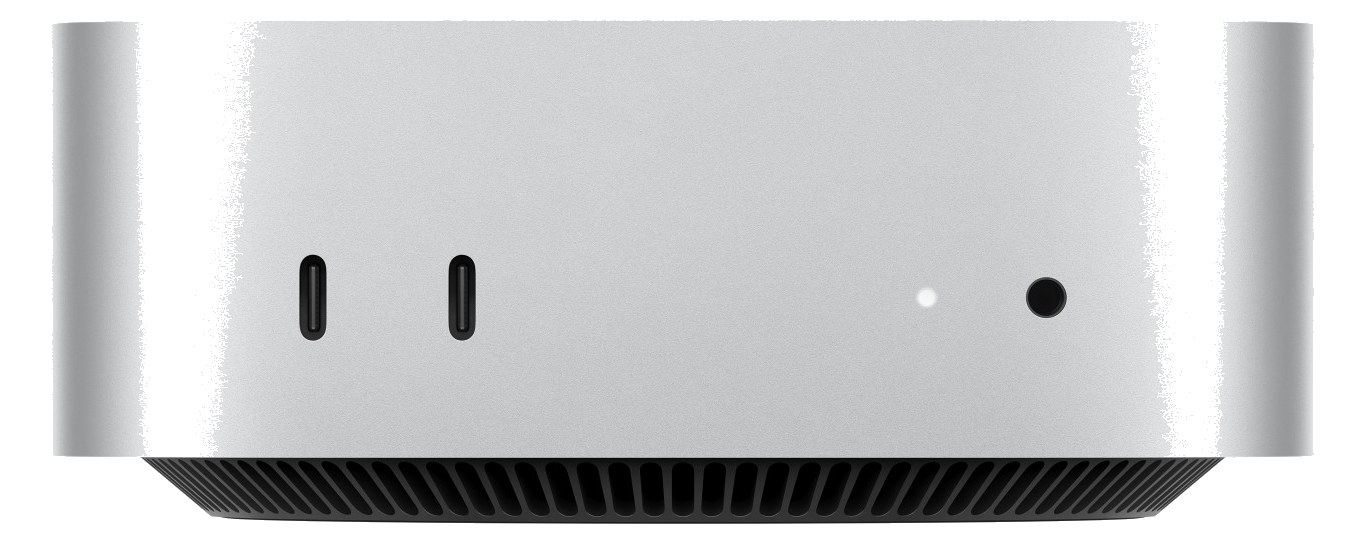
At load-in, the port layout is lean but workable: two USB-A ports and a USB-C cover your audio interface, iLok, and a keyboard or mouse for setup, but you will run out of native USB fast on a complex rig — plan for a small hub. Ethernet is there for DanteThe most common audio-over-network standard: dozens of channels of uncompressed digital audio down one ordinary Ethernet cable between Dante boxes., OSCOpen Sound Control — a network protocol for remote-controlling mixers and software. MIDI’s modern, higher-resolution cousin., or network sync, which matters more than people expect once you are coordinating with lighting or video. The 65-watt max draw means a single outlet on your power conditionerFilters venue AC, clamps surges, and gives the rack one tidy inlet. Not a voltage regulator and not a battery — just cleaner power. handles it without stress. The catch is that it requires a rack shelf, not a direct mount, so account for that shelf depth and make sure your rack has the clearance.
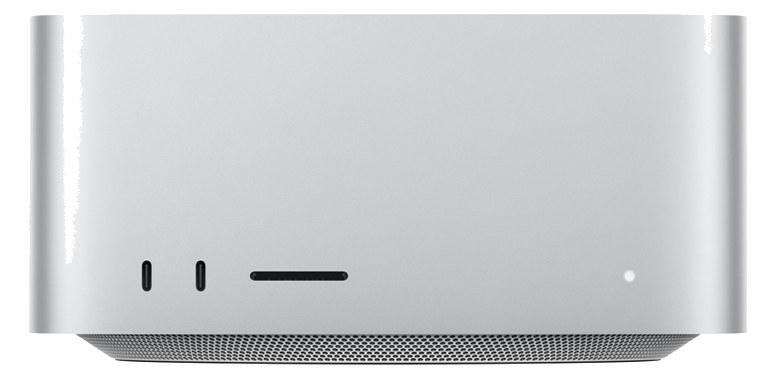
This machine is the right call for fly-date and club-touring rigs where every kilogram is a conversation and you don't need the machine to run plug-in-heavy virtual instruments in real time. If your show is stemsSub-mixes of a session grouped by instrument (drums, keys, vocals) — how playback rigs run tracks with live control over each group., click, and timecodeA clock signal (SMPTE) shared between systems so playback, lights, and video all chase the same position in the song. — done. If you are running a dense virtual instrument rig with low-latencyThe delay between sound entering and leaving a digital system. IEM rigs fight to keep the whole chain down to a few milliseconds. monitoring, look at a proper rackmount PC or a MacBook in a tray instead; the NUC's thermal ceiling is real under sustained load. It also won't satisfy anyone who needs Thunderbolt for a high-channel-count audio interface.
In the rack
- Mount it on a vented shelf and leave at least half a rack unitThe standard slice of rack height: 1U = 1.75″. A 3U box takes three slices; half-rack gear pairs two units side by side in one. of open space above it — the NUC exhausts upward and will throttle under sustained load in a sealed bay.
- Velcro a small 4-port USB hub to the underside of the shelf before the tour starts; you'll need it for iLok, interface, and a backup drive without rummaging for adapters at a fly-date.
- Connect it via Ethernet rather than Wi-Fi for any show-critical network communication — OSCOpen Sound Control — a network protocol for remote-controlling mixers and software. MIDI’s modern, higher-resolution cousin. to lighting desks, DanteThe most common audio-over-network standard: dozens of channels of uncompressed digital audio down one ordinary Ethernet cable between Dante boxes. discovery, or remote monitoring all behave more predictably on a wired connection.
- Image the drive and keep a bootable clone on a small USB-A stick taped inside the rack lid; the NUC's M.2 SSD is replaceable quickly, but a known-good system image saves the show faster than a repair.
Compact mini PC for playback. Requires rack shelf.
I/O Ports (6)
| Port | Connector | Direction | Signal | Channels |
|---|---|---|---|---|
| USB-C | USB C | bidirectional | data | — |
| USB-A 1 | USB A | bidirectional | data | — |
| USB-A 2 | USB A | bidirectional | data | — |
| HDMI | HDMI | output | video | — |
| Ethernet | RJ45 | bidirectional | data | — |
- DC In (19V brick) (DC BARREL)
Related gear


Related articles
Guides from our library that cover planning around computer gear.
How to choose between a digital mixer, a Thunderbolt interface, and a Dante converter as the brain of your IEM rack — with concrete picks at each tier.
How to build a live-performance playback rig that runs click + backing tracks reliably — interface sizing, routing rules, software comparison, and what to do when the laptop crashes.
How to build a fail-safe live playback rig with primary + backup laptops, an auto-switching audio interface, and a failover workflow you can actually trust on a Sunday morning.
LTC vs MTC vs MIDI Clock, how to generate timecode from Ableton or Playback, how lighting and video receive it, and the frame-rate mistake that drifts every show.