

WiFi Router

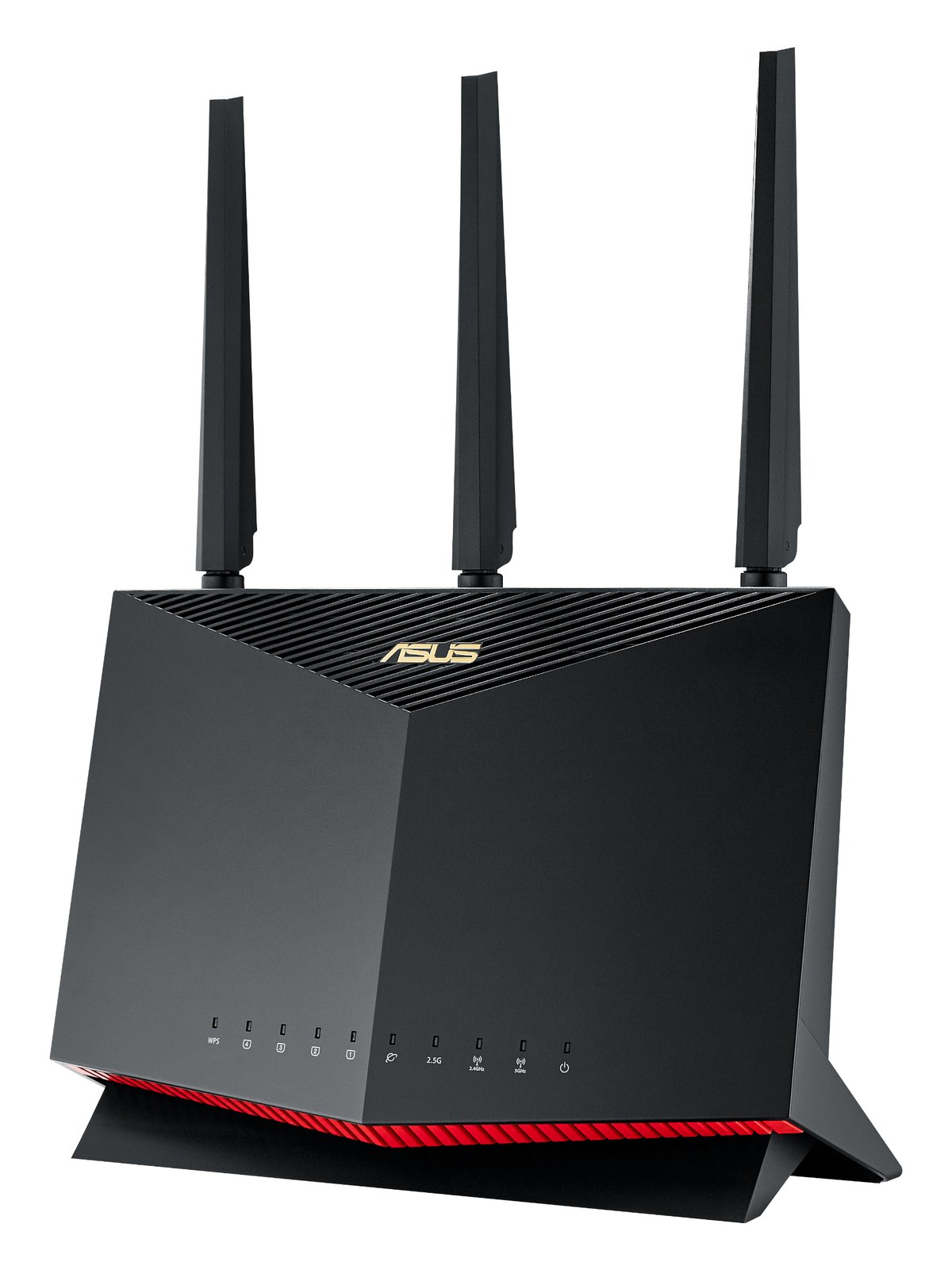
ASUS RT-AX86U Pro WiFi 6 Router

The ASUS RT-AX86U Pro is a popular mid-range WiFi 6 router with strong range, 2.5 Gbps WAN/LAN, and a solid signal even when stuffed into a tour-pro rack on top of the case. The merlin firmware ecosystem also makes it easy to lock down to a specific SSID + VLAN for the rig.

Compare

Photos

Manufacturer product photography showing the hardware, controls, and physical form.

Photo: ASUSClick to zoom
Documented outputs
00 destination connections
Documented inputs
1Based on documented inputs
Rack space
Outside rackPlan a shelf, tray, or stage position
Power draw
18W30W documented maximum
Catalog estimate
~$269Use retailer rows for current price and stock

01 · What it does—and what that changes in your rig.

Product overview

Start with the payoff, then work through how it functions, where it fits, and the details that change a real build.

The payoff

WiFi Router decisions, organized around the whole rig.

The RT-AX86U Pro is a consumer-grade WiFi 6 router that has earned a quiet following in touring racks because it punches above its category on RF performance and gives you real flexibility in how you configure the network. In a live rig, it typically serves as the wireless hub for a personal monitoring ecosystem — tablets running mixing apps, phones on artist IEM mixes, click and cue systems that need a clean, isolated SSID — all things that used to require a dedicated IT person to set up and now need to survive load-in in under ten minutes.

Documented outputs
00 destination connections
Documented inputs
1Based on documented inputs
Rack space
Outside rackPlan a shelf, tray, or stage position
ASUSexternal · not rackmounted
ASUS product panelOutside rack · 18W
Function

How it works in the path

The 2.5G WAN port means your uplink to a Dante or AVB switch won't bottleneck at gigabit, which matters if you're also pushing high-channel-count audio over the same physical infrastructure. At a measured 18 watts typical draw and a 30-watt ceiling, it's polite on your rack's power budget. The unit is rackmountable but takes up no rack units in the traditional sense — most engineers shelf-mount it on top of a rack case or bracket it inside a lid. Depth is 245 mm, so mind your case clearance. The Merlin firmware community has documented solid VLAN and SSID lockdown procedures, which is exactly what you want when you need to keep artists on one network segment and production on another.
Best fit

Where it earns its place in the system

This router belongs in a rig where the engineer wants a proven, configurable platform and isn't afraid to spend thirty minutes pre-show in the firmware doing it right. If you need something you can hand to a less technical crew member with zero setup, a more locked-down dedicated touring router might serve you better. Equally, if your show is all wired and wireless is just a backup path for one tablet, this is more router than you need. But for a mid-size IEM rig with multiple artists on wireless mixing apps and a real need for network segmentation, the RT-AX86U Pro is a sensible, well-supported choice at $269.

In the rack

Details worth deciding before load-in.

  • Set up a dedicated SSID per show role — one for artist tablets, one for production — and use the VLAN tagging in Merlin firmware to keep them isolated. Do this at home before the tour starts, then export the config and keep it on a USB stick in the rack bag.
  • The antennas are the physical vulnerability here. If you're shelf-mounting on top of a rack case, angle them flat against the lid rather than vertical to reduce the chance of breakage during load-out — RF performance in a venue is rarely antenna-angle sensitive enough to matter.
  • Plug it into a switched outlet on your power conditioner so you can hard-reboot it from the front of the rack without reaching behind the case. A hanging router that requires a physical pull is a liability mid-show.
  • The 2.5G WAN port is genuinely useful if your stage network switch has a 2.5G uplink — patch directly to that port rather than daisy-chaining through a gigabit switch and you remove one potential bottleneck from your Dante or OSC traffic path.

02 · Know the whole path before you buy.

Signal path

Learn the route as a block diagram: source, product function, transport, and destination. Select any block to see what enters, what changes, and what leaves.

Interactive block diagramAuto-looping · hover, focus, or tap to hold a stage
Port-type signalProduct functionSystem boundary
Follow one signal from source to destination

Each block answers the same three questions: what arrives, what changes here, and what leaves.

01 · Source · selected
01 · Source

1 documented input

dc barrel

Arrives as
1 documented input
Connector
dc barrel
Signal
power

03 · What this product asks of the rest of the system.

Compatibility

Treat connector names as the start of the check—not the answer. These are the boundaries that determine a complete working path.

Best fit · WiFi Router

Use it as wifi router tracked outside rack rails; follow the manufacturer’s mounting and form-factor guidance.

Plan the companion path

Complete the path with upstream and downstream gear that matches connector, direction, signal type, protocol, and wiring standard.

Connector boundary

Documented connectors: RJ45, usb a, dc barrel. Match connector, direction, and signal type—not shape alone.

04 · Every connector, grouped by job.

I/O ports

Switch the product view and the documented port inventory updates with it—hardware and data stay side by side.

Every connector, grouped by job.

Switch panels to keep the hardware view and the documented port list in sync.

Front panel
front connector map for ASUS RT-AX86U Pro WiFi 6 RouterEXTERNAL UNIT · FRONTNo documented front ports
Rear panel
rear connector map for ASUS RT-AX86U Pro WiFi 6 RouterEXTERNAL UNIT · REARRJ45bidirectionalRJ45bidirectionalRJ45bidirectionalRJ45bidirectionalRJ45bidirectionalusb abidirectionaldc barrelinput
All documented ports for ASUS RT-AX86U Pro WiFi 6 Router
PortPanelConnectorDirectionSignalChannels
WAN 2.5GrearRJ45 bidirectionaldata—
LAN 1 (RJ45)rearRJ45 bidirectionaldata—
LAN 2 (RJ45)rearRJ45 bidirectionaldata—
LAN 3 (RJ45)rearRJ45 bidirectionaldata—
LAN 4 (RJ45)rearRJ45 bidirectionaldata—
USB 3.0rearusb a bidirectionaldata—
Power (DC barrel)reardc barrel inputpower—

Showing 7 of 7 documented physical ports.

05 · Compare the decision, not just the price.

Alternatives

The rows are organized around fit, power, I/O, and system role so a cheaper unit cannot hide a more expensive workflow.

Compare
ASUS RT-AX86U Pro WiFi 6 Router
External unit
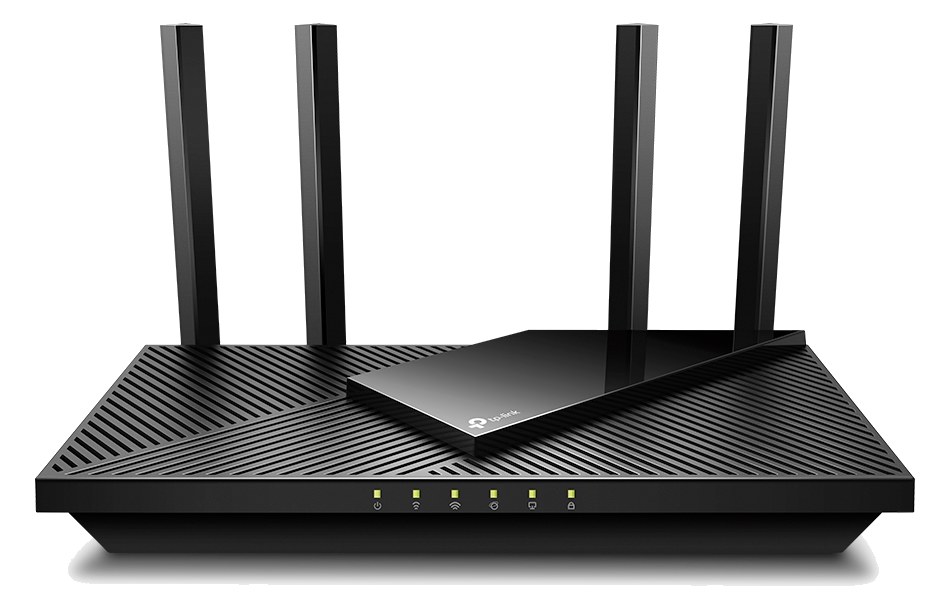
Fit📐 Outside rack📐 Outside rack
Power⚡ 18W⚡ 15W
Weight⚖️ 2.2 lb⚖️ 2.0 lb
I/O🔌 7🔌 6
Estimate💵 ~$269💵 ~$199
Deep diveCurrent selectionFull comparison →

06 · Resolve the questions that can change the purchase or build plan.

Planning questions

Short, source-backed answers surface rack fit, power, cabling, and connection details before they become surprises.

Where does the ASUS RT-AX86U Pro WiFi 6 Router live in a complete rig?

The catalog assigns it no rack units. Builder tracks it as non-rack gear; follow the manufacturer’s mounting, case, and form-factor guidance.

How much power does the ASUS RT-AX86U Pro WiFi 6 Router draw?

Typical draw is 18W and documented maximum draw is 30W.

What connections does the ASUS RT-AX86U Pro WiFi 6 Router have?

7 documented physical ports, including WAN 2.5G, LAN 1 (RJ45), LAN 2 (RJ45), LAN 3 (RJ45), LAN 4 (RJ45), USB 3.0.

07 · See this gear inside a complete system plan.

Builder preview

Builder keeps non-rack gear in the same bill of materials, budget, dependency, and connection plan as the rack-mounted system around it.Open in Builder
RT-AX86U Pro WiFi 6 Router tracked in a complete system planA simplified plan shows the gear tracked outside rack rails, with its documented connection path continuing to a planned destination.Tracked outside rack railsASUSRT-AX86U ProCONNECTED GEARnext signal destinationExternal system gear · no rack units assigned

08 · Related gear, in the order you may need it.