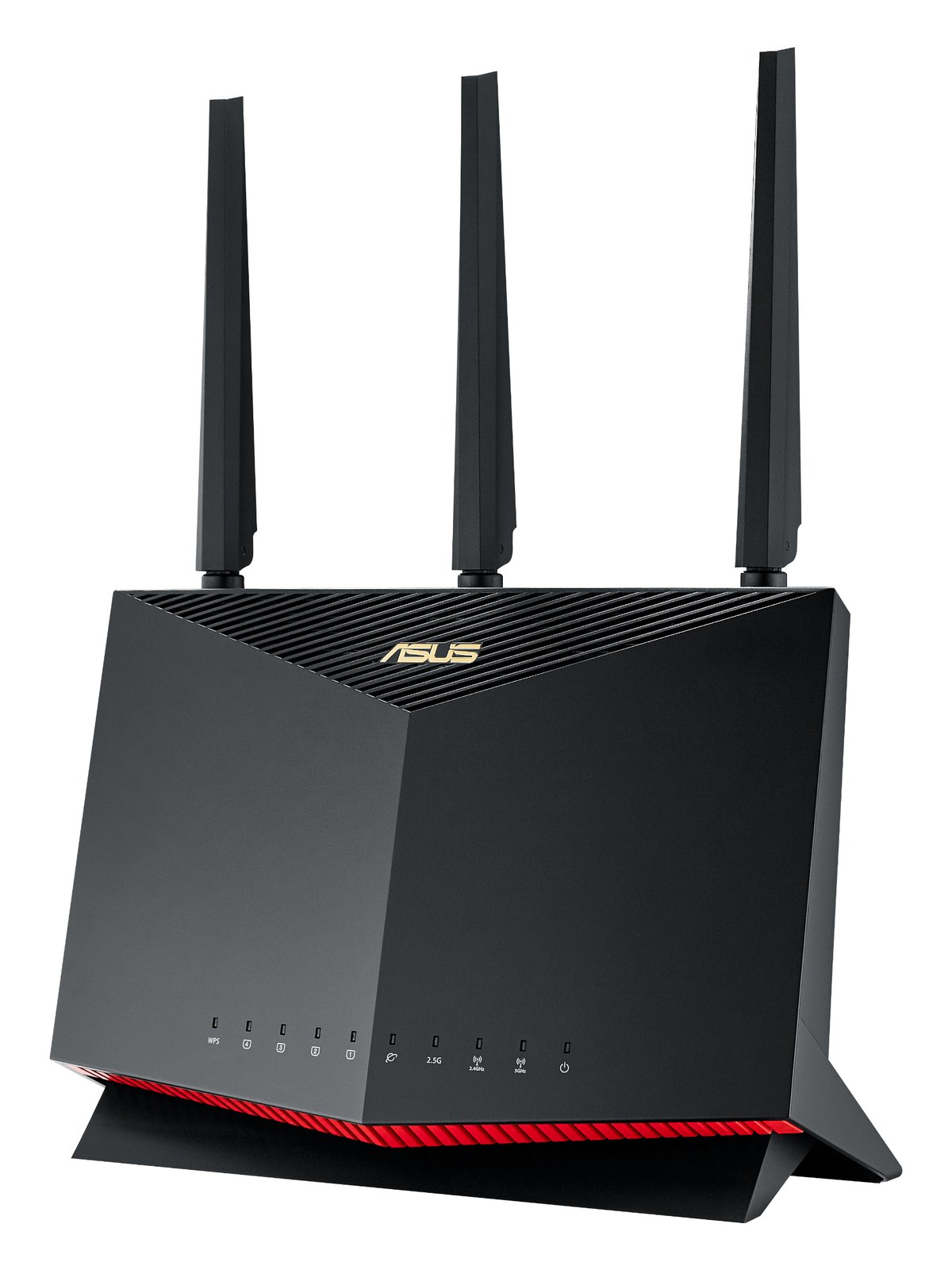
WiFi Router

Cradlepoint IBR900 Mobile Router

The Cradlepoint IBR900 is a ruggedized router with built-in cellular modem, WiFi access point, and Cradlepoint's NetCloud management — the choice for productions where the rack travels and venue WiFi can't be trusted. Common on touring rigs that need a stable internet uplink for cloud telemetry, remote support, and tablet control.

Compare
Documented outputs
00 destination connections
Documented inputs
3Based on documented inputs
Rack space
Outside rackPlan a shelf, tray, or stage position
Power draw
15W25W documented maximum
Catalog estimate
~$1,499Use retailer rows for current price and stock

01 · What it does—and what that changes in your rig.

Product overview

Start with the payoff, then work through how it functions, where it fits, and the details that change a real build.

The payoff

WiFi Router decisions, organized around the whole rig.

The IBR900 is the answer to a question every touring engineer eventually faces: what do you do when the venue's WiFi is garbage and your tablet control, cloud telemetry, or remote support session can't wait for the house IT guy to show up? Cradlepoint built this router specifically for mobile deployments — it has an integrated cellular modem, a built-in WiFi access point, and NetCloud management baked in. You mount it in the rack, bolt on the SMA antennas, hand it a SIM, and you own your own internet connection from load-in onward. That independence is what you're paying for.

Documented outputs
00 destination connections
Documented inputs
3Based on documented inputs
Rack space
Outside rackPlan a shelf, tray, or stage position
Cradlepointexternal · not rackmounted
Cradlepoint product panelOutside rack · 15W
Function

How it works in the path

At 15 watts nominal and a 25-watt ceiling, the IBR900 is light on your power strip. The four LAN ports cover a typical production data network — FOH console, monitor world, a backstage switch, and a spare — without needing an additional unmanaged switch for basic rigs. The WAN port takes a hard-line feed if you do get ethernet from the venue, letting you prioritize wired internet and keep cellular as failover. The unit is rackmountable but doesn't occupy a standard 1U slot on its own; budget for a rack shelf or a purpose-built mounting bracket, and account for the SMA antennas adding width or height depending on orientation.
Best fit

Where it earns its place in the system

If your rig travels every week and reliable internet is load-bearing — think Dante dante network monitoring, wireless system management over IP, or a TD keeping an eye on things remotely from across the country — this router earns its $1,499 price tag and its rack space. If you're doing mostly club dates where cellular signal is strong and you just need basic connectivity, a simpler LTE travel router costs a fraction of this and probably gets the job done. The IBR900 is for the engineer who has been burned enough times to stop trusting infrastructure they don't own.

In the rack

Details worth deciding before load-in.

  • Mount the IBR900 on a 1U shelf and route both SMA antenna cables to external antennas positioned outside the rack lid — metal enclosures can significantly degrade cellular signal if the antennas are trapped inside.
  • Configure a primary WAN priority order in NetCloud before the tour starts: wired ethernet first, cellular second. That way you get the speed of a venue hardline when it's good, and the IBR900 silently fails over to cellular when it isn't, without anyone touching a cable.
  • Patch one LAN port directly to a small unmanaged switch if you need more than four wired drops — the IBR900 handles routing and the downstream switch handles port count, keeping your rack data network clean and segmented from any house network you might be bridging.
  • Label your SIM carrier and data plan renewal date on a piece of gaff tape stuck to the unit itself. On a long tour, nothing kills a run like a data plan that quietly hit its cap in a city two weeks ago.

02 · Know the whole path before you buy.

Signal path

Learn the route as a block diagram: source, product function, transport, and destination. Select any block to see what enters, what changes, and what leaves.

Interactive block diagramAuto-looping · hover, focus, or tap to hold a stage
Port-type signalProduct functionSystem boundary
Follow one signal from source to destination

Each block answers the same three questions: what arrives, what changes here, and what leaves.

01 · Source · selected
01 · Source

3 documented inputs

sma + dc barrel

Arrives as
3 documented inputs
Connector
sma + dc barrel
Signal
antenna

03 · What this product asks of the rest of the system.

Compatibility

Treat connector names as the start of the check—not the answer. These are the boundaries that determine a complete working path.

Best fit · WiFi Router

Use it as wifi router tracked outside rack rails; follow the manufacturer’s mounting and form-factor guidance.

Plan the companion path

Complete the path with upstream and downstream gear that matches connector, direction, signal type, protocol, and wiring standard.

Connector boundary

Documented connectors: RJ45, usb a, sma, dc barrel. Match connector, direction, and signal type—not shape alone.

04 · Every connector, grouped by job.

I/O ports

Switch the product view and the documented port inventory updates with it—hardware and data stay side by side.

Every connector, grouped by job.

Switch panels to keep the hardware view and the documented port list in sync.

Front panel
front connector map for Cradlepoint IBR900 Mobile RouterEXTERNAL UNIT · FRONTNo documented front ports
Rear panel
rear connector map for Cradlepoint IBR900 Mobile RouterEXTERNAL UNIT · REARRJ45bidirectionalRJ45bidirectionalRJ45bidirectionalRJ45bidirectionalRJ45bidirectionalusb abidirectionalsmainputsmainputdc barrelinput
All documented ports for Cradlepoint IBR900 Mobile Router
PortPanelConnectorDirectionSignalChannels
WAN (RJ45)rearRJ45 bidirectionaldata—
LAN 1 (RJ45)rearRJ45 bidirectionaldata—
LAN 2 (RJ45)rearRJ45 bidirectionaldata—
LAN 3 (RJ45)rearRJ45 bidirectionaldata—
LAN 4 (RJ45)rearRJ45 bidirectionaldata—
USBrearusb a bidirectionaldata—
Cellular Antenna A (SMA)rearsma inputantenna—
Cellular Antenna B (SMA)rearsma inputantenna—
Power (DC barrel)reardc barrel inputpower—

Showing 9 of 9 documented physical ports.

05 · Compare the decision, not just the price.

Alternatives

The rows are organized around fit, power, I/O, and system role so a cheaper unit cannot hide a more expensive workflow.

Compare
External unit
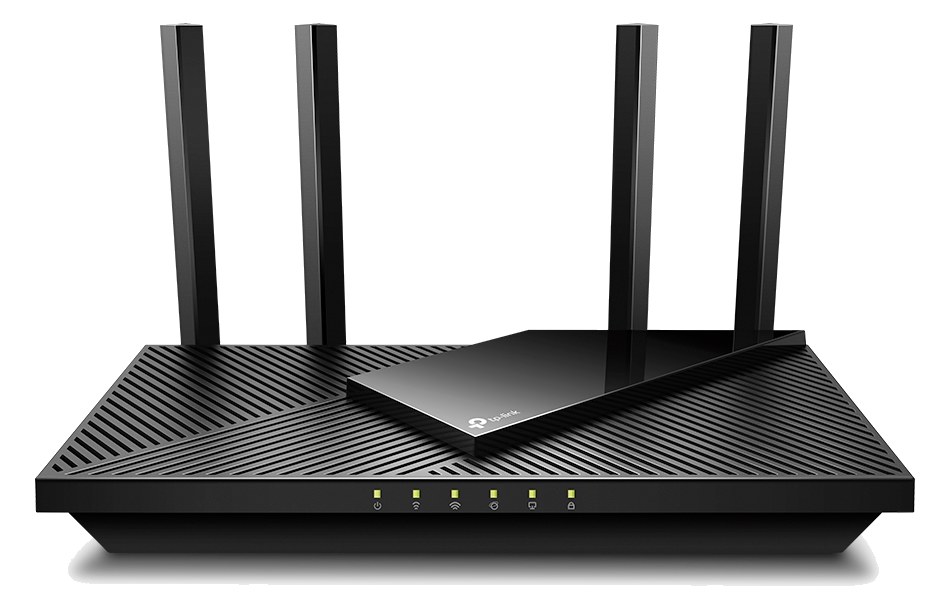
TP-Link Archer AX21 WiFi 6 Router
ASUS RT-AX86U Pro WiFi 6 Router
External unit
Fit📐 Outside rack📐 Outside rack📐 Outside rack📐 Outside rack
Power⚡ 15W⚡ 12W⚡ 18W⚡ 15W
Weight⚖️ 2.4 lb⚖️ 1.1 lb⚖️ 2.2 lb⚖️ 2.0 lb
I/O🔌 9🔌 6🔌 7🔌 7
Estimate💵 ~$1,499💵 ~$79💵 ~$269💵 ~$189
Deep diveCurrent selectionFull comparison →Full comparison →Full comparison →

06 · Resolve the questions that can change the purchase or build plan.

Planning questions

Short, source-backed answers surface rack fit, power, cabling, and connection details before they become surprises.

Where does the Cradlepoint IBR900 Mobile Router live in a complete rig?

The catalog assigns it no rack units. Builder tracks it as non-rack gear; follow the manufacturer’s mounting, case, and form-factor guidance.

How much power does the Cradlepoint IBR900 Mobile Router draw?

Typical draw is 15W and documented maximum draw is 25W.

What connections does the Cradlepoint IBR900 Mobile Router have?

9 documented physical ports, including WAN (RJ45), LAN 1 (RJ45), LAN 2 (RJ45), LAN 3 (RJ45), LAN 4 (RJ45), USB.

07 · See this gear inside a complete system plan.

Builder preview

Builder keeps non-rack gear in the same bill of materials, budget, dependency, and connection plan as the rack-mounted system around it.Open in Builder
IBR900 Mobile Router tracked in a complete system planA simplified plan shows the gear tracked outside rack rails, with its documented connection path continuing to a planned destination.Tracked outside rack railsCradlepointIBR900CONNECTED GEARnext signal destinationExternal system gear · no rack units assigned

08 · Related gear, in the order you may need it.