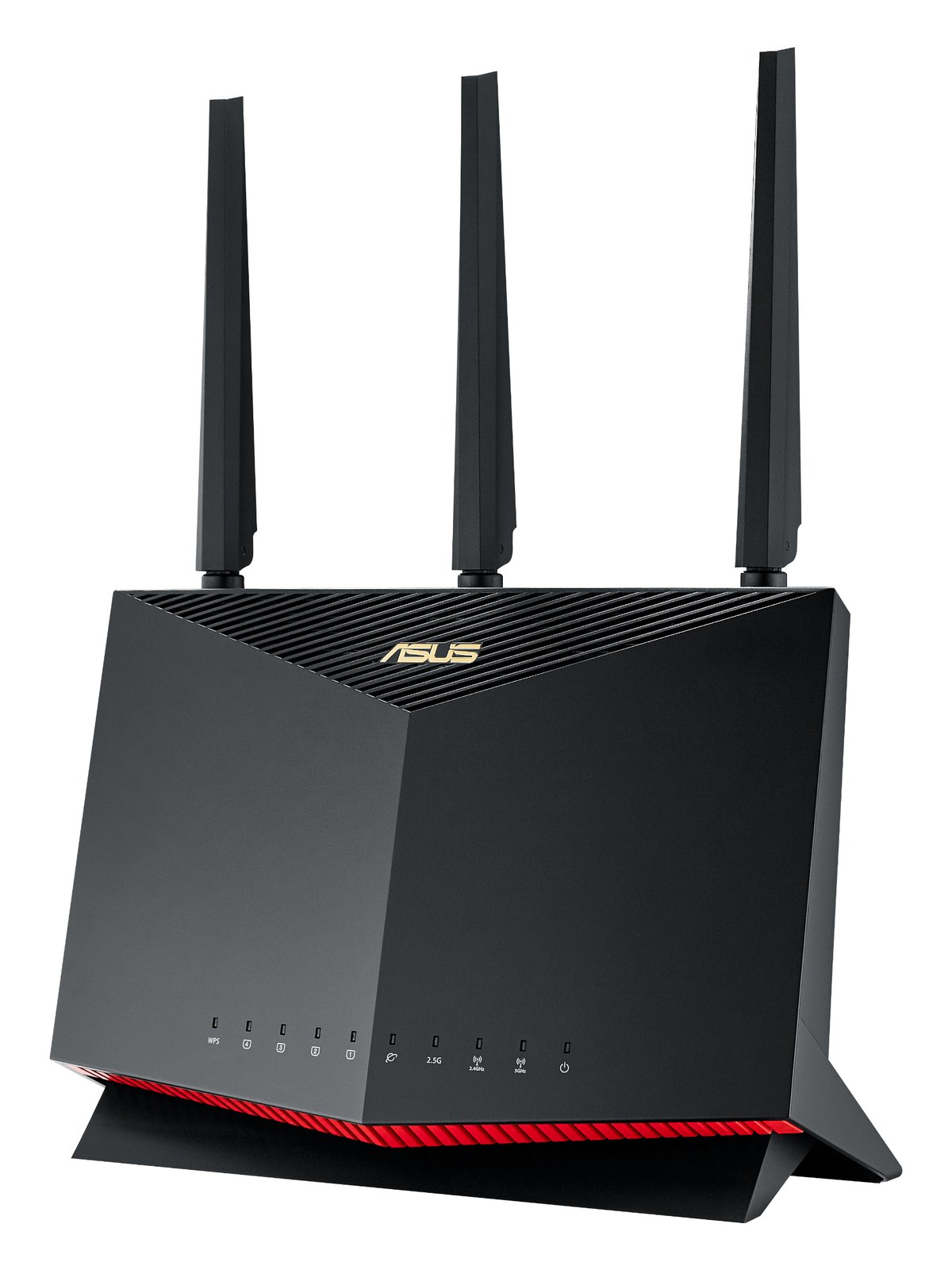
Netgear Nighthawk RAX50 WiFi 6 Router
Netgear·Model RAX50·netgear-rax50
About the Netgear RAX50
The Netgear Nighthawk RAX50 is a familiar consumer WiFi 6 router that punches well above its weight for tablet-control rigs. Four gigabit LAN ports and an aesthetically friendly design make it an easy "throw it on top of the rack" option for theaters and houses of worship.
The RAX50 is a consumer WiFi 6 router that finds a legitimate home in live-audio rigs built around tablet control — think Avid EUCON, Yamaha StageMix, Waves SuperRack remote, or any mixing app that lives on an iPad. It is not a managed switchA network switch you can configure — VLANs, QoS, IGMP — so audio traffic gets priority. Dante rigs beyond a few boxes want one., not a dedicated audio-network device, and not a touring-grade piece of infrastructure. What it is: a solid, affordable wireless access point with four gigabit LAN ports, WiFi 6 (AX5400) capability, and a power draw that sits comfortably at 15 watts and peaks around 25 — easy on any conditioned outlet in the rack.
Four LAN ports sounds modest until you're at load-in and need to wire the house console, a playback laptop, a personal monitor server, and a stage boxThe I/O endpoint on stage: mics plug in there and one digital line (AES50, Dante) carries everything to the console. The snake, digitized. all into the same local subnet while the iPads roam wirelessly. That's a real topology and the RAX50 handles it without a separate switch in smaller rigs. WiFi 6 matters practically because it handles overlapping client connections more gracefully in dense RFRadio Frequency — the wireless part of wireless. RF planning is why big rigs scan, coordinate, and combine antennas instead of hoping. environments — arenas and houses of worship are exactly the kind of spaces where older routers fall apart mid-show. The unit is not rackmountable in a standard sense despite the catalog flagging it as such; it will sit on top of or behind a rack rather than sliding into a rack space, so plan your real estate accordingly.
This router belongs in a fixed or semi-fixed installation — a house of worship FOHFront Of House — the main mix the audience hears, and the console position out in the room where it gets mixed. position, a theater monitor worldThe side-stage domain of the monitor engineer — console, IEM racks, and everything feeding the band’s ears instead of the audience., a corporate AV rack that travels in a road case rather than a splitter cart. If you're doing serious touring, look at a purpose-built managed solution like a Cisco Meraki or a dedicated Ubiquiti access point with a separate router/switch stack; those give you VLANVirtual LAN — slicing one physical switch into separate isolated networks, like keeping Dante away from lighting and guest WiFi. control, captive portal suppression, and interference management the RAX50 doesn't offer. For a one-person monitor rig where the goal is StageMix on an iPad and a hardwired console connection, $189 and 15 watts gets you where you need to go without overcomplicating the system.
In the rack
- Set a static SSID and password and tape them to the inside lid of the road case — everyone who loads in behind you will thank you, and you'll stop troubleshooting forgotten credentials at 2 PM.
- Disable the router's DHCPThe router service that hands out IP addresses automatically — rack networks often pin static addresses instead so gear always finds itself. server and assign static IPs to every wired device in the subnet; wireless tablet sessions are the only thing that should be pulling dynamic addresses, and it eliminates a whole category of mid-show dropoutsA brief audio gap when the radio link fails — the thing diversity, distros, and coordination all exist to prevent..
- Keep the RAX50 physically elevated and away from metal rack panels — the antennas are external and need clear line-of-sight to the mix position; buried behind a steel rack door cuts your effective range significantly.
- Plug it into its own outlet on the power conditionerFilters venue AC, clamps surges, and gives the rack one tidy inlet. Not a voltage regulator and not a battery — just cleaner power. rather than daisy-chaining off a USB charger or spare port; the 25-watt peak draw is nothing, but a clean dedicated circuit keeps it off the same ground loopHum from gear seeing two ground paths at slightly different voltage — the classic buzz when two racks share audio and power. as your audio gear.
Mainstream WiFi 6 router (AX5400).
I/O Ports (7)
| Port | Connector | Direction | Signal | Channels |
|---|---|---|---|---|
| WAN (RJ45) | RJ45 | bidirectional | data | — |
| LAN 1 (RJ45) | RJ45 | bidirectional | data | — |
| LAN 2 (RJ45) | RJ45 | bidirectional | data | — |
| LAN 3 (RJ45) | RJ45 | bidirectional | data | — |
| LAN 4 (RJ45) | RJ45 | bidirectional | data | — |
| USB 3.0 | USB A | bidirectional | data | — |
- Power (DC barrel) (DC BARREL)
Deciding between two?
Rack space, watts, weight and every connector, side by side.
Related gear