The Peplink Balance 20X is a touring-grade router with built-in WiFi and a slot for a cellular modem, giving the rig internet access even when the venue's WiFi is hostile. SpeedFusion bonding lets it combine multiple uplinks for a stable connection during in-ear monitor mix-and-match remote sessions and FOH cloud-backup uploads.
~$549Use retailer rows for current price and stock
01 · What it does—and what that changes in your rig.
Product overview
Start with the payoff, then work through how it functions, where it fits, and the details that change a real build.
The payoff
WiFi Router decisions, organized around the whole rig.
The Peplink Balance 20X is the router you reach for when you can't trust the venue's internet — which is most venues. It sits at the network core of your rack and manages multiple uplinks simultaneously: the house ethernet handoff on the WAN port, a cellular modem via USB, and its own built-in WiFi, all bonded together through Peplink's SpeedFusion technology. For touring rigs running remote production sessions, cloud show backups, or any workflow that needs a predictable connection in an unpredictable building, this is the piece that makes that reliability possible.
Documented outputs
00 destination connections
Documented inputs
1Based on documented inputs
Rack space
Outside rackPlan a shelf, tray, or stage position
Peplink product panelOutside rack · 12W
Function
How it works in the path
At 12 watts typical draw and 0.8 kg, the 20X adds almost nothing to your weight or power budget — but it isn't rack-unit-zero by accident. The unit is rackmountable but doesn't claim a standard 1UThe standard slice of rack height: 1U = 1.75″. A 3U box takes three slices; half-rack gear pairs two units side by side in one. slot on its own; you'll need a shelf or a rack-mount kit, and that's worth planning around before load-in. The four LAN ports cover a monitor console, a FOHFront Of House — the main mix the audience hears, and the console position out in the room where it gets mixed. laptop, a wireless system manager, and a spare without a switch in the chain. SpeedFusion bonding means a dropped venue connection doesn't crater your session mid-soundcheck — the cellular uplink picks up the slack transparently, and your devices never know the handoff happened.
Best fit
Where it earns its place in the system
If your rig has any networked component that matters — DanteThe most common audio-over-network standard: dozens of channels of uncompressed digital audio down one ordinary Ethernet cable between Dante boxes., OSCOpen Sound Control — a network protocol for remote-controlling mixers and software. MIDI’s modern, higher-resolution cousin. control, remote guest mixing, or even just keeping show files backed up to the cloud on the road — the Balance 20X earns its place. It's overkill if your only network need is occasionally pulling up a riderThe document attached to a booking that lists what the band needs — inputs, monitors, power, backline (and the green-room snacks). PDF. It's also not the right call if your infrastructure budget is near zero; a consumer travel router costs a tenth of the price and works fine for basic tasks. But for a professional touring or IEMIn-Ear Monitor — earpieces that replace floor wedges, feeding each player their own mix. The reason this whole rack exists. rig where network failure has real consequences, the redundancyA second copy of anything critical — supply, computer, network path — already running so one failure can’t stop the show. and bonding features here are the point.
In the rack
Details worth deciding before load-in.
Mount it on a 1UThe standard slice of rack height: 1U = 1.75″. A 3U box takes three slices; half-rack gear pairs two units side by side in one. rack shelf alongside your power strip rather than leaving it loose — the DC barrel connector is the most likely failure point if the unit shifts in transit.
Pre-configure WAN failoverThe automatic switch to the backup when the primary dies — good failover is seamless enough that the audience never knows. priority at home before the tour: WAN ethernet as primary, cellular as secondary. Walking through the SpeedFusion dashboard for the first time during a venue load-in is a bad use of that hour.
Label which LAN port goes where on the back of the rack with a P-touch label — with four identical RJ45s it's easy to yank the wrong cable during a quick reset under pressure.
If your cellular modem USB dongle runs hot, zip-tie it outside the rack rather than coiling it inside; the 20X itself runs cool, but a throttled modem will quietly drop your backup uplink speed right when you need it.
02 · Know the whole path before you buy.
Signal path
Learn the route as a block diagram: source, product function, transport, and destination. Select any block to see what enters, what changes, and what leaves.
Interactive block diagramAuto-looping · hover, focus, or tap to hold a stage
Port-type signalProduct functionSystem boundary
Follow one signal from source to destination
Each block answers the same three questions: what arrives, what changes here, and what leaves.
01 · Source · selected
dc barrel
RJ45
01 · Source
1 documented input
dc barrel
Arrives as
1 documented input
Connector
dc barrel
Signal
power
03 · What this product asks of the rest of the system.
Compatibility
Treat connector names as the start of the check—not the answer. These are the boundaries that determine a complete working path.
Best fit · WiFi Router
Use it as wifi router tracked outside rack rails; follow the manufacturer’s mounting and form-factor guidance.
Plan the companion path
Complete the path with upstream and downstream gear that matches connector, direction, signal type, protocol, and wiring standard.
Connector boundary
Documented connectors: RJ45, usb a, dc barrel. Match connector, direction, and signal type—not shape alone.
04 · Every connector, grouped by job.
I/O ports
Switch the product view and the documented port inventory updates with it—hardware and data stay side by side.
Every connector, grouped by job.
Switch panels to keep the hardware view and the documented port list in sync.
Front panelRear panel
All documented ports for Peplink Balance 20X SD-WAN Router
Port
Panel
Connector
Direction
Signal
Channels
WAN (RJ45)
rear
RJ45
bidirectional
data
—
LAN 1 (RJ45)
rear
RJ45
bidirectional
data
—
LAN 2 (RJ45)
rear
RJ45
bidirectional
data
—
LAN 3 (RJ45)
rear
RJ45
bidirectional
data
—
LAN 4 (RJ45)
rear
RJ45
bidirectional
data
—
USB (cellular modem)
rear
usb a
bidirectional
data
—
Power (DC barrel)
rear
dc barrel
input
power
—
Showing 7 of 7 documented physical ports.
05 · Compare the decision, not just the price.
Alternatives
The rows are organized around fit, power, I/O, and system role so a cheaper unit cannot hide a more expensive workflow.
Balance 20XThe Peplink Balance 20X is a touring-grade router with built-in WiFi and a slot for a cellular modem, giving the rig internet access even when the venue's WiFi is hostile. SpeedFusion bonding lets it combine multiple uplinks for a stable connection during in-ear monitor mix-and-match remote sessions and FOH cloud-backup uploads.View gear →
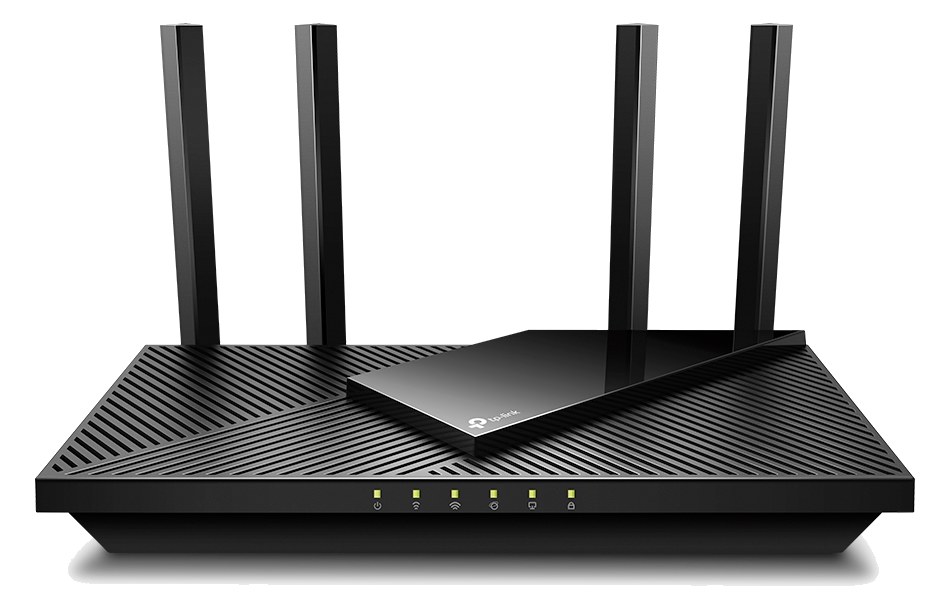
Archer AX21The TP-Link Archer AX21 is a budget-friendly WiFi 6 (AX1800) router that's become the default cheap pick for tablet-control rigs. Four gigabit LAN ports plus WiFi mean a console, computer, and tablet can all talk to each other without drama. Set it to a dedicated SSID for the rig and you've got a private network at every show.View gear →
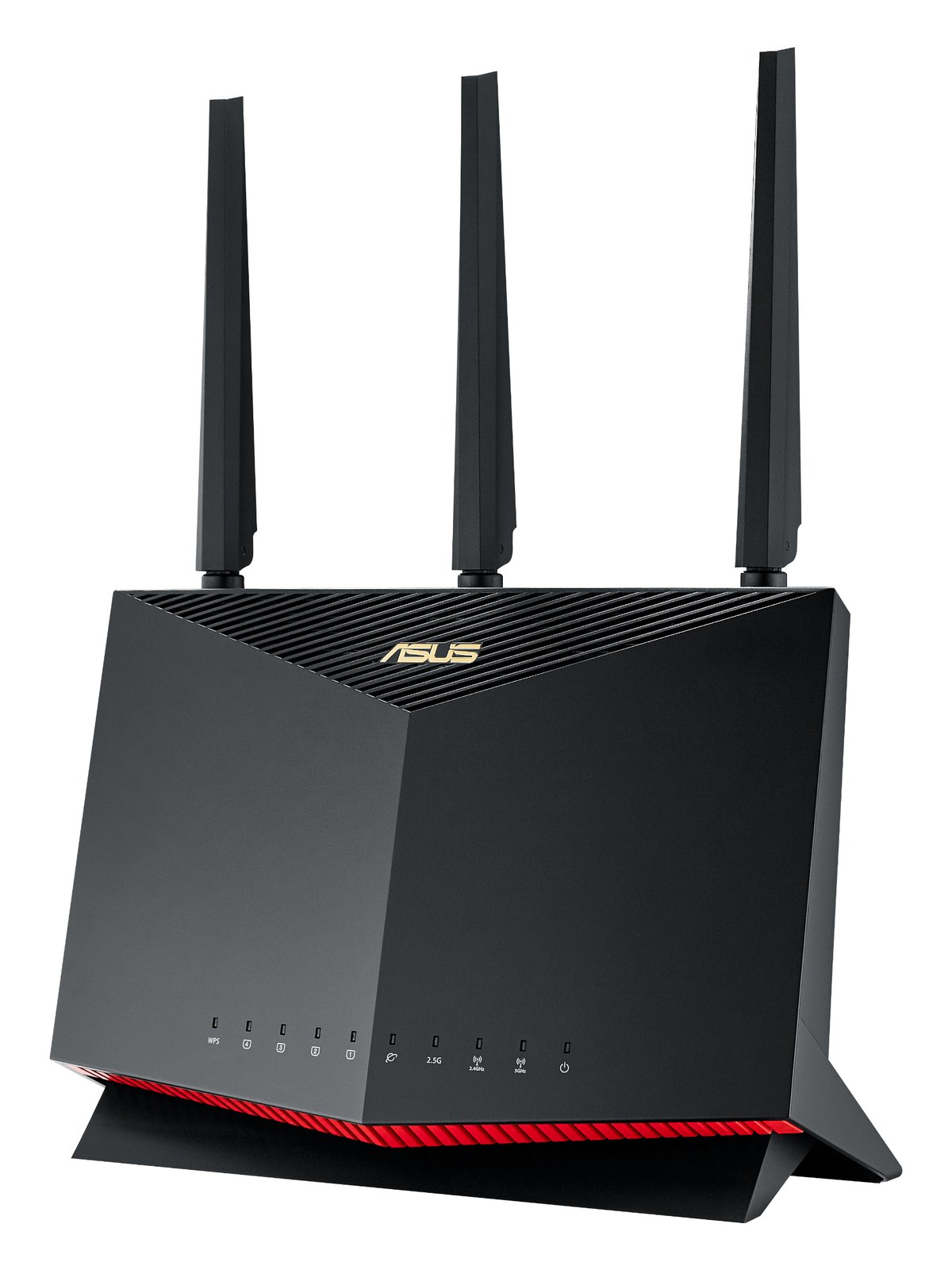
RT-AX86U ProThe ASUS RT-AX86U Pro is a popular mid-range WiFi 6 router with strong range, 2.5 Gbps WAN/LAN, and a solid signal even when stuffed into a tour-pro rack on top of the case. The merlin firmware ecosystem also makes it easy to lock down to a specific SSID + VLAN for the rig.View gear →
RAX50The Netgear Nighthawk RAX50 is a familiar consumer WiFi 6 router that punches well above its weight for tablet-control rigs. Four gigabit LAN ports and an aesthetically friendly design make it an easy "throw it on top of the rack" option for theaters and houses of worship.View gear →
06 · Resolve the questions that can change the purchase or build plan.
Planning questions
Short, source-backed answers surface rack fit, power, cabling, and connection details before they become surprises.
Where does the Peplink Balance 20X SD-WAN Router live in a complete rig?
The catalog assigns it no rack units. Builder tracks it as non-rack gear; follow the manufacturer’s mounting, case, and form-factor guidance.
How much power does the Peplink Balance 20X SD-WAN Router draw?
Typical draw is 12W and documented maximum draw is 20W.
What connections does the Peplink Balance 20X SD-WAN Router have?
7 documented physical ports, including WAN (RJ45), LAN 1 (RJ45), LAN 2 (RJ45), LAN 3 (RJ45), LAN 4 (RJ45), USB (cellular modem).
07 · See this gear inside a complete system plan.
Builder preview
Builder keeps non-rack gear in the same bill of materials, budget, dependency, and connection plan as the rack-mounted system around it.Open in Builder