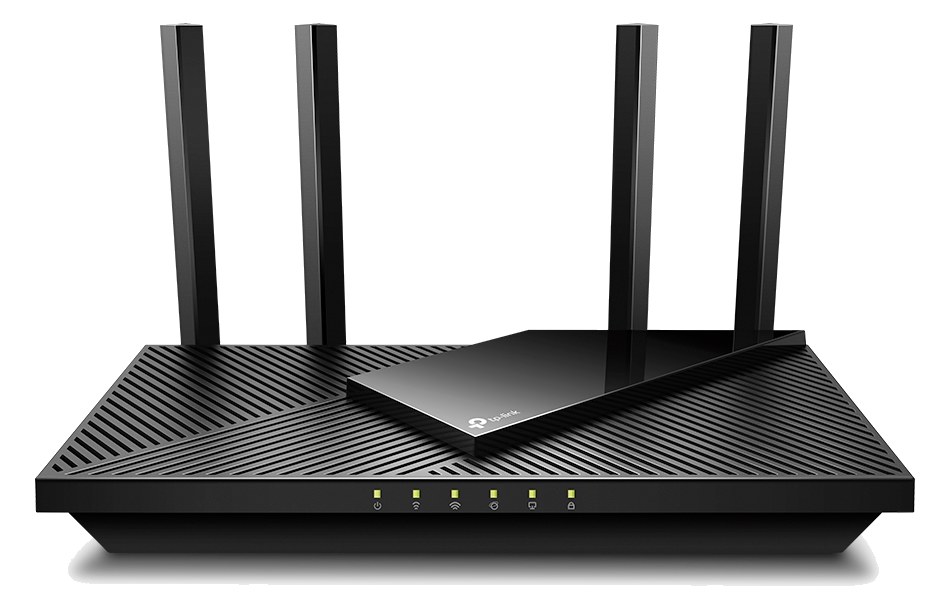
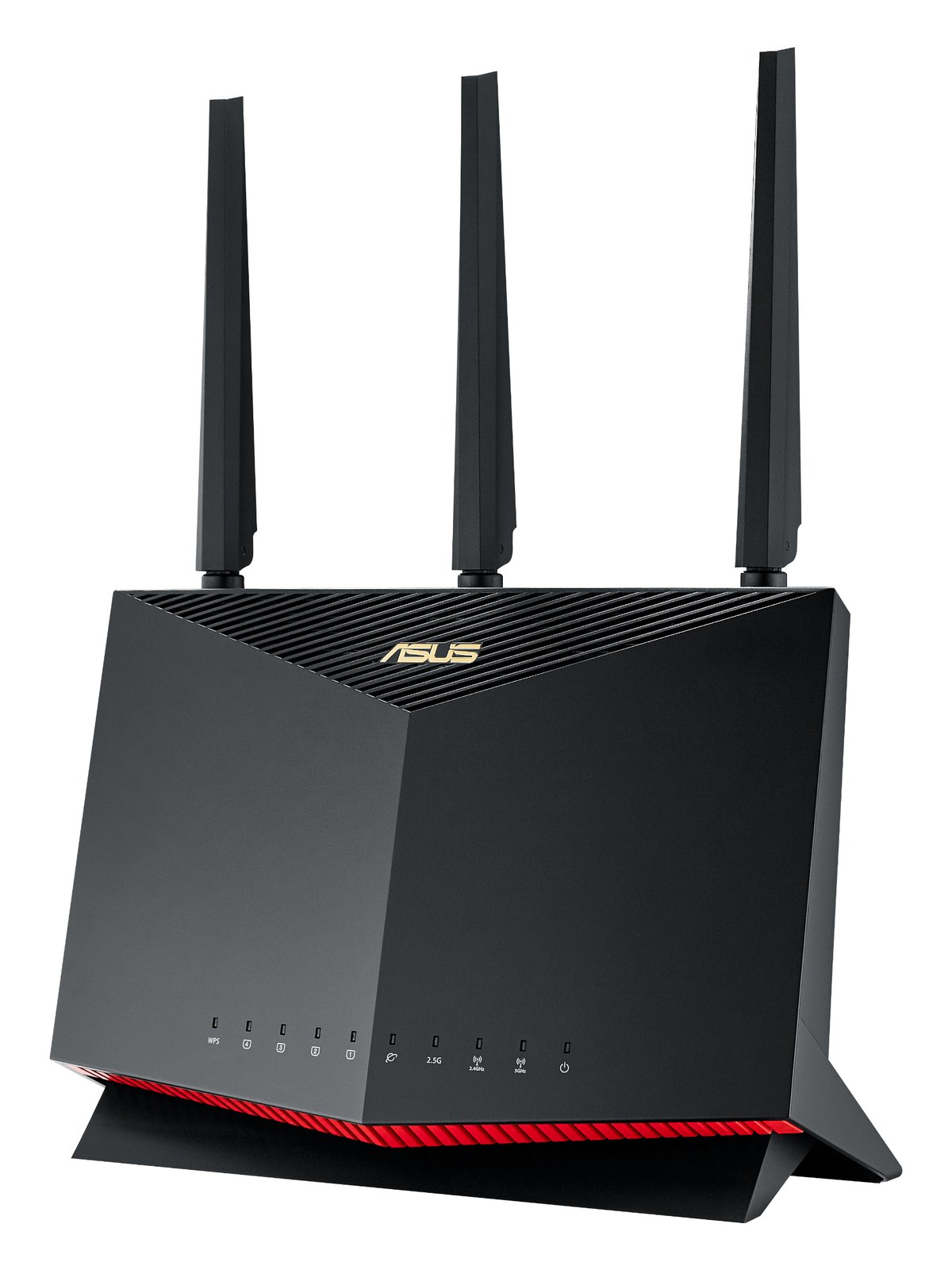
The GL.iNet GL-AXT1800 is a pocket-sized WiFi 6 travel router that's become a favorite for fly-date musicians and engineers. Dual gigabit ports, OpenWRT firmware, and a small form factor that lives in a gig bag. Cheap insurance for tablet-control workflows when the venue WiFi is unreliable.
~$109Use retailer rows for current price and stock
01 · What it does—and what that changes in your rig.
Product overview
Start with the payoff, then work through how it functions, where it fits, and the details that change a real build.
The payoff
WiFi Router decisions, organized around the whole rig.
The GL.iNet AXT1800 is a pocket WiFi 6 router that exists to solve one specific problem: venue WiFi is unreliable, and your tablet-controlled rig cannot afford to find that out at soundcheck. It creates a private, isolated network for your mixing surface, monitor controller, or any other wireless device in your workflow — completely independent of whatever the house is running. At $109 and 300 grams, it lives in a gig bag pouch or cable roll until you need it, which on a fly dateA gig you fly to instead of driving — the whole rig has to shrink into checkable cases and carry-ons. is almost every night.
Documented outputs
00 destination connections
Documented inputs
1Based on documented inputs
Rack space
Outside rackPlan a shelf, tray, or stage position
GL.iNet product panelOutside rack · 8W
Function
How it works in the path
Eight watts typical draw means you can power it off a USB port on your rack's power conditionerFilters venue AC, clamps surges, and gives the rack one tidy inlet. Not a voltage regulator and not a battery — just cleaner power. or a small USB charger without any meaningful impact on your power budget. The WAN port lets you feed it a wired venue connection if you want internet access alongside your isolated control network, or you ignore that port entirely and run it in access-point mode. One LAN port is the only hardwired device connection, so if you need to wire up multiple pieces of gear simultaneously you'll want a small switch downstream. WiFi 6 gives you the headroomThe margin between your normal level and where things clip — headroom is what absorbs the snare hit you didn’t see coming. for low-latencyThe delay between sound entering and leaving a digital system. IEM rigs fight to keep the whole chain down to a few milliseconds. tablet control without the congestion problems that plague older 802.11ac routers in RFRadio Frequency — the wireless part of wireless. RF planning is why big rigs scan, coordinate, and combine antennas instead of hoping.-dense venues.
Best fit
Where it earns its place in the system
This belongs in your rig if you're running any tablet-based remote control — Mixing Station, StagePlot Pro, proprietary console apps — and you've been burned by a venue network that either dropped out or put your tablet on a VLANVirtual LAN — slicing one physical switch into separate isolated networks, like keeping Dante away from lighting and guest WiFi. it couldn't escape. It's especially valuable on fly datesA gig you fly to instead of driving — the whole rig has to shrink into checkable cases and carry-ons. where you have zero advance knowledge of the local infrastructure. If you're in a fixed install or a touring situation where you carry a full managed network already, you don't need it. And if your console's built-in WiFi module has been reliable for you, this is redundantA second copy of anything critical — supply, computer, network path — already running so one failure can’t stop the show. — but redundant for $109 is a conversation worth having with yourself after the first dropoutA brief audio gap when the radio link fails — the thing diversity, distros, and coordination all exist to prevent. costs you a show.
In the rack
Details worth deciding before load-in.
Velcro it to the inside rear panel of a shallow rack drawer or utility shelf — it doesn't need airflow and disappears completely when not in use.
Power it from a USB-A charging port on your Furman or similar conditioner so it comes up automatically when the rack powers on, no separate switch to forget.
Set a fixed SSID and password once, save it to your console's network settings, and never touch it again — the whole point is that it just works at every venue without reconfiguration.
Use the WAN port to bridge venue internet to your private network only if you genuinely need it; leaving WAN disconnected keeps your control network fully isolated from whatever is wrong with the house infrastructure.
02 · Know the whole path before you buy.
Signal path
Learn the route as a block diagram: source, product function, transport, and destination. Select any block to see what enters, what changes, and what leaves.
Interactive block diagramAuto-looping · hover, focus, or tap to hold a stage
Port-type signalProduct functionSystem boundary
Follow one signal from source to destination
Each block answers the same three questions: what arrives, what changes here, and what leaves.
01 · Source · selected
usb c
RJ45
01 · Source
1 documented input
usb c
Arrives as
1 documented input
Connector
usb c
Signal
power
03 · What this product asks of the rest of the system.
Compatibility
Treat connector names as the start of the check—not the answer. These are the boundaries that determine a complete working path.
Best fit · WiFi Router
Use it as wifi router tracked outside rack rails; follow the manufacturer’s mounting and form-factor guidance.
Plan the companion path
Complete the path with upstream and downstream gear that matches connector, direction, signal type, protocol, and wiring standard.
Connector boundary
Documented connectors: RJ45, usb a, usb c. Match connector, direction, and signal type—not shape alone.
04 · Every connector, grouped by job.
I/O ports
Switch the product view and the documented port inventory updates with it—hardware and data stay side by side.
Every connector, grouped by job.
Switch panels to keep the hardware view and the documented port list in sync.
Front panelRear panel
All documented ports for GL.iNet GL-AXT1800 Travel Router
Port
Panel
Connector
Direction
Signal
Channels
WAN (RJ45)
rear
RJ45
bidirectional
data
—
LAN (RJ45)
rear
RJ45
bidirectional
data
—
USB 3.0
rear
usb a
bidirectional
data
—
Power (USB-C)
rear
usb c
input
power
—
Showing 4 of 4 documented physical ports.
05 · Compare the decision, not just the price.
Alternatives
The rows are organized around fit, power, I/O, and system role so a cheaper unit cannot hide a more expensive workflow.
GL-AXT1800 (Slate AX)The GL.iNet GL-AXT1800 is a pocket-sized WiFi 6 travel router that's become a favorite for fly-date musicians and engineers. Dual gigabit ports, OpenWRT firmware, and a small form factor that lives in a gig bag. Cheap insurance for tablet-control workflows when the venue WiFi is unreliable.View gear →
RAX50The Netgear Nighthawk RAX50 is a familiar consumer WiFi 6 router that punches well above its weight for tablet-control rigs. Four gigabit LAN ports and an aesthetically friendly design make it an easy "throw it on top of the rack" option for theaters and houses of worship.View gear →
Archer AX21The TP-Link Archer AX21 is a budget-friendly WiFi 6 (AX1800) router that's become the default cheap pick for tablet-control rigs. Four gigabit LAN ports plus WiFi mean a console, computer, and tablet can all talk to each other without drama. Set it to a dedicated SSID for the rig and you've got a private network at every show.View gear →
UDRThe UniFi Dream Router is Ubiquiti's integrated WiFi router and security gateway. Solid pick when the engineer wants real VLAN isolation between the audio network and the tablet-control SSID. Built-in PoE on a couple of LAN ports lets you power a UniFi access point at the back of the venue without extra injectors.View gear →
06 · Resolve the questions that can change the purchase or build plan.
Planning questions
Short, source-backed answers surface rack fit, power, cabling, and connection details before they become surprises.
Where does the GL.iNet GL-AXT1800 Travel Router live in a complete rig?
The catalog assigns it no rack units. Builder tracks it as non-rack gear; follow the manufacturer’s mounting, case, and form-factor guidance.
How much power does the GL.iNet GL-AXT1800 Travel Router draw?
Typical draw is 8W and documented maximum draw is 12W.
What connections does the GL.iNet GL-AXT1800 Travel Router have?
4 documented physical ports, including WAN (RJ45), LAN (RJ45), USB 3.0, Power (USB-C).
07 · See this gear inside a complete system plan.
Builder preview
Builder keeps non-rack gear in the same bill of materials, budget, dependency, and connection plan as the rack-mounted system around it.Open in Builder