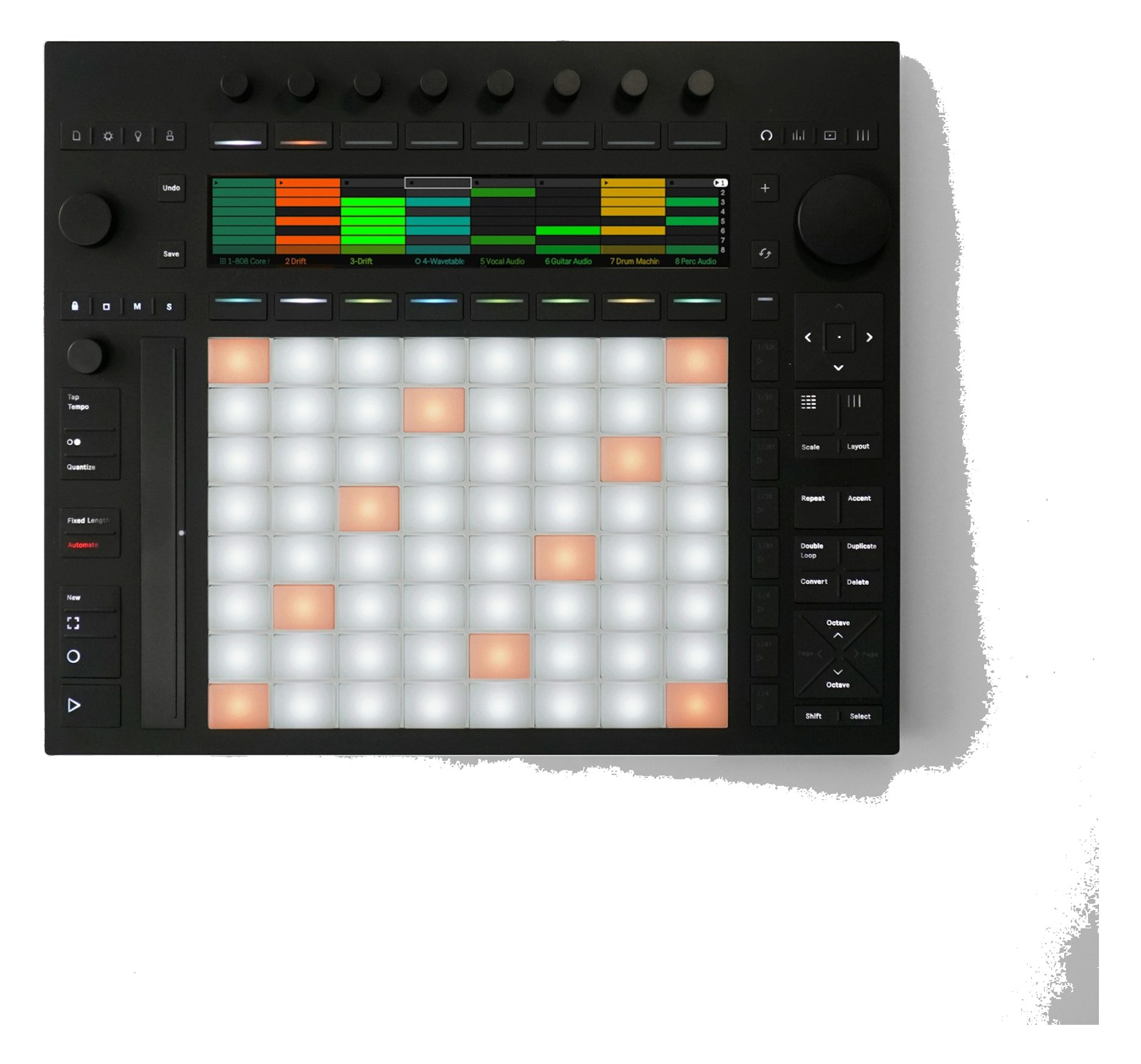
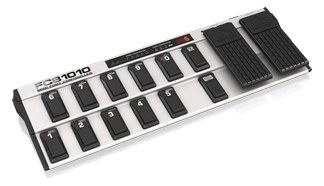
MIDI Controller

Morningstar MC8 MIDI Controller

The Morningstar MC8 is a highly programmable MIDI foot controller favored by guitarists and keyboardists who need precise, customizable control over their rig. Its deep editing software lets you assign complex MIDI messages, multi-action sequences, and conditional logic to each button, making it powerful for advanced show control workflows. USB-C and TRS MIDI outputs provide flexible connectivity to both modern and legacy MIDI devices.

Compare
Documented outputs
1One destination connection
Documented inputs
0Based on documented inputs
Rack space
Outside rackPlan a shelf, tray, or stage position
Power draw
UnverifiedPower requirement is not verified in the catalog
Catalog estimate
~$359Use retailer rows for current price and stock

01 · What it does—and what that changes in your rig.

Product overview

Start with the payoff, then work through how it functions, where it fits, and the details that change a real build.

The payoff

MIDI Controller decisions, organized around the whole rig.

The Morningstar MC8 is a floor-based MIDI foot controller — eight switches, deep programming, and a surprisingly compact footprint for what it can do. In a live rig context, its job is to be the human interface layer: the thing a player stomps on to trigger scene changes, mute groups, click starts, patch recalls, or whatever multi-step sequence you've buried inside your playback or effects chain. It doesn't process audio, it doesn't route signal — it sends MIDI messages, and it sends them exactly when and how you program it to. That focus is the whole point.

Documented outputs
1One destination connection
Documented inputs
0Based on documented inputs
Rack space
Outside rackPlan a shelf, tray, or stage position
Morningstarexternal · not rackmounted
Morningstar product panelOutside rack · Unverified
Function

How it works in the path

USB-C handles both power and MIDI communication to any class-compliant host, which covers most modern laptops and tablets running your show software. The TRS MIDI output gets you into legacy gear — rack-mount effects units, older hardware synths, any device that still expects a 5-pin DIN signal via an inexpensive TRS-to-DIN adapter. The MC8's real practical value is in its editor software: conditional logic and multi-action presses mean a single stomp can send a program change, toggle a CC, and fire a note-on in sequence, which collapses what might be three separate button presses into one. At 0.8 kg it lives comfortably on a keyboard stand or pedalboard without adding rack weight.

Best fit

Where it earns its place in the system

If your player needs hands-free, eyes-down control over a complex MIDI rig — backing track software, a multi-effects unit, a DAW transport — the MC8 earns its place. It's particularly strong for performers who want to build conditional show logic without writing code. It is not a rack-mount unit in the traditional sense despite being listed as rackmountable; plan to surface-mount or board-mount it, not drop it in a 1U slot. If your control needs are simple — a single program-change per song, nothing more — a cheaper, simpler controller will do the job and reduce pre-show programming overhead.

In the rack

Details worth deciding before load-in.

  • Use the MC8's multi-action press feature to build a 'show start' macro: a single long-press can arm your playback software, send a timecode enable command, and set your effects unit to scene one simultaneously.
  • The TRS MIDI output is Type A or Type B depending on the target device — confirm which standard your rack gear expects and use the correct adapter before load-in, not during it.
  • Power the MC8 via USB-C from a powered USB hub on your playback laptop rather than a separate supply; this keeps the device count lower and ensures the controller loses power when the rig does, preventing phantom MIDI messages on shutdown.
  • Label each bank with tape or a label maker on the unit itself — the onscreen labels are small under stage lighting, and muscle memory built on physical position will serve you better mid-show than reading the display.

02 · Know the whole path before you buy.

Signal path

Learn the route as a block diagram: source, product function, transport, and destination. Select any block to see what enters, what changes, and what leaves.

Interactive block diagramAuto-looping · hover, focus, or tap to hold a stage
Port-type signalProduct functionSystem boundary
Follow one signal from source to destination

Each block answers the same three questions: what arrives, what changes here, and what leaves.

01 · Connection · selected
01 · Connection

1 bidirectional connection

usb c

Connection
1 bidirectional port
Connector
usb c
Signal
data

03 · What this product asks of the rest of the system.

Compatibility

Treat connector names as the start of the check—not the answer. These are the boundaries that determine a complete working path.

Best fit · MIDI Controller

Use it as midi controller tracked outside rack rails; follow the manufacturer’s mounting and form-factor guidance.

Plan the companion path

Complete the path with upstream and downstream gear that matches connector, direction, signal type, protocol, and wiring standard.

Connector boundary

Documented connectors: usb c, ¼-inch TRS. Match connector, direction, and signal type—not shape alone.

04 · Every connector, grouped by job.

I/O ports

Switch the product view and the documented port inventory updates with it—hardware and data stay side by side.

Every connector, grouped by job.

Switch panels to keep the hardware view and the documented port list in sync.

Front panel
front connector map for Morningstar MC8 MIDI ControllerEXTERNAL UNIT · FRONTNo documented front ports
Rear panel
rear connector map for Morningstar MC8 MIDI ControllerEXTERNAL UNIT · REARusb cbidirectional¼-inch TRSoutput
All documented ports for Morningstar MC8 MIDI Controller
PortPanelConnectorDirectionSignalChannels
USB-Crearusb c bidirectionaldata—
MIDI Out (TRS)rear¼-inch TRS outputdata—

Showing 2 of 2 documented physical ports.

05 · Compare the decision, not just the price.

Alternatives

The rows are organized around fit, power, I/O, and system role so a cheaper unit cannot hide a more expensive workflow.

Compare
External unit
iConnectivity mio XL MIDI Interface
External unit
Fit📐 Outside rack📐 1U📐 Outside rack
Power⚡ Unverified⚡ 5W⚡ Unverified
Weight⚖️ 1.8 lb⚖️ 2.2 lb⚖️ 2.2 lb
I/O🔌 2🔌 16🔌 1
Estimate💵 ~$359💵 ~$499💵 ~$199
Deep diveCurrent selectionFull comparison →Full comparison →

06 · Resolve the questions that can change the purchase or build plan.

Planning questions

Short, source-backed answers surface rack fit, power, cabling, and connection details before they become surprises.

Where does the Morningstar MC8 MIDI Controller live in a complete rig?

The catalog assigns it no rack units. Builder tracks it as non-rack gear; follow the manufacturer’s mounting, case, and form-factor guidance.

How much power does the Morningstar MC8 MIDI Controller draw?

Its power requirement is not yet verified in the catalog.

What connections does the Morningstar MC8 MIDI Controller have?

2 documented physical ports, including USB-C, MIDI Out (TRS).

07 · See this gear inside a complete system plan.

Builder preview

Builder keeps non-rack gear in the same bill of materials, budget, dependency, and connection plan as the rack-mounted system around it.Open in Builder
MC8 MIDI Controller tracked in a complete system planA simplified plan shows the gear tracked outside rack rails, with its documented connection path continuing to a planned destination.Tracked outside rack railsMorningstarMC8CONNECTED GEARnext signal destinationExternal system gear · no rack units assigned

08 · Related gear, in the order you may need it.

Planning guides for midi controller systems.