Digital Mixer

Allen & Heath dLive C2500 Surface

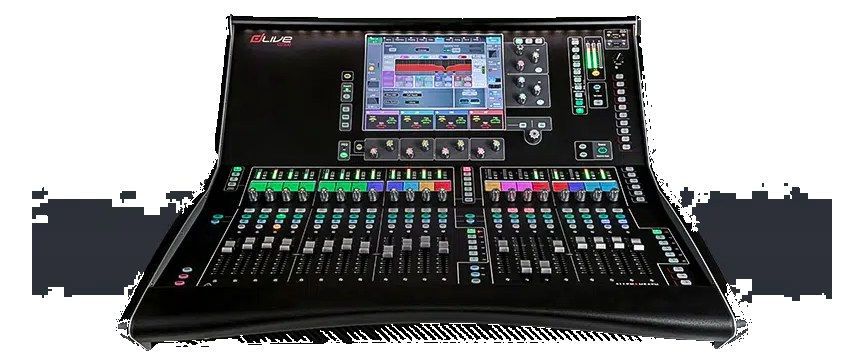
The Allen & Heath dLive C2500 is the mid-size control surface in the dLive C-class line — 28 faders across 3 banks plus a 12" capacitive touchscreen, all sitting on a TouchSafe surface designed for live touring abuse. The surface itself has no I/O; it controls a DM-series MixRack (DM48, DM64, DM32, etc.) over a single Cat6 (gigaACE protocol). Pair with the DM48 MixRack for 64 input / 32 output capacity that punches above its weight class on touring rigs.

Compare

Photos

Manufacturer product photography showing the hardware, controls, and physical form.

Photo: Allen & HeathClick to zoom
Documented outputs
33 destination connections
Documented inputs
4Based on documented inputs
Rack space
Outside rackPlan a shelf, tray, or stage position
Power draw
100W150W documented maximum
Catalog estimate
~$14,999Use retailer rows for current price and stock

01 · What it does—and what that changes in your rig.

Product overview

Start with the payoff, then work through how it functions, where it fits, and the details that change a real build.

The payoff

Digital Mixer decisions, organized around the whole rig.

The dLive C2500 is Allen & Heath's mid-size control surface in the C-class line, and it exists for one purpose: giving a touring engineer a serious physical interface over a dLive DM-series MixRack sitting on the other end of a Cat6 run. There is no audio processing, no preamps, no I/O inside this surface — all of that lives in the MixRack. What you get here is 28 motorized faders across three banks, a 12-inch capacitive touchscreen, and a TouchSafe control layout designed to survive the kind of daily contact that destroys cheaper surfaces. At FOH or at monitors, this is the thing your hands actually touch.

Documented outputs
33 destination connections
Documented inputs
4Based on documented inputs
Rack space
Outside rackPlan a shelf, tray, or stage position
Allen & Heathexternal · not rackmounted
Allen & Heath product panelOutside rack · 100W
Function

How it works in the path

That single Cat6 connection carrying gigaACE is doing a lot of work — up to 128 bidirectional channels between surface and rack, with a second RJ45 port providing redundant link should the primary path fail mid-show. Dual IEC power inputs offer the same redundancy on the electrical side. The surface draws a nominal 100W and peaks at 150W, so a single 20A circuit handles it with room to spare, but you will want to run both power feeds from independent sources if the show warrants it. The AES I/O and word clock BNC let you lock to a house clock or route a digital feed directly at the surface, which is occasionally useful for broadcast or recording splits without involving the rack.
Best fit

Where it earns its place in the system

The C2500 makes sense if you are on a touring or festival circuit that demands a deep channel count, solid recall, and a fader layout that can live with a full-time operator. Paired with a DM48 MixRack you are looking at a genuinely capable, redundant system at a price that competes with comparable Avid or DiGiCo rigs. If your shows are smaller club dates or you need an integrated solution with I/O in one box, this surface will feel like overkill and the separate-rack requirement will be a logistical burden you did not need. The C2500 earns its place when the MixRack-at-stage, surface-at-FOH topology is already how you think about your system.

In the rack

Details worth deciding before load-in.

  • Run Cat6 between surface and MixRack through a dedicated, labeled run separate from your data network — gigaACE and your show-control network share RJ45 connectors but should never share a cable or switch.
  • Connect both IEC power inputs to independent legs or circuits; the redundant supply is useless if both feeds trace back to the same breaker.
  • Use the USB port to archive show files to a thumb drive at soundcheck — dLive show recall is fast, but only if the file is physically present at the console.
  • The surface has no built-in stagebox functionality, so plan your MixRack position early in the stage plot conversation; the Cat6 run can stretch with active extenders, but Cat6 passive limit is your hard constraint before you start that conversation.

02 · Know the whole path before you buy.

Signal path

Learn the route as a block diagram: source, product function, transport, and destination. Select any block to see what enters, what changes, and what leaves.

Interactive block diagramAuto-looping · hover, focus, or tap to hold a stage
Port-type signalProduct functionSystem boundary
Follow one signal from source to destination

Each block answers the same three questions: what arrives, what changes here, and what leaves.

01 · Source · selected
01 · Source

4 documented inputs

aes3 xlr + bnc

Arrives as
4 documented inputs
Connector
aes3 xlr + bnc
Signal
digital audio

03 · What this product asks of the rest of the system.

Compatibility

Treat connector names as the start of the check—not the answer. These are the boundaries that determine a complete working path.

Best fit · Digital Mixer

Use it as digital mixer tracked outside rack rails; follow the manufacturer’s mounting and form-factor guidance.

Plan the companion path

Complete the path with upstream and downstream gear that matches connector, direction, signal type, protocol, and wiring standard.

Protocol boundary

This product declares AVB; matching plugs alone do not make other protocols compatible.

04 · Every connector, grouped by job.

I/O ports

Switch the product view and the documented port inventory updates with it—hardware and data stay side by side.

Every connector, grouped by job.

Switch panels to keep the hardware view and the documented port list in sync.

Front panel
front connector map for Allen & Heath dLive C2500 SurfaceEXTERNAL UNIT · FRONTNo documented front ports
Rear panel
rear connector map for Allen & Heath dLive C2500 SurfaceEXTERNAL UNIT · REARRJ45bidirectionalRJ45bidirectionalRJ45bidirectionalusb abidirectional¼-inch TRSoutput¼-inch TRSoutputaes3 xlrinputaes3 xlroutputbncinputIEC C14inputIEC C14input
All documented ports for Allen & Heath dLive C2500 Surface
PortPanelConnectorDirectionSignalChannels
gigaACE A (RJ45)rearRJ45 bidirectionaldigital audio128
gigaACE B (RJ45) [redundant]rearRJ45 bidirectionaldigital audio128
Network (RJ45)rearRJ45 bidirectionaldata—
USB (MIDI / show data)rearusb a bidirectionaldata—
Headphones 1 (1/4")rear¼-inch TRS outputanalog audio—
Headphones 2 (1/4")rear¼-inch TRS outputanalog audio—
AES In (XLR)rearaes3 xlr inputdigital audio—
AES Out (XLR)rearaes3 xlr outputdigital audio—
Word Clock In (BNC)rearbnc inputdigital audio—
Power A (IEC)rearIEC C14 inputpower—
Power B (IEC) [redundant]rearIEC C14 inputpower—

Showing 11 of 11 documented physical ports. Scroll to review the remaining rows.

05 · Compare the decision, not just the price.

Alternatives

The rows are organized around fit, power, I/O, and system role so a cheaper unit cannot hide a more expensive workflow.

Compare
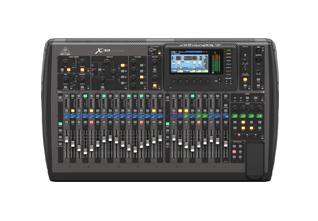
Allen & Heath dLive C2500 Surface — front view of the single-screen compact control surface
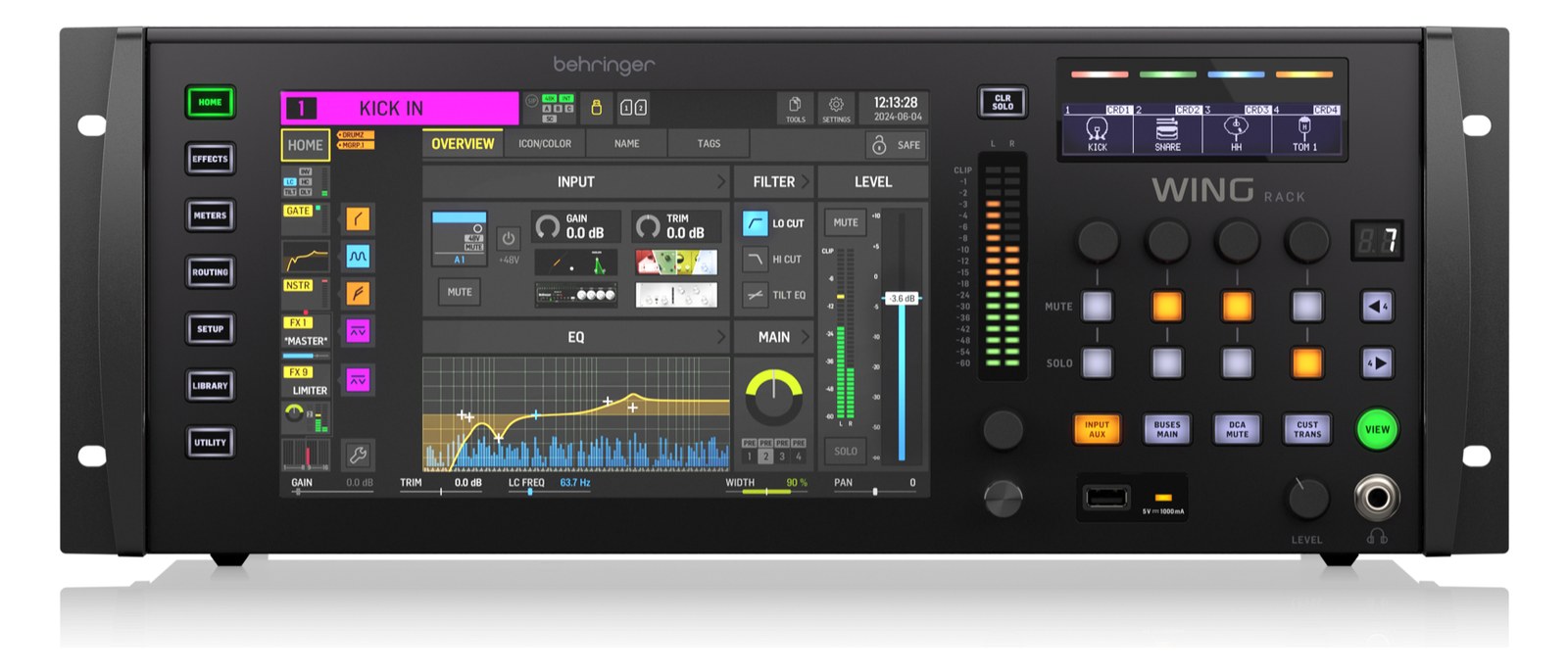
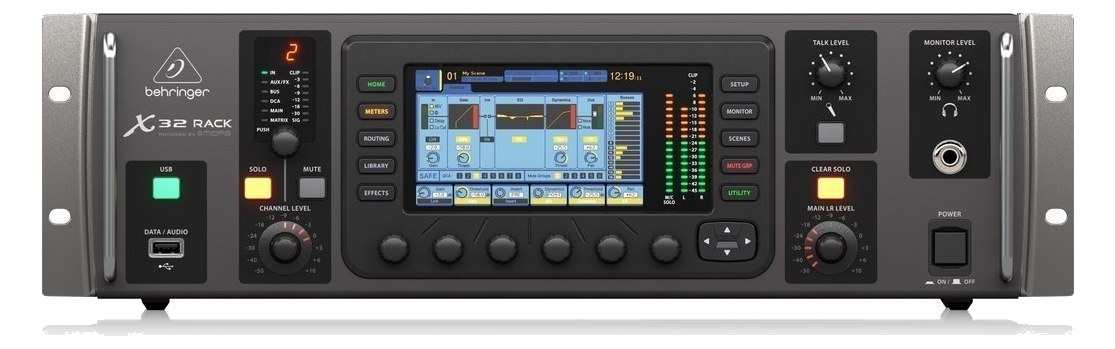
Behringer X32 Rack — 3U front panel with color display, channel level wheel and monitor section
Behringer product photo
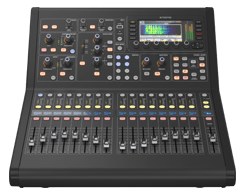
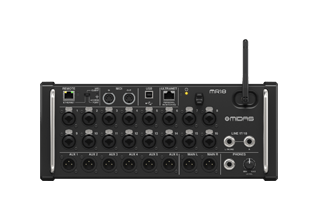
Midas M32R Live — front render of the compact 16-fader console
Fit📐 Outside rack📐 3U📐 Outside rack📐 5U
Power⚡ 100W⚡ 60W⚡ 100W⚡ 100W
Weight⚖️ 49.8 lb⚖️ 14.3 lb⚖️ 45.2 lb⚖️ 31.5 lb
I/O🔌 11🔌 53🔌 57🔌 30
Estimate💵 ~$14,999💵 ~$989💵 ~$2,799💵 ~$2,999
Deep diveCurrent selectionFull comparison →Full comparison →Full comparison →

06 · Resolve the questions that can change the purchase or build plan.

Planning questions

Short, source-backed answers surface rack fit, power, cabling, and connection details before they become surprises.

Where does the Allen & Heath dLive C2500 Surface live in a complete rig?

The catalog assigns it no rack units. Builder tracks it as non-rack gear; follow the manufacturer’s mounting, case, and form-factor guidance.

How much power does the Allen & Heath dLive C2500 Surface draw?

Typical draw is 100W and documented maximum draw is 150W.

What connections does the Allen & Heath dLive C2500 Surface have?

11 documented physical ports, including gigaACE A (RJ45), gigaACE B (RJ45) [redundant], Network (RJ45), USB (MIDI / show data), Headphones 1 (1/4"), Headphones 2 (1/4").

07 · See this gear inside a complete system plan.

Builder preview

Builder keeps non-rack gear in the same bill of materials, budget, dependency, and connection plan as the rack-mounted system around it.Open in Builder
dLive C2500 Surface tracked in a complete system planA simplified plan shows the gear tracked outside rack rails, with its documented connection path continuing to a planned destination.Tracked outside rack railsAllen & HeathdLive C2500CONNECTED GEARnext signal destinationExternal system gear · no rack units assigned

08 · Related gear, in the order you may need it.

Planning guides for digital mixer systems.