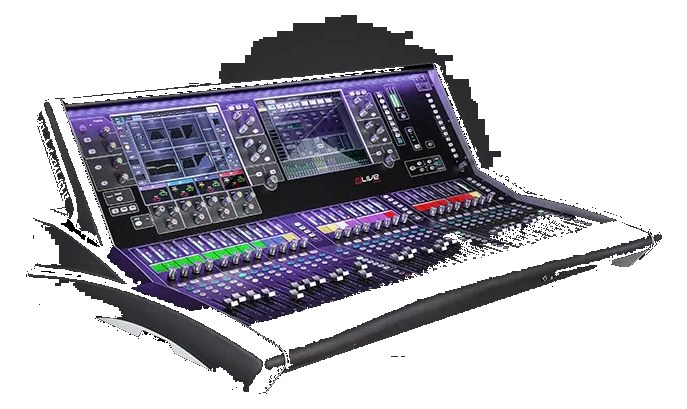
The Allen & Heath dLive S5000 is the S-class flagship surface — 28 faders across 4 banks plus twin 12" capacitive touchscreens, on a heavier-duty TouchSafe chassis built for the abuse of arena touring. Same gigaACE link to the same DM-series MixRacks (DM48, DM64, DM0) as the C-class — the surface is purely the front end. Slot in next to a DM64 MixRack and you have 128 input / 64 output capacity that competes head-to-head with DiGiCo SD12 + S-Rack pairings at a noticeably lower price point.
~$18,999Use retailer rows for current price and stock
01 · What it does—and what that changes in your rig.
Product overview
Start with the payoff, then work through how it functions, where it fits, and the details that change a real build.
The payoff
Digital Mixer decisions, organized around the whole rig.
The dLive S5000 is Allen & Heath's flagship S-class control surface — the thing your hands actually touch while the real audio processing happens back in the MixRack. That distinction matters for rack planning: the S5000 itself is 0U and not rackmountable, it lives on a stageboxThe I/O endpoint on stage: mics plug in there and one digital line (AES50, Dante) carries everything to the console. The snake, digitized. or a custom road case shelf, and it connects to a DM-series MixRack (DM48, DM64, or DM0) over a single Cat5eStandard network cable grades. In an audio rig one cheap Cat5e run can replace a 48-channel copper snake; AES50 wants it shielded./6 run via gigaACE. The surface is purely the front end. Budget your rack space and weight for the MixRack separately — this surface at 26.4 kg is just the console.
Documented outputs
55 destination connections
Documented inputs
4Based on documented inputs
Rack space
Outside rackPlan a shelf, tray, or stage position
Allen & Heath product panelOutside rack · 110W
Function
How it works in the path
Two gigaACE ports give you a primary and a fully redundantA second copy of anything critical — supply, computer, network path — already running so one failure can’t stop the show. audio link to the MixRack, each carrying 128 channels bidirectionally — if the primary cable gets kicked at a critical moment, the system rolls over without dropping audio. Dual IECThe standard three-prong appliance power inlet on rack gear — the kettle lead. C13/C14 in spec-sheet speak. power inputs mirror that redundancy on the AC side, so you can feed Power A and Power B from independent circuits or a UPSUninterruptible Power Supply — a battery that rides the rig through brownouts and generator hiccups so computers never reboot mid-song. and a raw feed. Draw sits at 110 W typical, spiking to 165 W max, which is light enough that a single 15 A circuit handles the surface comfortably alongside its MixRack. The twin 12-inch capacitive touchscreens and 28 faders across four banks mean you can keep most of a 64-input show visible without banking, which is the real workflow argument for the S5000 over the smaller S-class surfaces.
Best fit
Where it earns its place in the system
If you're carrying a full arena or large theater rig, running 48-plus inputs, and need a surface that can absorb tour abuse while giving an A1 or monitor engineer genuine screen real estate, the S5000 earns its place. Pair it with a DM64 and you have a 128-in/64-out system that competes seriously with DiGiCo SD-range pairings at a lower cost of entry. Where it doesn't make sense: theater installs or club residencies where the board rarely moves, festival one-offs where you're advancing a house console, or any situation where the MixRack-only workflow via a laptop or iPad is sufficient. The $18,999 surface price assumes the MixRack cost is separate — confirm your total system budget before committing.
In the rack
Details worth deciding before load-in.
Run gigaACE A and gigaACE B on physically separate cable paths — different trunksThe main multichannel run between stage and console — one fat multicore (or one Cat5e, these days) carrying everything at once., different stages of a multi-core if possible — so a single trench pull or cable failure can't take down both links simultaneously.
Feed Power A and Power B from independent breakers or, better, one from a UPSUninterruptible Power Supply — a battery that rides the rig through brownouts and generator hiccups so computers never reboot mid-song. and one from a conditioned raw feed; the dual-IECThe standard three-prong appliance power inlet on rack gear — the kettle lead. C13/C14 in spec-sheet speak.redundancyA second copy of anything critical — supply, computer, network path — already running so one failure can’t stop the show. only pays off if the two feeds are actually independent.
The AES I/O and Word ClockThe shared heartbeat keeping every digital box sampling in lockstep. One device leads, the rest follow — or you get clicks and pops. In on the rear panel make the S5000 straightforward to sync to an external master clock or feed a stereo digital record feed — use the AES Out directly rather than routing back through the MixRack when low-latencyThe delay between sound entering and leaving a digital system. IEM rigs fight to keep the whole chain down to a few milliseconds. confidence monitoring of the mix busA path where multiple channels sum into one signal — mixes, groups, and mains are all buses. A 25-bus console can build 25 blends at once. matters.
Both XLRThe standard 3-pin locking connector for mics and balanced line signals — pin 1 is the shield, pins 2 and 3 carry the balanced pair.-4 lamp outputs are built into the surface, so spec your gooseneck console lamps with XLR-4 connectors at purchase — standard XLR-3 desk lamps won't terminate correctly and you don't want to be making adaptors at load-in.
02 · Know the whole path before you buy.
Signal path
Learn the route as a block diagram: source, product function, transport, and destination. Select any block to see what enters, what changes, and what leaves.
Interactive block diagramAuto-looping · hover, focus, or tap to hold a stage
Port-type signalProduct functionSystem boundary
Follow one signal from source to destination
Each block answers the same three questions: what arrives, what changes here, and what leaves.
01 · Source · selected
aes3 xlr + bnc
RJ45 + aes3 xlr
¼-inch TRS + aes3 xlr
01 · Source
4 documented inputs
aes3 xlr + bnc
Arrives as
4 documented inputs
Connector
aes3 xlr + bnc
Signal
digital audio
03 · What this product asks of the rest of the system.
Compatibility
Treat connector names as the start of the check—not the answer. These are the boundaries that determine a complete working path.
Best fit · Digital Mixer
Use it as digital mixer tracked outside rack rails; follow the manufacturer’s mounting and form-factor guidance.
Plan the companion path
Complete the path with upstream and downstream gear that matches connector, direction, signal type, protocol, and wiring standard.
Protocol boundary
This product declares AVB; matching plugs alone do not make other protocols compatible.
04 · Every connector, grouped by job.
I/O ports
Switch the product view and the documented port inventory updates with it—hardware and data stay side by side.
Every connector, grouped by job.
Switch panels to keep the hardware view and the documented port list in sync.
Front panelRear panel
All documented ports for Allen & Heath dLive S5000 Surface
Port
Panel
Connector
Direction
Signal
Channels
gigaACE A (RJ45)
rear
RJ45
bidirectional
digital audio
128
gigaACE B (RJ45) [redundant]
rear
RJ45
bidirectional
digital audio
128
Network (RJ45)
rear
RJ45
bidirectional
data
—
USB (MIDI / show data)
rear
usb a
bidirectional
data
—
Headphones 1 (1/4")
rear
¼-inch TRS
output
analog audio
—
Headphones 2 (1/4")
rear
¼-inch TRS
output
analog audio
—
AES In (XLR)
rear
aes3 xlr
input
digital audio
—
AES Out (XLR)
rear
aes3 xlr
output
digital audio
—
Word Clock In (BNC)
rear
bnc
input
digital audio
—
Console Lamp 1 (XLR-4)
rear
XLR female
output
power
—
Console Lamp 2 (XLR-4)
rear
XLR female
output
power
—
Power A (IEC)
rear
IEC C14
input
power
—
Power B (IEC) [redundant]
rear
IEC C14
input
power
—
Showing 13 of 13 documented physical ports. Scroll to review the remaining rows.
05 · Compare the decision, not just the price.
Alternatives
The rows are organized around fit, power, I/O, and system role so a cheaper unit cannot hide a more expensive workflow.
dLive S5000The Allen & Heath dLive S5000 is the S-class flagship surface — 28 faders across 4 banks plus twin 12" capacitive touchscreens, on a heavier-duty TouchSafe chassis built for the abuse of arena touring. Same gigaACE link to the same DM-series MixRacks (DM48, DM64, DM0) as the C-class — the surface is purely the front end. Slot in next to a DM64 MixRack and you have 128 input / 64 output capacity that competes head-to-head with DiGiCo SD12 + S-Rack pairings at a noticeably lower price point.View gear →
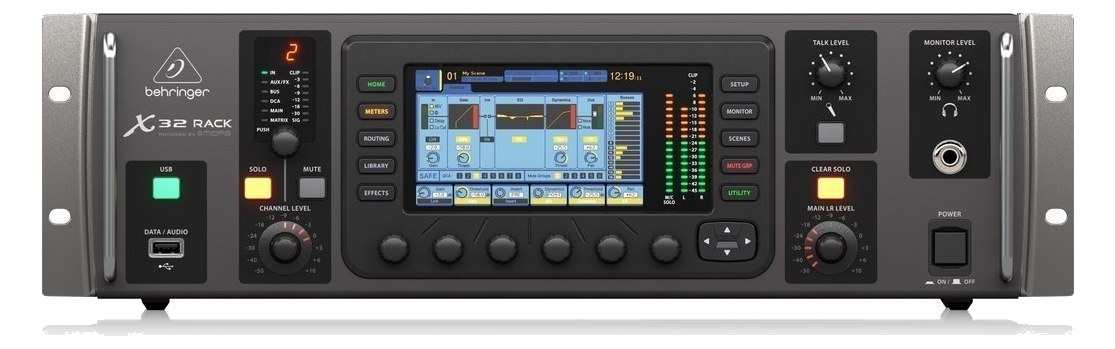
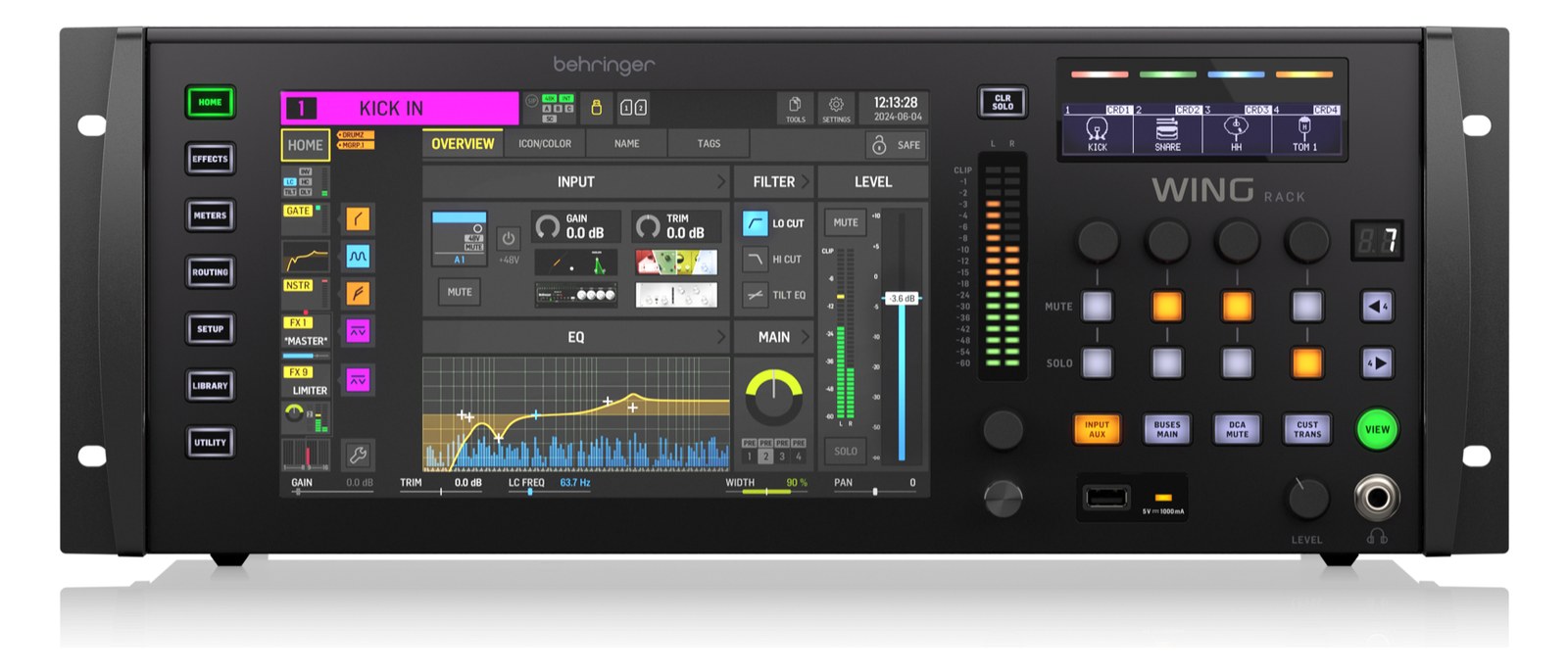
X32 RackThe Behringer X32 Rack packs a full-featured 40-input digital mixer into a 3U rack-mount form factor, making it a popular choice for IEM mixing and playback rigs on a budget. It can serve as both a monitor mixer and a USB audio interface simultaneously, and optional expansion cards add Dante networking or additional digital I/O. The deep bus structure with 25 mix buses means you can create individual IEM mixes for a full band without running out of routing options.View gear →
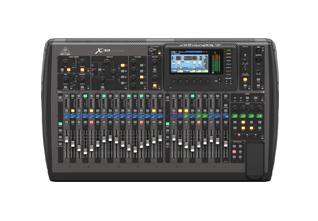
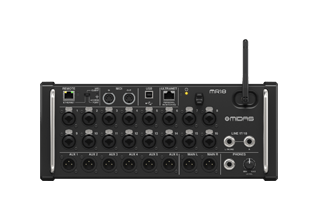
X32The full-size Behringer X32 brings 32 Midas-designed mic preamps and 16 XLR outputs onto the console itself, eliminating the need for a stage box on small-to-mid stages. Two AES50 ports still let you hang DL or S-series stage boxes when the rig grows. The 25-bus engine delivers a healthy supply of independent IEM mixes, and Ultranet runs to P-16 personal mixers off a single Cat5 to the stage. A long-running workhorse of monitor world for budget-conscious productions.View gear →
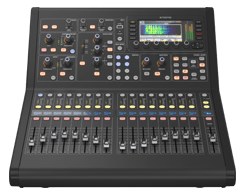
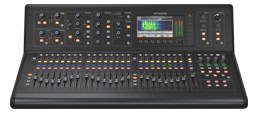
M32R LiveThe Midas M32R Live is the rack-mountable, 16-fader sibling of the flagship M32 console. It brings 16 fully-featured Midas mic preamps, a 40-input mix engine, and two AES50 ports that let you hang Midas DL-series or Behringer S-series stage boxes off a single shielded Cat5e per link — up to 48 channels over one cable. If the rig has a DL16/DL32 or S16/S32 at the stage, the AES50 trunk is the connection back to this console; local XLR inputs on the console itself are reserved for last-minute stage-side patches.View gear →
06 · Resolve the questions that can change the purchase or build plan.
Planning questions
Short, source-backed answers surface rack fit, power, cabling, and connection details before they become surprises.
Where does the Allen & Heath dLive S5000 Surface live in a complete rig?
The catalog assigns it no rack units. Builder tracks it as non-rack gear; follow the manufacturer’s mounting, case, and form-factor guidance.
How much power does the Allen & Heath dLive S5000 Surface draw?
Typical draw is 110W and documented maximum draw is 165W.
What connections does the Allen & Heath dLive S5000 Surface have?
13 documented physical ports, including gigaACE A (RJ45), gigaACE B (RJ45) [redundant], Network (RJ45), USB (MIDI / show data), Headphones 1 (1/4"), Headphones 2 (1/4").
07 · See this gear inside a complete system plan.
Builder preview
Builder keeps non-rack gear in the same bill of materials, budget, dependency, and connection plan as the rack-mounted system around it.Open in Builder