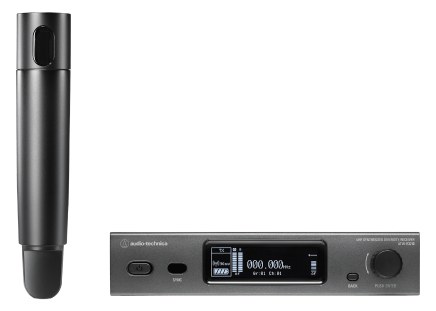
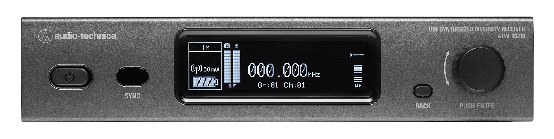
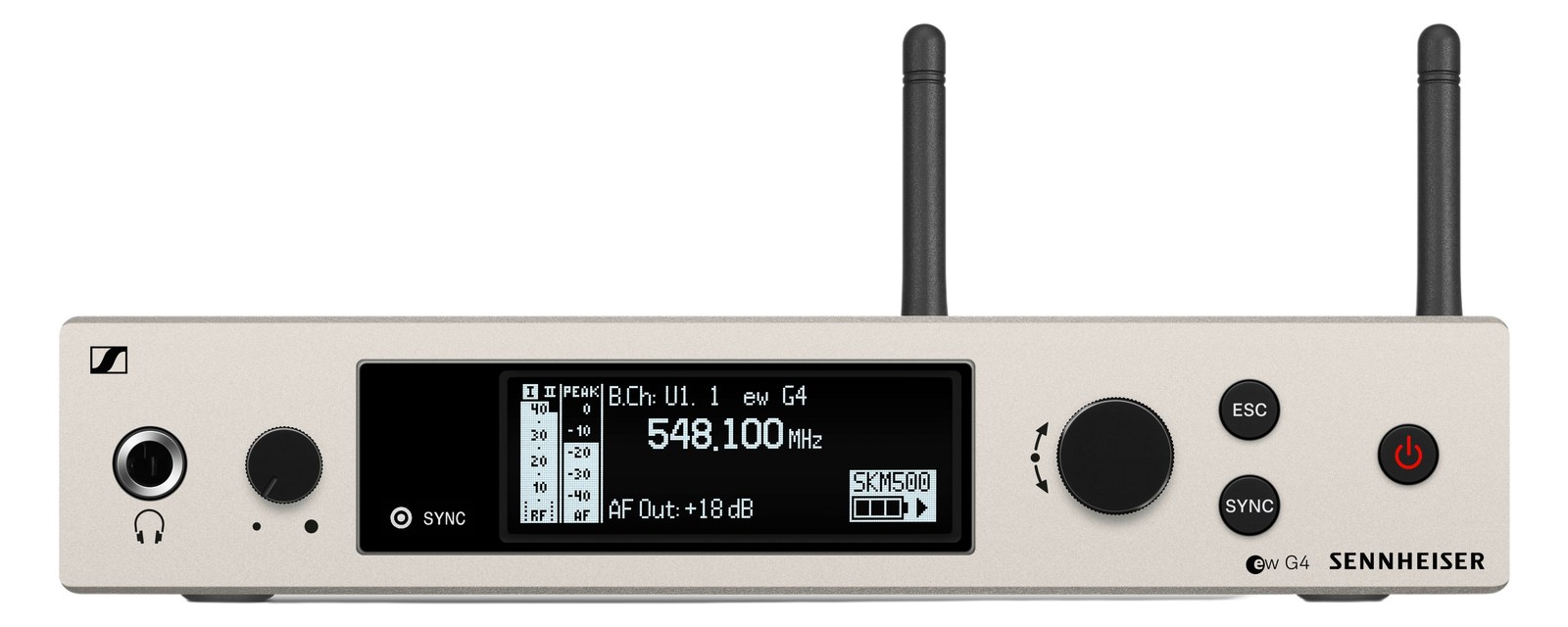
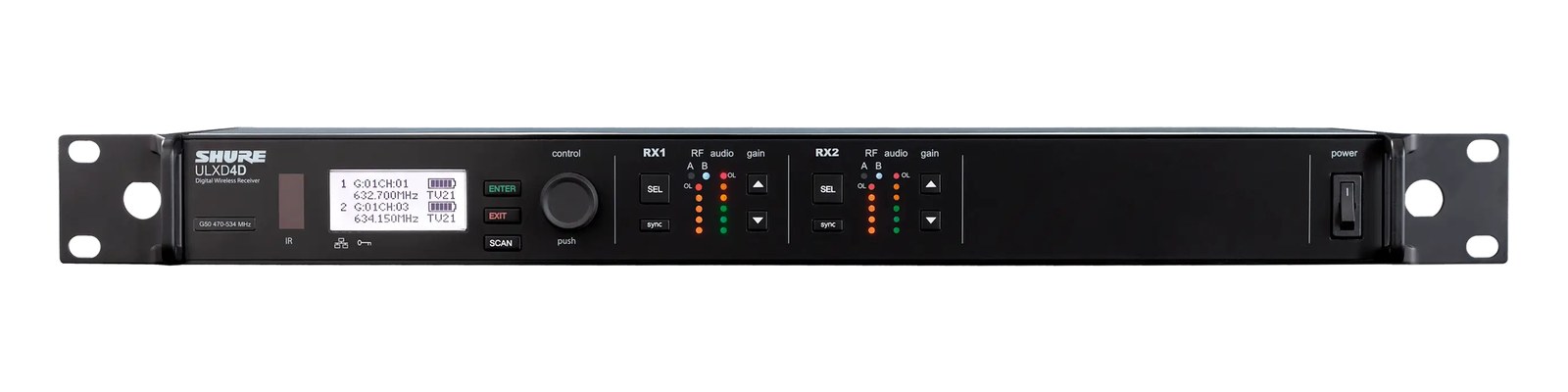
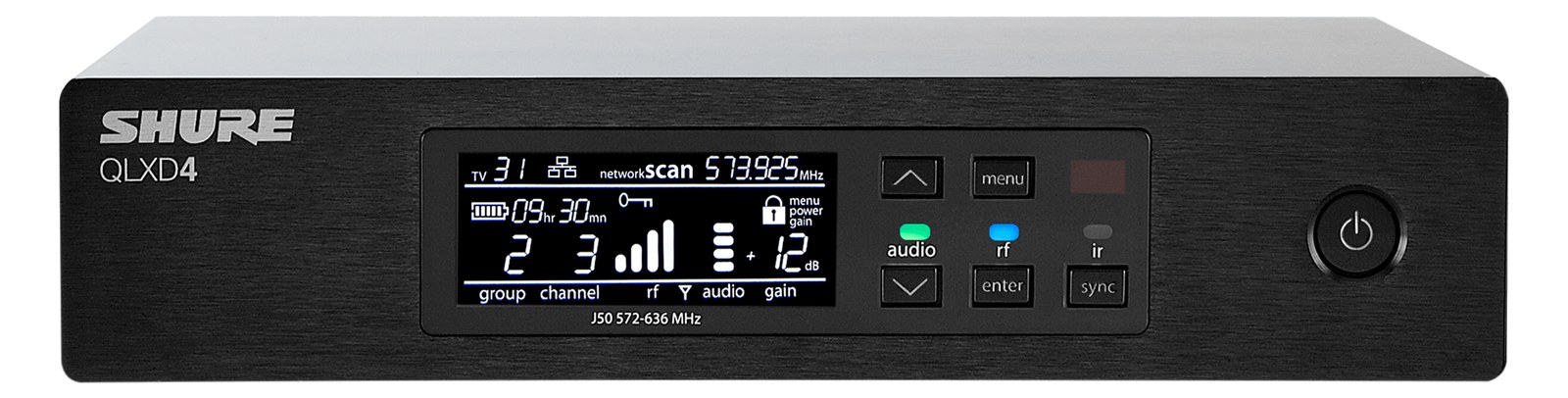
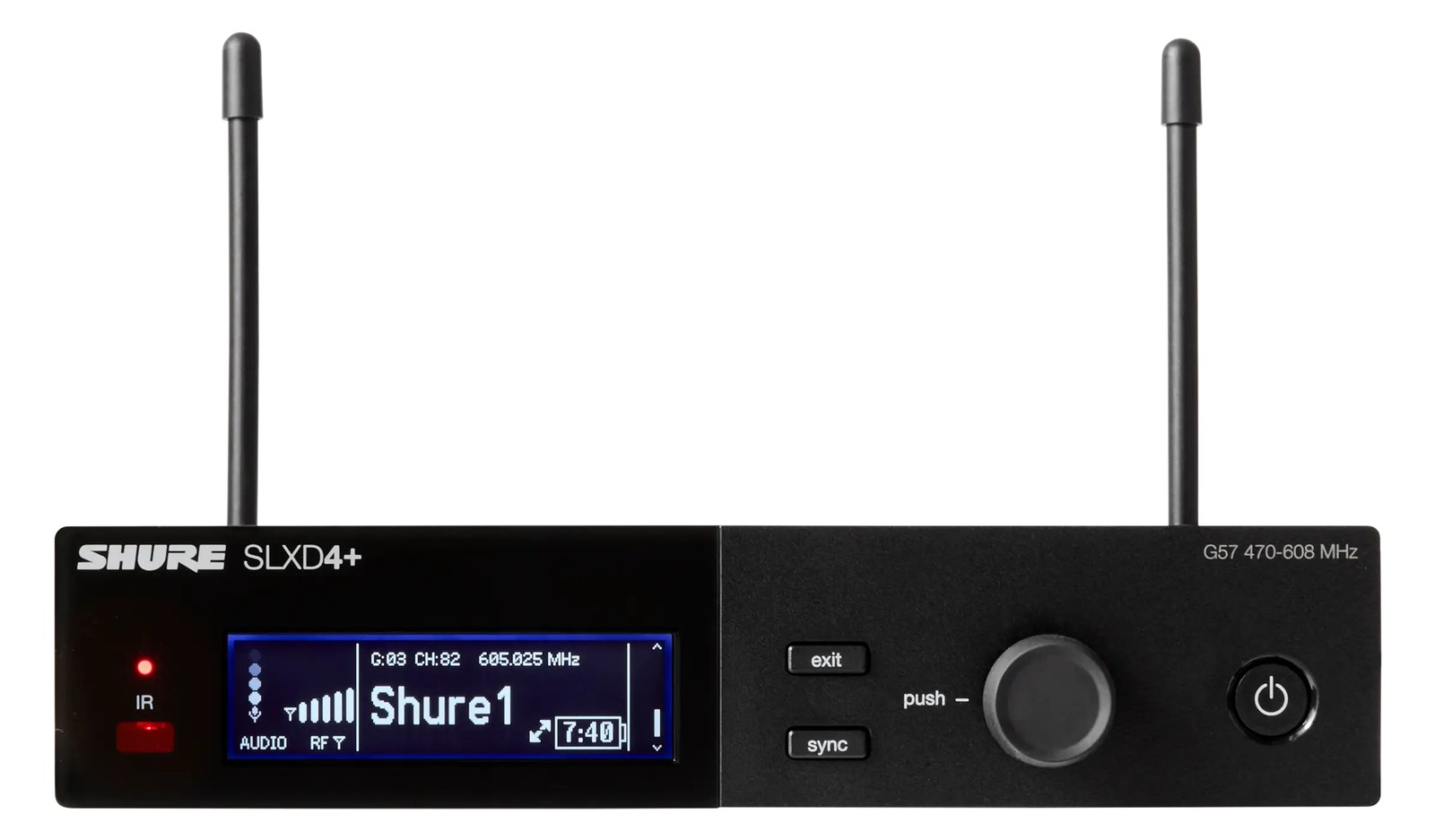
The Audio-Technica ATW-3212 is a single-channel receiver from the 3000-series wireless line, paired with the matching bodypack or handheld transmitter. Solid build and a friendly price make it a common pickup for working musicians, schools, and small venues.
~$899Use retailer rows for current price and stock
01 · What it does—and what that changes in your rig.
Product overview
Start with the payoff, then work through how it functions, where it fits, and the details that change a real build.
The payoff
Wireless Mic decisions, organized around the whole rig.
The ATW-3212 is Audio-Technica's single-channel receiver from the 3000 Series, a line that has earned a steady reputation in the working-musician and small-venue world as a reliable step up from budget wireless without crossing into the price territory of Shure's ULX-D or A-T's own 4000 Series. You pair it with the matching 3000 Series bodypack or handheld transmitter depending on the application — a presenter mic, a lead vocal, an acoustic guitar feed — and it delivers one clean analog channel to your console or IEMIn-Ear Monitor — earpieces that replace floor wedges, feeding each player their own mix. The reason this whole rack exists. rack. At $899 it sits in a pragmatic middle band: not disposable, not precious.
Documented outputs
22 destination connections
Documented inputs
3Based on documented inputs
Rack space
Outside rackPlan a shelf, tray, or stage position
Audio-Technica product panelOutside rack · 15W
Function
How it works in the path
The receiver draws up to 22 watts and weighs 1.6 kg, which is light enough that a rack tray or shelf handles it without complaint. The dual BNCThe twist-lock coax connector used for word clock and antenna runs — it locks, so it can’t be pulled out mid-show. antenna inputs support the standard passive or active antenna distributionOne pair of antennas feeding many receivers through an amplified splitter — replaces the forest of whips and keeps RF levels consistent. setups you'd run for any show with real RFRadio Frequency — the wireless part of wireless. RF planning is why big rigs scan, coordinate, and combine antennas instead of hoping. density concerns. Audio leaves via XLRThe standard 3-pin locking connector for mics and balanced line signals — pin 1 is the shield, pins 2 and 3 carry the balanced pair. or quarter-inch TRSTip-Ring-Sleeve — a 1/4″ jack with three contacts carrying a balanced signal or a stereo pair. A guitar plug with one extra ring. — both are live simultaneously — so you can feed a console and a personal monitor source without a splitter. At 230 mm deep it fits comfortably in a shallow tour rack or a standard road case without the receiver fighting for depth against your power strip.
Best fit
Where it earns its place in the system
This is the right call for a freelance engineer carrying a personal rack for theater, corporate, or club dates where the venue's wireless is questionable and you want one trusted channel you own. It's also sensible as a school or house-of-worship first wireless purchase. Where it isn't the right call: dense festival environments with 20-plus RFRadio Frequency — the wireless part of wireless. RF planning is why big rigs scan, coordinate, and combine antennas instead of hoping. channels in the air, or any situation where you need networkable receiver control, multi-channel coordination software, or digital audio output. For those scenarios, step to a higher tier — the convenience features you'll miss will matter more than the price difference.
In the rack
Details worth deciding before load-in.
Since the receiver isn't a standard 1UThe standard slice of rack height: 1U = 1.75″. A 3U box takes three slices; half-rack gear pairs two units side by side in one. half-rack unit, confirm your rack tray or shelf depth before load-in — the 230 mm body needs a proper surface, not just a wing mount.
Run antenna cables to remote BNCThe twist-lock coax connector used for word clock and antenna runs — it locks, so it can’t be pulled out mid-show. antennas mounted at ear height near the stage rather than leaving the internal antennas shadowed inside a closed rack bay; RFRadio Frequency — the wireless part of wireless. RF planning is why big rigs scan, coordinate, and combine antennas instead of hoping. performance drops fast when the receiver is buried.
Both the XLRThe standard 3-pin locking connector for mics and balanced line signals — pin 1 is the shield, pins 2 and 3 carry the balanced pair. and TRSTip-Ring-Sleeve — a 1/4″ jack with three contacts carrying a balanced signal or a stereo pair. A guitar plug with one extra ring. outputs are active at the same time — use the XLR for your console feed and the TRS to feed a dedicated IEMIn-Ear Monitor — earpieces that replace floor wedges, feeding each player their own mix. The reason this whole rack exists. transmitter input if you're building a self-contained performer rig.
Budget the full 22-watt draw when planning your power conditionerFilters venue AC, clamps surges, and gives the rack one tidy inlet. Not a voltage regulator and not a battery — just cleaner power. load, not the 15-watt nominal — if you're stacking multiple channels on the same circuit, the headroomThe margin between your normal level and where things clip — headroom is what absorbs the snare hit you didn’t see coming. matters.
02 · Know the whole path before you buy.
Signal path
Learn the route as a block diagram: source, product function, transport, and destination. Select any block to see what enters, what changes, and what leaves.
Interactive block diagramAuto-looping · hover, focus, or tap to hold a stage
Port-type signalProduct functionSystem boundary
Follow one signal from source to destination
Each block answers the same three questions: what arrives, what changes here, and what leaves.
01 · Source · selected
bnc + IEC C14
XLR male + ¼-inch TRS
01 · Source
3 documented inputs
bnc + IEC C14
Arrives as
3 documented inputs
Connector
bnc + IEC C14
Signal
antenna
03 · What this product asks of the rest of the system.
Compatibility
Treat connector names as the start of the check—not the answer. These are the boundaries that determine a complete working path.
Best fit · Wireless Mic
Use it as wireless mic tracked outside rack rails; follow the manufacturer’s mounting and form-factor guidance.
Plan the companion path
Complete the path with upstream and downstream gear that matches connector, direction, signal type, protocol, and wiring standard.
Connector boundary
Documented connectors: bnc, XLR male, ¼-inch TRS, IEC C14. Match connector, direction, and signal type—not shape alone.
04 · Every connector, grouped by job.
I/O ports
Switch the product view and the documented port inventory updates with it—hardware and data stay side by side.
Every connector, grouped by job.
Switch panels to keep the hardware view and the documented port list in sync.
Front panelRear panel
All documented ports for Audio-Technica 3000 Series Wireless System
Port
Panel
Connector
Direction
Signal
Channels
Antenna A
rear
bnc
input
antenna
—
Antenna B
rear
bnc
input
antenna
—
Out (XLR-M)
rear
XLR male
output
analog audio
—
Out (1/4" TRS)
rear
¼-inch TRS
output
analog audio
—
Power (IEC)
rear
IEC C14
input
power
—
Showing 5 of 5 documented physical ports.
05 · Compare the decision, not just the price.
Alternatives
The rows are organized around fit, power, I/O, and system role so a cheaper unit cannot hide a more expensive workflow.
ATW-3212The Audio-Technica ATW-3212 is a single-channel receiver from the 3000-series wireless line, paired with the matching bodypack or handheld transmitter. Solid build and a friendly price make it a common pickup for working musicians, schools, and small venues.View gear →
ATW-R3210The ATW-R3210 mic receiver brings Audio-Technica's 3000 Series performance to wireless vocal and lavalier applications, with network-enabled control and Dante-ready connectivity. The half-rack form factor allows efficient use of rack space, and the Ethernet connection enables remote monitoring through A-T's Wireless Manager software. A competitive mid-range option for productions that want networking features without the price premium of flagship systems.View gear →
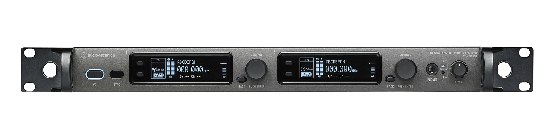
ATW-R5220The Audio-Technica ATW-R5220 is a high-end dual-channel wireless receiver from A-T's flagship 5000 Series, offering true diversity reception and native Dante output in a full-rack form factor. It competes directly with the Shure ULXD4D and Sennheiser 500 series in audio quality and RF performance. The Dante integration and dual-channel design make it space-efficient for productions that need professional-grade wireless without committing to the Shure or Sennheiser ecosystems.View gear →
06 · Resolve the questions that can change the purchase or build plan.
Planning questions
Short, source-backed answers surface rack fit, power, cabling, and connection details before they become surprises.
Where does the Audio-Technica 3000 Series Wireless System live in a complete rig?
The catalog assigns it no rack units. Builder tracks it as non-rack gear; follow the manufacturer’s mounting, case, and form-factor guidance.
How much power does the Audio-Technica 3000 Series Wireless System draw?
Typical draw is 15W and documented maximum draw is 22W.
What connections does the Audio-Technica 3000 Series Wireless System have?
5 documented physical ports, including Antenna A, Antenna B, Out (XLR-M), Out (1/4" TRS), Power (IEC).
07 · See this gear inside a complete system plan.
Builder preview
Builder keeps non-rack gear in the same bill of materials, budget, dependency, and connection plan as the rack-mounted system around it.Open in Builder