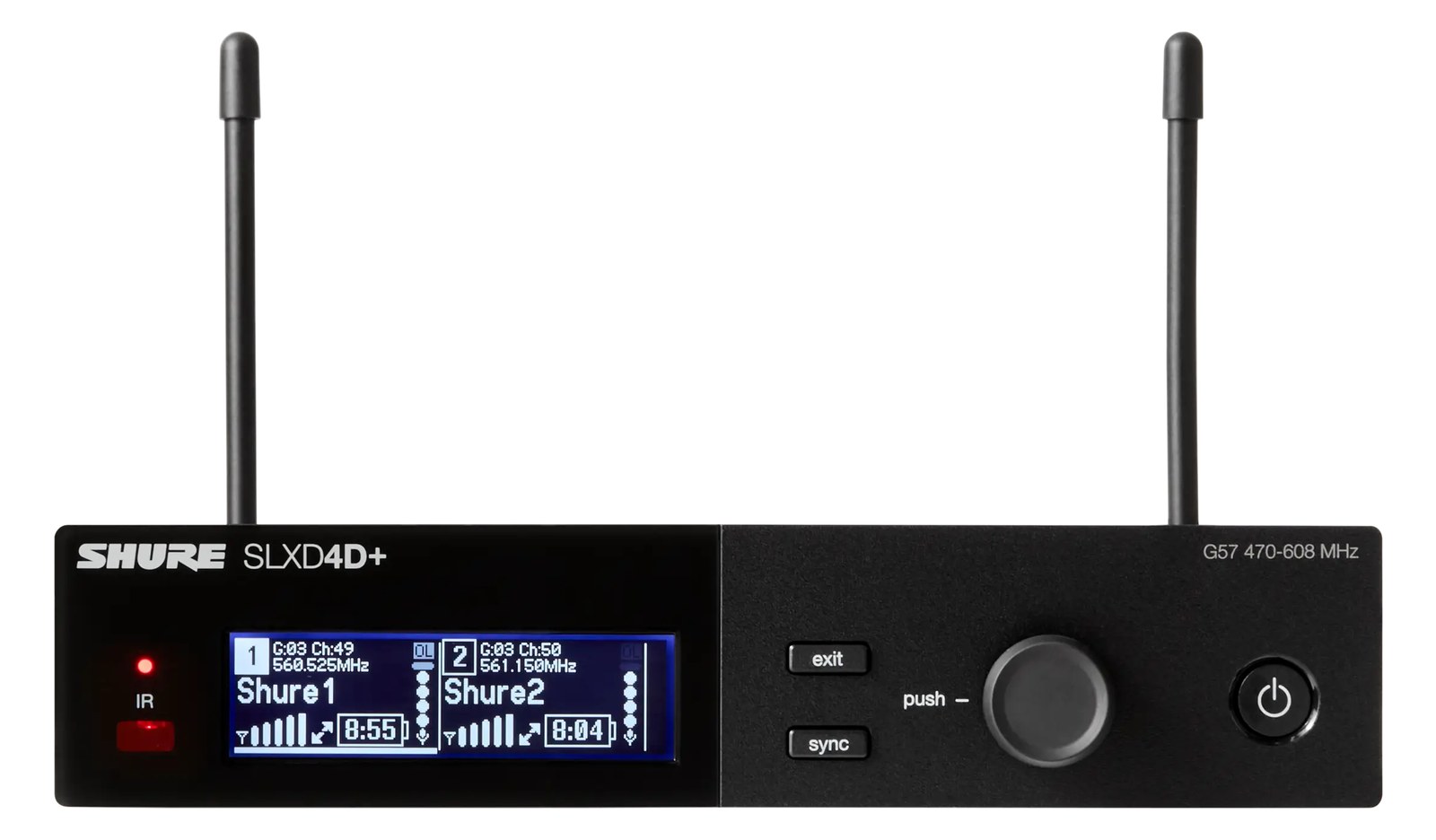
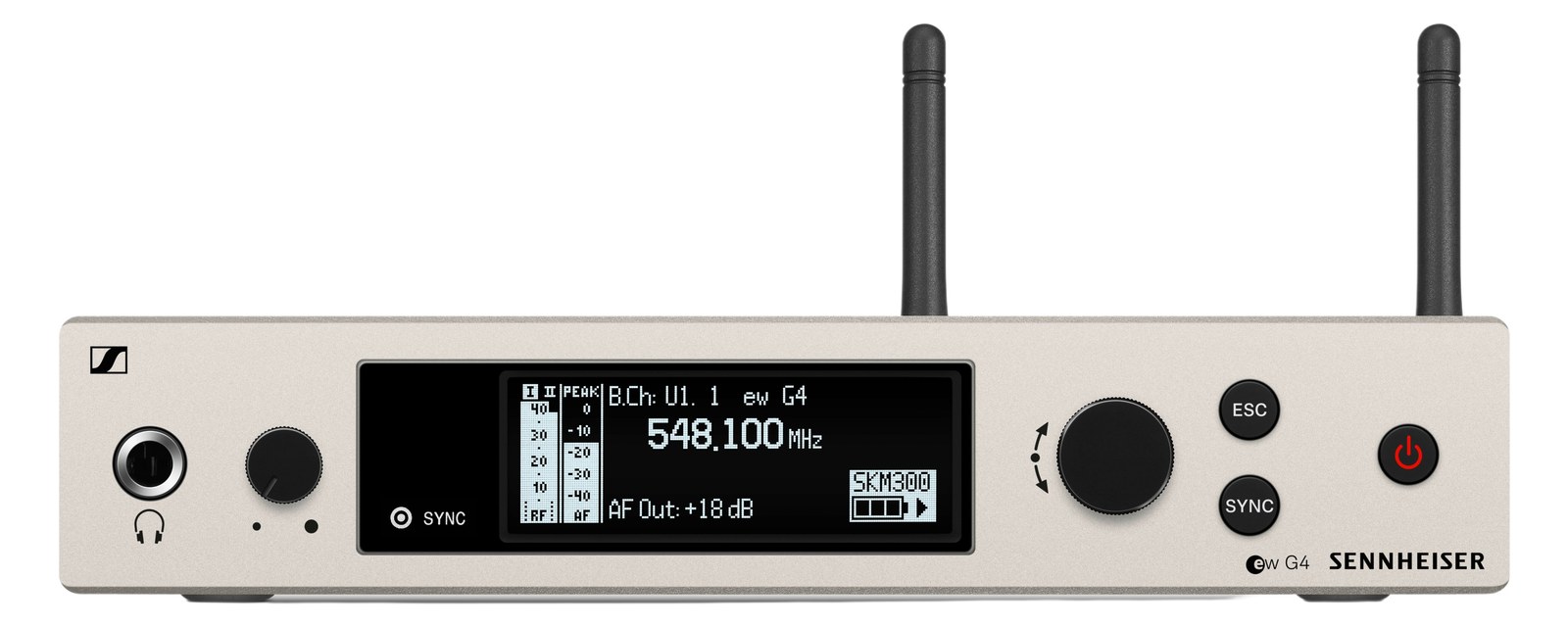
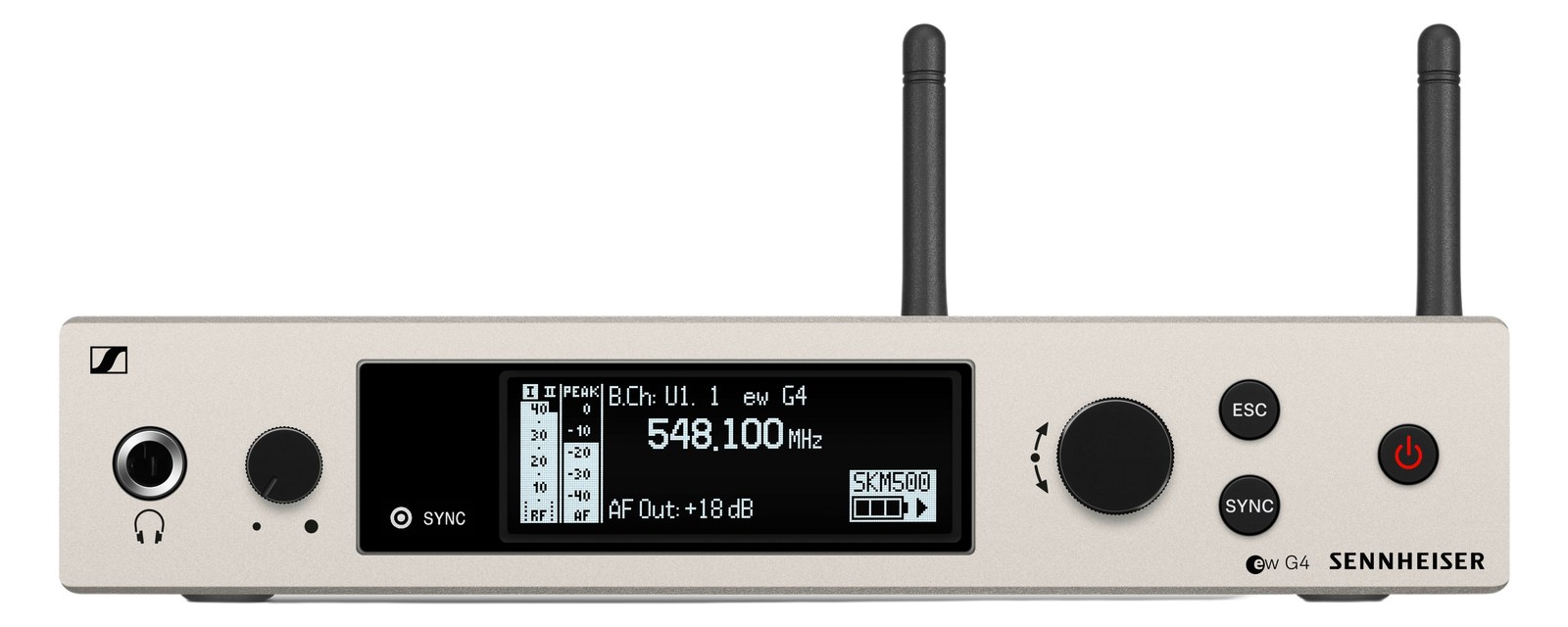
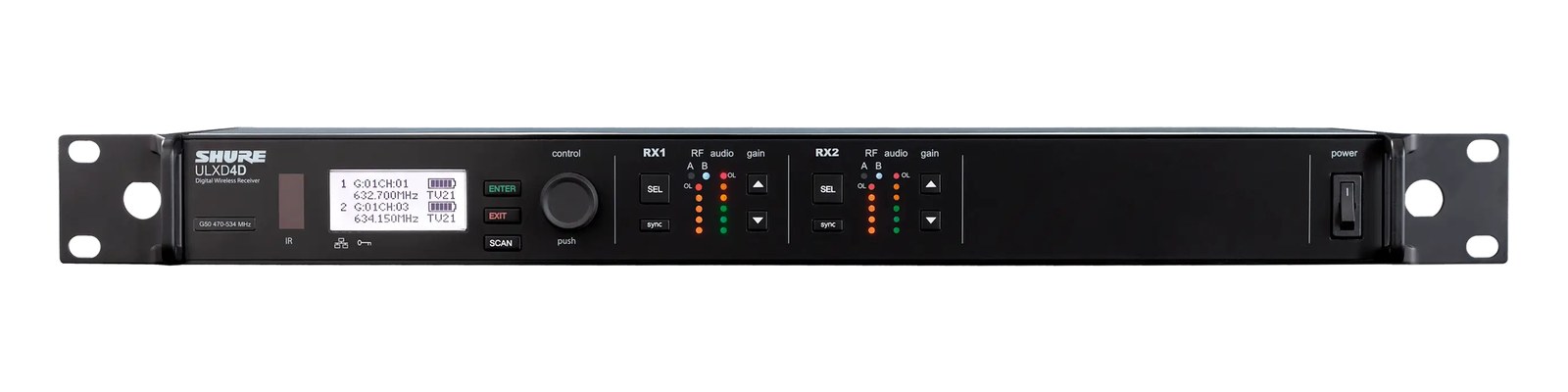
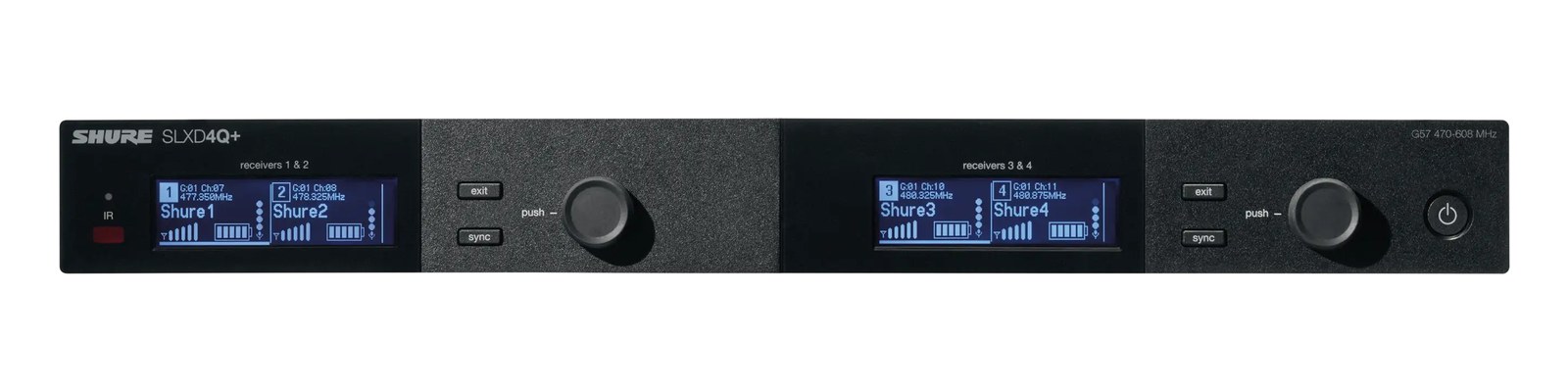
Shure SLXD4D Dual Wireless Mic Receiver
Shure·Model SLXD4D·shure-slxd4d-g58
Photos
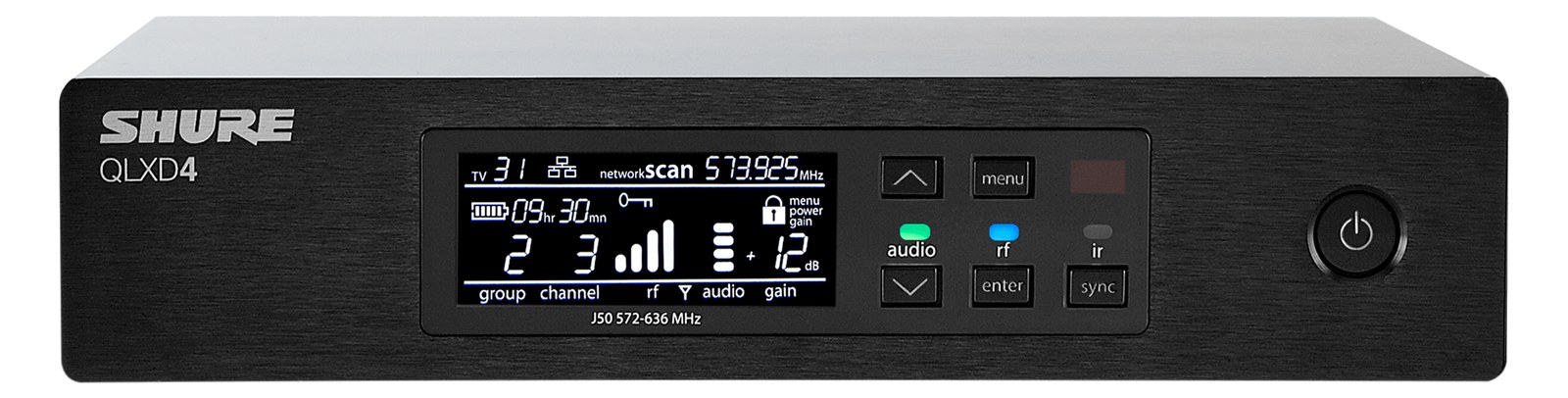
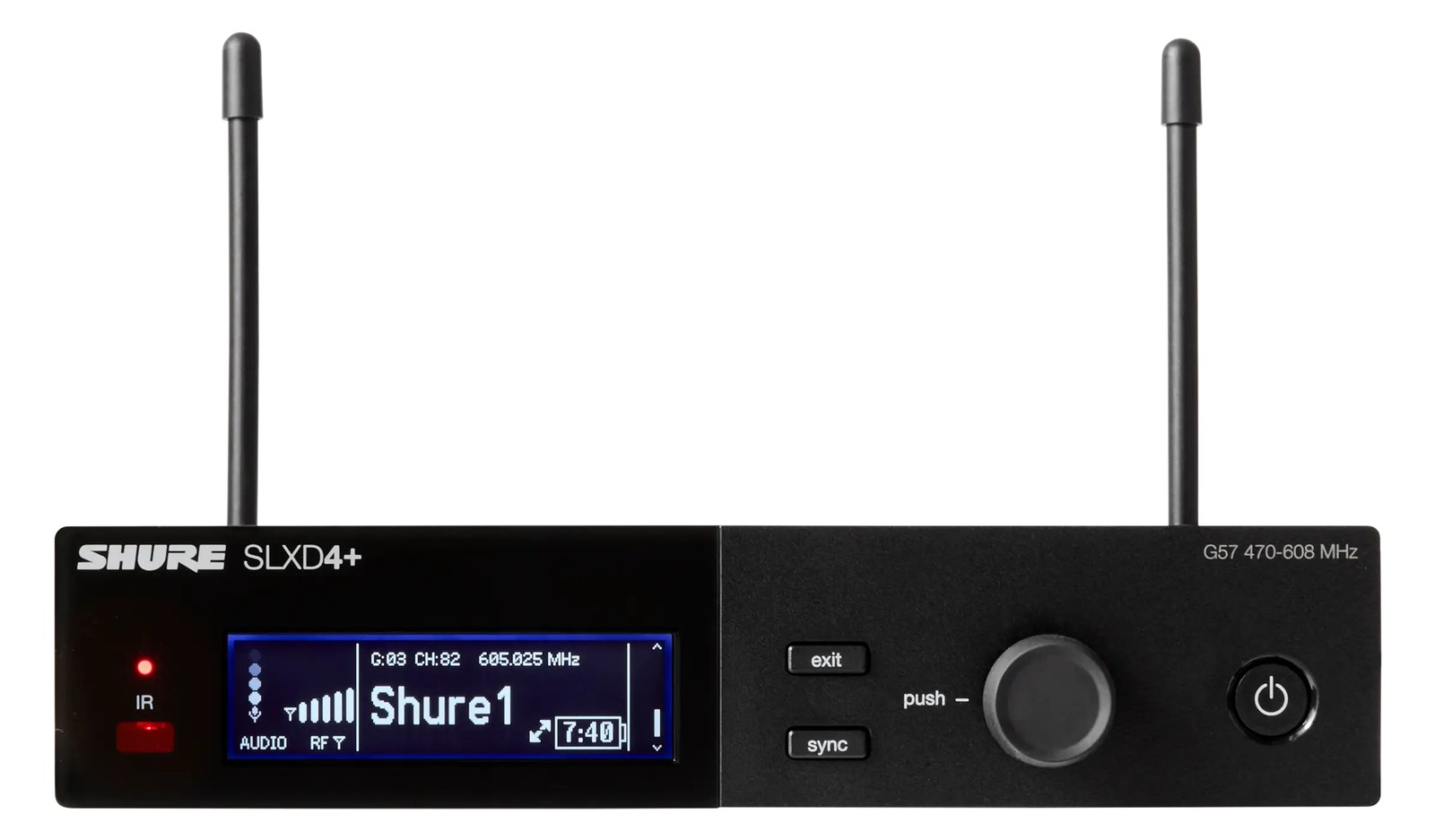
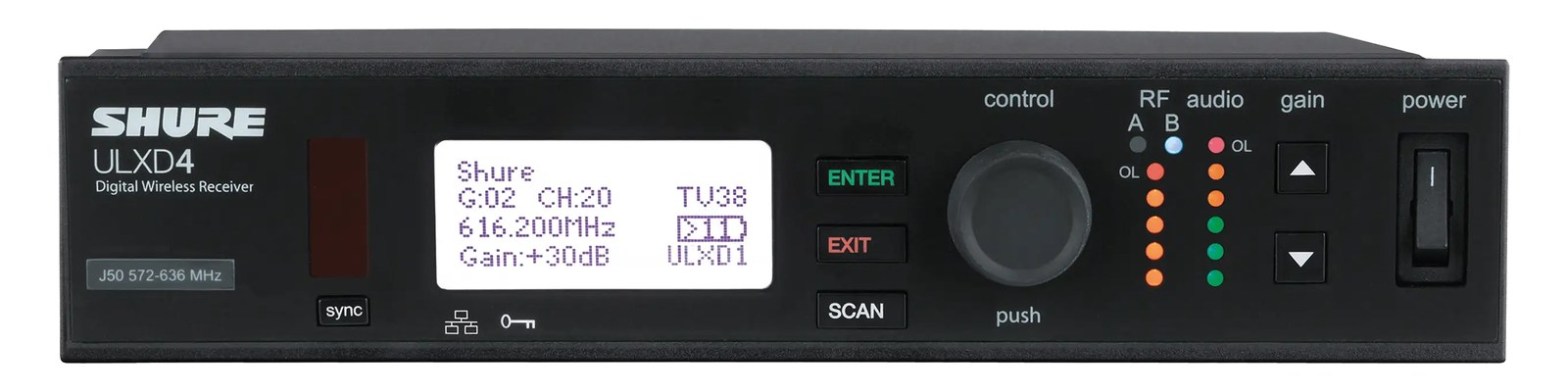
Manufacturer product photography — the drawn faceplate above stays true to panel layout; these show the hardware itself.
About the Shure SLXD4D
The Shure SLXD4D puts two SLX-D receivers in a single full-rack unitThe standard slice of rack height: 1U = 1.75″. A 3U box takes three slices; half-rack gear pairs two units side by side in one., providing an efficient and cost-effective way to deploy two wireless mic channels. The digital audio quality and RFRadio Frequency — the wireless part of wireless. RF planning is why big rigs scan, coordinate, and combine antennas instead of hoping. performance punch above the price class, making it popular for corporate events, worship, and smaller touring acts. Shared antenna connections between the two channels simplify your antenna distributionOne pair of antennas feeding many receivers through an amplified splitter — replaces the forest of whips and keeps RF levels consistent. setup.
The SLXD4D is Shure's answer to a very common rack-math problem: you need two wireless mic channels, you have one rack unitThe standard slice of rack height: 1U = 1.75″. A 3U box takes three slices; half-rack gear pairs two units side by side in one., and you don't want to spend touring-system money to get there. It fits the G58 band (470–514 MHz), sits in a full 1U chassis, and ships with both XLRThe standard 3-pin locking connector for mics and balanced line signals — pin 1 is the shield, pins 2 and 3 carry the balanced pair. and quarter-inch outputs for each channel — so it will talk to a console's mic input or a direct instrument channel without an adapter conversation at load-in. At $899 for two channels in one unit, it occupies a price tier that makes sense for corporate work, worship installs, and club-level touring.
The shared BNCThe twist-lock coax connector used for word clock and antenna runs — it locks, so it can’t be pulled out mid-show. antenna inputs are the most practically important detail on this unit. Both receivers pull from the same Antenna A and Antenna B connections, which means a single run of coax to your active antenna distributionOne pair of antennas feeding many receivers through an amplified splitter — replaces the forest of whips and keeps RF levels consistent. feeds both channels simultaneously — you're not running four cables to the back of the rack to cover two mics. At 12 watts nominal draw and a shallow 190mm depth, it won't bully a tight rack for space or power budget. The digital RFRadio Frequency — the wireless part of wireless. RF planning is why big rigs scan, coordinate, and combine antennas instead of hoping. architecture gives you a fixed 24-bit signal path and predictable, hard-set latencyThe delay between sound entering and leaving a digital system. IEM rigs fight to keep the whole chain down to a few milliseconds., which matters if your vocalist is also on IEMIn-Ear Monitor — earpieces that replace floor wedges, feeding each player their own mix. The reason this whole rack exists. and you're managing total system delay.
This receiver belongs in rigs where two channels covers the need and the budget is real but not unlimited — a pastor and a worship leader, a presenter and a handheld, a duo act with two vocals. If you're regularly running six or more channels, look at purpose-built multichannel frames like the Shure AD4D or an Axient rack, where antenna distributionOne pair of antennas feeding many receivers through an amplified splitter — replaces the forest of whips and keeps RF levels consistent. and frequency coordinationCalculating a set of wireless frequencies that won’t interfere with each other or local TV — the homework behind a clean RF night. scale more gracefully. The SLXD4D doesn't have danteThe most common audio-over-network standard: dozens of channels of uncompressed digital audio down one ordinary Ethernet cable between Dante boxes. or AES digital outputs, so if your console workflow depends on networked audio, this isn't your unit. But for analog-in consoles and straightforward two-mic deployments, it's a clean, reliable choice.
In the rack
- Both channels share the two BNCThe twist-lock coax connector used for word clock and antenna runs — it locks, so it can’t be pulled out mid-show. antenna inputs, so plug your distribution amplifier outputs into Antenna A and B once — you're done for both channels, not twice.
- Label your XLRThe standard 3-pin locking connector for mics and balanced line signals — pin 1 is the shield, pins 2 and 3 carry the balanced pair. outputs at the rear before the unit goes in the rack. Channel 1 and Channel 2 look identical on the back panel; a piece of colored tape saves a frantic re-patch at soundcheck.
- At 190mm deep, it's shallow enough to live behind a stageboxThe I/O endpoint on stage: mics plug in there and one digital line (AES50, Dante) carries everything to the console. The snake, digitized. or a DanteThe most common audio-over-network standard: dozens of channels of uncompressed digital audio down one ordinary Ethernet cable between Dante boxes. interface in a half-depth touring rack — just confirm your rack earsThe flanges that bolt gear to the rack rails. Desktop boxes without them need a shelf, tray, or drawer to live in the case. can mount it at the right position to clear whatever's behind it.
- If you're running multiple SLXD4D units in the same rig, use the front-panel frequency coordinationCalculating a set of wireless frequencies that won’t interfere with each other or local TV — the homework behind a clean RF night. tools before load-in and assign channels to non-adjacent frequency blocks to reduce intermodulationIntermodulation — ghost frequencies created when transmitters mix in each other’s electronics. Why multi-channel wireless is calculated, not guessed. risk in dense RFRadio Frequency — the wireless part of wireless. RF planning is why big rigs scan, coordinate, and combine antennas instead of hoping. environments.
SLX-D dual-channel digital wireless receiver.
I/O Ports (8)
| Port | Connector | Direction | Signal | Channels |
|---|---|---|---|---|
| XLR Out 1 | XLR MALE | output | analog audio | — |
| XLR Out 2 | XLR MALE | output | analog audio | — |
| 1/4" Out 1 | TRS QUARTER | output | analog audio | — |
| 1/4" Out 2 | TRS QUARTER | output | analog audio | — |
| Antenna A | BNC | input | antenna | — |
| Antenna B | BNC | input | antenna | — |
| Network (RJ45) | RJ45 | bidirectional | data | — |
- Power (15V DC) (DC BARREL)
Deciding between two?
Rack space, watts, weight and every connector, side by side.
Related gear


Related articles
Guides from our library that cover planning around wireless mic gear.
Why sealed IEMs make you feel disconnected from the room — and exactly how to put the audience back into your mix with one or two well-placed mics.
Why your wireless mics and IEMs need a frequency plan, what intermodulation means in practice, and how to coordinate channels for a clean show.
When you need a combiner vs a distro, active vs passive, cable choice and length math, and how to scale a 4-pack rig into an 8 or 12-pack without intermod nightmares.