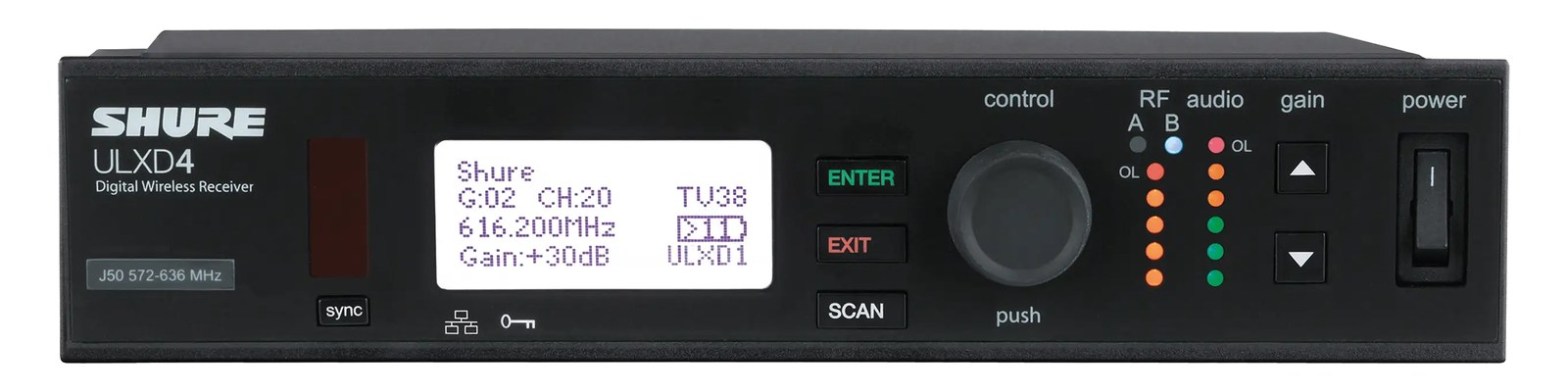
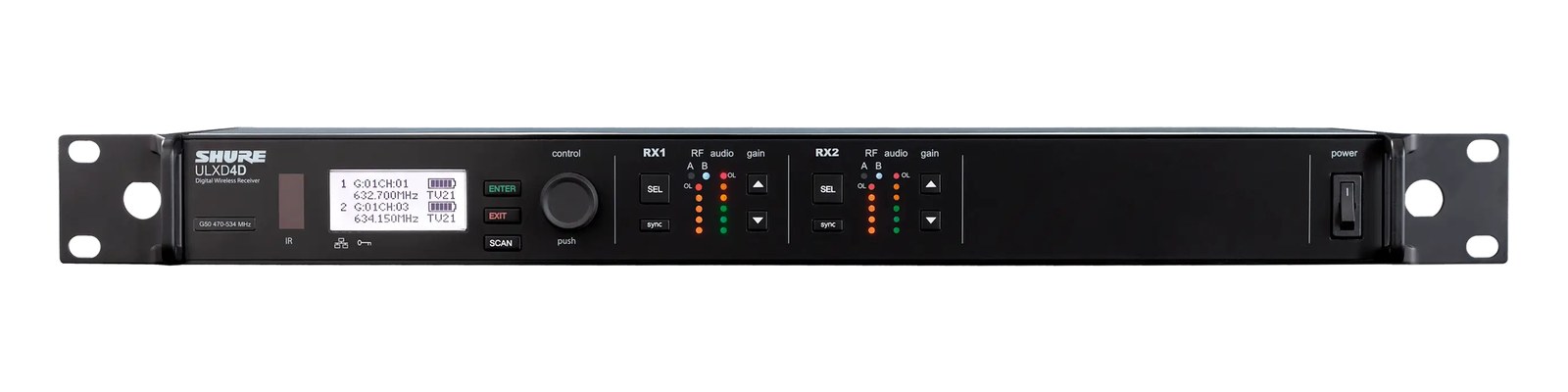
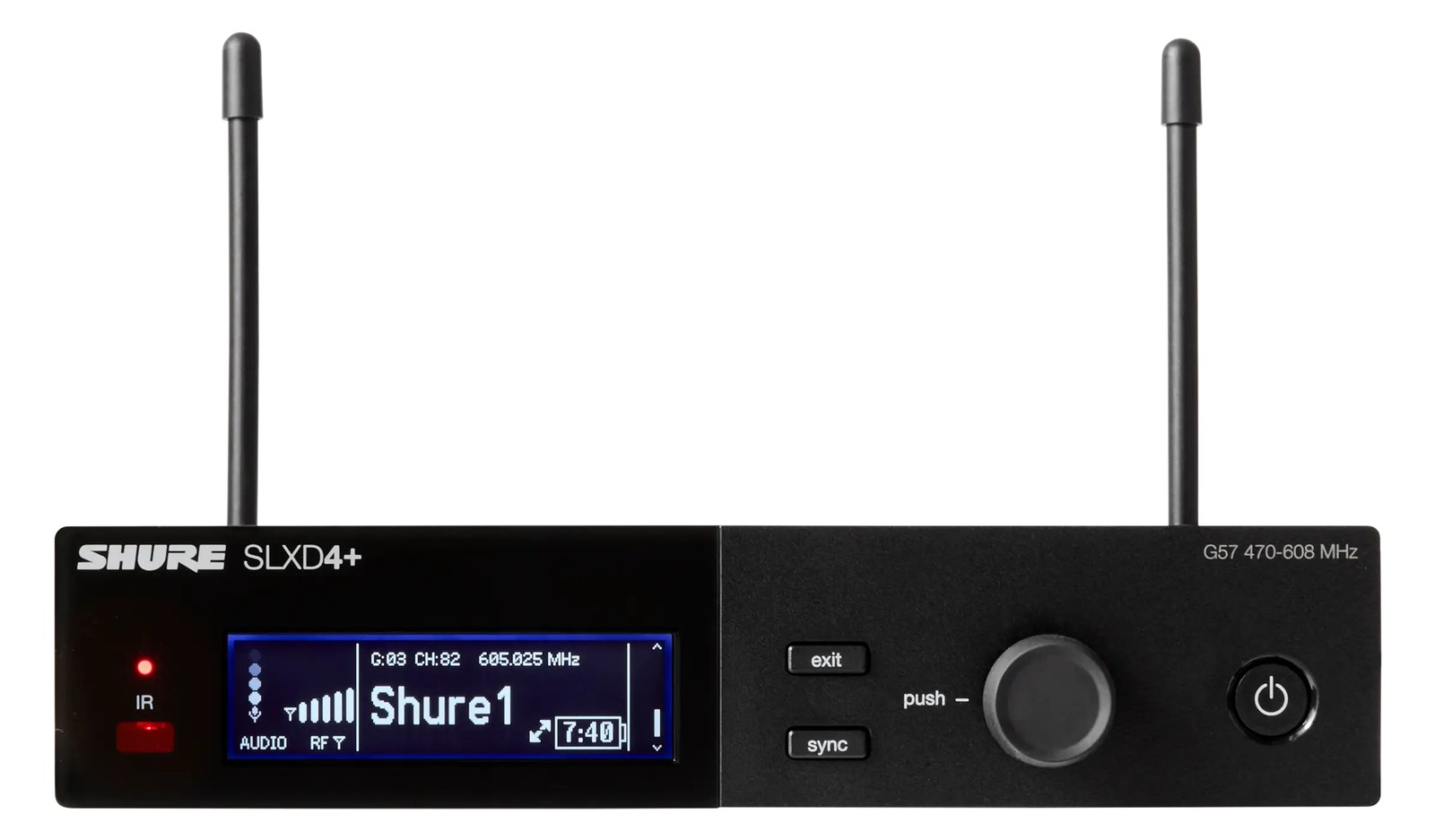
The ULXD4 wireless mic receiver delivers professional 24-bit digital audio with AES-256 encryption for secure wireless transmission in corporate and broadcast environments. Its Ethernet port enables networked monitoring and control via Shure's Wireless Workbench software, which is essential for managing multiple channels at scale. The half-rack form factor and robust RF performance make it a workhorse for mid-to-upper-tier touring and installed sound applications.
~$1,199Use retailer rows for current price and stock
01 · What it does—and what that changes in your rig.
Product overview
Start with the payoff, then work through how it functions, where it fits, and the details that change a real build.
The payoff
Wireless Mic decisions, organized around the whole rig.
The ULXD4 is Shure's single-channel digital wireless receiver, the receiving end of the ULX-D system — a platform that sits firmly in the mid-to-upper tier of professional wireless. In a live-audio rack, its job is straightforward: take an RFRadio Frequency — the wireless part of wireless. RF planning is why big rigs scan, coordinate, and combine antennas instead of hoping. signal from a handheld or bodypack transmitter and hand a clean, latencyThe delay between sound entering and leaving a digital system. IEM rigs fight to keep the whole chain down to a few milliseconds.-managed audio signal to your console or splitter. What separates it from analog or entry-level digital alternatives is 24-bit/48kHz conversion with AES-256 encryption baked in, which matters less on a club stage and considerably more in corporate, broadcast, or any environment where signal security is a stated requirement.
Documented outputs
22 destination connections
Documented inputs
3Based on documented inputs
Rack space
1U · half-rackBuilder checks available rail space
Photo: Shure1U · half-rack · 12W
Function
How it works in the path
Half-rackThe standard slice of rack height: 1U = 1.75″. A 3U box takes three slices; half-rack gear pairs two units side by side in one. width means you need a panel or a second unit to fill a 1U slot — plan for that at load-in. At 12W typical draw it's gentle on a power strip, and the 220mm depth keeps it inside most standard rack rails without crowding cable management behind the unit. The RJ45 Ethernet port is the feature that changes your workflow at scale: connect it to a network switch and Shure's Wireless WorkbenchShure’s free RF-management software — scans the airwaves, calculates compatible frequencies, and monitors every receiver from a laptop. gives you remote frequency coordinationCalculating a set of wireless frequencies that won’t interfere with each other or local TV — the homework behind a clean RF night., gainHow much the preamp amplifies the incoming signal. Too low and you’re hunting through hiss; too high and peaks clip. adjustment, battery monitoring, and alert logging from FOHFront Of House — the main mix the audience hears, and the console position out in the room where it gets mixed. or a laptop in the wings. The two BNCThe twist-lock coax connector used for word clock and antenna runs — it locks, so it can’t be pulled out mid-show. antenna inputs support standard diversityA receiver with two antennas and two radio sections that continuously picks the stronger one — the difference between a dropout and a show. setups, and you can run active antenna distributionOne pair of antennas feeding many receivers through an amplified splitter — replaces the forest of whips and keeps RF levels consistent. upstream to share antennas across multiple ULXD4 receivers without degrading RFRadio Frequency — the wireless part of wireless. RF planning is why big rigs scan, coordinate, and combine antennas instead of hoping. performance.
Best fit
Where it earns its place in the rack
This receiver makes sense if you're building a rig where wireless management needs to happen remotely, you're running four or more channels and need Wireless WorkbenchShure’s free RF-management software — scans the airwaves, calculates compatible frequencies, and monitors every receiver from a laptop. coordination, or a client or venue specifies encrypted RFRadio Frequency — the wireless part of wireless. RF planning is why big rigs scan, coordinate, and combine antennas instead of hoping.. If you only need one or two channels for a straightforward live music application and encrypted digital transmission isn't a requirement, the cost is harder to justify against simpler analog systems. If you need more than one channel in a single rack unitThe standard slice of rack height: 1U = 1.75″. A 3U box takes three slices; half-rack gear pairs two units side by side in one., look at the ULXD4Q quad receiver instead — four ULXD4 channels in 1U is a much more efficient use of space and infrastructure when the channel count is there to fill it.
Shure ULXD4 Wireless Mic Receiver — three-quarter viewPhoto: Shure
In the rack
Details worth deciding before load-in.
Pair two ULXD4 units side by side in a single 1UThe standard slice of rack height: 1U = 1.75″. A 3U box takes three slices; half-rack gear pairs two units side by side in one. space using Shure's rack-mount hardware kit — buying a half-rack filler panel for a solo unit is wasted money if a second channel is even remotely likely later.
Run a small Ethernet switch inside the rack and home-run a single Cat5eStandard network cable grades. In an audio rig one cheap Cat5e run can replace a 48-channel copper snake; AES50 wants it shielded. to FOHFront Of House — the main mix the audience hears, and the console position out in the room where it gets mixed.; Wireless WorkbenchShure’s free RF-management software — scans the airwaves, calculates compatible frequencies, and monitors every receiver from a laptop.'s remote battery alerts alone are worth the cable run on shows where transmitters are on talent you can't interrupt.
If your antenna runs exceed about 7–8 meters, add a Shure UA221 passive splitter or an active distribution amp at the antenna position rather than relying on the BNCThe twist-lock coax connector used for word clock and antenna runs — it locks, so it can’t be pulled out mid-show. inputs directly — the ULXD4's RFRadio Frequency — the wireless part of wireless. RF planning is why big rigs scan, coordinate, and combine antennas instead of hoping. performance is only as good as the signal it receives.
Set output gainHow much the preamp amplifies the incoming signal. Too low and you’re hunting through hiss; too high and peaks clip. at the receiver to match your console's input sensitivity before doors; the ULXD4 holds its last gain setting across power cycles, so once it's dialed for your specific console and snakeA multicore cable bundling many channels into one stage-to-console run. A sub-snake collects one corner of the stage into a drop box., it stays there through the run.
02 · Know the whole path before you buy.
Signal path
Learn the route as a block diagram: source, product function, transport, and destination. Select any block to see what enters, what changes, and what leaves.
Interactive block diagramAuto-looping · hover, focus, or tap to hold a stage
Port-type signalProduct functionSystem boundary
Follow one signal from source to destination
Each block answers the same three questions: what arrives, what changes here, and what leaves.
01 · Source · selected
bnc + dc barrel
RJ45
XLR male + ¼-inch TRS
01 · Source
3 documented inputs
bnc + dc barrel
Arrives as
3 documented inputs
Connector
bnc + dc barrel
Signal
antenna
03 · What this product asks of the rest of the system.
Compatibility
Treat connector names as the start of the check—not the answer. These are the boundaries that determine a complete working path.
Best fit · Wireless Mic
Use it when 1U · half-rack and 220 mm of depth fit the case.
Plan the companion path
Complete the path with upstream and downstream gear that matches connector, direction, signal type, protocol, and wiring standard.
Connector boundary
Documented connectors: XLR male, ¼-inch TRS, bnc, RJ45. Match connector, direction, and signal type—not shape alone.
04 · Every connector, grouped by job.
I/O ports
Switch the product view and the documented port inventory updates with it—hardware and data stay side by side.
Every connector, grouped by job.
Switch panels to keep the hardware view and the documented port list in sync.
Front panelRear panel
All documented ports for Shure ULXD4 Wireless Mic Receiver
Port
Panel
Connector
Direction
Signal
Channels
XLR Out
rear
XLR male
output
analog audio
—
1/4" Out
rear
¼-inch TRS
output
analog audio
—
Antenna A
rear
bnc
input
antenna
—
Antenna B
rear
bnc
input
antenna
—
Ethernet
rear
RJ45
bidirectional
data
—
Power (15V DC)
rear
dc barrel
input
power
—
Showing 6 of 6 documented physical ports.
05 · Compare the decision, not just the price.
Alternatives
The rows are organized around fit, power, I/O, and system role so a cheaper unit cannot hide a more expensive workflow.
ULXD4The ULXD4 wireless mic receiver delivers professional 24-bit digital audio with AES-256 encryption for secure wireless transmission in corporate and broadcast environments. Its Ethernet port enables networked monitoring and control via Shure's Wireless Workbench software, which is essential for managing multiple channels at scale. The half-rack form factor and robust RF performance make it a workhorse for mid-to-upper-tier touring and installed sound applications.View gear →
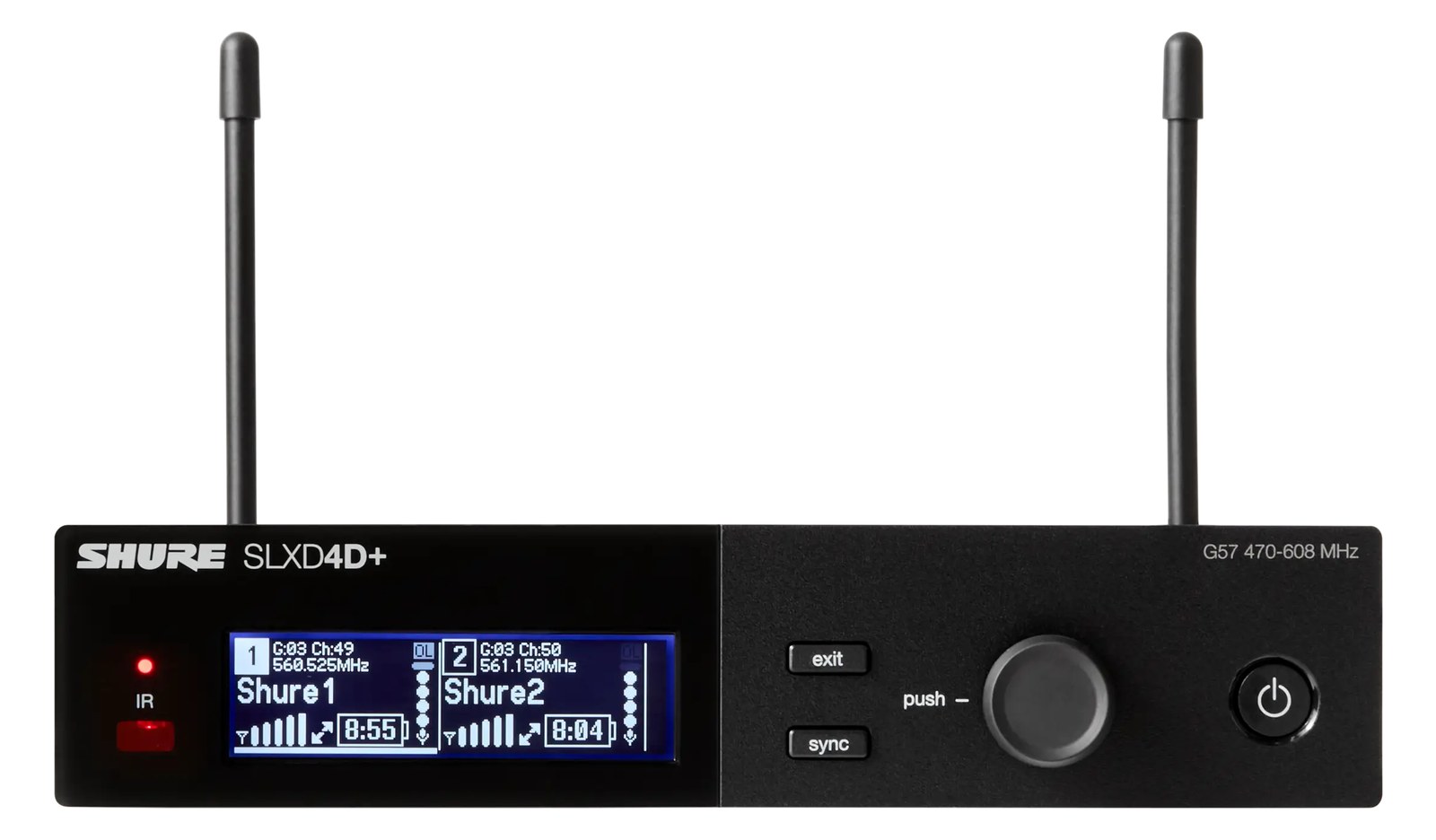
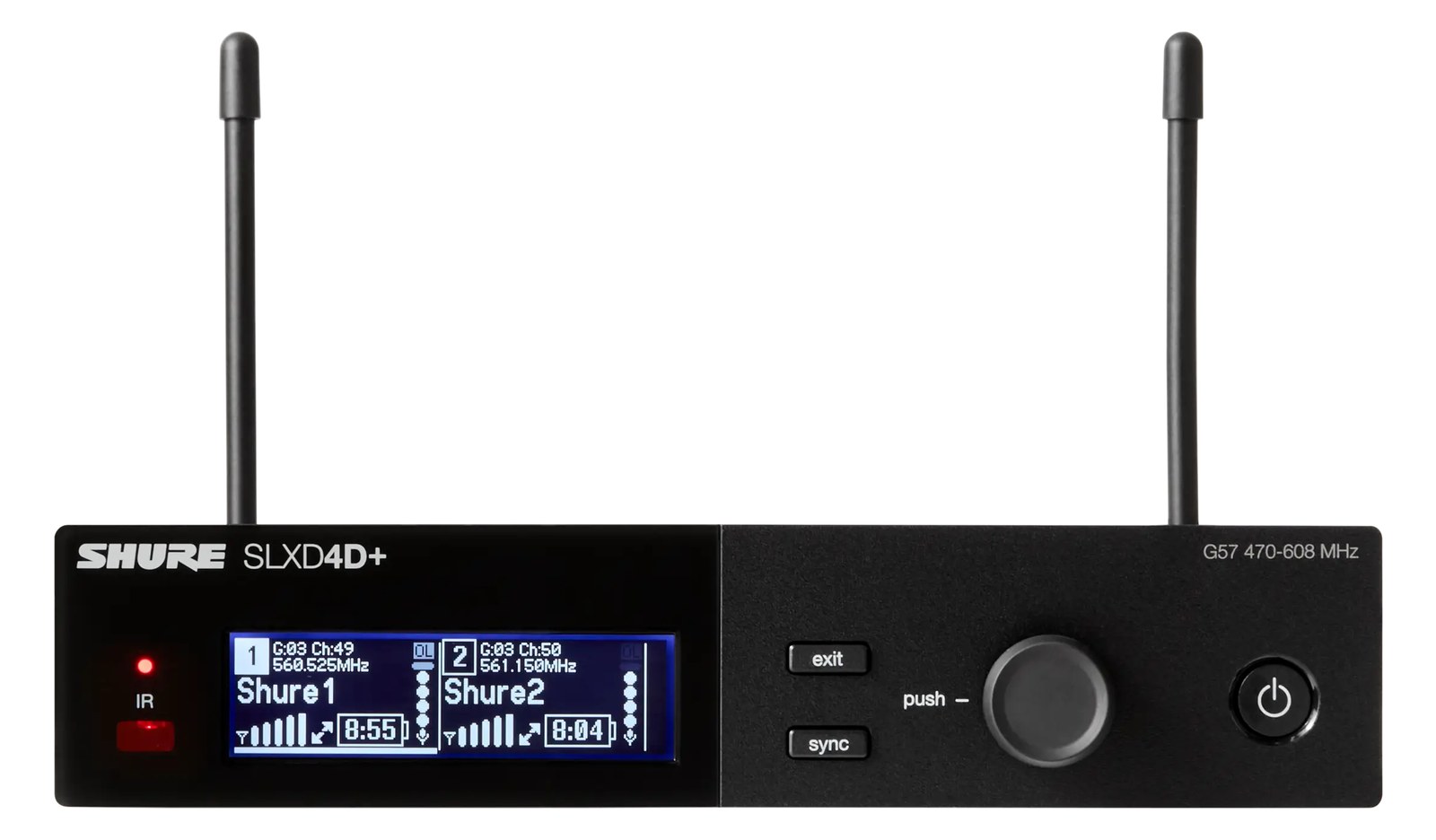
SLXD4DThe Shure SLXD4D puts two SLX-D receivers in a single full-rack unit, providing an efficient and cost-effective way to deploy two wireless mic channels. The digital audio quality and RF performance punch above the price class, making it popular for corporate events, worship, and smaller touring acts. Shared antenna connections between the two channels simplify your antenna distribution setup.View gear →
SLXD4DThe Shure SLXD4D is a dual-channel digital wireless receiver that hits the sweet spot for theaters, regional touring, and houses of worship that want better-than-analog wireless without the touring-grade price of the ULXD line. 24-bit digital signal, AES-256 encryption, and rechargeable battery support out of the box.View gear →
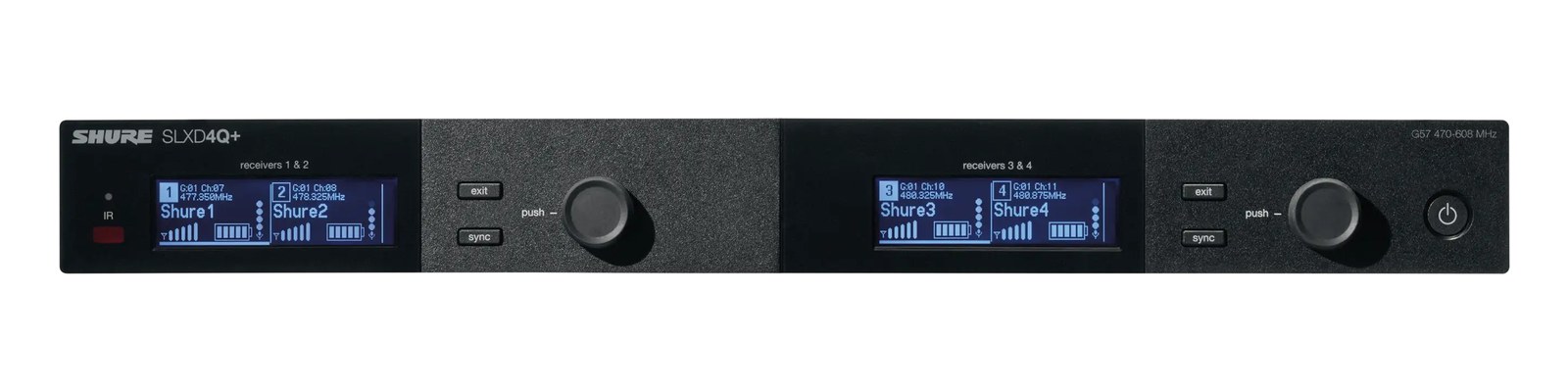
SLXD4QThe Shure SLXD4Q packs four channels of SLX-D digital wireless into one rack space with internal antenna distribution, making it the value path to a four-mic rack without a distro. Guided frequency setup and rechargeable-friendly workflow carry the SLX-D pitch into density. The step below ULXD4Q at less than half the price.View gear →
06 · Resolve the questions that can change the purchase or build plan.
Planning questions
Short, source-backed answers surface rack fit, power, cabling, and connection details before they become surprises.
How will the Shure ULXD4 Wireless Mic Receiver affect rack fit and case depth?
It occupies 1U · half-rack. Its documented depth is 220 mm.
How much power does the Shure ULXD4 Wireless Mic Receiver draw?
Typical draw is 12W and documented maximum draw is 15W.
What connections does the Shure ULXD4 Wireless Mic Receiver have?
6 documented physical ports, including XLR Out, 1/4" Out, Antenna A, Antenna B, Ethernet, Power (15V DC).
07 · See this unit inside a real rack plan.
Builder preview
Placement is only the start. Builder checks space · depth · weight, power headroom, dependencies, and compatible signal paths around this exact catalog item.Open in Builder