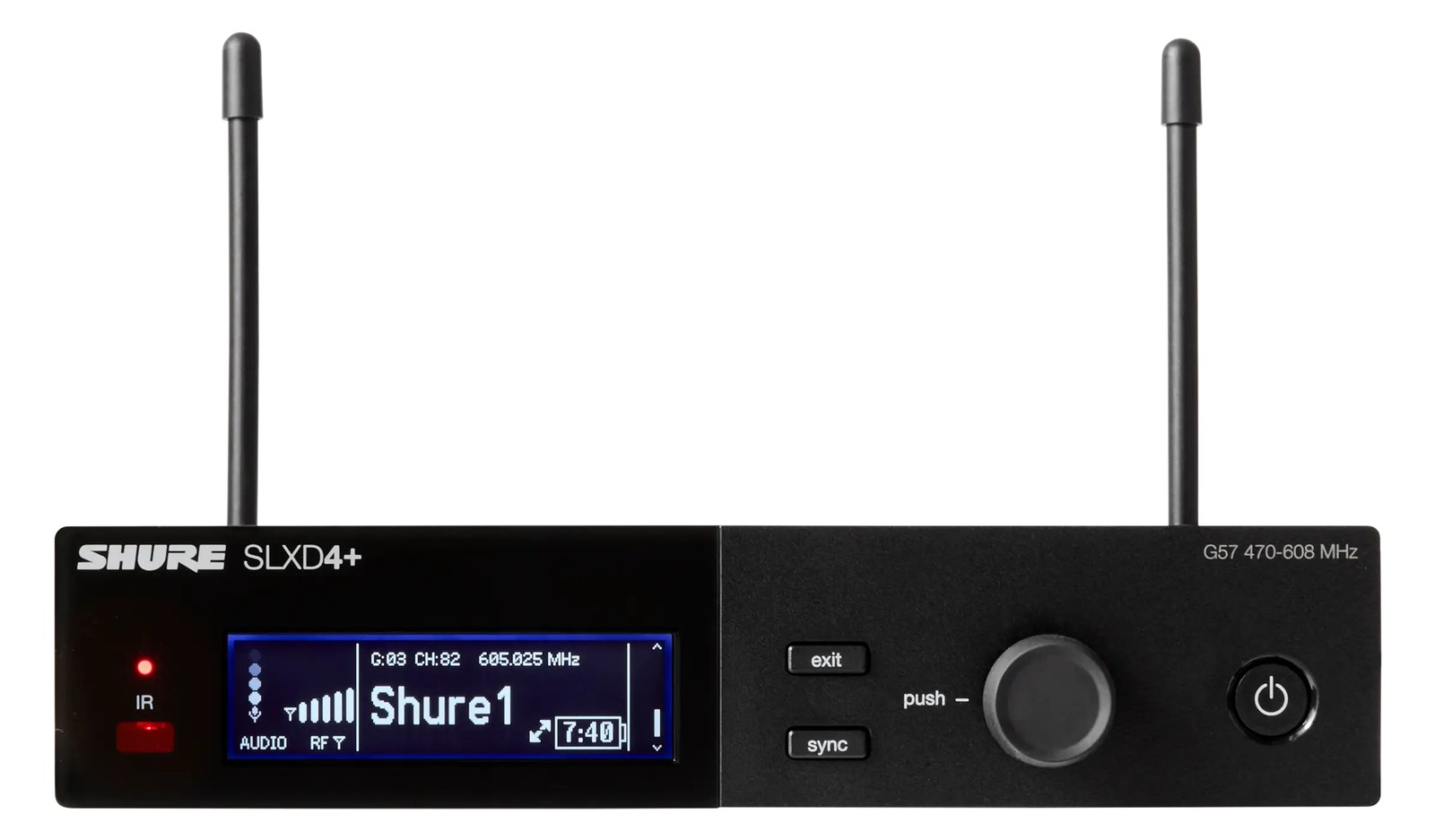
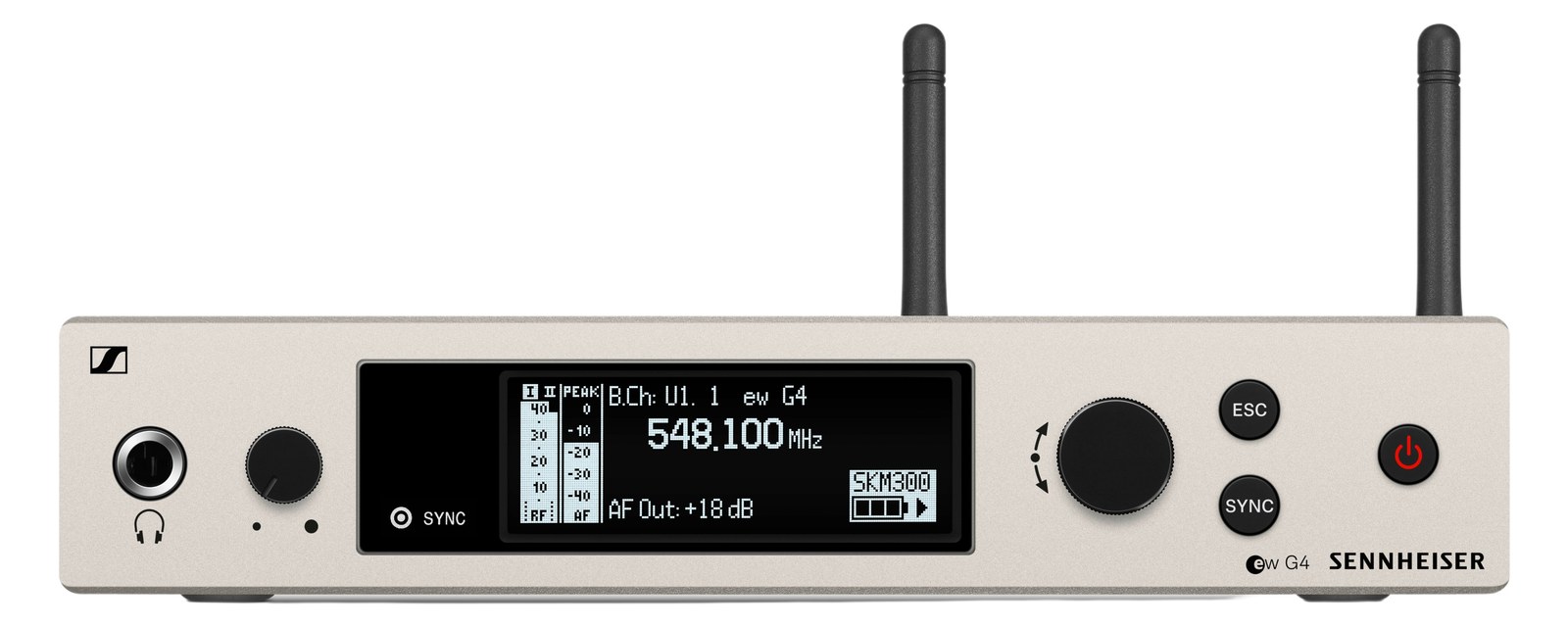
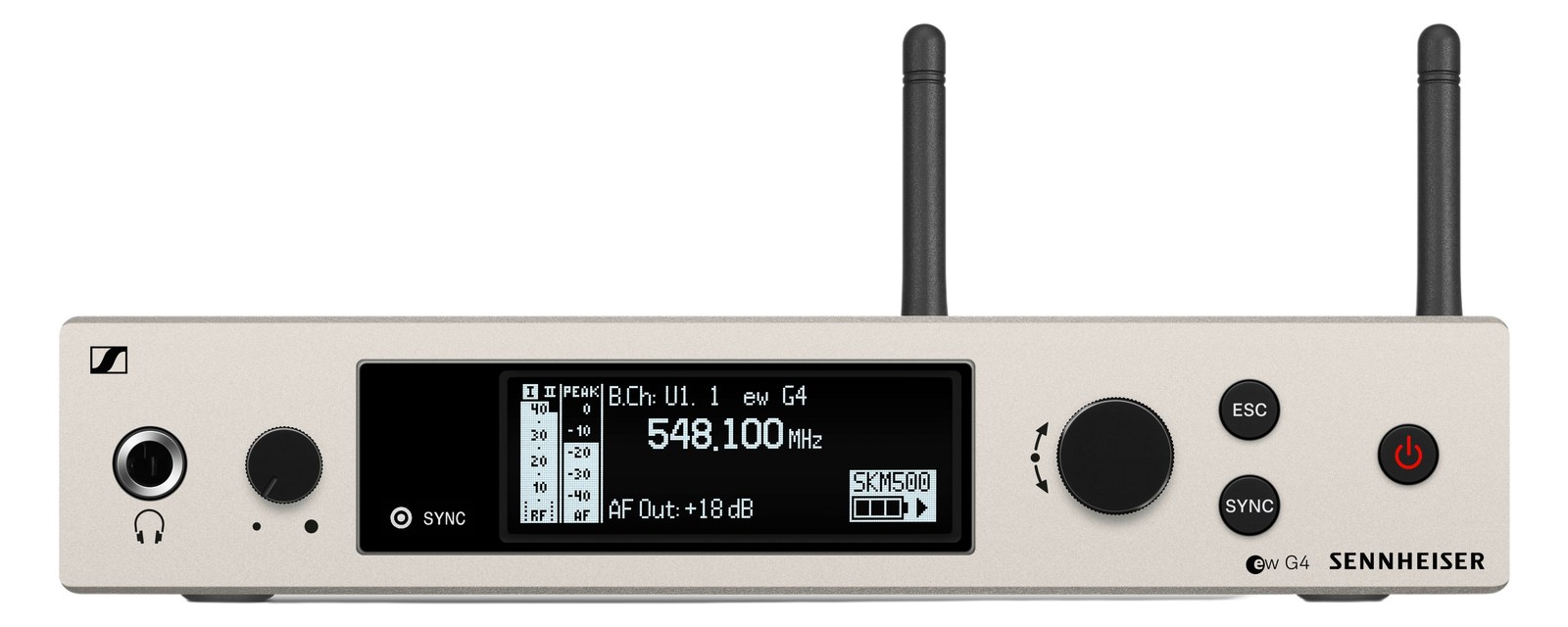
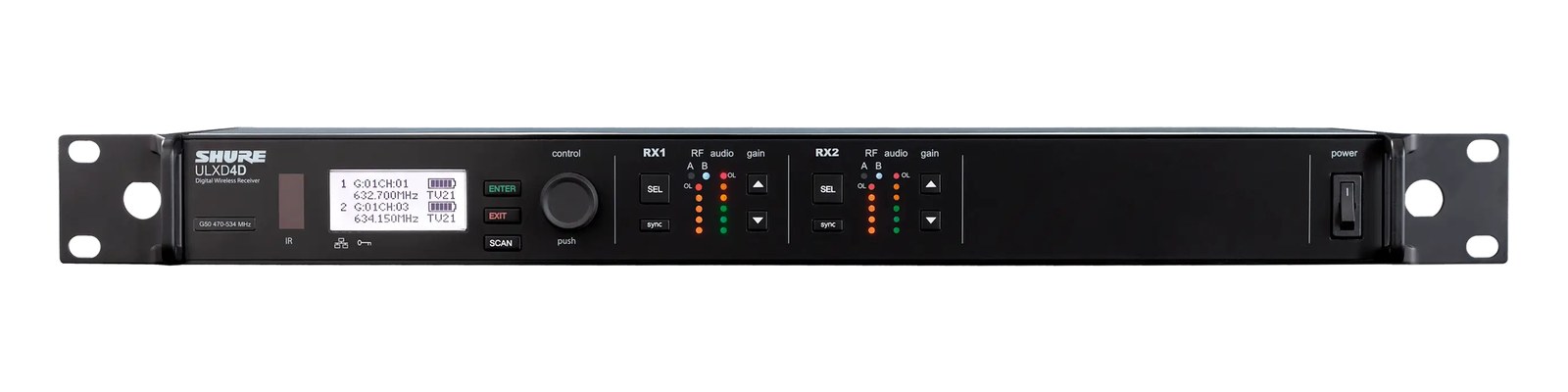
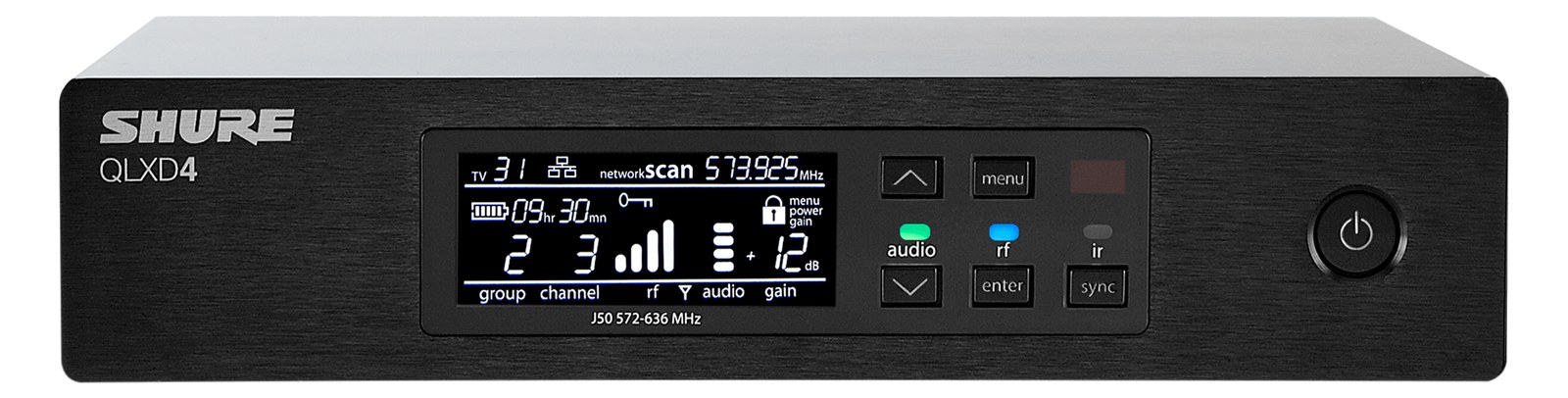
The Shure SLXD4 is an entry-level digital wireless receiver that delivers surprisingly good audio quality for its price, with digital transmission that eliminates the companding artifacts of older analog wireless systems. Its half-rack size means you can pair two in a single rack space for cost-effective multi-channel wireless mic deployments. A great starting point for acts that need reliable wireless microphones without the investment of the ULX-D or Axient platforms.
~$499Use retailer rows for current price and stock
01 · What it does—and what that changes in your rig.
Product overview
Start with the payoff, then work through how it functions, where it fits, and the details that change a real build.
The payoff
Wireless Mic decisions, organized around the whole rig.
The SLXD4 is Shure's entry point into digital wireless receiving, and it earns its place in a working rack by doing one thing cleanly: getting a mic signal off the stage and into your console without the pumping and breathing you'd hear from older analog compandingCOMpressing-exPANDing: analog wireless squeezes audio’s dynamics to fit the radio link, then mirrors them back out. Done badly, it breathes. systems. It's a half-rackThe standard slice of rack height: 1U = 1.75″. A 3U box takes three slices; half-rack gear pairs two units side by side in one., single-channel receiver, which means you mount two side-by-side in one rack unit using a standard half-rack tray. For a touring act that needs two or three wireless channels on a budget, a pair of these stacked together is a genuinely tidy solution.
Documented outputs
22 destination connections
Documented inputs
3Based on documented inputs
Rack space
1U · half-rackBuilder checks available rail space
Photo: Shure1U · half-rack · 8W
Function
How it works in the path
At 8 watts draw and 0.7 kg per unit, two SLXD4s together barely register on your power budget or your back. The 190 mm depth is shallow enough to fit most shallow rack cases without drama. You get both XLRThe standard 3-pin locking connector for mics and balanced line signals — pin 1 is the shield, pins 2 and 3 carry the balanced pair. and quarter-inch outputs on the rear — use the XLR into your console or stageboxThe I/O endpoint on stage: mics plug in there and one digital line (AES50, Dante) carries everything to the console. The snake, digitized. every time; the TRSTip-Ring-Sleeve — a 1/4″ jack with three contacts carrying a balanced signal or a stereo pair. A guitar plug with one extra ring. is there for emergency direct runs or non-standard setups. The two BNCThe twist-lock coax connector used for word clock and antenna runs — it locks, so it can’t be pulled out mid-show. antenna inputs support diversityA receiver with two antennas and two radio sections that continuously picks the stronger one — the difference between a dropout and a show. reception, so you'll want to position or remote your antennas properly rather than leaving the stubs pointed randomly inside a closed rack case.
Best fit
Where it earns its place in the rack
This receiver makes sense for smaller touring acts, corporate AV builds, or houses of worship where budget is real and RFRadio Frequency — the wireless part of wireless. RF planning is why big rigs scan, coordinate, and combine antennas instead of hoping. environments are not nightmarish. If you're running more than four or five channels, or working festival stages with heavy RF congestion, you'll want to look toward the ULX-D ecosystem, which offers proper cascade networking, wider tuning bandwidth, and DanteThe most common audio-over-network standard: dozens of channels of uncompressed digital audio down one ordinary Ethernet cable between Dante boxes. output options the SLXD4 doesn't have. The SLXD4 is not that system — it's honest about what it is, and at $499 per channel, that honesty is part of the value.
Shure SLXD4 Wireless Mic Receiver — three-quarter view with antennasPhoto: Shure
In the rack
Details worth deciding before load-in.
Always remote your antennas out of the rack lid using BNCThe twist-lock coax connector used for word clock and antenna runs — it locks, so it can’t be pulled out mid-show. extension cables — RFRadio Frequency — the wireless part of wireless. RF planning is why big rigs scan, coordinate, and combine antennas instead of hoping. doesn't care about your tidy rack, and a closed lid will kill your range.
Budget one rack unitThe standard slice of rack height: 1U = 1.75″. A 3U box takes three slices; half-rack gear pairs two units side by side in one. for every two SLXD4s, but buy a proper half-rack mounting tray rather than shimming them in; the tray keeps the units from shifting and protects the rear connectors.
Run the XLRThe standard 3-pin locking connector for mics and balanced line signals — pin 1 is the shield, pins 2 and 3 carry the balanced pair. output, not the quarter-inch, into your snakeA multicore cable bundling many channels into one stage-to-console run. A sub-snake collects one corner of the stage into a drop box. or stageboxThe I/O endpoint on stage: mics plug in there and one digital line (AES50, Dante) carries everything to the console. The snake, digitized. — balancedCarries the signal on two wires and cancels whatever noise both pick up — why mic cables can run hundreds of feet hum-free. signal over any cable run longer than a few feet.
Keep transmitter and receiver on the same frequency group as selected in the unit's menu; mixing groups increases the chance of intermodulationIntermodulation — ghost frequencies created when transmitters mix in each other’s electronics. Why multi-channel wireless is calculated, not guessed. issues when running multiple units simultaneously.
02 · Know the whole path before you buy.
Signal path
Learn the route as a block diagram: source, product function, transport, and destination. Select any block to see what enters, what changes, and what leaves.
Interactive block diagramAuto-looping · hover, focus, or tap to hold a stage
Port-type signalProduct functionSystem boundary
Follow one signal from source to destination
Each block answers the same three questions: what arrives, what changes here, and what leaves.
01 · Source · selected
bnc + dc barrel
RJ45
XLR male + ¼-inch TRS
01 · Source
3 documented inputs
bnc + dc barrel
Arrives as
3 documented inputs
Connector
bnc + dc barrel
Signal
antenna
03 · What this product asks of the rest of the system.
Compatibility
Treat connector names as the start of the check—not the answer. These are the boundaries that determine a complete working path.
Best fit · Wireless Mic
Use it when 1U · half-rack and 190 mm of depth fit the case.
Plan the companion path
Complete the path with upstream and downstream gear that matches connector, direction, signal type, protocol, and wiring standard.
Connector boundary
Documented connectors: XLR male, ¼-inch TRS, bnc, RJ45. Match connector, direction, and signal type—not shape alone.
04 · Every connector, grouped by job.
I/O ports
Switch the product view and the documented port inventory updates with it—hardware and data stay side by side.
Every connector, grouped by job.
Switch panels to keep the hardware view and the documented port list in sync.
Front panelRear panel
All documented ports for Shure SLXD4 Wireless Mic Receiver
Port
Panel
Connector
Direction
Signal
Channels
XLR Out
rear
XLR male
output
analog audio
—
1/4" Out
rear
¼-inch TRS
output
analog audio
—
Antenna A
rear
bnc
input
antenna
—
Antenna B
rear
bnc
input
antenna
—
Network (RJ45)
rear
RJ45
bidirectional
data
—
Power (15V DC)
rear
dc barrel
input
power
—
Showing 6 of 6 documented physical ports.
05 · Compare the decision, not just the price.
Alternatives
The rows are organized around fit, power, I/O, and system role so a cheaper unit cannot hide a more expensive workflow.
SLXD4The Shure SLXD4 is an entry-level digital wireless receiver that delivers surprisingly good audio quality for its price, with digital transmission that eliminates the companding artifacts of older analog wireless systems. Its half-rack size means you can pair two in a single rack space for cost-effective multi-channel wireless mic deployments. A great starting point for acts that need reliable wireless microphones without the investment of the ULX-D or Axient platforms.View gear →
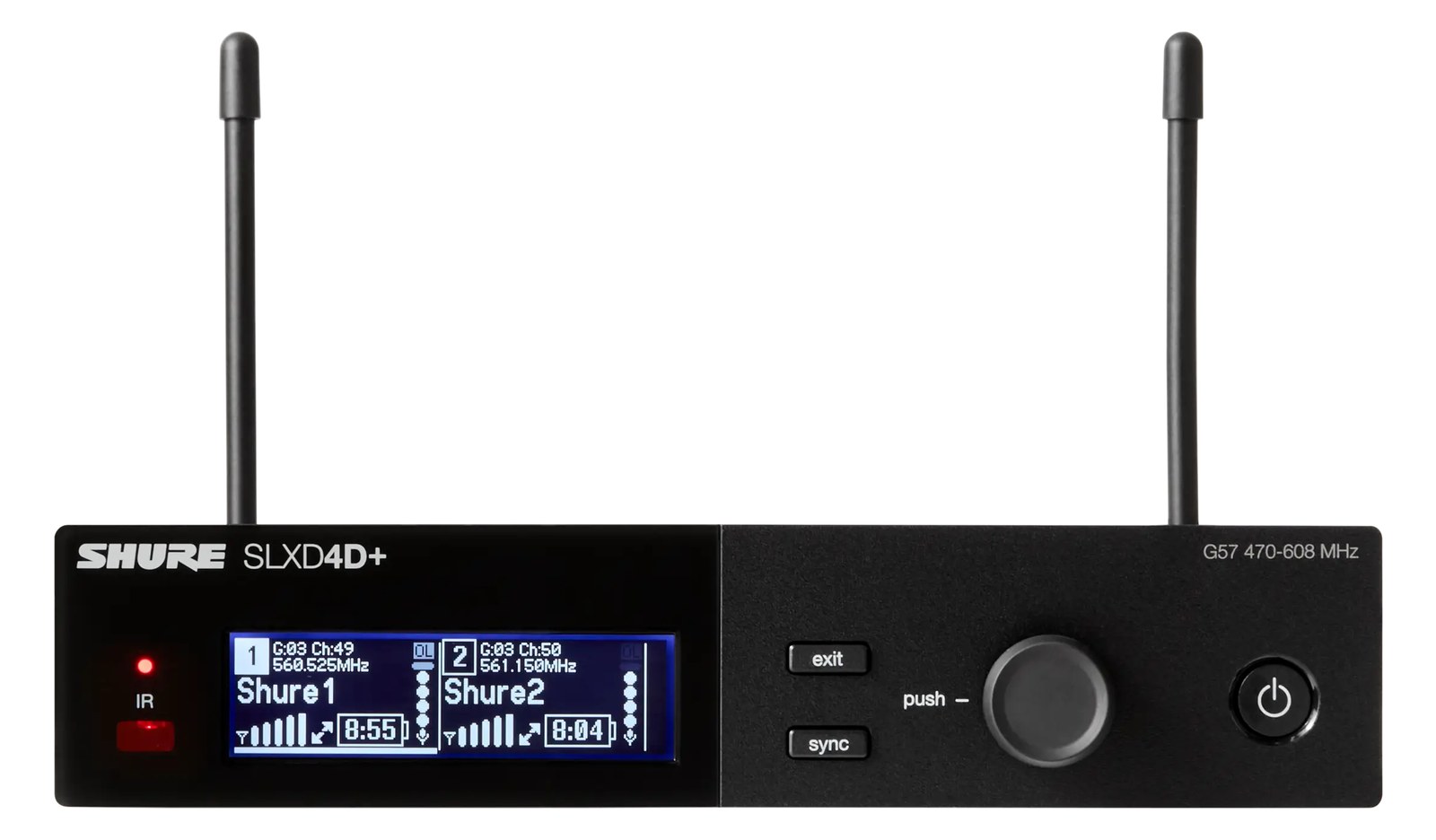
SLXD4DThe Shure SLXD4D is a dual-channel digital wireless receiver that hits the sweet spot for theaters, regional touring, and houses of worship that want better-than-analog wireless without the touring-grade price of the ULXD line. 24-bit digital signal, AES-256 encryption, and rechargeable battery support out of the box.View gear →
SLXD4DThe Shure SLXD4D puts two SLX-D receivers in a single full-rack unit, providing an efficient and cost-effective way to deploy two wireless mic channels. The digital audio quality and RF performance punch above the price class, making it popular for corporate events, worship, and smaller touring acts. Shared antenna connections between the two channels simplify your antenna distribution setup.View gear →
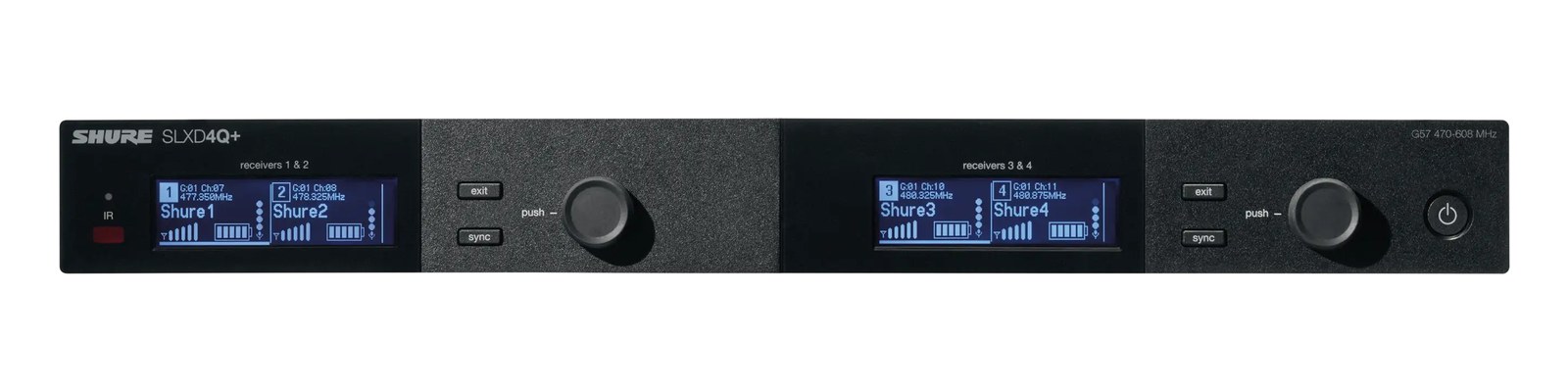
SLXD4QThe Shure SLXD4Q packs four channels of SLX-D digital wireless into one rack space with internal antenna distribution, making it the value path to a four-mic rack without a distro. Guided frequency setup and rechargeable-friendly workflow carry the SLX-D pitch into density. The step below ULXD4Q at less than half the price.View gear →
06 · Resolve the questions that can change the purchase or build plan.
Planning questions
Short, source-backed answers surface rack fit, power, cabling, and connection details before they become surprises.
How will the Shure SLXD4 Wireless Mic Receiver affect rack fit and case depth?
It occupies 1U · half-rack. Its documented depth is 190 mm.
How much power does the Shure SLXD4 Wireless Mic Receiver draw?
Typical draw is 8W and documented maximum draw is 10W.
What connections does the Shure SLXD4 Wireless Mic Receiver have?
6 documented physical ports, including XLR Out, 1/4" Out, Antenna A, Antenna B, Network (RJ45), Power (15V DC).
07 · See this unit inside a real rack plan.
Builder preview
Placement is only the start. Builder checks space · depth · weight, power headroom, dependencies, and compatible signal paths around this exact catalog item.Open in Builder