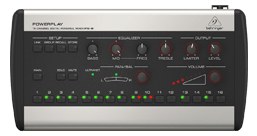
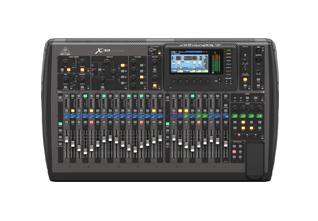
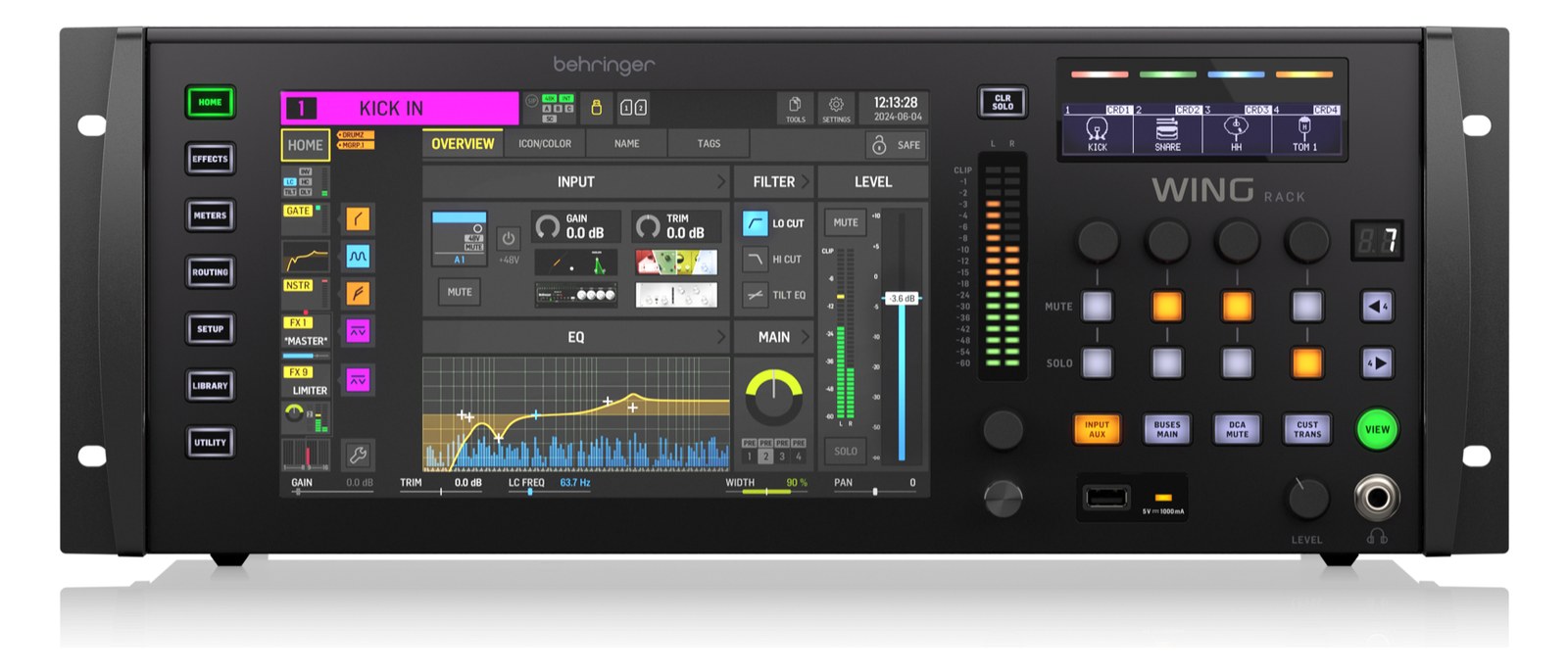
The Behringer P16-M gives each musician independent control over their 16-channel monitor mix via Ultranet digital audio over a single Cat5 cable. It is the most affordable personal mixing solution available and integrates directly with Behringer/Midas X32 and M32 consoles. Ideal for smaller acts and worship environments where musicians want to dial in their own IEM mix without relying on the engineer.
~$199Use retailer rows for current price and stock
01 · What it does—and what that changes in your rig.
Product overview
Start with the payoff, then work through how it functions, where it fits, and the details that change a real build.
The payoff
Personal Mixer decisions, organized around the whole rig.
The P16-M is a personal mixer built around Behringer's UltranetBehringer’s personal-monitoring link: 16 channels down a Cat5 cable to P16 mixers, so players dial their own ears without using console outputs. protocol — 16 channels of digital audio arrive over a single Cat5Standard network cable grades. In an audio rig one cheap Cat5e run can replace a 48-channel copper snake; AES50 wants it shielded. cable, and the musician on the other end controls their own mix without tying up monitor engineer time or radio. Each unit sits on a mic stand or desk wedged into the stage plot, and a daisy-chained Ultranet Thru port means you can run multiple units off a single feed. The left and right quarter-inch TRSTip-Ring-Sleeve — a 1/4″ jack with three contacts carrying a balanced signal or a stereo pair. A guitar plug with one extra ring. outputs go straight to a stereo IEMIn-Ear Monitor — earpieces that replace floor wedges, feeding each player their own mix. The reason this whole rack exists. transmitter or a set of wedgesA floor monitor speaker angled up at the performer — the thing IEMs replace, and the thing you fall back on when they die.. At $199, it's the entry point for personal mixing that actually works inside a real touring or worship rig.
Documented outputs
33 destination connections
Required cable runs
1RJ45
Rack space
Outside rackPlan a shelf, tray, or stage position
Behringer product panelOutside rack · 10W
Function
How it works in the path
The UltranetBehringer’s personal-monitoring link: 16 channels down a Cat5 cable to P16 mixers, so players dial their own ears without using console outputs. connection is the load-in story here. One Cat5Standard network cable grades. In an audio rig one cheap Cat5e run can replace a 48-channel copper snake; AES50 wants it shielded. run per unit — no analog snakeA multicore cable bundling many channels into one stage-to-console run. A sub-snake collects one corner of the stage into a drop box. taps, no splitter math, no per-channel gain stagingSetting sensible levels at every step of the chain so nothing clips and nothing drowns in hiss — the unglamorous secret to clean mixes. at the stage boxThe I/O endpoint on stage: mics plug in there and one digital line (AES50, Dante) carries everything to the console. The snake, digitized.. The catch is that you need a compatible Ultranet source: an X32, M32, or a dedicated P16-I interface. If your console is something else, you're adding a conversion device before this even enters the picture. Power draws under 12 watts and is supplied over Ultranet itself via the P16-D distributor or directly from compatible consoles, so in a clean Behringer/Midas ecosystem, there's no separate power cable at the musician's position — which genuinely matters when you're rolling cable in a hurry.
Best fit
Where it earns its place in the system
This belongs in a rig where the console is already X32 or M32 territory and you're solving the 'the bass player keeps asking for more of himself' problem without hiring another engineer. Worship rigs, theater pits, club touring bands where stage volume needs to come down — all good fits. It is not the right tool if your console doesn't speak UltranetBehringer’s personal-monitoring link: 16 channels down a Cat5 cable to P16 mixers, so players dial their own ears without using console outputs. and you don't want to add a P16-I or similar interface, and it's not competitive with the more refined feel of dedicated personal mixing ecosystems like the Aviom A360 if player experience is the primary budget line. For the price and the ecosystem, though, nothing touches it.
In the rack
Details worth deciding before load-in.
Run the UltranetBehringer’s personal-monitoring link: 16 channels down a Cat5 cable to P16 mixers, so players dial their own ears without using console outputs. daisy-chain in the same direction as your monitor splitFeeding one mic to two consoles at once (FOH + monitors, or a record rig) through a splitter — both get the identical source. so a single cable failure only takes out one position — plan the chain order at patch time, not at showtime.
Label each P16-M's UltranetBehringer’s personal-monitoring link: 16 channels down a Cat5 cable to P16 mixers, so players dial their own ears without using console outputs. In and Thru with cable ties at both ends before it leaves the shop; RJ45 connectors in a dark stage environment are impossible to trace under pressure.
The quarter-inch TRSTip-Ring-Sleeve — a 1/4″ jack with three contacts carrying a balanced signal or a stereo pair. A guitar plug with one extra ring. outputs are stereo-capable but unbalancedA single signal wire plus ground (guitar cables, RCA) — collects noise with length, so keep the runs short. over any significant cable run — keep the run from the P16-M to the IEMIn-Ear Monitor — earpieces that replace floor wedges, feeding each player their own mix. The reason this whole rack exists. transmitter short, or add a small DIDirect Injection box — converts an instrument’s unbalanced signal to a balanced mic-level XLR so it can run long cables without noise. or buffer if you're pushing more than a few meters.
If you're using a P16-D distributor to feed multiple units, rack the distributor and keep it powered and patched before musicians hit the stage — the P16-M powers up instantly, but the UltranetBehringer’s personal-monitoring link: 16 channels down a Cat5 cable to P16 mixers, so players dial their own ears without using console outputs. handshake takes a moment and players will assume it's broken if it's dark when they plug in.
02 · Know the whole path before you buy.
Signal path
Learn the route as a block diagram: source, product function, transport, and destination. Select any block to see what enters, what changes, and what leaves.
Interactive block diagramAuto-looping · hover, focus, or tap to hold a stage
Port-type signalProduct functionSystem boundary
Follow one signal from source to destination
Each block answers the same three questions: what arrives, what changes here, and what leaves.
01 · Source · selected
RJ45
RJ45
RJ45 + ¼-inch TRS
01 · Source
1 documented input
RJ45
Arrives as
1 documented input
Connector
RJ45
Signal
digital audio
03 · What this product asks of the rest of the system.
Compatibility
Treat connector names as the start of the check—not the answer. These are the boundaries that determine a complete working path.
Best fit · Personal Mixer
Use it as personal mixer tracked outside rack rails; follow the manufacturer’s mounting and form-factor guidance.
Plan the companion path
Complete the path with upstream and downstream gear that matches connector, direction, signal type, protocol, and wiring standard.
Protocol boundary
This product declares ULTRANET; matching plugs alone do not make other protocols compatible.
04 · Every connector, grouped by job.
I/O ports
Switch the product view and the documented port inventory updates with it—hardware and data stay side by side.
Every connector, grouped by job.
Switch panels to keep the hardware view and the documented port list in sync.
Front panelRear panel
All documented ports for Behringer Powerplay P16-M Personal Mixer
Port
Panel
Connector
Direction
Signal
Channels
Ultranet In (RJ45)
rear
RJ45
input
digital audio
16
Ultranet Thru (RJ45)
rear
RJ45
output
digital audio
16
Output L (TRS)
rear
¼-inch TRS
output
analog audio
—
Output R (TRS)
rear
¼-inch TRS
output
analog audio
—
Showing 4 of 4 documented physical ports.
05 · Compare the decision, not just the price.
Alternatives
The rows are organized around fit, power, I/O, and system role so a cheaper unit cannot hide a more expensive workflow.
P16-MThe Behringer P16-M gives each musician independent control over their 16-channel monitor mix via Ultranet digital audio over a single Cat5 cable. It is the most affordable personal mixing solution available and integrates directly with Behringer/Midas X32 and M32 consoles. Ideal for smaller acts and worship environments where musicians want to dial in their own IEM mix without relying on the engineer.View gear →
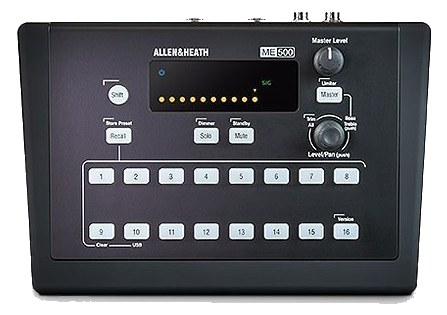
ME-500The Allen & Heath ME-500 is a compact personal mixer that pairs with A&H consoles via Monitor Mixer or M-Series mode. Sixteen stereo groups, sliders for level, and per-channel pan give performers full control of their monitor mix on stage. A common pickup for in-ear setups in churches and theaters running A&H consoles.View gear →
06 · Resolve the questions that can change the purchase or build plan.
Planning questions
Short, source-backed answers surface rack fit, power, cabling, and connection details before they become surprises.
Where does the Behringer Powerplay P16-M Personal Mixer live in a complete rig?
The catalog assigns it no rack units. Builder tracks it as non-rack gear; follow the manufacturer’s mounting, case, and form-factor guidance.
How much power does the Behringer Powerplay P16-M Personal Mixer draw?
Typical draw is 10W and documented maximum draw is 12W.
What connections does the Behringer Powerplay P16-M Personal Mixer have?
4 documented physical ports, including Ultranet In (RJ45), Ultranet Thru (RJ45), Output L (TRS), Output R (TRS).
07 · See this gear inside a complete system plan.
Builder preview
Builder keeps non-rack gear in the same bill of materials, budget, dependency, and connection plan as the rack-mounted system around it.Open in Builder