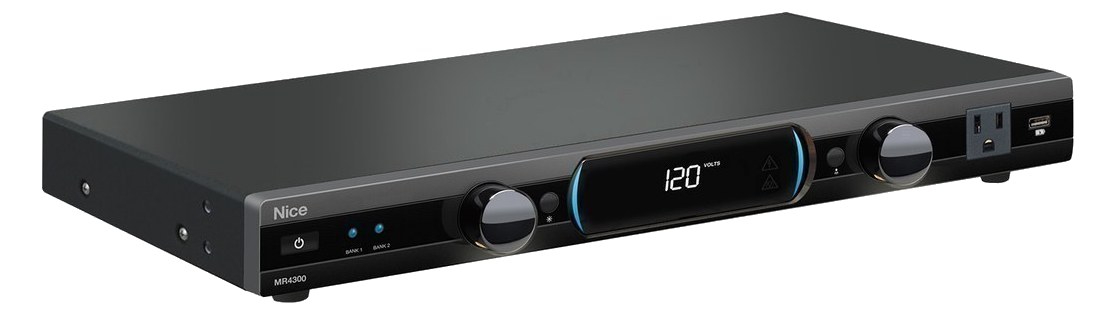
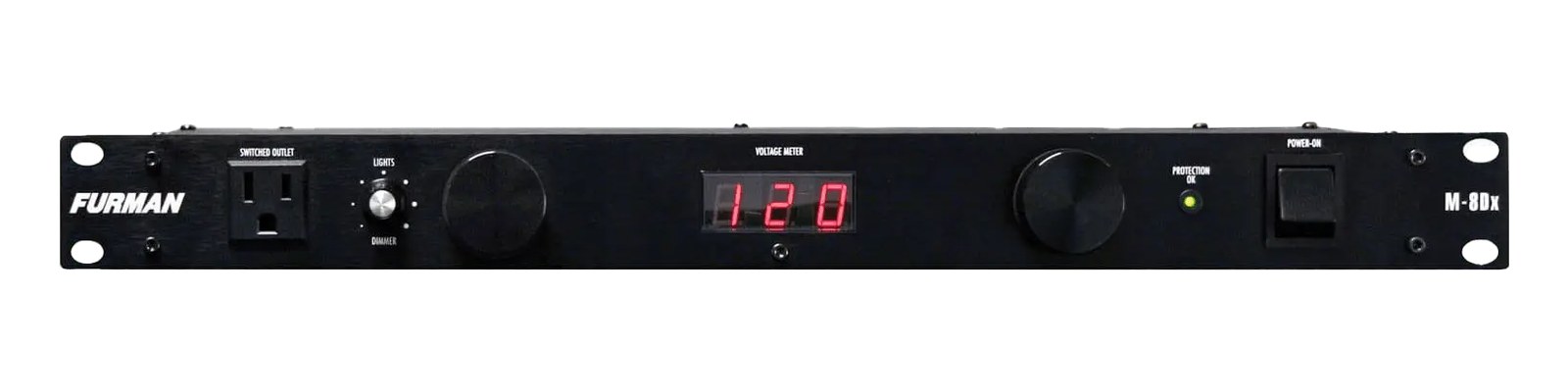
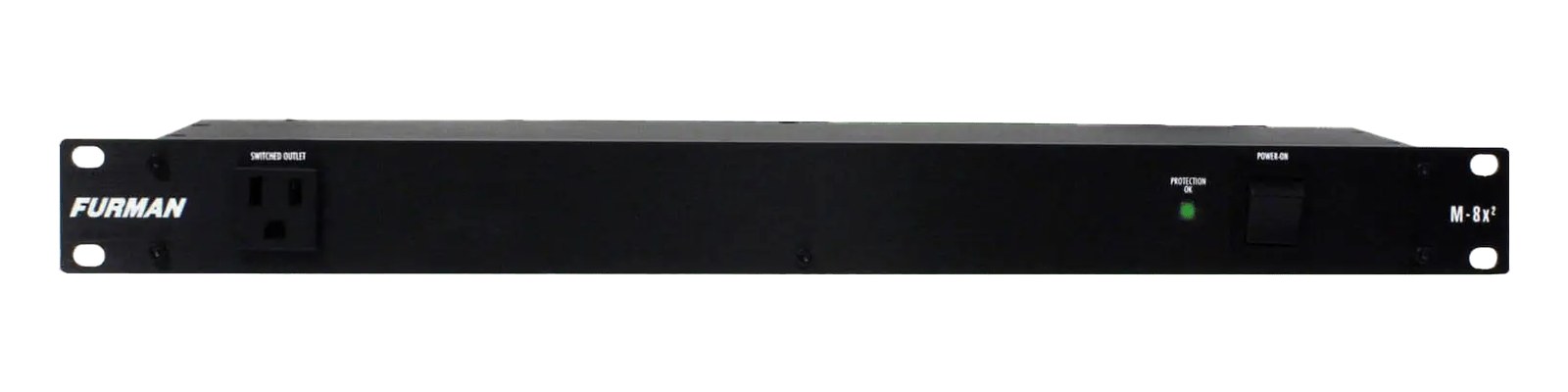
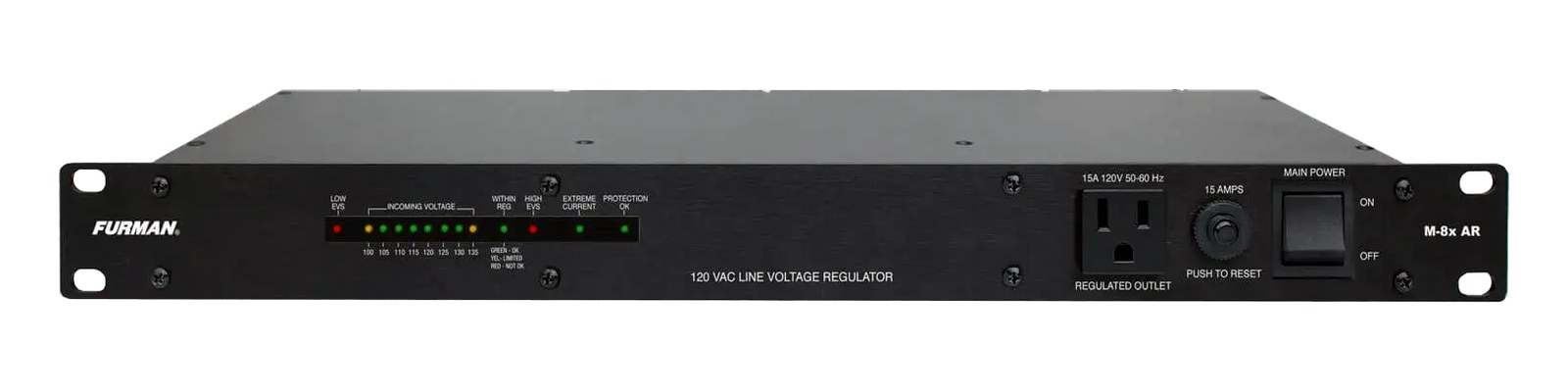
The Panamax MR4300 provides clean power with automatic voltage monitoring that alerts you to power issues before they become problems. Its surge protection and noise filtering are a step up from basic power strips, helping protect sensitive digital and audio equipment in your rack. A solid mid-range option for rigs that need reliable power conditioning without the premium price of Furman's top-tier units.
UnverifiedPower requirement is not verified in the catalog
Catalog estimate
~$249Use retailer rows for current price and stock
01 · What it does—and what that changes in your rig.
Product overview
Start with the payoff, then work through how it functions, where it fits, and the details that change a real build.
The payoff
Power Conditioner decisions, organized around the whole rig.
The Panamax MR4300 occupies the foundational slot in any rack: it's the unit everything else depends on before a single audio signal flows. One rack unitThe standard slice of rack height: 1U = 1.75″. A 3U box takes three slices; half-rack gear pairs two units side by side in one., eight rear NEMA outlets, and automatic voltage monitoring that watches the incoming line and flags problems before your DSPDigital Signal Processing — the number-crunching that does EQ, compression, and effects inside a box. More DSP means more processing at once. or in-ear transmitters start behaving strangely. It sits in the same category as Furman's PL-Plus line — filtered, protected power with front-panel visibility into what the venue is actually handing you — at a price point that makes it realistic for a working monitor rig without a touring budget behind it.
Documented outputs
88 destination connections
Documented inputs
1Based on documented inputs
Rack space
1UBuilder checks available rail space
Panamax product panel1U · Unverified
Function
How it works in the path
The automatic voltage monitoring is the spec that earns its keep at load-in. Venue power is rarely what the house electrician claims it is, and having a visual alert the moment something is out of range means you catch a problem before it becomes a hum, a reboot, or a blown power supply. The eight rear outlets are enough to feed a modest IEMIn-Ear Monitor — earpieces that replace floor wedges, feeding each player their own mix. The reason this whole rack exists. rig — two or three transmitter bays, a router, a small digital console or personal mixer hub, a laptop power brick — without daisy-chaining strips. At 250 mm deep and 3.2 kg, it fits comfortably in a standard shallow rack without fighting for space.
Best fit
Where it earns its place in the rack
The MR4300 is the right call for a working IEMIn-Ear Monitor — earpieces that replace floor wedges, feeding each player their own mix. The reason this whole rack exists. rack, a compact playback rig, or a fly-date rack where you need real surge protection and noise filtering but can't justify the cost of a Furman top-tier unit. It is not a voltage regulatorActively holds the output at a steady 120 V while venue power sags or spikes — a step beyond filtering, one short of a battery. and not a UPSUninterruptible Power Supply — a battery that rides the rig through brownouts and generator hiccups so computers never reboot mid-song. — a genuine brownout will still affect your gear, and a power failure means silence. If you're running a full FOHFront Of House — the main mix the audience hears, and the console position out in the room where it gets mixed. rack with high-draw amplification or a rig in a region with genuinely unstable mains, step up to a unit with active voltage regulation. But for clean, stable venue power with an early-warning system, this does the job honestly.
In the rack
Details worth deciding before load-in.
Mount it at the bottom of the rack — outlets face rear, so a bottom position keeps power cables short and away from signal cables running mid-rack.
Use the voltage monitoring display as your first check at every load-in: if the indicator is flagging before you've powered a single piece of audio gear, talk to the venue electrician before you proceed.
Map your outlet usage deliberately — assign the noisiest loads (laptop chargers, USB hubs) to outlets farthest from your transmitter bays to take full advantage of the unit's noise filtering between banks.
Eight outlets sounds like plenty until you count bricks: audit your actual outlet count before the gig and add a short, single-outlet extension for any overflow rather than a cheap power strip that bypasses your filtering.
02 · Know the whole path before you buy.
Signal path
Learn the route as a block diagram: source, product function, transport, and destination. Select any block to see what enters, what changes, and what leaves.
Interactive block diagramAuto-looping · hover, focus, or tap to hold a stage
Port-type signalProduct functionSystem boundary
Follow one signal from source to destination
Each block answers the same three questions: what arrives, what changes here, and what leaves.
01 · Source · selected
nema 5 15
nema 5 15
01 · Source
1 documented input
nema 5 15
Arrives as
1 documented input
Connector
nema 5 15
Signal
power
03 · What this product asks of the rest of the system.
Compatibility
Treat connector names as the start of the check—not the answer. These are the boundaries that determine a complete working path.
Best fit · Power Conditioner
Use it when 1U and 250 mm of depth fit the case.
Plan the companion path
Complete the path with upstream and downstream gear that matches connector, direction, signal type, protocol, and wiring standard.
Connector boundary
Documented connectors: nema 5 15. Match connector, direction, and signal type—not shape alone.
04 · Every connector, grouped by job.
I/O ports
Switch the product view and the documented port inventory updates with it—hardware and data stay side by side.
Every connector, grouped by job.
Switch panels to keep the hardware view and the documented port list in sync.
Front panelRear panel
All documented ports for Panamax MR4300 Power Conditioner
Port
Panel
Connector
Direction
Signal
Channels
Power In (NEMA)
rear
nema 5 15
input
power
—
AC Out Rear 1
rear
nema 5 15
output
power
—
AC Out Rear 2
rear
nema 5 15
output
power
—
AC Out Rear 3
rear
nema 5 15
output
power
—
AC Out Rear 4
rear
nema 5 15
output
power
—
AC Out Rear 5
rear
nema 5 15
output
power
—
AC Out Rear 6
rear
nema 5 15
output
power
—
AC Out Rear 7
rear
nema 5 15
output
power
—
AC Out Rear 8
rear
nema 5 15
output
power
—
Showing 9 of 9 documented physical ports.
05 · Compare the decision, not just the price.
Alternatives
The rows are organized around fit, power, I/O, and system role so a cheaper unit cannot hide a more expensive workflow.
MR4300The Panamax MR4300 provides clean power with automatic voltage monitoring that alerts you to power issues before they become problems. Its surge protection and noise filtering are a step up from basic power strips, helping protect sensitive digital and audio equipment in your rack. A solid mid-range option for rigs that need reliable power conditioning without the premium price of Furman's top-tier units.View gear →
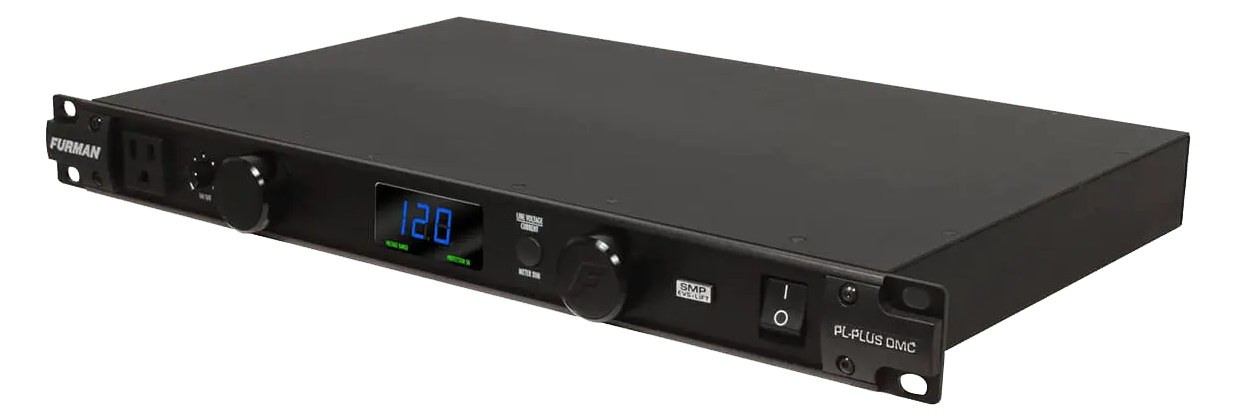
PL-Plus DMCThe Furman PL-Plus DMC is a rack staple that cleans up your AC power while giving you real-time voltage and current monitoring via its front panel meters. The pull-out rack lights are genuinely useful for dark stage-side setups, and the linear filtering protects sensitive audio and digital gear from power line noise. A smart first-piece-in for any IEM or playback rack build.View gear →
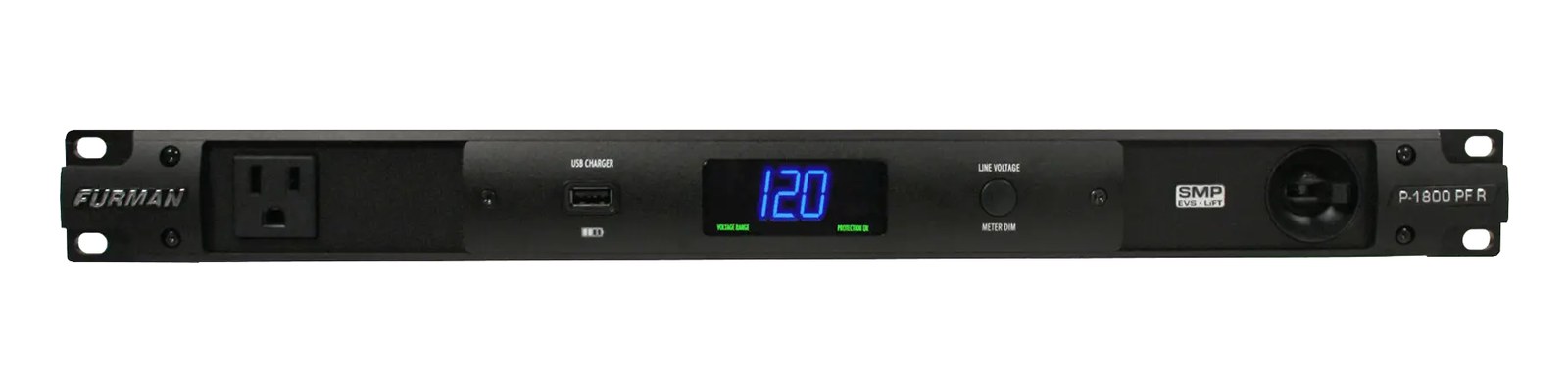
P-1800 PF RThe P-1800 PF R is Furman's premium power conditioner with Series Multi-Stage Protection (SMP) and Linear Filtering Technology (LiFT) that dramatically reduces AC noise reaching your gear. It provides a noticeably quieter noise floor compared to basic power strips, which matters when running sensitive playback interfaces and IEM transmitters. The investment over a basic conditioner is worth it for rigs where audio quality and equipment protection are priorities.View gear →
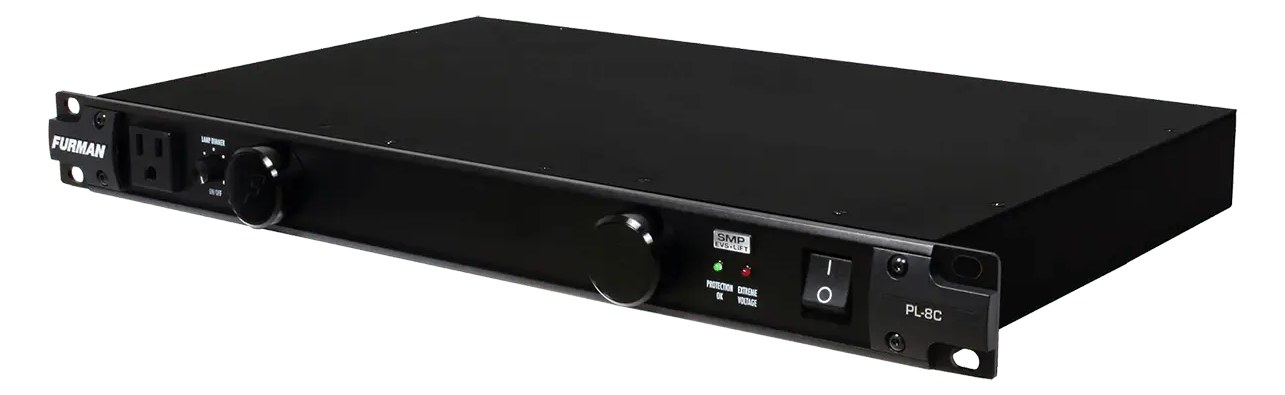
PL-8CThe Furman PL-8C is a no-frills power conditioner with pull-out rack lights that is a staple in live audio racks of all sizes. It provides basic surge protection and noise filtering for your gear while the integrated lights make it easy to work on your rack in dark stage-side environments. At this price point, it is the most practical way to add power conditioning and rack illumination to a budget build.View gear →
06 · Resolve the questions that can change the purchase or build plan.
Planning questions
Short, source-backed answers surface rack fit, power, cabling, and connection details before they become surprises.
How will the Panamax MR4300 Power Conditioner affect rack fit and case depth?
It occupies 1U. Its documented depth is 250 mm.
How much power does the Panamax MR4300 Power Conditioner draw?
Its power requirement is not yet verified in the catalog.
What connections does the Panamax MR4300 Power Conditioner have?
9 documented physical ports, including Power In (NEMA), AC Out Rear 1, AC Out Rear 2, AC Out Rear 3, AC Out Rear 4, AC Out Rear 5.
07 · See this unit inside a real rack plan.
Builder preview
Placement is only the start. Builder checks space · depth · weight, power headroom, dependencies, and compatible signal paths around this exact catalog item.Open in Builder