Analog Snake

Radial Catapult Rack TX

Radial·Model Catapult Rack TX·radial-catapult-rack-tx

Photos

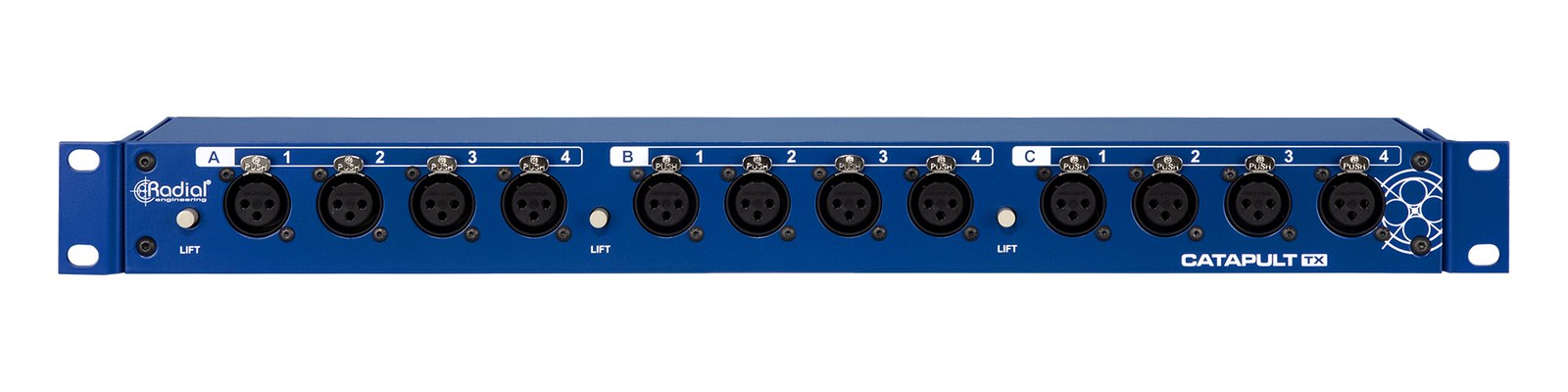
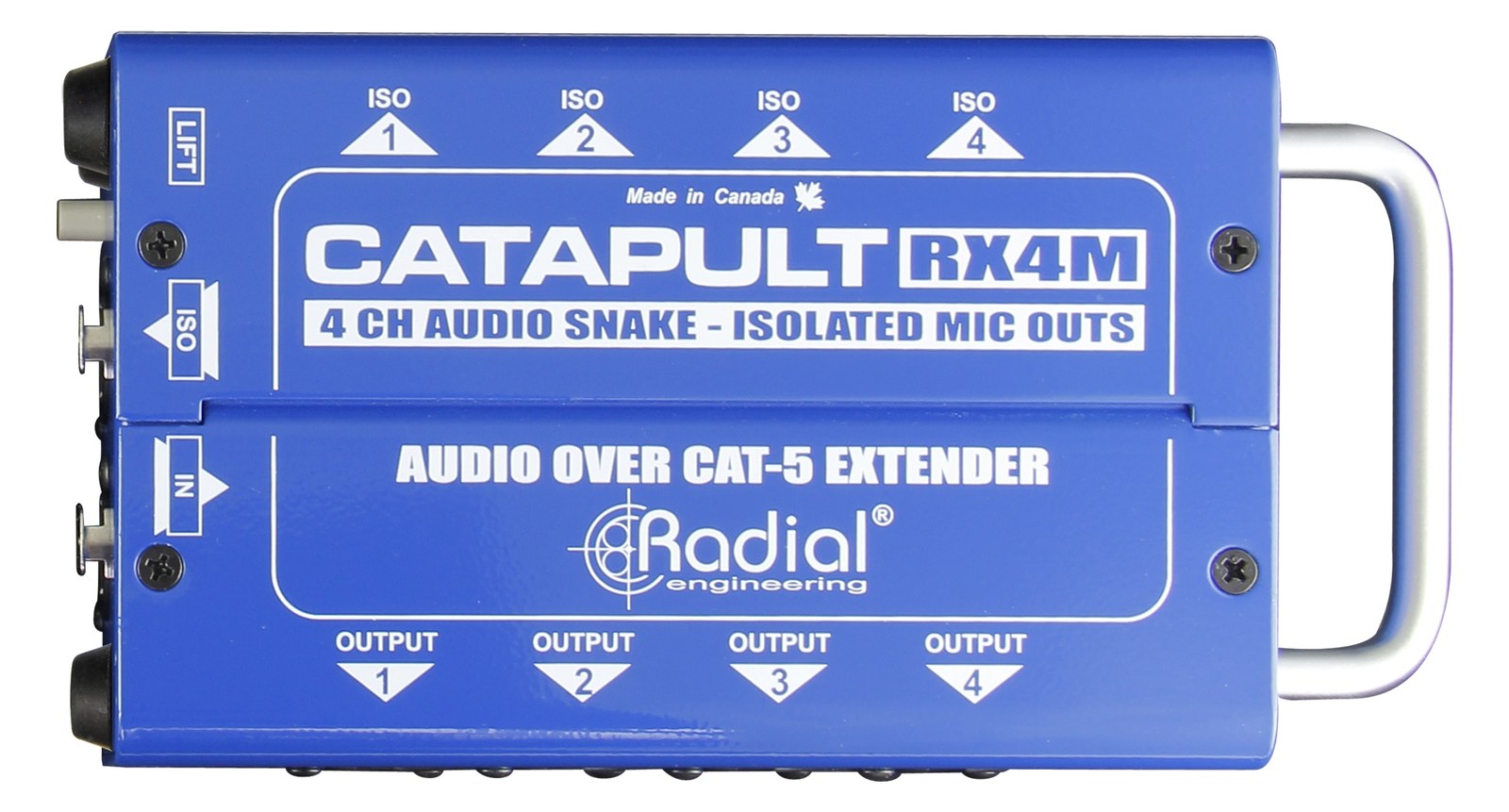
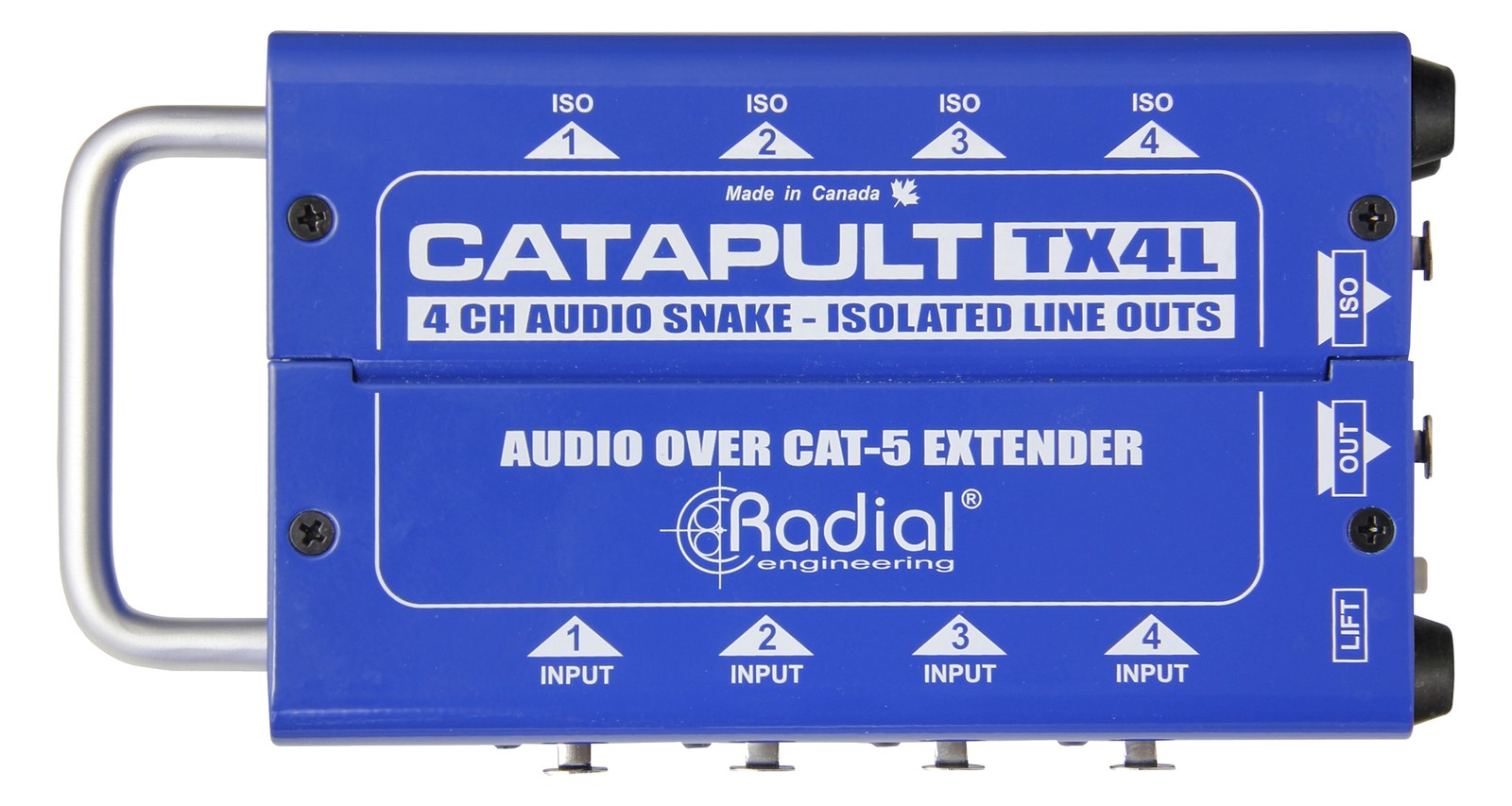
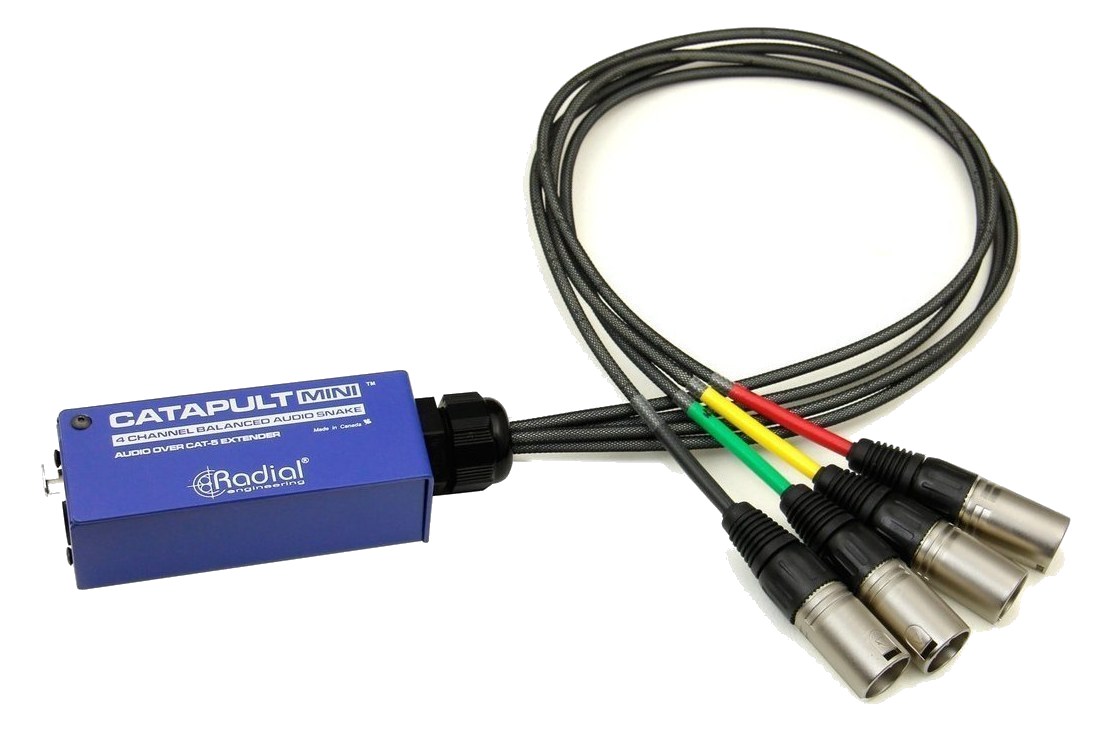
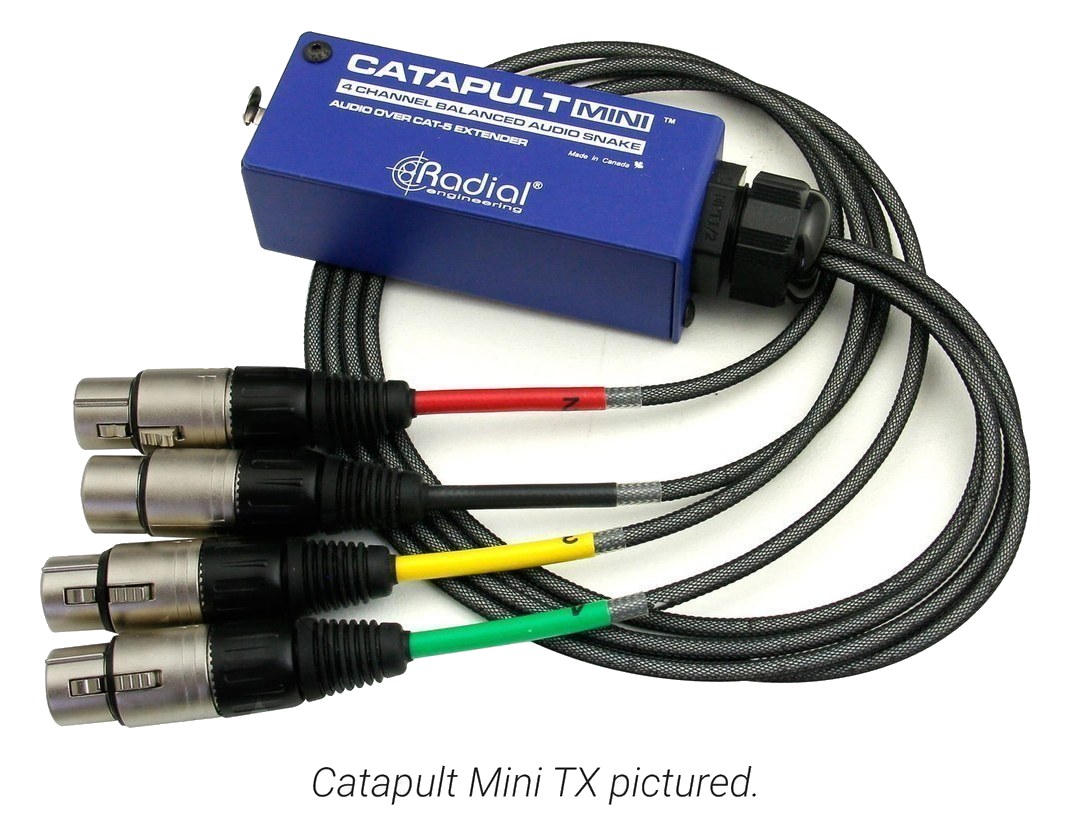
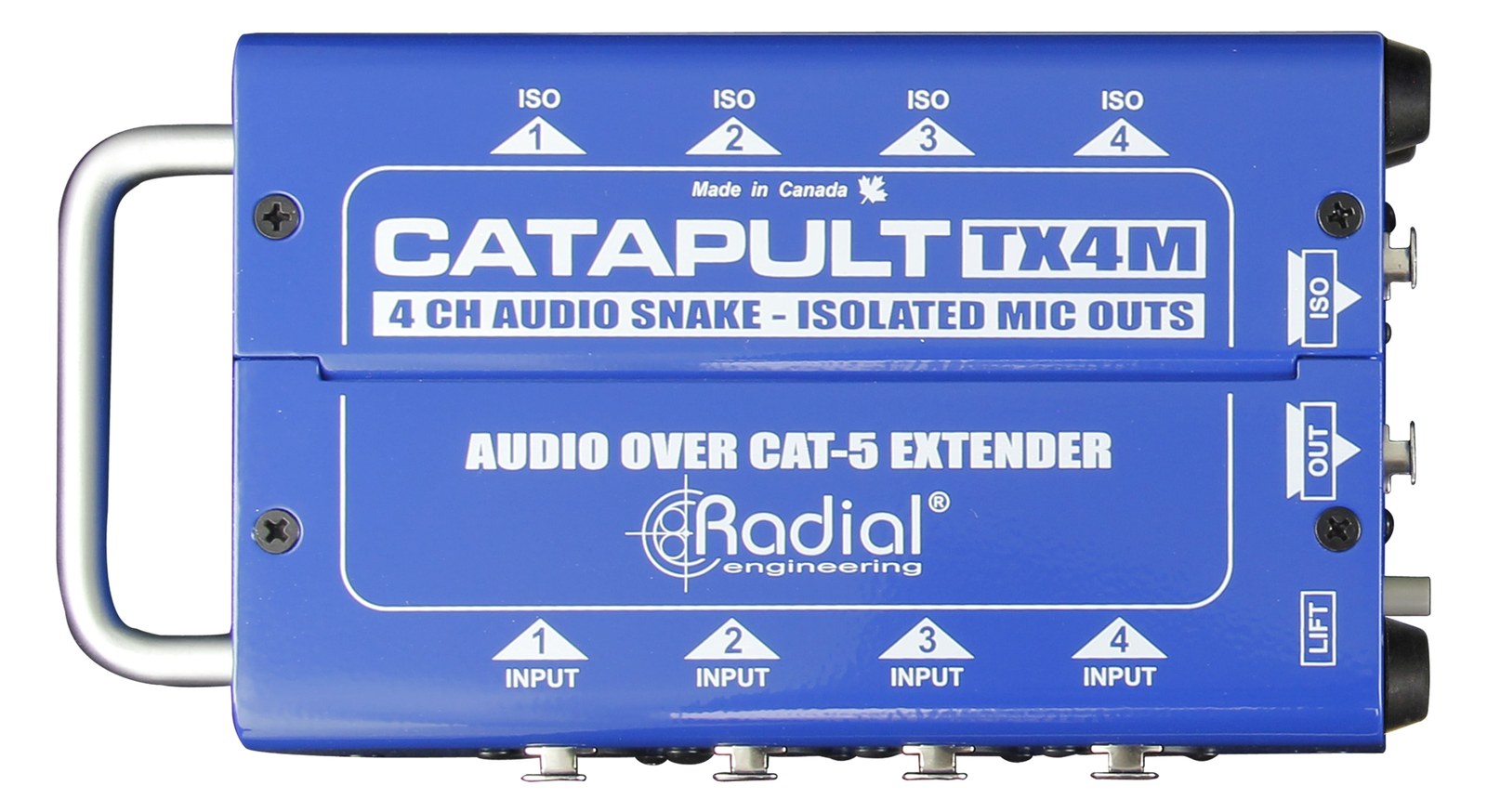
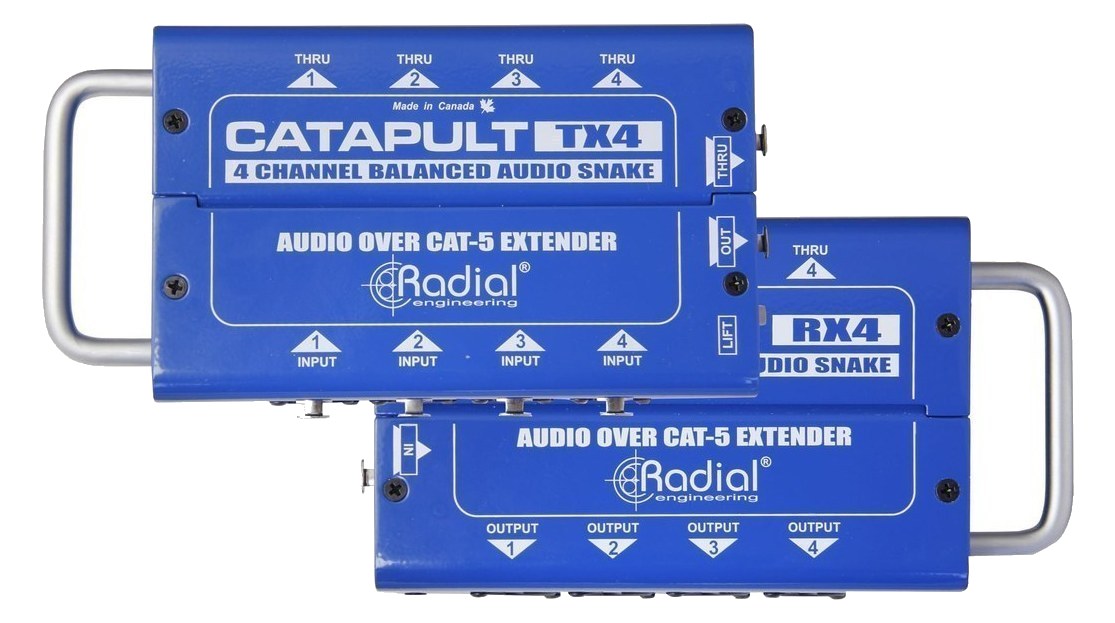
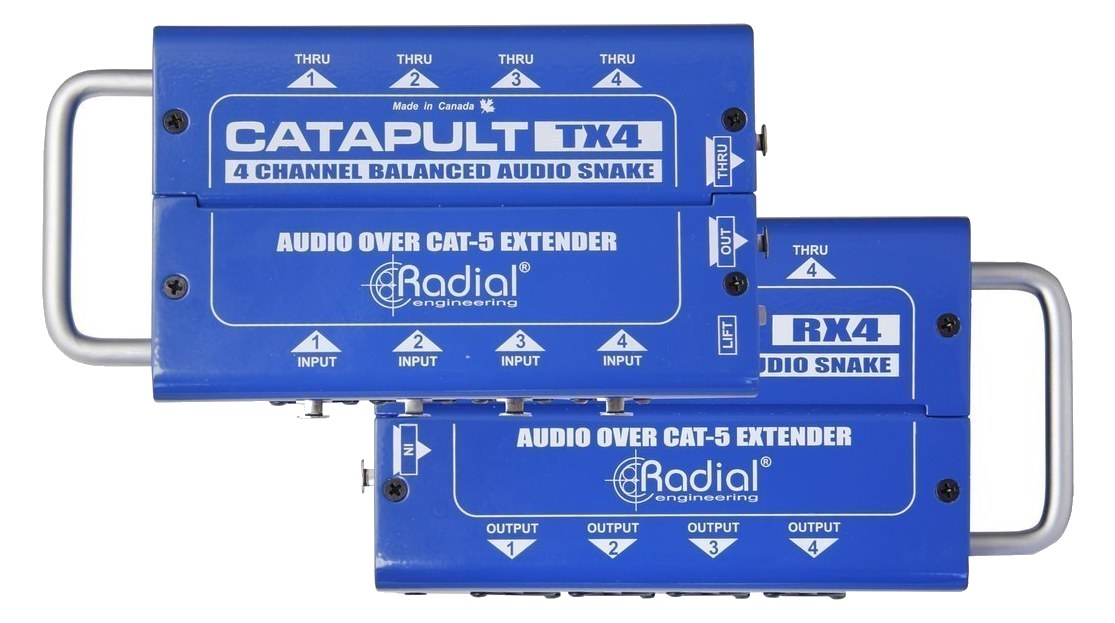
Manufacturer product photography — the drawn faceplate above stays true to panel layout; these show the hardware itself.

Photo: Radial Engineering1 / 3

About the Radial Catapult Rack TX

The Radial Catapult Rack TX is the send-end partner to the Catapult Rack RX: a 1U rack-mount transmitter that takes 12 XLR inputs and sends them over three Cat 5/6 cables (four channels per cable). Drop one in your FOH, monitor, or playback rack and run Cat 5/6 to the stage end for a complete transformer-isolated 12-channel analog snake — dramatically lighter and cheaper than a traditional copper multicore. Passive, no power required.

The Catapult Rack TX is the send end of Radial's passive Cat 5/6 analog snake system — a 1U box that accepts 12 balanced XLR inputs and multiplexes them down to three Cat 5/6 runs, four channels per cable. It lives in your FOH, monitor, or playback rack and pairs with a Catapult Rack RX at the stage end to complete the link. The pitch is straightforward: instead of hauling a heavy copper multicore from the rack to stage, you're running lightweight Cat 5/6 — cable you can buy at any hardware store, terminate in the field, and stuff into a much thinner conduit.

Passive and drawing zero watts, the TX adds nothing to your power budget and introduces no latency — there's no conversion happening, just clever pin-pairing on the RJ45 connectors with transformer isolation built into the system. At 2.7 kg and 200 mm deep, it's a dense but manageable 1U. The three Cat 5/6 outputs give you flexibility: run all three to a single RX for the full 12 channels, or split them to different destinations if your rig calls for it. Because it's analog the whole way through, what you plug in is exactly what comes out — no driver installation, no dante config, no network switch required.
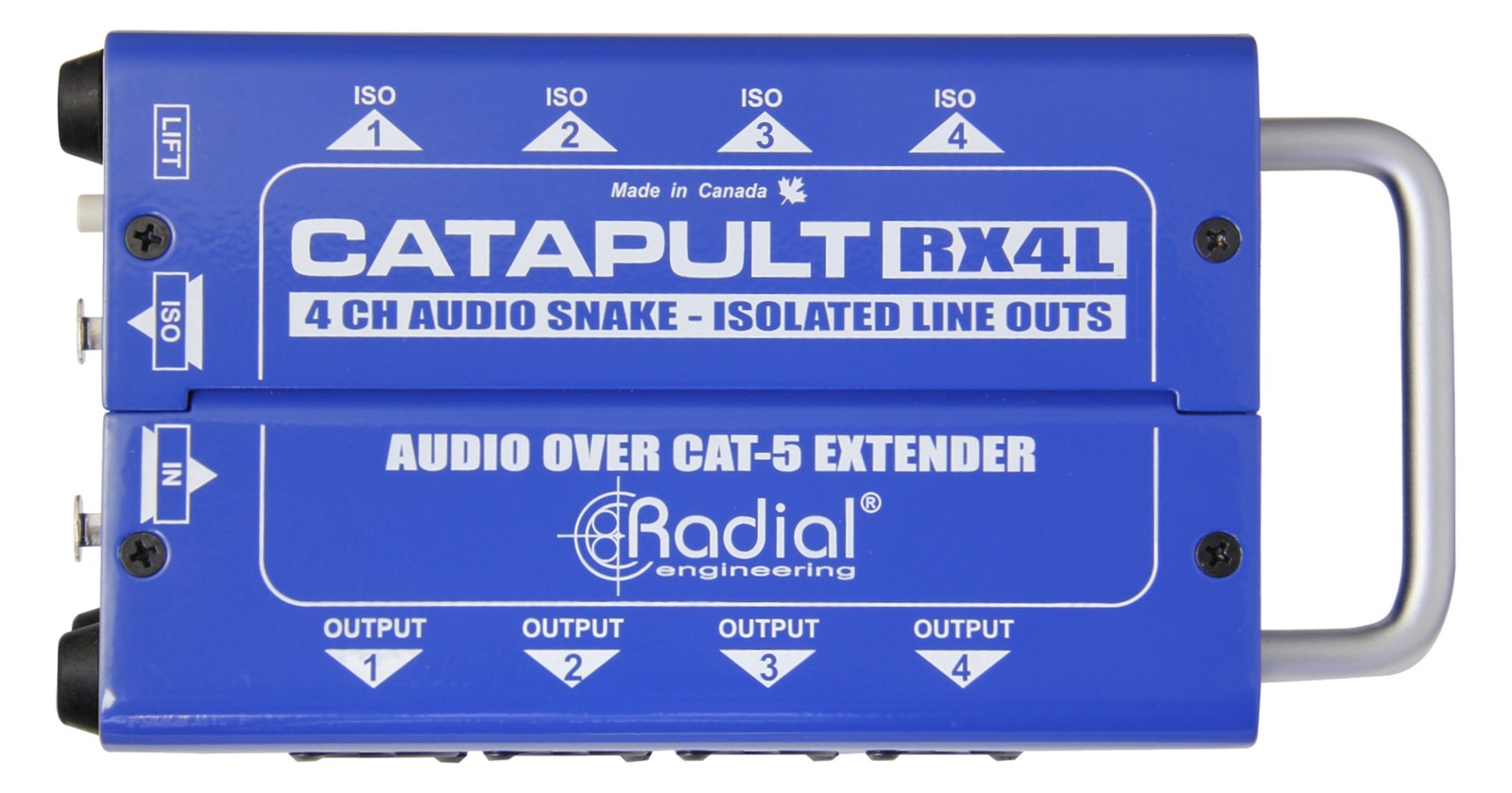
This belongs in a rig where you need a clean, reliable analog snake without the weight and bulk of a traditional multicore, and where you're already committed to the Catapult ecosystem on both ends. It's a strong fit for touring IEM rigs and playback setups that travel frequently and need a fast, repeatable cable run to stage. It's not the right call if you need more than 12 channels, if you're working in an environment where Cat 5/6 runs might get confused with actual network cable, or if your stage end doesn't have a Catapult RX waiting for it — this unit does nothing without its receive-side partner.

In the rack

  • Label your Cat 5/6 cables at both ends before the first show — 'CAT 1 / CH 1-4,' 'CAT 2 / CH 5-8,' 'CAT 3 / CH 9-12' — because on a dark stage they are completely identical and a mis-patch is a silent, maddening fault.
  • Keep a tested spare Cat 5/6 run for each cable in your case; a single damaged cable costs you four channels, and Cat 5/6 is far easier to carry a spare of than a 12-channel copper snake.
  • Mount it at the back of the rack if your rack has rear-mount capability — the XLR inputs face the back of the truck, not the walkway, which protects the connectors during transit and keeps your front panel clean.
  • If you're splitting the three Cat 5/6 outputs to different destinations rather than a single RX, verify cable length and quality before show day — all three runs should be properly terminated Cat 5/6, not grabbed-from-the-networking-bag mystery cable.

12-channel Cat 5/6 rack-mount transmit — 12x XLR to 3x Cat 5/6.

I/O Ports (18)

PortConnectorDirectionSignalChannels
XLR In 1XLR FEMALEinputanalog audio
XLR In 2XLR FEMALEinputanalog audio
XLR In 3XLR FEMALEinputanalog audio
XLR In 4XLR FEMALEinputanalog audio
XLR In 5XLR FEMALEinputanalog audio
XLR In 6XLR FEMALEinputanalog audio
XLR In 7XLR FEMALEinputanalog audio
XLR In 8XLR FEMALEinputanalog audio
XLR In 9XLR FEMALEinputanalog audio
XLR In 10XLR FEMALEinputanalog audio
XLR In 11XLR FEMALEinputanalog audio
XLR In 12XLR FEMALEinputanalog audio
Bank A Out (etherCON)ETHERCONoutputanalog audio
Bank B Out (etherCON)ETHERCONoutputanalog audio
Bank C Out (etherCON)ETHERCONoutputanalog audio
Bank A Thru (etherCON)ETHERCONoutputanalog audio
Bank B Thru (etherCON)ETHERCONoutputanalog audio
Bank C Thru (etherCON)ETHERCONoutputanalog audio

Deciding between two?

Rack space, watts, weight and every connector, side by side.

Related gear

Related articles

Guides from our library that cover planning around analog snake gear.