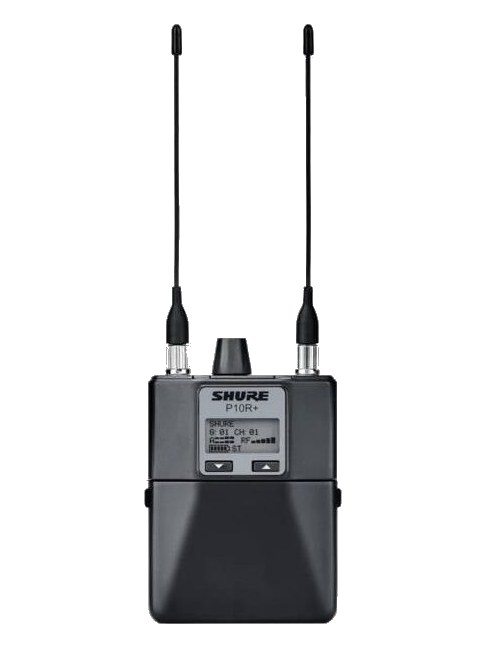
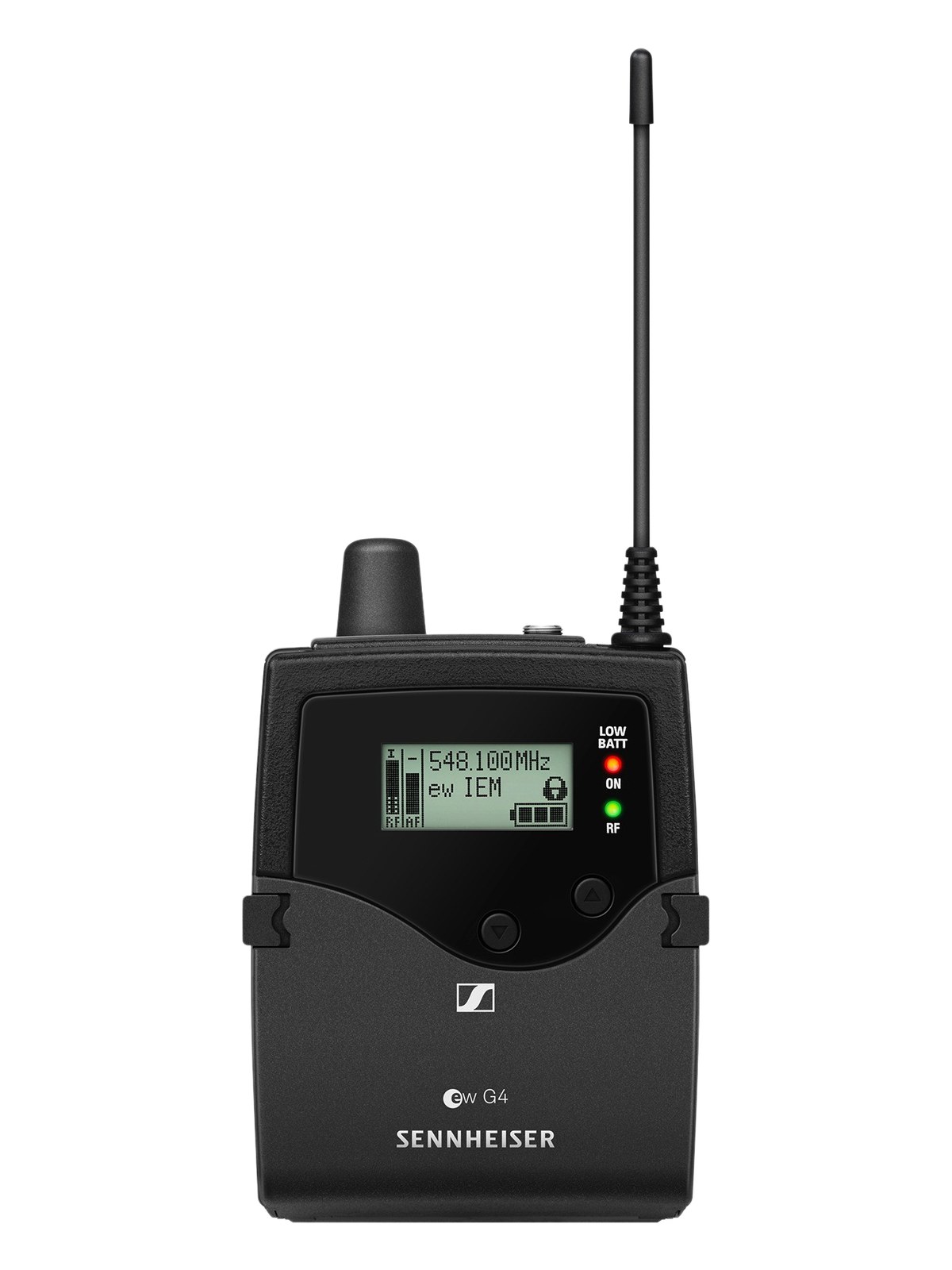
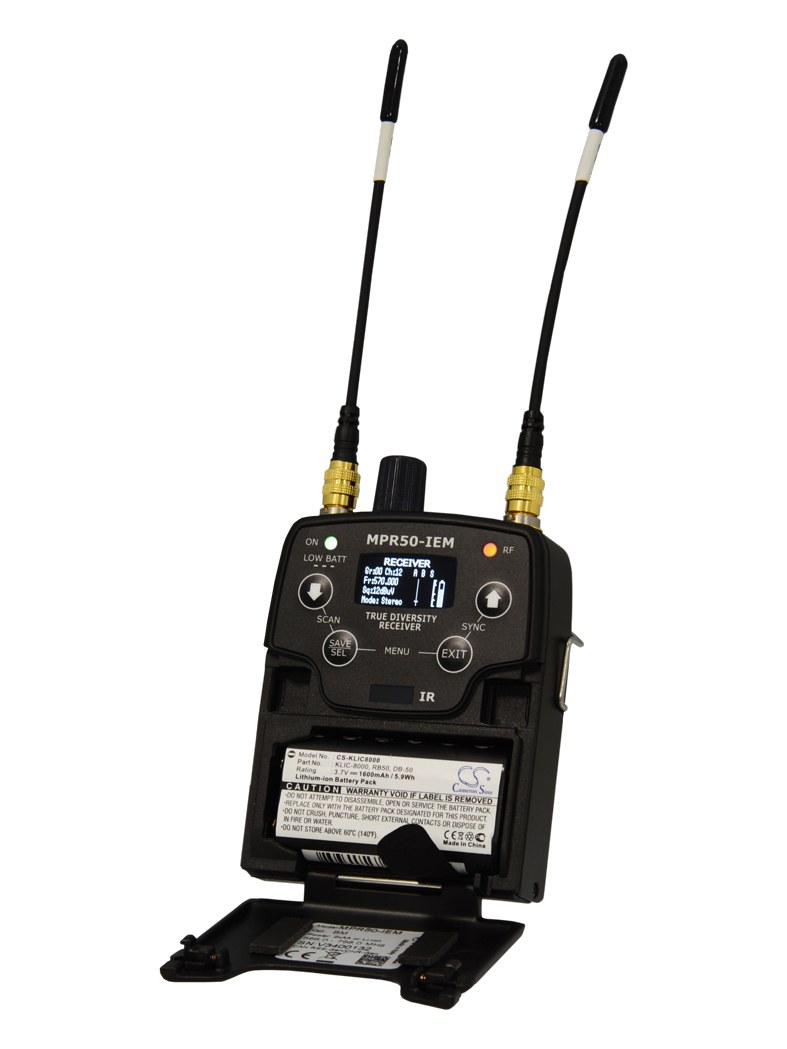
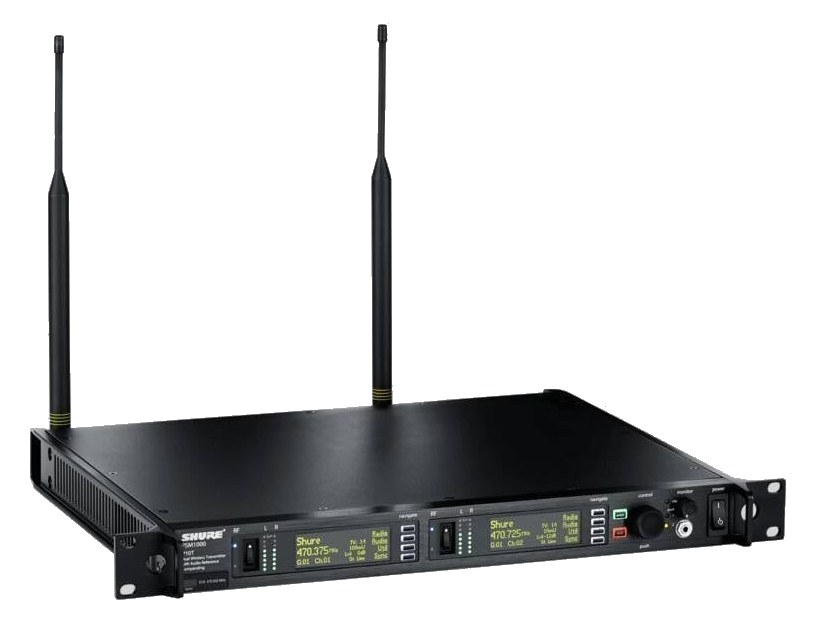
The P10R+ is the bodypack receiver that pairs with the PSM1000 transmitter, worn by performers to receive their monitor mix wirelessly. It features an ultra-wide tuning range and supports both stereo and MixMode operation, giving musicians fine control over their in-ear blend. You will need one per performer on the PSM1000 system.
UnverifiedPower requirement is not verified in the catalog
Catalog estimate
~$1,530Use retailer rows for current price and stock
01 · What it does—and what that changes in your rig.
Product overview
Start with the payoff, then work through how it functions, where it fits, and the details that change a real build.
The payoff
IEM Receiver decisions, organized around the whole rig.
The P10R+ is the performer's half of a PSM1000 system — the bodypack that clips to a belt or slides into a pocket and delivers the mix to whoever is wearing the ears. It doesn't live in the rack; it lives on the artist. You're planning it here because it belongs in the bill of materials and the channel count, not because you're finding a rack slot for it. Every performer on the PSM1000 system needs their own unit, so your bodypack count sets your transmitter count, your antenna count, and ultimately your frequency coordinationCalculating a set of wireless frequencies that won’t interfere with each other or local TV — the homework behind a clean RF night.headroomThe margin between your normal level and where things clip — headroom is what absorbs the snare hit you didn’t see coming..
Documented outputs
1One destination connection
Documented inputs
0Based on documented inputs
Rack space
Outside rackPlan a shelf, tray, or stage position
Photo: ShureOutside rack · Unverified
Function
How it works in the path
The P10R+ supports both standard stereo and Shure's MixMode, which lets a performer blend two discrete mono mixes on a single frequency — useful when a musician wants independent control of, say, vocals versus band without burning an extra channel. Battery life is a real logistical consideration at this tier; the P10R+ runs on AA cells, so coordinate with your backlineThe band’s on-stage instrument gear — amps, drums, keys. What a venue or festival sometimes supplies so you can travel light. team on a battery rotation plan before the first show. The unit is lightweight at 140 grams without batteries, which matters for artists who are already carrying a transmitter pack.
Best fit
Where it earns its place in the system
If you're building a PSM1000 rig, this is the receiver you use — there's no substitute on the other end of that transmitter. Where the decision actually lives is upstream: whether PSM1000 is the right system for your show in the first place. At this price point per bodypack, it's a professional touring-grade choice. Smaller club rigs or budget productions may be better served by a PSM300 system at a lower per-pack cost. But if your artists demand the RFRadio Frequency — the wireless part of wireless. RF planning is why big rigs scan, coordinate, and combine antennas instead of hoping. performance and frequency agility of the PSM1000 platform, the P10R+ is simply the receiver that goes with it.
In the rack
Details worth deciding before load-in.
Count your bodypacks first, then spec your rack — each P10R+ maps directly to one PSM1000 transmitter channel, so your performer headcount determines your entire rack footprint.
Log each unit's serial number against its assigned performer before load-in; when a bodypack goes missing or malfunctions mid-show, you need to know instantly which channel and which person are affected.
Standardize on a single AA battery brand and chemistry across all your P10R+ units — mixed battery types make it harder to predict when packs will need a swap and can create inconsistent RFRadio Frequency — the wireless part of wireless. RF planning is why big rigs scan, coordinate, and combine antennas instead of hoping. behavior.
If any artist is using MixMode, confirm that assignment is locked in before soundcheck; switching a bodypack between stereo and MixMode in the middle of a run requires a corresponding change on the transmitter side and can disrupt other channels if done carelessly.
02 · Know the whole path before you buy.
Signal path
Learn the route as a block diagram: source, product function, transport, and destination. Select any block to see what enters, what changes, and what leaves.
Interactive block diagramAuto-looping · hover, focus, or tap to hold a stage
Port-type signalProduct functionSystem boundary
Follow one signal from source to destination
Each block answers the same three questions: what arrives, what changes here, and what leaves.
01 · This unit · selected
trs eighth
01 · This unit
Shure PSM1000 Bodypack Receiver
Power requirements are not yet verified in the catalog.
Arrives through
No documented input
This stage
Performs the documented product role
Power
Unverified
03 · What this product asks of the rest of the system.
Compatibility
Treat connector names as the start of the check—not the answer. These are the boundaries that determine a complete working path.
Best fit · IEM Receiver
Use it as iem receiver tracked outside rack rails; follow the manufacturer’s mounting and form-factor guidance.
Plan the companion path
Complete the path with upstream and downstream gear that matches connector, direction, signal type, protocol, and wiring standard.
Connector boundary
Documented connectors: trs eighth. Match connector, direction, and signal type—not shape alone.
04 · Every connector, grouped by job.
I/O ports
Switch the product view and the documented port inventory updates with it—hardware and data stay side by side.
Every connector, grouped by job.
Switch panels to keep the hardware view and the documented port list in sync.
Front panelRear panel
All documented ports for Shure PSM1000 Bodypack Receiver
Port
Panel
Connector
Direction
Signal
Channels
Headphone Out (3.5mm)
rear
trs eighth
output
analog audio
—
Showing 1 of 1 documented physical ports.
05 · Compare the decision, not just the price.
Alternatives
The rows are organized around fit, power, I/O, and system role so a cheaper unit cannot hide a more expensive workflow.
P10R+The P10R+ is the bodypack receiver that pairs with the PSM1000 transmitter, worn by performers to receive their monitor mix wirelessly. It features an ultra-wide tuning range and supports both stereo and MixMode operation, giving musicians fine control over their in-ear blend. You will need one per performer on the PSM1000 system.View gear →
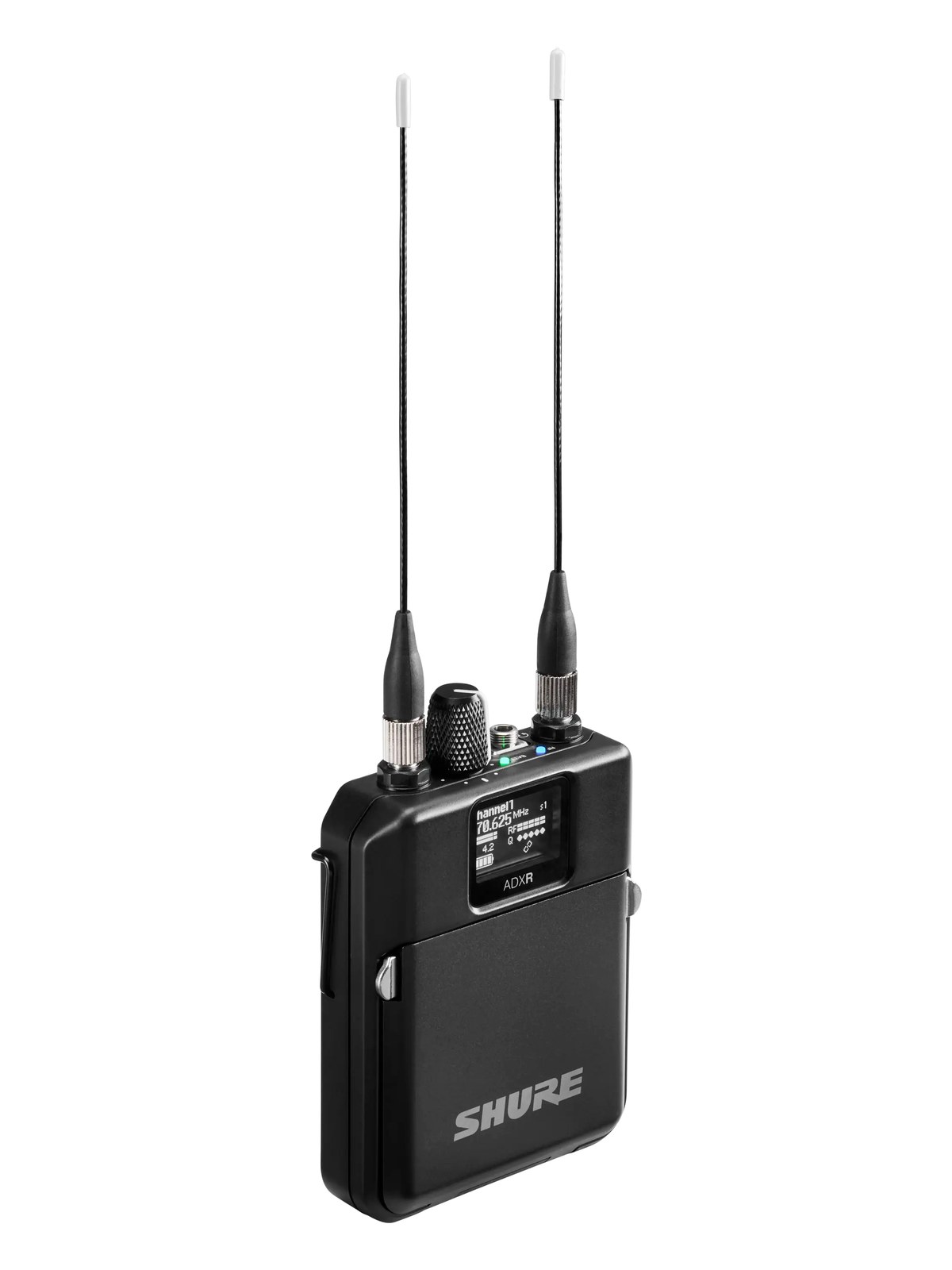
ADXRThe Shure ADXR is the bodypack half of Axient Digital PSM: true digital diversity reception across a huge 166 MHz window, with the audio quality and RF density that finally moved flagship ears past analog. It pairs with the ADTD and ADTQ transmitters added alongside it, completing the requested ADPSM ecosystem in the catalog. Rechargeable Shure battery workflow included.View gear →
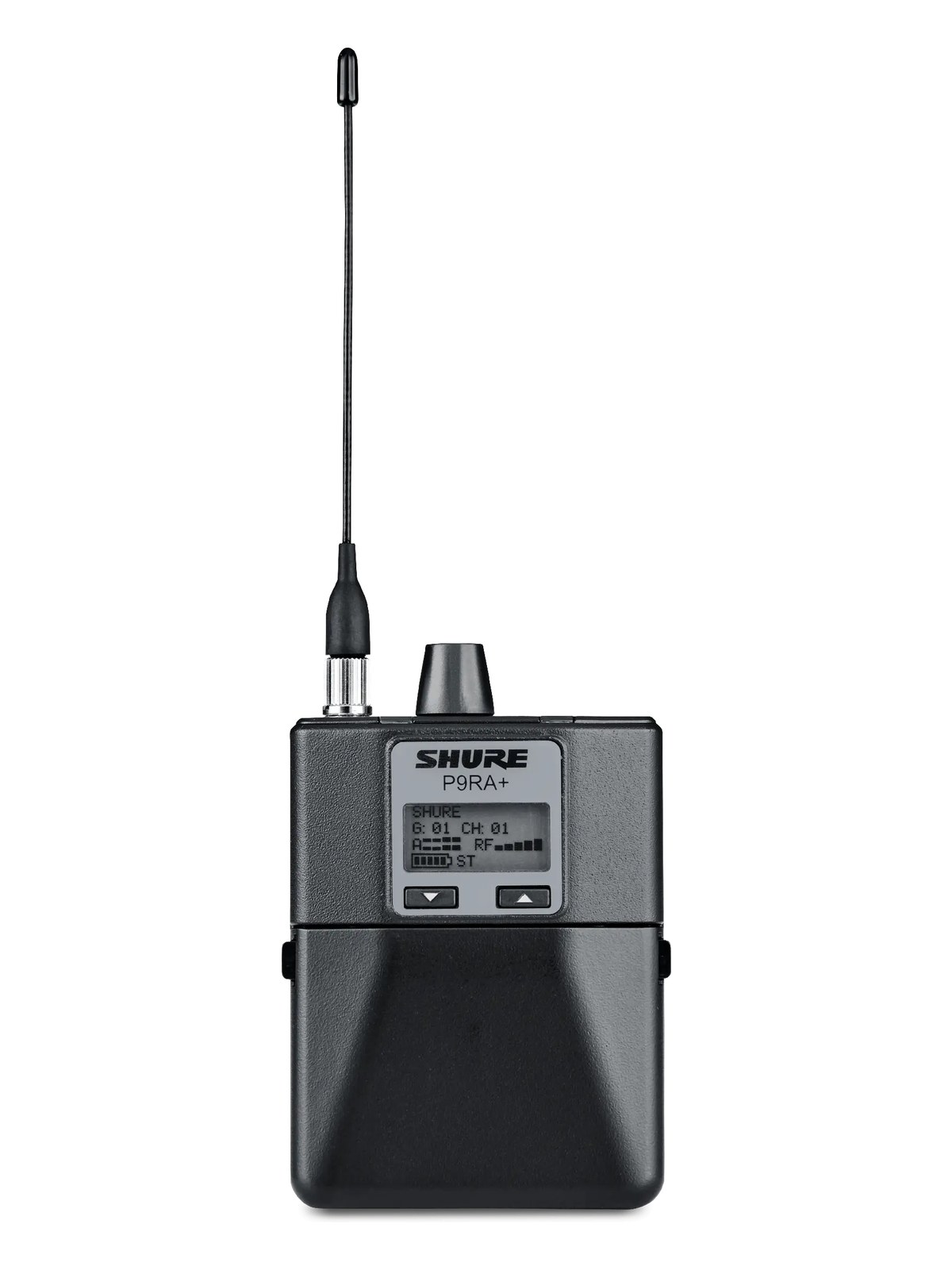
P9RA+The P9RA is the diversity bodypack receiver paired with the PSM900 transmitter. It uses Shure's Audio Reference Companding to deliver 24-bit-quality audio over an analog wireless link, and the dual-antenna diversity design helps maintain a stable signal as the performer moves around the stage. One per performer on a PSM900 system.View gear →
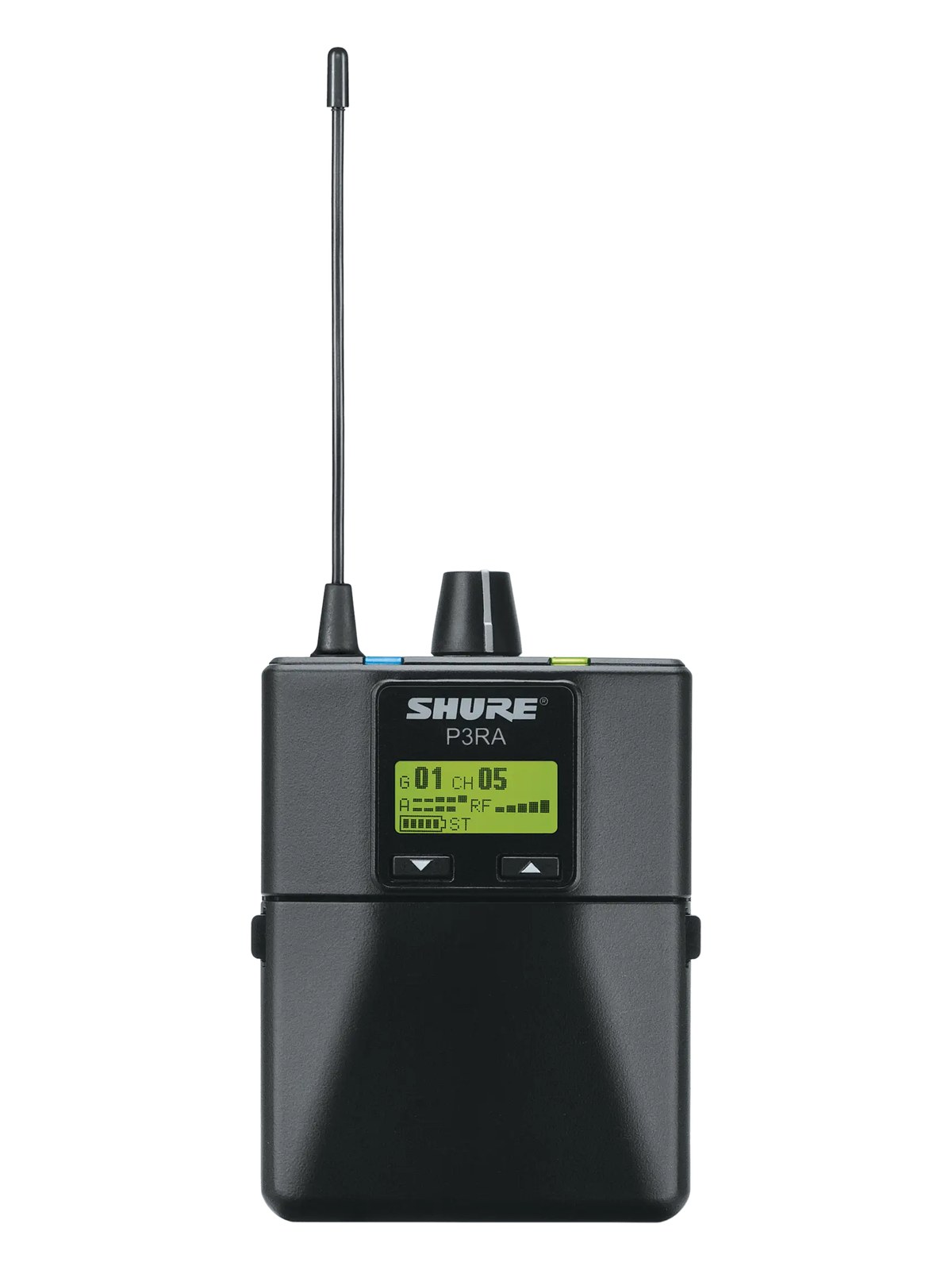
P3RAThe P3RA is the metal-bodied bodypack receiver for the PSM300 system. It strikes a useful balance for working musicians who need solid wireless monitoring without the premium price of the higher-end Shure systems. A common choice for B-rigs, smaller venues, and bands building out IEMs for the first time. One per performer.View gear →
06 · Resolve the questions that can change the purchase or build plan.
Planning questions
Short, source-backed answers surface rack fit, power, cabling, and connection details before they become surprises.
Where does the Shure PSM1000 Bodypack Receiver live in a complete rig?
The catalog assigns it no rack units. Builder tracks it as non-rack gear; follow the manufacturer’s mounting, case, and form-factor guidance.
How much power does the Shure PSM1000 Bodypack Receiver draw?
Its power requirement is not yet verified in the catalog.
What connections does the Shure PSM1000 Bodypack Receiver have?
1 documented physical ports, including Headphone Out (3.5mm).
07 · See this gear inside a complete system plan.
Builder preview
Builder keeps non-rack gear in the same bill of materials, budget, dependency, and connection plan as the rack-mounted system around it.Open in Builder