IEM Receiver

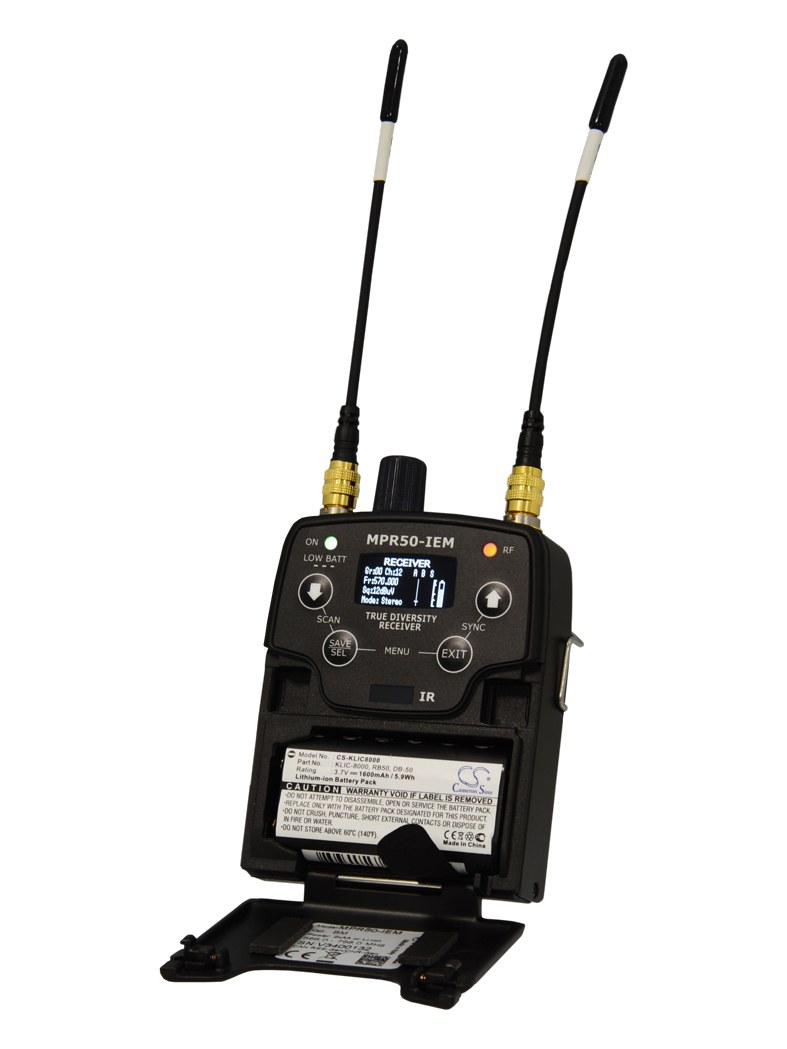
Wisycom MPR50-IEM Bodypack

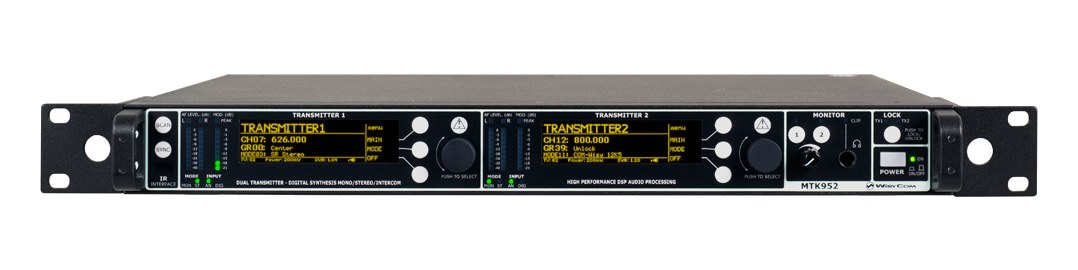
The Wisycom MPR50-IEM is a touring-grade bodypack receiver with an exceptionally wide tuning range and class-leading RF performance. It's the receiver of choice on shows where RF coordination is critical and dropouts are unacceptable, paired with the MTK series transmitters. Premium price reflects premium build and frequency agility.

Compare

Photos

Manufacturer product photography showing the hardware, controls, and physical form.

Photo: WisycomClick to zoom
Documented outputs
1One destination connection
Documented inputs
0Based on documented inputs
Rack space
Outside rackPlan a shelf, tray, or stage position
Power draw
UnverifiedPower requirement is not verified in the catalog
Catalog estimate
~$1,799Use retailer rows for current price and stock

01 · What it does—and what that changes in your rig.

Product overview

Start with the payoff, then work through how it functions, where it fits, and the details that change a real build.

The payoff

IEM Receiver decisions, organized around the whole rig.

The MPR50-IEM is Wisycom's touring-grade bodypack receiver, the piece the artist clips to their belt while the MTK transmitter sits in your rack. In the IEM signal chain it's the final link — the thing that converts your RF transmission into audio at the ear — and on a technically demanding show it's the link most likely to fail if you've cut corners. Wisycom built the MPR50 for environments where the stage is dense with RF traffic, the schedule allows no troubleshooting time, and a dropout is genuinely not an option. At $1,799 it's priced accordingly.

Documented outputs
1One destination connection
Documented inputs
0Based on documented inputs
Rack space
Outside rackPlan a shelf, tray, or stage position
Wisycomexternal · not rackmounted
Wisycom product panelOutside rack · Unverified
Function

How it works in the path

The wide tuning range is the spec that earns its keep at load-in. When you arrive at a festival and the RF coordination comes back looking nothing like your advance, a receiver that can chase a retune across a broad swath of spectrum without hitting a wall is worth a great deal. The unit weighs 140 grams, which matters on a dancer or an artist who's already wearing a pack, a belt, and a transmitter. The single 3.5mm output is standard for IEM bodypacks — you're plugging earphones in, not routing to a console — so the port list is exactly what it should be and nothing more.
Best fit

Where it earns its place in the system

This receiver belongs in a rig where RF coordination is handled seriously, where the MTK transmitter is already on the input list, and where the person wearing it is either a featured artist or a performer whose mix cannot drop. If you're running a small club rig, a rehearsal room, or a corporate show with modest RF demands, the price point is hard to justify against well-regarded alternatives in the mid-tier. If you're on a touring rig, a festival, or any show where the RF environment is genuinely hostile, the MPR50 earns its place by not making you think about it during the show.

In the rack

Details worth deciding before load-in.

  • Pair exclusively with a Wisycom MTK series transmitter — the RF performance the MPR50 is built around depends on that transmitter matching; mixing manufacturers undermines the system's core advantage.
  • When retuning at a festival, push the full range of the MPR50 before you ask the transmitter side to change hardware — the receiver's tuning latitude often absorbs coordination conflicts that would otherwise require swapping gear.
  • Keep a spare unit in the case with the same frequency and gain settings already programmed; at 140 grams it's easy to carry, and a pre-configured backup costs you nothing at changeover.
  • Check the earphone impedance match against the headphone output before the artist's first walk — the 3.5mm out is analog and the drive level matters more than people expect when the artist is running high-isolation customs.

02 · Know the whole path before you buy.

Signal path

Learn the route as a block diagram: source, product function, transport, and destination. Select any block to see what enters, what changes, and what leaves.

Interactive block diagramAuto-looping · hover, focus, or tap to hold a stage
Port-type signalProduct functionSystem boundary
Follow one signal from source to destination

Each block answers the same three questions: what arrives, what changes here, and what leaves.

01 · This unit · selected
01 · This unit

Wisycom MPR50-IEM Bodypack

Power requirements are not yet verified in the catalog.

Arrives through
No documented input
This stage
Performs the documented product role
Power
Unverified

03 · What this product asks of the rest of the system.

Compatibility

Treat connector names as the start of the check—not the answer. These are the boundaries that determine a complete working path.

Best fit · IEM Receiver

Use it as iem receiver tracked outside rack rails; follow the manufacturer’s mounting and form-factor guidance.

Plan the companion path

Complete the path with upstream and downstream gear that matches connector, direction, signal type, protocol, and wiring standard.

Connector boundary

Documented connectors: trs eighth. Match connector, direction, and signal type—not shape alone.

04 · Every connector, grouped by job.

I/O ports

Switch the product view and the documented port inventory updates with it—hardware and data stay side by side.

Every connector, grouped by job.

Switch panels to keep the hardware view and the documented port list in sync.

Front panel
front connector map for Wisycom MPR50-IEM BodypackEXTERNAL UNIT · FRONTNo documented front ports
Rear panel
rear connector map for Wisycom MPR50-IEM BodypackEXTERNAL UNIT · REARtrs eighthoutput
All documented ports for Wisycom MPR50-IEM Bodypack
PortPanelConnectorDirectionSignalChannels
Headphone Out (3.5mm)reartrs eighth outputanalog audio—

Showing 1 of 1 documented physical ports.

05 · Compare the decision, not just the price.

Alternatives

The rows are organized around fit, power, I/O, and system role so a cheaper unit cannot hide a more expensive workflow.

Compare
Wisycom MPR50-IEM Bodypack
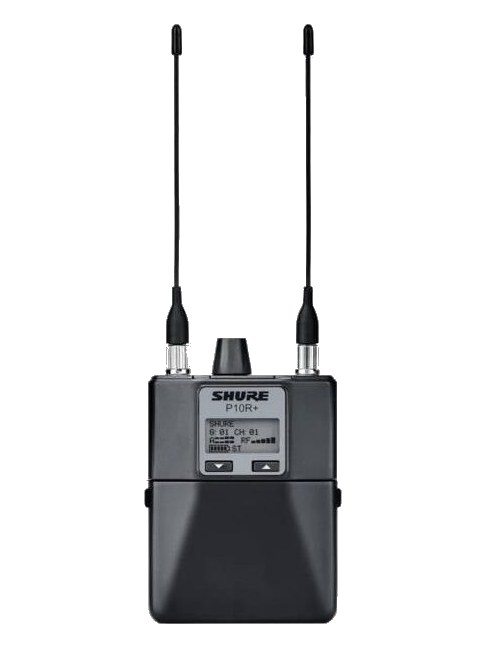
Shure P10R+ diversity bodypack receiver — front view with twin antennas and LCD
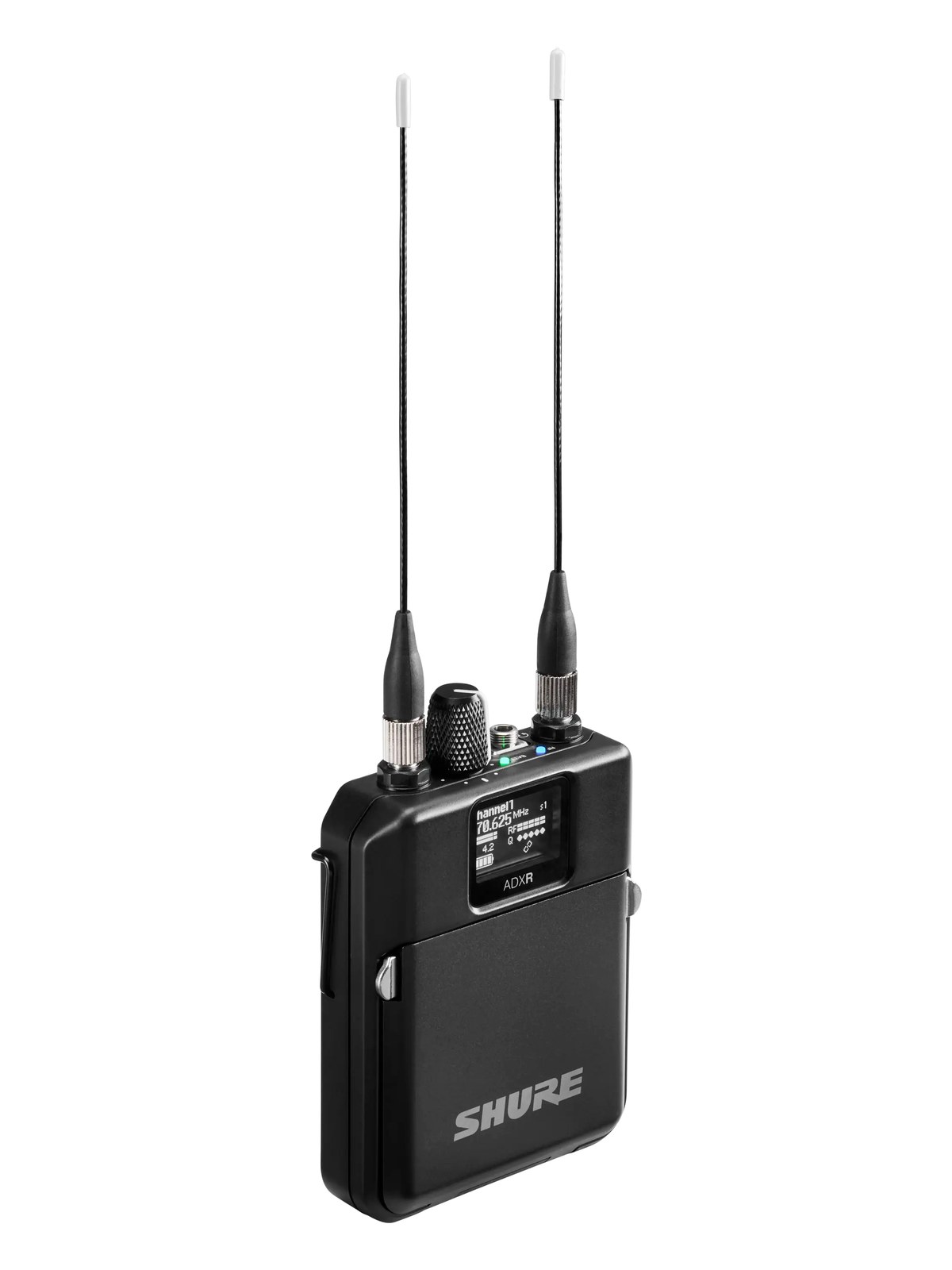
Shure ADXR Bodypack Receiver — front view
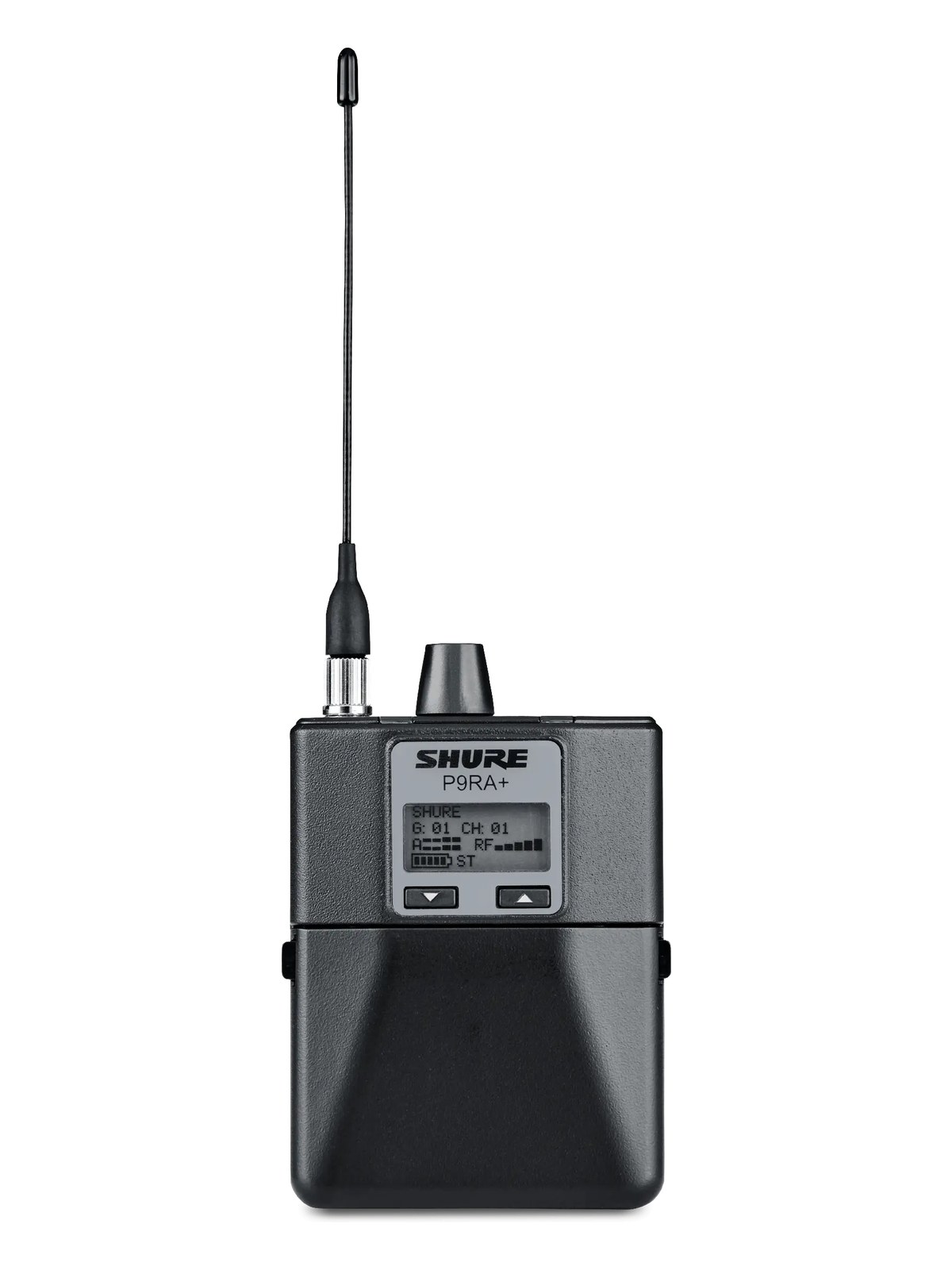
Shure P9RA+ Bodypack Receiver — front view
Fit📐 Outside rack📐 Outside rack📐 Outside rack📐 Outside rack
Power⚡ Unverified⚡ Unverified⚡ Unverified⚡ Unverified
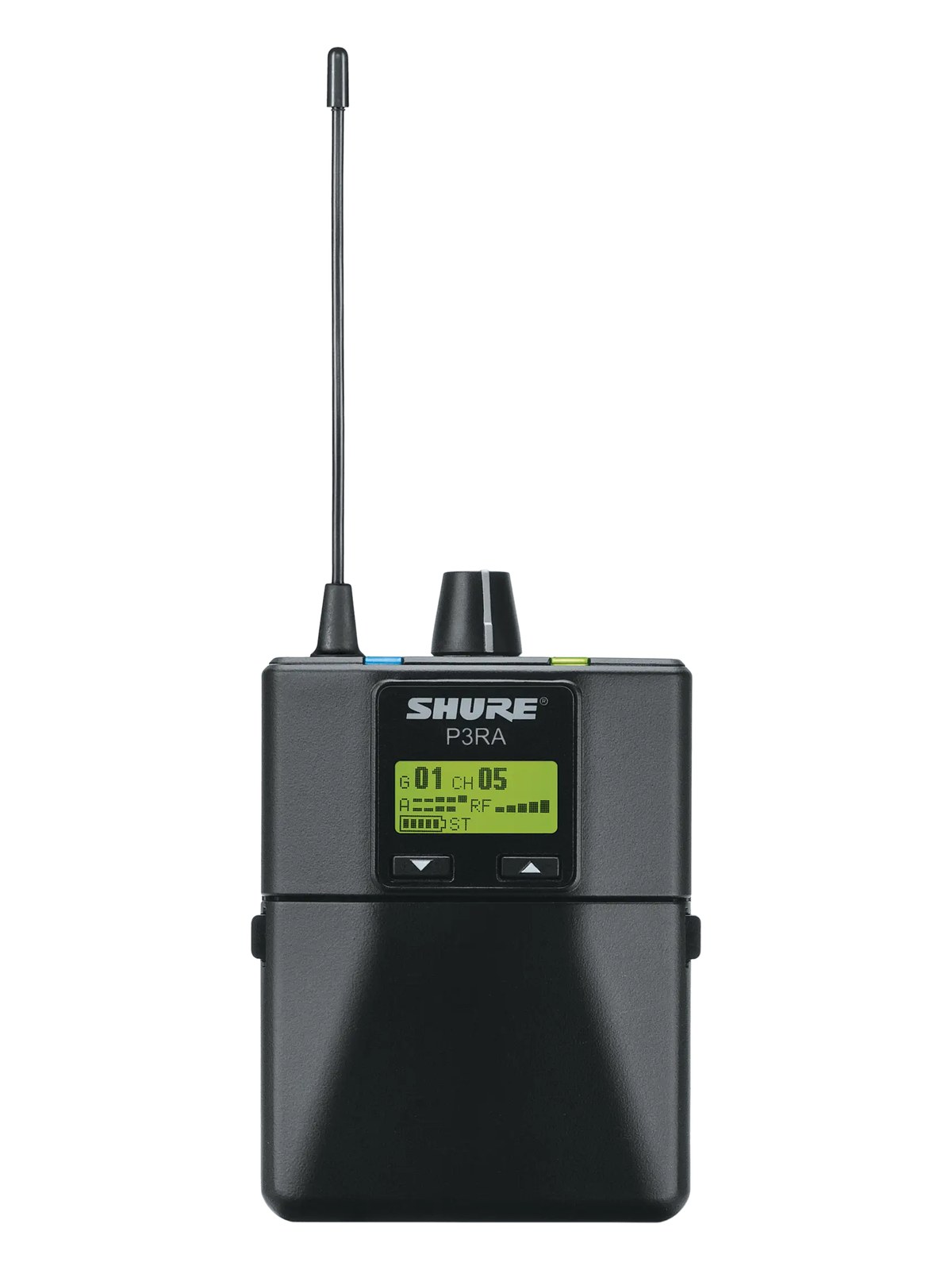
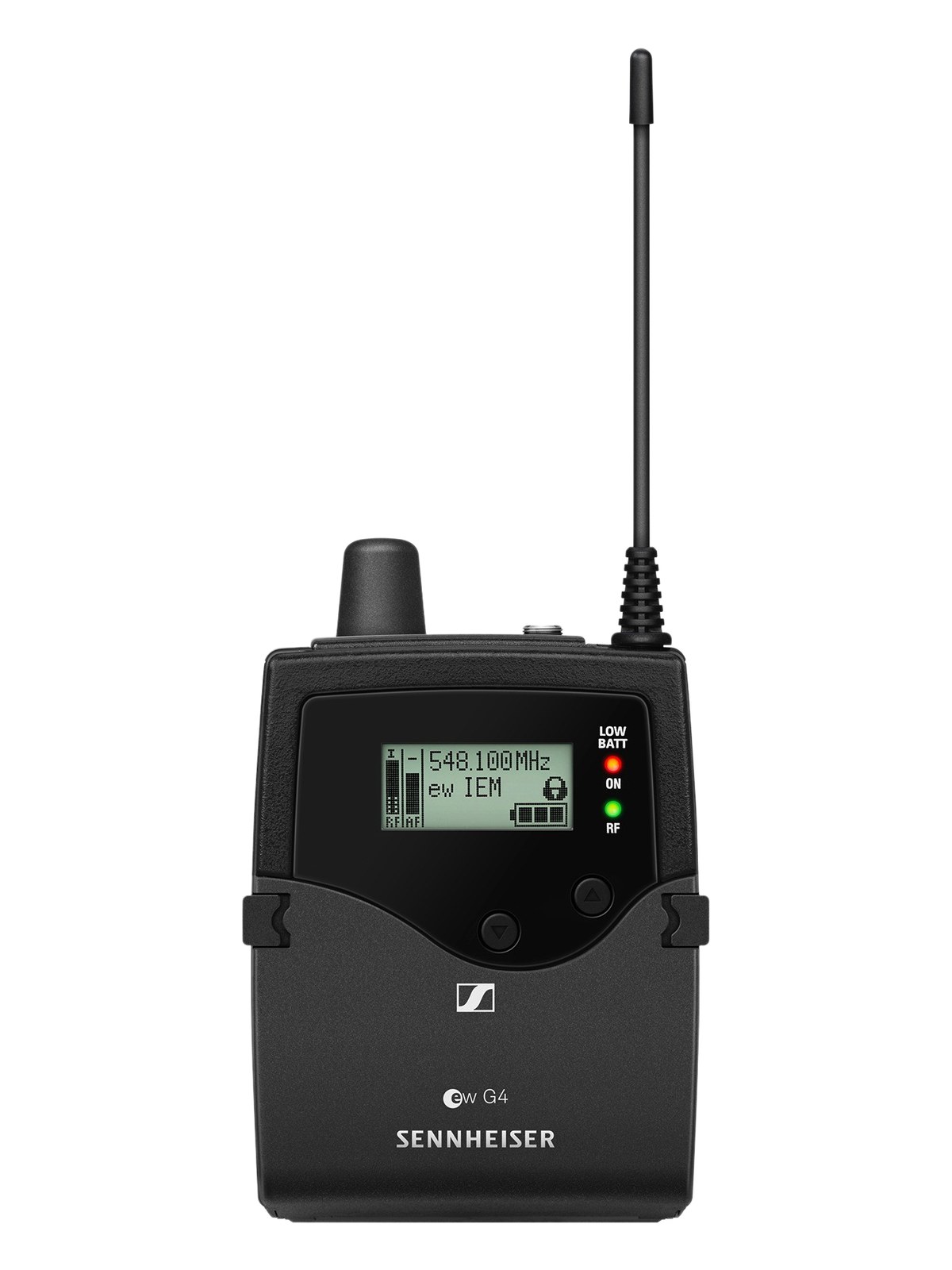
Weight⚖️ 0.3 lb⚖️ 0.3 lb⚖️ 0.4 lb⚖️ 0.3 lb
I/O🔌 1🔌 1🔌 1🔌 1
Estimate💵 ~$1,799💵 ~$1,530💵 ~$1,837💵 ~$725
Deep diveCurrent selectionFull comparison →Full comparison →Full comparison →

06 · Resolve the questions that can change the purchase or build plan.

Planning questions

Short, source-backed answers surface rack fit, power, cabling, and connection details before they become surprises.

Where does the Wisycom MPR50-IEM Bodypack live in a complete rig?

The catalog assigns it no rack units. Builder tracks it as non-rack gear; follow the manufacturer’s mounting, case, and form-factor guidance.

How much power does the Wisycom MPR50-IEM Bodypack draw?

Its power requirement is not yet verified in the catalog.

What connections does the Wisycom MPR50-IEM Bodypack have?

1 documented physical ports, including Headphone Out (3.5mm).

07 · See this gear inside a complete system plan.

Builder preview

Builder keeps non-rack gear in the same bill of materials, budget, dependency, and connection plan as the rack-mounted system around it.Open in Builder
MPR50-IEM Bodypack tracked in a complete system planA simplified plan shows the gear tracked outside rack rails, with its documented connection path continuing to a planned destination.Tracked outside rack railsWisycomMPR50-IEMCONNECTED GEARnext signal destinationExternal system gear · no rack units assigned

08 · Related gear, in the order you may need it.

Planning guides for iem receiver systems.