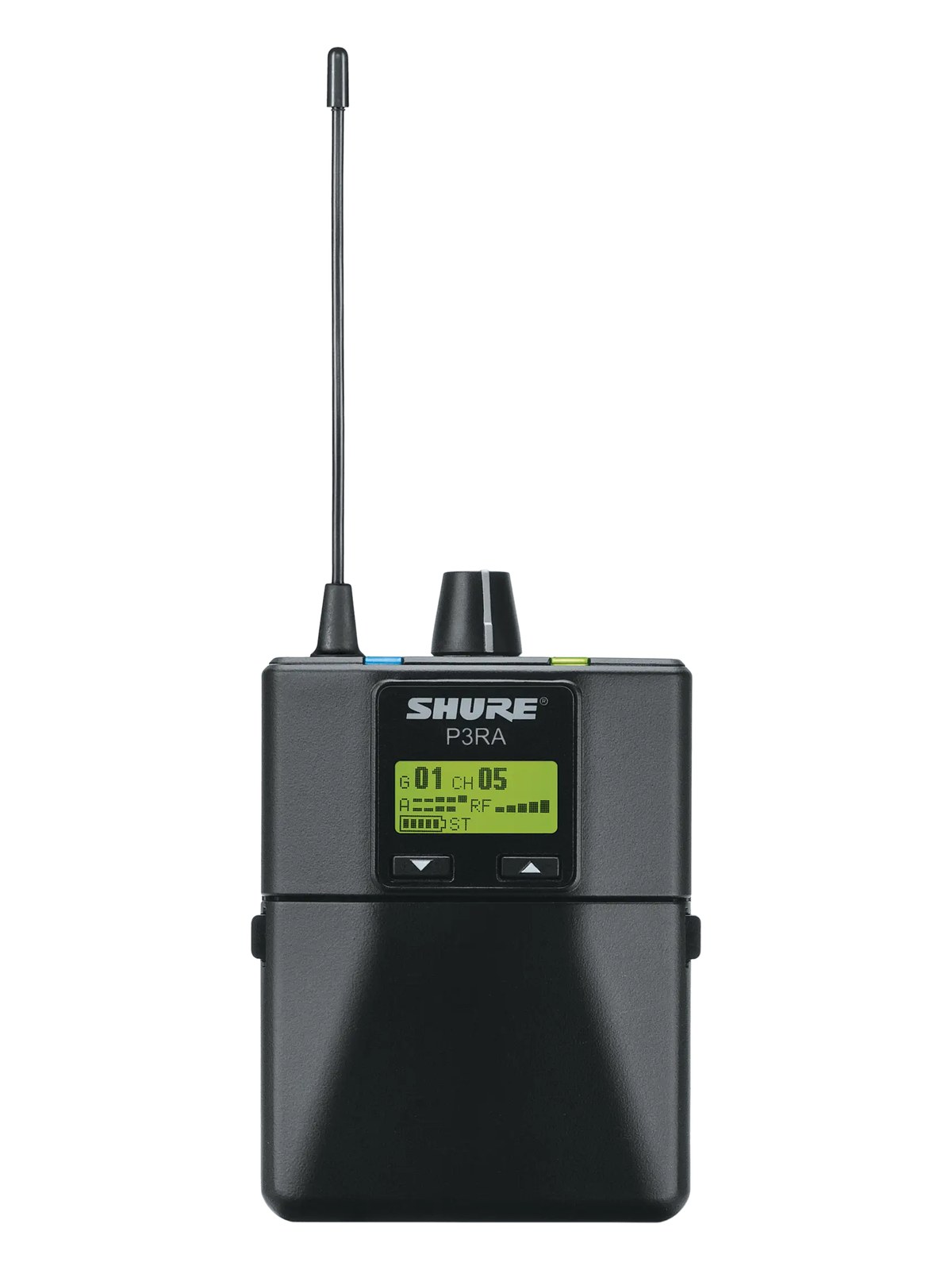
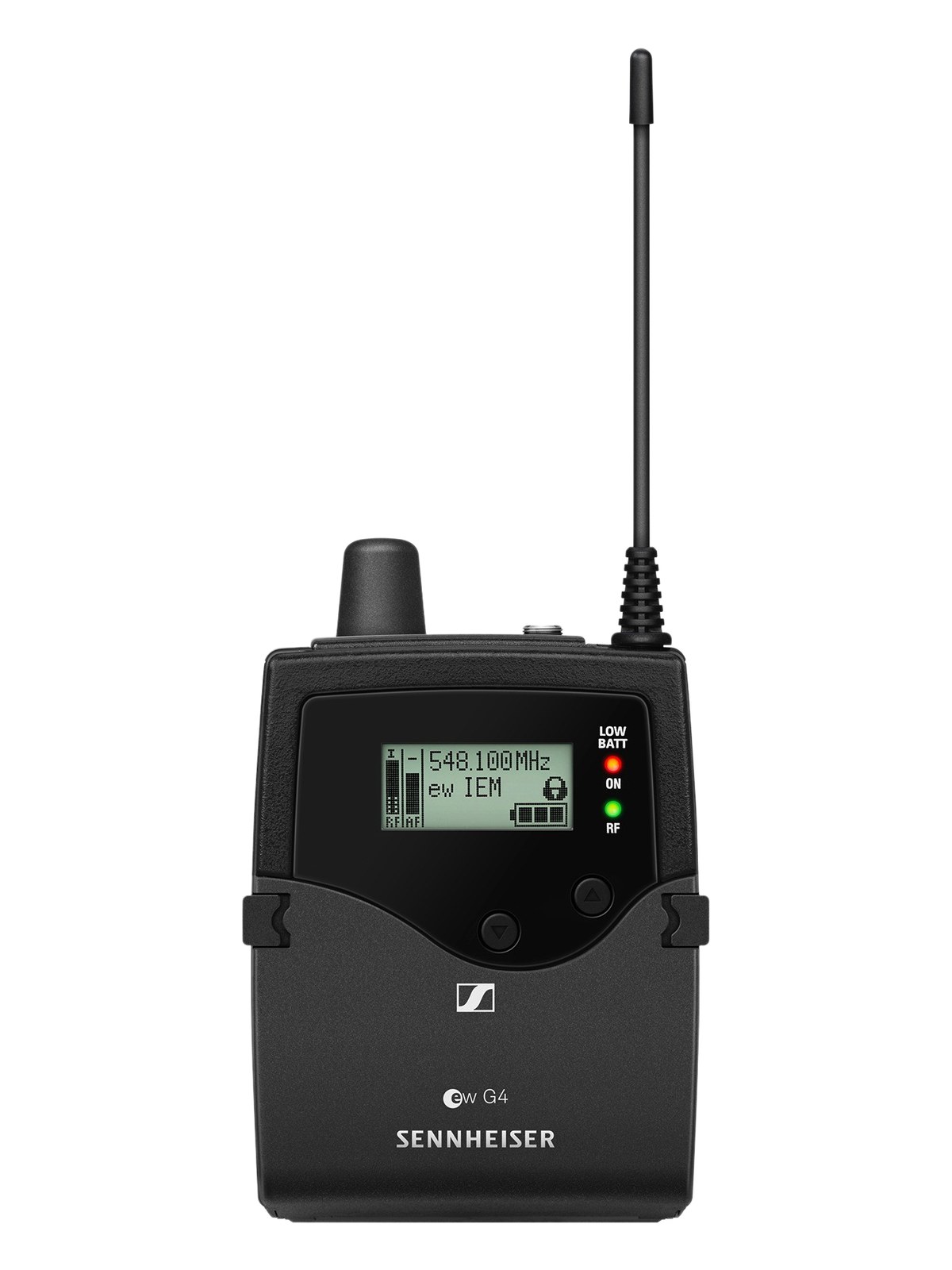
The P3RA is the metal-bodied bodypack receiver for the PSM300 system. It strikes a useful balance for working musicians who need solid wireless monitoring without the premium price of the higher-end Shure systems. A common choice for B-rigs, smaller venues, and bands building out IEMs for the first time. One per performer.
UnverifiedPower requirement is not verified in the catalog
Catalog estimate
~$549Use retailer rows for current price and stock
01 · What it does—and what that changes in your rig.
Product overview
Start with the payoff, then work through how it functions, where it fits, and the details that change a real build.
The payoff
IEM Receiver decisions, organized around the whole rig.
The P3RA is the bodypack half of Shure's PSM300 system — the piece that actually goes on the performer. It receives the wireless signal broadcast by the PSM300 transmitter, converts it back to analog audio, and delivers it to whatever IEMsIn-Ear Monitor — earpieces that replace floor wedges, feeding each player their own mix. The reason this whole rack exists. are plugged into its 3.5mm output. This is not a rack unitThe standard slice of rack height: 1U = 1.75″. A 3U box takes three slices; half-rack gear pairs two units side by side in one.; it lives on a belt or in a pocket, one per performer, every show. Its metal construction is a meaningful detail — bodypacks take real abuse on stage, and plastic housings tend to show it faster. At $549, it sits in the working-professional middle ground: serious enough for touring use, accessible enough for a band making their first real IEM investment.
Documented outputs
1One destination connection
Documented inputs
0Based on documented inputs
Rack space
Outside rackPlan a shelf, tray, or stage position
Photo: ShureOutside rack · Unverified
Function
How it works in the path
At 110 grams, the P3RA is light enough that most performers stop noticing it after a song or two, which is exactly where you want a bodypack to land. The single 3.5mm output covers the vast majority of IEMIn-Ear Monitor — earpieces that replace floor wedges, feeding each player their own mix. The reason this whole rack exists. cables on the market without an adapter, keeping changeovers simple. Because this is a true diversityA receiver with two antennas and two radio sections that continuously picks the stronger one — the difference between a dropout and a show. receiver operating within the PSM300 ecosystem, RFRadio Frequency — the wireless part of wireless. RF planning is why big rigs scan, coordinate, and combine antennas instead of hoping. performance in moderately crowded environments is solid — not the top of the Shure lineup, but well above the noise floorThe constant background hiss a device produces on its own. Everything you pass through it sits on top — lower is better. of entry-level systems. Battery life and the physical feel of the controls are things to evaluate in rehearsal before a run of shows; different performers interact with their pack very differently.
Best fit
Where it earns its place in the system
The P3RA is the right call for bands building their first IEMIn-Ear Monitor — earpieces that replace floor wedges, feeding each player their own mix. The reason this whole rack exists. rig, B-rig redundancyA second copy of anything critical — supply, computer, network path — already running so one failure can’t stop the show. for established acts, or any situation where you need reliable wireless monitoring without committing to PSM900 or PSM1000 pricing. If you're working dense festival RFRadio Frequency — the wireless part of wireless. RF planning is why big rigs scan, coordinate, and combine antennas instead of hoping. environments with six or more channels in close proximity and no RF tech on call, the higher-tier Shure systems offer more headroomThe margin between your normal level and where things clip — headroom is what absorbs the snare hit you didn’t see coming. and you should look there first. Likewise, if a performer is using a premium reference earphone with a low-impedanceOpposition to signal flow, in ohms. Low-impedance IEMs are easier to drive loud; mismatches shift level and tone. cable, it's worth testing the output level and noise floorThe constant background hiss a device produces on its own. Everything you pass through it sits on top — lower is better. in advance — some listeners in quiet IEM mixes can hear the difference between bodypack tiers.
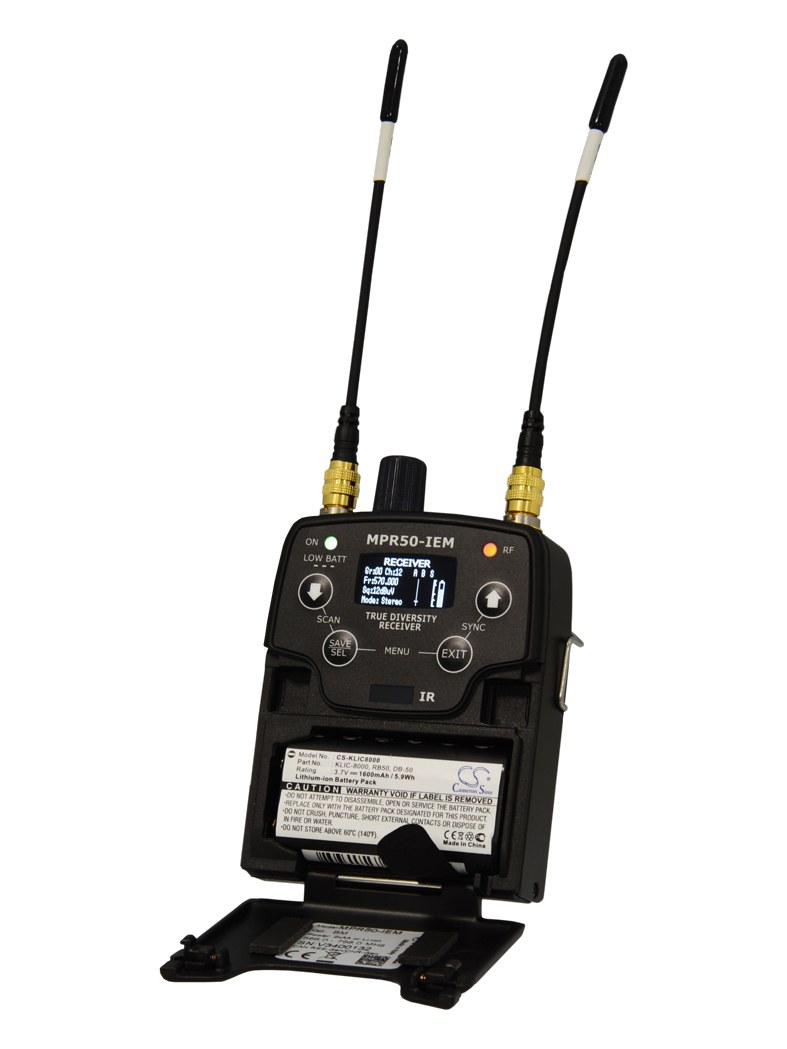
Shure PSM300 Bodypack Receiver — battery door openPhoto: Shure
In the rack
Details worth deciding before load-in.
Label every pack with the performer's name on gaffer tape before day one — when six identical metal bodypacks are on a table at changeover, unlabeled is a problem you don't want.
Coordinate frequency selection against your full RFRadio Frequency — the wireless part of wireless. RF planning is why big rigs scan, coordinate, and combine antennas instead of hoping. plot before the first rehearsal, not at load-in; the PSM300 system's frequency coordinationCalculating a set of wireless frequencies that won’t interfere with each other or local TV — the homework behind a clean RF night. works best when done in advance with all transmitters and receivers accounted for.
Keep a spare P3RA charged and frequency-matched in your IEMIn-Ear Monitor — earpieces that replace floor wedges, feeding each player their own mix. The reason this whole rack exists. rack case — bodypack failures at show time are rare but fast to fix only if the spare is already ready to go.
Check that your IEMIn-Ear Monitor — earpieces that replace floor wedges, feeding each player their own mix. The reason this whole rack exists. cable terminates in a standard 3.5mm MMCX or two-pin connector before assuming compatibility; the pack's output is standard 3.5mm, but the earphone end varies by manufacturer and needs to match what your performers are wearing.
02 · Know the whole path before you buy.
Signal path
Learn the route as a block diagram: source, product function, transport, and destination. Select any block to see what enters, what changes, and what leaves.
Interactive block diagramAuto-looping · hover, focus, or tap to hold a stage
Port-type signalProduct functionSystem boundary
Follow one signal from source to destination
Each block answers the same three questions: what arrives, what changes here, and what leaves.
01 · This unit · selected
trs eighth
01 · This unit
Shure PSM300 Bodypack Receiver
Power requirements are not yet verified in the catalog.
Arrives through
No documented input
This stage
Performs the documented product role
Power
Unverified
03 · What this product asks of the rest of the system.
Compatibility
Treat connector names as the start of the check—not the answer. These are the boundaries that determine a complete working path.
Best fit · IEM Receiver
Use it as iem receiver tracked outside rack rails; follow the manufacturer’s mounting and form-factor guidance.
Plan the companion path
Complete the path with upstream and downstream gear that matches connector, direction, signal type, protocol, and wiring standard.
Connector boundary
Documented connectors: trs eighth. Match connector, direction, and signal type—not shape alone.
04 · Every connector, grouped by job.
I/O ports
Switch the product view and the documented port inventory updates with it—hardware and data stay side by side.
Every connector, grouped by job.
Switch panels to keep the hardware view and the documented port list in sync.
Front panelRear panel
All documented ports for Shure PSM300 Bodypack Receiver
Port
Panel
Connector
Direction
Signal
Channels
Headphone Out (3.5mm)
rear
trs eighth
output
analog audio
—
Showing 1 of 1 documented physical ports.
05 · Compare the decision, not just the price.
Alternatives
The rows are organized around fit, power, I/O, and system role so a cheaper unit cannot hide a more expensive workflow.
P3RAThe P3RA is the metal-bodied bodypack receiver for the PSM300 system. It strikes a useful balance for working musicians who need solid wireless monitoring without the premium price of the higher-end Shure systems. A common choice for B-rigs, smaller venues, and bands building out IEMs for the first time. One per performer.View gear →
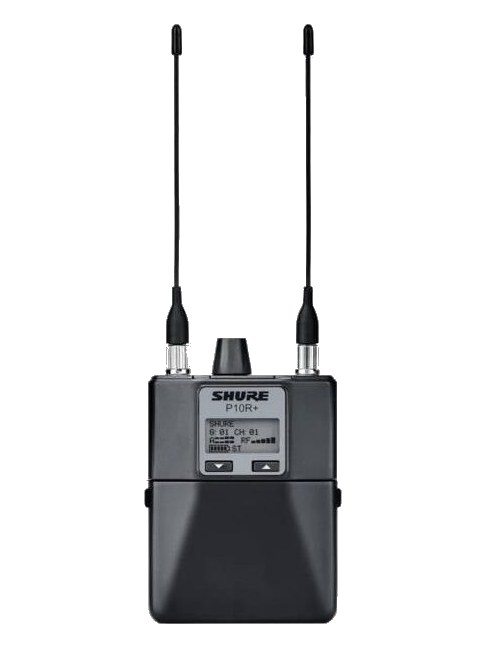
P10R+The P10R+ is the bodypack receiver that pairs with the PSM1000 transmitter, worn by performers to receive their monitor mix wirelessly. It features an ultra-wide tuning range and supports both stereo and MixMode operation, giving musicians fine control over their in-ear blend. You will need one per performer on the PSM1000 system.View gear →
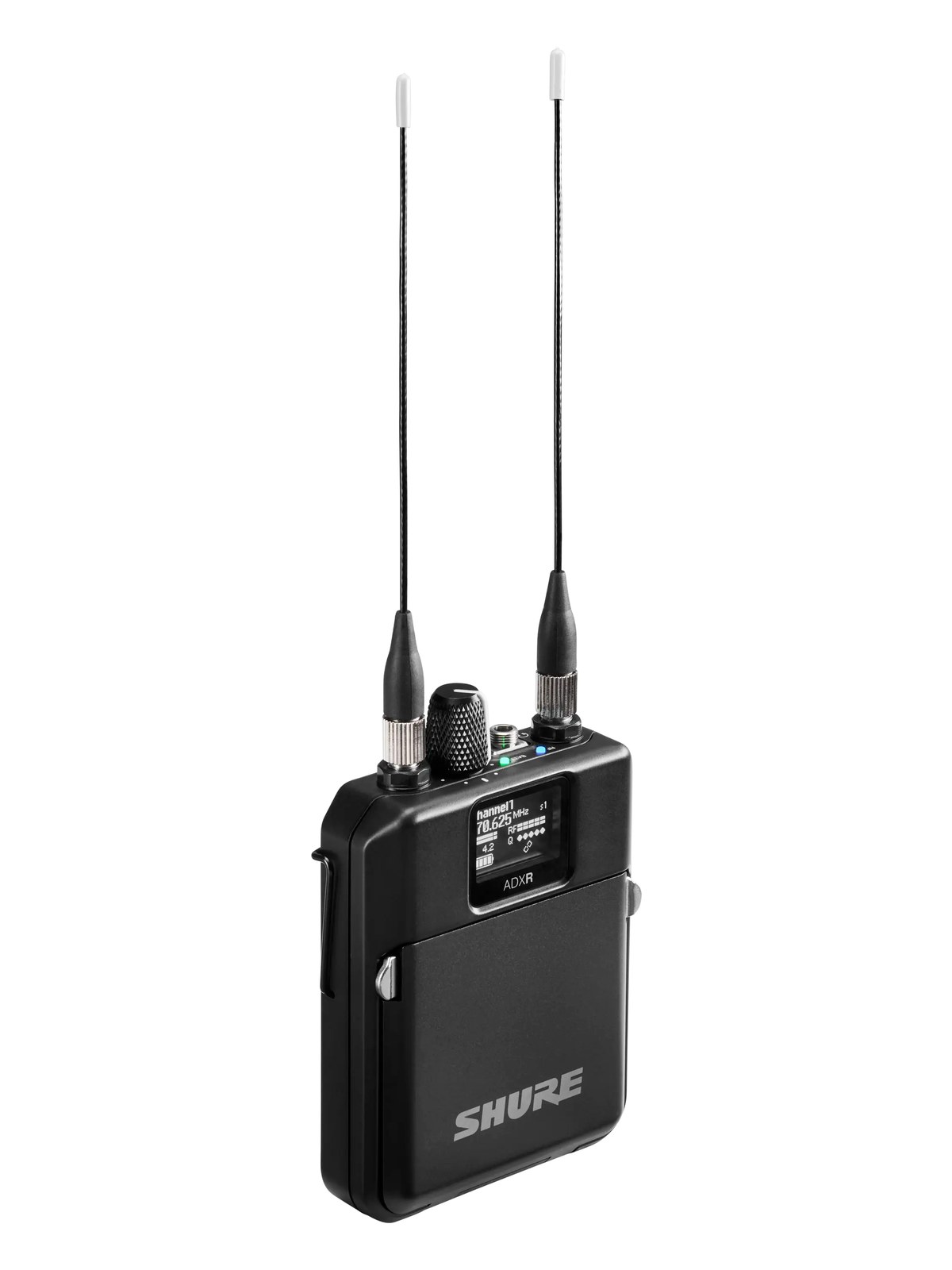
ADXRThe Shure ADXR is the bodypack half of Axient Digital PSM: true digital diversity reception across a huge 166 MHz window, with the audio quality and RF density that finally moved flagship ears past analog. It pairs with the ADTD and ADTQ transmitters added alongside it, completing the requested ADPSM ecosystem in the catalog. Rechargeable Shure battery workflow included.View gear →
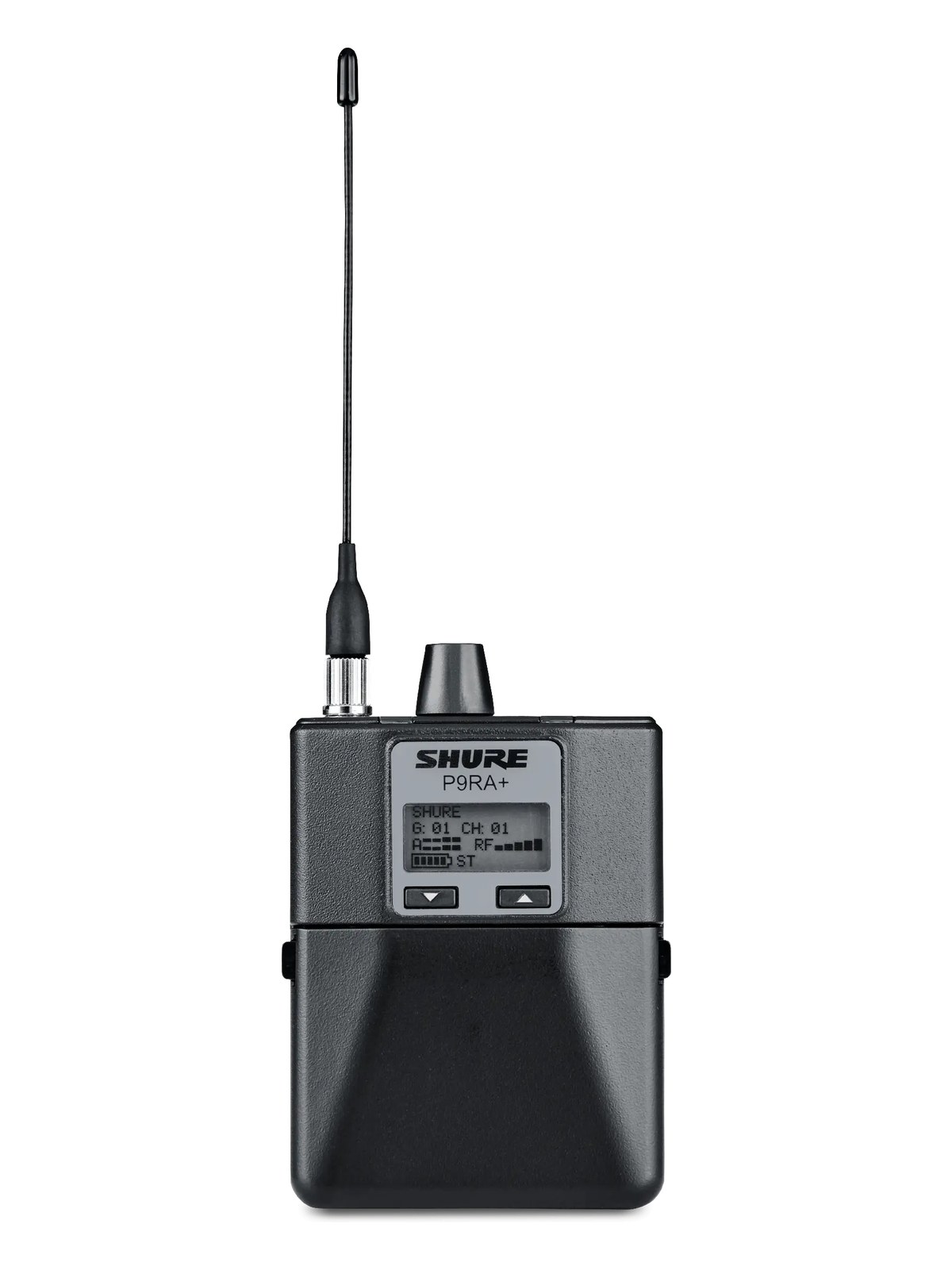
P9RA+The P9RA is the diversity bodypack receiver paired with the PSM900 transmitter. It uses Shure's Audio Reference Companding to deliver 24-bit-quality audio over an analog wireless link, and the dual-antenna diversity design helps maintain a stable signal as the performer moves around the stage. One per performer on a PSM900 system.View gear →
06 · Resolve the questions that can change the purchase or build plan.
Planning questions
Short, source-backed answers surface rack fit, power, cabling, and connection details before they become surprises.
Where does the Shure PSM300 Bodypack Receiver live in a complete rig?
The catalog assigns it no rack units. Builder tracks it as non-rack gear; follow the manufacturer’s mounting, case, and form-factor guidance.
How much power does the Shure PSM300 Bodypack Receiver draw?
Its power requirement is not yet verified in the catalog.
What connections does the Shure PSM300 Bodypack Receiver have?
1 documented physical ports, including Headphone Out (3.5mm).
07 · See this gear inside a complete system plan.
Builder preview
Builder keeps non-rack gear in the same bill of materials, budget, dependency, and connection plan as the rack-mounted system around it.Open in Builder