
01 · Source
5 documented inputs
¼-inch TS + XLR/TRS combo
- Arrives as
- 5 documented inputs
- Connector
- ¼-inch TS + XLR/TRS combo
- Signal
- analog audio

Audio Interface
Universal Audio Apollo Twin X USB DUO Heritage Edition USB Audio Interface with UAD DSP. Plan its source-defined physical connections and placement in your rig.
01 · What it does—and what that changes in your rig.
Start with the payoff, then work through how it functions, where it fits, and the details that change a real build.
Universal Audio Apollo Twin X USB DUO Heritage Edition USB Audio Interface with UAD DSPDigital Signal Processing — the number-crunching that does EQ, compression, and effects inside a box. More DSP means more processing at once.. Plan its source-defined physical connections and placement in your rig.
02 · Know the whole path before you buy.
Learn the route as a block diagram: source, product function, transport, and destination. Select any block to see what enters, what changes, and what leaves.
Each block answers the same three questions: what arrives, what changes here, and what leaves.
¼-inch TS + XLR/TRS combo
03 · What this product asks of the rest of the system.
Treat connector names as the start of the check—not the answer. These are the boundaries that determine a complete working path.
Use it as audio interface tracked outside rack rails; follow the manufacturer’s mounting and form-factor guidance.
Complete the path with upstream and downstream gear that matches connector, direction, signal type, protocol, and wiring standard.
Documented connectors: ¼-inch TS, ¼-inch TRS, XLR/TRS combo, toslink. Match connector, direction, and signal type—not shape alone.
04 · Every connector, grouped by job.
Switch the product view and the documented port inventory updates with it—hardware and data stay side by side.
Switch panels to keep the hardware view and the documented port list in sync.
| Port | Panel | Connector | Direction | Signal | Channels |
|---|---|---|---|---|---|
| HI-Z INSTRUMENT INPUT | front | ¼-inch TS | input | analog audio | — |
| STEREO HEADPHONES | front | ¼-inch TRS | output | analog audio | — |
| MIC / LINE INPUT 2 | rear | XLR/TRS combo | input | analog audio | — |
| MIC / LINE INPUT 1 | rear | XLR/TRS combo | input | analog audio | — |
| LINE OUT 3 | rear | ¼-inch TRS | output | analog audio | — |
| LINE OUT 4 | rear | ¼-inch TRS | output | analog audio | — |
| MONITOR L | rear | ¼-inch TRS | output | analog audio | — |
| MONITOR R | rear | ¼-inch TRS | output | analog audio | — |
| OPTICAL IN · ADAT / S/PDIF | rear | toslink | input | digital audio | — |
| USB 3 SUPERSPEED · USB-C PHYSICAL | rear | usb c | bidirectional | data | — |
| 12V DC · CENTRE POSITIVE | rear | dc barrel | input | power | — |
Showing 11 of 11 documented physical ports. Scroll to review the remaining rows.
05 · Compare the decision, not just the price.
The rows are organized around fit, power, I/O, and system role so a cheaper unit cannot hide a more expensive workflow.
| Compare | External unit | 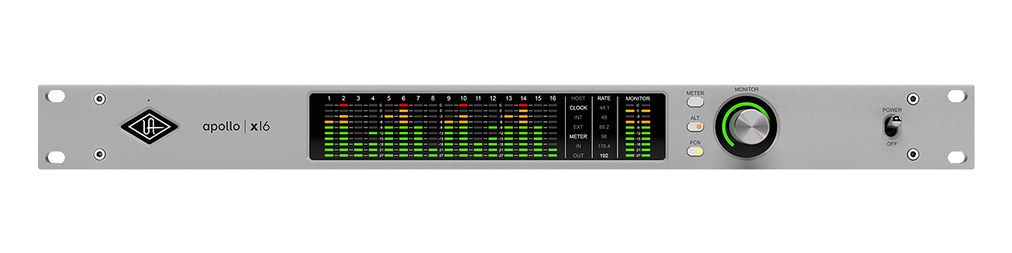 | 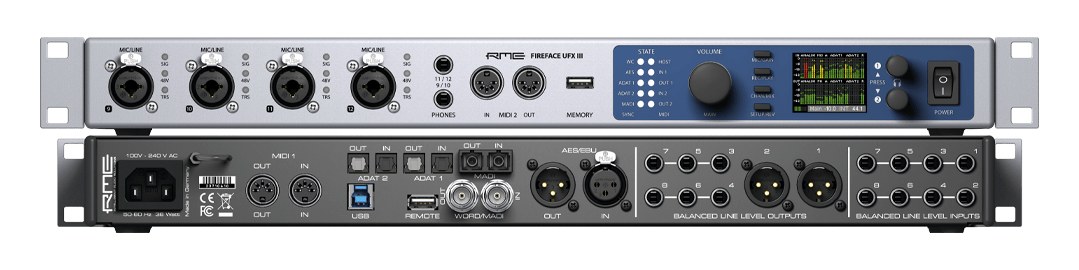 | 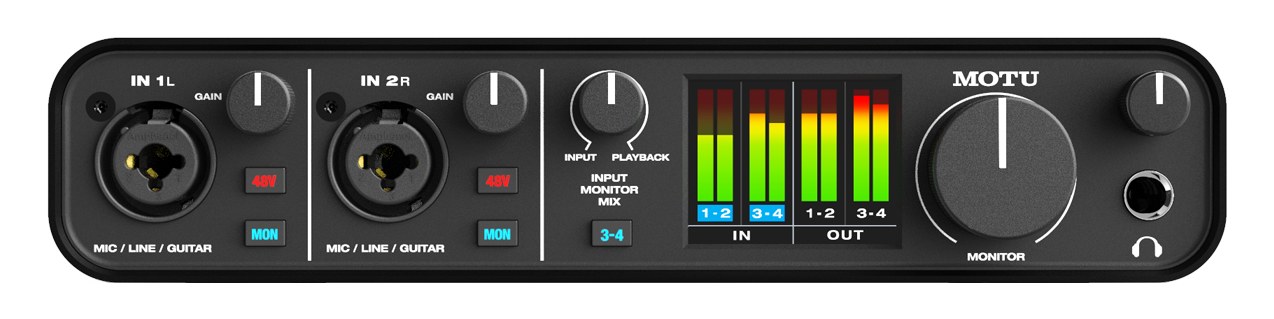 |
|---|---|---|---|---|
| Fit | 📐 Outside rack | 📐 1U | 📐 1U | 📐 Outside rack |
| Power | ⚡ Unverified | ⚡ 30W | ⚡ Unverified | ⚡ Unverified |
| Weight | ⚖️ 2.2 lb | ⚖️ 8.6 lb | ⚖️ 6.2 lb | ⚖️ 1.5 lb |
| I/O | 🔌 11 | 🔌 13 | 🔌 39 | 🔌 16 |
| Estimate | 💵 ~$999 | 💵 ~$3,799 | 💵 ~$3,199 | 💵 ~$280 |
| Deep dive | Current selection | Full comparison → | Full comparison → | Full comparison → |
06 · Resolve the questions that can change the purchase or build plan.
Short, source-backed answers surface rack fit, power, cabling, and connection details before they become surprises.
The catalog assigns it no rack units. Builder tracks it as non-rack gear; follow the manufacturer’s mounting, case, and form-factor guidance.
Its power requirement is not yet verified in the catalog.
11 documented physical ports, including HI-Z INSTRUMENT INPUT, STEREO HEADPHONES, MIC / LINE INPUT 2, MIC / LINE INPUT 1, LINE OUT 3, LINE OUT 4.
07 · See this gear inside a complete system plan.
08 · Related gear, in the order you may need it.
Audio Interface
Audio Interface
Audio Interface
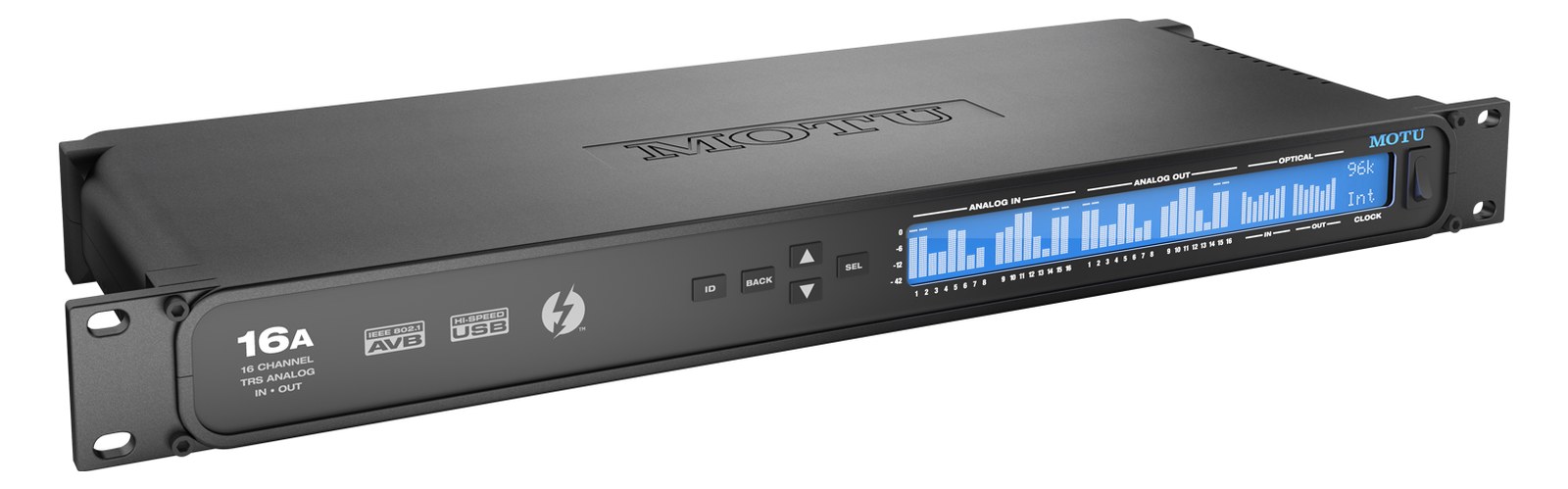
Audio Interface
Audio Interface
Audio Interface
Planning guides for audio interface systems.
Workflow · 7 min
How to choose between a digital mixer, a Thunderbolt interface, and a Dante converter as the brain of your IEM rack — with concrete picks at each tier.
Workflow · 14 min
How to build a live-performance playback rig that runs click + backing tracks reliably — interface sizing, routing rules, software comparison, and what to do when the laptop crashes.
Workflow · 12 min
How to build a fail-safe live playback rig with primary + backup laptops, an auto-switching audio interface, and a failover workflow you can actually trust on a Sunday morning.
Workflow · 11 min
LTC vs MTC vs MIDI Clock, how to generate timecode from Ableton or Playback, how lighting and video receive it, and the frame-rate mistake that drifts every show.


