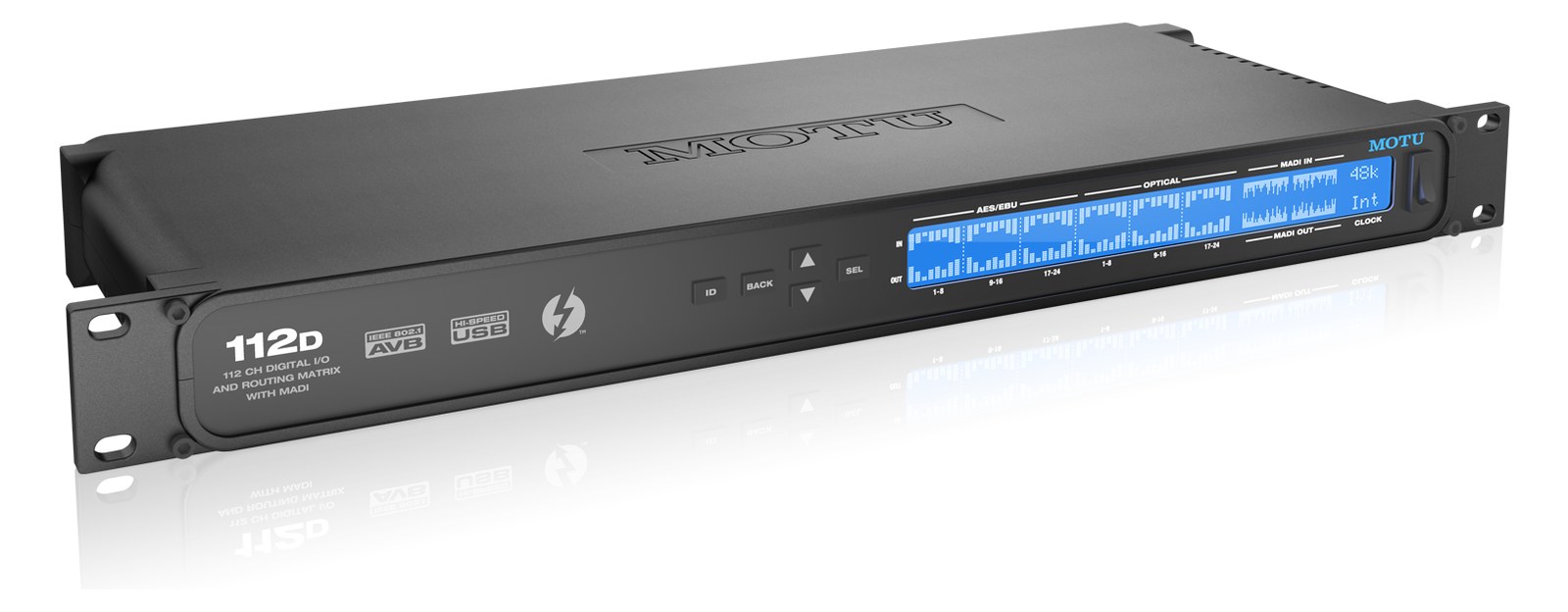
MOTU M4 Audio Interface
MOTU·Model M4·motu-m4
Photos
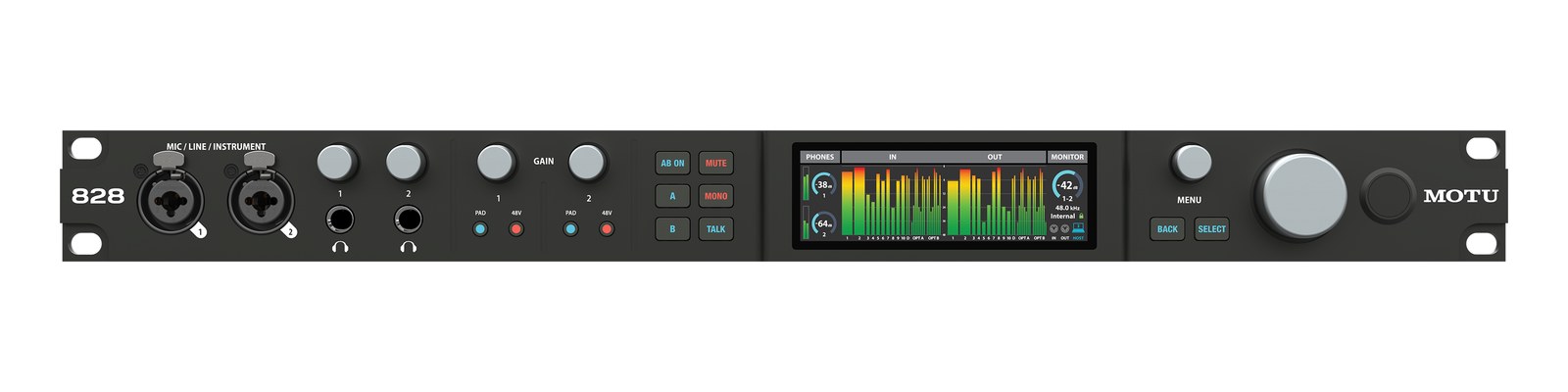
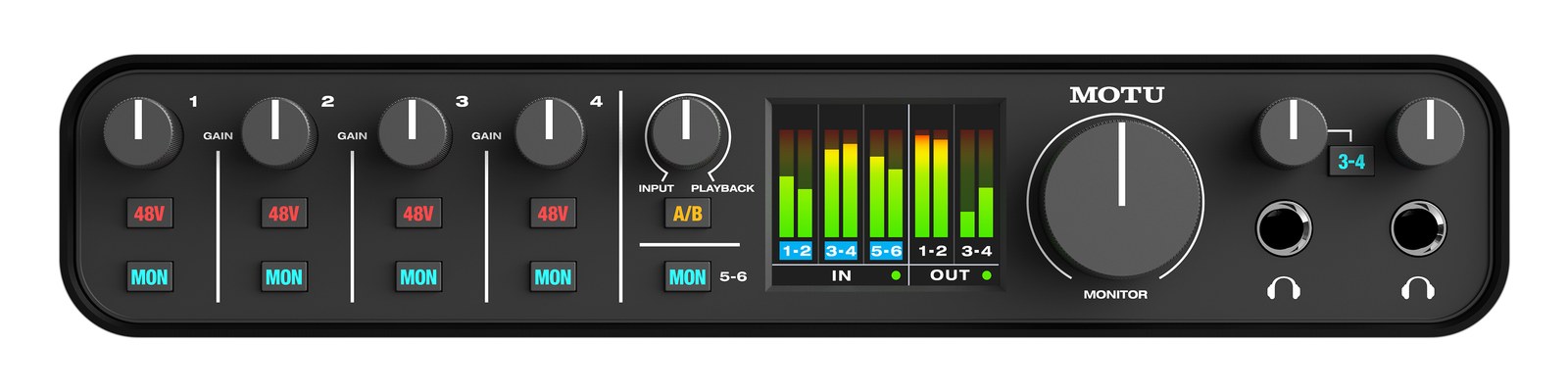
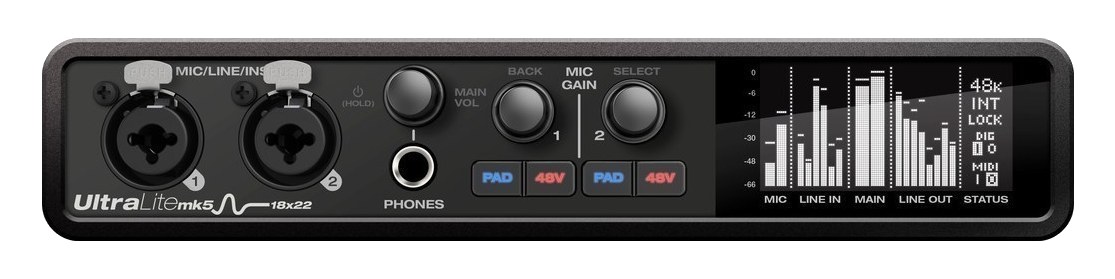
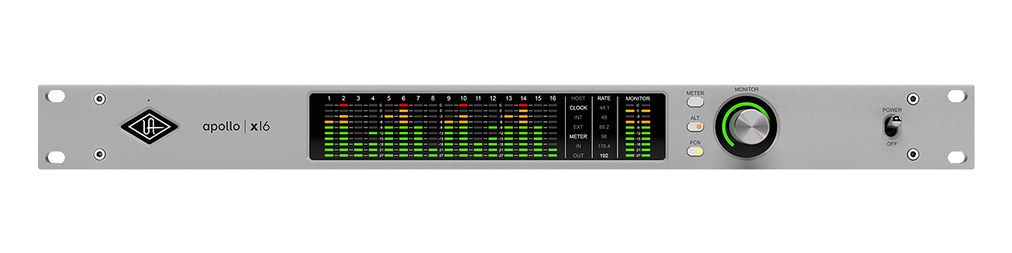
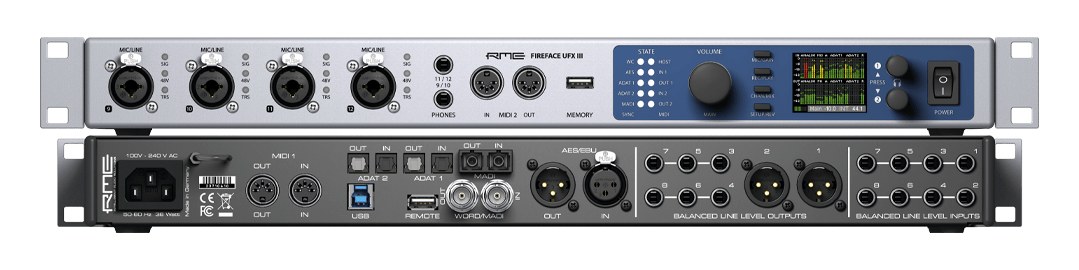
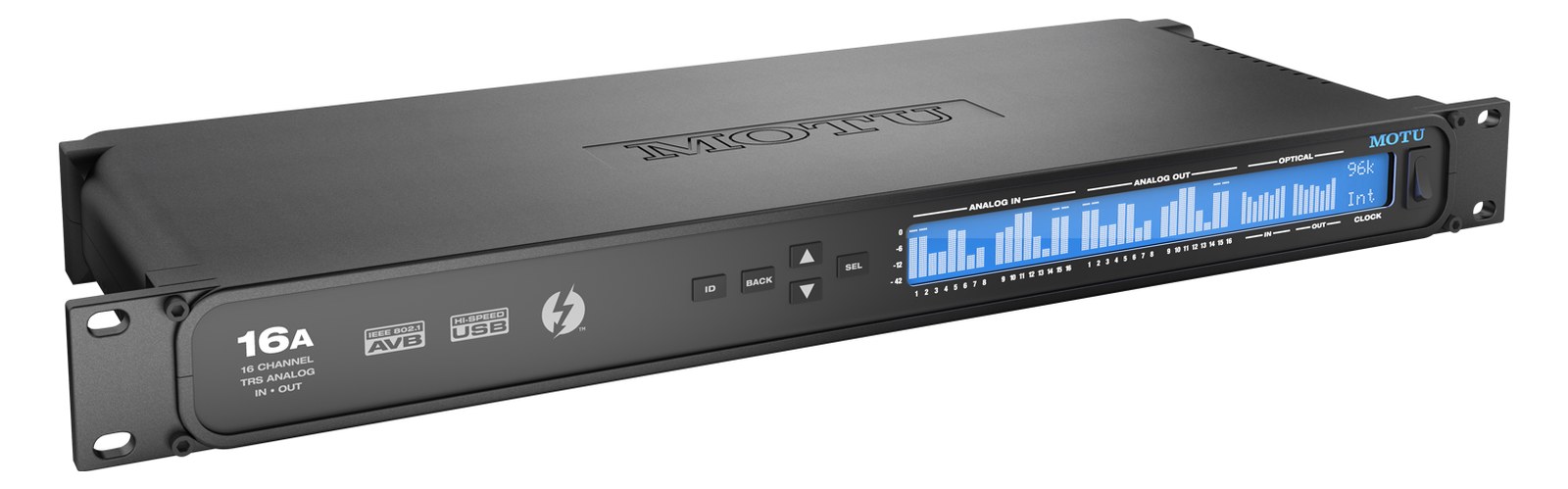
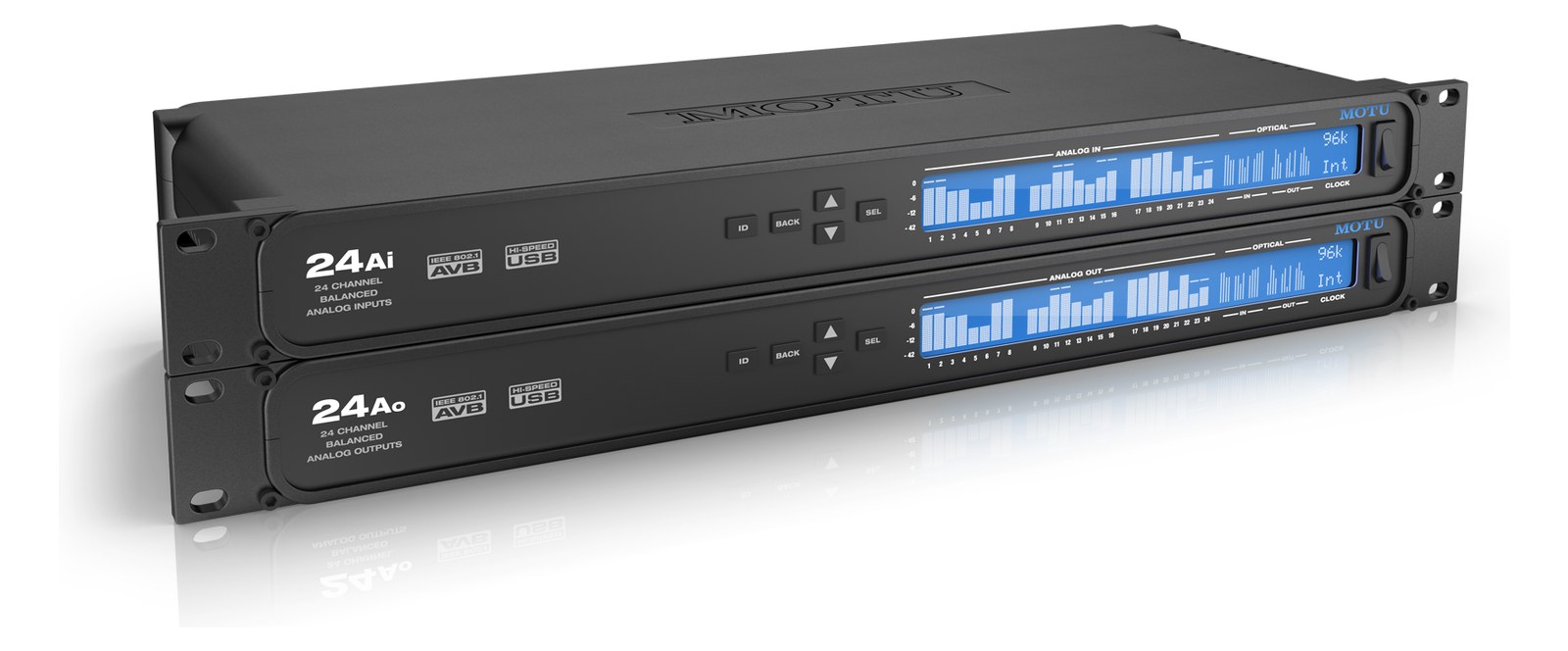
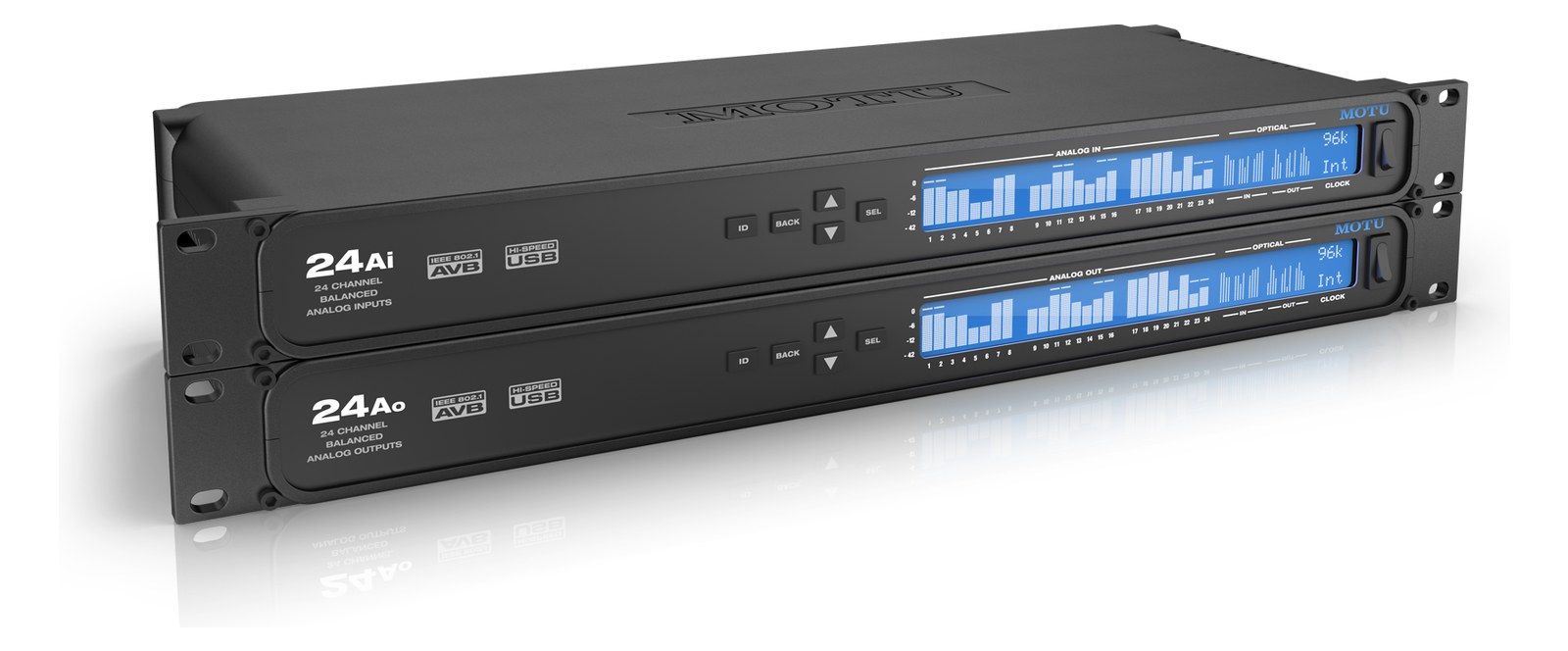
Manufacturer product photography — the drawn faceplate above stays true to panel layout; these show the hardware itself.
About the MOTU M4
The MOTU M4 punches well above its price class with best-in-class conversion quality and an ESS Sabre DACDigital-to-Analog Converter — the chip that turns digital audio back into the analog signal headphones and amps need. that rivals interfaces costing three times as much. Its compact desktop form factor makes it easy to tuck into a rack drawer or mount on a shelf, and the loopback feature is handy for virtual soundcheckPlaying a recorded show back through the console as if the band were on stage — dial in mixes before anyone plugs in. routing. A great option for budget playback rigs or as a backup interface.
The MOTU M4 is a compact USB-C audio interface that earns its place in a playback rig as either a primary converterThe circuitry that turns analog audio into digital data and back (A/D and D/A). Converter quality sets a digital rig’s sound ceiling. for smaller productions or a capable backup sitting ready in a rack drawer. It gives you two combo XLRThe standard 3-pin locking connector for mics and balanced line signals — pin 1 is the shield, pins 2 and 3 carry the balanced pair./TRSTip-Ring-Sleeve — a 1/4″ jack with three contacts carrying a balanced signal or a stereo pair. A guitar plug with one extra ring. inputs, two TRS line outputs, and a USB-C connection to your playback machine — enough to run stereo or two-channel stemsSub-mixes of a session grouped by instrument (drums, keys, vocals) — how playback rigs run tracks with live control over each group. out to a console or drive a personal IEMIn-Ear Monitor — earpieces that replace floor wedges, feeding each player their own mix. The reason this whole rack exists. mix straight from a laptop. At 0.7 kg and 160 mm deep, it disappears into any drawer or shelf without demanding real estate you don't have.
The ESS Sabre DACDigital-to-Analog Converter — the chip that turns digital audio back into the analog signal headphones and amps need. inside punches well past what $280 normally buys, and that matters when your outputs are feeding a monitor console or going direct to a transmitter. Loopback is available for virtual soundcheckPlaying a recorded show back through the console as if the band were on stage — dial in mixes before anyone plugs in. routing — useful when your playback operator wants to feed DAWDigital Audio Workstation — the recording and playback software (Logic, Ableton Live, Pro Tools) at the center of a computer rig. outputs back through the interface for rehearsal passes without rewiring. Power draw maxes at 8 watts over USB-C, which typically means the host computer is powering it, but confirm your laptop or hub can sustain busA path where multiple channels sum into one signal — mixes, groups, and mains are all buses. A 25-bus console can build 25 blends at once. power under load before load-in, not during it. The desktop form factor is the real constraint: this is not rackable without a shelf or drawer.
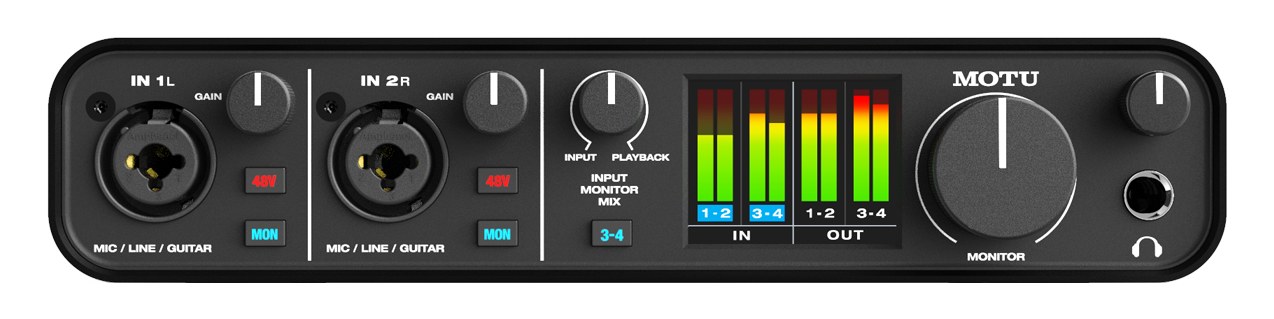
This interface belongs in the rig of a playback engineer running Ableton, QLab, or a similar host on a laptop-based system who needs clean conversion without spending on a half-rackThe standard slice of rack height: 1U = 1.75″. A 3U box takes three slices; half-rack gear pairs two units side by side in one. unit. It also makes a smart dedicated backup — already patched and ready to swap — for anyone whose primary interface costs significantly more and would be a show-stopper to lose. If you need more than two outputs, hardware that can be mixed from the stage floor without a laptop open, or genuine rack integration with front-panel I/O, you should look at something with a larger I/O count or a proper rack-mount form factor.
In the rack
- Mount it in a shallow rack drawer with a short USB-C cable strain-relieved to the drawer frame — it should be swappable in under 60 seconds if your primary interface fails mid-show.
- Pre-configure your playback software to recognize the M4 as a named device so that if you hot-swap during a set, the session relaunches routing automatically rather than asking you to reassign outputs.
- Loopback lets you route DAWDigital Audio Workstation — the recording and playback software (Logic, Ableton Live, Pro Tools) at the center of a computer rig. playback back into the same USB stream for virtual soundcheckPlaying a recorded show back through the console as if the band were on stage — dial in mixes before anyone plugs in. — map it in your session template ahead of time so you're not building that routing at front-of-houseFront Of House — the main mix the audience hears, and the console position out in the room where it gets mixed. on show day.
- Because it draws power from the USB-C host, tie it to the same power-conditioned circuit as your laptop and confirm your hub or direct port delivers enough current; a power-starved interface will show up as noise or dropoutsA brief audio gap when the radio link fails — the thing diversity, distros, and coordination all exist to prevent., not as an obvious failure.
4-in/4-out USB-C interface. Desktop form factor — requires rack shelf to mount.
I/O Ports (7)
| Port | Connector | Direction | Signal | Channels |
|---|---|---|---|---|
| Mic/Line In 1 (XLR/TRS) | XLR FEMALE | input | analog audio | — |
| Mic/Line In 2 (XLR/TRS) | XLR FEMALE | input | analog audio | — |
| Line Out 1 (TRS) | TRS QUARTER | output | analog audio | — |
| Line Out 2 (TRS) | TRS QUARTER | output | analog audio | — |
| USB-C | USB C | bidirectional | data | — |
| MIDI In | MIDI DIN5 | input | data | — |
| MIDI Out | MIDI DIN5 | output | data | — |
Requires
This component depends on the following gear to function in a typical rig:
Deciding between two?
Rack space, watts, weight and every connector, side by side.
Related gear


Related articles
Guides from our library that cover planning around audio interface gear.
How to choose between a digital mixer, a Thunderbolt interface, and a Dante converter as the brain of your IEM rack — with concrete picks at each tier.
How to build a live-performance playback rig that runs click + backing tracks reliably — interface sizing, routing rules, software comparison, and what to do when the laptop crashes.
How to build a fail-safe live playback rig with primary + backup laptops, an auto-switching audio interface, and a failover workflow you can actually trust on a Sunday morning.
LTC vs MTC vs MIDI Clock, how to generate timecode from Ableton or Playback, how lighting and video receive it, and the frame-rate mistake that drifts every show.