MOTU 828 (2024)
MOTU·Model 828·motu-828
Photos
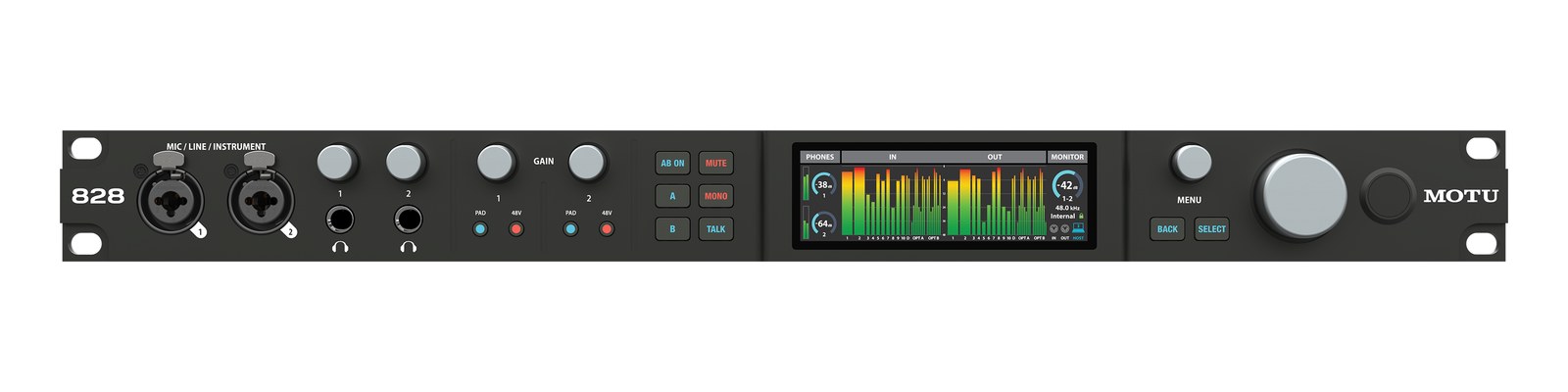
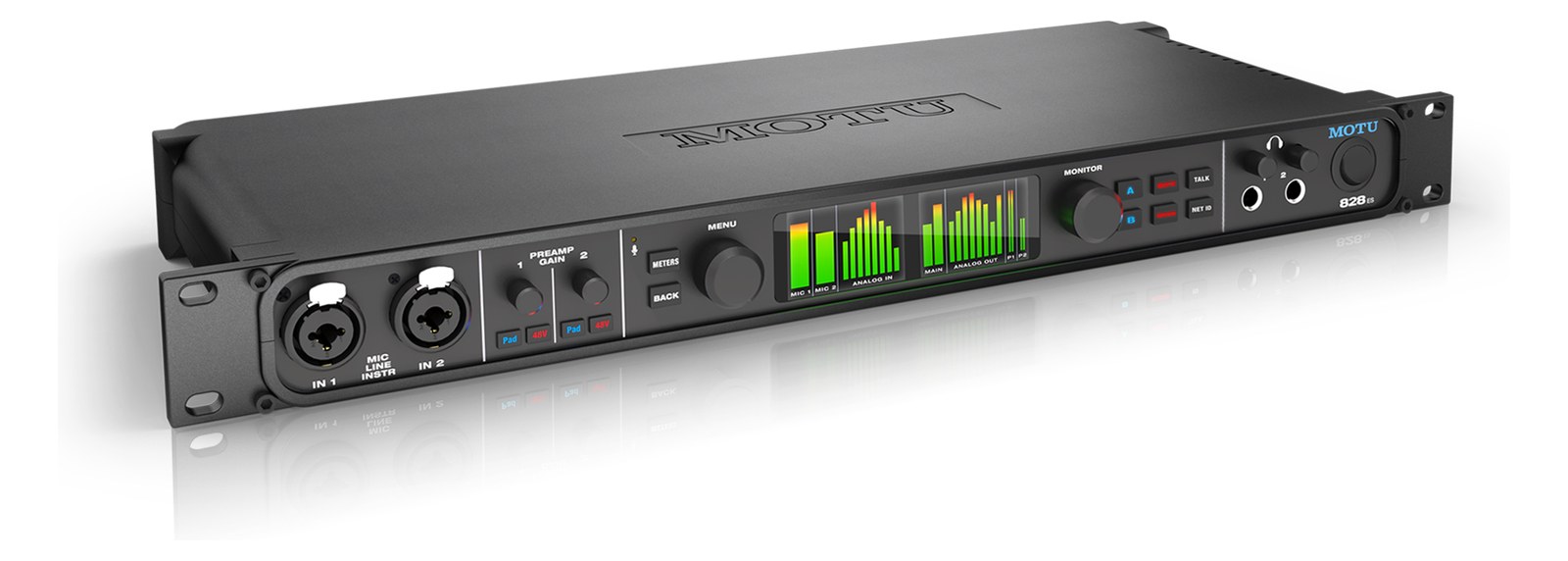
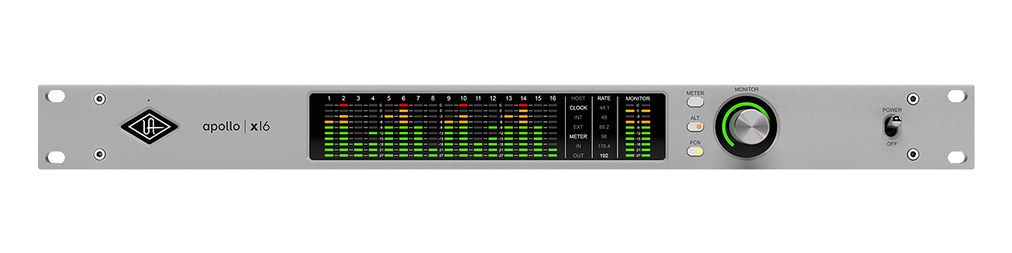
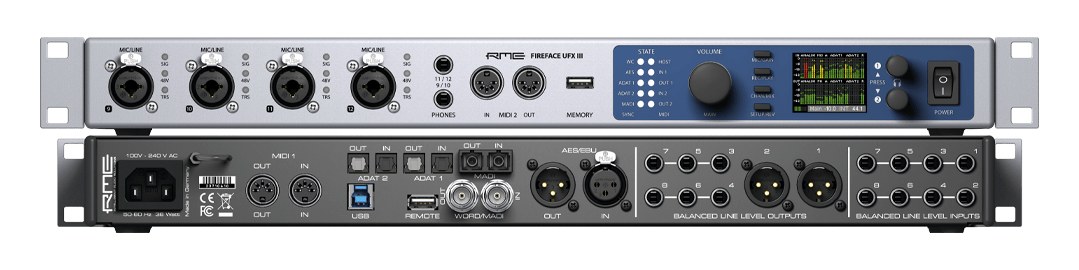
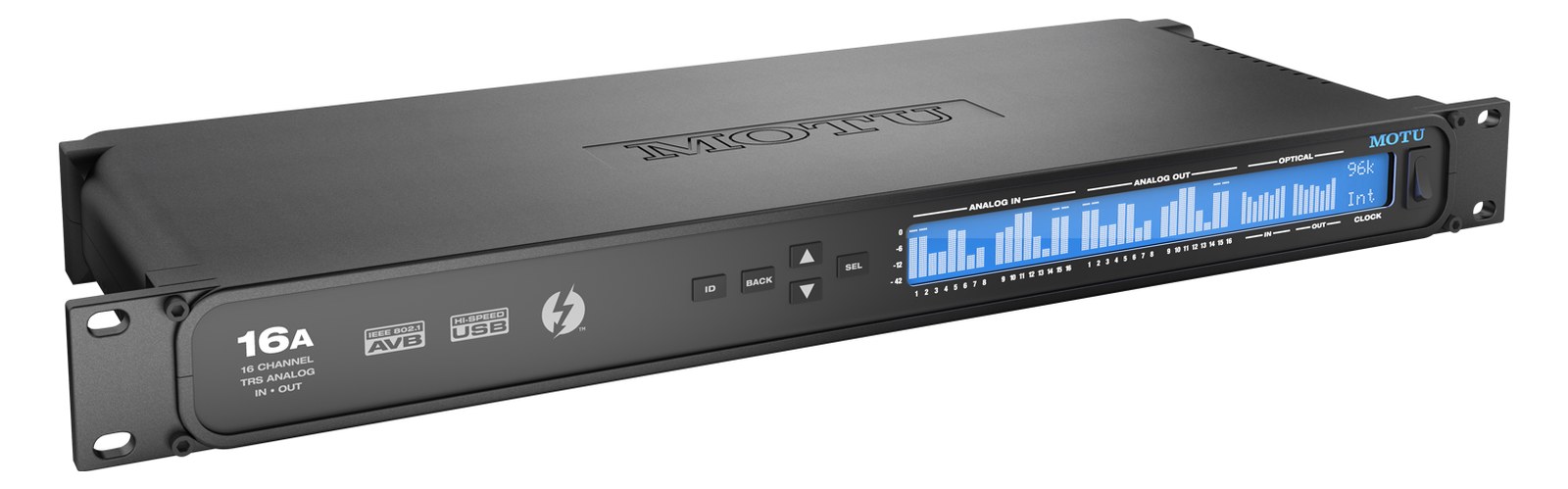
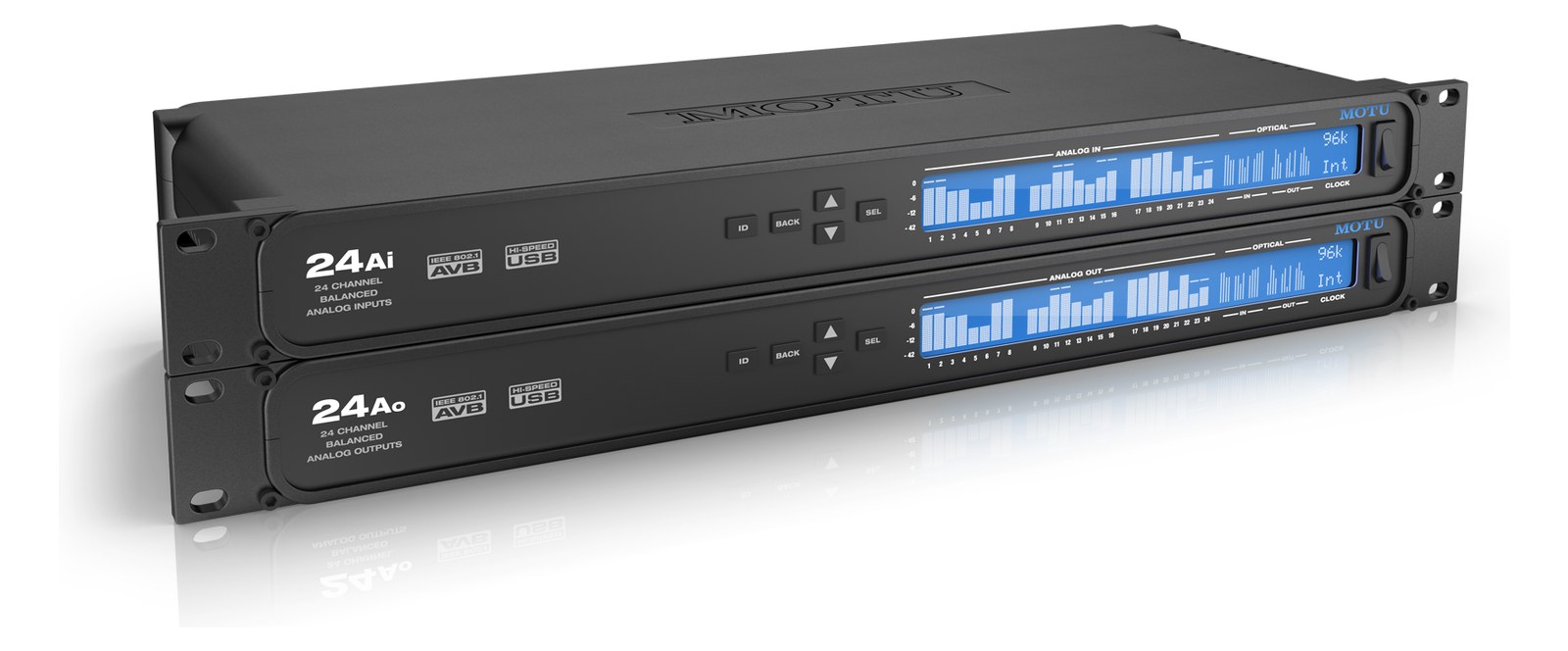
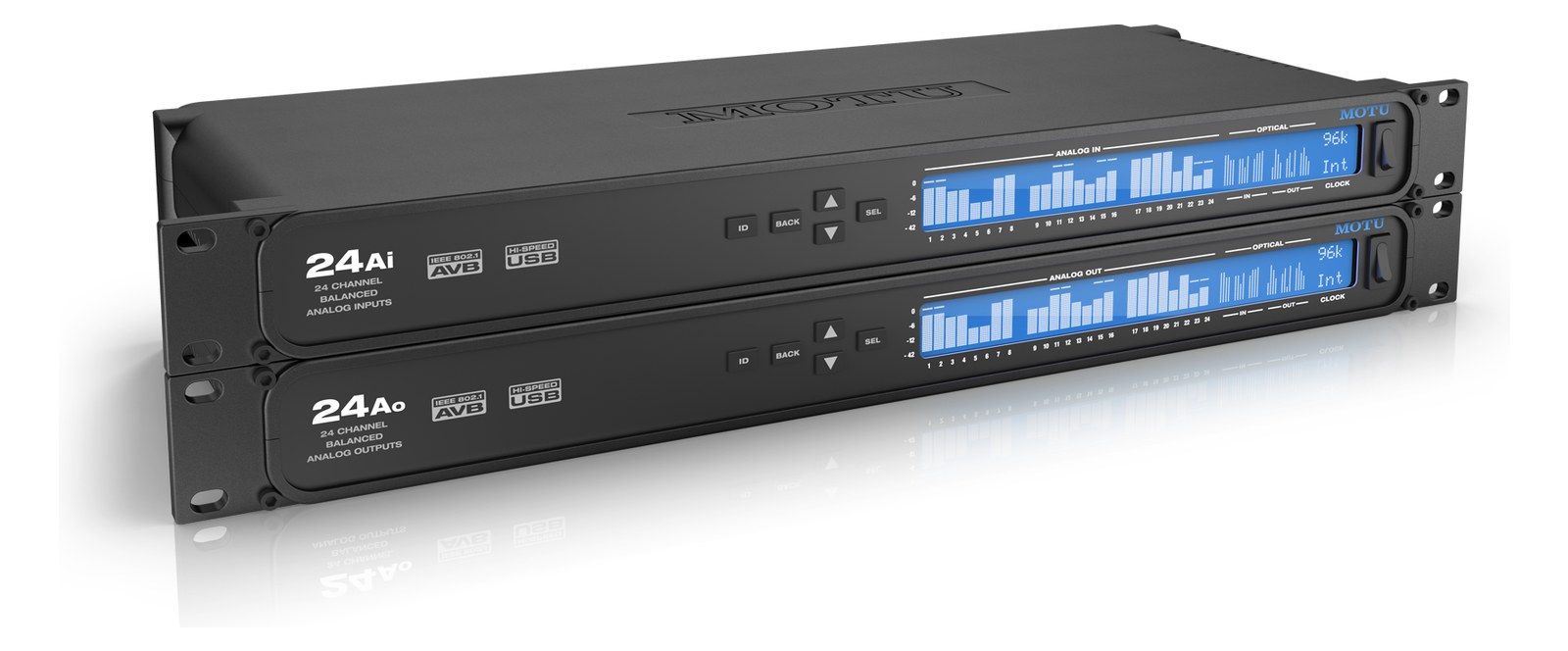
Manufacturer product photography — the drawn faceplate above stays true to panel layout; these show the hardware itself.
About the MOTU 828
The 2024 MOTU 828 carries the most famous name in project-rack interfaces into the current line: 28-in/32-out over USB3 with two mic preampsThe gain stage that lifts a mic’s tiny signal up to line level — the first thing a signal hits, and a big part of how a console sounds., eight balancedCarries the signal on two wires and cancels whatever noise both pick up — why mic cables can run hundreds of feet hum-free. line ins and outs, dual ADATOptical digital audio: 8 channels at 48 kHz down one Toslink lightpipe (4 at 96 kHz). The usual way to add more channels to an interface. expansion, and MOTU's CueMix Pro DSPDigital Signal Processing — the number-crunching that does EQ, compression, and effects inside a box. More DSP means more processing at once.. For playback rigs it is the do-everything 1UThe standard slice of rack height: 1U = 1.75″. A 3U box takes three slices; half-rack gear pairs two units side by side in one. — line outs for stemsSub-mixes of a session grouped by instrument (drums, keys, vocals) — how playback rigs run tracks with live control over each group., ADAT to expand, and rock-solid drivers. Replaces the discontinued 828es.
The MOTU 828 name has been around long enough that engineers either already trust it or have heard someone else swear by it. The 2024 version earns that reputation in a single rack unitThe standard slice of rack height: 1U = 1.75″. A 3U box takes three slices; half-rack gear pairs two units side by side in one.: 28 inputs and 32 outputs over USB3, two combo mic preampsThe gain stage that lifts a mic’s tiny signal up to line level — the first thing a signal hits, and a big part of how a console sounds., eight balancedCarries the signal on two wires and cancels whatever noise both pick up — why mic cables can run hundreds of feet hum-free. TRSTip-Ring-Sleeve — a 1/4″ jack with three contacts carrying a balanced signal or a stereo pair. A guitar plug with one extra ring. line inputs, eight balanced TRS line outputs, a dedicated main out pair, and dual ADATOptical digital audio: 8 channels at 48 kHz down one Toslink lightpipe (4 at 96 kHz). The usual way to add more channels to an interface. optical ports for expansion. In a playback or IEMIn-Ear Monitor — earpieces that replace floor wedges, feeding each player their own mix. The reason this whole rack exists. rig, this is the box that touches everything — stemsSub-mixes of a session grouped by instrument (drums, keys, vocals) — how playback rigs run tracks with live control over each group. go out the line outputs, click and guide tracks can hit the preamps directly, and the ADAT ports let you bolt on a stage boxThe I/O endpoint on stage: mics plug in there and one digital line (AES50, Dante) carries everything to the console. The snake, digitized. or a preamp expander without adding another USB device to the chain.
At load-in, the depth matters: 178 mm is shallow enough to sit comfortably in most shallow touring racks without fighting the power strip behind it. The 15-watt draw is easy on a conditioner's circuit, and the IECThe standard three-prong appliance power inlet on rack gear — the kettle lead. C13/C14 in spec-sheet speak. connector means no wall-wart to lose. The dual ADATOptical digital audio: 8 channels at 48 kHz down one Toslink lightpipe (4 at 96 kHz). The usual way to add more channels to an interface. ports are genuinely useful — at 48 kHz each optical run carries eight channels, giving you up to sixteen additional channels of I/O without touching your USB bandwidth. CueMix Pro runs on the unit's own DSPDigital Signal Processing — the number-crunching that does EQ, compression, and effects inside a box. More DSP means more processing at once., so you can set monitor mixes and cue sends that survive a laptop hiccup — that matters when the show is running and your playback machine momentarily blinks.
This interface is a strong fit for playback engineers running stemsSub-mixes of a session grouped by instrument (drums, keys, vocals) — how playback rigs run tracks with live control over each group.-heavy shows, MD rigs that need multiple discrete outputs for IEMIn-Ear Monitor — earpieces that replace floor wedges, feeding each player their own mix. The reason this whole rack exists. mixes, and anyone who wants a single box they can trust across a long run. It is not the right call if you need more than two mic preampsThe gain stage that lifts a mic’s tiny signal up to line level — the first thing a signal hits, and a big part of how a console sounds. natively — you will be reaching for ADATOptical digital audio: 8 channels at 48 kHz down one Toslink lightpipe (4 at 96 kHz). The usual way to add more channels to an interface. expansion immediately, which adds cost and optical cable management. Engineers building a simple two-output click-and-guide rig will likely find it over-specified. And if your workflow is entirely DanteThe most common audio-over-network standard: dozens of channels of uncompressed digital audio down one ordinary Ethernet cable between Dante boxes. or AVBAudio Video Bridging — open network audio (MOTU, PreSonus) where the switch reserves bandwidth so streams can’t glitch. Milan is its pro profile., look elsewhere; this is a USB interface at its core.
In the rack
- Use the dual ADATOptical digital audio: 8 channels at 48 kHz down one Toslink lightpipe (4 at 96 kHz). The usual way to add more channels to an interface. ports asymmetrically if channel counts allow — run ADAT In A from a stage-side preampThe gain stage that lifts a mic’s tiny signal up to line level — the first thing a signal hits, and a big part of how a console sounds. expander and reserve ADAT Out B for a dedicated feed to a personal monitor system, keeping your analog line outs clean for FOHFront Of House — the main mix the audience hears, and the console position out in the room where it gets mixed. stemsSub-mixes of a session grouped by instrument (drums, keys, vocals) — how playback rigs run tracks with live control over each group..
- Lock word clockThe shared heartbeat keeping every digital box sampling in lockstep. One device leads, the rest follow — or you get clicks and pops. discipline early: if anything else in the rack generates clock, slave the 828 to it via ADATOptical digital audio: 8 channels at 48 kHz down one Toslink lightpipe (4 at 96 kHz). The usual way to add more channels to an interface. sync rather than letting two devices fight. CueMix Pro makes clock source selection straightforward, but set it before the show, not during troubleshooting.
- The Main Out L/R TRSTip-Ring-Sleeve — a 1/4″ jack with three contacts carrying a balanced signal or a stereo pair. A guitar plug with one extra ring. pair is separate from Line Out 1–8, which gives you a natural split — route your primary mix busA path where multiple channels sum into one signal — mixes, groups, and mains are all buses. A 25-bus console can build 25 blends at once. to Main Out and use the eight line outs for discrete stem or IEMIn-Ear Monitor — earpieces that replace floor wedges, feeding each player their own mix. The reason this whole rack exists. sends without any patch conflicts.
- At 178 mm depth, the 828 can share a shallow 1UThe standard slice of rack height: 1U = 1.75″. A 3U box takes three slices; half-rack gear pairs two units side by side in one. drawer with your cable dressing — but leave the USB-C port side accessible. A stressed USB-C connector mid-show is a real risk; use a right-angle USB-C adapter and secure the cable to the rack rail with a velcro tie.
Current-gen 828: 28x32 USB3, 2 mic pre + 8 line I/O + dual ADATOptical digital audio: 8 channels at 48 kHz down one Toslink lightpipe (4 at 96 kHz). The usual way to add more channels to an interface..
I/O Ports (11)
| Port | Connector | Direction | Signal | Channels |
|---|---|---|---|---|
| Mic/Line 1 | COMBO XLR TRS | input | analog audio | — |
| Mic/Line 2 | COMBO XLR TRS | input | analog audio | — |
| Line In 1-8 | TRS QUARTER | input | analog audio | 8 |
| Line Out 1-8 | TRS QUARTER | output | analog audio | 8 |
| Main Out L/R | TRS QUARTER | output | analog audio | 2 |
| ADAT In A | TOSLINK | input | digital audio | — |
| ADAT Out A | TOSLINK | output | digital audio | — |
| ADAT In B | TOSLINK | input | digital audio | — |
| ADAT Out B | TOSLINK | output | digital audio | — |
| USB-C (USB3) | USB C | bidirectional | data | — |
- Power (IEC C14)
Deciding between two?
Rack space, watts, weight and every connector, side by side.
Related gear


Related articles
Guides from our library that cover planning around audio interface gear.
How to choose between a digital mixer, a Thunderbolt interface, and a Dante converter as the brain of your IEM rack — with concrete picks at each tier.
How to build a live-performance playback rig that runs click + backing tracks reliably — interface sizing, routing rules, software comparison, and what to do when the laptop crashes.
How to build a fail-safe live playback rig with primary + backup laptops, an auto-switching audio interface, and a failover workflow you can actually trust on a Sunday morning.
LTC vs MTC vs MIDI Clock, how to generate timecode from Ableton or Playback, how lighting and video receive it, and the frame-rate mistake that drifts every show.