RME Fireface UFX III
RME·Model Fireface UFX III·rme-fireface-ufx-iii
Photos
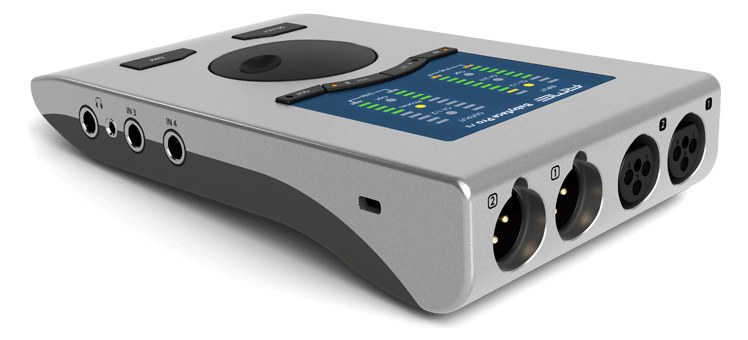
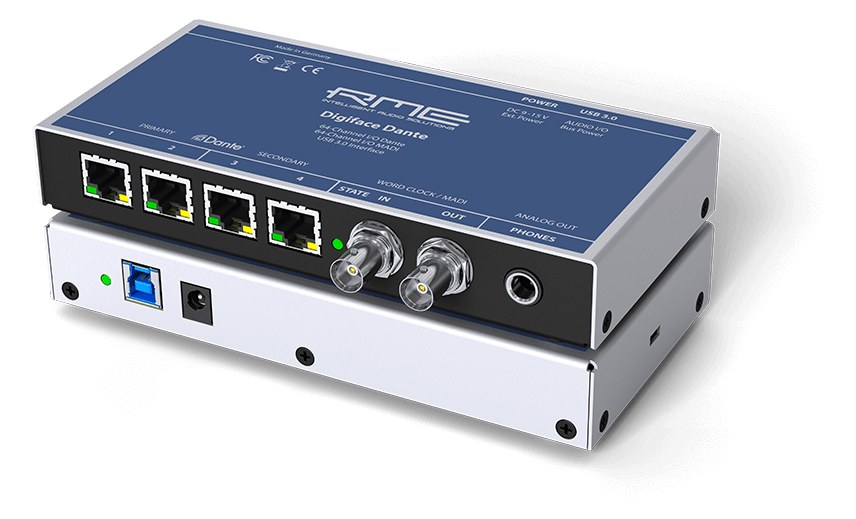
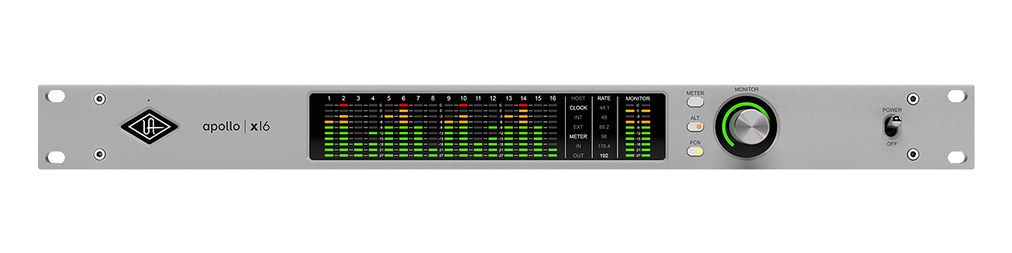
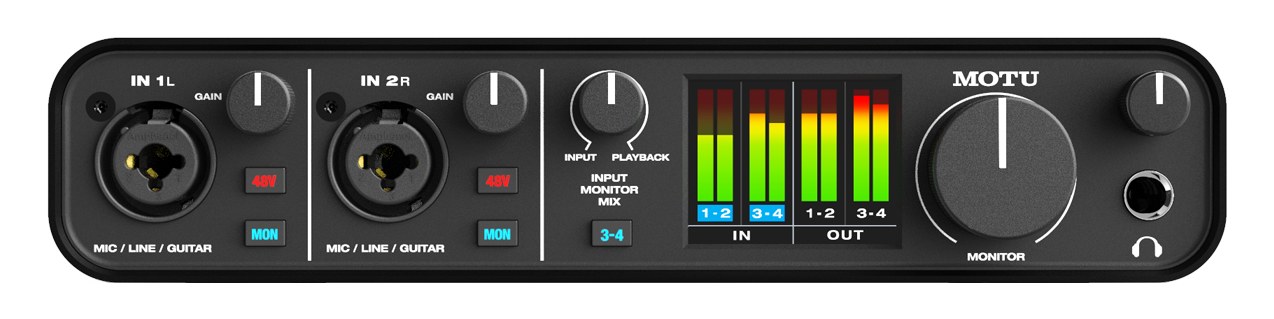
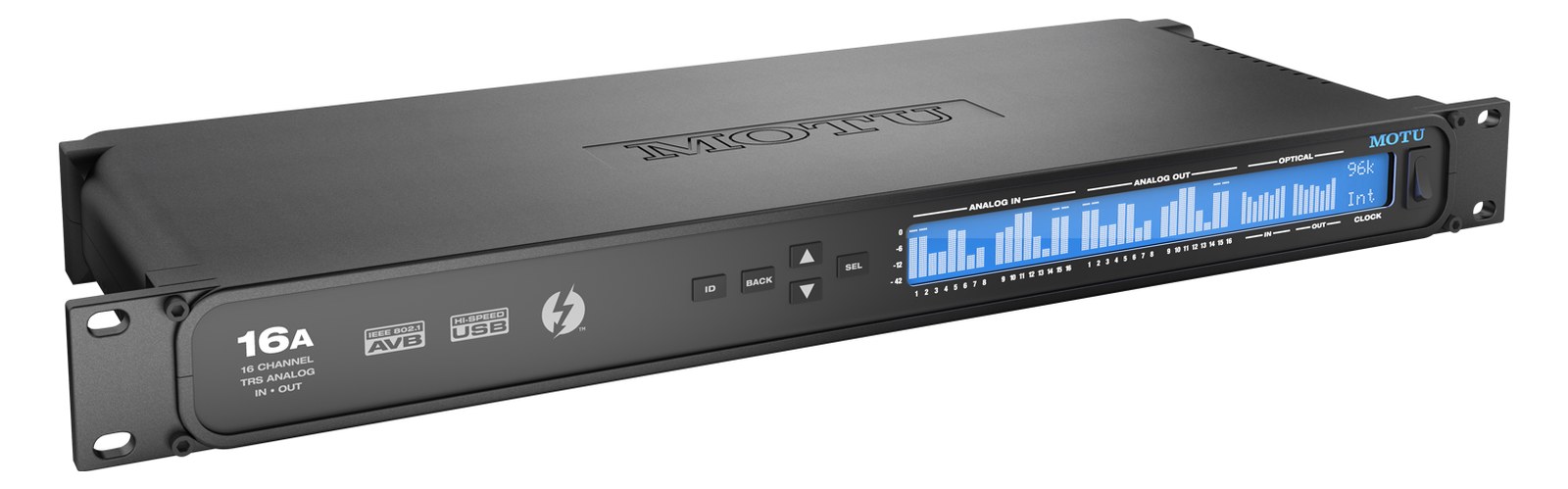
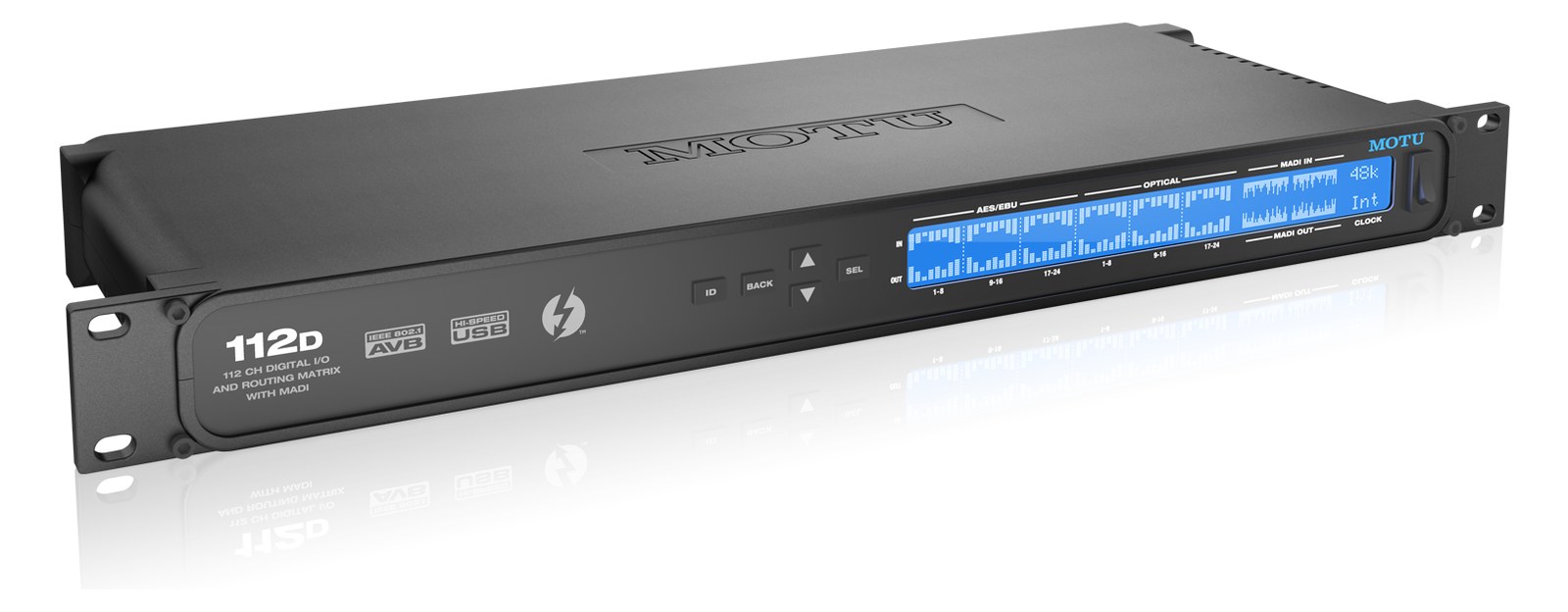
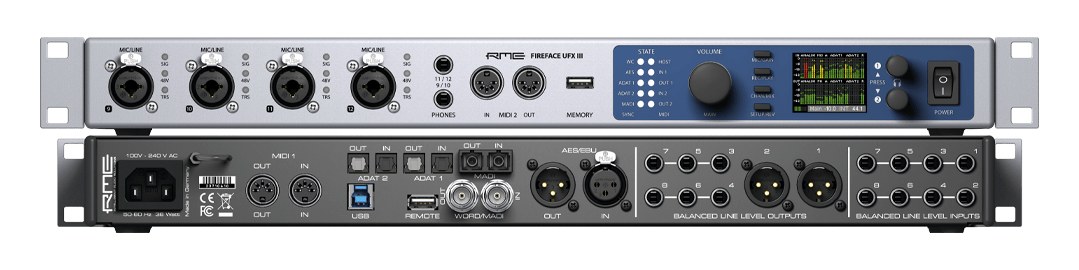
Manufacturer product photography — the drawn faceplate above stays true to panel layout; these show the hardware itself.
About the RME Fireface UFX III
The Fireface UFX III is RME's flagship USB interface, renowned for rock-solid drivers and ultra-low latencyThe delay between sound entering and leaving a digital system. IEM rigs fight to keep the whole chain down to a few milliseconds. that make it a favorite for live playback rigs. With MADIA pro digital format carrying 64 channels on one coax or optical cable. Point-to-point — one sender, one receiver, no network required. support providing up to 64 additional channels, it scales well for large track count shows. RME's TotalMix FX routing matrixA routing grid that builds extra outputs from any mix of mixes or channels — fills, lobby, stream feeds — without touching the main mix. is exceptionally powerful for complex monitor routing, and the unit can operate standalone as a mixer even without a connected computer.
The Fireface UFX III is RME's flagship USB audio interface, and in a live context it earns its place as the nerve center of a serious playback or IEMIn-Ear Monitor — earpieces that replace floor wedges, feeding each player their own mix. The reason this whole rack exists. rig. The combination of four front-panel mic/line inputs, two XLRThe standard 3-pin locking connector for mics and balanced line signals — pin 1 is the shield, pins 2 and 3 carry the balanced pair. outputs, and a full 64-channel MADIA pro digital format carrying 64 channels on one coax or optical cable. Point-to-point — one sender, one receiver, no network required. port in a single rack unitThe standard slice of rack height: 1U = 1.75″. A 3U box takes three slices; half-rack gear pairs two units side by side in one. means you can receive stemsSub-mixes of a session grouped by instrument (drums, keys, vocals) — how playback rigs run tracks with live control over each group. from a stageboxThe I/O endpoint on stage: mics plug in there and one digital line (AES50, Dante) carries everything to the console. The snake, digitized., feed IEM transmitters directly, and still have analog I/O headroomThe margin between your normal level and where things clip — headroom is what absorbs the snare hit you didn’t see coming. for confidence outputs or a click feed — all without a patchbayA panel of front-facing jacks wired to everything behind it — re-route any signal with a short cable instead of climbing behind the rack. full of compromises. The standalone TotalMix FX routing matrixA routing grid that builds extra outputs from any mix of mixes or channels — fills, lobby, stream feeds — without touching the main mix. means it can keep passing audio even when the host computer is misbehaving, which matters more than almost any spec on a show day.
Thirty watts nominal draw and a 240mm depth make it genuinely rack-friendly — this sits cleanly in a standard 4UThe standard slice of rack height: 1U = 1.75″. A 3U box takes three slices; half-rack gear pairs two units side by side in one. tour case alongside a laptop shelf and a power conditionerFilters venue AC, clamps surges, and gives the rack one tidy inlet. Not a voltage regulator and not a battery — just cleaner power. without fighting for space. The USB 3 connection keeps latencyThe delay between sound entering and leaving a digital system. IEM rigs fight to keep the whole chain down to a few milliseconds. low enough that even triggering-sensitive playback workflows stay comfortable, and RME's driver stability reputation is well-earned across Windows and macOS. The MADIA pro digital format carrying 64 channels on one coax or optical cable. Point-to-point — one sender, one receiver, no network required. BNCThe twist-lock coax connector used for word clock and antenna runs — it locks, so it can’t be pulled out mid-show. ports are the real force multiplier: 64 channels in and 64 out over a single coax run lets you interface directly with a digital console's MADI expansion or a dedicated MADI splitter without eating rack space on a separate converterThe circuitry that turns analog audio into digital data and back (A/D and D/A). Converter quality sets a digital rig’s sound ceiling.. At a 94-channel total count, you are unlikely to hit a ceiling on anything short of a full theatrical or stadium show.
This is the right call if you are running Ableton, QLab, or similar on a dedicated playback machine and need a single box that handles the audio interface, monitor routing, and digital transport duties with professional reliability. The $3,199 price point is significant, and it is honest to say that a smaller act running eight stereo IEMIn-Ear Monitor — earpieces that replace floor wedges, feeding each player their own mix. The reason this whole rack exists. mixes from a single MacBook may find the RME UCX II or a competitor's mid-tier USB interface perfectly sufficient. Where the UFX III justifies itself is in complex rigs — multi-act festival packages, touring productions with large stem counts, or any situation where the cost of a show stoppage from a driver crash or a routing limitation exceeds the cost of the upgrade.
In the rack
- Route your IEMIn-Ear Monitor — earpieces that replace floor wedges, feeding each player their own mix. The reason this whole rack exists. mixes entirely within TotalMix FX and save a snapshot before every show — the standalone mode means you have a fallback if the playback computer needs a restart between sets.
- Use the MADIA pro digital format carrying 64 channels on one coax or optical cable. Point-to-point — one sender, one receiver, no network required. BNCThe twist-lock coax connector used for word clock and antenna runs — it locks, so it can’t be pulled out mid-show. output to feed a console's MADI input for house or FOHFront Of House — the main mix the audience hears, and the console position out in the room where it gets mixed. reference sends; it keeps your analog outputs free for dedicated monitor or transmitter feeds and eliminates a DA converterThe circuitry that turns analog audio into digital data and back (A/D and D/A). Converter quality sets a digital rig’s sound ceiling. from the chain.
- The IECThe standard three-prong appliance power inlet on rack gear — the kettle lead. C13/C14 in spec-sheet speak. power inlet means a standard locking IEC cable keeps it secure in a touring case — use one, because a kicked power cable during a show is a solved problem that doesn't need to happen.
- If your rack depth is tight, confirm the 240mm body plus BNCThe twist-lock coax connector used for word clock and antenna runs — it locks, so it can’t be pulled out mid-show. connector clearance before you commit to a shallow case; the MADIA pro digital format carrying 64 channels on one coax or optical cable. Point-to-point — one sender, one receiver, no network required. cables need a gentle bend radius and crowding them against a rear panel will cause problems over time.
94-channel USB 3 / USB 2 audio interface with MADIA pro digital format carrying 64 channels on one coax or optical cable. Point-to-point — one sender, one receiver, no network required..
I/O Ports (10)
| Port | Connector | Direction | Signal | Channels |
|---|---|---|---|---|
| Mic/Line In 1 (XLR) | XLR FEMALE | input | analog audio | — |
| Mic/Line In 2 (XLR) | XLR FEMALE | input | analog audio | — |
| Mic/Line In 3 (XLR) | XLR FEMALE | input | analog audio | — |
| Mic/Line In 4 (XLR) | XLR FEMALE | input | analog audio | — |
| Line Out 1 (XLR) | XLR MALE | output | analog audio | — |
| Line Out 2 (XLR) | XLR MALE | output | analog audio | — |
| MADI In (BNC) | MADI BNC | input | digital audio | 64 |
| MADI Out (BNC) | MADI BNC | output | digital audio | 64 |
| USB 3 | USB C | bidirectional | data | — |
- Power (IEC) (IEC C14)
Deciding between two?
Rack space, watts, weight and every connector, side by side.
Related gear


Related articles
Guides from our library that cover planning around audio interface gear.
How to choose between a digital mixer, a Thunderbolt interface, and a Dante converter as the brain of your IEM rack — with concrete picks at each tier.
How to build a live-performance playback rig that runs click + backing tracks reliably — interface sizing, routing rules, software comparison, and what to do when the laptop crashes.
How to build a fail-safe live playback rig with primary + backup laptops, an auto-switching audio interface, and a failover workflow you can actually trust on a Sunday morning.
LTC vs MTC vs MIDI Clock, how to generate timecode from Ableton or Playback, how lighting and video receive it, and the frame-rate mistake that drifts every show.