RME Digiface Dante
RME·Model Digiface Dante·rme-digiface-dante
Photos
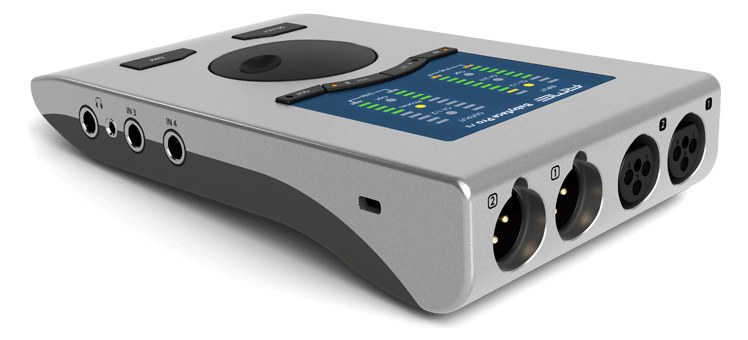
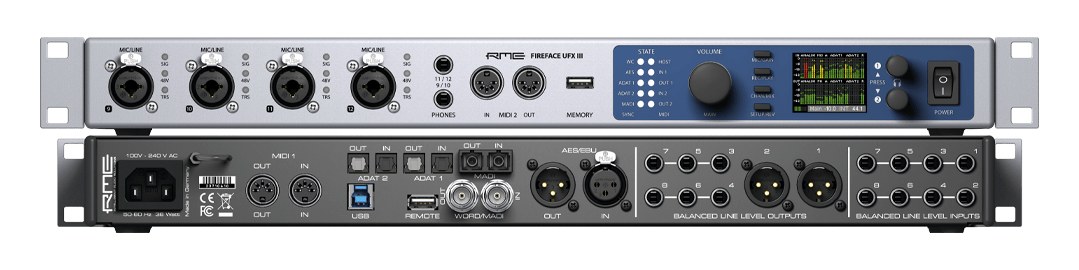
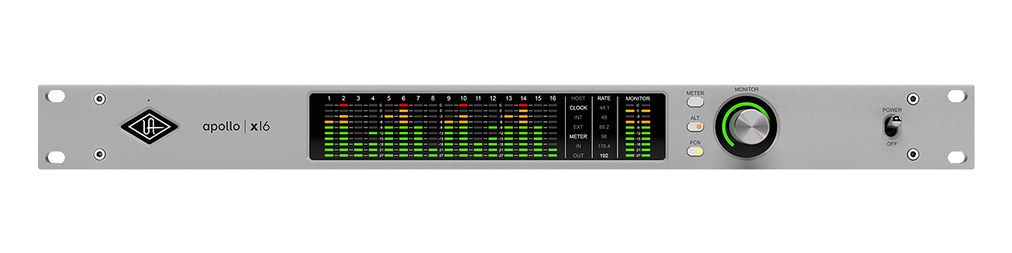
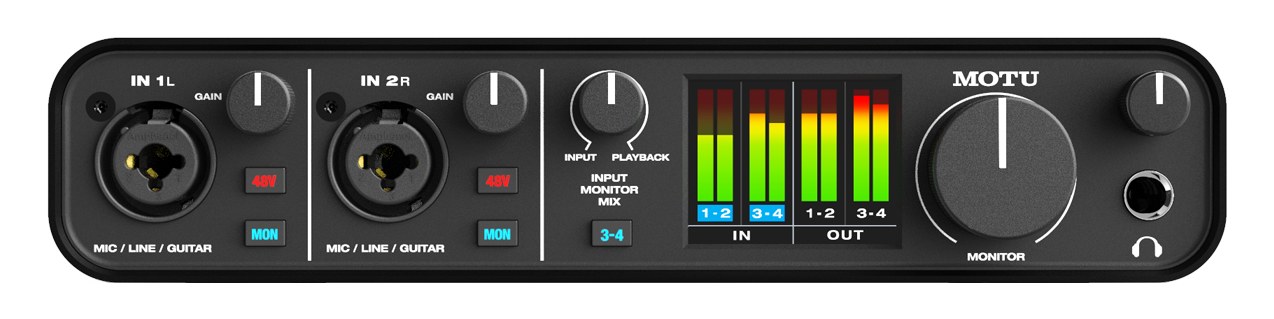
Manufacturer product photography — the drawn faceplate above stays true to panel layout; these show the hardware itself.
About the RME Digiface Dante
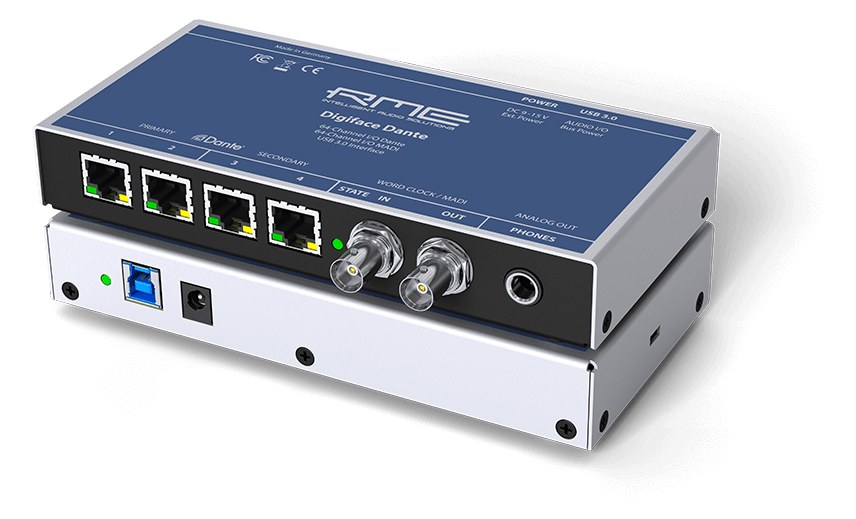
The RME Digiface DanteThe most common audio-over-network standard: dozens of channels of uncompressed digital audio down one ordinary Ethernet cable between Dante boxes. puts a computer on a Dante network with RME driver stability: 64 channels of Dante plus 64 channels of MADIA pro digital format carrying 64 channels on one coax or optical cable. Point-to-point — one sender, one receiver, no network required. in and out over USB3, in a half-rackThe standard slice of rack height: 1U = 1.75″. A 3U box takes three slices; half-rack gear pairs two units side by side in one. desktop box. In playback and monitor rigs it is the standard bridge between a DAWDigital Audio Workstation — the recording and playback software (Logic, Ableton Live, Pro Tools) at the center of a computer rig. machine and the Dante backbone when a full console card is overkill. TotalMix routing and headphone monitoring included.
The Digiface DanteThe most common audio-over-network standard: dozens of channels of uncompressed digital audio down one ordinary Ethernet cable between Dante boxes. is a bridge, and that single word describes exactly why it earns rack space. It puts a computer — a playback machine, a virtual soundcheckPlaying a recorded show back through the console as if the band were on stage — dial in mixes before anyone plugs in. rig, a show-file backup laptop — onto a Dante network at 64 channels in each direction, without requiring a console card slot or a dedicated stageboxThe I/O endpoint on stage: mics plug in there and one digital line (AES50, Dante) carries everything to the console. The snake, digitized.. The MADIA pro digital format carrying 64 channels on one coax or optical cable. Point-to-point — one sender, one receiver, no network required. ports add another 64 in and out over BNCThe twist-lock coax connector used for word clock and antenna runs — it locks, so it can’t be pulled out mid-show., so you can simultaneously feed a MADI-native device or a redundantA second copy of anything critical — supply, computer, network path — already running so one failure can’t stop the show. recorder without touching the Dante stream. For playback engineers and monitor techs who need to inject tracks or stemsSub-mixes of a session grouped by instrument (drums, keys, vocals) — how playback rigs run tracks with live control over each group. into a Dante backbone cleanly, this is the compact, purpose-built answer.
The specs matter at show time in specific ways. USB 3.0 to the host machine means the driver conversation is fast and stable — RME's reputation here is well-earned and uncontroversial. Ten watts average draw is almost nothing, so it won't stress a conditioner or a portable battery supply. The enclosure is not a rack unitThe standard slice of rack height: 1U = 1.75″. A 3U box takes three slices; half-rack gear pairs two units side by side in one.; it's a desktop half-rack-width box, which means you're either shelf-mounting it, using a rack tray, or living with it sitting on top of gear. At 0.7 kg it goes wherever you put it, but plan that mounting solution before load-in, not during. The headphone output gives you a local confidence-check point without patching anything extra, which is genuinely useful for a fast sanity check on a DanteThe most common audio-over-network standard: dozens of channels of uncompressed digital audio down one ordinary Ethernet cable between Dante boxes. subscription before doors.
If your rig already lives on DanteThe most common audio-over-network standard: dozens of channels of uncompressed digital audio down one ordinary Ethernet cable between Dante boxes. and you need a computer on that network without committing to a full I/O converterThe circuitry that turns analog audio into digital data and back (A/D and D/A). Converter quality sets a digital rig’s sound ceiling. or a console card, this is the right tool. It makes most sense in playback rigs, virtual soundcheckPlaying a recorded show back through the console as if the band were on stage — dial in mixes before anyone plugs in. setups, and monitor systems where the Dante network is already doing the heavy lifting and you just need the DAWDigital Audio Workstation — the recording and playback software (Logic, Ableton Live, Pro Tools) at the center of a computer rig. machine to participate. If you need analog I/O at the same point — physical line-levelThe strong signal that runs between pieces of gear (about a volt) — hotter than mic level, far below speaker level. outputs leaving the box — look elsewhere; this unit doesn't have them. And if you're not on Dante at all, the MADIA pro digital format carrying 64 channels on one coax or optical cable. Point-to-point — one sender, one receiver, no network required. ports alone don't justify the price over a simpler USB-to-MADI interface.
In the rack
- Plan your rack tray before the gig — the Digiface DanteThe most common audio-over-network standard: dozens of channels of uncompressed digital audio down one ordinary Ethernet cable between Dante boxes. is a desktop form factor, and a half-rackThe standard slice of rack height: 1U = 1.75″. A 3U box takes three slices; half-rack gear pairs two units side by side in one. tray or a dedicated shelf keeps it from sliding around inside the case when the cart hits a curb.
- Plug the headphone output into a set of ears during network bring-up and subscribe a test channel; it's the fastest way to confirm DanteThe most common audio-over-network standard: dozens of channels of uncompressed digital audio down one ordinary Ethernet cable between Dante boxes. routing is live before you involve anyone else in the troubleshooting loop.
- If you're running DanteThe most common audio-over-network standard: dozens of channels of uncompressed digital audio down one ordinary Ethernet cable between Dante boxes. redundancyA second copy of anything critical — supply, computer, network path — already running so one failure can’t stop the show., both EtherConAn Ethernet plug inside a rugged XLR-style locking shell — tour-grade network connections that can’t be yanked loose. ports are on separate network paths — wire Primary and Secondary to separate switches, not the same one, or you've negated the redundancy entirely.
- Use TotalMix to pre-route your MADIA pro digital format carrying 64 channels on one coax or optical cable. Point-to-point — one sender, one receiver, no network required. return into a DanteThe most common audio-over-network standard: dozens of channels of uncompressed digital audio down one ordinary Ethernet cable between Dante boxes. send while you're still at home; arriving at the venue with routing already saved in a snapshot cuts your network bring-up time significantly.
64ch DanteThe most common audio-over-network standard: dozens of channels of uncompressed digital audio down one ordinary Ethernet cable between Dante boxes. + 64ch MADIA pro digital format carrying 64 channels on one coax or optical cable. Point-to-point — one sender, one receiver, no network required. to USB3 — the compact Dante computer bridge.
I/O Ports (6)
| Port | Connector | Direction | Signal | Channels |
|---|---|---|---|---|
| Dante Primary | ETHERCON | bidirectional | digital audio | 64 |
| Dante Secondary | ETHERCON | bidirectional | digital audio | 64 |
| MADI In | MADI BNC | input | digital audio | 64 |
| MADI Out | MADI BNC | output | digital audio | 64 |
| USB 3.0 | USB B | bidirectional | data | — |
| Phones | TRS QUARTER | output | analog audio | — |
Deciding between two?
Rack space, watts, weight and every connector, side by side.
Related gear


Related articles
Guides from our library that cover planning around audio interface gear.
How to choose between a digital mixer, a Thunderbolt interface, and a Dante converter as the brain of your IEM rack — with concrete picks at each tier.
How to build a live-performance playback rig that runs click + backing tracks reliably — interface sizing, routing rules, software comparison, and what to do when the laptop crashes.
How to build a fail-safe live playback rig with primary + backup laptops, an auto-switching audio interface, and a failover workflow you can actually trust on a Sunday morning.
LTC vs MTC vs MIDI Clock, how to generate timecode from Ableton or Playback, how lighting and video receive it, and the frame-rate mistake that drifts every show.