MOTU 828es Audio Interface
MOTU·Model 828es·motu-828es
Photos
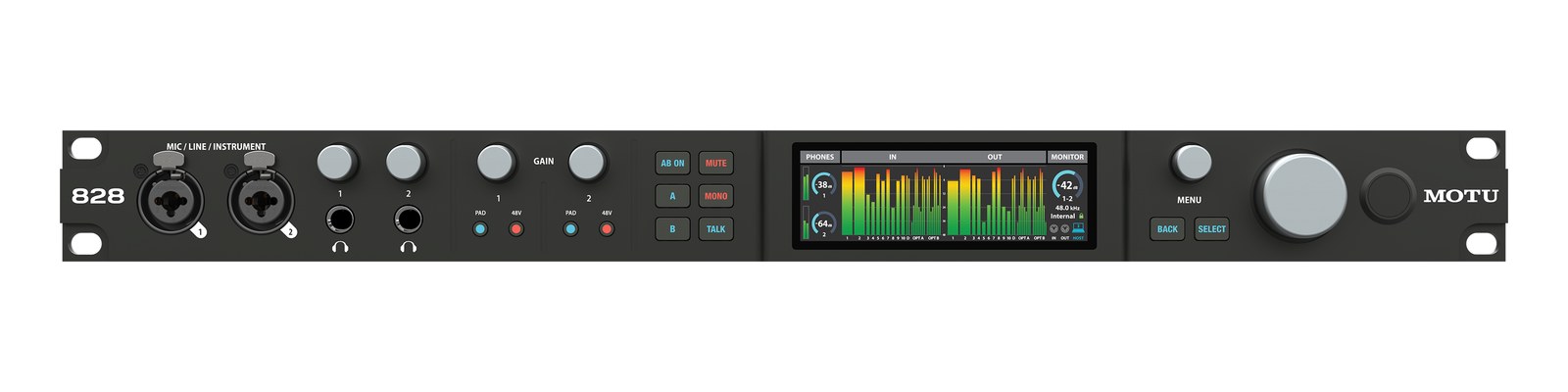
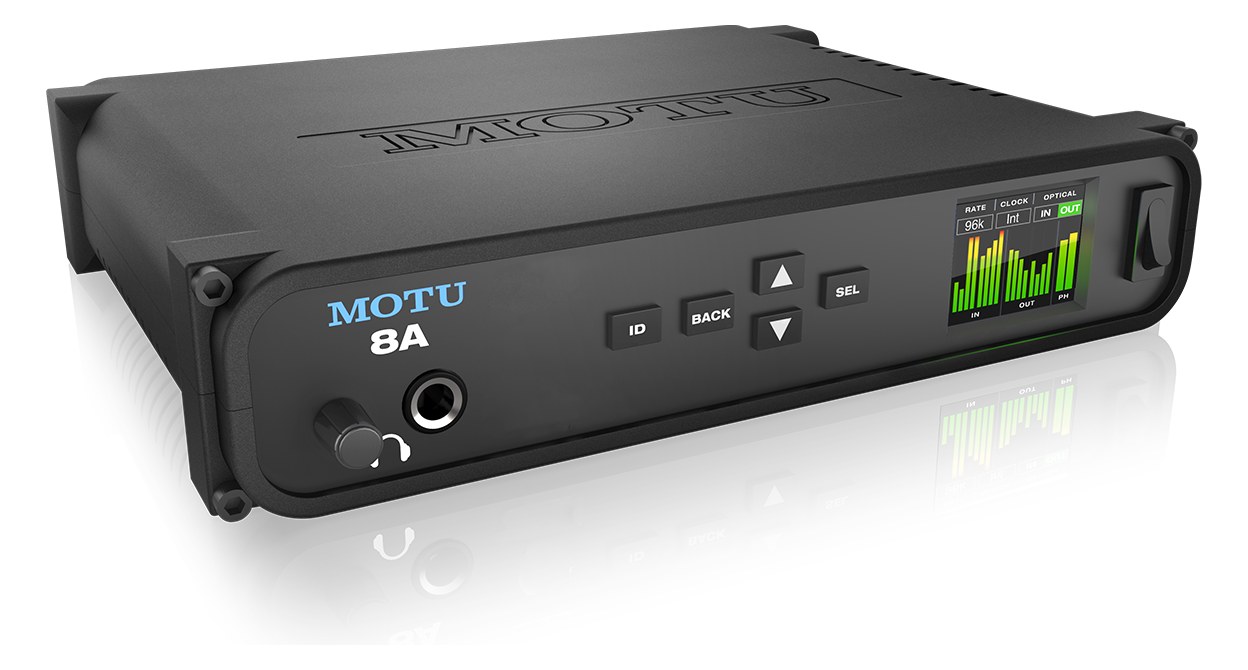
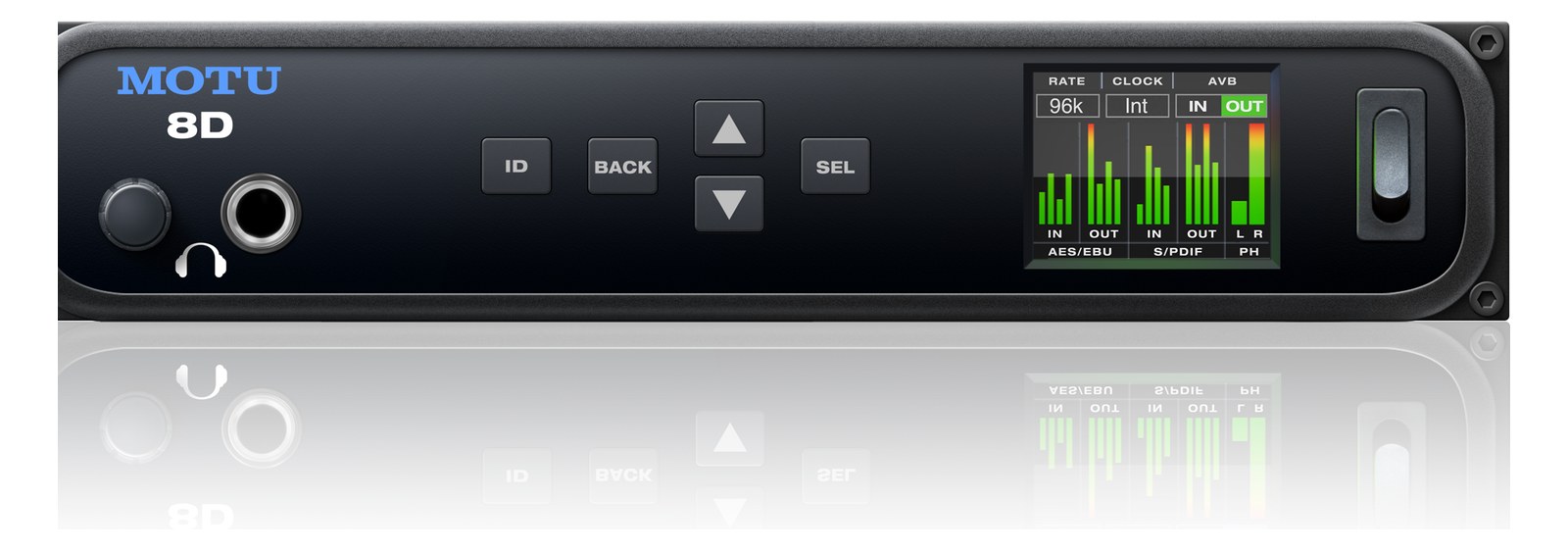
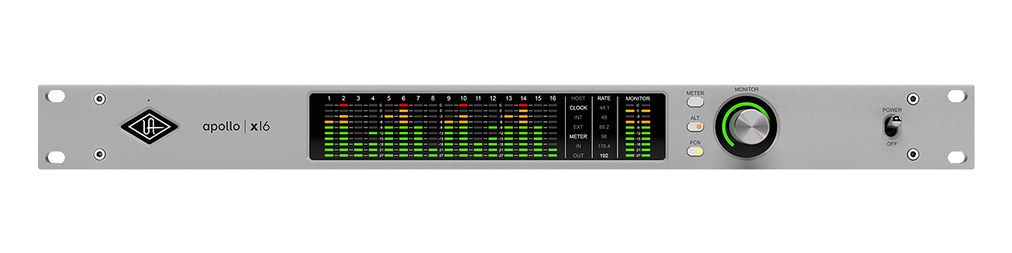
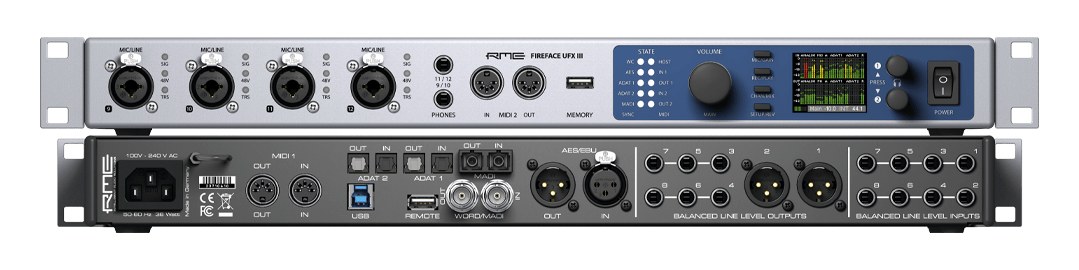
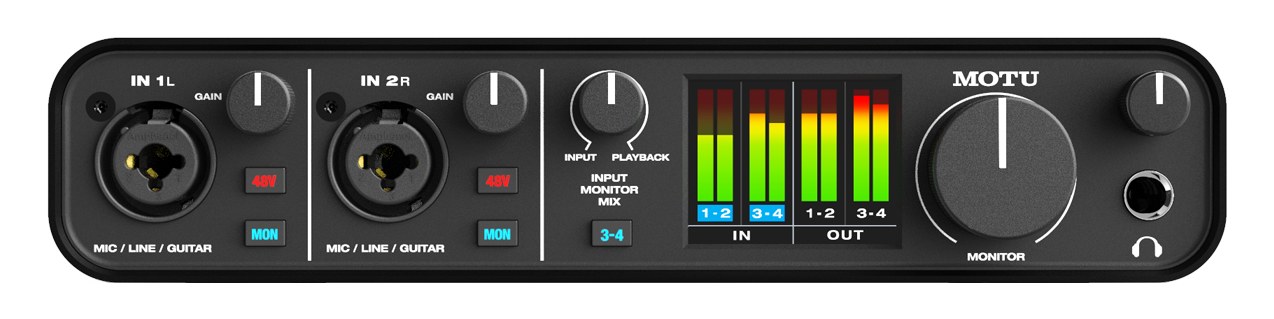
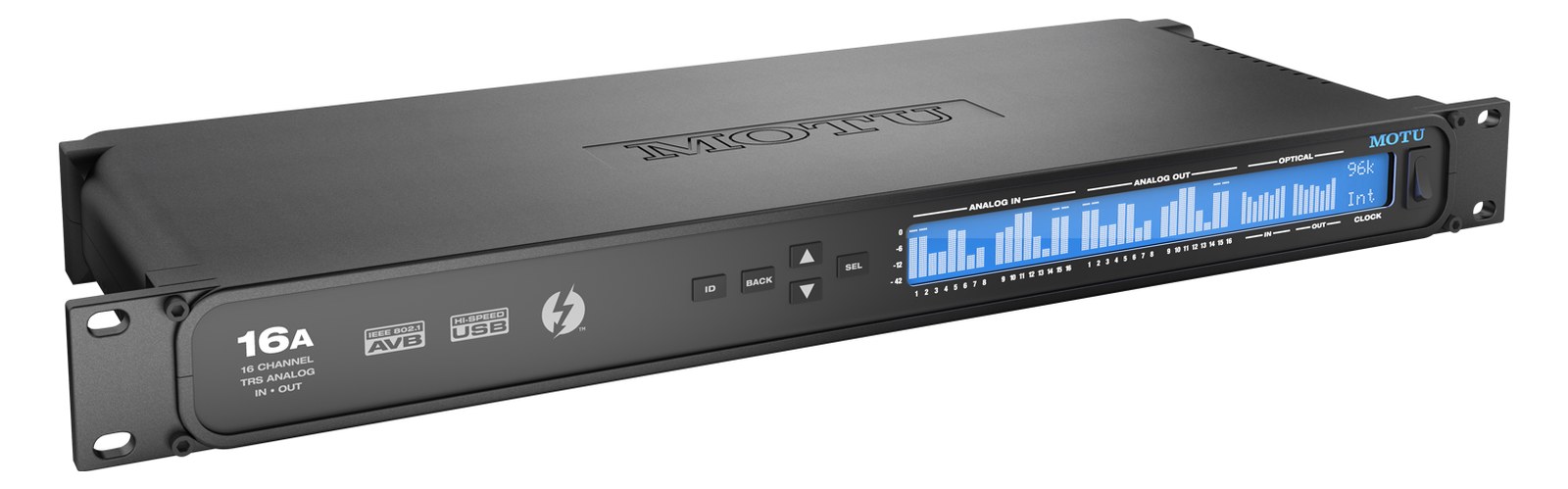
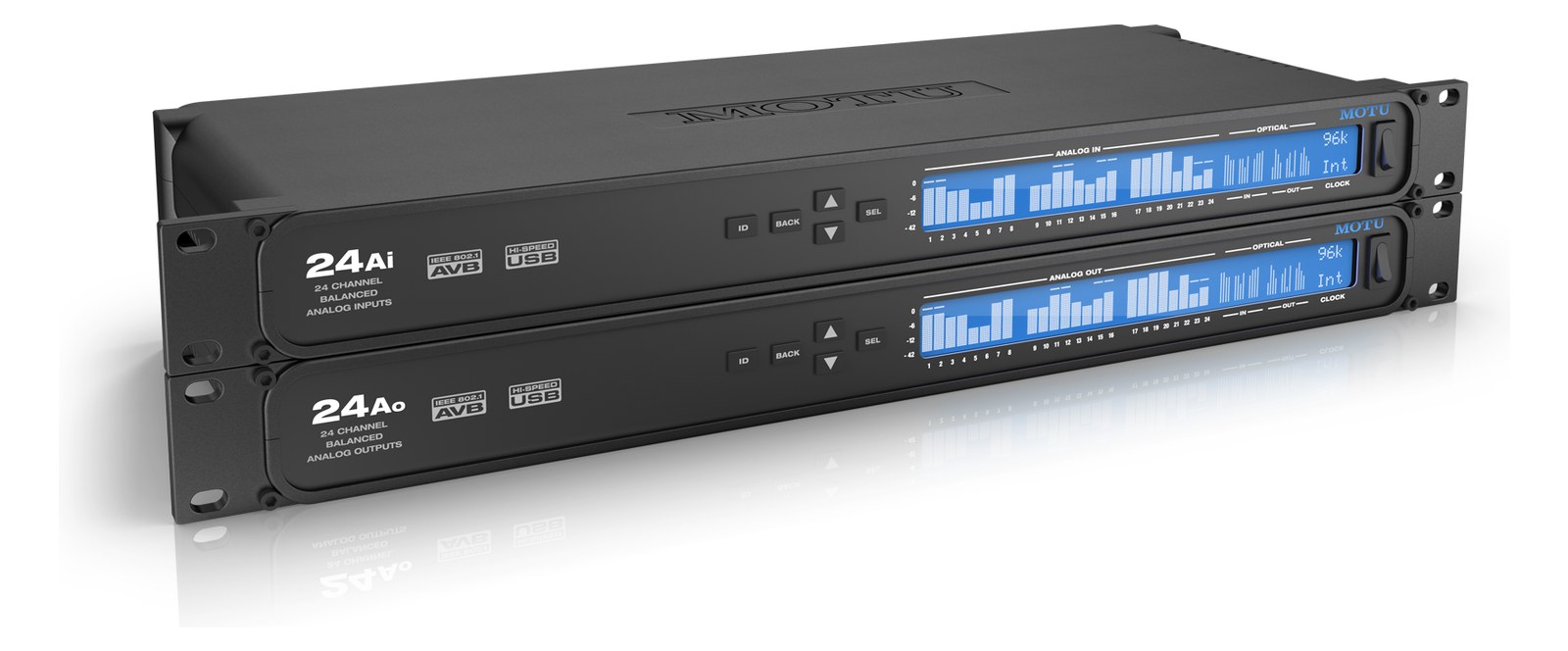
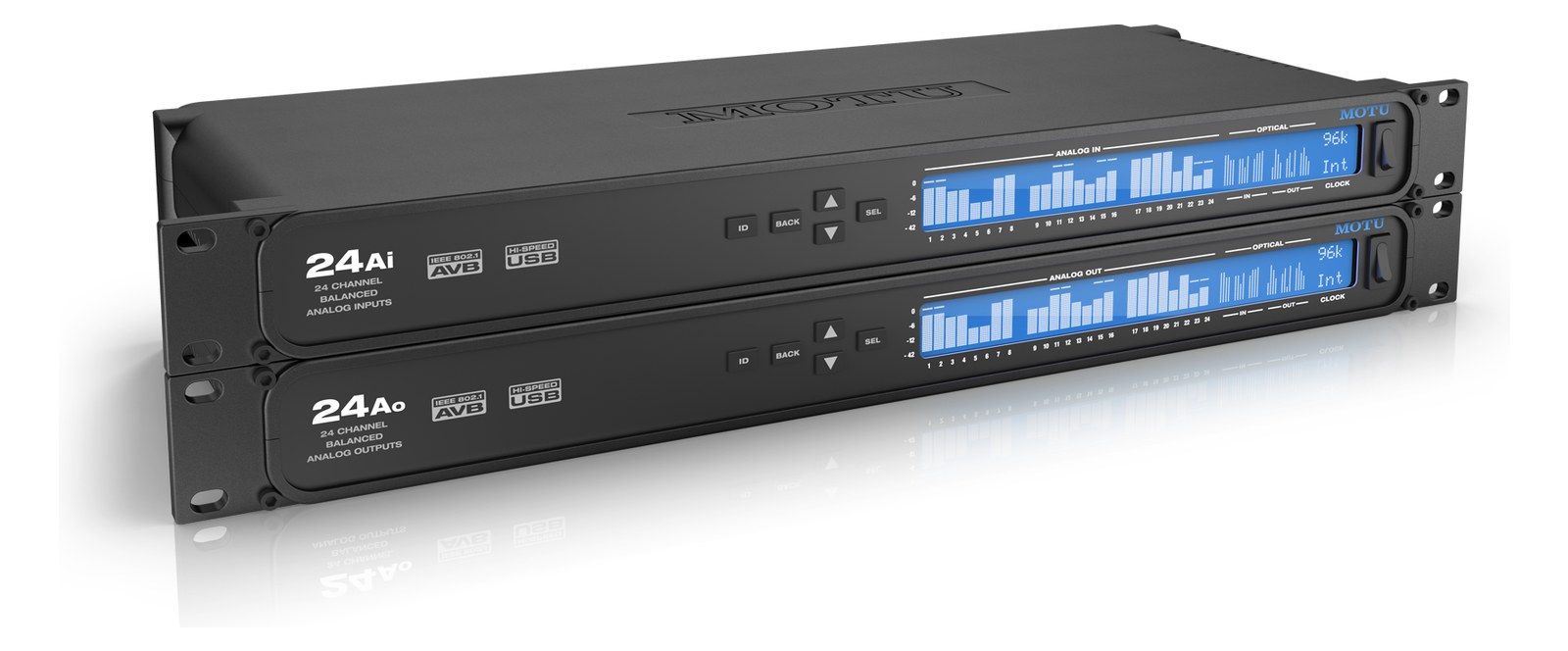
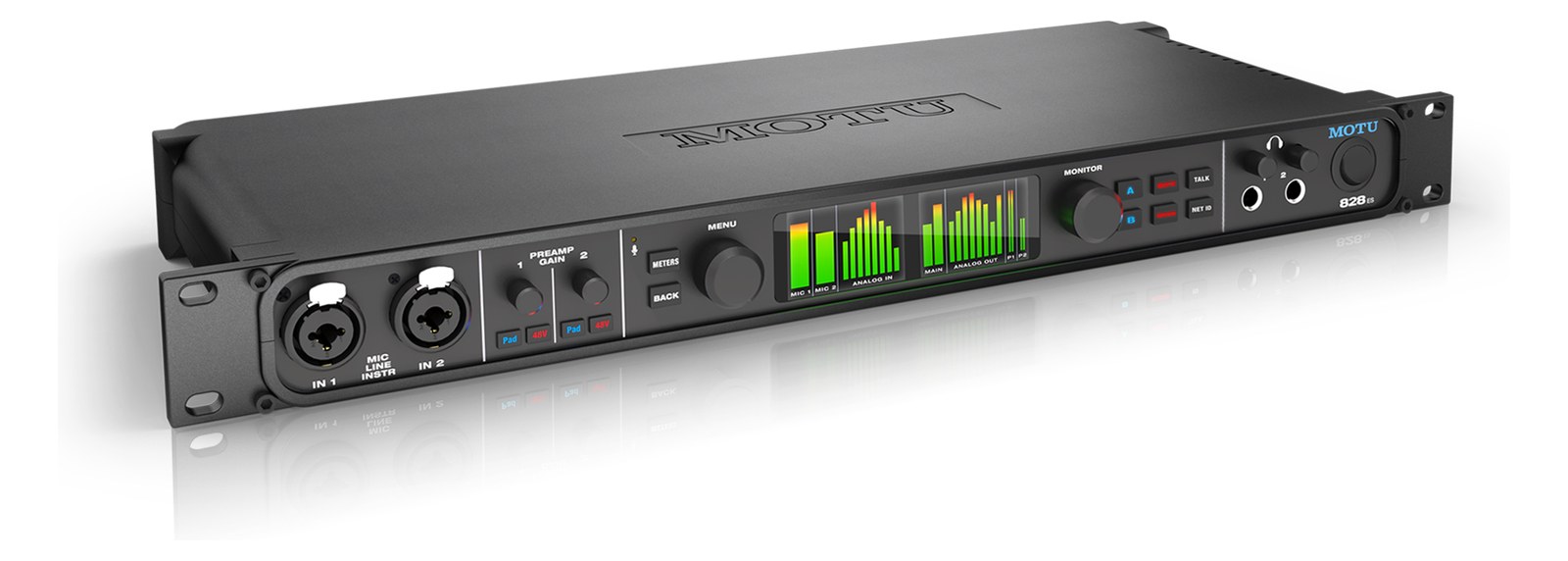
Manufacturer product photography — the drawn faceplate above stays true to panel layout; these show the hardware itself.
About the MOTU 828es
The MOTU 828es is a versatile rack-mount interface that doubles as a word clockThe shared heartbeat keeping every digital box sampling in lockstep. One device leads, the rest follow — or you get clicks and pops. source and distribution point, making it useful in rigs where you need both audio I/O and clock management. Its onboard DSPDigital Signal Processing — the number-crunching that does EQ, compression, and effects inside a box. More DSP means more processing at once. mixer handles routing and monitoring independently of the host computer, and the wide range of connectivity including ADATOptical digital audio: 8 channels at 48 kHz down one Toslink lightpipe (4 at 96 kHz). The usual way to add more channels to an interface., S/PDIFConsumer-grade stereo digital audio on an RCA or optical connector — same idea as AES3 but unbalanced and shorter-range., and word clock makes it a flexible hub. A solid all-in-one option for medium-complexity playback rigs.
The MOTU 828es is a 1UThe standard slice of rack height: 1U = 1.75″. A 3U box takes three slices; half-rack gear pairs two units side by side in one. rackmount audio interface built for medium-complexity playback and IEMIn-Ear Monitor — earpieces that replace floor wedges, feeding each player their own mix. The reason this whole rack exists. rigs where you need a reliable audio hub and a clean clock source in the same box. Its 28-in/32-out architecture over USB-C, combined with ADATOptical digital audio: 8 channels at 48 kHz down one Toslink lightpipe (4 at 96 kHz). The usual way to add more channels to an interface., S/PDIFConsumer-grade stereo digital audio on an RCA or optical connector — same idea as AES3 but unbalanced and shorter-range., and word clockThe shared heartbeat keeping every digital box sampling in lockstep. One device leads, the rest follow — or you get clicks and pops. I/O, means it can anchor a rig that pulls from multiple digital sources without requiring a separate clock distribution unit. The onboard DSPDigital Signal Processing — the number-crunching that does EQ, compression, and effects inside a box. More DSP means more processing at once. mixer is the real differentiator here — it handles routing and monitoring entirely independent of the host computer, so if your playback machine hiccups, your monitor feeds don't go dark.
At 25 watts nominal and 35 at peak, the 828es is easy on your conditioner's budget. The 230mm depth is reasonable for most shallow touring racks. The two front XLRThe standard 3-pin locking connector for mics and balanced line signals — pin 1 is the shield, pins 2 and 3 carry the balanced pair. mic inputs are handy for a click reference or ambient mic without breaking out a separate preampThe gain stage that lifts a mic’s tiny signal up to line level — the first thing a signal hits, and a big part of how a console sounds.. Word clockThe shared heartbeat keeping every digital box sampling in lockstep. One device leads, the rest follow — or you get clicks and pops. in and out over BNCThe twist-lock coax connector used for word clock and antenna runs — it locks, so it can’t be pulled out mid-show. means you can subordinate this unit to a master clock or drive downstream gear — a genuine flexibility that removes a dedicated clock box from smaller rigs. The TRSTip-Ring-Sleeve — a 1/4″ jack with three contacts carrying a balanced signal or a stereo pair. A guitar plug with one extra ring. main outputs feed your console or distribution amp cleanly at line levelThe strong signal that runs between pieces of gear (about a volt) — hotter than mic level, far below speaker level.; just budget XLR adapters if your downstream gear expects balancedCarries the signal on two wires and cancels whatever noise both pick up — why mic cables can run hundreds of feet hum-free. XLR.
This unit earns its place in a one- or two-rack playback rig where the operator wants consolidated I/O, onboard mixing, and clock management without carrying three separate boxes. If your show is running DanteThe most common audio-over-network standard: dozens of channels of uncompressed digital audio down one ordinary Ethernet cable between Dante boxes. or AVBAudio Video Bridging — open network audio (MOTU, PreSonus) where the switch reserves bandwidth so streams can’t glitch. Milan is its pro profile. at scale, the 828es won't fit that architecture — look at dedicated network audio interfaces instead. Similarly, if you need more than two mic preampsThe gain stage that lifts a mic’s tiny signal up to line level — the first thing a signal hits, and a big part of how a console sounds. on the front end, you'll be adding a separate stage boxThe I/O endpoint on stage: mics plug in there and one digital line (AES50, Dante) carries everything to the console. The snake, digitized. anyway, at which point a more I/O-dense interface might justify the trade. For a tight festival or theater IEMIn-Ear Monitor — earpieces that replace floor wedges, feeding each player their own mix. The reason this whole rack exists. rig where simplicity and reliability matter more than channel count, this is a well-balancedCarries the signal on two wires and cancels whatever noise both pick up — why mic cables can run hundreds of feet hum-free. choice.
In the rack
- Set the 828es as your word clockThe shared heartbeat keeping every digital box sampling in lockstep. One device leads, the rest follow — or you get clicks and pops. master when it's the only digital hub in the rack — slave any ADATOptical digital audio: 8 channels at 48 kHz down one Toslink lightpipe (4 at 96 kHz). The usual way to add more channels to an interface. expanders or digital splits to it via BNCThe twist-lock coax connector used for word clock and antenna runs — it locks, so it can’t be pulled out mid-show. rather than leaving them on internal clock, which eliminates async sample-rate drift mid-show.
- Use the onboard DSPDigital Signal Processing — the number-crunching that does EQ, compression, and effects inside a box. More DSP means more processing at once. mixer to pre-build your monitor mix routing before doors; if the playback laptop loses its USB handshake momentarily, the DSP holds the routing state and audio passes through without a dropoutA brief audio gap when the radio link fails — the thing diversity, distros, and coordination all exist to prevent..
- The TRSTip-Ring-Sleeve — a 1/4″ jack with three contacts carrying a balanced signal or a stereo pair. A guitar plug with one extra ring. main outputs are unbalancedA single signal wire plus ground (guitar cables, RCA) — collects noise with length, so keep the runs short.-friendly but run at full line levelThe strong signal that runs between pieces of gear (about a volt) — hotter than mic level, far below speaker level. — if you're hitting a console input that expects +4 dBuA voltage unit for analog signal levels — pro line level is +4 dBu. Useful for matching one box’s output to the next box’s input. balancedCarries the signal on two wires and cancels whatever noise both pick up — why mic cables can run hundreds of feet hum-free. XLRThe standard 3-pin locking connector for mics and balanced line signals — pin 1 is the shield, pins 2 and 3 carry the balanced pair., use a quality TRS-to-XLR adapter and confirm pin-2 hot at the console end to avoid polarity surprises.
- At 230mm deep, verify your rack drawer or shelf depth before the gig; shallow utility racks common in IEMIn-Ear Monitor — earpieces that replace floor wedges, feeding each player their own mix. The reason this whole rack exists. setups can run as short as 200mm, which will put the rear panel under stress from the USB-C and BNCThe twist-lock coax connector used for word clock and antenna runs — it locks, so it can’t be pulled out mid-show. cables.
28x32 USB/Thunderbolt interface with DSPDigital Signal Processing — the number-crunching that does EQ, compression, and effects inside a box. More DSP means more processing at once. mixing and word clockThe shared heartbeat keeping every digital box sampling in lockstep. One device leads, the rest follow — or you get clicks and pops. I/O.
I/O Ports (8)
| Port | Connector | Direction | Signal | Channels |
|---|---|---|---|---|
| Mic In 1 (XLR) | XLR FEMALE | input | analog audio | — |
| Mic In 2 (XLR) | XLR FEMALE | input | analog audio | — |
| Main Out L (TRS) | TRS QUARTER | output | analog audio | — |
| Main Out R (TRS) | TRS QUARTER | output | analog audio | — |
| Word Clock Out (BNC) | BNC | output | digital audio | — |
| Word Clock In (BNC) | BNC | input | digital audio | — |
| USB-C | USB C | bidirectional | data | — |
- Power (IEC) (IEC C14)
Deciding between two?
Rack space, watts, weight and every connector, side by side.
Related gear


Community rigs using this gear (1)
Browse all rigs →Related articles
Guides from our library that cover planning around audio interface gear.
How to choose between a digital mixer, a Thunderbolt interface, and a Dante converter as the brain of your IEM rack — with concrete picks at each tier.
How to build a live-performance playback rig that runs click + backing tracks reliably — interface sizing, routing rules, software comparison, and what to do when the laptop crashes.
How to build a fail-safe live playback rig with primary + backup laptops, an auto-switching audio interface, and a failover workflow you can actually trust on a Sunday morning.
LTC vs MTC vs MIDI Clock, how to generate timecode from Ableton or Playback, how lighting and video receive it, and the frame-rate mistake that drifts every show.