Audio Interface

MOTU UltraLite mk5 Audio Interface

MOTU·Model UltraLite mk5·motu-ultralite-mk5

Photos

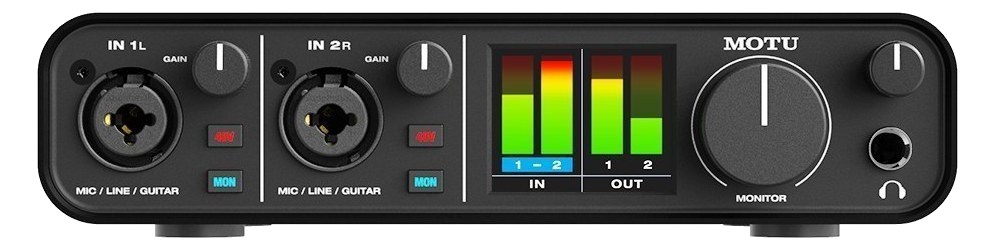
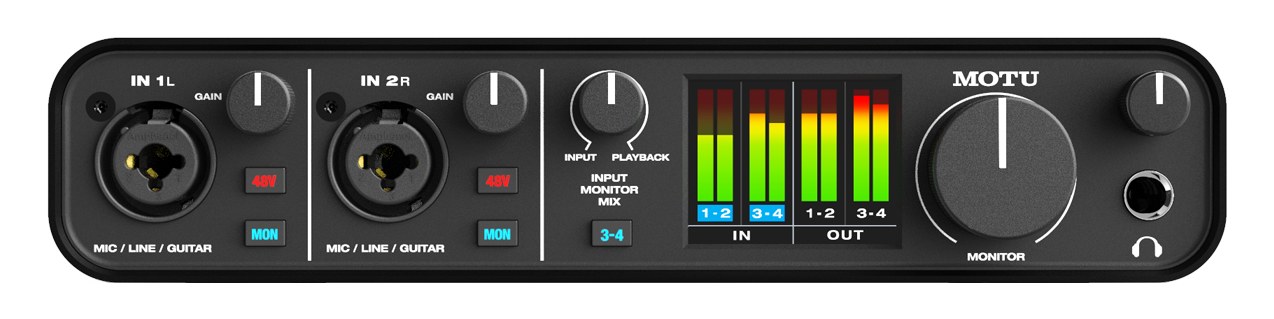
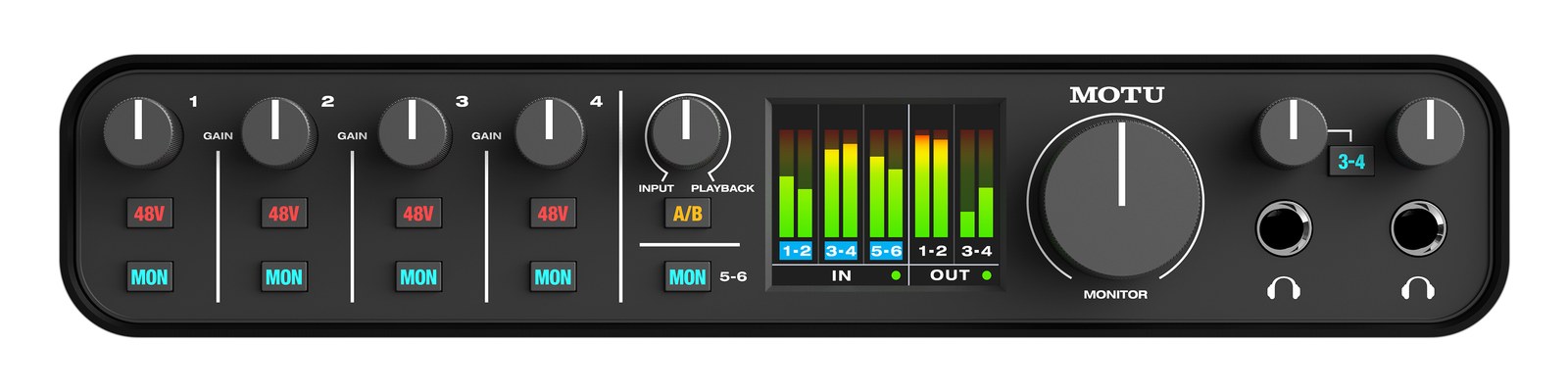
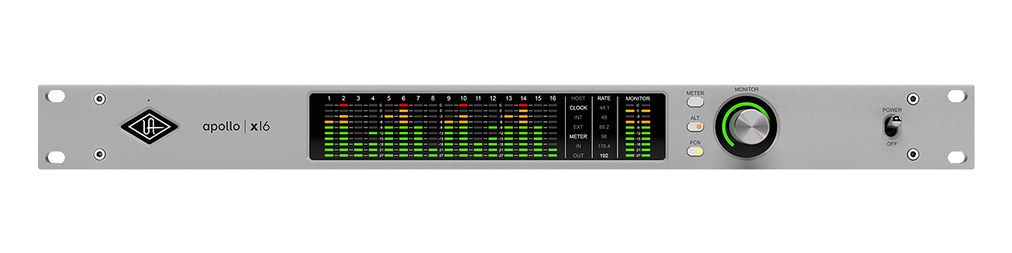
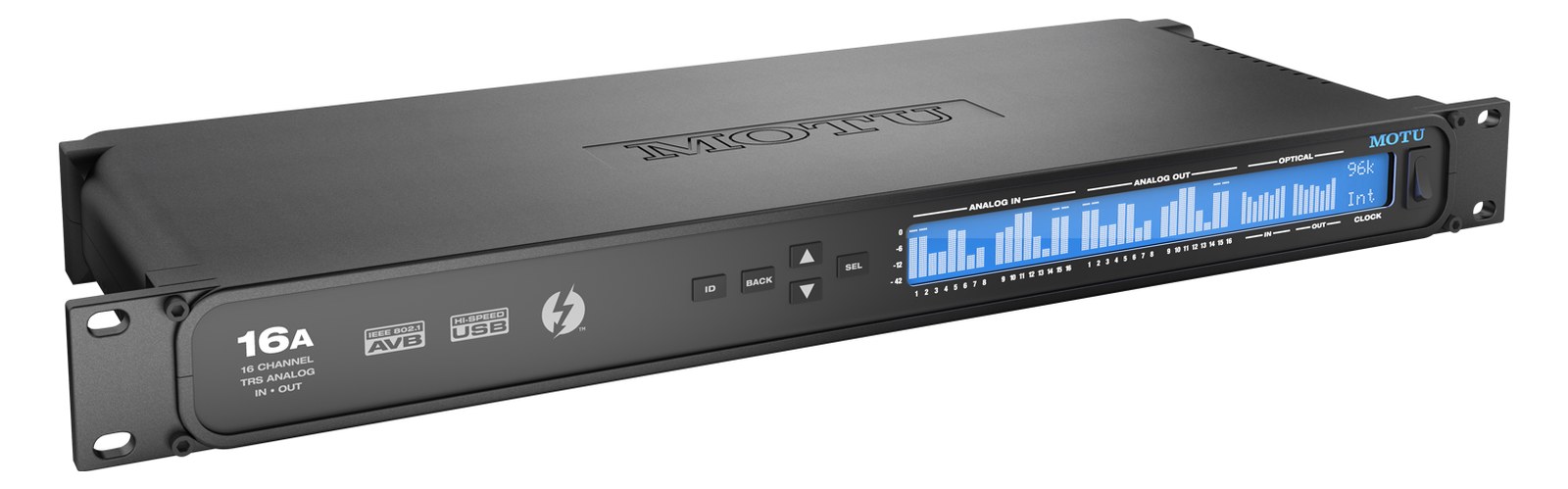
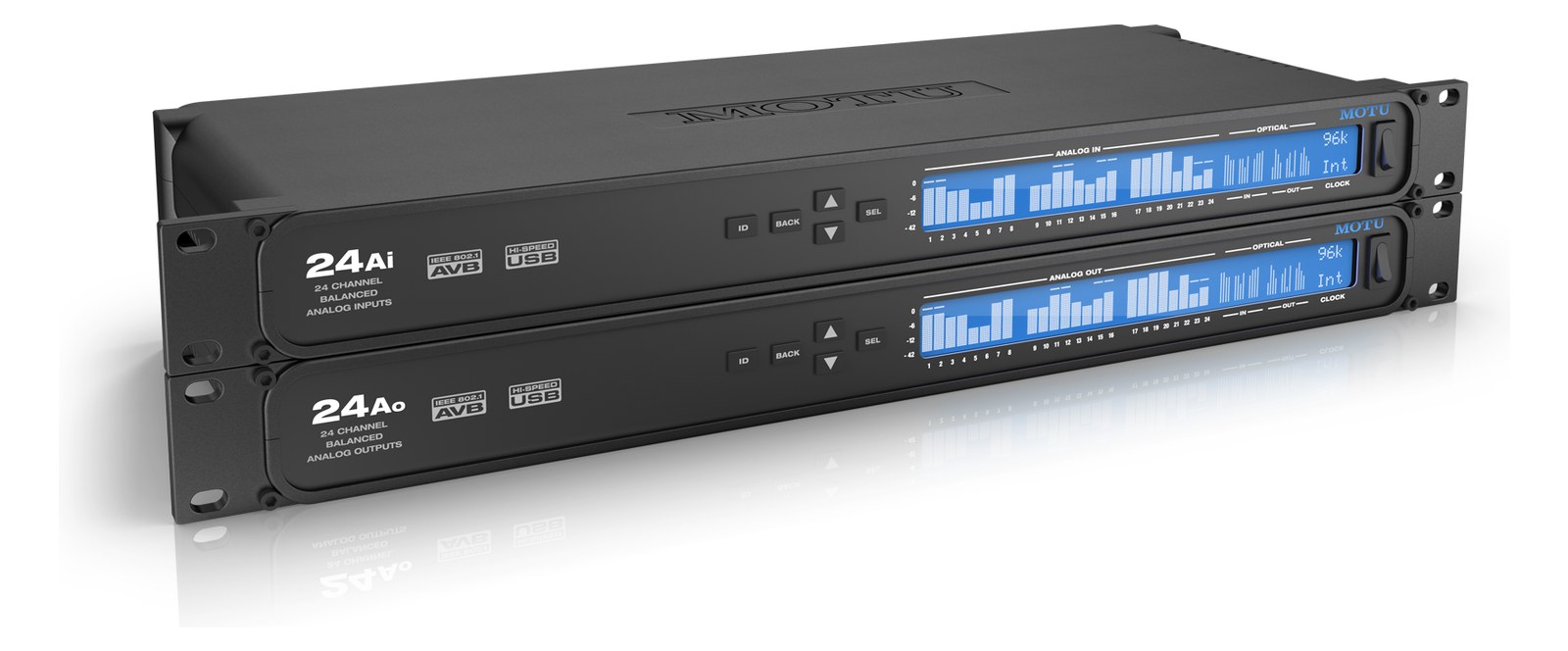
Manufacturer product photography — the drawn faceplate above stays true to panel layout; these show the hardware itself.

Photo: MOTU1 / 4

About the MOTU UltraLite mk5

The MOTU UltraLite mk5 packs a massive 18x22 I/O count into a half-rack chassis, making it one of the most port-dense interfaces at its size. With two mic pres, six line outputs, S/PDIF, and a full 48-input DSP mixer, it handles complex monitoring setups without a computer. The half-rack form factor lets you pair it with another half-rack device to save space, and the USB-C bus-power option means one less cable in simple setups. A touring favorite for compact playback rigs.

The MOTU UltraLite mk5 is a half-rack USB-C audio interface that earns its place in compact touring rigs by doing a lot with very little space. Its two mic preamps, six analog line outputs, and onboard 48-input DSP mixer make it capable of handling a full IEM playback rig or a personal monitor mix without leaning on a laptop at showtime. That standalone DSP mixer is the key feature here — it means your routing and monitoring logic lives in the box itself, not in software that can crash, update unexpectedly, or require a dedicated machine to stay awake.

At 1.4 kg and a shallow 209 mm deep, this fits in a two-space half-rack panel alongside another half-rack unit without stress. The 15-watt typical draw is friendly to any reasonable power strip or conditioner. Six discrete TRS line outputs give you real routing flexibility — main stereo bus plus two additional stereo pairs covers artist IEM feeds, a click/reference split, and a house feed simultaneously. USB-C bus power is a genuine convenience for rehearsal or fly dates, but on a production show you want the DC supply locked in and strain-relieved. The headphone output on the front is a legitimate confidence monitor, not an afterthought.

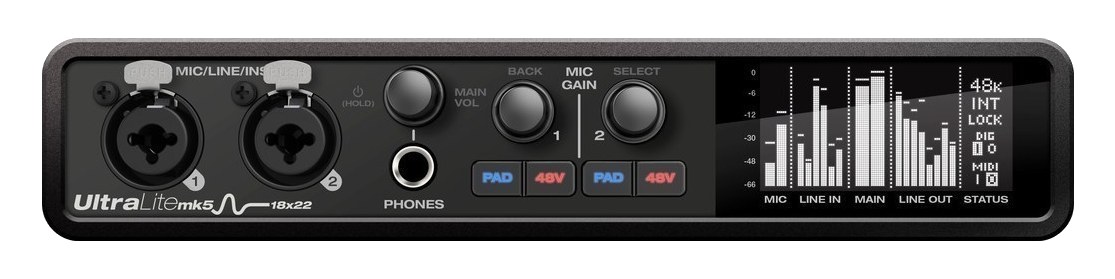
This interface belongs in a playback engineer's rig where count and size matter more than raw channel count, or as the audio core of a compact personal IEM rack for a performer who wants independent mix control. If you need more than six analog outputs or more than two mic pres without adding a separate preamp, you'll hit the ceiling here — look at something like the MOTU 828 or an RME Fireface 802 instead. If your show is entirely in the box and six outs covers your splits, this is hard to beat at the price and footprint.

In the rack

  • Pair it with a half-rack blank or a half-rack headphone amp in a single 1U panel — most rack manufacturers make a half-rack bracket that accepts two units side by side, keeping your 1U slot fully used.
  • Use the onboard DSP mixer to pre-configure your monitor mix routing before doors, then disconnect the laptop entirely — fewer failure points on a live show than any software solution.
  • Lock the DC power barrel connector with a cable anchor or a small zip-tie loop to the rack rail; barrel connectors back out from vibration on tour and a lost power cable mid-show is avoidable.
  • Assign one of the four spare line outputs as a dedicated record feed to an external recorder — the DSP routing lets you set that independently of your main outputs without touching the laptop.

18x22 half-rack USB-C interface with DSP mixer and loopback.

I/O Ports (15)

PortConnectorDirectionSignalChannels
Mic In 1 (XLR)XLR FEMALEinputanalog audio
Mic In 2 (XLR)XLR FEMALEinputanalog audio
Line In 3 (TRS)TRS QUARTERinputanalog audio
Line In 4 (TRS)TRS QUARTERinputanalog audio
Line In 5 (TRS)TRS QUARTERinputanalog audio
Line In 6 (TRS)TRS QUARTERinputanalog audio
Main Out L (TRS)TRS QUARTERoutputanalog audio
Main Out R (TRS)TRS QUARTERoutputanalog audio
Line Out 3 (TRS)TRS QUARTERoutputanalog audio
Line Out 4 (TRS)TRS QUARTERoutputanalog audio
Line Out 5 (TRS)TRS QUARTERoutputanalog audio
Line Out 6 (TRS)TRS QUARTERoutputanalog audio
Headphone Out (TRS)TRS QUARTERoutputanalog audio
USB-CUSB Cbidirectionaldata
Power
  • Power (DC) (DC BARREL)

Deciding between two?

Rack space, watts, weight and every connector, side by side.

Related gear

Related articles

Guides from our library that cover planning around audio interface gear.