
01 · Source
20 documented inputs
XLR/TRS combo + ¼-inch TRS
- Arrives as
- 20 documented inputs
- Connector
- XLR/TRS combo + ¼-inch TRS
- Signal
- analog audio

Digital Mixer
The Behringer XR18 crams 18 input channels and six aux buses into a tabletop stagebox chassis with built-in WiFi for tablet control, making it one of the most space-efficient and affordable digital mixers available. The chassis is not a 19" panel — plan a rack-ear adapter kit or a shelf about three rack-spaces tall to secure it. It doubles as an 18-channel USB audio interface, which is useful for recording or virtual soundcheck from your playback computer. An excellent starting point for budget IEM rigs where you need mixing, routing, and USB multitrack in one compact box.
Manufacturer product photography — the drawn faceplate stays true to panel layout; these show the hardware itself.
01 · What it does—and what that changes in your rig.
Start with the payoff, then work through how it functions, where it fits, and the details that change a real build.
The Behringer XR18 crams 18 input channels and six auxAn auxiliary mix output — each aux is its own independent blend of the channels, typically one per monitor mix or effects send. busesA path where multiple channels sum into one signal — mixes, groups, and mains are all buses. A 25-bus console can build 25 blends at once. into a tabletop stageboxThe I/O endpoint on stage: mics plug in there and one digital line (AES50, Dante) carries everything to the console. The snake, digitized. chassis with built-in WiFi for tablet control, making it one of the most space-efficient and affordable digital mixers available. The chassis is not a 19" panel — plan a rack-ear adapter kit or a shelf about three rack-spaces tall to secure it. It doubles as an 18-channel USB audio interface, which is useful for recording or virtual soundcheckPlaying a recorded show back through the console as if the band were on stage — dial in mixes before anyone plugs in. from your playback computer. An excellent starting point for budget IEMIn-Ear Monitor — earpieces that replace floor wedges, feeding each player their own mix. The reason this whole rack exists. rigs where you need mixing, routing, and USB multitrack in one compact box.
02 · Know the whole path before you buy.
Learn the route as a block diagram: source, product function, transport, and destination. Select any block to see what enters, what changes, and what leaves.
Each block answers the same three questions: what arrives, what changes here, and what leaves.
XLR/TRS combo + ¼-inch TRS
03 · What this product asks of the rest of the system.
Treat connector names as the start of the check—not the answer. These are the boundaries that determine a complete working path.
Use it when 3U and 149 mm of depth fit the case.
Complete the path with upstream and downstream gear that matches connector, direction, signal type, protocol, and wiring standard.
This product declares ULTRANET; matching plugs alone do not make other protocols compatible.
04 · Every connector, grouped by job.
Switch the product view and the documented port inventory updates with it—hardware and data stay side by side.
Switch panels to keep the hardware view and the documented port list in sync.
| Port | Panel | Connector | Direction | Signal | Channels |
|---|---|---|---|---|---|
| IN 1 | rear | XLR/TRS combo | input | analog audio | — |
| IN 2 | rear | XLR/TRS combo | input | analog audio | — |
| IN 3 | rear | XLR/TRS combo | input | analog audio | — |
| IN 4 | rear | XLR/TRS combo | input | analog audio | — |
| IN 5 | rear | XLR/TRS combo | input | analog audio | — |
| IN 6 | rear | XLR/TRS combo | input | analog audio | — |
| IN 7 | rear | XLR/TRS combo | input | analog audio | — |
| IN 8 | rear | XLR/TRS combo | input | analog audio | — |
| IN 9 | rear | XLR/TRS combo | input | analog audio | — |
| IN 10 | rear | XLR/TRS combo | input | analog audio | — |
| IN 11 | rear | XLR/TRS combo | input | analog audio | — |
| IN 12 | rear | XLR/TRS combo | input | analog audio | — |
| IN 13 | rear | XLR/TRS combo | input | analog audio | — |
| IN 14 | rear | XLR/TRS combo | input | analog audio | — |
| IN 15 | rear | XLR/TRS combo | input | analog audio | — |
| IN 16 | rear | XLR/TRS combo | input | analog audio | — |
| LINE 17 | rear | ¼-inch TRS | input | analog audio | — |
| LINE 18 | rear | ¼-inch TRS | input | analog audio | — |
| AUX 1 | rear | XLR male | output | analog audio | — |
| AUX 2 | rear | XLR male | output | analog audio | — |
| AUX 3 | rear | XLR male | output | analog audio | — |
| AUX 4 | rear | XLR male | output | analog audio | — |
| AUX 5 | rear | XLR male | output | analog audio | — |
| AUX 6 | rear | XLR male | output | analog audio | — |
| MAIN L | rear | XLR male | output | analog audio | — |
| MAIN R | rear | XLR male | output | analog audio | — |
| PHONES | rear | ¼-inch TRS | output | analog audio | — |
| ULTRANET | rear | RJ45 | output | digital audio | 16 |
| MIDI IN | rear | midi din5 | input | data | — |
| MIDI OUT | rear | midi din5 | output | data | — |
| USB | rear | usb b | bidirectional | data | — |
| ETHERNET | rear | RJ45 | bidirectional | data | — |
| AC POWER | rear | IEC C14 | input | power | — |
Showing 33 of 33 documented physical ports. Scroll to review the remaining rows.
05 · Compare the decision, not just the price.
The rows are organized around fit, power, I/O, and system role so a cheaper unit cannot hide a more expensive workflow.
| Compare | 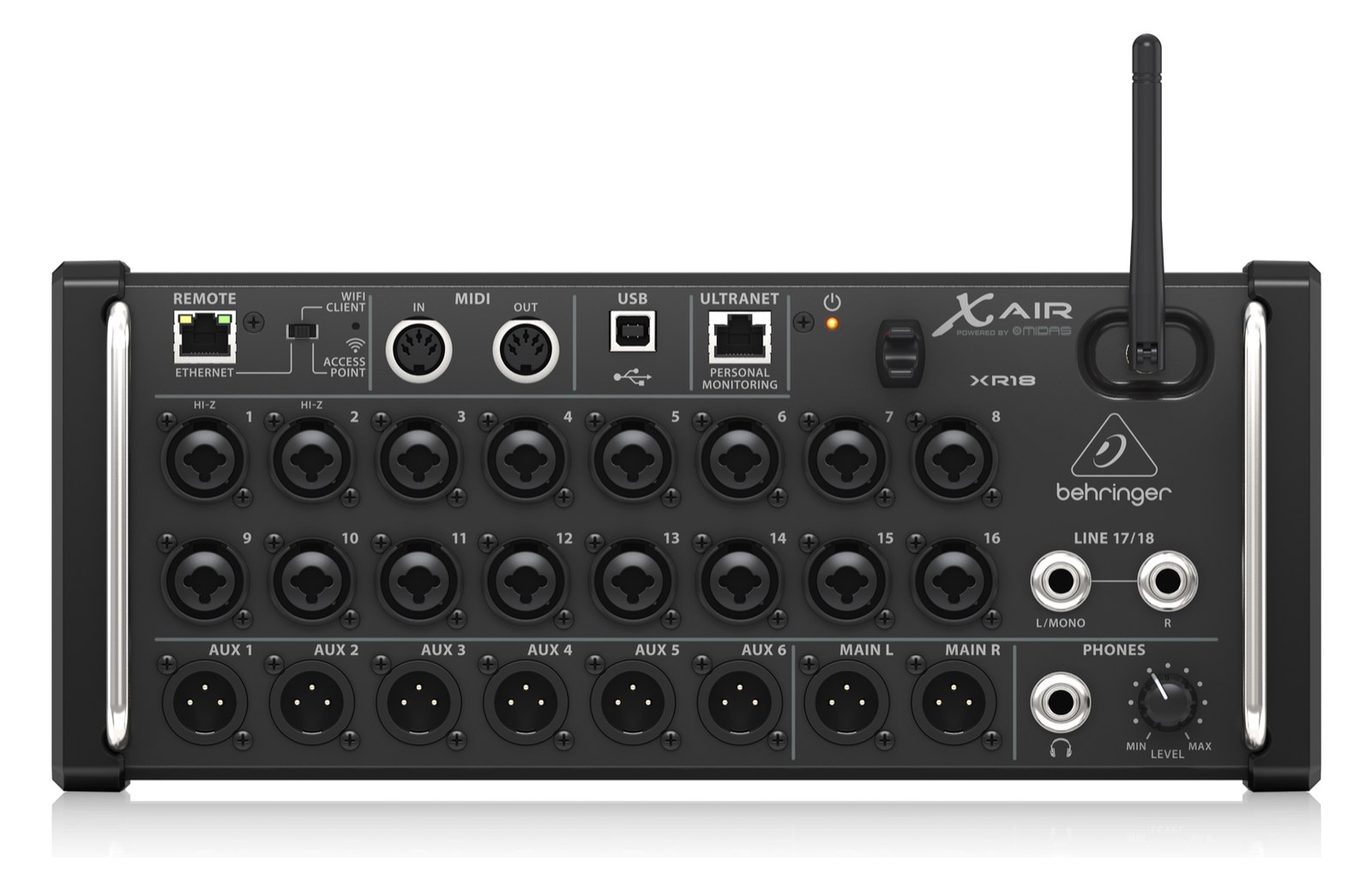 | 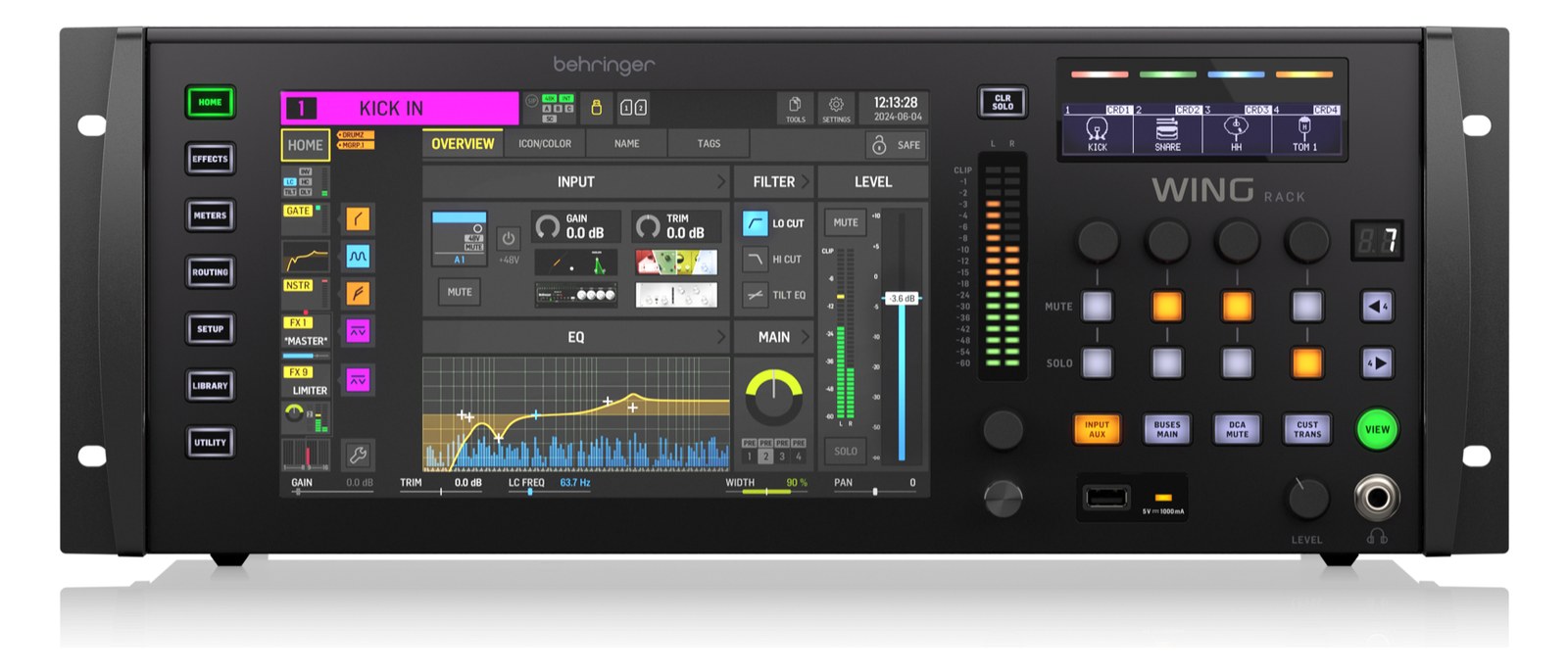 | 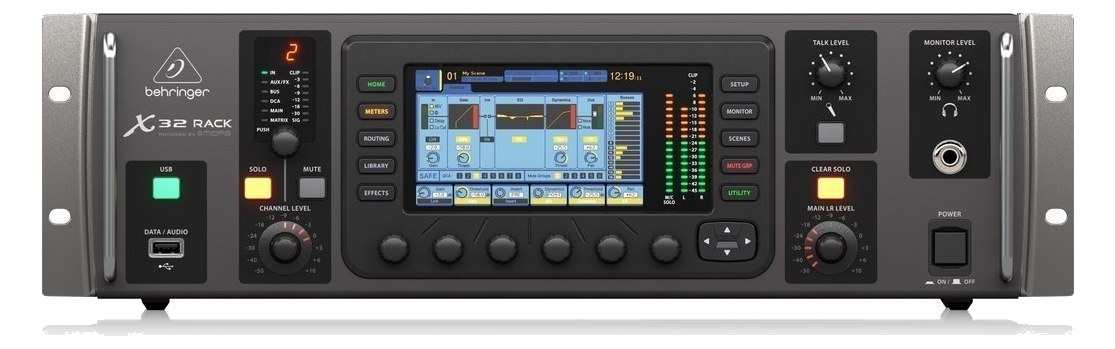 | 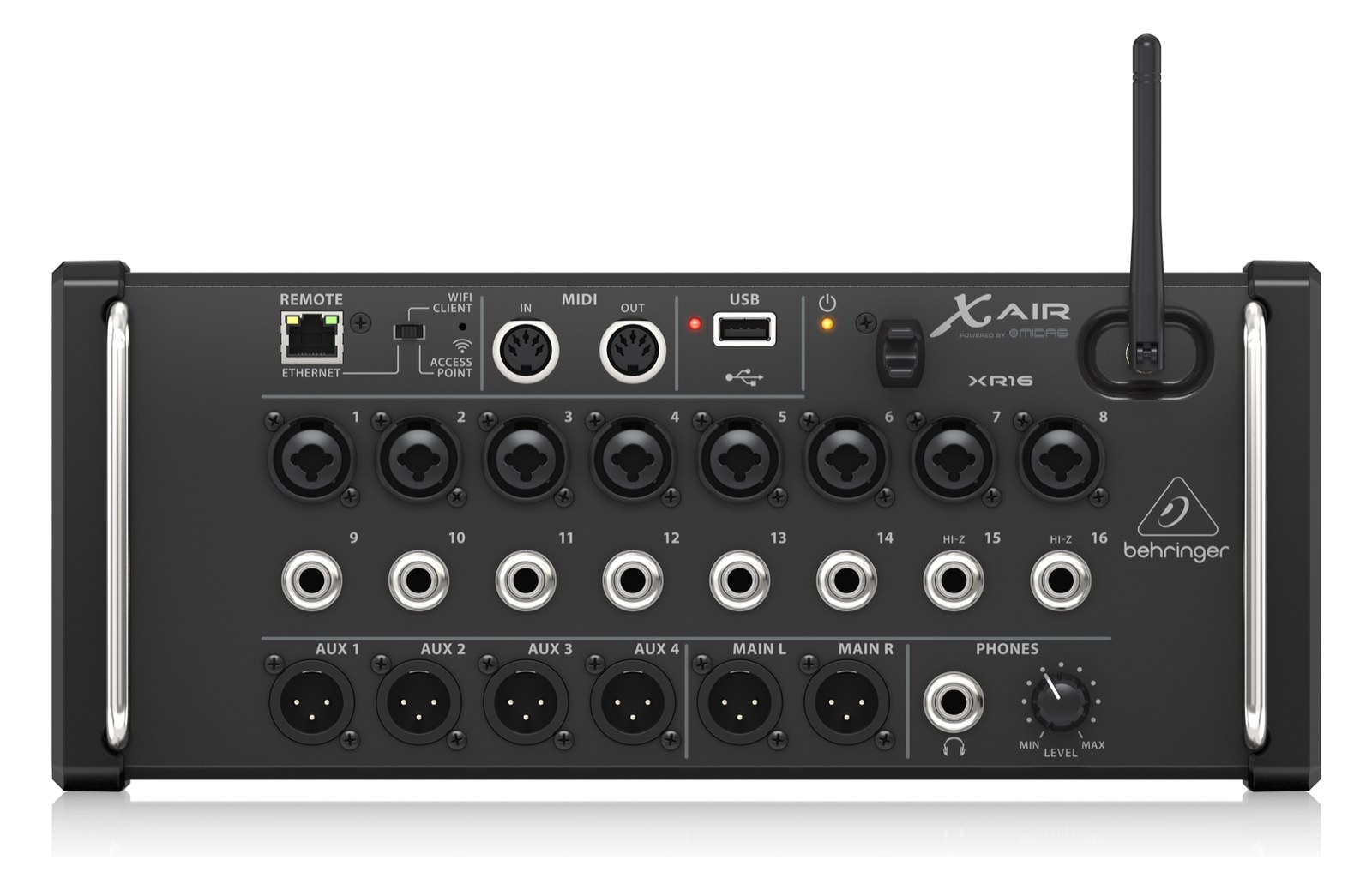 |
|---|---|---|---|---|
| Fit | 📐 3U | 📐 4U | 📐 3U | 📐 3U |
| Power | ⚡ 25W | ⚡ 130W | ⚡ 60W | ⚡ 40W |
| Weight | ⚖️ 7.1 lb | ⚖️ 20.9 lb | ⚖️ 14.3 lb | ⚖️ 6.6 lb |
| I/O | 🔌 33 | 🔌 52 | 🔌 53 | 🔌 28 |
| Estimate | 💵 ~$509 | 💵 ~$1,799 | 💵 ~$989 | 💵 ~$429 |
| Deep dive | Current selection | Full comparison → | Full comparison → | Full comparison → |
06 · Resolve the questions that can change the purchase or build plan.
Short, source-backed answers surface rack fit, power, cabling, and connection details before they become surprises.
It occupies 3U. Its documented depth is 149 mm.
Typical draw is 25W and documented maximum draw is 30W.
33 documented physical ports, including IN 1, IN 2, IN 3, IN 4, IN 5, IN 6.
07 · See this unit inside a real rack plan.
08 · Related gear, in the order you may need it.
Digital Mixer
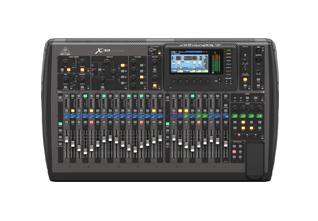
Digital Mixer
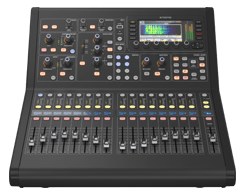
Digital Mixer
Digital Mixer
Digital Mixer
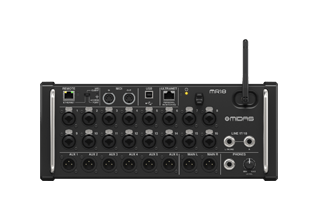
Digital Mixer
Planning guides for digital mixer systems.
Fundamentals · 6 min
A walking tour of the signal path from microphone to in-ear monitor, with what every box in the rack actually does to the audio along the way.
Fundamentals · 8 min
Why sealed IEMs make you feel disconnected from the room — and exactly how to put the audience back into your mix with one or two well-placed mics.
Workflow · 10 min
Step-by-step: linking aux buses into stereo pairs, pre-fader vs post-fader, routing buses to Ultranet vs physical XLRs vs AES50, and adding a bus-level limiter.
Networking · 9 min
A practical comparison of the three audio-over-network protocols you’ll encounter in a rack rig, with guidance on when each one is the right pick.


