Power Amplifier

Crown DCi 4|600N Network Amplifier

Crown·Model DCi 4|600N·crown-dci-4-600n

Photos

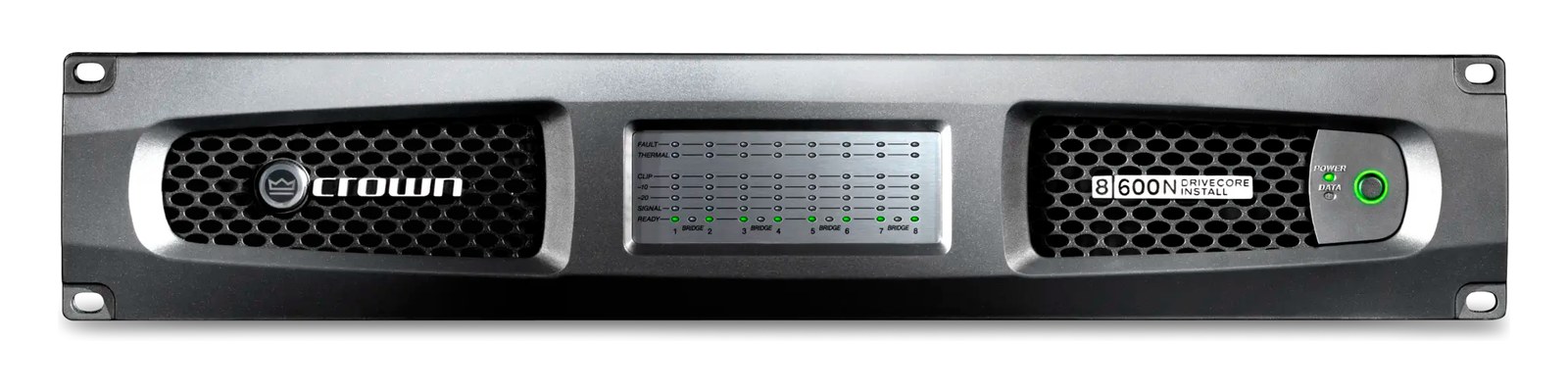
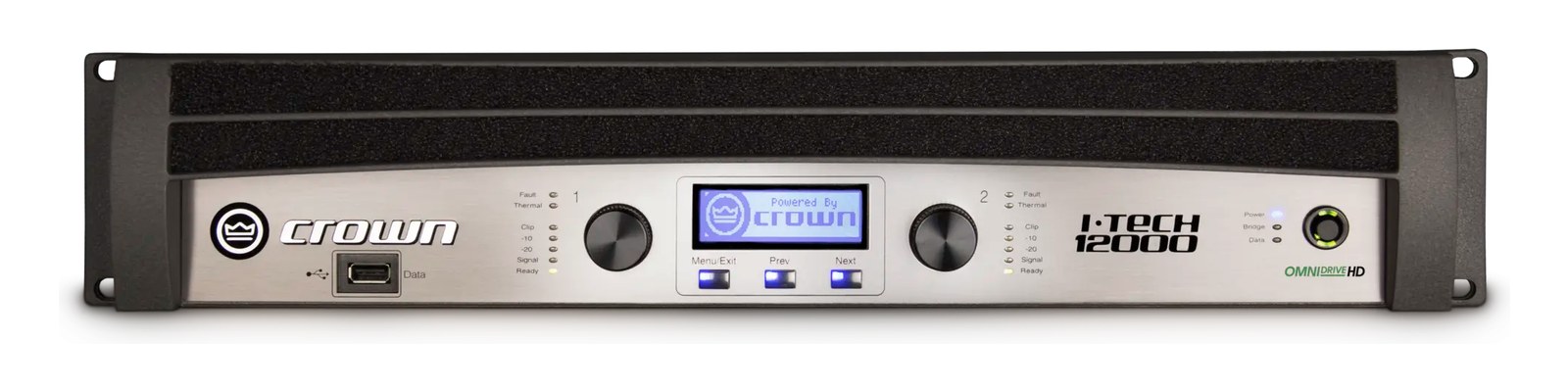
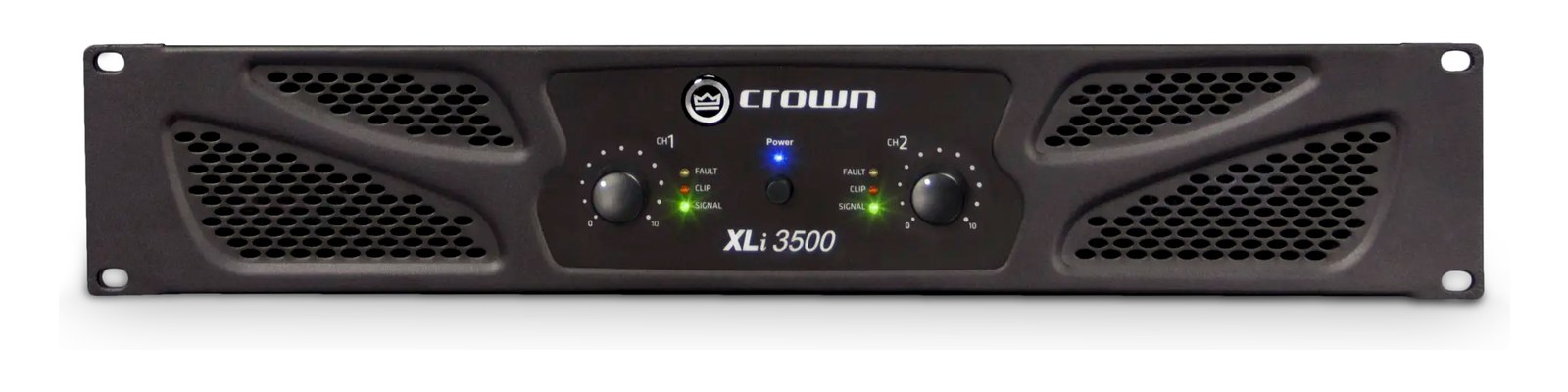
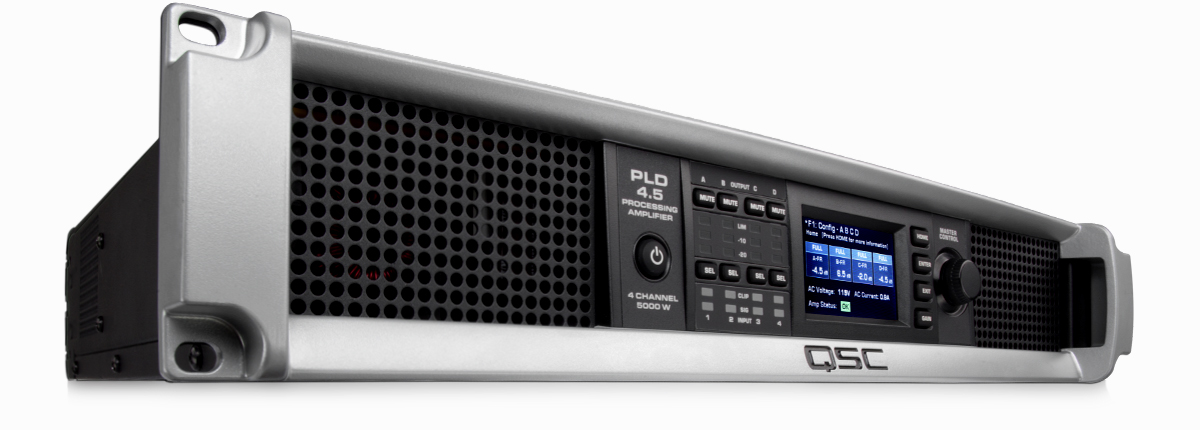
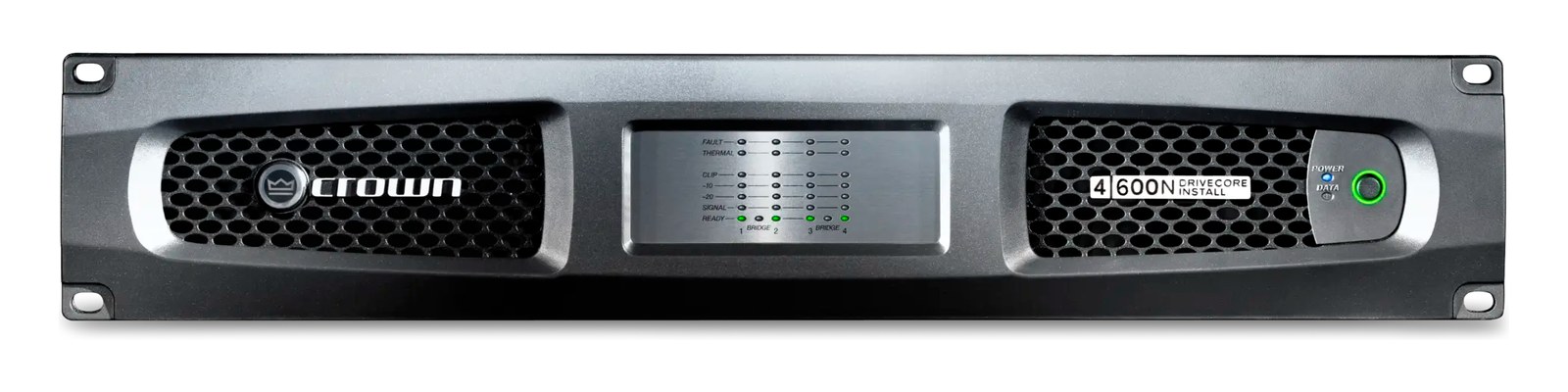
Manufacturer product photography — the drawn faceplate above stays true to panel layout; these show the hardware itself.

Photo: Crown AudioClick to zoom

About the Crown DCi 4|600N

The Crown DCi 4|600N is the touring + install workhorse from the DCi line — four channels of 600W @ 4Ω, onboard DSP for crossover and limiting, and BLU link networking so the amp room talks to FOH over a single Cat6 instead of analog runs. Drives top boxes on monitor wedges and small/mid PA tops; pairs with a system processor like a Lake LM or BSS BLU host for full loudspeaker management. Lives in countless venue install rigs and touring fly racks.

The Crown DCi 4|600N is a four-channel network amplifier built to sit at the end of a signal chain and drive loudspeakers without drama. Each channel puts out 600 watts into 4 ohms, and with onboard DSP you get crossover, EQ, delay, and limiting without needing a dedicated outboard processor ahead of it. BLU link — Harman's proprietary high-channel-count digital audio bus — means this amp can pull its audio from a compatible BSS or other BLU link host over a single Cat6 cable rather than four separate analog runs. It's a 2U box that genuinely earns its keep in venue installs, fly rigs, and anything where you need clean multichannel amplification with network integration baked in.

In practice, that 400-watt idle draw climbing to 1,600 watts under load means you need to think carefully about circuit sharing — this amp alone can pull a 15A circuit hard when all four channels are working. At 11.5 kg and 410 mm deep, it's not a light or shallow box, so verify your rack's depth and rail weight rating before you commit. The BLU link thru port lets you daisy-chain additional BLU link devices without a separate switch, which is genuinely useful for keeping the amp rack clean. The separate Ethernet port is for control and monitoring, not audio — keep those two networks on separate VLANs or at minimum separate switches to avoid headaches during show.
This amp belongs in your rack if you're already in the Harman/BSS ecosystem and want to reduce analog cabling between a stage rack and an amp rack, or if you're building a venue install where remote monitoring matters. The onboard DSP is capable enough for loudspeaker management on tops and monitors without an additional Lake or BSS processor, though in a sophisticated multi-amp system you'd typically still want a dedicated system controller upstream. If you're running a simple two-channel wedge world or need something shallower for a compact fly rig, four channels of 600W and the full BLU link infrastructure is more amp than you need. A non-networked DCi variant or a smaller two-channel option will save you money and rack complexity.

In the rack

  • Dedicate a 20A circuit to this amp alone whenever possible — at full load it can draw close to 1,600W, and sharing a 15A circuit with other gear is asking for a breaker trip mid-show.
  • Use the BLU link thru to chain to the next amp in the rack rather than running back to a switch; it keeps audio cabling in the amp rack to a single Cat6 in and one Cat6 out for the whole chain.
  • Put the control Ethernet port on a separate managed switch or VLAN from your audio network — mixing control traffic and BLU link audio on the same unmanaged switch can introduce latency and packet loss that's hard to diagnose under pressure.
  • Verify your rack rails can handle the cumulative weight before populating — at 11.5 kg this amp is dense, and a fully loaded 12U touring rack with two or three of these plus power conditioning can exceed the rated load of lightweight aluminum rails.

Four-channel install/touring amp, 600W per channel. BLU link networking + DSP onboard.

I/O Ports (12)

PortConnectorDirectionSignalChannels
Analog In 1 (XLR)XLR FEMALEinputanalog audio
Analog In 2 (XLR)XLR FEMALEinputanalog audio
Analog In 3 (XLR)XLR FEMALEinputanalog audio
Analog In 4 (XLR)XLR FEMALEinputanalog audio
BLU link In (RJ45)RJ45inputdigital audio256
BLU link Thru (RJ45)RJ45outputdigital audio256
Speaker Out 1 (Phoenix/Speakon)XLR FEMALEoutputanalog audio
Speaker Out 2 (Phoenix/Speakon)XLR FEMALEoutputanalog audio
Speaker Out 3 (Phoenix/Speakon)XLR FEMALEoutputanalog audio
Speaker Out 4 (Phoenix/Speakon)XLR FEMALEoutputanalog audio
Ethernet (control)RJ45bidirectionaldata
Power
  • Power (IEC) (IEC C14)

Deciding between two?

Rack space, watts, weight and every connector, side by side.

Related gear

Related articles

Guides from our library that cover planning around power amplifier gear.