Focusrite Scarlett 4i4 (4th Gen)
Focusrite·Model Scarlett 4i4 4th Gen·focusrite-scarlett-4i4
Photos
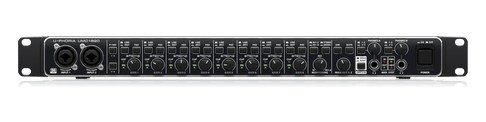
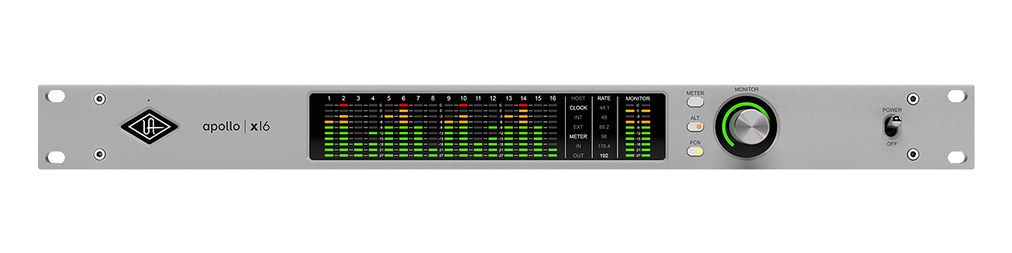
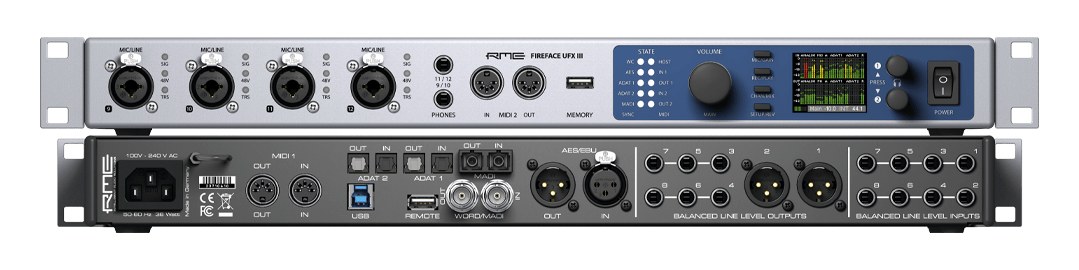
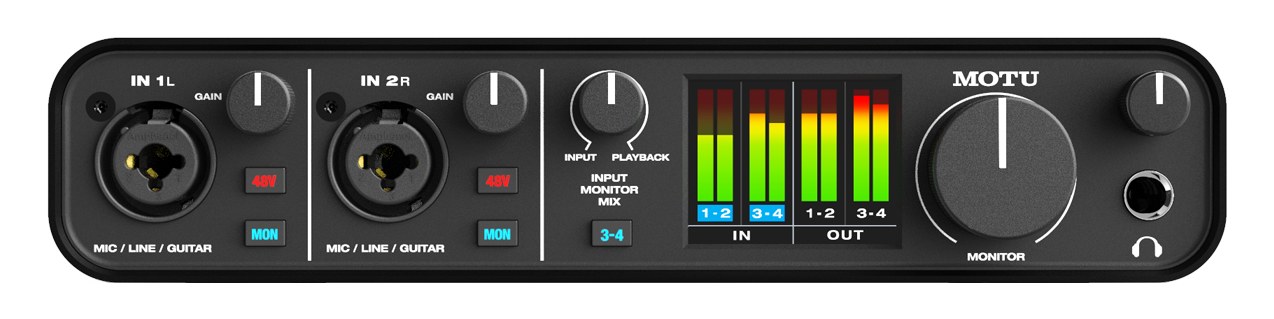
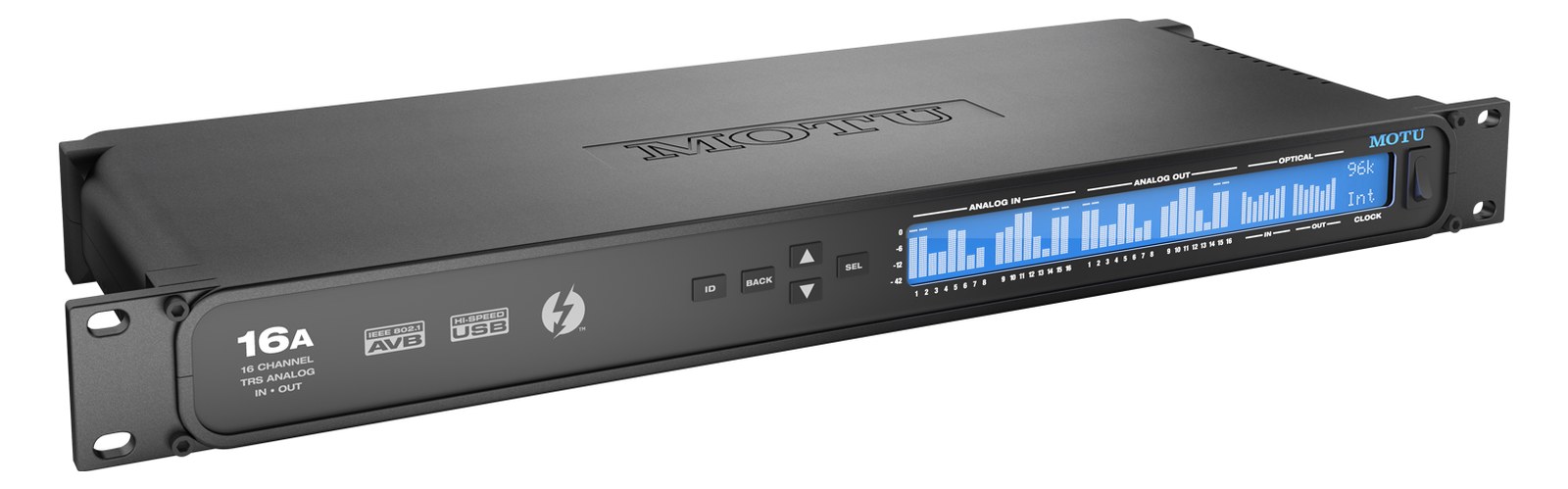
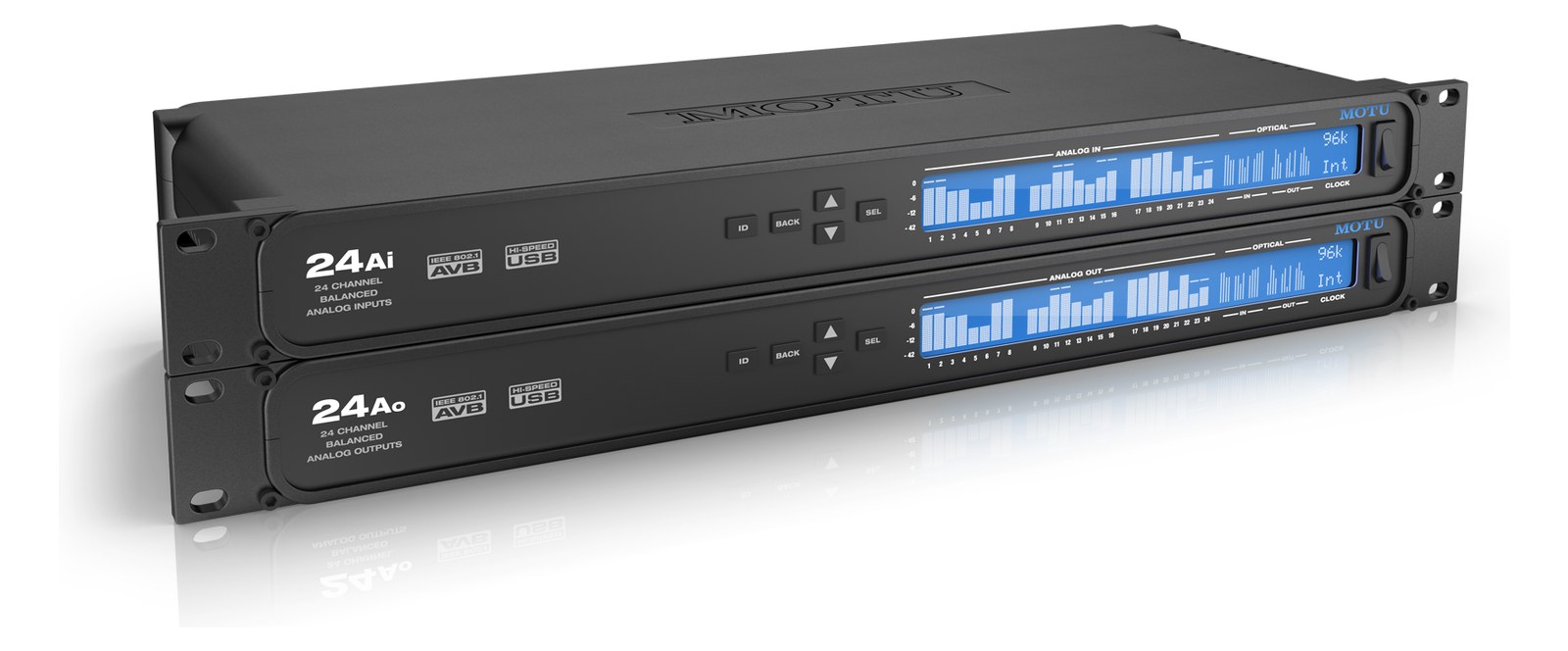
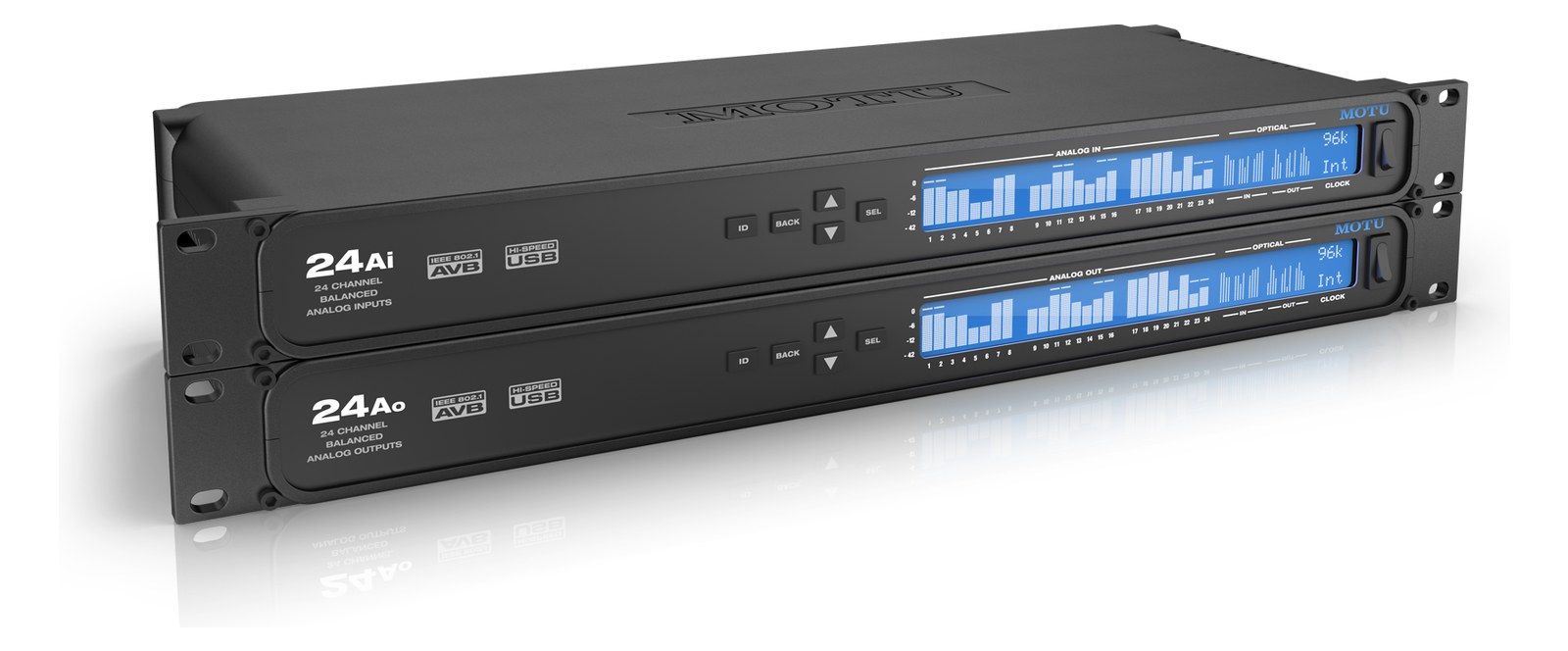
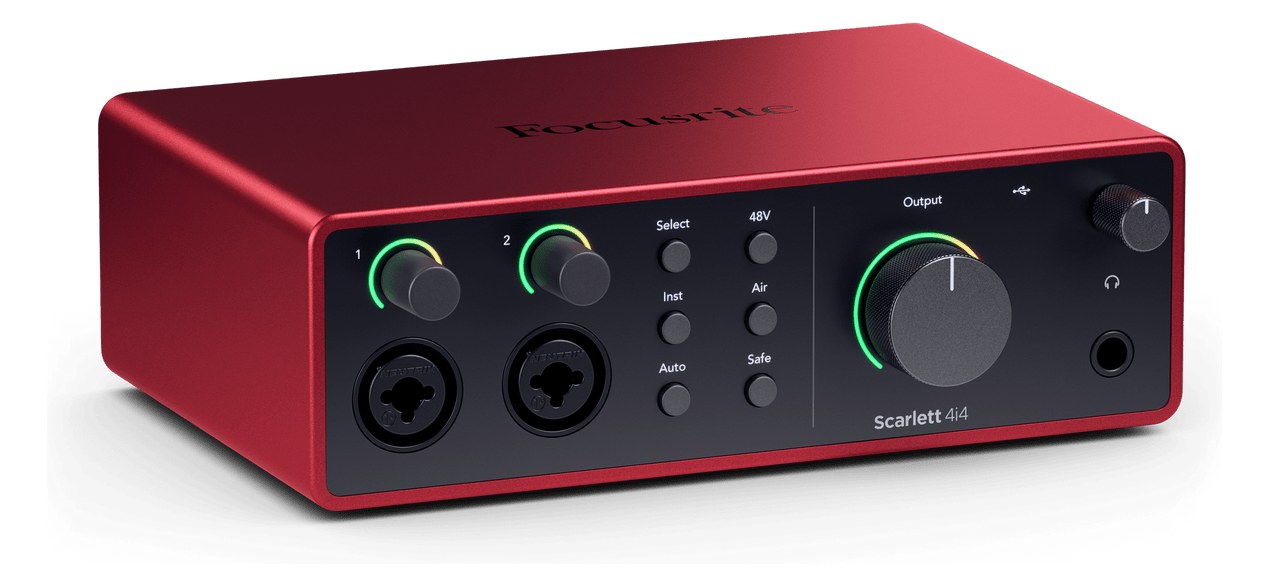
Manufacturer product photography — the drawn faceplate above stays true to panel layout; these show the hardware itself.
About the Focusrite Scarlett 4i4 4th Gen
The Scarlett 4i4 is Focusrite's popular mid-range interface with four inputs and four outputs, offering reliable performance and solid preampsThe gain stage that lifts a mic’s tiny signal up to line level — the first thing a signal hits, and a big part of how a console sounds. at an accessible price point. Its USB-C connectivity and bus-powered operation make it convenient for portable playback setups, and the Air mode adds presence to vocal or instrument inputs when needed. A dependable choice for smaller playback rigs or as a backup interface in a touring setup.
The Scarlett 4i4 4th Gen is a desktop USB-C audio interface that punches well above its price in a playback or IEMIn-Ear Monitor — earpieces that replace floor wedges, feeding each player their own mix. The reason this whole rack exists. rig context. Four inputs — two XLRThe standard 3-pin locking connector for mics and balanced line signals — pin 1 is the shield, pins 2 and 3 carry the balanced pair. mic/line preampsThe gain stage that lifts a mic’s tiny signal up to line level — the first thing a signal hits, and a big part of how a console sounds. plus two TRSTip-Ring-Sleeve — a 1/4″ jack with three contacts carrying a balanced signal or a stereo pair. A guitar plug with one extra ring. line inputs — and two balancedCarries the signal on two wires and cancels whatever noise both pick up — why mic cables can run hundreds of feet hum-free. TRS outputs cover the core I/O needs of a compact playback rig: click and guide tracks out, a reference input or two back in. It is not a rack unitThe standard slice of rack height: 1U = 1.75″. A 3U box takes three slices; half-rack gear pairs two units side by side in one. in any traditional sense, but at 600 grams and 175mm deep, it slots onto a shallow rack shelf and disappears into a tidy rig without drama.
Bus-powered over USB-C means the 4i4 draws at most 8 watts from the host computer — no IECThe standard three-prong appliance power inlet on rack gear — the kettle lead. C13/C14 in spec-sheet speak. cable, no power brick hunting for a strip space. That simplicity is genuinely useful at load-in when you are already cable-managing a full IEMIn-Ear Monitor — earpieces that replace floor wedges, feeding each player their own mix. The reason this whole rack exists. rack. The two preampsThe gain stage that lifts a mic’s tiny signal up to line level — the first thing a signal hits, and a big part of how a console sounds. with Air mode are good quality for the price, though in a pure playback application you will rarely touch them. The two balancedCarries the signal on two wires and cancels whatever noise both pick up — why mic cables can run hundreds of feet hum-free. line outputs are what matter most here: they feed your console or IEM transmitter cleanly, and TRSTip-Ring-Sleeve — a 1/4″ jack with three contacts carrying a balanced signal or a stereo pair. A guitar plug with one extra ring. at line levelThe strong signal that runs between pieces of gear (about a volt) — hotter than mic level, far below speaker level. is universally patchable on any stage.
This interface belongs in a small touring or rehearsal rig where the playback laptop is doing the heavy lifting and the engineer wants something reliable, light, and straightforward to replace on the road — a $300 spare fits in a backpack. If you need more outputs for a multi-stem playback rig, or MIDI I/O, or ADATOptical digital audio: 8 channels at 48 kHz down one Toslink lightpipe (4 at 96 kHz). The usual way to add more channels to an interface. expansion to a larger system, look at the Scarlett 18i20 or a dedicated playback interface with more headroomThe margin between your normal level and where things clip — headroom is what absorbs the snare hit you didn’t see coming.. The 4i4 is the right call when simplicity and portability matter more than output count.
In the rack
- Mount it on a 1UThe standard slice of rack height: 1U = 1.75″. A 3U box takes three slices; half-rack gear pairs two units side by side in one. rack shelf with hook-and-loop fastener rather than screws — it will sit flush, stay put through transport, and lift out in seconds if you need to swap a failed unit mid-tour.
- Route the USB-C cable with enough slack that opening the rack lid doesn't stress the connector; a 90-degree USB-C adapter helps if the shelf puts the port close to the rear panel of the rack.
- Label Line Out 1 and Line Out 2 on the shelf itself with a label maker — in a dark stage wing, you do not want to be tracing cables to figure out which output feeds the IEMIn-Ear Monitor — earpieces that replace floor wedges, feeding each player their own mix. The reason this whole rack exists. transmitter and which feeds the console.
- Carry a second 4i4 in your personal bag as a cold spare. At 600 grams and $300 it is the cheapest insurance on the rig, and driver installation on a pre-imaged show laptop takes under two minutes.
4-in/4-out USB-C interface. Desktop form factor — requires rack shelf to mount.
I/O Ports (7)
| Port | Connector | Direction | Signal | Channels |
|---|---|---|---|---|
| Mic/Line In 1 (XLR) | XLR FEMALE | input | analog audio | — |
| Mic/Line In 2 (XLR) | XLR FEMALE | input | analog audio | — |
| Line In 3 (TRS) | TRS QUARTER | input | analog audio | — |
| Line In 4 (TRS) | TRS QUARTER | input | analog audio | — |
| Line Out 1 (TRS) | TRS QUARTER | output | analog audio | — |
| Line Out 2 (TRS) | TRS QUARTER | output | analog audio | — |
| USB-C | USB C | bidirectional | data | — |
Requires
This component depends on the following gear to function in a typical rig:
Deciding between two?
Rack space, watts, weight and every connector, side by side.
Related gear


Related articles
Guides from our library that cover planning around audio interface gear.
How to choose between a digital mixer, a Thunderbolt interface, and a Dante converter as the brain of your IEM rack — with concrete picks at each tier.
How to build a live-performance playback rig that runs click + backing tracks reliably — interface sizing, routing rules, software comparison, and what to do when the laptop crashes.
How to build a fail-safe live playback rig with primary + backup laptops, an auto-switching audio interface, and a failover workflow you can actually trust on a Sunday morning.
LTC vs MTC vs MIDI Clock, how to generate timecode from Ableton or Playback, how lighting and video receive it, and the frame-rate mistake that drifts every show.