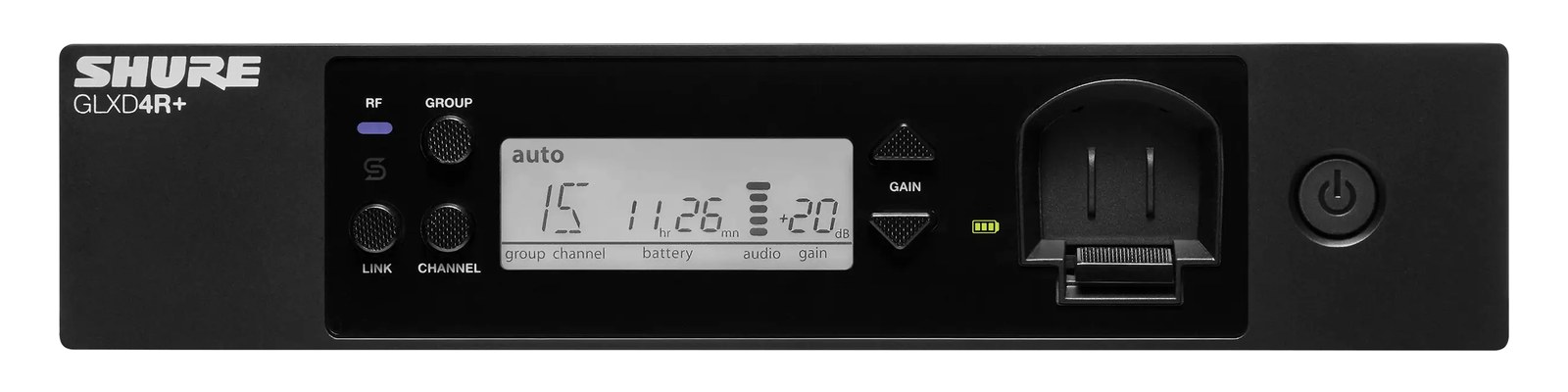
The Line 6 Relay G55 operates on 2.4GHz digital wireless, avoiding the increasingly crowded UHF spectrum entirely. Its cable tone emulation feature compensates for the capacitance loading that a physical guitar cable provides, ensuring your wireless tone matches your cabled tone. The stompbox-format receiver lives on a pedalboard or shelf rather than in the rack, and the competitive price makes it a practical choice for guitarists who want clean digital wireless without a major investment.
~$449Use retailer rows for current price and stock
01 · What it does—and what that changes in your rig.
Product overview
Start with the payoff, then work through how it functions, where it fits, and the details that change a real build.
The payoff
Wireless Guitar decisions, organized around the whole rig.
The Relay G55 is Line 6's mid-tier entry into digital wireless guitar, and its defining choice is the 2.4GHz band. Where traditional UHFThe TV-band radio range (roughly 470–608 MHz in the US) where serious wireless mics and IEMs live — better behaved than crowded 2.4 GHz. systems fight over a shrinking pool of legal frequencies — increasingly eaten up by broadcast TV repack and venue interference — the G55 sidesteps that entirely. The receiver isn't a rack unitThe standard slice of rack height: 1U = 1.75″. A 3U box takes three slices; half-rack gear pairs two units side by side in one.; it's a stompbox-format box that sits on a pedalboard or gets shelf-mounted. That distinction matters for how you plan your rig. The transmitter clips to the guitar strap, and the receiver converts back to a standard analog signal with both a quarter-inch TRSTip-Ring-Sleeve — a 1/4″ jack with three contacts carrying a balanced signal or a stereo pair. A guitar plug with one extra ring. and an XLRThe standard 3-pin locking connector for mics and balanced line signals — pin 1 is the shield, pins 2 and 3 carry the balanced pair. output, so it feeds a DIDirect Injection box — converts an instrument’s unbalanced signal to a balanced mic-level XLR so it can run long cables without noise., amp, or snakeA multicore cable bundling many channels into one stage-to-console run. A sub-snake collects one corner of the stage into a drop box. directly.
Documented outputs
22 destination connections
Documented inputs
2Based on documented inputs
Rack space
Outside rackPlan a shelf, tray, or stage position
Line 6 product panelOutside rack · 5W
Function
How it works in the path
At 5 watts nominal draw and 0.5 kg, this thing barely registers in your power budget or weight calculation. The two SMAThe small threaded RF connector on bodypacks and half-rack wireless — hand-tight antenna connections that survive a gig bag. antenna ports mean you can run remote antennas if the receiver is buried in a case or under a shelf where line-of-sight to the transmitter is compromised — worth thinking through at load-in rather than during soundcheck. The 12 simultaneous channels gives you room to coexist with other G55 users on a festival or theater stage without careful coordination. Cable tone emulation is the feature that earns its keep in practice: without it, removing the capacitance of a long cable can make a passive guitar feel and sound unexpectedly bright through certain amps or pedals.
Best fit
Where it earns its place in the system
The G55 is the right call for a guitarist who wants to stop chasing UHFThe TV-band radio range (roughly 470–608 MHz in the US) where serious wireless mics and IEMs live — better behaved than crowded 2.4 GHz. frequencies, doesn't need a rackmount receiver taking up a rack unitThe standard slice of rack height: 1U = 1.75″. A 3U box takes three slices; half-rack gear pairs two units side by side in one., and is playing venues where 2.4GHz WiFi congestion is manageable — which is most club and theater environments. It isn't the right tool if you need mission-critical range beyond roughly 200 feet, or if you're working in an environment already saturated with WiFi (large convention halls, arenas with dense audience device traffic). In those cases, a dedicated UHF system with coordinated frequency management is still the safer professional choice.
In the rack
Details worth deciding before load-in.
If you shelf-mount the receiver inside a rack or case, run SMAThe small threaded RF connector on bodypacks and half-rack wireless — hand-tight antenna connections that survive a gig bag. extension cables to antennas positioned on the outside face — never trust RFRadio Frequency — the wireless part of wireless. RF planning is why big rigs scan, coordinate, and combine antennas instead of hoping. to punch cleanly through a steel rack panel.
The XLRThe standard 3-pin locking connector for mics and balanced line signals — pin 1 is the shield, pins 2 and 3 carry the balanced pair. output is your cleaner long-run option if the receiver is feeding a snakeA multicore cable bundling many channels into one stage-to-console run. A sub-snake collects one corner of the stage into a drop box. or stageboxThe I/O endpoint on stage: mics plug in there and one digital line (AES50, Dante) carries everything to the console. The snake, digitized. more than a few feet away; save the quarter-inch for direct pedalboard-to-amp connections.
At load-in, do a quick 2.4GHz scan with a WiFi analyzer app on your phone before assigning channels — venue routers and video streaming rigs can occupy chunks of the band that will cause dropoutsA brief audio gap when the radio link fails — the thing diversity, distros, and coordination all exist to prevent. if you're unlucky with auto-channel selection.
Cable tone emulation settings should be matched to your normal cable length during rehearsal, not at show time — a mismatch on a passive single-coil versus a high-output humbucker can be dramatic through a bright amp.
02 · Know the whole path before you buy.
Signal path
Learn the route as a block diagram: source, product function, transport, and destination. Select any block to see what enters, what changes, and what leaves.
Interactive block diagramAuto-looping · hover, focus, or tap to hold a stage
Port-type signalProduct functionSystem boundary
Follow one signal from source to destination
Each block answers the same three questions: what arrives, what changes here, and what leaves.
01 · Source · selected
sma
¼-inch TRS + XLR male
01 · Source
2 documented inputs
sma
Arrives as
2 documented inputs
Connector
sma
Signal
antenna
03 · What this product asks of the rest of the system.
Compatibility
Treat connector names as the start of the check—not the answer. These are the boundaries that determine a complete working path.
Best fit · Wireless Guitar
Use it as wireless guitar tracked outside rack rails; follow the manufacturer’s mounting and form-factor guidance.
Plan the companion path
Complete the path with upstream and downstream gear that matches connector, direction, signal type, protocol, and wiring standard.
Connector boundary
Documented connectors: ¼-inch TRS, XLR male, sma. Match connector, direction, and signal type—not shape alone.
04 · Every connector, grouped by job.
I/O ports
Switch the product view and the documented port inventory updates with it—hardware and data stay side by side.
Every connector, grouped by job.
Switch panels to keep the hardware view and the documented port list in sync.
Front panelRear panel
All documented ports for Line 6 Relay G55 Wireless Guitar
Port
Panel
Connector
Direction
Signal
Channels
1/4" Out
rear
¼-inch TRS
output
analog audio
—
XLR Out
rear
XLR male
output
analog audio
—
Antenna 1
rear
sma
input
antenna
—
Antenna 2
rear
sma
input
antenna
—
Showing 4 of 4 documented physical ports.
05 · Compare the decision, not just the price.
Alternatives
The rows are organized around fit, power, I/O, and system role so a cheaper unit cannot hide a more expensive workflow.
Relay G55The Line 6 Relay G55 operates on 2.4GHz digital wireless, avoiding the increasingly crowded UHF spectrum entirely. Its cable tone emulation feature compensates for the capacitance loading that a physical guitar cable provides, ensuring your wireless tone matches your cabled tone. The stompbox-format receiver lives on a pedalboard or shelf rather than in the rack, and the competitive price makes it a practical choice for guitarists who want clean digital wireless without a major investment.View gear →
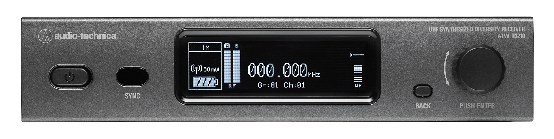
ATW-R3210The Audio-Technica ATW-R3210 is a network-enabled true diversity UHF receiver with Dante output capability, making it a versatile option for rigs that are transitioning to networked audio. The 3000 Series offers professional performance at a competitive price point, and the half-rack form factor keeps your deployment efficient. Network control via Ethernet enables remote monitoring and management of your wireless channels from a laptop or tablet.View gear →
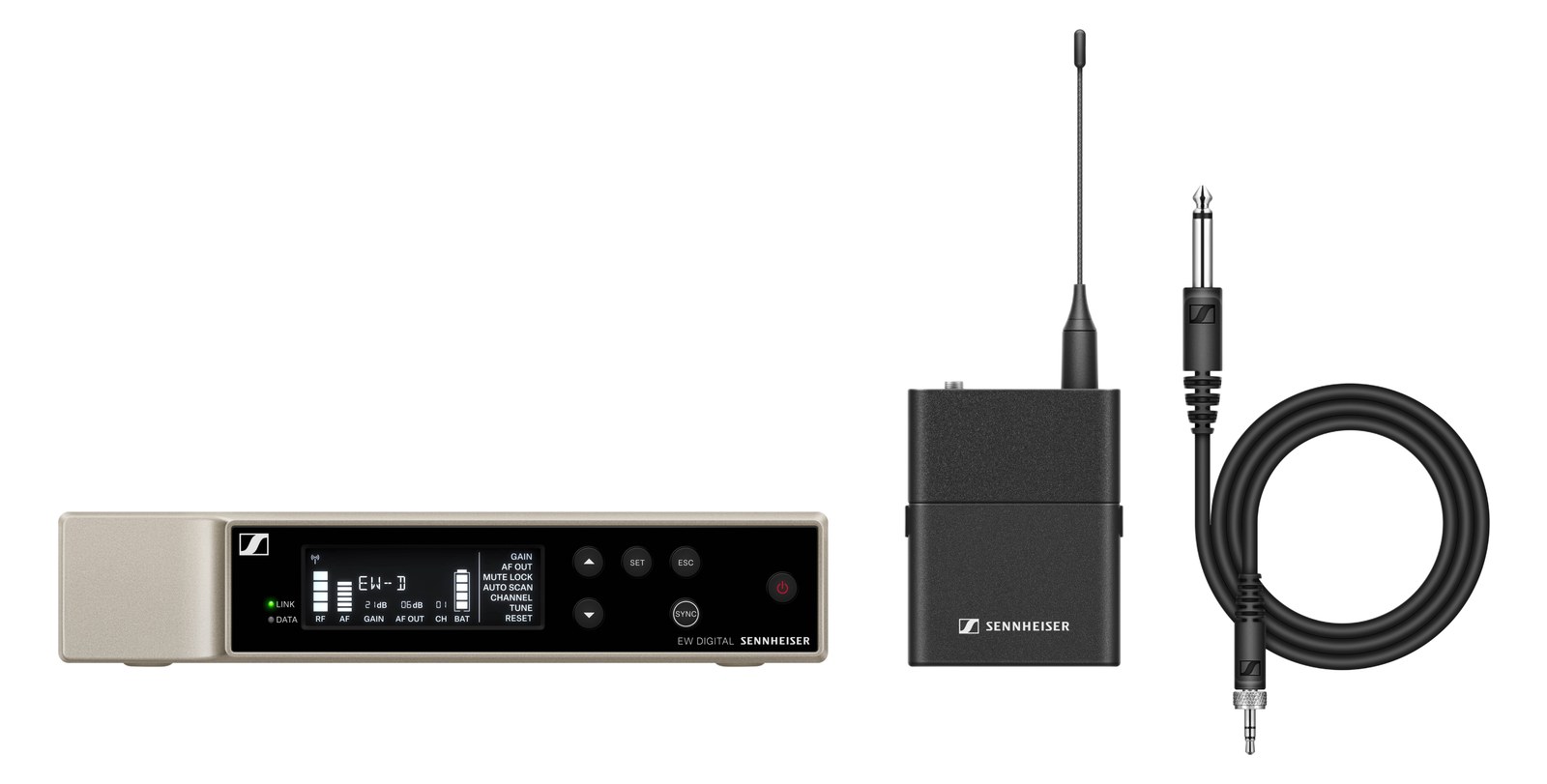
EW-D CI1The Sennheiser EW-D CI1 brings digital wireless to the instrument market at an accessible price point, with ultra-low 1.9ms latency that is imperceptible to even the most sensitive guitarists. The digital transmission eliminates companding artifacts that analog wireless systems introduce, delivering a cleaner, more transparent tone. With support for up to 90 simultaneous channels, it scales well for productions with multiple wireless instruments.View gear →
Builder keeps non-rack gear in the same bill of materials, budget, dependency, and connection plan as the rack-mounted system around it.Open in Builder