MOTU 1248 Audio Interface
MOTU·Model 1248·motu-1248
Photos
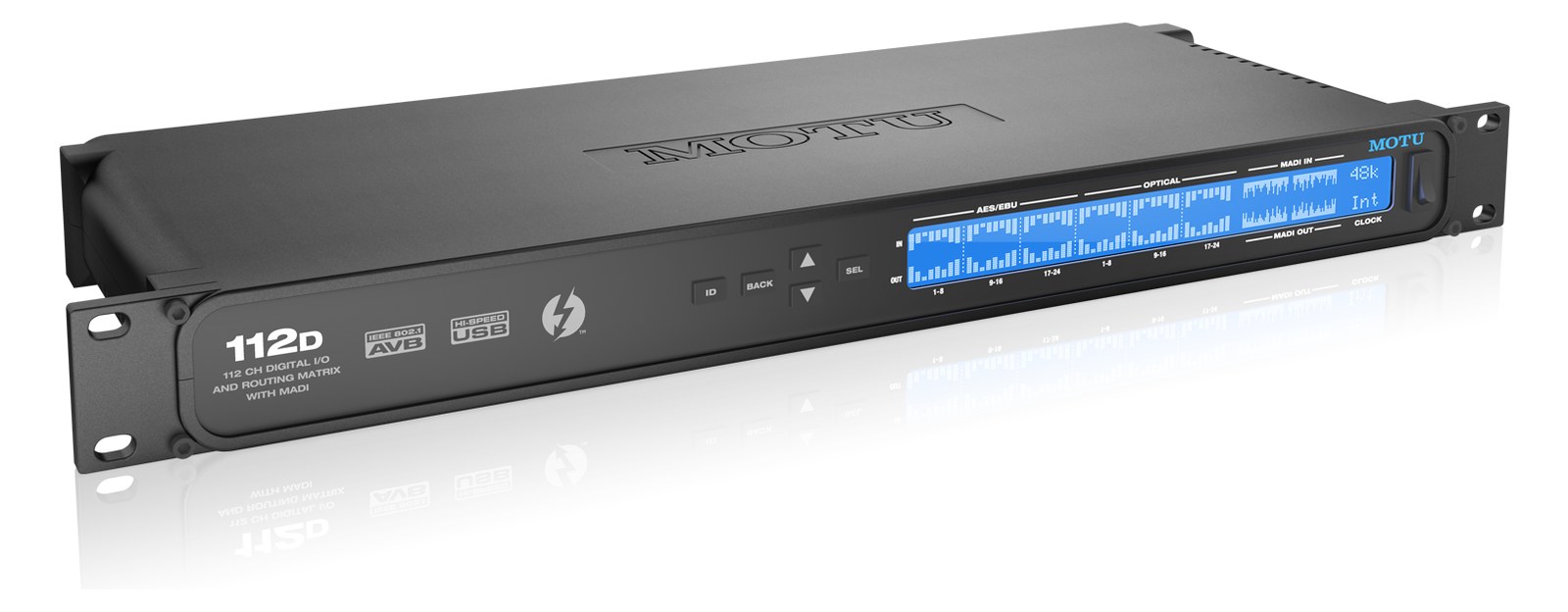
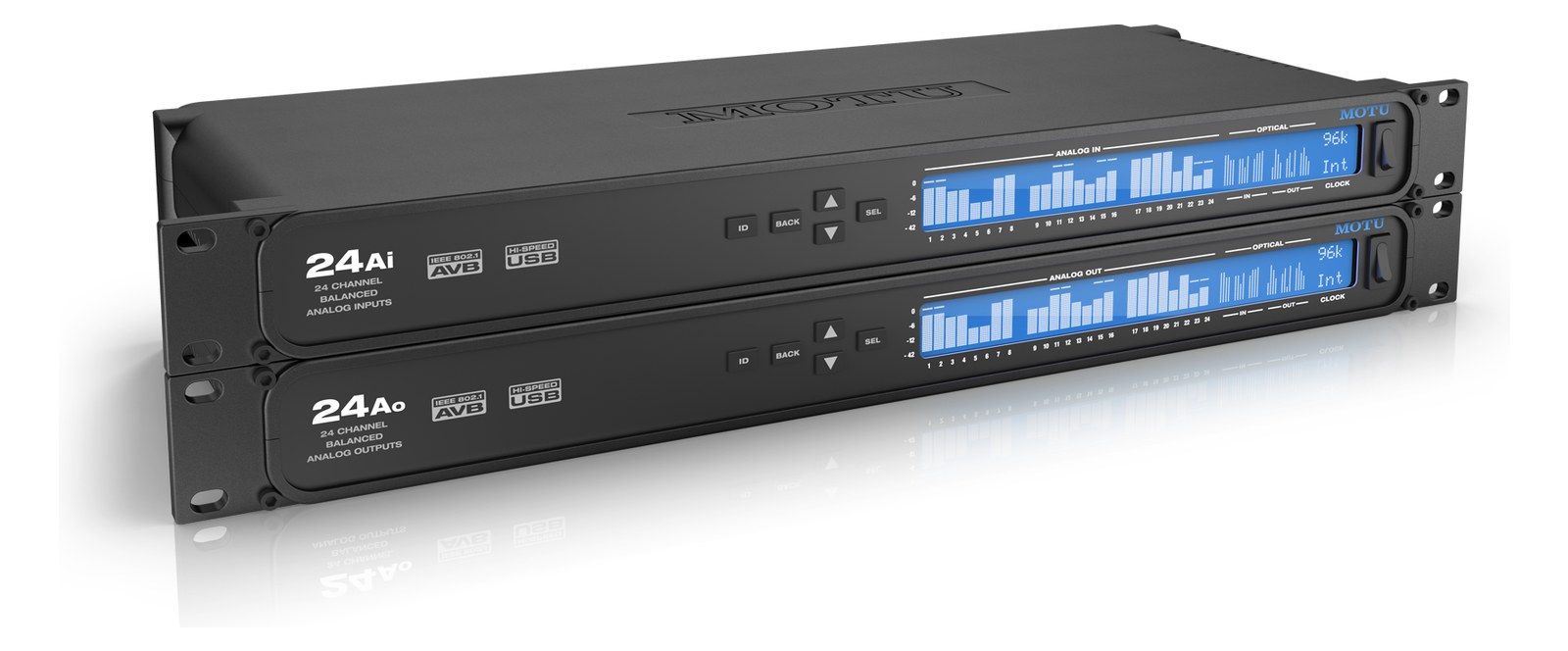
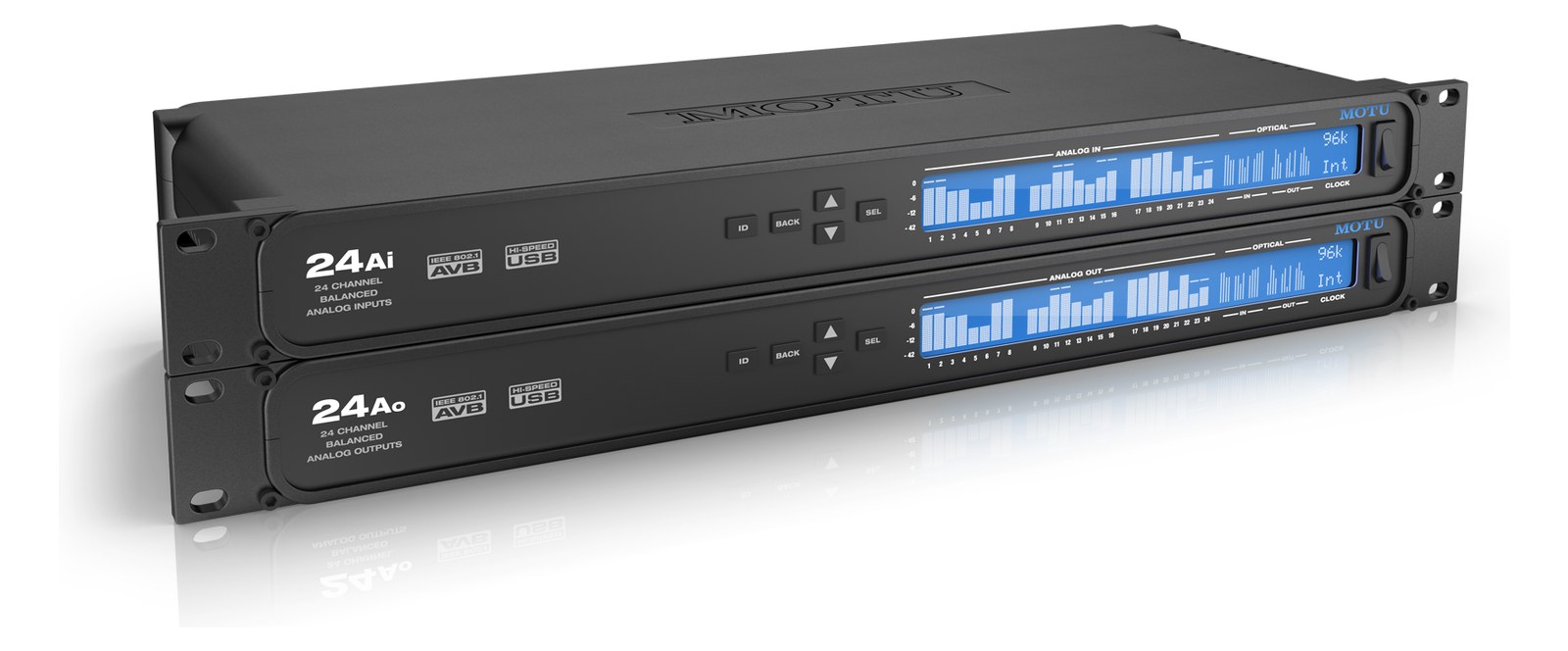
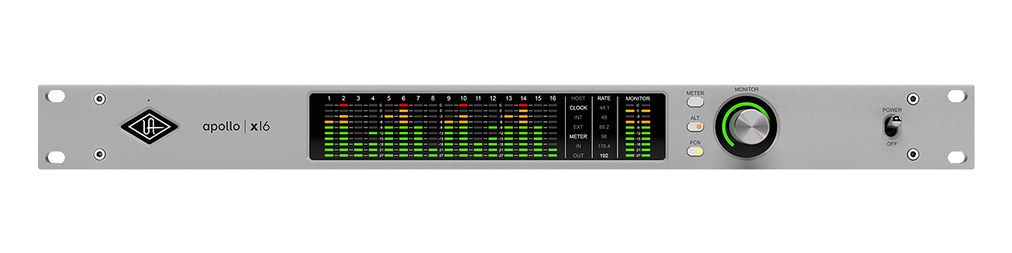
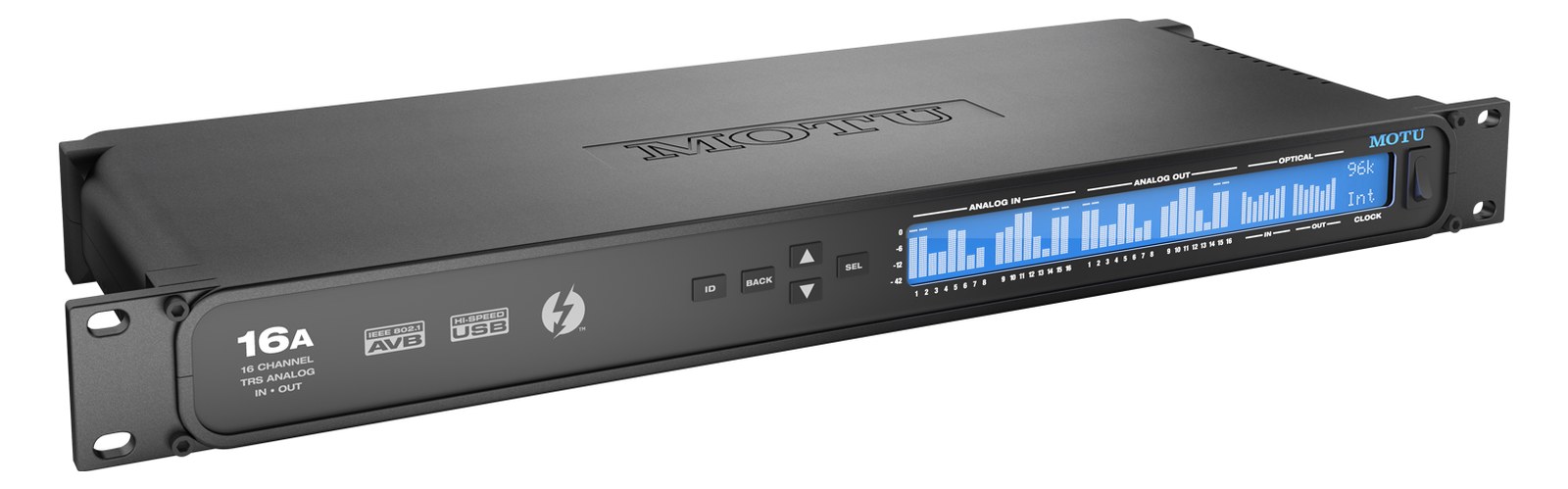
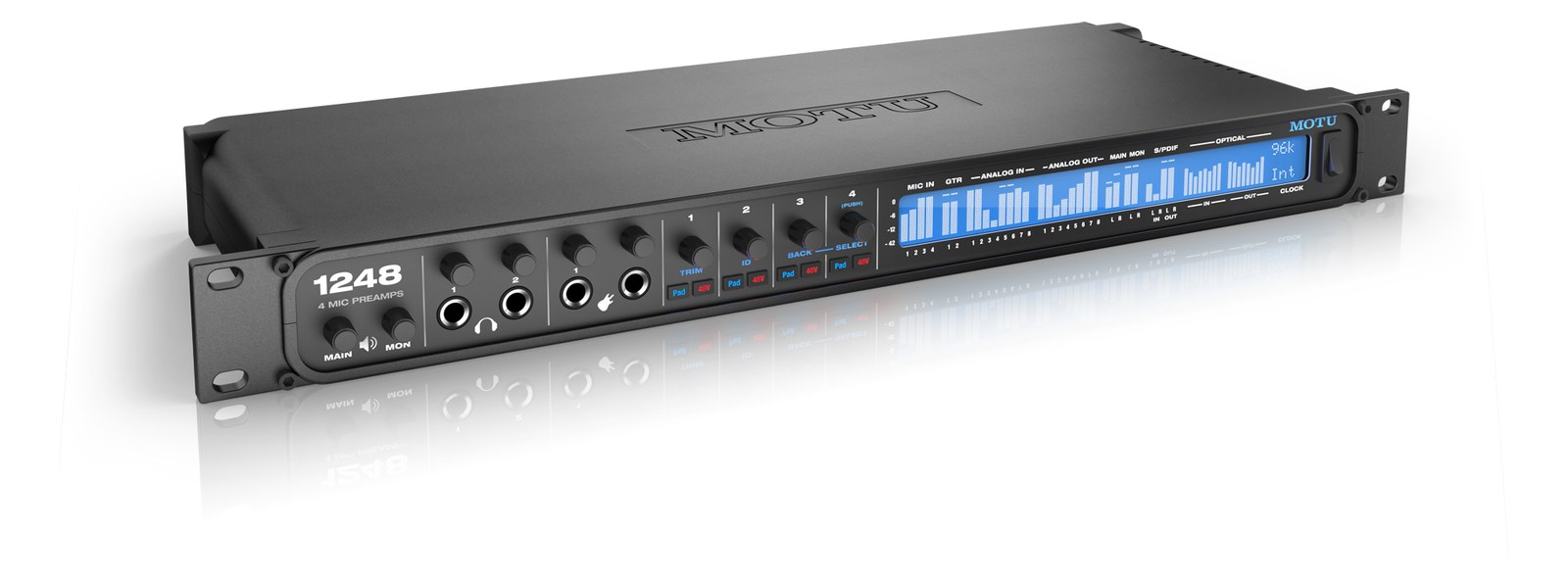
Manufacturer product photography — the drawn faceplate above stays true to panel layout; these show the hardware itself.
About the MOTU 1248
The MOTU 1248 strikes a balance between analog connectivity and digital expansion, offering four premium mic preampsThe gain stage that lifts a mic’s tiny signal up to line level — the first thing a signal hits, and a big part of how a console sounds., six analog outputs, and two banks of ADATOptical digital audio: 8 channels at 48 kHz down one Toslink lightpipe (4 at 96 kHz). The usual way to add more channels to an interface. optical for up to 32 channels of I/O. Thunderbolt, USB, and AVBAudio Video Bridging — open network audio (MOTU, PreSonus) where the switch reserves bandwidth so streams can’t glitch. Milan is its pro profile. networking provide flexible computer and network connectivity, while the onboard 48-input DSPDigital Signal Processing — the number-crunching that does EQ, compression, and effects inside a box. More DSP means more processing at once. mixer with EQ, dynamics, and reverb handles monitor mixing without loading the host. A versatile centerpiece for medium-scale playback and IEMIn-Ear Monitor — earpieces that replace floor wedges, feeding each player their own mix. The reason this whole rack exists. rigs that need both analog I/O and digital expansion.
The MOTU 1248 is a full-rack-unit audio interface built to sit at the center of a medium-scale IEMIn-Ear Monitor — earpieces that replace floor wedges, feeding each player their own mix. The reason this whole rack exists. or playback rig. Its value proposition is breadth without bulk: four mic preampsThe gain stage that lifts a mic’s tiny signal up to line level — the first thing a signal hits, and a big part of how a console sounds., six analog TRSTip-Ring-Sleeve — a 1/4″ jack with three contacts carrying a balanced signal or a stereo pair. A guitar plug with one extra ring. outputs, word clockThe shared heartbeat keeping every digital box sampling in lockstep. One device leads, the rest follow — or you get clicks and pops. I/O, two AVBAudio Video Bridging — open network audio (MOTU, PreSonus) where the switch reserves bandwidth so streams can’t glitch. Milan is its pro profile. network ports, and ADATOptical digital audio: 8 channels at 48 kHz down one Toslink lightpipe (4 at 96 kHz). The usual way to add more channels to an interface. expansion that can push the system to 32 channels, all in a single 1UThe standard slice of rack height: 1U = 1.75″. A 3U box takes three slices; half-rack gear pairs two units side by side in one. box. The onboard 48-input DSPDigital Signal Processing — the number-crunching that does EQ, compression, and effects inside a box. More DSP means more processing at once. mixer — with EQ, dynamics, and reverb — means the box can handle monitor mixing duties even when it's not tethered to a host computer, which matters enormously in a live context where the laptop is a liability rather than a certainty.
At load-in, the connectivity picture looks like this: you can feed four mics directly without an outboard preampThe gain stage that lifts a mic’s tiny signal up to line level — the first thing a signal hits, and a big part of how a console sounds. stage, run six discrete analog feeds to ears or outboard gear, and daisy-chain ADATOptical digital audio: 8 channels at 48 kHz down one Toslink lightpipe (4 at 96 kHz). The usual way to add more channels to an interface. expanders if the show demands more inputs or outputs. The two AVBAudio Video Bridging — open network audio (MOTU, PreSonus) where the switch reserves bandwidth so streams can’t glitch. Milan is its pro profile. ports let you put this unit on a network with compatible gear — useful if you're routing audio across multiple rack positions or sharing sources with FOHFront Of House — the main mix the audience hears, and the console position out in the room where it gets mixed.. Thunderbolt and USB-C both present as host options, so you're not locked to one cable standard or one computer ecosystem. At 30 watts nominal draw, it's easy to budget on a standard single-rack conditioner.
This unit fits best with a playback operator or monitor engineer who needs a real DSPDigital Signal Processing — the number-crunching that does EQ, compression, and effects inside a box. More DSP means more processing at once. mixer on the road and wants the option to expand via ADATOptical digital audio: 8 channels at 48 kHz down one Toslink lightpipe (4 at 96 kHz). The usual way to add more channels to an interface. rather than buying a bigger box upfront. The four onboard preampsThe gain stage that lifts a mic’s tiny signal up to line level — the first thing a signal hits, and a big part of how a console sounds. make it credible for a hybrid role — tracks plus some live inputs — but it is not a front-of-houseFront Of House — the main mix the audience hears, and the console position out in the room where it gets mixed. console replacement, and engineers running large channel counts on a touring IEMIn-Ear Monitor — earpieces that replace floor wedges, feeding each player their own mix. The reason this whole rack exists. rig will likely outgrow the analog I/O quickly and lean on the ADAT expansion heavily. If your world is entirely analog with no network ambitions, simpler interfaces exist for less. If you need DanteThe most common audio-over-network standard: dozens of channels of uncompressed digital audio down one ordinary Ethernet cable between Dante boxes. instead of AVBAudio Video Bridging — open network audio (MOTU, PreSonus) where the switch reserves bandwidth so streams can’t glitch. Milan is its pro profile., look elsewhere.
In the rack
- Route your most critical monitor mixes through the six analog TRSTip-Ring-Sleeve — a 1/4″ jack with three contacts carrying a balanced signal or a stereo pair. A guitar plug with one extra ring. outputs first — they're your lowest-latencyThe delay between sound entering and leaving a digital system. IEM rigs fight to keep the whole chain down to a few milliseconds., most reliable path when the network has a bad night.
- Use the onboard DSPDigital Signal Processing — the number-crunching that does EQ, compression, and effects inside a box. More DSP means more processing at once. mixer to pre-build a standalone monitor scene before the host laptop is even connected; if the computer crashes mid-show, the 1248 keeps passing audio and the DSP mix stays up.
- If you're adding ADATOptical digital audio: 8 channels at 48 kHz down one Toslink lightpipe (4 at 96 kHz). The usual way to add more channels to an interface. expanders for more inputs, confirm sample-rate requirements before load-in — ADAT channel count halves at 96 kHz, so a 32-channel rig at 44.1/48 kHz becomes a 16-channel rig if the show runs at high sample ratesHow many times per second audio is measured when digitized — 48 kHz is the live standard; 96 kHz measures twice as often..
- The two AVBAudio Video Bridging — open network audio (MOTU, PreSonus) where the switch reserves bandwidth so streams can’t glitch. Milan is its pro profile. ports can be used for daisy-chaining on an AVB network without an external switch for simple two-device setups, which can save a rack shelf and a power drop on a tight fly rig.
32-ch Thunderbolt/USB/AVBAudio Video Bridging — open network audio (MOTU, PreSonus) where the switch reserves bandwidth so streams can’t glitch. Milan is its pro profile. interface with 4 mic pres and DSPDigital Signal Processing — the number-crunching that does EQ, compression, and effects inside a box. More DSP means more processing at once. mixing.
I/O Ports (18)
| Port | Connector | Direction | Signal | Channels |
|---|---|---|---|---|
| Mic In 1 (XLR) | XLR FEMALE | input | analog audio | — |
| Mic In 2 (XLR) | XLR FEMALE | input | analog audio | — |
| Mic In 3 (XLR) | XLR FEMALE | input | analog audio | — |
| Mic In 4 (XLR) | XLR FEMALE | input | analog audio | — |
| Main Out L (TRS) | TRS QUARTER | output | analog audio | — |
| Main Out R (TRS) | TRS QUARTER | output | analog audio | — |
| Analog Out 3 (TRS) | TRS QUARTER | output | analog audio | — |
| Analog Out 4 (TRS) | TRS QUARTER | output | analog audio | — |
| Analog Out 5 (TRS) | TRS QUARTER | output | analog audio | — |
| Analog Out 6 (TRS) | TRS QUARTER | output | analog audio | — |
| Headphone Out (TRS) | TRS QUARTER | output | analog audio | — |
| AVB Network 1 (RJ45) | RJ45 | bidirectional | digital audio | — |
| AVB Network 2 (RJ45) | RJ45 | bidirectional | digital audio | — |
| Thunderbolt | THUNDERBOLT | bidirectional | data | — |
| USB-C | USB C | bidirectional | data | — |
| Word Clock In (BNC) | BNC | input | digital audio | — |
| Word Clock Out (BNC) | BNC | output | digital audio | — |
- Power (IEC) (IEC C14)
Deciding between two?
Rack space, watts, weight and every connector, side by side.
Related gear


Related articles
Guides from our library that cover planning around audio interface gear.
How to choose between a digital mixer, a Thunderbolt interface, and a Dante converter as the brain of your IEM rack — with concrete picks at each tier.
How to build a live-performance playback rig that runs click + backing tracks reliably — interface sizing, routing rules, software comparison, and what to do when the laptop crashes.
How to build a fail-safe live playback rig with primary + backup laptops, an auto-switching audio interface, and a failover workflow you can actually trust on a Sunday morning.
LTC vs MTC vs MIDI Clock, how to generate timecode from Ableton or Playback, how lighting and video receive it, and the frame-rate mistake that drifts every show.