Antenna Distro

RF Venue COMBINE8 Antenna Combiner

The COMBINE8 scales up RF Venue's passive combiner design to handle eight transmitter inputs, making it suitable for larger IEM rigs. Being brand-agnostic, it works with any wireless IEM system using BNC antenna connections. The full-rack form factor accommodates the eight-port layout while keeping wiring clean and organized.

Compare

Photos

Manufacturer product photography — the drawn faceplate stays true to panel layout; these show the hardware itself.

Photo: RF VenueClick to zoom
Documented outputs
1One destination connection
Documented inputs
9Based on documented inputs
Rack space
1UBuilder checks available rail space
Power draw
UnverifiedPower requirement is not verified in the catalog
Catalog estimate
~$1,999Use retailer rows for current price and stock

01 · What it does—and what that changes in your rig.

Product overview

Start with the payoff, then work through how it functions, where it fits, and the details that change a real build.

The payoff

Antenna Distro decisions, organized around the whole rig.

The COMBINE8 solves a specific and real problem in large IEM rigs: you have a pile of transmitters, each wanting its own antenna run to the stage, and running eight separate coax drops is neither tidy nor practical. RF Venue's answer is a passive 8-to-1 combiner — eight BNC antenna inputs collapse into a single combined output, so one run of coax and a quality remote antenna placement covers all eight transmitters at once. It's brand-agnostic, meaning Shure, Sennheiser, Wisycom, L-Acoustics P1 — if the transmitter has a BNC antenna port, it plugs in here.

Documented outputs
1One destination connection
Documented inputs
9Based on documented inputs
Rack space
1UBuilder checks available rail space
RF VENUECOMBINE8COMBINE812345678
RF Venue product panel1U · Unverified
Function

How it works in the path

Passive means no power draw, which is genuinely useful: nothing to power, nothing to fail electrically, no rack space lost to a power entry point. The tradeoff is insertion loss — combining eight signals passively introduces attenuation on the antenna path, so your antenna placement and cable quality matter more here than in a single-transmitter setup. Keep coax runs to the remote antenna as short as is practical and use a low-loss cable. At 1U and only 200mm deep, the COMBINE8 sits cleanly in a shallow rack without fighting for depth. The 1.4 kg weight means it won't stress a shallow road case.
Best fit

Where it earns its place in the rack

This unit belongs in a rig running six to eight IEM transmitters where clean RF infrastructure is a priority — touring monitor rigs, festival backline packages, or a busy theatrical production where the antenna farm needs to be centralized and manageable. If you're running four transmitters or fewer, RF Venue's smaller COMBINE4 is the more proportionate choice and costs less. If your system demands active distribution with gain to compensate for long antenna runs or splitting to multiple zones, a passive combiner isn't the right tool — look at an active antenna distro instead. But for a straightforward large IEM rack that needs one clean antenna path, the COMBINE8 is purpose-built.

In the rack

Details worth deciding before load-in.

  • Place the COMBINE8 as close as possible to the transmitters in the rack — shorter individual BNC jumpers from each transmitter mean less signal degradation before the combine point.
  • Label each BNC input at the unit with the artist or channel it serves; at a festival changeover with eight identical BNC connectors, unlabeled ports will cost you time.
  • Run the single combined output to your remote antenna location using the lowest-loss 50-ohm coax you have — RG8X or better — since passive combining means you have no gain stage to recover any cable loss.
  • If you're also using RF Venue remote antennas that supply DC bias voltage up the coax, confirm that voltage is compatible with your transmitters' antenna ports before connecting — the COMBINE8 itself passes DC, so whatever is on the combined output line reaches all eight transmitter ports.

02 · Know the whole path before you buy.

Signal path

Learn the route as a block diagram: source, product function, transport, and destination. Select any block to see what enters, what changes, and what leaves.

Interactive block diagramAuto-looping · hover, focus, or tap to hold a stage
Port-type signalProduct functionSystem boundary
Follow one signal from source to destination

Each block answers the same three questions: what arrives, what changes here, and what leaves.

01 · Source · selected
01 · Source

9 documented inputs

bnc + IEC C14

Arrives as
9 documented inputs
Connector
bnc + IEC C14
Signal
antenna

03 · What this product asks of the rest of the system.

Compatibility

Treat connector names as the start of the check—not the answer. These are the boundaries that determine a complete working path.

Best fit · Antenna Distro

Use it when 1U and 200 mm of depth fit the case.

Plan the companion path

Complete the path with upstream and downstream gear that matches connector, direction, signal type, protocol, and wiring standard.

Connector boundary

Documented connectors: bnc, IEC C14. Match connector, direction, and signal type—not shape alone.

04 · Every connector, grouped by job.

I/O ports

Switch the product view and the documented port inventory updates with it—hardware and data stay side by side.

Every connector, grouped by job.

Switch panels to keep the hardware view and the documented port list in sync.

Front panel
RF VENUECOMBINE8COMBINE812345678
Rear panel
RF VenueCOMBINE8
All documented ports for RF Venue COMBINE8 Antenna Combiner
PortPanelConnectorDirectionSignalChannels
Input 1rearbnc inputantenna—
Input 2rearbnc inputantenna—
Input 3rearbnc inputantenna—
Input 4rearbnc inputantenna—
Input 5rearbnc inputantenna—
Input 6rearbnc inputantenna—
Input 7rearbnc inputantenna—
Input 8rearbnc inputantenna—
Combined Outrearbnc outputantenna—
Power (IEC)rearIEC C14 inputpower—

Showing 10 of 10 documented physical ports.

05 · Compare the decision, not just the price.

Alternatives

The rows are organized around fit, power, I/O, and system role so a cheaper unit cannot hide a more expensive workflow.

Compare
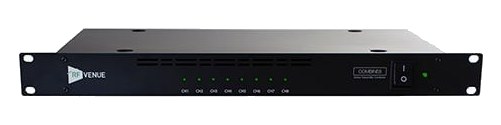
RF Venue COMBINE8 — 1U front panel with eight channel LEDs
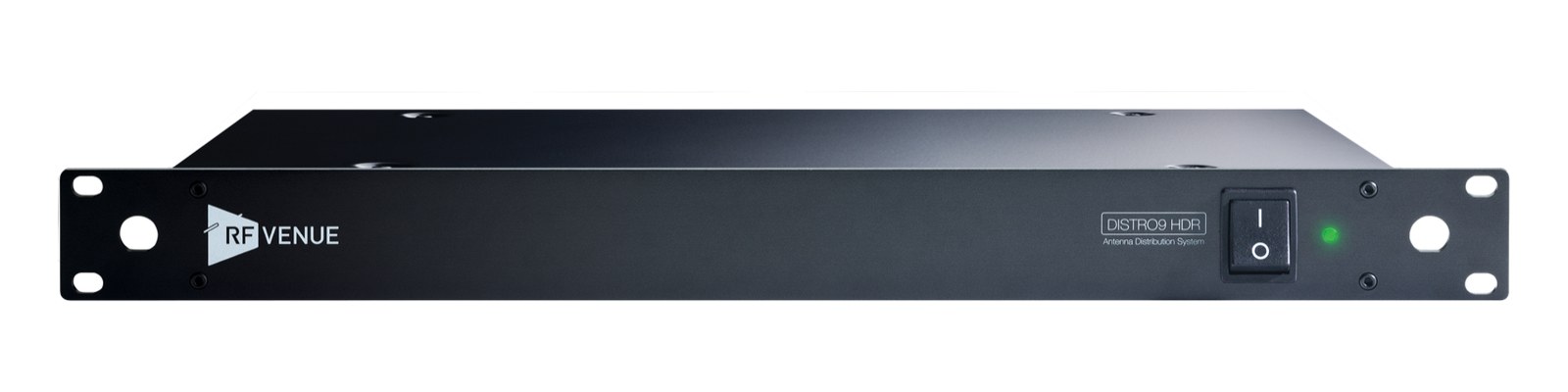
RF Venue DISTRO9 HDR — 1U front panel with power switch and status LED
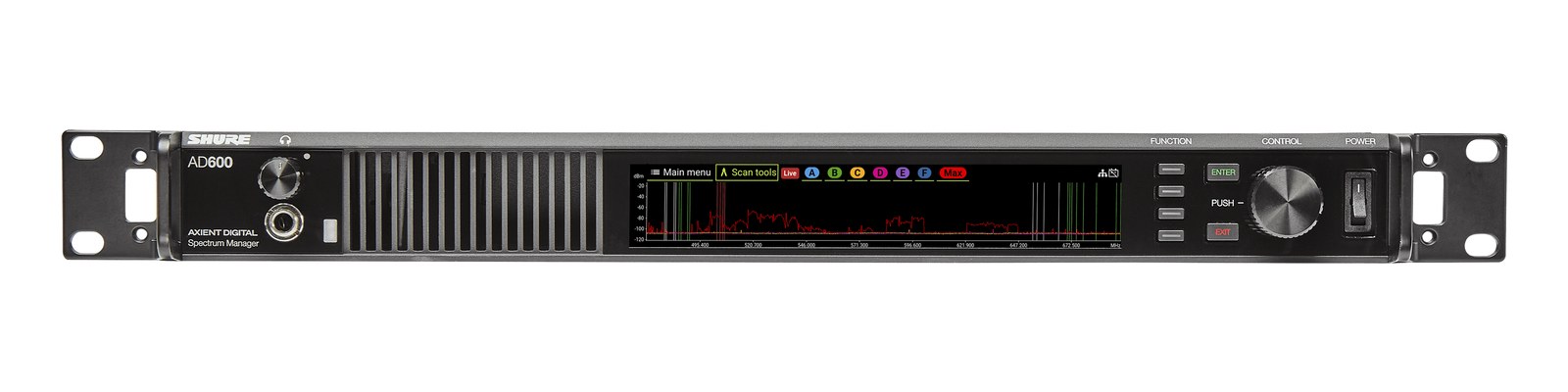
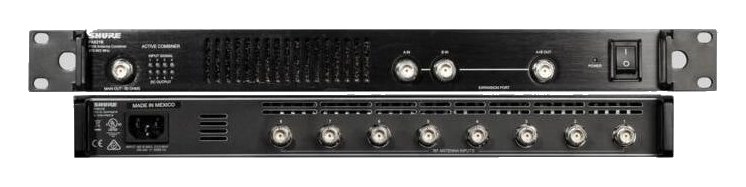
Shure AD616 Axient Antenna Distro — front panel
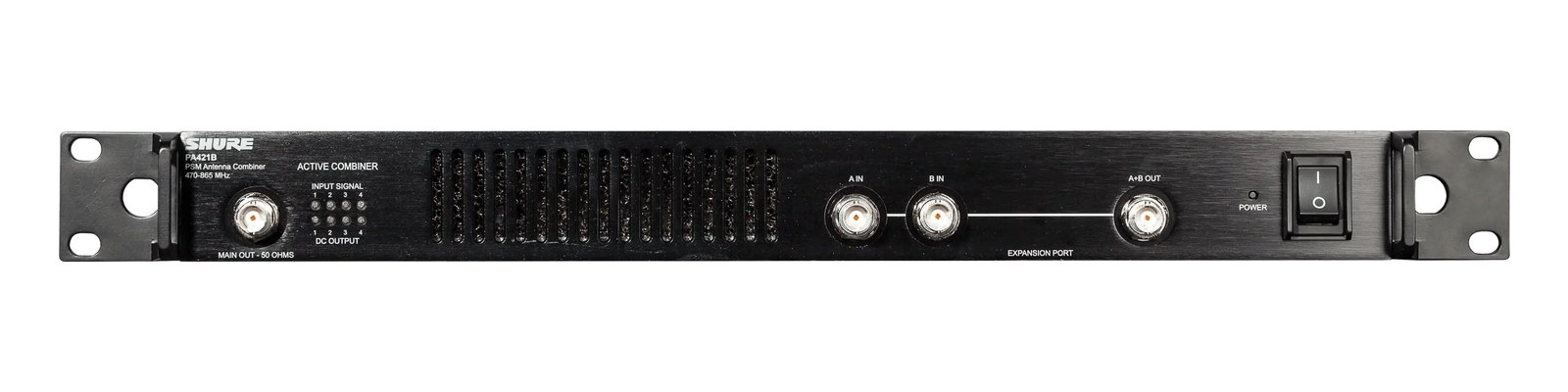
Shure PA421B Antenna Combiner — front panel
Fit📐 1U📐 2U📐 1U📐 1U
Power⚡ Unverified⚡ 25W⚡ 15W⚡ 25W
Weight⚖️ 3.1 lb⚖️ 4.6 lb⚖️ 5.5 lb⚖️ 3.1 lb
I/O🔌 10🔌 12🔌 13🔌 13
Estimate💵 ~$1,999💵 ~$2,039💵 ~$2,995💵 ~$2,195
Deep diveCurrent selectionFull comparison →Full comparison →Full comparison →

06 · Resolve the questions that can change the purchase or build plan.

Planning questions

Short, source-backed answers surface rack fit, power, cabling, and connection details before they become surprises.

How will the RF Venue COMBINE8 Antenna Combiner affect rack fit and case depth?

It occupies 1U. Its documented depth is 200 mm.

How much power does the RF Venue COMBINE8 Antenna Combiner draw?

Its power requirement is not yet verified in the catalog.

What connections does the RF Venue COMBINE8 Antenna Combiner have?

10 documented physical ports, including Input 1, Input 2, Input 3, Input 4, Input 5, Input 6.

07 · See this unit inside a real rack plan.

Builder preview

Placement is only the start. Builder checks space · depth · weight, power headroom, dependencies, and compatible signal paths around this exact catalog item.Open in Builder
COMBINE8 Antenna Combiner positioned in a rack planA simplified plan shows the unit taking 1 rack units, with its documented connection path continuing to a planned destination.RF VenueCOMBINE8CONNECTED GEARnext signal destination1U · 200 mm deep

08 · Related gear, in the order you may need it.

Planning guides for antenna distro systems.