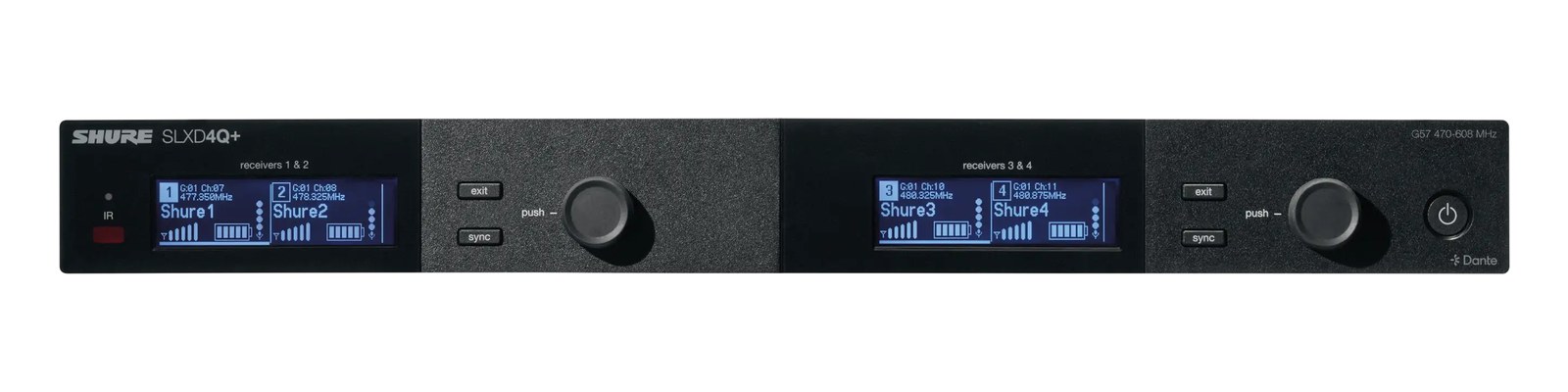
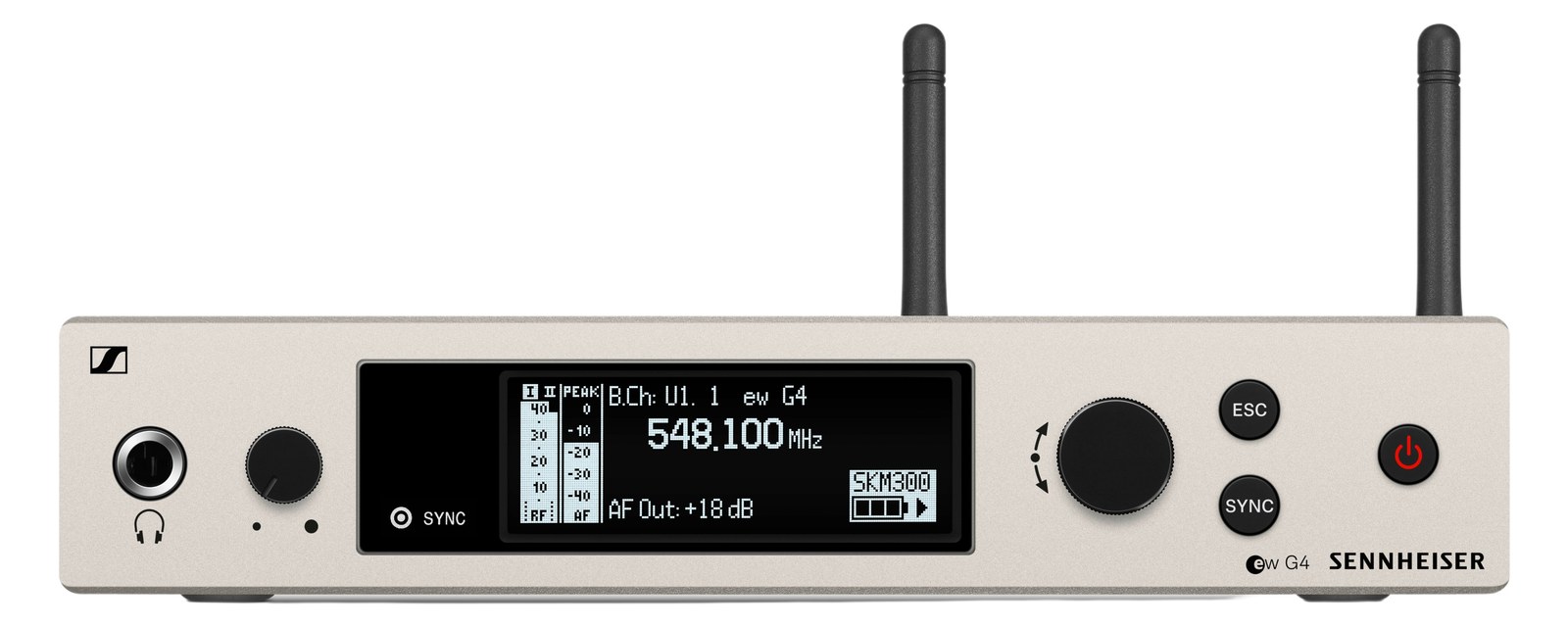
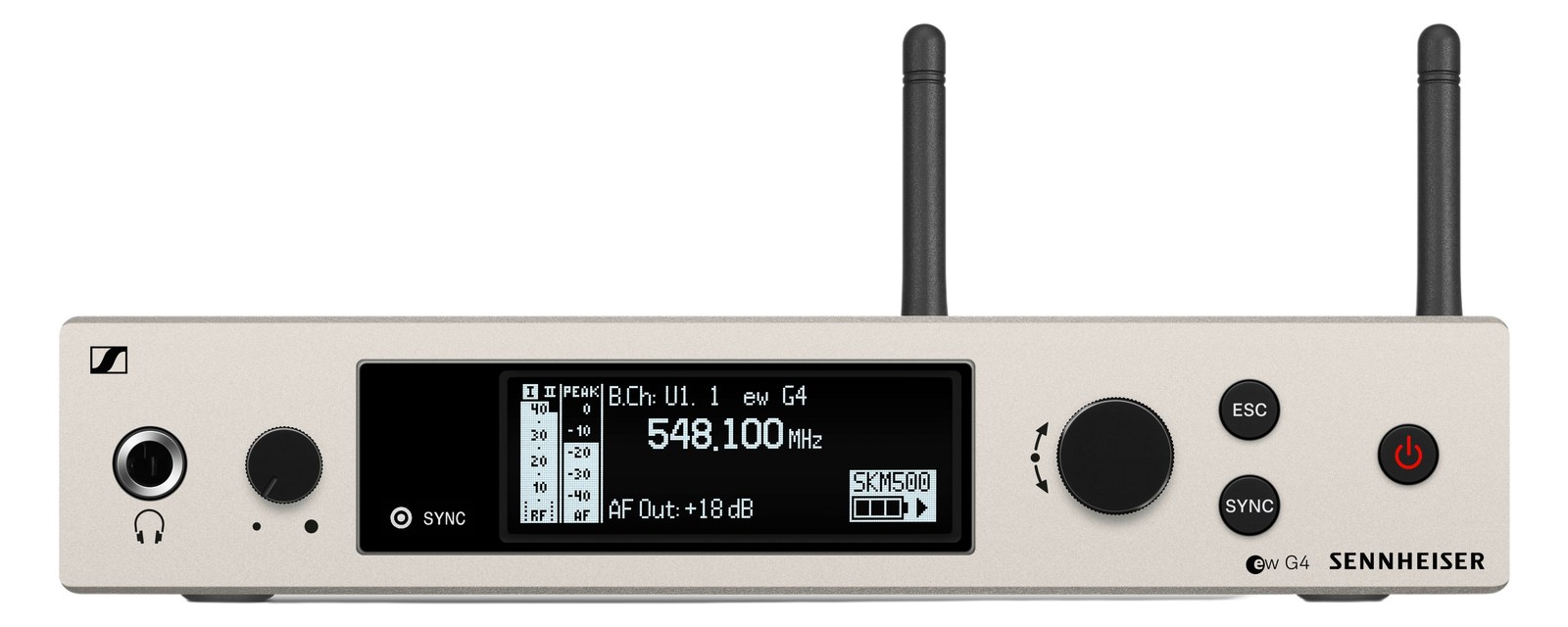
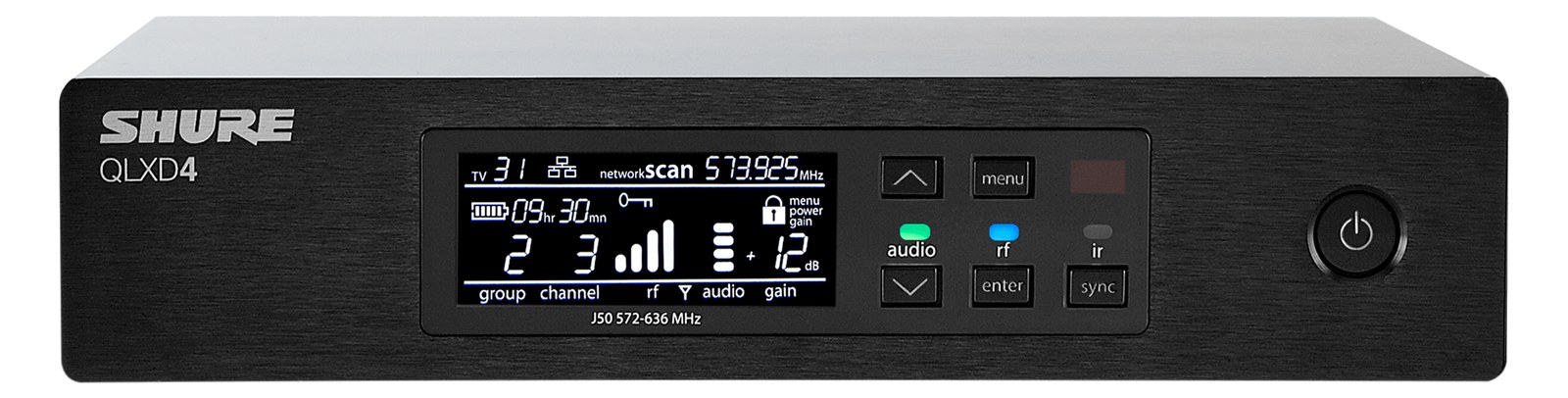
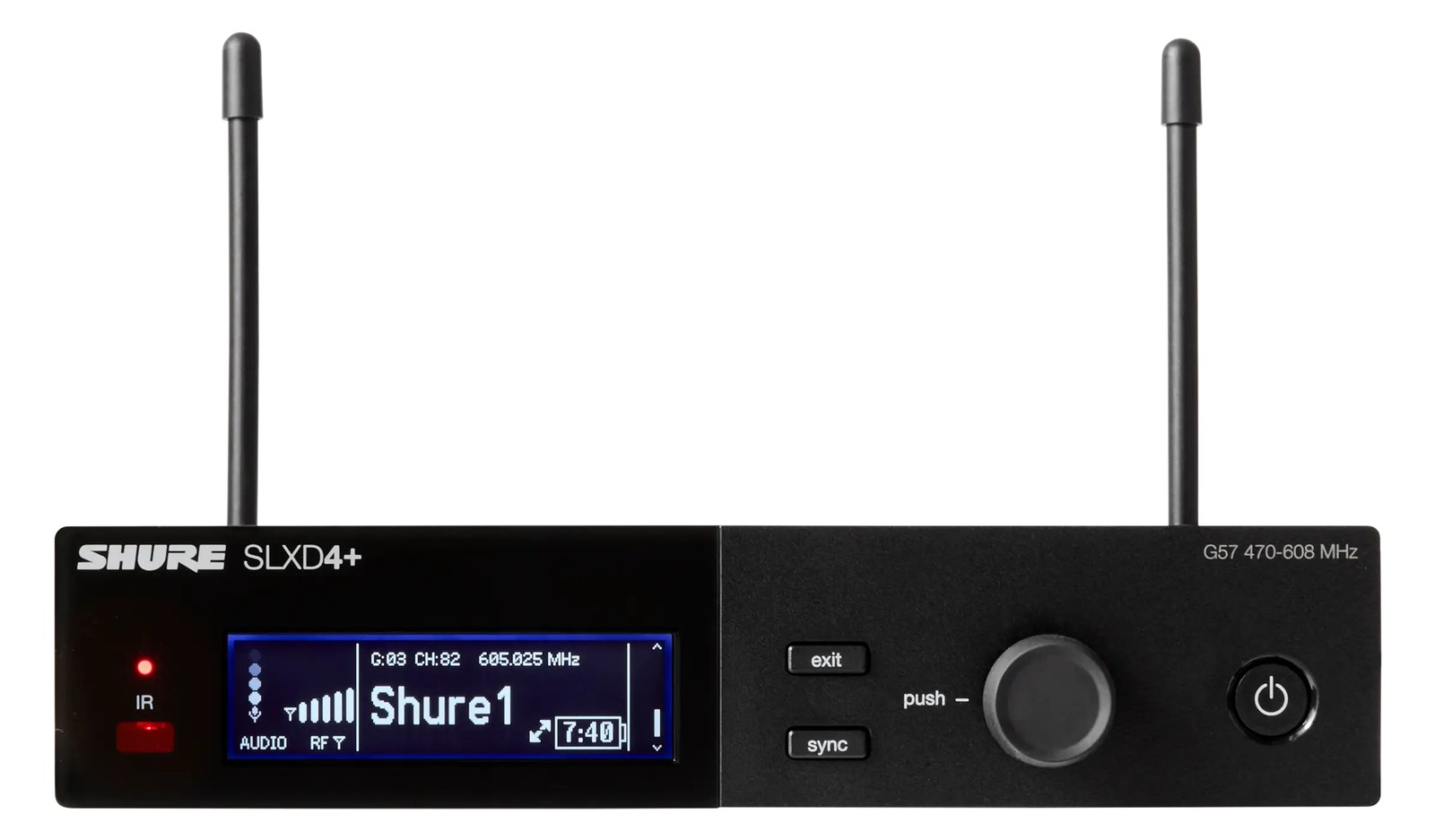
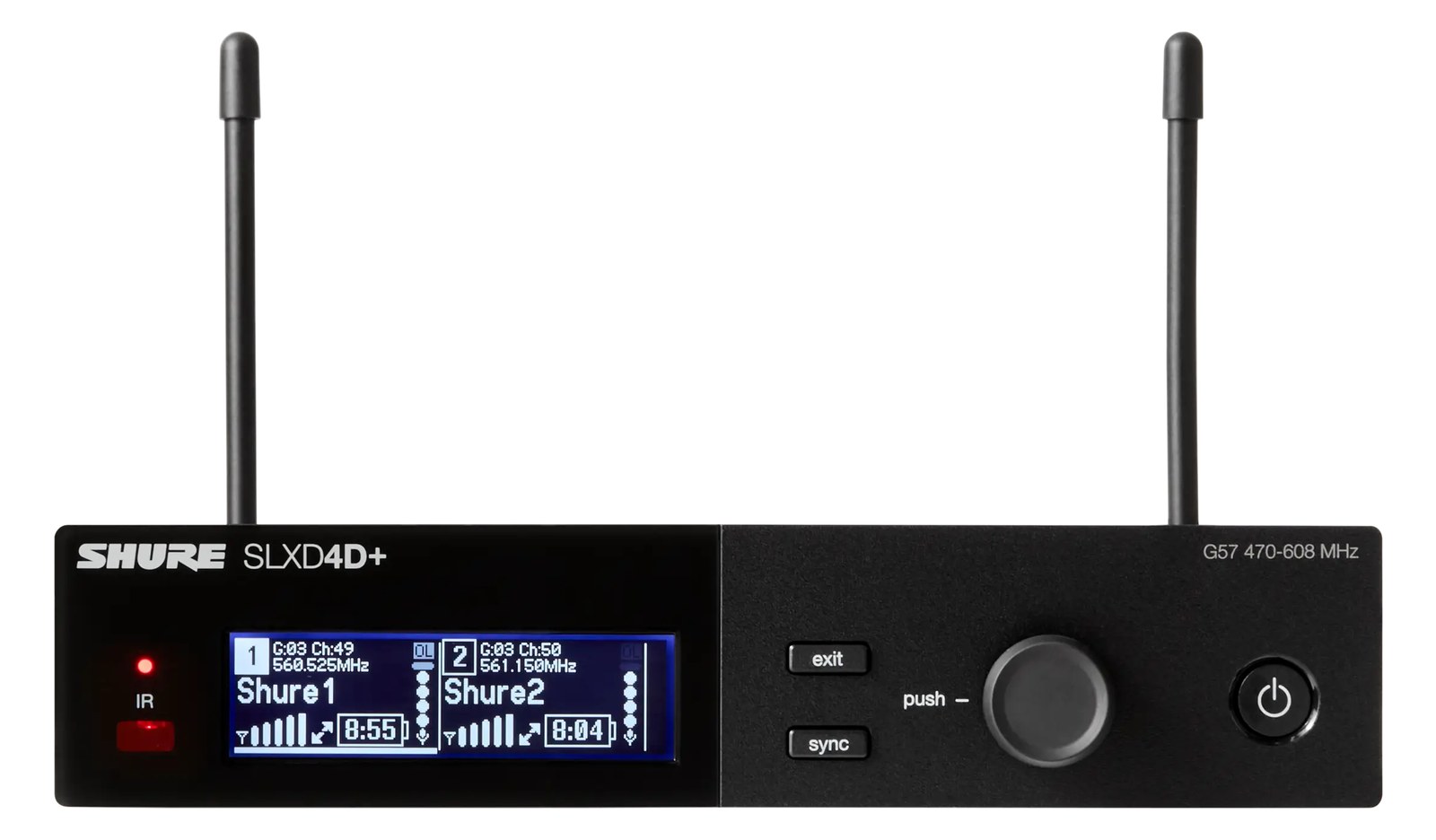
The Shure SLXD4QDAN adds Dante networking to the quad SLX-D receiver, putting four wireless mic channels directly on the audio network alongside the analog outs. For Dante-backbone rigs it removes four cable runs and a stage-box crossing in one box. The most affordable Dante-native wireless rack Shure makes.
~$3,519Use retailer rows for current price and stock
01 · What it does—and what that changes in your rig.
Product overview
Start with the payoff, then work through how it functions, where it fits, and the details that change a real build.
The payoff
Wireless Mic decisions, organized around the whole rig.
The SLXD4QDAN is Shure's answer to a specific but increasingly common rack problem: you're running a DanteThe most common audio-over-network standard: dozens of channels of uncompressed digital audio down one ordinary Ethernet cable between Dante boxes. backbone, and you want your wireless channels living on that network from the moment they leave the receiver, not converted to analog at the rack and re-digitized somewhere downstream. It packs four SLX-D receiver channels into a single 1UThe standard slice of rack height: 1U = 1.75″. A 3U box takes three slices; half-rack gear pairs two units side by side in one. frame and puts them directly on the Audinate network via two EtherConAn Ethernet plug inside a rugged XLR-style locking shell — tour-grade network connections that can’t be yanked loose. ports — primary and secondary — while still providing four analog XLRThe standard 3-pin locking connector for mics and balanced line signals — pin 1 is the shield, pins 2 and 3 carry the balanced pair. outputs as a fallback or parallel feed. For Dante-backbone festival rigs, theater installs, or any touring IEMIn-Ear Monitor — earpieces that replace floor wedges, feeding each player their own mix. The reason this whole rack exists. system already committed to networked audio, this is the tightest path from transmitter to console.
Documented outputs
77 destination connections
Documented inputs
3Based on documented inputs
Rack space
1UBuilder checks available rail space
Photo: Shure1U · 22W
Function
How it works in the path
At 22 watts typical draw and 30 watts max, you're looking at an easy load for any standard conditioned rack strip — budget roughly one circuit outlet and you're done. The 240 mm depth is moderate, fits most shallow touring racks without issue. The two BNCThe twist-lock coax connector used for word clock and antenna runs — it locks, so it can’t be pulled out mid-show. antenna inputs are per-unit, so in a multi-unit antenna-distroOne pair of antennas feeding many receivers through an amplified splitter — replaces the forest of whips and keeps RF levels consistent. setup you'll cascade or split upstream as usual. The dual DanteThe most common audio-over-network standard: dozens of channels of uncompressed digital audio down one ordinary Ethernet cable between Dante boxes. ports matter: primary carries the four audio channels, secondary gives you network redundancyA second copy of anything critical — supply, computer, network path — already running so one failure can’t stop the show. — critical if this box is the only path those four wireless channels take to front-of-houseFront Of House — the main mix the audience hears, and the console position out in the room where it gets mixed.. Dante Controller handles channel routing and latencyThe delay between sound entering and leaving a digital system. IEM rigs fight to keep the whole chain down to a few milliseconds. setting, so have a laptop ready at first network patch.
Best fit
Where it earns its place in the rack
This receiver belongs in a rig where the DanteThe most common audio-over-network standard: dozens of channels of uncompressed digital audio down one ordinary Ethernet cable between Dante boxes. infrastructure is already committed and the person building the rack understands network audio discipline — managed switchesA network switch you can configure — VLANs, QoS, IGMP — so audio traffic gets priority. Dante rigs beyond a few boxes want one., correct QoSQuality of Service — switch settings that let time-critical packets (like Dante’s clock) jump the queue ahead of bulk traffic. settings, a real IP scheme. If you're still running analog stage boxesThe I/O endpoint on stage: mics plug in there and one digital line (AES50, Dante) carries everything to the console. The snake, digitized., the Dante layer adds setup time without a workflow payoff; the standard SLXD4Q will serve you better for less money. If you occasionally need a quick standalone analog output — say, a hard-wired press feed or a monitor console that isn't on the network — the four XLRThe standard 3-pin locking connector for mics and balanced line signals — pin 1 is the shield, pins 2 and 3 carry the balanced pair. outputs mean you're not stranded. The $3,519 price reflects the Dante license and the integration work it replaces, not a premium for premium's sake.
Patch both EtherConAn Ethernet plug inside a rugged XLR-style locking shell — tour-grade network connections that can’t be yanked loose. ports to separate switches or separate switch paths on day one — if you only use the primary and that link drops mid-show, the secondary saves you. Don't leave it unconnected as an afterthought.
Label the four XLRThe standard 3-pin locking connector for mics and balanced line signals — pin 1 is the shield, pins 2 and 3 carry the balanced pair. outputs at the patch bayA panel of front-facing jacks wired to everything behind it — re-route any signal with a short cable instead of climbing behind the rack. even if you plan to route everything over DanteThe most common audio-over-network standard: dozens of channels of uncompressed digital audio down one ordinary Ethernet cable between Dante boxes.; a guest engineer or sub will reach for analog first under pressure, and clear labeling prevents a panicked rewire.
Set DanteThe most common audio-over-network standard: dozens of channels of uncompressed digital audio down one ordinary Ethernet cable between Dante boxes.latencyThe delay between sound entering and leaving a digital system. IEM rigs fight to keep the whole chain down to a few milliseconds. in Dante Controller before doors — 1 ms is fine on a local, well-managed gigabit switchA network switch you can configure — VLANs, QoS, IGMP — so audio traffic gets priority. Dante rigs beyond a few boxes want one., but if you're bridging across a larger festival network, bump to 5 ms and confirm with the network engineer before soundcheck.
Place antenna distroOne pair of antennas feeding many receivers through an amplified splitter — replaces the forest of whips and keeps RF levels consistent. before this unit in your signal chain diagram; the SLXD4QDAN's two BNCThe twist-lock coax connector used for word clock and antenna runs — it locks, so it can’t be pulled out mid-show. inputs expect split, amplified antenna feeds when running more than one receiver frame, so account for a Shure PA411 or equivalent in the rack space above or below.
02 · Know the whole path before you buy.
Signal path
Learn the route as a block diagram: source, product function, transport, and destination. Select any block to see what enters, what changes, and what leaves.
Interactive block diagramAuto-looping · hover, focus, or tap to hold a stage
Port-type signalProduct functionSystem boundary
Follow one signal from source to destination
Each block answers the same three questions: what arrives, what changes here, and what leaves.
01 · Source · selected
bnc + dc barrel
Dante RJ45
XLR male + ¼-inch TS
01 · Source
3 documented inputs
bnc + dc barrel
Arrives as
3 documented inputs
Connector
bnc + dc barrel
Signal
antenna
03 · What this product asks of the rest of the system.
Compatibility
Treat connector names as the start of the check—not the answer. These are the boundaries that determine a complete working path.
Best fit · Wireless Mic
Use it when 1U and 240 mm of depth fit the case.
Plan the companion path
Complete the path with upstream and downstream gear that matches connector, direction, signal type, protocol, and wiring standard.
Protocol boundary
This product declares DANTE; matching plugs alone do not make other protocols compatible.
04 · Every connector, grouped by job.
I/O ports
Switch the product view and the documented port inventory updates with it—hardware and data stay side by side.
Every connector, grouped by job.
Switch panels to keep the hardware view and the documented port list in sync.
Front panelRear panel
All documented ports for Shure SLXD4QDAN Quad Receiver (Dante)
Port
Panel
Connector
Direction
Signal
Channels
Antenna A
rear
bnc
input
antenna
—
Antenna B
rear
bnc
input
antenna
—
Dante 1
rear
Dante RJ45
bidirectional
digital audio
4
Dante 2
rear
Dante RJ45
bidirectional
digital audio
4
XLR Out 1-4
rear
XLR male
output
analog audio
4
Ch 1 Inst/Aux (TS)
rear
¼-inch TS
output
analog audio
—
Ch 2 Inst/Aux (TS)
rear
¼-inch TS
output
analog audio
—
Ch 3 Inst/Aux (TS)
rear
¼-inch TS
output
analog audio
—
Ch 4 Inst/Aux (TS)
rear
¼-inch TS
output
analog audio
—
Antenna A Cascade Out
rear
bnc
output
antenna
—
Antenna B Cascade Out
rear
bnc
output
antenna
—
DC In (15V)
rear
dc barrel
input
power
—
Showing 12 of 12 documented physical ports. Scroll to review the remaining rows.
05 · Compare the decision, not just the price.
Alternatives
The rows are organized around fit, power, I/O, and system role so a cheaper unit cannot hide a more expensive workflow.
SLXD4QDANThe Shure SLXD4QDAN adds Dante networking to the quad SLX-D receiver, putting four wireless mic channels directly on the audio network alongside the analog outs. For Dante-backbone rigs it removes four cable runs and a stage-box crossing in one box. The most affordable Dante-native wireless rack Shure makes.View gear →
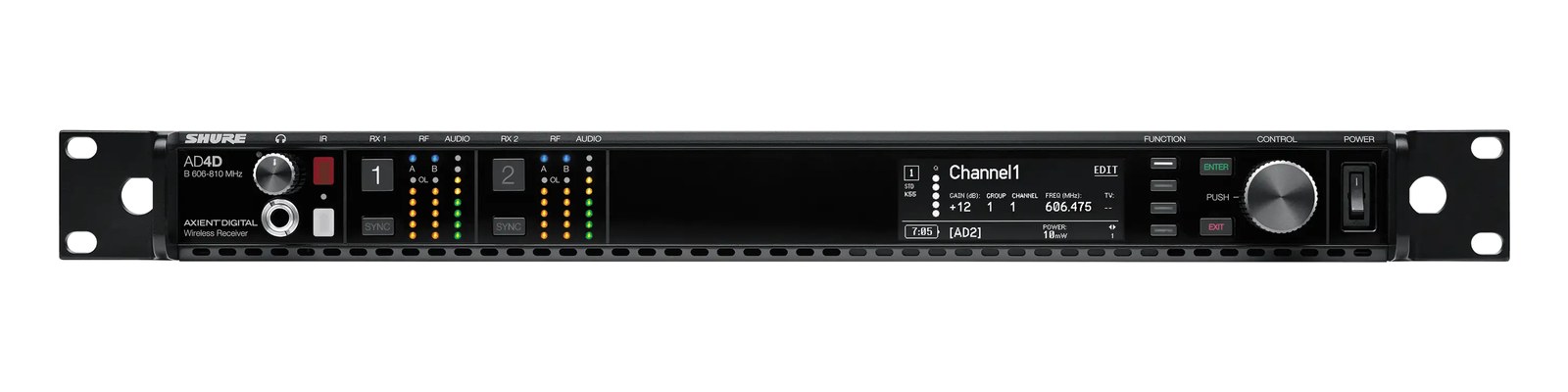
AD4DThe AD4D for wireless microphones provides the same flagship Axient Digital platform used for instruments, with Quadversity antenna combining for maximum dropout resistance and ShowLink for real-time remote control of transmitter parameters. This is the receiver that major tours and Broadway productions rely on for vocalist microphones where any wireless dropout is unacceptable. Dual Dante outputs with redundant networking ensure the audio gets to your console reliably.View gear →
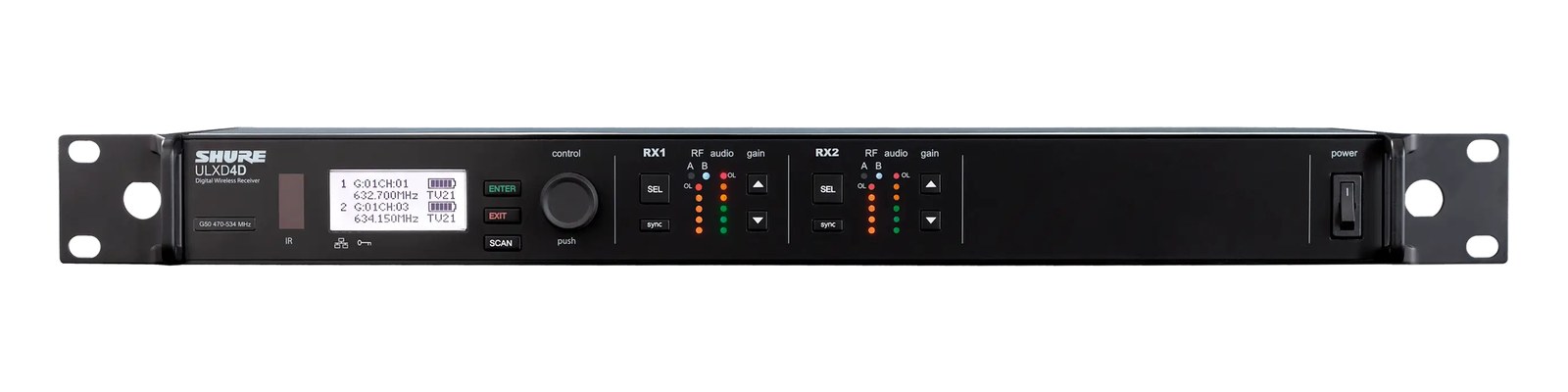
ULXD4DThe Shure ULXD4D packs two full digital wireless channels into 1U, with Dante-networked outputs in addition to analog XLR and 1/4" — rack two and you have four wireless channels in 2U with a single Cat5e back to the console. The industry standard for mid-to-top-tier corporate, theatre, and touring rigs, edged out only by the Axient Digital line at the highest end.View gear →
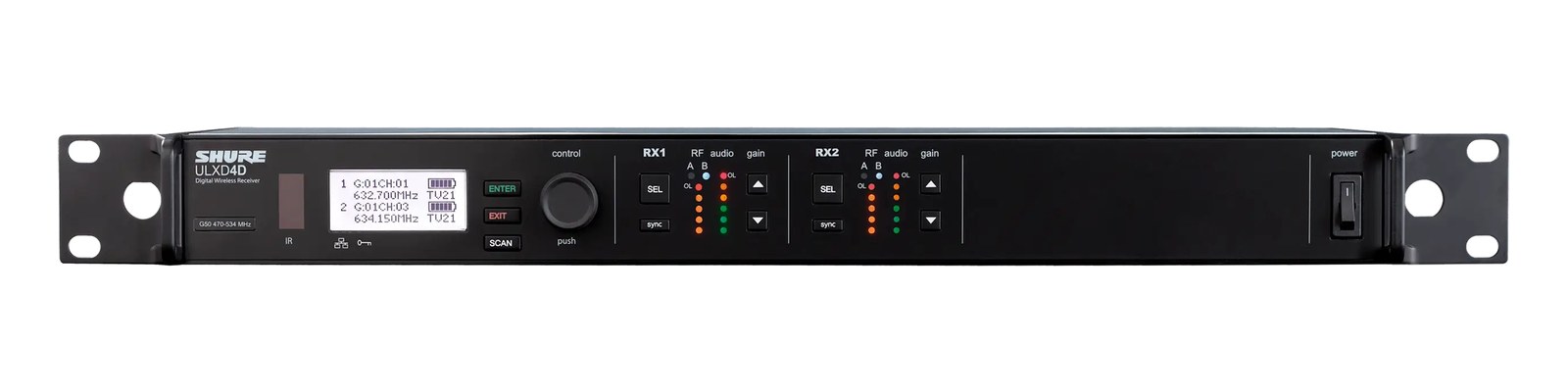
ULXD4DThe ULXD4D dual-channel mic receiver packs two ULX-D channels into a single rack unit with native Dante output, streamlining integration into networked audio systems. Having two channels in one unit halves your rack space requirements compared to single-channel receivers, which matters in dense multi-mic deployments. The Dante output feeds directly onto your audio network, eliminating the need for separate analog-to-digital conversion.View gear →
06 · Resolve the questions that can change the purchase or build plan.
Planning questions
Short, source-backed answers surface rack fit, power, cabling, and connection details before they become surprises.
How will the Shure SLXD4QDAN Quad Receiver (Dante) affect rack fit and case depth?
It occupies 1U. Its documented depth is 240 mm.
How much power does the Shure SLXD4QDAN Quad Receiver (Dante) draw?
Typical draw is 22W and documented maximum draw is 30W.
What connections does the Shure SLXD4QDAN Quad Receiver (Dante) have?
12 documented physical ports, including Antenna A, Antenna B, Dante 1, Dante 2, XLR Out 1-4, Ch 1 Inst/Aux (TS).
07 · See this unit inside a real rack plan.
Builder preview
Placement is only the start. Builder checks space · depth · weight, power headroom, dependencies, and compatible signal paths around this exact catalog item.Open in Builder