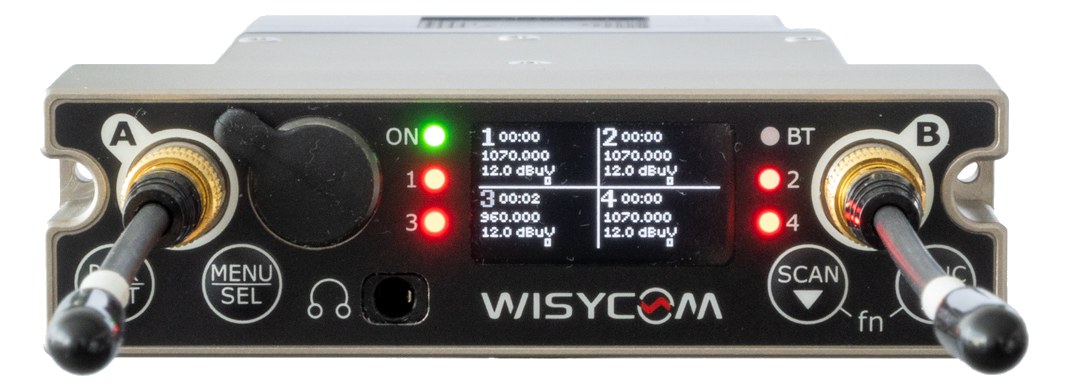
The Wisycom MCR54 is a premium quad-channel wideband receiver used in the most demanding broadcast and touring environments worldwide. Its exceptional wideband tuning range simplifies frequency coordination in congested RF environments, and four channels in a single 1U saves significant rack space. With Dante output and remote management, it integrates seamlessly into modern networked audio production workflows. This is the receiver that top RF engineers specify when reliability and flexibility are the highest priorities.
~$7,495Use retailer rows for current price and stock
01 · What it does—and what that changes in your rig.
Product overview
Start with the payoff, then work through how it functions, where it fits, and the details that change a real build.
The payoff
Wireless Mic decisions, organized around the whole rig.
The Wisycom MCR54 is a true-diversityA receiver with two antennas and two radio sections that continuously picks the stronger one — the difference between a dropout and a show. quad-channel wireless receiver that earns its place at the top of the touring and broadcast food chain. Four independent receiver channels in a single 1UThe standard slice of rack height: 1U = 1.75″. A 3U box takes three slices; half-rack gear pairs two units side by side in one. chassis means you're landing four mic or IEMIn-Ear Monitor — earpieces that replace floor wedges, feeding each player their own mix. The reason this whole rack exists.-return signals with one rack unit and one power connection, which matters when you're stacking wireless systems for a large ensemble or festival changeover. The DanteThe most common audio-over-network standard: dozens of channels of uncompressed digital audio down one ordinary Ethernet cable between Dante boxes. output runs alongside four discrete analog XLRsThe standard 3-pin locking connector for mics and balanced line signals — pin 1 is the shield, pins 2 and 3 carry the balanced pair., so it speaks fluently whether your console is networked or living strictly in the analog world. This is not a unit you buy because it's the only thing on the shelf — you spec it because your RFRadio Frequency — the wireless part of wireless. RF planning is why big rigs scan, coordinate, and combine antennas instead of hoping. environment demands it.
Documented outputs
55 destination connections
Documented inputs
2Based on documented inputs
Rack space
Outside rackPlan a shelf, tray, or stage position
Photo: WisycomOutside rack · 18W
Function
How it works in the path
The wideband tuning range is the practical headline here. In congested urban venues, festival sites, or broadcast compound scenarios where you're fighting licensed spectrum from a dozen other productions, having a receiver that can tune across a wide swath of UHFThe TV-band radio range (roughly 470–608 MHz in the US) where serious wireless mics and IEMs live — better behaved than crowded 2.4 GHz. without swapping hardware is the difference between a 20-minute coordination session and a two-hour one. At 18W nominal draw climbing to 22W max, four channels of premium wireless is genuinely efficient power consumption — plan a 30W budget per unit and you'll be comfortable. The 260mm depth is honest rack depth for a unit with this feature set; verify your shallow-depth rack lids before committing.
Best fit
Where it earns its place in the system
If your budget allows $7,495 and your work regularly puts you in high-interference RFRadio Frequency — the wireless part of wireless. RF planning is why big rigs scan, coordinate, and combine antennas instead of hoping. environments — touring, broadcast, large corporate — the MCR54 is the right tool and you'll feel that immediately in the field. If you're running a small club rig, a regional theater, or a fixed install where spectrum is stable and channel count is low, the price-per-channel math is hard to justify and there are capable alternatives that won't strain the budget. The DanteThe most common audio-over-network standard: dozens of channels of uncompressed digital audio down one ordinary Ethernet cable between Dante boxes. output is genuinely useful only if your signal chain is already network-audio capable; don't buy this receiver to justify building a Dante network.
Wisycom MCR54 Quad Wireless Mic Receiver — rear of the module with model labelPhoto: Wisycom
In the rack
Details worth deciding before load-in.
Run a single BNCThe twist-lock coax connector used for word clock and antenna runs — it locks, so it can’t be pulled out mid-show.antenna distributionOne pair of antennas feeding many receivers through an amplified splitter — replaces the forest of whips and keeps RF levels consistent. system feeding both antenna inputs across all your MCR54s rather than individual paddleA directional antenna (paddle, LPDA, helical) aimed at the stage — focuses coverage where the performers are and rejects RF from elsewhere. antennas per unit — the MCR54's inputs are designed for this workflow and it dramatically cleans up your antenna placement.
Use the DanteThe most common audio-over-network standard: dozens of channels of uncompressed digital audio down one ordinary Ethernet cable between Dante boxes. output as your primary audio path to the console if you're on a networked system, and treat the four analog XLRsThe standard 3-pin locking connector for mics and balanced line signals — pin 1 is the shield, pins 2 and 3 carry the balanced pair. as a hot backup — patch them to your stage boxThe I/O endpoint on stage: mics plug in there and one digital line (AES50, Dante) carries everything to the console. The snake, digitized. so a network hiccup during the show never silences a channel.
At 1UThe standard slice of rack height: 1U = 1.75″. A 3U box takes three slices; half-rack gear pairs two units side by side in one. with no half-rack designation, the MCR54 occupies a full horizontal slot; plan your rack so it sits where you can read the front-panel display quickly during a set, not buried behind a drawer or at knee height.
During frequency coordinationCalculating a set of wireless frequencies that won’t interfere with each other or local TV — the homework behind a clean RF night., take advantage of the wideband range by assigning your MCR54 channels last — let the narrower-band systems in your rig claim their frequencies first, then fit the Wisycoms into whatever clean spectrum remains.
02 · Know the whole path before you buy.
Signal path
Learn the route as a block diagram: source, product function, transport, and destination. Select any block to see what enters, what changes, and what leaves.
Interactive block diagramAuto-looping · hover, focus, or tap to hold a stage
Port-type signalProduct functionSystem boundary
Follow one signal from source to destination
Each block answers the same three questions: what arrives, what changes here, and what leaves.
01 · Source · selected
bnc
XLR male + etherCON
01 · Source
2 documented inputs
bnc
Arrives as
2 documented inputs
Connector
bnc
Signal
antenna
03 · What this product asks of the rest of the system.
Compatibility
Treat connector names as the start of the check—not the answer. These are the boundaries that determine a complete working path.
Best fit · Wireless Mic
Use it as wireless mic tracked outside rack rails; follow the manufacturer’s mounting and form-factor guidance.
Plan the companion path
Complete the path with upstream and downstream gear that matches connector, direction, signal type, protocol, and wiring standard.
Connector boundary
Documented connectors: XLR male, bnc, etherCON. Match connector, direction, and signal type—not shape alone.
04 · Every connector, grouped by job.
I/O ports
Switch the product view and the documented port inventory updates with it—hardware and data stay side by side.
Every connector, grouped by job.
Switch panels to keep the hardware view and the documented port list in sync.
Front panelRear panel
All documented ports for Wisycom MCR54 Quad Wireless Mic Receiver
Port
Panel
Connector
Direction
Signal
Channels
XLR Out 1
rear
XLR male
output
analog audio
—
XLR Out 2
rear
XLR male
output
analog audio
—
XLR Out 3
rear
XLR male
output
analog audio
—
XLR Out 4
rear
XLR male
output
analog audio
—
Antenna A
rear
bnc
input
antenna
—
Antenna B
rear
bnc
input
antenna
—
Dante
rear
etherCON
output
digital audio
—
Showing 7 of 7 documented physical ports.
05 · Compare the decision, not just the price.
Alternatives
The rows are organized around fit, power, I/O, and system role so a cheaper unit cannot hide a more expensive workflow.
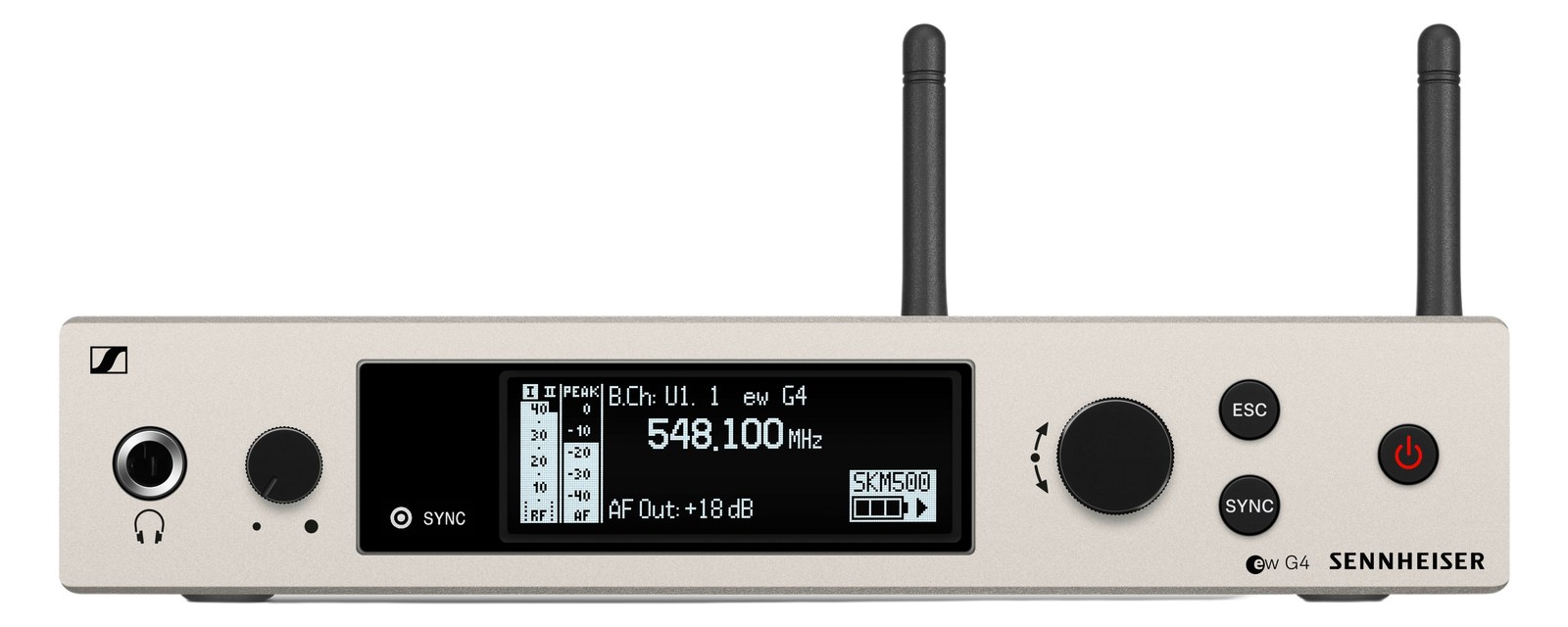
MCR54The Wisycom MCR54 is a premium quad-channel wideband receiver used in the most demanding broadcast and touring environments worldwide. Its exceptional wideband tuning range simplifies frequency coordination in congested RF environments, and four channels in a single 1U saves significant rack space. With Dante output and remote management, it integrates seamlessly into modern networked audio production workflows. This is the receiver that top RF engineers specify when reliability and flexibility are the highest priorities.View gear →
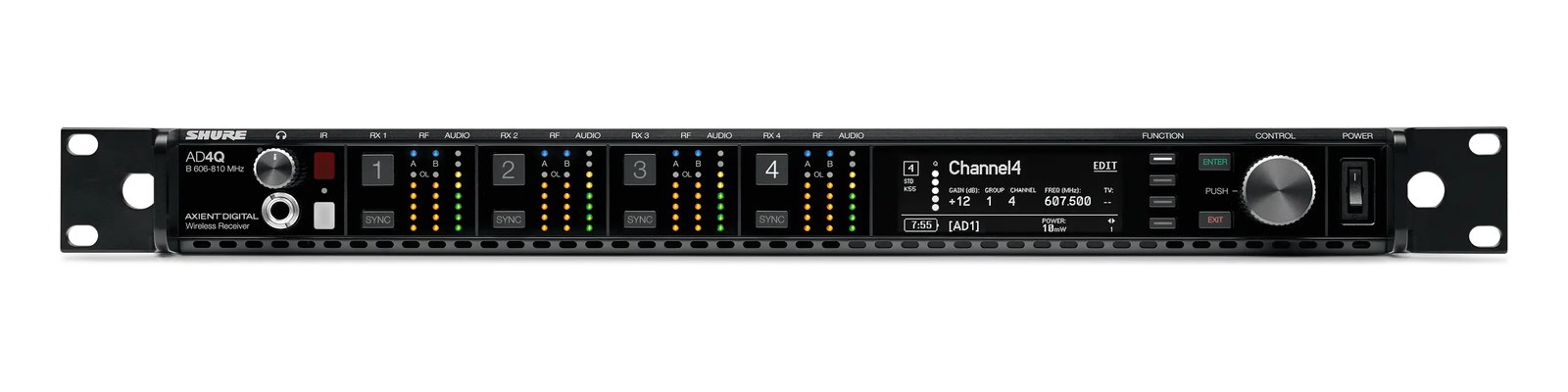
AD4QThe AD4Q packs four Axient Digital receiver channels into a single 1U rack space with full Dante, ShowLink, and Quadversity support, making it the ultimate high-density wireless mic solution. For large touring productions and broadcast events with many wireless channels, this dramatically reduces the rack space and antenna infrastructure needed. The price per channel is significant, but the reliability and feature set are unmatched in professional wireless.View gear →
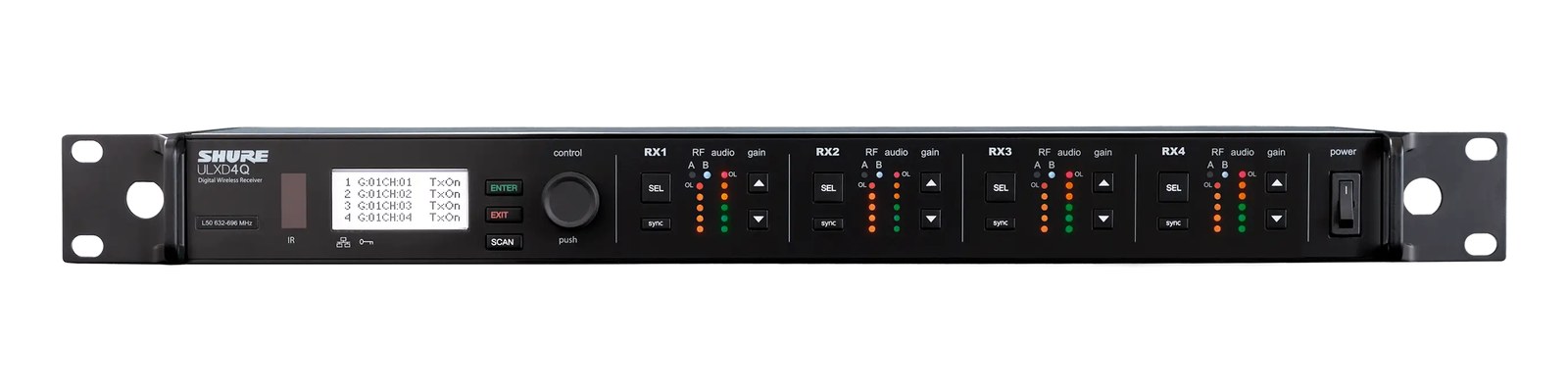
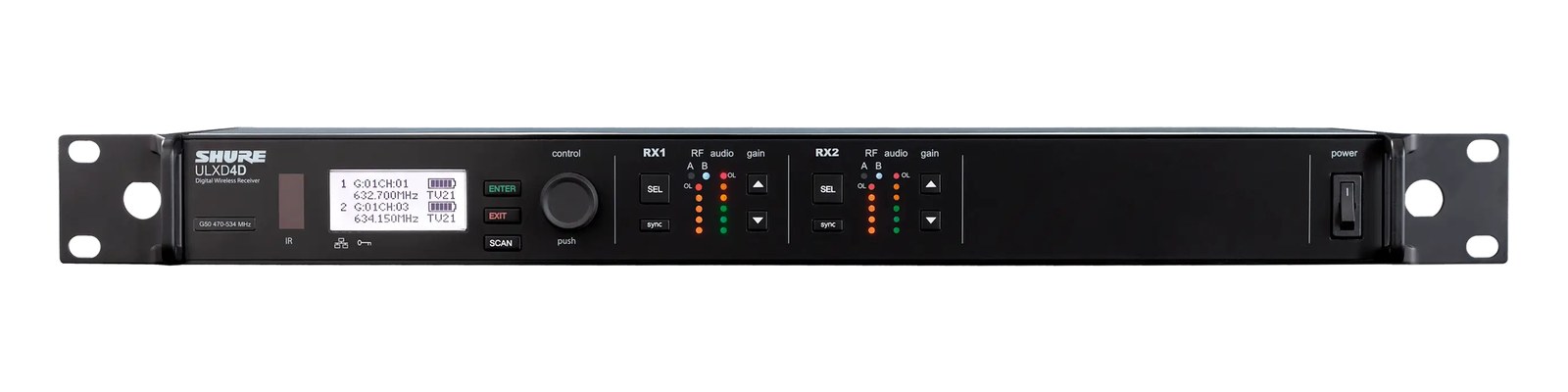
ULXD4QThe ULXD4Q is the most space-efficient ULX-D receiver, fitting four wireless mic channels into a single 1U rack space with native Dante output. For productions running eight or more wireless mics, the quad receiver dramatically reduces rack space and simplifies antenna distribution. The built-in Dante output means all four channels go directly onto your audio network from one device, making it ideal for dense wireless deployments in touring and installed sound.View gear →
06 · Resolve the questions that can change the purchase or build plan.
Planning questions
Short, source-backed answers surface rack fit, power, cabling, and connection details before they become surprises.
Where does the Wisycom MCR54 Quad Wireless Mic Receiver live in a complete rig?
The catalog assigns it no rack units. Builder tracks it as non-rack gear; follow the manufacturer’s mounting, case, and form-factor guidance.
How much power does the Wisycom MCR54 Quad Wireless Mic Receiver draw?
Typical draw is 18W and documented maximum draw is 22W.
What connections does the Wisycom MCR54 Quad Wireless Mic Receiver have?
7 documented physical ports, including XLR Out 1, XLR Out 2, XLR Out 3, XLR Out 4, Antenna A, Antenna B.
07 · See this gear inside a complete system plan.
Builder preview
Builder keeps non-rack gear in the same bill of materials, budget, dependency, and connection plan as the rack-mounted system around it.Open in Builder