iConnectivity PlayAUDIO2U
iConnectivity·Model PlayAUDIO2U·playaudio2u
Photos
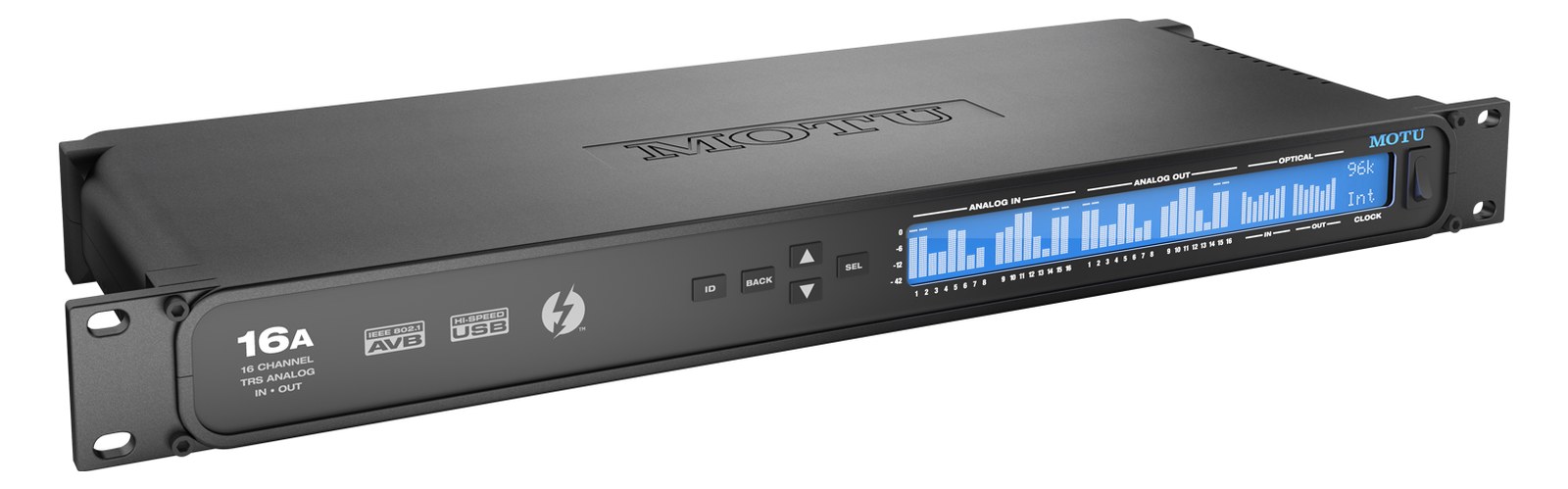
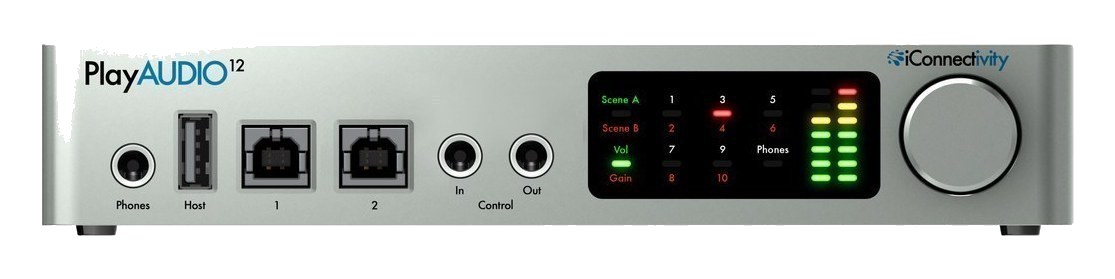
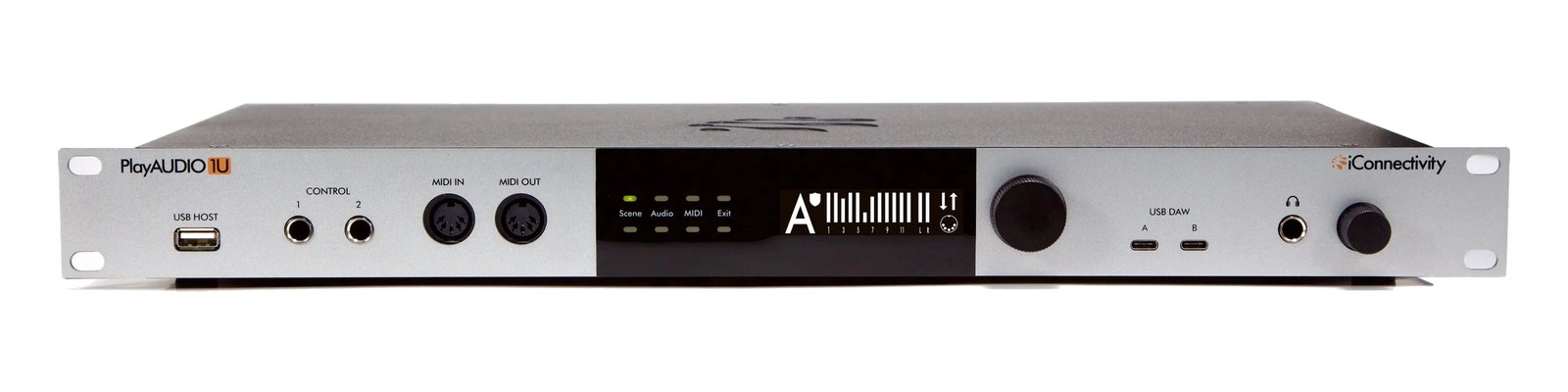
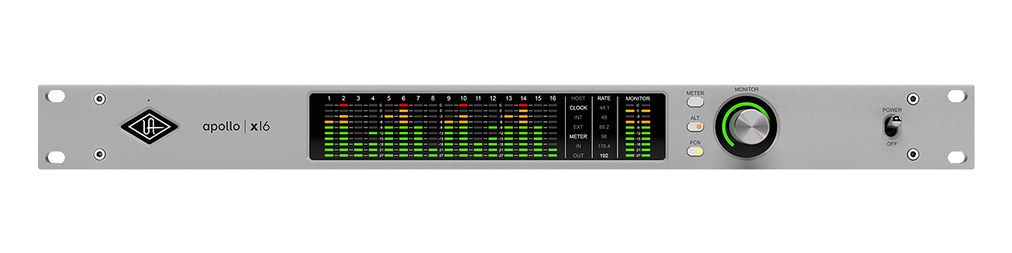
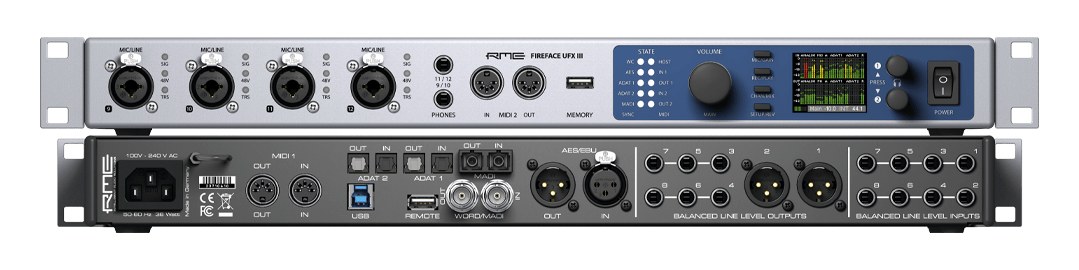
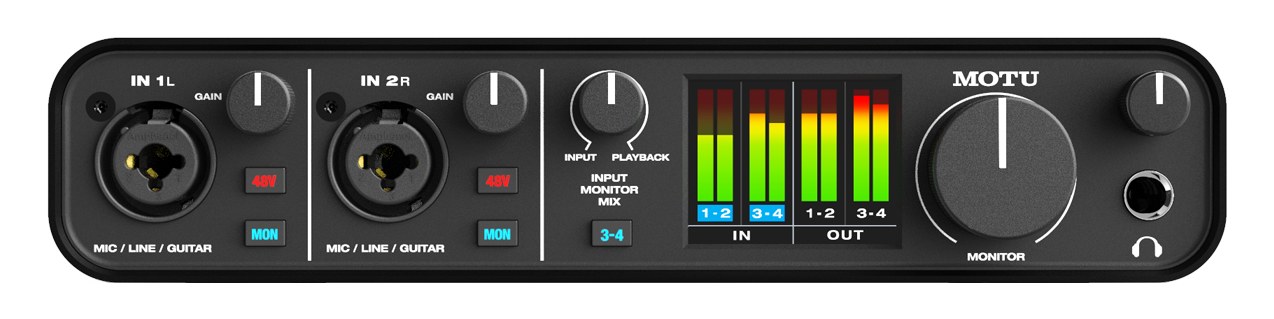
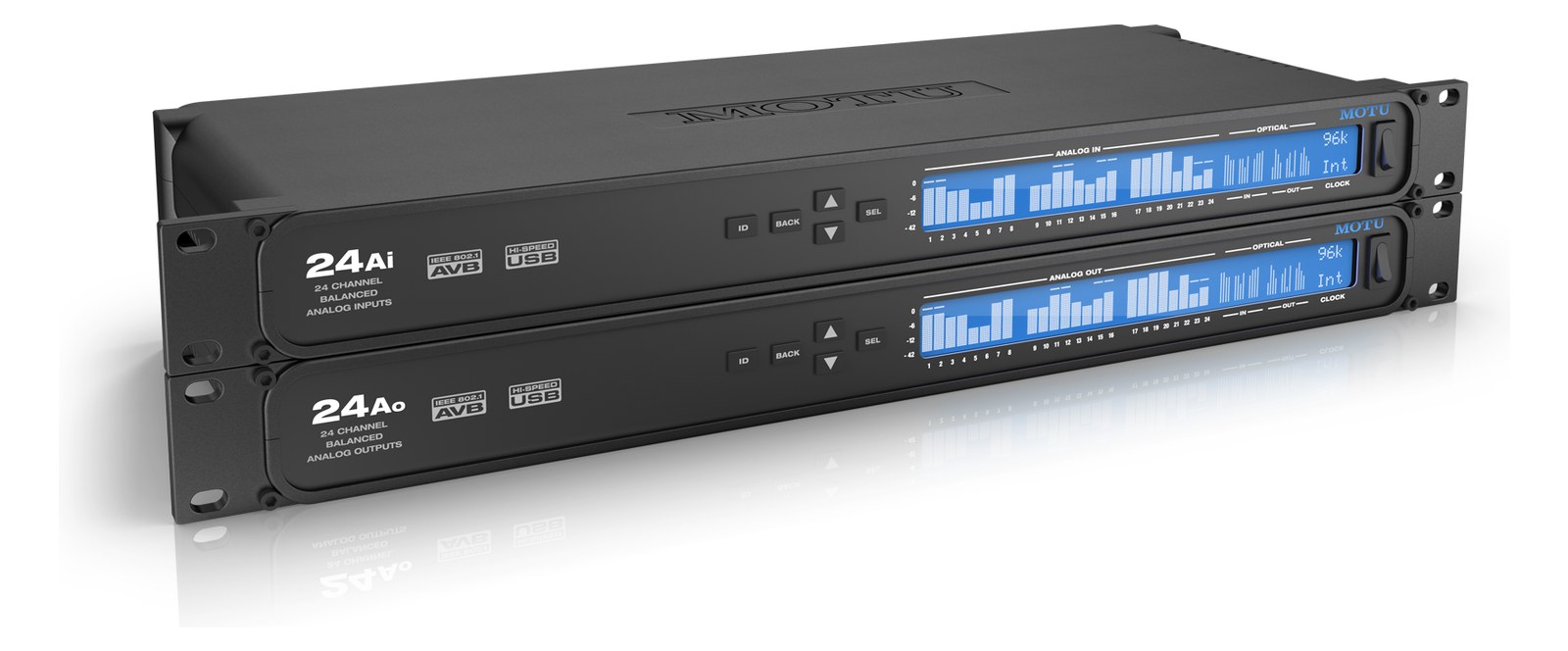
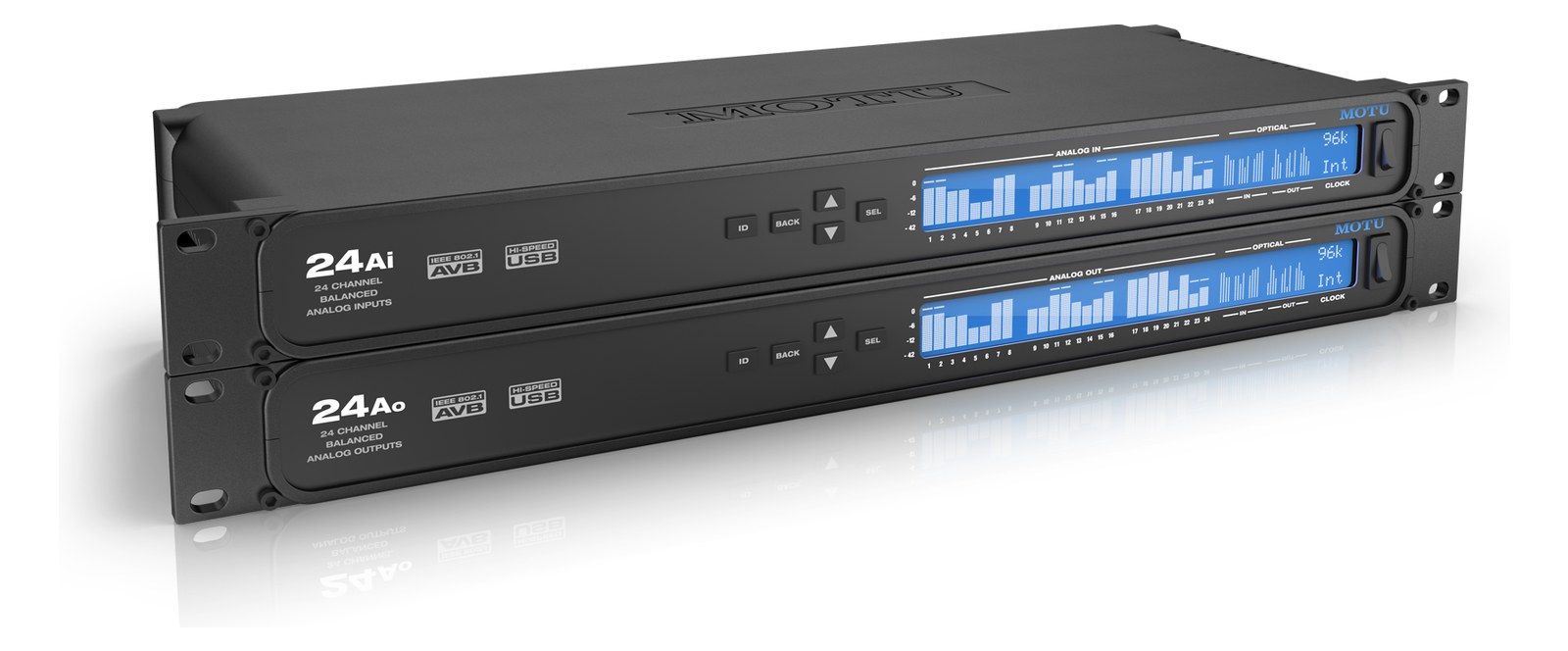
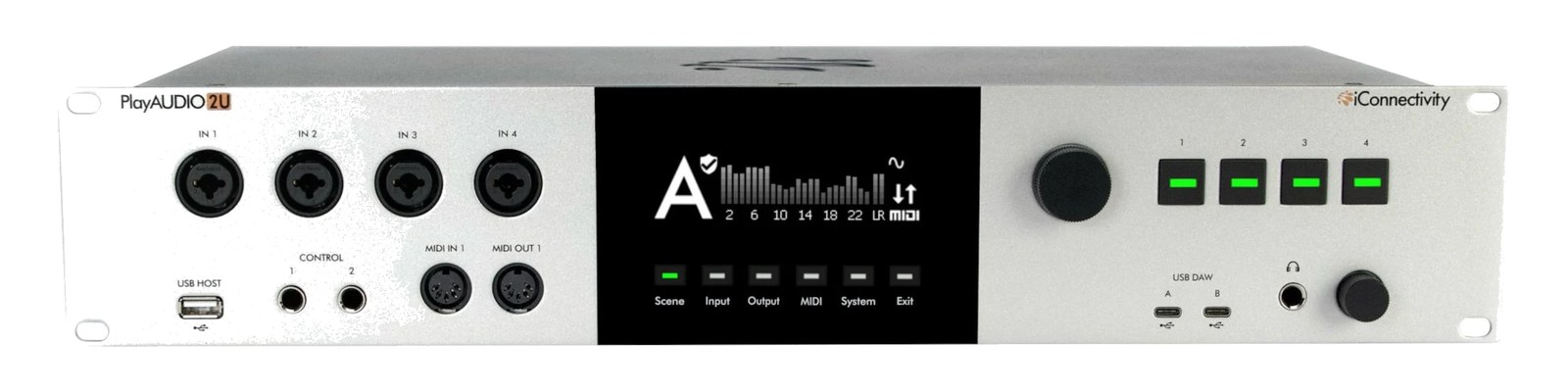
Manufacturer product photography — the drawn faceplate above stays true to panel layout; these show the hardware itself.
About the iConnectivity PlayAUDIO2U
The iConnectivity PlayAUDIO2U (2026) is the flagship of the failoverThe automatic switch to the backup when the primary dies — good failover is seamless enough that the audience never knows. playback line: a 2UThe standard slice of rack height: 1U = 1.75″. A 3U box takes three slices; half-rack gear pairs two units side by side in one. interface with 24 panel-reinforced XLRThe standard 3-pin locking connector for mics and balanced line signals — pin 1 is the shield, pins 2 and 3 carry the balanced pair. outputs, four inputs, and the automatic dual-computer A/B switching that made the PlayAUDIO name the standard for shows that cannot stop. Front-panel control buttons and MIDI make it the brain of a redundantA second copy of anything critical — supply, computer, network path — already running so one failure can’t stop the show. rig without a laptop onstage. The successor tier above the PlayAUDIO1U.
The PlayAUDIO2U is the answer to a single question: what happens to the show when a playback computer dies mid-set? iConnectivity built the PlayAUDIO line around that exact failure mode, and the 2UThe standard slice of rack height: 1U = 1.75″. A 3U box takes three slices; half-rack gear pairs two units side by side in one. sits at the top of that lineage. You run two computers — a primary and a hot spare — both connected simultaneously via the two USB-C ports, and the unit monitors the primary continuously. When it disappears, the 2U switches to the backup with no manual intervention required. Twenty-four panel-reinforced XLRThe standard 3-pin locking connector for mics and balanced line signals — pin 1 is the shield, pins 2 and 3 carry the balanced pair. outputs means your stemsSub-mixes of a session grouped by instrument (drums, keys, vocals) — how playback rigs run tracks with live control over each group., IEMIn-Ear Monitor — earpieces that replace floor wedges, feeding each player their own mix. The reason this whole rack exists. mixes, timecodeA clock signal (SMPTE) shared between systems so playback, lights, and video all chase the same position in the song., and click all route through a single box that has already decided what to do before your FOHFront Of House — the main mix the audience hears, and the console position out in the room where it gets mixed. engineer notices anything happened.
In practice, 24 analog outputs is a serious channel count for a 2UThe standard slice of rack height: 1U = 1.75″. A 3U box takes three slices; half-rack gear pairs two units side by side in one. box drawing 25 watts at idle. You are not borrowing headroomThe margin between your normal level and where things clip — headroom is what absorbs the snare hit you didn’t see coming. from somewhere else — at 35 watts peak, it fits comfortably behind a single 20A circuit without drama. The four combo inputs handle a click return, a soundcheck reference, or a commsProduction intercom — the wired or wireless party line connecting FOH, monitors, stage managers, and lighting during a show. line without an extra interface in the chain. MIDI DINThe round 5-pin connector classic MIDI uses — the original way synths, pedals, and playback rigs talk to each other. and Ethernet RTP-MIDI give you transport control and recall without a laptop sitting onstage. Depth is 250mm, which clears most shallow rack shelves with room to dress cables behind it. At 4kg it won't shift the rack's balance the way heavier audio gear might, but plan your rear cable management before the unit goes in — 24 XLRsThe standard 3-pin locking connector for mics and balanced line signals — pin 1 is the shield, pins 2 and 3 carry the balanced pair. leaving the back of one panel gets dense fast.
This box is purpose-built for touring playback rigs and broadcast-style performance setups where stopping is not an option — theater, arena, festival touring with a dedicated playback operator. If you are running a modest IEMIn-Ear Monitor — earpieces that replace floor wedges, feeding each player their own mix. The reason this whole rack exists. rig with a single MacBook and Ableton, the PlayAUDIO2U is overkill and the price reflects that. The 1UThe standard slice of rack height: 1U = 1.75″. A 3U box takes three slices; half-rack gear pairs two units side by side in one. sibling exists for smaller output counts. If your show has a dedicated playback engineer, a firm separation between primary and backup computers, and stemsSub-mixes of a session grouped by instrument (drums, keys, vocals) — how playback rigs run tracks with live control over each group. or SMPTEA clock signal (SMPTE) shared between systems so playback, lights, and video all chase the same position in the song. that feed downstream consoles or video, this is exactly the right tool. The cost is real, but so is the cost of a show stopping in front of ten thousand people.
In the rack
- Label both USB-C connections at the device AND at each computer before the tour starts — swapping A and B under pressure during a line checkThe quick pre-show pass confirming every input reaches the console, one line at a time. Not a soundcheck — just does it work. is a fast way to undermine the redundancyA second copy of anything critical — supply, computer, network path — already running so one failure can’t stop the show. you paid for.
- Patch your 24 outputs in a fixed, documented order from day one: stemsSub-mixes of a session grouped by instrument (drums, keys, vocals) — how playback rigs run tracks with live control over each group. first, then click and timecodeA clock signal (SMPTE) shared between systems so playback, lights, and video all chase the same position in the song. on the highest-numbered outputs. When a local crew connects your rack at a festival, that consistency is what prevents a quiet output from becoming a missing stem at downbeat.
- Use the Ethernet port for RTP-MIDI transport control rather than DINThe round 5-pin connector classic MIDI uses — the original way synths, pedals, and playback rigs talk to each other. if your playback software supports it — it keeps the DIN port free as a hardware fallback and gives you more flexibility in where the control source lives in the rack.
- Test the actual failoverThe automatic switch to the backup when the primary dies — good failover is seamless enough that the audience never knows. on every production day before doors, not just at the start of tour. Fire the primary computer mid-playback while the backup is already running and verify output continuity. The switch should be seamless; confirming it regularly means you trust it when it matters.
Flagship 2UThe standard slice of rack height: 1U = 1.75″. A 3U box takes three slices; half-rack gear pairs two units side by side in one. failoverThe automatic switch to the backup when the primary dies — good failover is seamless enough that the audience never knows. playback interface — 24 XLRThe standard 3-pin locking connector for mics and balanced line signals — pin 1 is the shield, pins 2 and 3 carry the balanced pair. outs, dual-computer A/B.
I/O Ports (8)
| Port | Connector | Direction | Signal | Channels |
|---|---|---|---|---|
| XLR Out 1-24 | XLR MALE | output | analog audio | 24 |
| Inputs 1-4 | COMBO XLR TRS | input | analog audio | 4 |
| USB Computer A | USB C | bidirectional | data | — |
| USB Computer B | USB C | bidirectional | data | — |
| MIDI In | MIDI DIN5 | input | data | — |
| MIDI Out | MIDI DIN5 | output | data | — |
| Ethernet (Control/RTP-MIDI) | RJ45 | bidirectional | data | — |
- Power (IEC C14)
Deciding between two?
Rack space, watts, weight and every connector, side by side.
Related gear


Related articles
Guides from our library that cover planning around audio interface gear.
How to choose between a digital mixer, a Thunderbolt interface, and a Dante converter as the brain of your IEM rack — with concrete picks at each tier.
How to build a live-performance playback rig that runs click + backing tracks reliably — interface sizing, routing rules, software comparison, and what to do when the laptop crashes.
How to build a fail-safe live playback rig with primary + backup laptops, an auto-switching audio interface, and a failover workflow you can actually trust on a Sunday morning.
LTC vs MTC vs MIDI Clock, how to generate timecode from Ableton or Playback, how lighting and video receive it, and the frame-rate mistake that drifts every show.